On this page
A blogger needs a site that looks good, loads fast, ranks in search and lets the writing take centre stage. WordPress.com leads this list because its Personal plan costs four dollars a month billed annually, with the deepest theme library and a blog that can move anywhere. Squarespace is the best choice for design, and Carrd is the cheapest home page at nineteen dollars a year. The other tools cover modern animation, simple starts and paid newsletters, so the right choice depends on whether the blog is a hobby, a business or a paid newsletter.
How we researched this
We checked every price on the vendor pricing page on November 29, 2026, and only included tools with a published US dollar list price. GoDaddy Website Builder publishes a first-year price rather than a list price, so it is not in this list, and Jimdo shows conflicting prices across its pages. Prices change, so confirm the current figure on the vendor site before you buy.
Compare the tools
| Name | Best for | Starting price | Free plan | |
|---|---|---|---|---|
 Wix | Bloggers who want a drag-and-drop editor with a huge template library | $17/month | Free plan | Visit |
 Squarespace | Bloggers who want beautiful templates and blogging tools that work straight out of the box | $19/month | No free plan; 14-day free trial | Visit |
 WordPress.com | Bloggers who want the WordPress ecosystem | $4/month | Free plan | Visit |
 Webflow | Bloggers who want total control over how each post looks | $14/month | Free plan (Starter) | Visit |
 Framer | Design-led blogs with modern layouts | $10/month | Free plan | Visit |
 Duda | Bloggers who want a fast site with strong mobile scores | $19/month | No free plan; 14-day free trial | Visit |
 Ghost | Writers who want memberships and newsletters | $9/month | Free plan (self-hosted open source) | Visit |
 Carrd | Simple one-page sites at the lowest price | $19/year | Free plan (3 sites) | Visit |
The website design software for bloggers, compared
1. Wix
Best for: Bloggers who want a drag-and-drop editor with a huge template library
Paid tool Starting price: $17/month · Seventeen dollars a month billed annually on Light ($24 billed monthly); Core is $29, Business is $39 and Business Elite is $159 a month billed annually
Free plan: Free plan
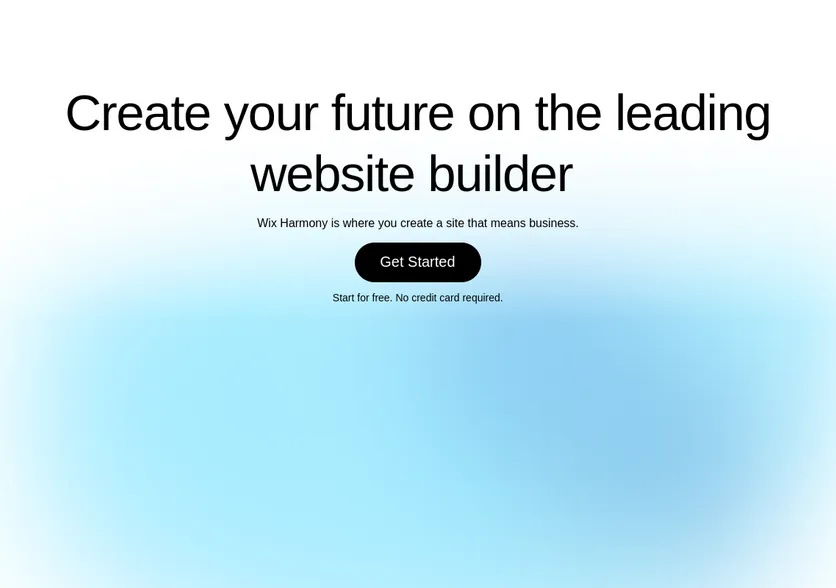
A blogger who wants a drag-and-drop editor with a huge template library to choose from gets the most complete site here, since this Wix plan costs seventeen dollars a month billed annually on Light. It is the most complete all-in-one builder in this list, with templates, hosting, SEO and marketing tools in one account. It suits a team that wants one platform to carry the whole site, though leaving it later is hard.
What we like
- Hundreds of templates and an AI builder
- Built-in SEO, marketing and analytics tools
- Advanced site features on Business Elite
Watch out for
- Heavy sites can load slowly without optimisation
- Moving a Wix site elsewhere later is difficult
How to try it
- Pick a template and customise it in the editor
- Connect the domain and set up SEO
- Publish and check the site on mobile and desktop
2. Squarespace
Best for: Bloggers who want beautiful templates and blogging tools that work straight out of the box
Paid tool Starting price: $19/month · Nineteen dollars a month billed annually on Basic ($25 billed monthly); Core is $29, Plus is $49 and Advanced is $99 a month billed annually
Free plan: No free plan; 14-day free trial
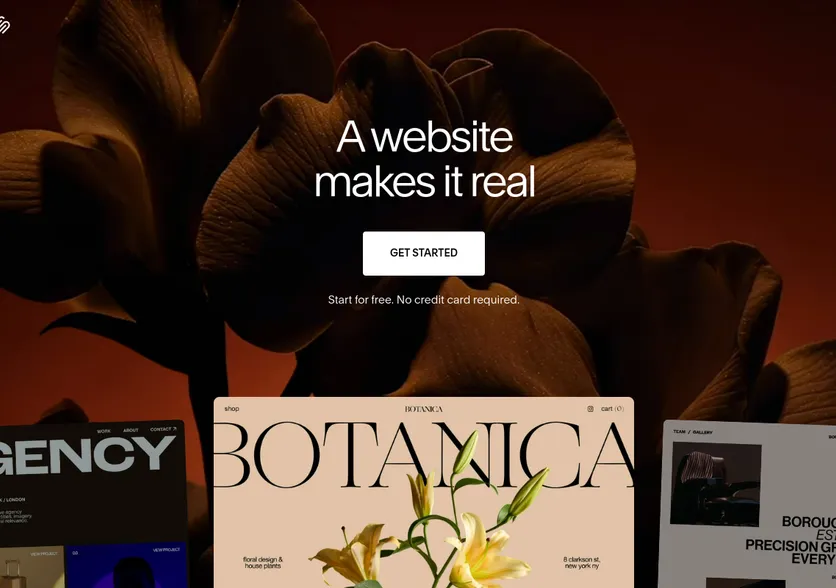
A blogger who wants beautiful templates and blogging tools that work straight out of the box gets the best-looking site here, since this Squarespace plan costs nineteen dollars a month billed annually on Basic. Its templates look more considered than most rivals, and the blogging tools handle scheduling, categories and SEO without plugins. It fits a writer who cares how the page looks as much as how it reads, though deep customisation costs extra.
What we like
- Award-winning templates with strong typography
- Good blogging tools with scheduling and categories
- Built-in SEO and analytics on every plan
Watch out for
- Customisation is limited compared with open platforms
- Advanced ecommerce costs much more than Basic
How to try it
- Choose a template and replace the demo content
- Set up the blog categories and the posting schedule
- Connect the domain and publish
3. WordPress.com
Best for: Bloggers who want the WordPress ecosystem
Paid tool Starting price: $4/month · Four dollars a month billed annually on Personal ($9 billed monthly); Premium is $8, Business is $25 and Commerce is $45 a month billed annually
Free plan: Free plan
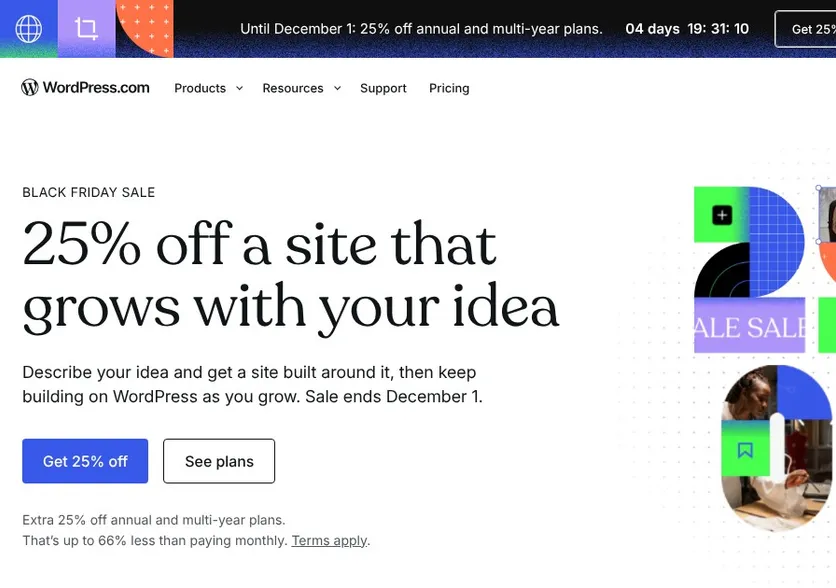
A blogger who wants the deepest theme library and a blog that can move anywhere later gets the most flexible blog here, since this WordPress.com plan costs four dollars a month billed annually on Personal. It is the hosted side of the world's biggest blogging platform, with thousands of themes and a content library that moves anywhere. It fits a writer who wants the deepest ecosystem, though the best extras cost more.
What we like
- The largest theme and plugin ecosystem anywhere
- Strong blogging tools with scheduling and stats
- Easy to move or export the content later
Watch out for
- The free plan shows WordPress ads on the site
- Good themes and plugins often cost extra
How to try it
- Choose a theme and customise the colours and fonts
- Write the first posts and set the categories
- Connect the domain and publish
4. Webflow
Best for: Bloggers who want total control over how each post looks
Paid tool Starting price: $14/month · Fourteen dollars a month billed annually on the Basic site plan ($18 billed monthly); CMS is $23 and Business is $39 a month billed annually; workspace plans are billed separately
Free plan: Free plan (Starter)
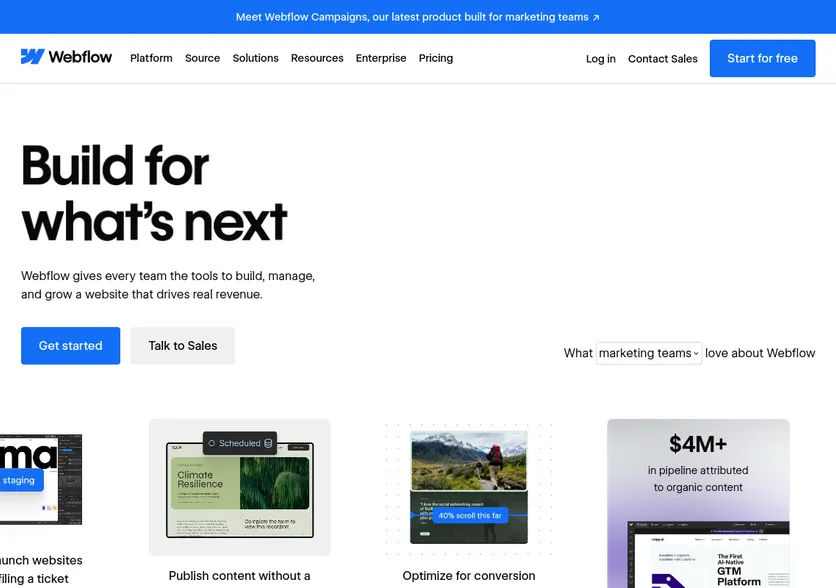
A blogger who wants total control over how each post looks and is happy to learn the tool gets the most design control here, since this Webflow plan costs fourteen dollars a month billed annually on the Basic site plan. It gives a designer near-total control over the layout without writing code, and the CMS handles thousands of pages cleanly. It suits a team with a design eye and the patience to learn it, though beginners will feel lost at first.
What we like
- Precise visual design control without writing code
- CMS collections that scale to thousands of posts
- Fast hosting with a global content network
Watch out for
- The learning curve is steep for beginners
- Workspace plans are billed separately from site plans
How to try it
- Design the layout in the visual canvas
- Set up the CMS collections for the content
- Publish and test the site on every screen size
5. Framer
Best for: Design-led blogs with modern layouts
Paid tool Starting price: $10/month · Ten dollars a month billed annually on Basic ($15 billed monthly); Pro is $30 a month billed annually; the Mini and Scale plans were retired in June 2026, so older $5 and $100 figures no longer apply; editor seats cost extra
Free plan: Free plan
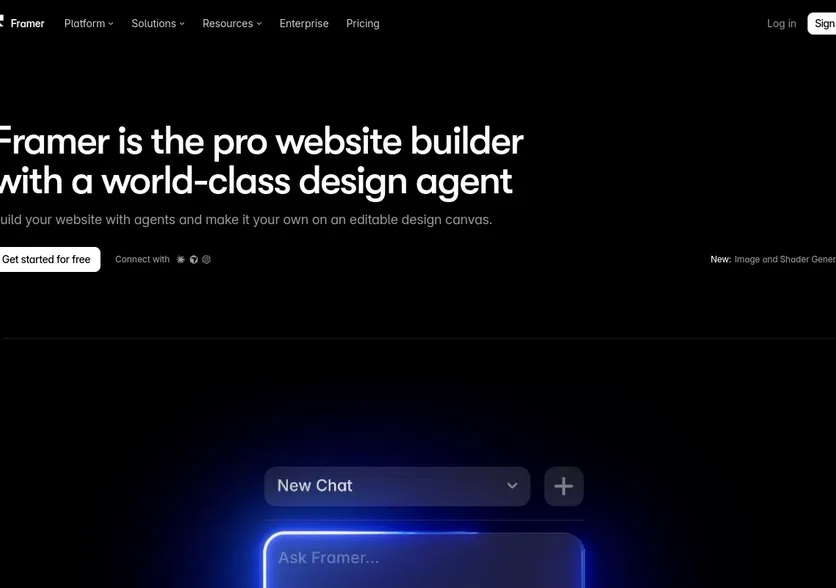
A blogger who wants a modern animated site and a simple CMS without plugins gets the prettiest blog here, since this Framer plan costs ten dollars a month billed annually on Basic. It makes a modern, animated site with very little effort, and the CMS covers a blog without plugins or fuss. It fits a blogger who wants a site that looks designed, though a huge archive will outgrow it.
What we like
- Beautiful modern templates with smooth animation
- CMS collections for blog posts and pages
- Free plan that publishes a real site
Watch out for
- The CMS is simpler than Webflow for large blogs
- Editor seats cost extra beyond the first
How to try it
- Pick a template and adapt it to the brand
- Set up the CMS collection for the blog
- Publish and share the link
6. Duda
Best for: Bloggers who want a fast site with strong mobile scores
Paid tool Starting price: $19/month · Nineteen dollars a month billed annually on Basic ($25 billed monthly); Team is $29, Agency is $52 and White Label is $149 a month billed annually; ecommerce is a paid add-on
Free plan: No free plan; 14-day free trial
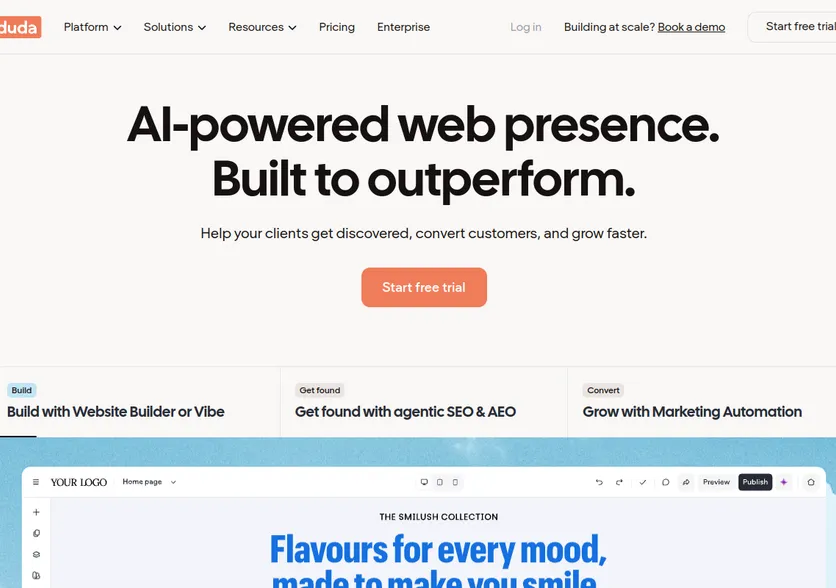
A blogger who wants a fast site with strong mobile scores and no plugins to maintain gets the cleanest agency setup here, since this Duda plan costs nineteen dollars a month billed annually on Basic. It is built for teams that manage many sites at once, with white-label dashboards, team permissions and approval workflows. It suits an agency-style workflow, though a single-site buyer pays for features they may never use.
What we like
- White-label client dashboards and permissions
- Fast templates with strong mobile scores
- Team workflows with comments and approvals
Watch out for
- Ecommerce is a paid add-on rather than included
- The template library is smaller than Wix or Squarespace
How to try it
- Pick a template and build the first site
- Set the white-label branding for the client view
- Publish and manage the sites from one dashboard
7. Ghost
Best for: Writers who want memberships and newsletters
Paid tool Starting price: $9/month · Nine dollars a month billed annually on Starter for 500 members; Creator is $25, Team is $50 and Business is $199 a month; Ghost takes no revenue share; one November 2026 read lists Starter at $11, which conflicts
Free plan: Free plan (self-hosted open source)
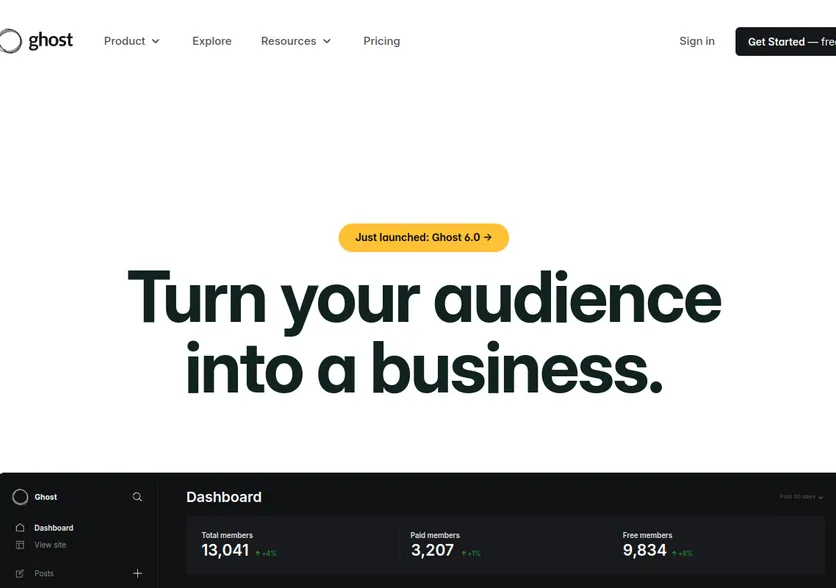
A blogger who wants to charge readers for a newsletter and keep every dollar of it gets the cleanest writing here, since this Ghost plan costs nine dollars a month billed annually on Starter for five hundred members. It is built for writers who charge readers, with memberships and newsletters included and no cut taken from payments. It fits a blogger building a paid audience, though a complex marketing site would stretch it.
What we like
- Clean writing editor with memberships built in
- Newsletter publishing with paid tiers included
- No revenue share on what members pay
Watch out for
- No drag-and-drop page builder for complex layouts
- Themes are fewer than WordPress
How to try it
- Start the site and pick a theme
- Set up membership tiers and the newsletter
- Write the first posts and invite readers to join
8. Carrd
Best for: Simple one-page sites at the lowest price
Paid tool Starting price: $19/year · Nineteen dollars a year on Pro Standard for 10 sites with custom domains and forms; Pro Lite is $9 a year for 3 sites without custom domains and Pro Plus is $49 a year for 25 sites; all plans bill yearly only
Free plan: Free plan (3 sites)
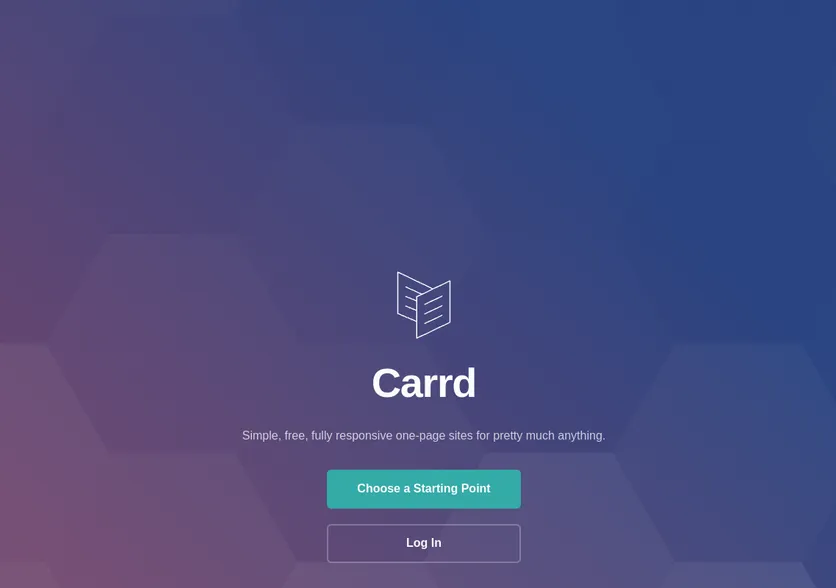
A blogger who needs a cheap home page with a signup form while the blog lives elsewhere gets the cheapest site here, since this Carrd plan costs nineteen dollars a year on Pro Standard for ten sites. It builds a simple one-page site for less than two dollars a month, with custom domains and forms included. It fits a blogger who needs a home page and a signup form, though a real blog needs another tool.
What we like
- The cheapest paid plan in this list by far
- Fast one-page sites with forms and widgets
- Ten sites on Pro Standard for the price of a lunch
Watch out for
- One-page sites only, with no real blog engine
- Yearly billing only, with no monthly option
How to try it
- Pick a template for the page
- Add the text, images and form
- Connect the domain and publish
Prices above were checked on each vendor’s own website on Nov 29, 2026 and can change — the vendor’s page is the final word. Vendor links are editorial: nobody paid to be listed or ranked here. Vendors who want a featured listing can see how it works on our Get listed page.
How to design a blog site that readers come back to
A blogger should pick a theme that makes the words easy to read, because a pretty site that tires the eyes loses readers. The first ten posts should be written before launch, so the site never looks empty. A custom domain is worth the small cost from day one, because moving a free address later loses links and readers. The newsletter signup should sit on every page, since the email list is the asset that matters most. Check the site on a phone before telling anyone about it, because most readers arrive on mobile.
Before you buy
- Confirm the plan includes a custom domain or allows one to connect
- Check the theme library includes a design that fits your writing
- Test the editor by writing a real post before paying for a plan
- Confirm the price covers the number of sites or blogs you need
- Check the content can be exported if you move to another platform
Official websites
Official websites of the products reviewed above. Features and prices were checked against these sites when this guide was written, and they can change, so confirm on the vendor site before you buy.
Frequently asked questions
What is the best website design software for bloggers?
WordPress.com is the best overall pick for bloggers, because its Personal plan costs four dollars a month billed annually and offers the deepest theme library. Squarespace is the best choice for design, with templates that look considered. Carrd is the cheapest home page at nineteen dollars a year, though it has no real blog engine.
Which website builder is cheapest for bloggers?
Carrd Pro Standard costs nineteen dollars a year for ten one-page sites, which is the lowest figure in this list. WordPress.com Personal is the cheapest monthly plan with a custom domain and a blog, at four dollars a month billed annually. A blogger who needs a real blog should pick WordPress.com, while Carrd suits a simple home page with a signup form.
Can a blogger make money from a website builder site?
Yes. Ghost includes paid memberships and newsletters with no revenue share, and WordPress.com, Squarespace and Wix all support ads and affiliate links. A blogger should pick the tool that matches the income plan, because a site built for ads is different from one built for paid members. Check the transaction fees before choosing, since some plans take a cut.
Do bloggers need to know code to design a site?
No. Every tool in this list is built for non-coders, with drag-and-drop editors and ready-made templates. WordPress.com and Ghost need the least design skill, while Webflow and Framer reward a design eye. A blogger who wants total control can learn Webflow, but most writers are happier picking a good template and focusing on the writing.
Is there a free website builder for bloggers?
Yes. WordPress.com, Wix, Webflow, Framer, Weebly and Carrd all offer free plans, and Ghost is free to self-host. Free plans show the vendor brand and limit features, so they suit a test blog rather than a public one. A paid plan is worth the small cost once the blog is serious, because it adds a custom domain, more storage and proper branding.
Compare the website builders above, then start with the free plan that fits your blog.
Browse CSS & Web Design Generators tools