On this page
A bio is the first thing anyone reads, and plain text does not stand out. The eight tools below turn ordinary words into styled fonts, symbols and graphics for bios and profiles. Prices run from about eight dollars a month to a one-time ninety-six dollars a year, and most offer a free plan or trial. We compared eight fancy text tools on price, fonts, templates and ease of use, with every price checked on the vendor's own site on November 25, 2026. Adobe Express Premium is our first pick, the best all-rounder for styled text, templates and social posts.
How we researched this
We started with the text and design tools creators actually pay for, then read each price on the vendor's own site on November 25, 2026 and noted the free plan or trial each one offers. We judged them for someone styling a bio, a post or a profile, not a professional designer, and we kept the list to tools with a published price and a free way to start.
Compare the tools
| Name | Best for | Starting price | Free plan | |
|---|---|---|---|---|
 Adobe Express Premium | Anyone who wants styled text, templates and social posts in one app | $9.99/month | Free plan; 30-day free trial | Visit |
 Envato Elements Core | Creators who publish often and need fresh fonts and templates every week | $16.50/month | Free plan | Visit |
 Font Awesome Solo | Designers who need icons as much as text | $96/year | Free plan | Visit |
 Fontself Maker | Anyone who wants their own handwriting as a real font | $39 one-time | No free plan | Visit |
 PicMonkey Basic | Quick social graphics with great text | $7.99/month | 7-day free trial | Visit |
 VistaCreate Pro | Anyone who wants a finished design fast, without a blank canvas | $10/month | 14-day free trial | Visit |
 Snappa Pro | Marketers who need a social graphic in five minutes | $10/month | Free plan | Visit |
 Kittl Pro | Creators who want vintage, retro and hand-drawn looks | $12/month | Free plan | Visit |
The fancy text tools, compared
1. Adobe Express Premium
Best for: Anyone who wants styled text, templates and social posts in one app
Paid tool Starting price: $9.99/month · Premium, $9.99/month billed monthly, no annual commitment; 30-day free trial; Firefly Pro $19.99/month; Teams $7.99/month per license (first year $4.99)
Free plan: Free plan; 30-day free trial
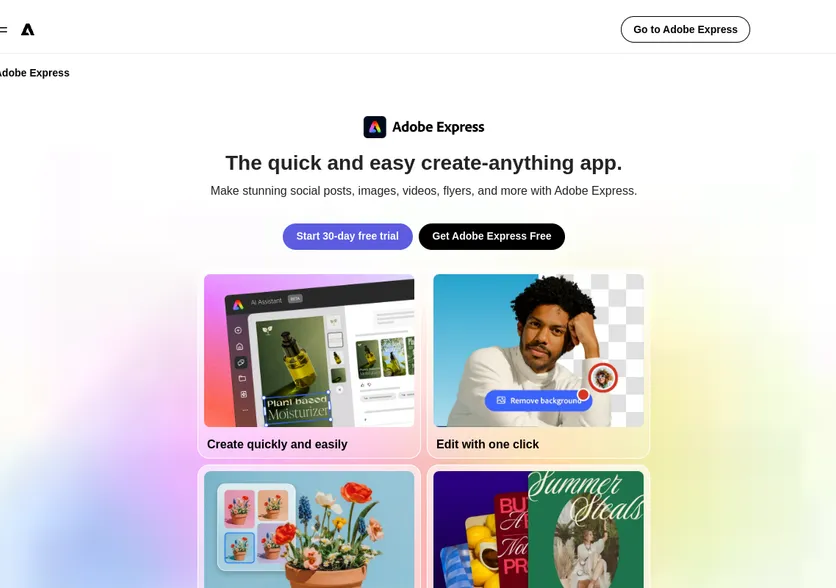
Adobe Express is the design app for everyone who is not a designer, with templates, fonts and effects that make a bio or a post look professional in minutes. This Adobe Express Premium plan unlocks the full template and font library, plus background removal and brand kits for a consistent look. It is the best all-rounder here, and the free plan already covers most everyday designs.
What we like
- The best all-rounder here for styled text
- Full template and font library on Premium
- Brand kits keep your look consistent
Watch out for
- Monthly billing only, no annual discount
- Some AI features sit on the pricier Firefly plan
How to try it
- Open adobe.com/express and start with a free template
- Pick a font and style your bio or post text
- Upgrade to Premium for the full library and brand kits
2. Envato Elements Core
Best for: Creators who publish often and need fresh fonts and templates every week
Paid tool Starting price: $16.50/month · Core, $16.50/month billed annually ($198/year); $39 billed monthly; Plus $39/month annual; Ultimate $168/month annual
Free plan: Free plan
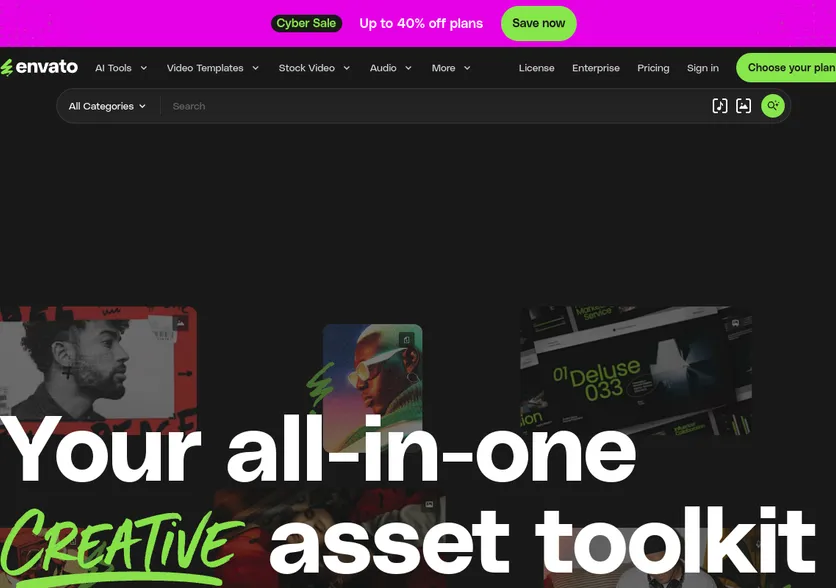
Envato Elements is a subscription library of fonts, templates, graphics and stock assets, built for creators who need fresh material every week. This Envato Elements Core plan unlocks the full library, including commercial licences for client work. It suits creators who publish often, though the monthly price is the highest here after Font Awesome.
What we like
- Huge library of fonts, templates and graphics
- Commercial licences included for client work
- New assets added every week
Watch out for
- Monthly billing costs more than double the annual rate
- The library is so large it takes time to search well
How to try it
- Open elements.envato.com and browse the free assets
- Download a font or template for your next design
- Upgrade to Core for the full library and commercial licences
3. Font Awesome Solo
Best for: Designers who need icons as much as text
Paid tool Starting price: $96/year · Solo, $96/year billed annually; Starter $48/year (CDN only); Team $192/year for 3 seats
Free plan: Free plan
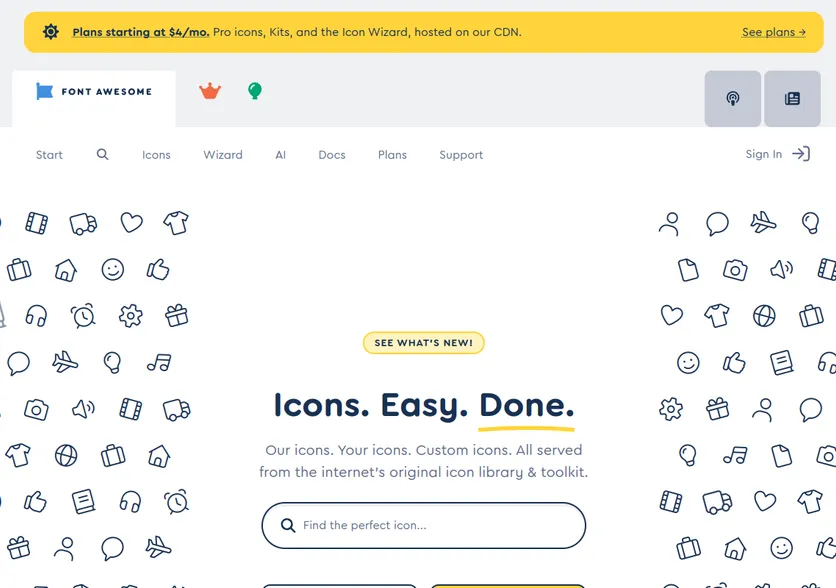
Font Awesome is the icon library the web runs on, with thousands of icons and a font system that keeps them sharp at any size. This Font Awesome Solo plan unlocks the full Pro icon set, including duotone and sharp styles, for a single user. It is the best pick here when your design needs icons as much as text, and the free plan already covers the basics.
What we like
- The icon library the web runs on
- Icons stay sharp at any size
- Free plan covers the basics
Watch out for
- Icons only, no text styling tools
- The old $99 a year Pro price is stale, plans changed in 2026
How to try it
- Open fontawesome.com and search the free icons
- Add an icon to your site or design
- Upgrade to Solo for the full Pro icon set
4. Fontself Maker
Best for: Anyone who wants their own handwriting as a real font
Paid tool Starting price: $39 one-time · Maker for Illustrator CC, $39 one-time on sale (list $98); Bundle for Illustrator & Photoshop $59 one-time (list $78)
Free plan: No free plan
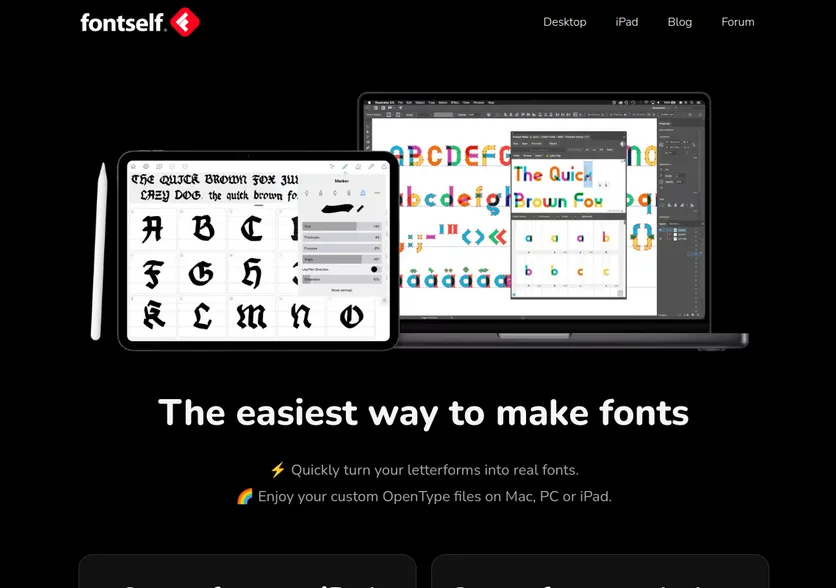
Fontself turns your own handwriting or lettering into a real OpenType font you can install and use anywhere. This Fontself Maker extension for Illustrator turns a hand-drawn alphabet into a working font in an afternoon, with kerning and ligatures included. It is the only tool here that makes a font instead of styling text, and the one-time price means you own it forever.
What we like
- Turns your handwriting into a real font
- One-time price, you own it forever
- Kerning and ligatures included
Watch out for
- Needs Adobe Illustrator to run
- No free plan or trial
How to try it
- Open fontself.com and buy Maker for Illustrator
- Draw your alphabet and import it into the extension
- Export the font and install it on your computer
5. PicMonkey Basic
Best for: Quick social graphics with great text
Paid tool Starting price: $7.99/month · Basic, $7.99/month; $72/year billed annually; 7-day free trial; no free plan
Free plan: 7-day free trial
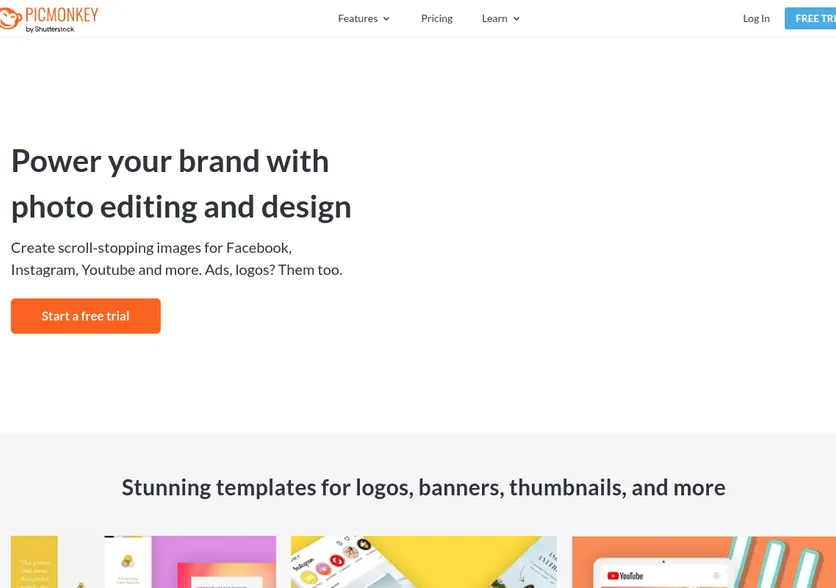
PicMonkey is the photo editor that treats text as a first-class citizen, with hundreds of fonts and text effects for social posts and bios. This PicMonkey Basic plan unlocks the full font library, templates and cloud storage, so your designs follow you across devices. It is the cheapest subscription here, and the best pick for quick social graphics.
What we like
- The cheapest subscription here
- Hundreds of fonts and text effects
- Cloud storage follows you across devices
Watch out for
- No free plan, only a 7-day trial
- Fewer advanced features than Adobe Express
How to try it
- Open picmonkey.com and start the 7-day free trial
- Pick a template and style the text for your post
- Save the design to the cloud and download it
6. VistaCreate Pro
Best for: Anyone who wants a finished design fast, without a blank canvas
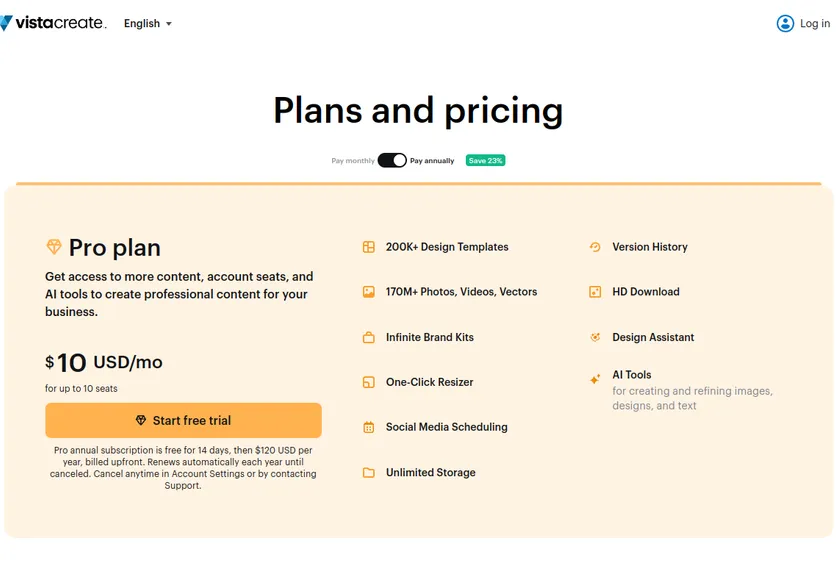
Paid tool Starting price: $10/month · Pro, $10/month billed annually ($120/year); $13 month-to-month; 14-day free trial; up to 10 team seats
Free plan: 14-day free trial
VistaCreate is a template-first design tool with thousands of ready-made posts, stories and banners that you customize in minutes. This VistaCreate Pro plan unlocks the full template library, background removal and team seats, so a small team can design together. It is the best pick here when you want a finished design fast, without starting from a blank canvas.
What we like
- Thousands of ready-made templates
- Background removal on the Pro plan
- Team seats for small groups
Watch out for
- No free plan, only a 14-day trial
- Template-first design can look generic
How to try it
- Open create.vista.com and start the 14-day free trial
- Pick a template for your post or story
- Customize the text and download the design
7. Snappa Pro
Best for: Marketers who need a social graphic in five minutes
Paid tool Starting price: $10/month · Pro, $10/month billed annually ($120/year); $15 month-to-month; Team $20/month billed yearly
Free plan: Free plan
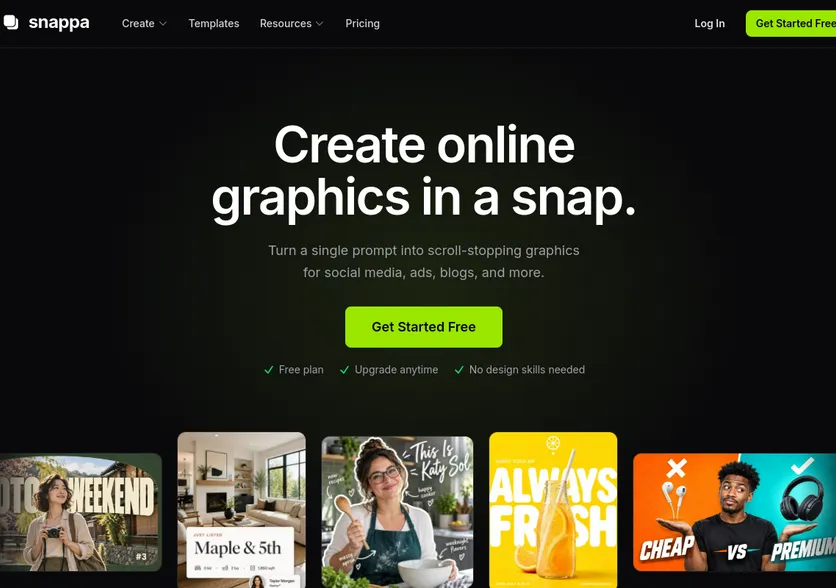
Snappa is the fastest design tool here, built for people who need a social graphic in five minutes, not fifty. This Snappa Pro plan unlocks unlimited downloads, the full template library and team sharing, so a whole team can publish from one account. It suits marketers and creators who value speed over depth, and the free plan covers a few designs a month.
What we like
- The fastest design tool here
- Unlimited downloads on the Pro plan
- Team sharing from one account
Watch out for
- Fewer features than Adobe Express or Kittl
- Free plan limits downloads each month
How to try it
- Open snappa.com and pick a social graphic size
- Add your text and download the graphic
- Upgrade to Pro for unlimited downloads and team sharing
8. Kittl Pro
Best for: Creators who want vintage, retro and hand-drawn looks
Paid tool Starting price: $12/month · Pro, $12/month per editor billed annually ($144/year); $15 month-to-month; Expert $26/month annual; Max $48/month annual
Free plan: Free plan
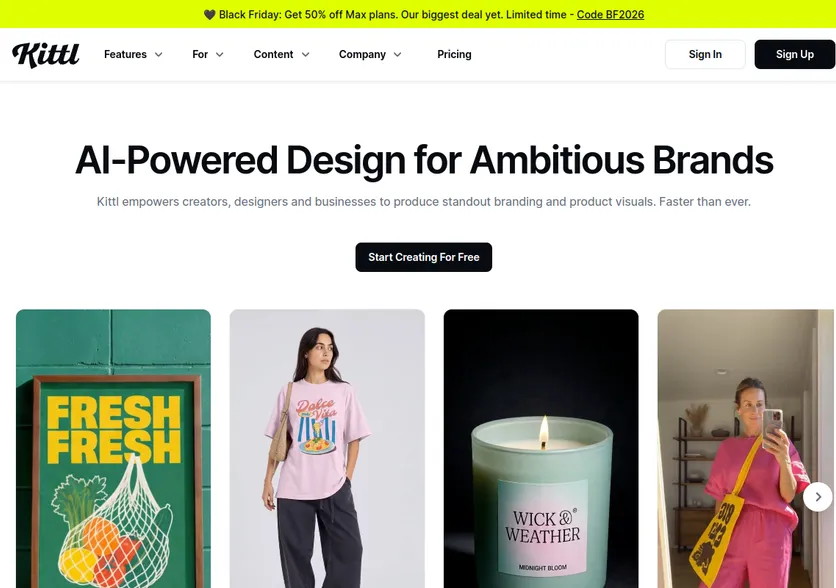
Kittl is the design tool for creators who want vintage, retro and hand-drawn looks without hiring a designer. This Kittl Pro plan unlocks the full font and illustration library, plus AI image generation and commercial licences. It is the best pick here for T-shirts, posters and logos with a crafted feel, and the free plan lets you try the style first.
What we like
- The best vintage and retro styles here
- Full font and illustration library on Pro
- Commercial licences included
Watch out for
- Billed per editor, so teams pay more
- Style leans vintage, less suited to corporate work
How to try it
- Open kittl.com and browse the vintage templates
- Customize a design with fonts and illustrations
- Upgrade to Pro for the full library and commercial licences
Prices above were checked on each vendor’s own website on Nov 14, 2026 and can change — the vendor’s page is the final word. Vendor links are editorial: nobody paid to be listed or ranked here. Vendors who want a featured listing can see how it works on our Get listed page.
What fancy text tools cost in 2026
Price is the first filter, and the range is wide. The cheapest subscription here costs about eight dollars a month, the most expensive costs about seventeen dollars a month billed annually, and two tools sell one-time licences instead. The table below uses the headline price each vendor shows on its own pricing page, checked on November 25, 2026. Monthly prices are the headline rate, and annual billing is cheaper on most of these tools. Fontself Maker costs $39 once and you own it forever, while PicMonkey Basic is the cheapest subscription at $7.99 a month.
Before you buy
- Check whether the price is per editor or per account, because Kittl bills per editor and teams pay more.
- Start on the free plan, because most tools overlap and one may already cover the style you want.
- Check the licence before client work, because commercial use needs a paid plan on Envato Elements and Kittl.
- Weigh one-time licences against subscriptions, because Fontself Maker costs $39 once while Adobe Express Premium bills monthly.
- Try before you pay, because Fontself is the only tool here with no free plan or trial to test first.
Official websites
Official websites of the products reviewed above. Features and prices were checked against these sites when this guide was written, and they can change, so confirm on the vendor site before you buy.
Frequently asked questions
Which fancy text generator is best in 2026?
Adobe Express, because it covers styled text, templates and social posts in one app, and the free plan already handles most everyday designs. PicMonkey is the cheapest way in at $7.99 a month. Fontself is the best pick when you want your own handwriting as a real font instead of another styled template.
What is the cheapest fancy text tool?
PicMonkey Basic, at $7.99 a month or $72 a year, is the cheapest subscription here. Adobe Express Premium costs $9.99 a month, and Snappa Pro and VistaCreate Pro both cost $10 a month billed annually. Fontself Maker costs $39 once and you own it forever, which beats every subscription after five months.
Can I try these text tools for free?
Yes, most of them. Adobe Express, Envato Elements, Font Awesome, Snappa and Kittl all offer free plans, and VistaCreate offers a 14-day free trial. PicMonkey offers a 7-day free trial. Fontself is the only tool here with no free plan or trial, because it is a one-time purchase.
Can I use these fonts and templates for client work?
Yes, if the licence allows it. Envato Elements Core and Kittl Pro both include commercial licences, so you can use their fonts and templates in client work. Font Awesome Solo covers commercial use for one user. Check the licence on each asset before you sell it, because some free-tier assets are personal use only.
Which tool makes a font from my own handwriting?
Fontself, because it turns your own handwriting into a real OpenType font you install on your computer, and you own it forever for $39. No other tool here makes a font. The trade-off is that you need Adobe Illustrator to run it, and there is no free plan to try it first.
Your bio deserves better than plain — browse all the free text generators and style it in one click.
Browse Fancy Text & Fonts tools