On this page
A printed toy has to survive play, so the modeler matters as much as the printer. The seven tools below run from a one hundred forty dollar yearly plan to a two thousand dollar subscription, and every price was checked on the vendor site on November 27, 2026. Parametric tools win for toys with moving parts, while sculpting tools win for characters and soft creatures. Check the fit of every joint before you print a set, because a toy that falls apart in a child's hands is a failed print. Autodesk Fusion is our first pick for printable toys.
How we researched this
We started with the modeling tools toy designers actually use for characters, play sets and moving parts, then read each price on the vendor site on November 27, 2026. We kept only tools with a published dollar price and a clean STL export path, and we judged them for fit, durability and ease of use. We dropped Blender, FreeCAD and Meshmixer because they cost nothing and are not paid tools, and we dropped Nomad Sculpt because its own site shows no price.
Compare the tools
| Name | Best for | Starting price | Free plan | |
|---|---|---|---|---|
 Autodesk Fusion | Toy designers who need parametric parts that fit together exactly | $680/year | Free personal-use licence for eligible hobbyists; 30-day free trial | Visit |
 ZBrush | Toy designers who sculpt characters, creatures and play figures for home printing | $399/year | No free plan; 14-day free trial | Visit |
 Autodesk 3ds Max | Toy designers who need precise hard-surface modeling and rigging | $2,010/year | No free plan; 30-day free trial | Visit |
| Cinema 4D | Toy makers who model smooth hard-surface toys and packaging | $839/year | No free plan; 14-day free trial | Visit |
 SelfCAD | Beginners who want modeling, sculpting and slicing in one cheap app | $139.99/year | Free plan available; 10-day trial | Visit |
 Shapr3D | Toy designers who sketch ideas on iPad and refine them on desktop | $299/year | Basic plan free, 2 projects; 14-day trial | Visit |
 SketchUp Pro | Toy makers who sketch quick prototypes and simple play sets | $399/year | Free plan for non-commercial use; 7-day Pro trial | Visit |
The 3D modeling software for printing toys, compared
1. Autodesk Fusion
Best for: Toy designers who need parametric parts that fit together exactly
Paid tool Starting price: $680/year · Annual subscription, six hundred eighty dollars a year, or eighty-five dollars a month on monthly billing; free personal-use licence for eligible hobbyists; thirty-day trial
Free plan: Free personal-use licence for eligible hobbyists; 30-day free trial
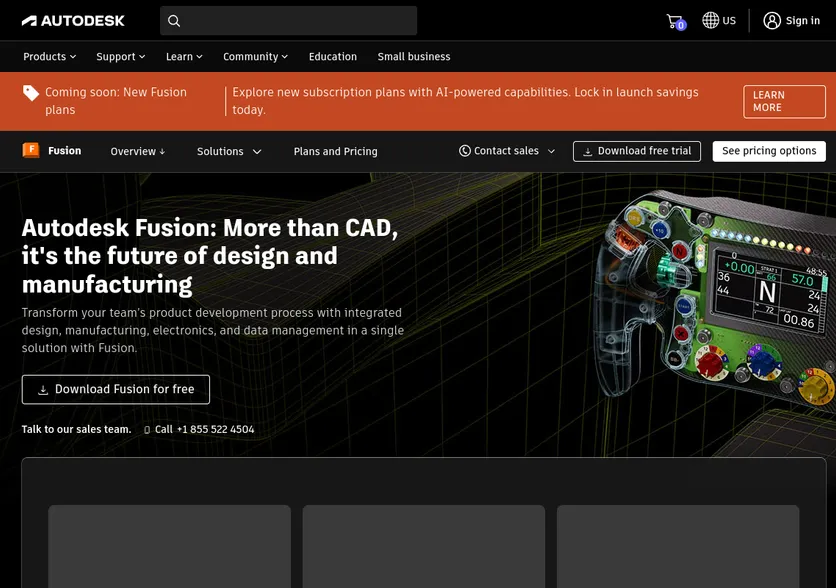
Toy designers reach for Autodesk Fusion when a toy has moving parts, snap fits and pieces that must slot together exactly. This Autodesk Fusion subscription costs six hundred eighty dollars a year, with a free personal-use licence for eligible hobbyists. Parametric parts update together when you change one dimension, and the built-in simulation shows whether a thin arm or leg will snap in a child's hands.
What we like
- Parametric modeling with full version history in the cloud
- Built-in CAM and simulation in the same subscription
- Free personal-use licence for eligible hobbyists
Watch out for
- Cloud storage is required for the full workflow
- Autodesk announced new subscription tiers starting January 2027
How to try it
- Open the Autodesk buy page and start the thirty-day trial
- Sketch a toy part and extrude it into a solid body
- Export the body as STL and slice it for your printer
2. ZBrush
Best for: Toy designers who sculpt characters, creatures and play figures for home printing
Paid tool Starting price: $399/year · Annual subscription, three hundred ninety-nine dollars a year, or forty-nine dollars a month on monthly billing; desktop and iPad included; fourteen-day trial
Free plan: No free plan; 14-day free trial
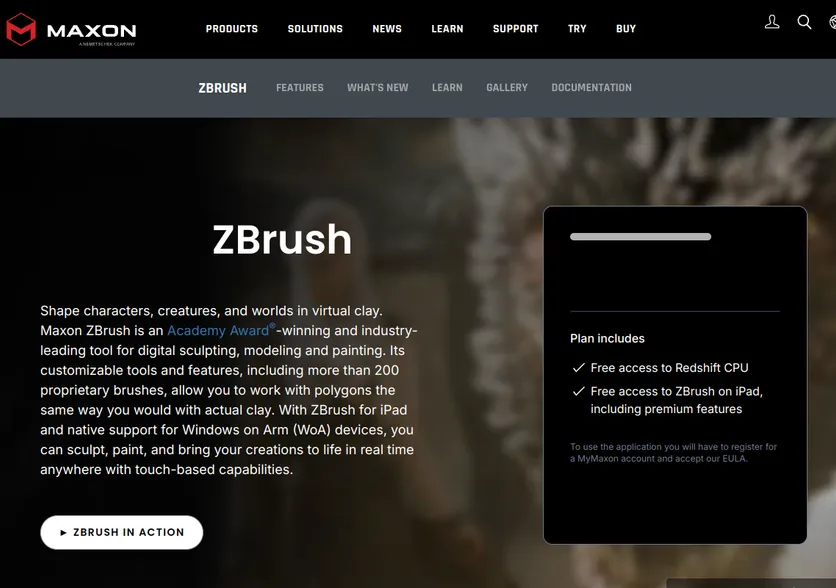
ZBrush is the toy sculptor's bench, built for characters, monsters and soft organic forms that start as a lump of digital clay. This ZBrush subscription costs three hundred ninety-nine dollars a year and covers the desktop app plus the iPad app in the same licence. Brushes shape skin, fur and scales fast, and decimation turns a heavy sculpt into a light mesh your slicer can handle.
What we like
- The strongest digital sculpting toolset in this list
- Sculpts export cleanly to STL for slicing
- Includes the iPad app in the same subscription
Watch out for
- Subscription only, so the cost never stops
- The interface takes weeks to learn properly
How to try it
- Open the Maxon buy page and start the fourteen-day trial
- Sculpt a test character and decimate the mesh for printing
- Export the model as STL and open it in your slicer
3. Autodesk 3ds Max
Best for: Toy designers who need precise hard-surface modeling and rigging
Paid tool Starting price: $2,010/year · Annual subscription, two thousand ten dollars a year, or two hundred fifty-five dollars a month on monthly billing; Indie plan three hundred thirty dollars a year for eligible small studios; thirty-day trial
Free plan: No free plan; 30-day free trial
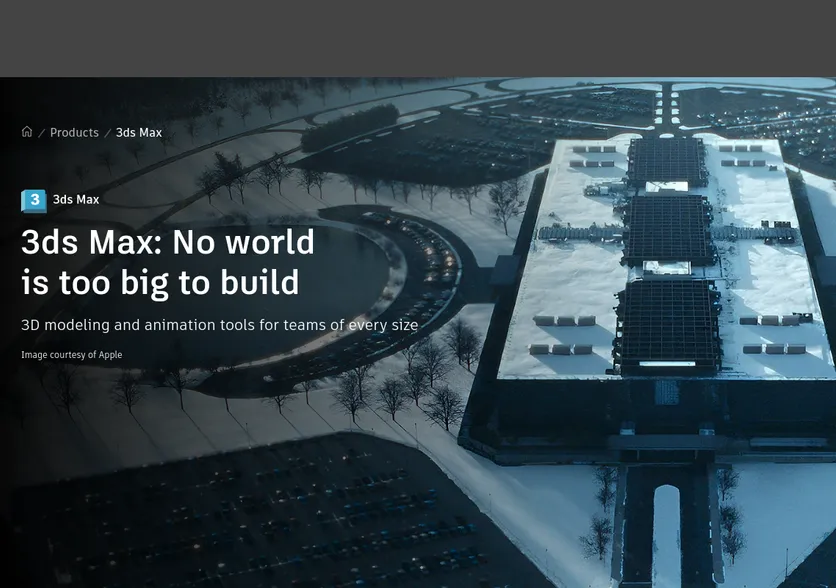
Autodesk 3ds Max gives toy designers a full modeling and rigging bench for poseable figures and detailed play sets. This Autodesk 3ds Max subscription costs two thousand ten dollars a year, with an Indie plan at three hundred thirty dollars a year for eligible small studios. Hard-surface modeling stays precise, and the animation tools let you test a pose before you print the parts.
What we like
- The industry standard for game and film modeling
- Massive plugin ecosystem for every workflow
- Strong retopology and UV tools for clean printable meshes
Watch out for
- The highest annual price in this list
- Windows only, so Mac studios need another tool
How to try it
- Open the Autodesk buy page and start the thirty-day trial
- Model a toy figure and rig it into a pose
- Export the model and slice it to check wall thickness
4. Cinema 4D
Best for: Toy makers who model smooth hard-surface toys and packaging
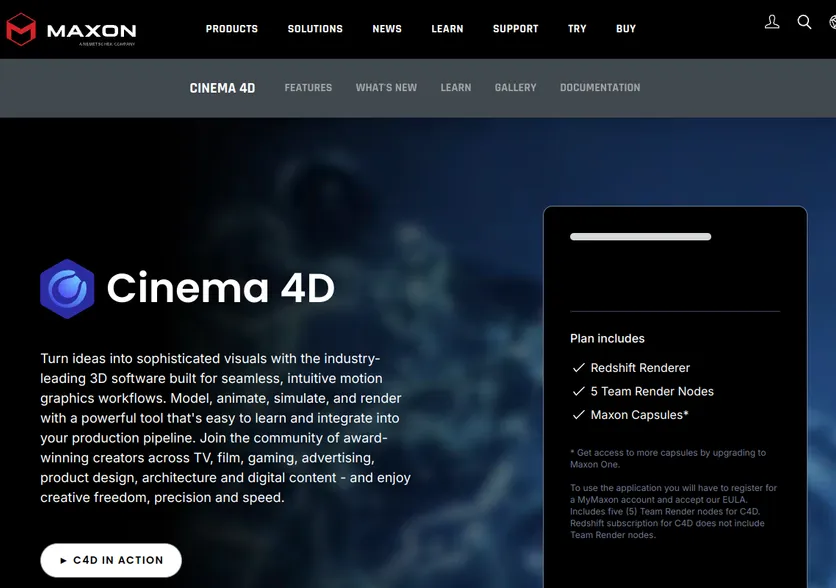
Paid tool Starting price: $839/year · Annual subscription, eight hundred thirty-nine dollars a year, or one hundred nine dollars a month on monthly billing; Redshift and five Team Render nodes included; fourteen-day trial
Free plan: No free plan; 14-day free trial
Cinema 4D is the friendly face of toy modeling, with smooth hard-surface tools and a gentle learning curve for new designers. This Cinema 4D subscription costs eight hundred thirty-nine dollars a year and includes Redshift rendering plus five Team Render nodes. Toys render beautifully for a shop listing, and the Capsules library supplies ready-made wheels, joints and connectors.
What we like
- The friendliest interface of the full 3D suites here
- Redshift rendering included in the subscription
- Huge library of free Capsules and training videos
Watch out for
- The annual price is high for a solo artist
- Sculpting is weaker than ZBrush for organic work
How to try it
- Open the Maxon buy page and start the fourteen-day trial
- Model a simple toy and render it with Redshift
- Export the finished model as STL for your slicer
5. SelfCAD
Best for: Beginners who want modeling, sculpting and slicing in one cheap app
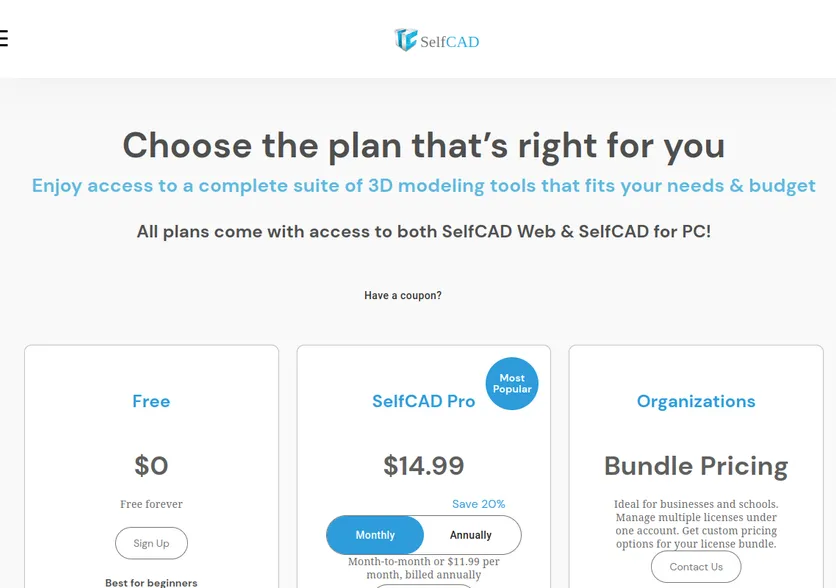
Paid tool Starting price: $139.99/year · Pro yearly plan, one hundred thirty-nine dollars and ninety-nine cents a year, or fourteen dollars and ninety-nine cents a month on monthly billing; perpetual licence five hundred ninety-nine dollars once; free plan available; ten-day trial
Free plan: Free plan available; 10-day trial
SelfCAD packs modeling, sculpting and slicing into one low-cost app, which makes it the simplest start for a first toy. This SelfCAD Pro plan costs one hundred thirty-nine dollars and ninety-nine cents a year, with a free plan for casual use. It runs in the browser with nothing to install, and the built-in slicer sends a finished toy straight to the printer.
What we like
- Modeling, sculpting and slicing in one low-cost app
- The cheapest full modeler in this list
- Runs in the browser with nothing to install
Watch out for
- Less powerful than Fusion or ZBrush for complex work
- The yearly price and monthly price do not match up cleanly
How to try it
- Open the SelfCAD pricing page and start the ten-day trial
- Model a simple toy with the built-in tools
- Slice the toy inside SelfCAD and send it to your printer
6. Shapr3D
Best for: Toy designers who sketch ideas on iPad and refine them on desktop
Paid tool Starting price: $299/year · Pro plan, two hundred ninety-nine dollars a year per editor seat, billed annually excluding tax; Basic free for two projects; fourteen-day trial
Free plan: Basic plan free, 2 projects; 14-day trial
Shapr3D lets toy designers sketch ideas on an iPad with a pencil and finish them on a desktop without missing a beat. This Shapr3D Pro plan costs two hundred ninety-nine dollars a year per editor seat, with a Basic plan free for two projects. Direct modeling keeps the workflow fast, and syncing moves a toy between tablet and computer in seconds.
What we like
- The best tablet modeling experience in this list
- Direct modeling with no history tree to manage
- Syncs between iPad, Mac and Windows
Watch out for
- Parametric history is limited compared with Fusion
- The free Basic plan allows only two projects
How to try it
- Open the Shapr3D site and start the fourteen-day trial
- Sketch a toy part on iPad with the pencil
- Export the model as STL and slice it for your printer
7. SketchUp Pro
Best for: Toy makers who sketch quick prototypes and simple play sets
Paid tool Starting price: $399/year · Pro subscription, three hundred ninety-nine dollars a year, or ninety-nine dollars and ninety-nine cents a month on monthly billing; Studio eight hundred fifty-nine dollars a year; seven-day Pro trial
Free plan: Free plan for non-commercial use; 7-day Pro trial
SketchUp Pro turns a toy idea into a printable model in an afternoon, with the easiest interface in this list. This SketchUp Pro subscription costs three hundred ninety-nine dollars a year, and the 3D Warehouse holds thousands of models to remix. Simple play sets, doll houses and block toys come together fast, though organic characters need a sculpting tool instead.
What we like
- The fastest tool here to learn and sketch in
- Huge 3D Warehouse library of ready models
- LayOut turns models into clean dimensioned drawings
Watch out for
- Organic sculpting is weak compared with ZBrush
- The monthly plan costs far more than the annual rate
How to try it
- Open the Trimble site and start the seven-day Pro trial
- Model a simple toy from the 3D Warehouse or from scratch
- Export the model as STL and open it in your slicer
Prices above were checked on each vendor’s own website on Nov 27, 2026 and can change — the vendor’s page is the final word. Vendor links are editorial: nobody paid to be listed or ranked here. Vendors who want a featured listing can see how it works on our Get listed page.
What toy modeling software costs in 2026
Toy modeling spans the widest price range in this batch, from SelfCAD at one hundred thirty-nine dollars and ninety-nine cents a year to 3ds Max at two thousand ten dollars a year. Fusion costs six hundred eighty dollars a year and Shapr3D costs two hundred ninety-nine dollars a year, while ZBrush costs three hundred ninety-nine dollars a year and SketchUp Pro costs the same. Cinema 4D is the dearest creative tool here at eight hundred thirty-nine dollars a year, and every tool except Fusion and SelfCAD charges the full rate with no free plan.
Start with a trial and print one complete toy, joints and all, before you pay. Check the fit of every moving part, the strength of thin walls, and how the model looks after a day of play. Pick the tool whose toys survive handling, because a toy that breaks on day one costs more than the licence.
Before you buy
- Print one joint and one moving part first, because a toy that does not fit together wastes a whole print.
- Count the yearly cost honestly, since 3ds Max at two thousand ten dollars a year dwarfs SelfCAD at one hundred forty dollars a year.
- Try the free trial on two tools, since Fusion and ZBrush both offer trials before you pay.
- Match the tool to the toy, because characters need sculpting and snap-fit parts need parametric modeling.
- Check the age of the player, because small parts and thin walls break faster in young hands.
Official websites
Official websites of the products reviewed above. Features and prices were checked against these sites when this guide was written, and they can change, so confirm on the vendor site before you buy.
Frequently asked questions
Which 3D modeling software is best for printing toys in 2026?
Autodesk Fusion is the best overall pick for printable toys, because parametric parts fit together exactly and update when you change a dimension. ZBrush is the best choice for character toys and creatures, and SelfCAD is the cheapest start at one hundred thirty-nine dollars and ninety-nine cents a year. Every price here was checked on the vendor site on November 27, 2026.
How much does 3D modeling software for toys cost?
Annual prices in this list run from one hundred thirty-nine dollars and ninety-nine cents a year for SelfCAD to two thousand ten dollars a year for 3ds Max. Fusion costs six hundred eighty dollars a year, ZBrush and SketchUp Pro cost three hundred ninety-nine dollars a year each, and Shapr3D costs two hundred ninety-nine dollars a year. Cinema 4D costs eight hundred thirty-nine dollars a year, and trials run from seven to ninety days.
Can I design toys with moving parts for a home printer?
Yes, Fusion and Shapr3D both model joints, hinges and snap fits that print and move, and Fusion lets you test the motion before printing. Keep clearances wide enough for your printer, since a tight joint fuses shut, and print one joint first as a test. SelfCAD also handles simple moving parts for beginners at a much lower price.
Is there a free way to try toy modeling software first?
Fusion offers a free personal-use licence for eligible hobbyists, and SelfCAD has a free plan for casual use. ZBrush, Cinema 4D, 3ds Max and Shapr3D offer trials of fourteen to thirty days, and SketchUp Pro offers a seven-day trial. That is enough time to model and print one complete toy before you commit to a yearly plan.
What should I look for in software for printable toys?
Look for parametric modeling when the toy has moving parts, and sculpting tools when the toy is a character or creature. Check the STL export and mesh repair tools, since a toy with holes or thin walls fails at the slicer or breaks in play. Try the free trial first and print one real toy before you commit to a yearly subscription.
Need everyday image help too? Try Toolsvine's free image tools right in your browser.
Browse Image Tools tools