
On this page
A hobbyist needs CAD that models real parts for a 3D printer without a professional price tag, and the price gap here tops a thousand dollars a year. The eight tools below cover parametric modeling, freeform design and tablet sketching, from fifteen dollars a month to fifteen hundred dollars a year, and every price was checked on the vendor site on November 26, 2026. Most offer a free plan or trial, so you can model a first part before paying. Autodesk Fusion is our first pick — CAD, CAM and simulation in one subscription.
How we researched this
We started with the 3D CAD tools hobbyists actually buy, then read each price on the vendor pricing page on November 26, 2026 and checked the cost for one person. We judged them for a hobbyist who models parts for 3D printing, woodworking or a home workshop without a professional budget. We kept only tools with a published price, and we dropped free-only tools such as FreeCAD, Tinkercad and Blender because this list compares paid tools.
Compare the tools
| Name | Best for | Starting price | Free plan | |
|---|---|---|---|---|
 Autodesk Fusion | Hobbyists who want CAD, CAM and simulation in one tool | $680/year | Free personal-use plan for hobbyists | Visit |
 SketchUp | Hobbyists who want fast 3D concepts and drawings | $399/year | Free web version for personal use | Visit |
 SelfCAD | Beginners who want modeling and slicing in one place | $14.99/month | Free plan with limited features | Visit |
 Onshape | Hobbyists who want professional CAD in the browser | $1,500/year | Free plan for non-commercial projects | Visit |
 Rhino | Hobbyists who model freeform curves and organic shapes | $995 one-time | 90-day free trial | Visit |
 Shapr3D | Hobbyists who design on an iPad with a pencil | $299/year | Free Basic plan for 2 projects | Visit |
 BricsCAD | Hobbyists who want AutoCAD-style DWG drafting with 3D | $780/year | 30-day free trial | Visit |
 Alibre Atom3D | Hobbyists who want parametric CAD for Windows at a low price | $199 one-time | Free trial available | Visit |
The 3D CAD software for hobbyist, compared
1. Autodesk Fusion
Best for: Hobbyists who want CAD, CAM and simulation in one tool
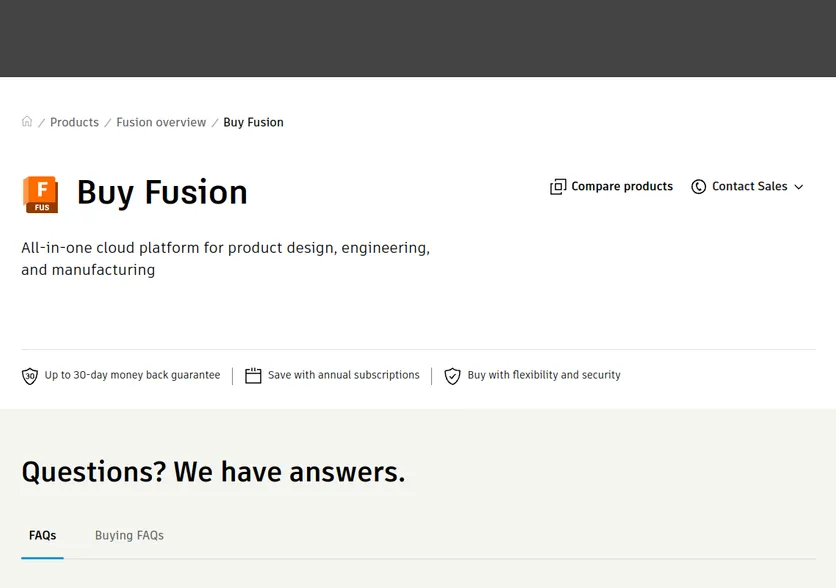
Paid tool Starting price: $680/year · Base subscription, $680 a year or $85 a month; Fusion for Manufacturing $2,040 a year; free personal-use plan for hobbyists
Free plan: Free personal-use plan for hobbyists
Autodesk Fusion is the default pick for product designers, because one subscription covers CAD, CAM, simulation and PCB design. This Autodesk Fusion subscription gives a hobbyist parametric modeling, assemblies and basic machining in a cloud-connected app. A maker who wants to design a part and mill it on a home CNC will find the breadth unmatched at the price.
What we like
- CAD, CAM and simulation in one subscription
- Cloud storage keeps designs everywhere
- Free personal-use plan for hobbyists
Watch out for
- Six hundred and eighty dollars a year for the paid plan
- Advanced CAM costs extra as extensions
How to try it
- Open the Autodesk Fusion page and start the free personal-use plan
- Sketch a part and extrude it into a solid
- Export the model for 3D printing or machining
2. SketchUp
Best for: Hobbyists who want fast 3D concepts and drawings
Paid tool Starting price: $399/year · Pro plan, $399 a year or $33.25 a month billed annually; Go $129 a year; Studio $859 a year; monthly billing $99.99 a month
Free plan: Free web version for personal use
SketchUp is the fastest way to turn an idea into a 3D model, with push-pull modeling that feels more like sketching than engineering. This SketchUp Pro plan adds the desktop modeler, LayOut for 2D documents and the Extension Warehouse. A hobbyist planning a workshop project will like building the model in minutes and printing the plans.

What we like
- Fastest modeling on this list
- LayOut turns models into real plans
- Huge 3D Warehouse of ready models
Watch out for
- Pro costs three hundred and ninety nine dollars a year
- Monthly billing costs ninety nine dollars and ninety nine cents a month
How to try it
- Open the SketchUp pricing page and start the free plan
- Push and pull a shape into a 3D model
- Document the model in LayOut and print the plans
3. SelfCAD
Best for: Beginners who want modeling and slicing in one place
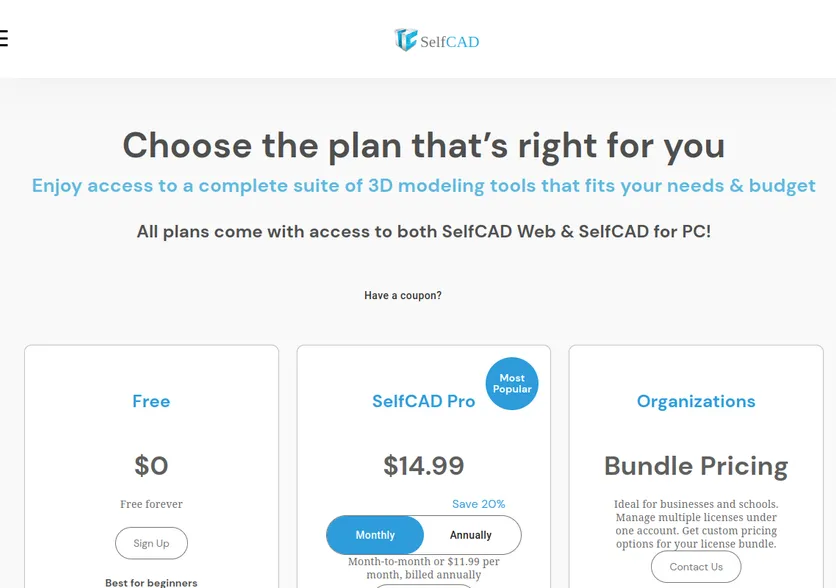
Paid tool Starting price: $14.99/month · Pro plan, $14.99 a month billed monthly or $139.99 a year; perpetual licence $599; free plan with limited features
Free plan: Free plan with limited features
SelfCAD is built for beginners who want to model and slice in one place, with an in-app slicer that sends parts straight to the printer. This SelfCAD Pro plan covers mesh modeling, sculpting, rendering and the built-in slicer. A hobbyist with a 3D printer will like skipping the separate slicer app and printing from the same tool.
What we like
- Modeling and slicing in one tool
- Cheapest monthly price on this list
- Easy to learn for a first-timer
Watch out for
- Pro costs fourteen dollars and ninety nine cents a month
- Fewer advanced tools than Fusion
How to try it
- Open the SelfCAD pricing page and start the free plan
- Model a part with the mesh tools
- Slice it in the app and send it to the printer
4. Onshape
Best for: Hobbyists who want professional CAD in the browser
Paid tool Starting price: $1,500/year · Standard plan, $1,500 a user a year; Professional $2,500 a year; free plan for non-commercial projects with public documents
Free plan: Free plan for non-commercial projects
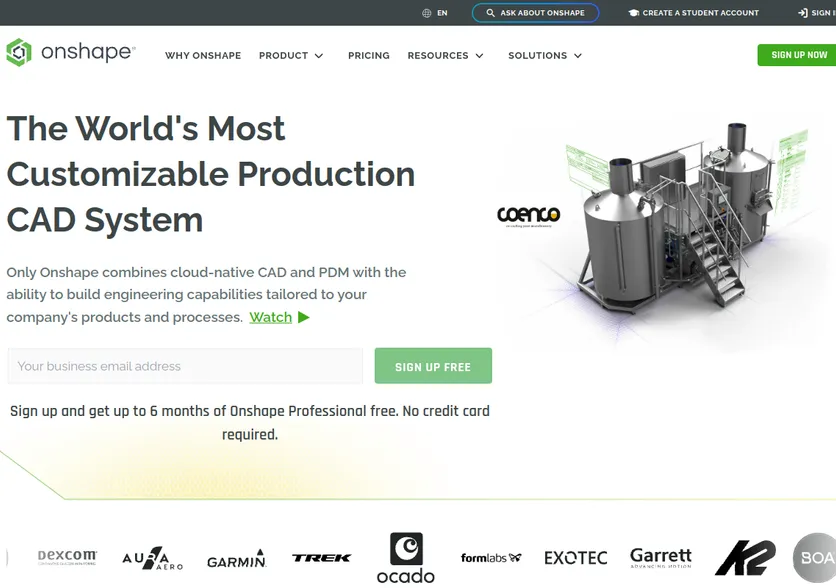
Onshape runs full parametric CAD in the browser, with no install and no files to lose, since every version lives in the cloud. This Onshape Standard plan covers modeling, drawings and version control for one user. A hobbyist who models on several computers will like opening the same project anywhere, but the price is the highest on this list.
What we like
- Full CAD in the browser, nothing to install
- Version control built into every document
- Works on any computer
Watch out for
- Standard costs fifteen hundred dollars a year
- Free plan makes every document public
How to try it
- Open the Onshape pricing page and start the free plan
- Create a document and sketch your first part
- Share the project and check the version history
5. Rhino
Best for: Hobbyists who model freeform curves and organic shapes
Paid tool Starting price: $995 one-time · Rhino 8 commercial licence, $995 one-time, perpetual; upgrade $595; educational licence $195; Rhino 9 in public beta with no price yet
Free plan: 90-day free trial
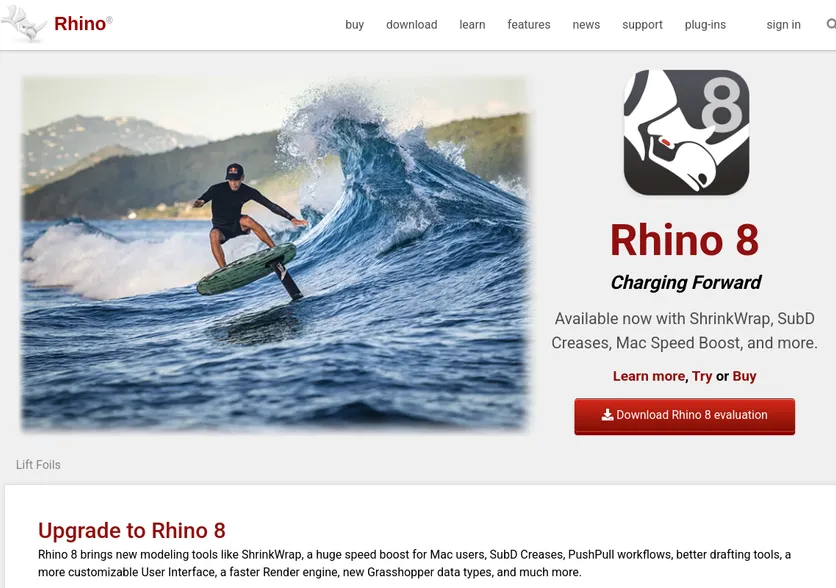
Rhino is the freeform modeler for curves and organic shapes, with NURBS precision that polygon tools cannot match. This Rhino licence covers solid and surface modeling, Grasshopper parametric tools and rendering in one purchase. A hobbyist who designs jewelry, boats or sculpted parts will like the precision, and the licence never expires.
What we like
- One-time price, no subscription
- NURBS precision for curves and surfaces
- Grasshopper adds parametric control
Watch out for
- Nine hundred and ninety five dollars once
- No built-in CAM without plugins
How to try it
- Open the Rhino site and start the 90-day trial
- Model a curved surface with the NURBS tools
- Export the model for printing or machining
6. Shapr3D
Best for: Hobbyists who design on an iPad with a pencil
Paid tool Starting price: $299/year · Pro plan, $299 a year per editor seat billed annually; Basic free for 2 projects; students and educators get Pro free
Free plan: Free Basic plan for 2 projects
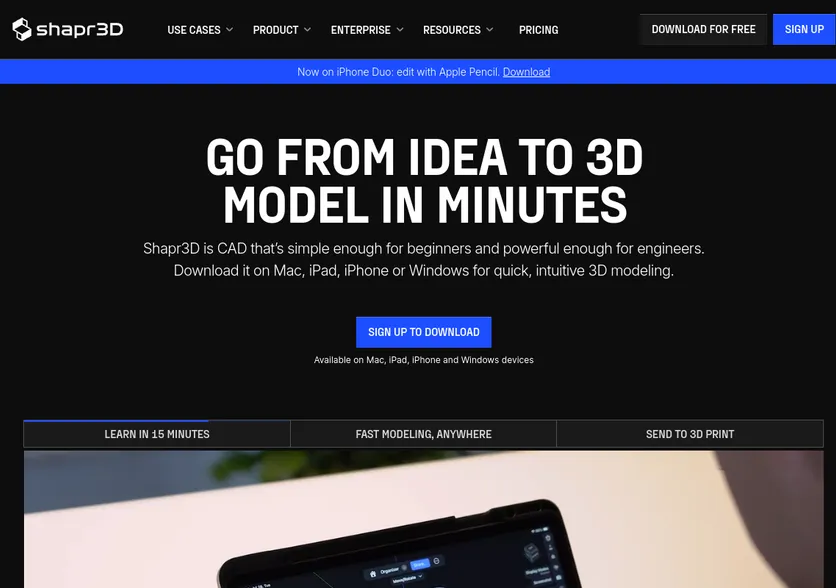
Shapr3D is the touch-first CAD app built around an iPad and a pencil, where sketching a profile and pulling it into a solid feels natural. This Shapr3D Pro plan adds unlimited projects, high-resolution exports and technical drawings. A hobbyist who sketches on the couch will like the pencil workflow more than any desktop tool.
What we like
- Best tablet CAD experience anywhere
- Pencil sketching feels natural
- Parasolid kernel keeps models precise
Watch out for
- Pro costs two hundred and ninety nine dollars a year
- Free plan covers only two projects
How to try it
- Open the Shapr3D pricing page and start the free Basic plan
- Sketch a profile with the pencil and extrude it
- Export the model as a STEP file for printing
7. BricsCAD
Best for: Hobbyists who want AutoCAD-style DWG drafting with 3D
Paid tool Starting price: $780/year · Pro plan, $780 a year; Lite is 2D only, sold in packs of 5 seats; BIM $1,166 and Mechanical $1,100 sit above it; perpetual licences also offered
Free plan: 30-day free trial
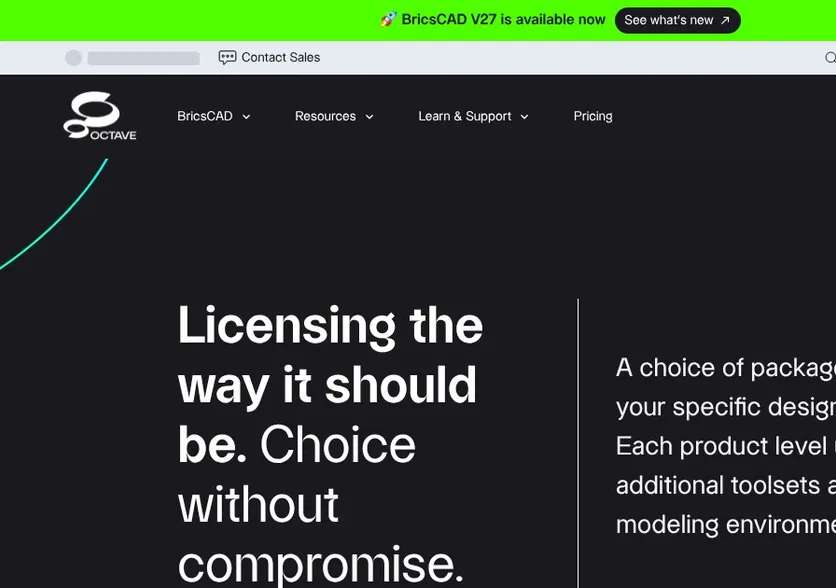
BricsCAD is the DWG-native CAD platform for hobbyists who want AutoCAD-style drafting with 3D modeling added. This BricsCAD Pro plan covers 2D drafting, 3D modeling and point clouds with LISP support. A hobbyist who exchanges DWG files with professionals will like the native format and the familiar commands.
What we like
- Native DWG files, no conversion
- Familiar commands for AutoCAD users
- Perpetual licence option available
Watch out for
- Pro costs seven hundred and eighty dollars a year
- Lite plan has no 3D modeling
How to try it
- Open the BricsCAD store page and start the free trial
- Open a DWG file and edit it
- Model a part in 3D and export it
8. Alibre Atom3D
Best for: Hobbyists who want parametric CAD for Windows at a low price
Paid tool Starting price: $199 one-time · Atom3D licence, $199 one-time at regular price; $10 a month or $100 a year as a subscription; November sale prices lower; Windows only
Free plan: Free trial available
Alibre Atom3D is the cheapest parametric CAD here, a Windows-only tool for makers who want dimension-driven parts without a subscription. This Alibre Atom3D licence covers parametric modeling, assemblies and 2D drawings for 3D printing and workshop jobs. A Windows hobbyist who wants real CAD for under two hundred dollars will find the price hard to beat.
What we like
- Cheapest parametric CAD on this list
- One-time price, no subscription
- Dimension-driven modeling for real parts
Watch out for
- A hundred and ninety nine dollars once
- Windows only, no Mac version
How to try it
- Open the Alibre site and start the free trial
- Sketch a part with dimensions and extrude it
- Export the model as a STEP or STL file
Prices above were checked on each vendor’s own website on Nov 26, 2026 and can change — the vendor’s page is the final word. Vendor links are editorial: nobody paid to be listed or ranked here. Vendors who want a featured listing can see how it works on our Get listed page.
What 3D CAD software for hobbyists costs in 2026
CAD software bills by subscription or by one-time purchase, so compare the three-year cost before choosing. This list runs from fourteen dollars and ninety nine cents a month to fifteen hundred dollars a year, and a one-time licence that looks pricey can cost less than a subscription after two years. The headline plan each vendor shows on its own pricing page is the number in the table above, checked on November 26, 2026.
Start with the free plan or trial on two tools and model the same part in both. Compare the workflow, the export and the time it took, then pick the tool you will actually open on a weekend. A tool that helps you finish a first print beats a powerful one that sits unused.
Before you buy
- Count the real cost first, because a cheap subscription can cost more than a one-time licence after two years.
- Check the export formats, because a tool that cannot export STEP or STL will block your printer.
- Test the tool on your own part first, because a demo model never shows how it handles your design.
- Ask about the platform, because some CAD tools run only on Windows or only on an iPad.
- Add up the yearly total, because a cheap monthly plan can cost more than a yearly plan over twelve months.
Official websites
Official websites of the products reviewed above. Features and prices were checked against these sites when this guide was written, and they can change, so confirm on the vendor site before you buy.
Frequently asked questions
Which 3D CAD software is best for hobbyists in 2026?
Autodesk Fusion, at six hundred and eighty dollars a year, is the safest default because one subscription covers CAD, CAM, simulation and PCB design with a free personal-use plan for hobbyists. SketchUp Pro is better when you want fast concepts and 2D plans, at three hundred and ninety nine dollars a year. SelfCAD wins on price, at fourteen dollars and ninety nine cents a month for modeling and slicing in one tool.
What is the cheapest 3D CAD software for hobbyists?
SelfCAD Pro, at fourteen dollars and ninety nine cents a month, is the cheapest subscription here with modeling and an in-app slicer. Alibre Atom3D, at a hundred and ninety nine dollars once, is the cheapest parametric CAD with no subscription. Fusion, SketchUp, Onshape and Shapr3D all offer free plans, so a hobbyist can start at zero.
Can I use 3D CAD software for free as a hobbyist?
Yes, with limits. Fusion offers a free personal-use plan, SketchUp has a free web version, Onshape offers a free plan for non-commercial projects, and Shapr3D has a free Basic plan for two projects. Free plans usually limit commercial use, exports or project counts, so check the terms before relying on one for paid work.
Is Fusion or SketchUp better for a hobbyist?
Fusion wins when you model mechanical parts and want CAM, simulation and PCB design in one tool, at six hundred and eighty dollars a year. SketchUp wins when you model fast concepts, furniture or buildings and want 2D plans from LayOut, at three hundred and ninety nine dollars a year. Both offer free plans, so model the same part in each one.
What is the difference between subscription and one-time CAD licences?
A subscription, like Fusion at six hundred and eighty dollars a year, stops working when you stop paying but always includes the newest version. A one-time licence, like Rhino at nine hundred and ninety five dollars, works forever but the next major version costs extra. Hobbyists who model every weekend usually save with a subscription, while occasional users save with a one-time licence.
Building something? Try Toolsvine's free science and engineering tools right in your browser.
Browse Science & Engineering tools


