On this page
A thumbnail decides whether anyone clicks, so it has to read at a tiny size, carry one clear idea and match the video behind it. The nine tools below cover that job for YouTubers, from a free template library to the industry-standard editor. Canva leads because its Pro plan turns a video still into a finished thumbnail for twelve dollars a month, and the rest are ranked on speed, templates and price.
How we researched this
We checked every price on the vendor pricing page on November 29, 2026, and only included tools with a published US dollar list price. Canva Pro changed price during 2026, falling from one hundred and eighty dollars a year in August to one hundred and forty-four dollars a year in November, and the current figure is used here. Prices change, so confirm the current figure on the vendor site before you buy.
Compare the tools
| Name | Best for | Starting price | Free plan | |
|---|---|---|---|---|
 Canva | YouTubers who need a thumbnail for every video | $12/month | Free plan | Visit |
 Adobe Express | YouTubers who already use Adobe fonts and stock | $9.99/month | Free plan | Visit |
 VistaCreate | Small YouTube teams sharing one design account | $10/month | Free Starter plan | Visit |
 Snappa | YouTubers who want a thumbnail in five minutes | $10/month | Free plan | Visit |
 PicMonkey | YouTubers who edit photos and design thumbnails in one tool | $7.99/month | No free plan; 7-day free trial | Visit |
 Fotor | New YouTubers who need AI help on the tightest budget | $3.33/month | Free Basic plan | Visit |
 Placeit | YouTubers who also sell merch and need mockups | $7.47/month | Free plan (watermarked downloads) | Visit |
 Adobe Photoshop | YouTubers with design skills who want full control | $22.99/month | 7-day free trial | Visit |
 Kittl | YouTubers whose thumbnails lean on bold type and illustration | $14/month | Free plan | Visit |
The thumbnail design software for YouTubers, compared
1. Canva
Best for: YouTubers who need a thumbnail for every video
Paid tool Starting price: $12/month · Twelve dollars a month for Pro billed annually, or one hundred and forty-four dollars a year; monthly billing is eighteen dollars a month. The annual price fell from one hundred and eighty dollars a year in August 2026 to one hundred and forty-four dollars a year in November 2026, so check the checkout total before buying
Free plan: Free plan
A YouTuber who needs a thumbnail for every video will find the fastest workflow here, since this Canva plan costs twelve dollars a month for Pro on annual billing. The template library covers every thumbnail style that works on the platform, and Magic Resize and background removal turn a still from the video into a finished thumbnail in minutes. Pro suits a creator who publishes several videos a week.

What we like
- Huge template library for every thumbnail style
- Magic Resize and background removal built in
- Brand kits keep every thumbnail on style
Watch out for
- Pro is one person only, so a team needs more seats
- Annual price changed twice during 2026
How to try it
- Open Canva and pick a YouTube thumbnail template
- Drop in a still from the video and add bold text
- Export the thumbnail and upload it with the video
2. Adobe Express
Best for: YouTubers who already use Adobe fonts and stock
Paid tool Starting price: $9.99/month · Nine dollars and ninety-nine cents a month for Premium billed monthly; one directory lists ninety-nine dollars and ninety-nine cents a year prepaid, but the plan card shows monthly billing only, so confirm the annual option at checkout
Free plan: Free plan
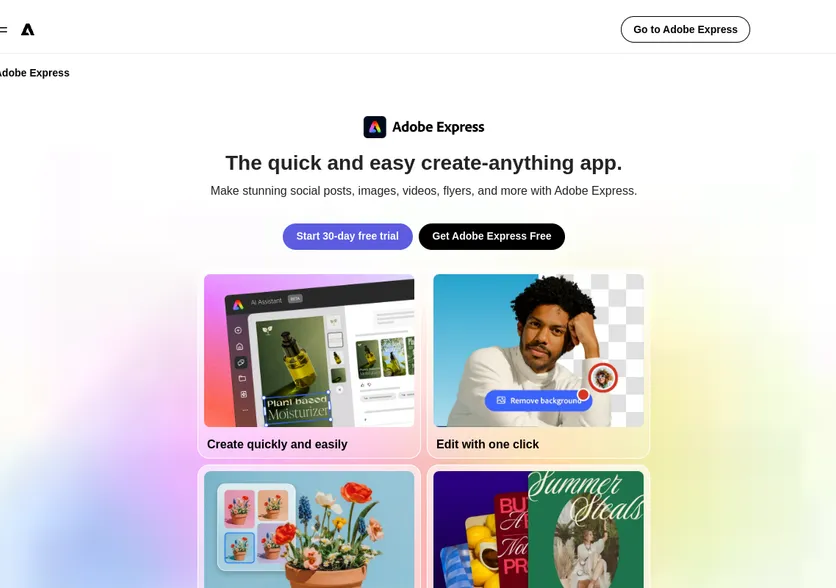
A YouTuber who already uses Adobe fonts and stock will work fastest here, since this Adobe Express plan costs nine dollars and ninety-nine cents a month for Premium. Firefly generative tools fill backgrounds and extend images, and one-click resize turns a thumbnail into a short, a post and a banner. Premium suits a creator who wants Adobe quality without opening Photoshop.
What we like
- Firefly generative tools fill and extend images
- One-click resize for every social size
- Adobe Stock assets and fonts included
Watch out for
- Annual prepaid option is not confirmed on the plan card
- Team controls need the separate Teams plan
How to try it
- Open Adobe Express and start from a thumbnail template
- Add a video still and let Firefly fill the background
- Resize for other platforms and export the thumbnail
3. VistaCreate
Best for: Small YouTube teams sharing one design account
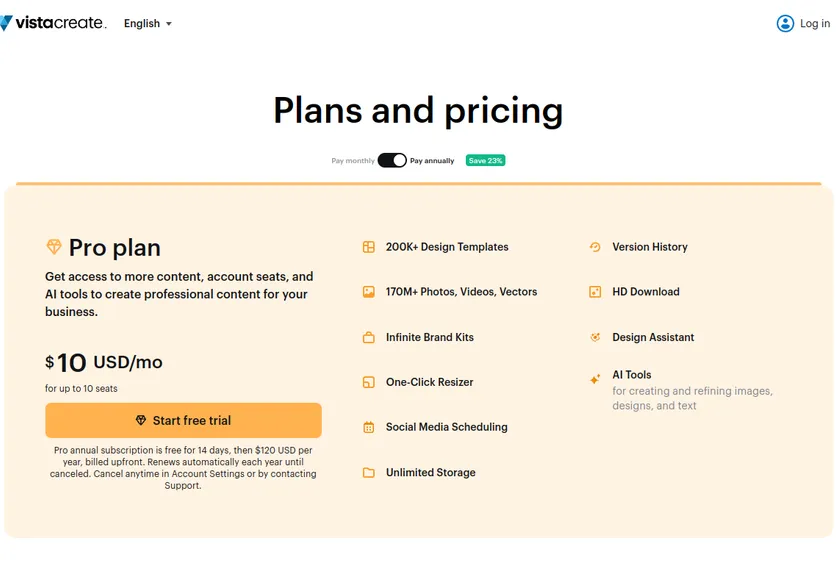
Paid tool Starting price: $10/month · Ten dollars a month for Pro billed annually, or one hundred and twenty dollars a year; monthly billing is thirteen dollars a month, and Pro covers up to ten team members
Free plan: Free Starter plan
A small YouTube team that shares one account will like the flat team price here, since this VistaCreate plan costs ten dollars a month for Pro on annual billing. The template library is deep, the brand kit and background remover are included, and up to ten team members can use the same subscription. Pro suits a channel with an editor and a designer sharing the work.
What we like
- One flat price covers up to ten team members
- Deep template library with a brand kit included
- Background remover and resizing in every plan
Watch out for
- Smaller AI toolset than the bigger design platforms
- Monthly billing costs thirty percent more than annual
How to try it
- Create a VistaCreate account and invite the team
- Pick a thumbnail template and add the video still
- Apply the brand kit and export the finished thumbnail
4. Snappa
Best for: YouTubers who want a thumbnail in five minutes
Paid tool Starting price: $10/month · Ten dollars a month for Pro billed annually, or one hundred and twenty dollars a year; monthly billing is fifteen dollars a month, and the free Starter plan allows three downloads a month
Free plan: Free plan
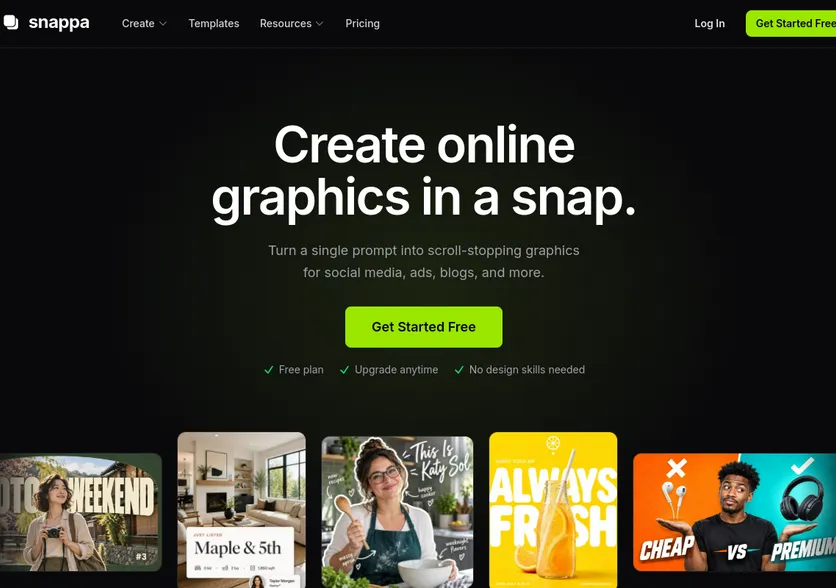
A YouTuber who wants a thumbnail in five minutes will move fastest here, since this Snappa plan costs ten dollars a month for Pro on annual billing. The editor is deliberately simple: pick a template, drop in a still, add bold text and export. Pro removes the download limit that holds back the free plan, so it suits a creator who publishes often.
What we like
- Fastest editor in this list for a quick thumbnail
- Simple templates with bold text that reads at small sizes
- Stock photos and graphics included
Watch out for
- Fewer advanced editing tools than Canva or Photoshop
- Free plan caps at three downloads a month
How to try it
- Open Snappa and pick a YouTube thumbnail size
- Add a video still and bold headline text
- Export the thumbnail and upload it with the video
5. PicMonkey
Best for: YouTubers who edit photos and design thumbnails in one tool
Paid tool Starting price: $7.99/month · Seven dollars and ninety-nine cents a month for Basic; Pro is twelve dollars and ninety-nine cents a month and adds unlimited cloud storage, one brand kit and premium stock photos. Monthly billing is higher than the annual figures shown here
Free plan: No free plan; 7-day free trial
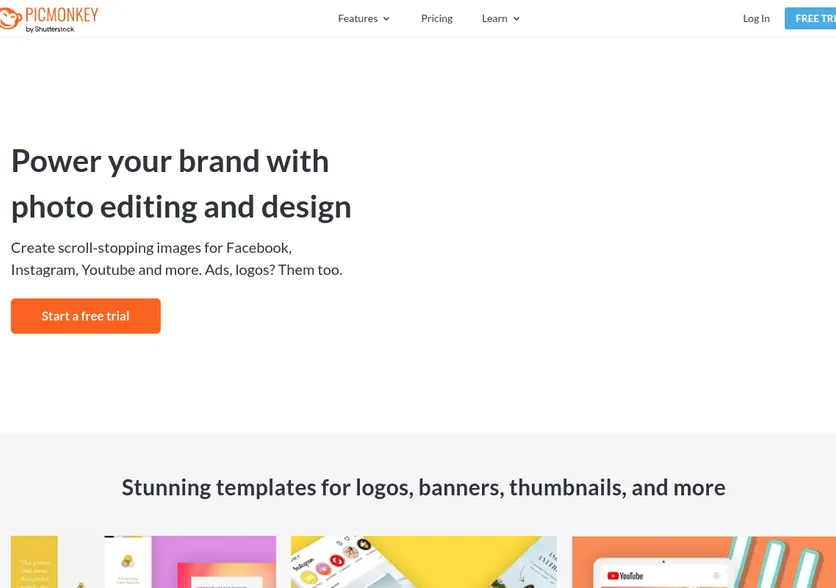
A YouTuber who edits photos as well as designing thumbnails will like the combined toolset here, since this PicMonkey plan costs seven dollars and ninety-nine cents a month for Basic. The photo editor handles retouching and background work, and the templates turn the edited still into a thumbnail. Basic suits a creator who wants photo editing and design in one subscription.
What we like
- Photo editing and thumbnail design in one tool
- Templates turn an edited still into a thumbnail
- Lowest entry price in this list
Watch out for
- No free plan, only a seven-day trial
- Brand kits and premium stock need the Pro plan
How to try it
- Open PicMonkey and upload a still from the video
- Retouch the photo and add bold thumbnail text
- Export the thumbnail and upload it with the video
6. Fotor
Best for: New YouTubers who need AI help on the tightest budget
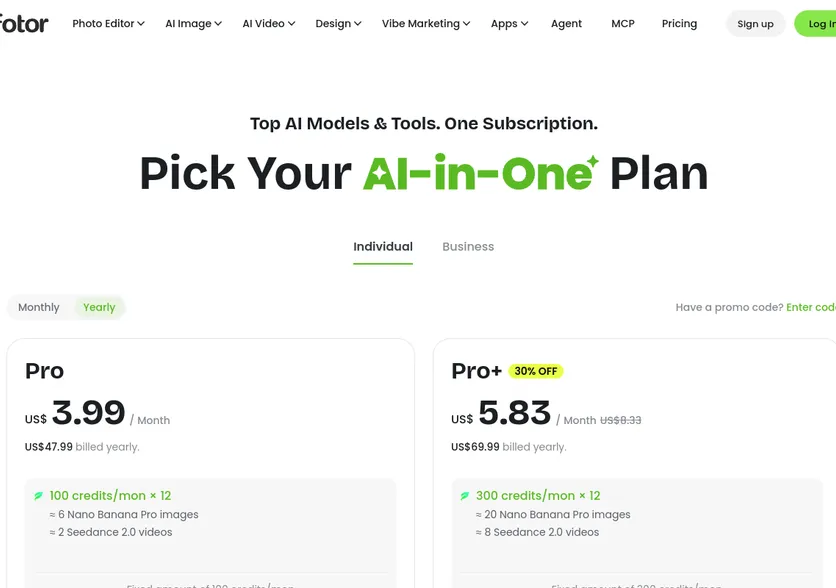
Paid tool Starting price: $3.33/month · Three dollars and thirty-three cents a month for Pro billed annually, or thirty-nine dollars and ninety-nine cents a year; monthly billing is eight dollars and ninety-nine cents a month, and Pro Plus is nineteen dollars and ninety-nine cents a month
Free plan: Free Basic plan
A YouTuber on the tightest budget will find the cheapest paid plan here, since this Fotor plan costs three dollars and thirty-three cents a month for Pro on annual billing. The AI tools remove backgrounds, upscale stills and generate images, and the templates cover thumbnails, banners and end screens. Pro suits a new creator who needs AI help without paying a premium price.
What we like
- Cheapest paid plan in this list on annual billing
- AI background removal, upscaling and generation
- Templates for thumbnails, banners and end screens
Watch out for
- AI work runs on a limited monthly credit allowance
- Monthly billing costs nearly three times the annual rate
How to try it
- Open Fotor and pick a YouTube thumbnail template
- Upload a still and let the AI remove the background
- Add bold text and export the finished thumbnail
7. Placeit
Best for: YouTubers who also sell merch and need mockups
Paid tool Starting price: $7.47/month · Seven dollars and forty-seven cents a month billed annually, or eighty-nine dollars and sixty-nine cents a year; monthly billing is fourteen dollars and ninety-five cents a month, with unlimited downloads and commercial use on either billing option
Free plan: Free plan (watermarked downloads)
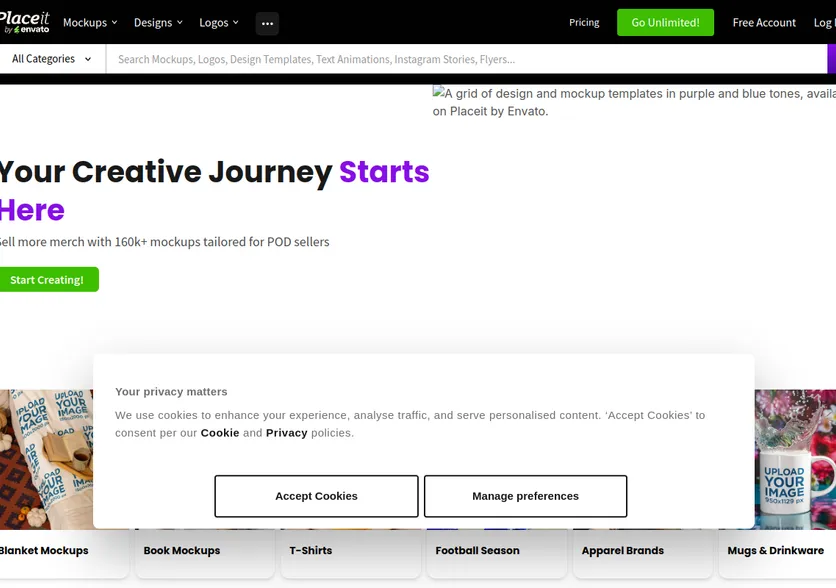
A YouTuber who also needs mockups, logos and intros will get a whole library here, since this Placeit plan costs seven dollars and forty-seven cents a month on annual billing. The template library covers thumbnails plus merch mockups, gaming logos and video intros, all with commercial use included. It suits a creator who sells merch alongside videos.
What we like
- Thirty thousand plus templates including mockups and logos
- Unlimited downloads with commercial use included
- Single tier with no feature upsells
Watch out for
- Thumbnail tools are simpler than the dedicated editors
- Monthly billing costs double the annual rate
How to try it
- Open Placeit and search the thumbnail templates
- Add a video still and customise the text
- Download the thumbnail with commercial use included
8. Adobe Photoshop
Best for: YouTubers with design skills who want full control
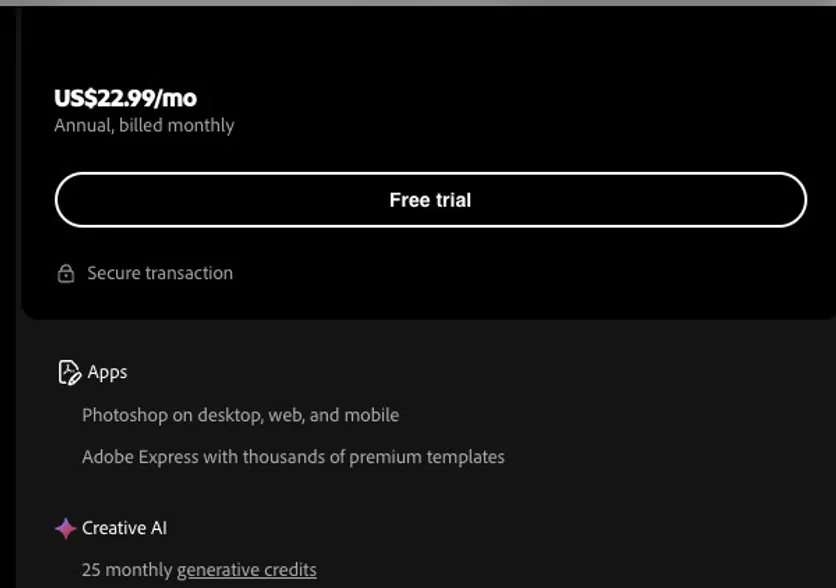
Paid tool Starting price: $22.99/month · Twenty-two dollars and ninety-nine cents a month on the annual plan billed monthly; prepaid annual billing is two hundred and sixty-three dollars and eighty-eight cents a year, and the Photography plan with Photoshop and Lightroom is nineteen dollars and ninety-nine cents a month
Free plan: 7-day free trial
A YouTuber who wants complete control over every pixel will find the deepest editor here, since this Adobe Photoshop plan costs twenty-two dollars and ninety-nine cents a month on the annual plan billed monthly. Layers, masking, retouching and generative fill give a designer full control, and the same file can feed thumbnails, banners and channel art. It suits a creator with design skills who wants the industry standard.
What we like
- Deepest editor in this list with full layer control
- Generative fill and Firefly AI built in
- Industry standard files that agencies accept
Watch out for
- Highest monthly price in this list
- Steep learning curve for a new creator
How to try it
- Open Photoshop and create a YouTube thumbnail canvas
- Layer the video still, text and effects
- Export the thumbnail and reuse the file for channel art
9. Kittl
Best for: YouTubers whose thumbnails lean on bold type and illustration
Paid tool Starting price: $14/month · Fourteen dollars a month for Pro billed annually, or nineteen dollars billed monthly; All in One is twenty-four dollars and sixty-seven cents a month, Studio is forty-eight dollars and fifty cents a month, and Pro perpetual is three hundred and forty-nine dollars one-time
Free plan: Free plan
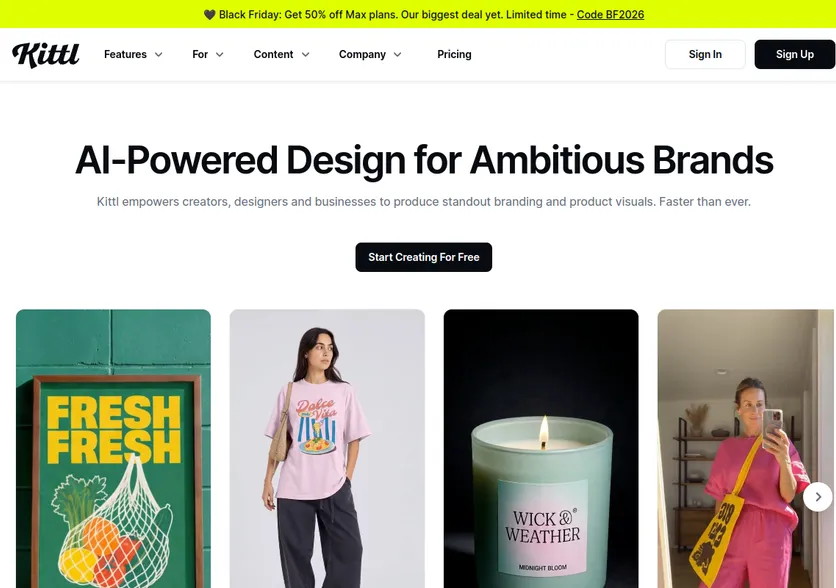
A YouTuber who wants bold, typographic thumbnails will like the type tools here, since this Kittl plan costs fourteen dollars a month for Pro on annual billing. The editor is built around strong fonts, textures and print-ready design, so thumbnails get a crafted look that stands out in a feed. Pro suits a creator whose channel leans on bold type and illustration.
What we like
- Strong typography and texture tools for bold thumbnails
- Print-ready design that also works for merch
- Distinctive look that stands out in a feed
Watch out for
- Smaller template library than Canva
- Geared to print sellers as much as to YouTubers
How to try it
- Open Kittl and pick a thumbnail canvas
- Add bold type and a texture over the video still
- Export the thumbnail and upload it with the video
Prices above were checked on each vendor’s own website on Nov 29, 2026 and can change — the vendor’s page is the final word. Vendor links are editorial: nobody paid to be listed or ranked here. Vendors who want a featured listing can see how it works on our Get listed page.
How to design a thumbnail that earns the click
Start with the still, not the template, because a thumbnail built on a strong frame from the video always beats a generic stock image. Pick one idea for the thumbnail and say it in three words or fewer, since nobody reads a sentence at the size thumbnails appear. Test the design at the smallest size on a phone, because a thumbnail that only works full-screen fails where most viewers see it. Keep the same style across videos so subscribers recognise the channel at a glance. Save the winning thumbnail as a template, so the next video starts from a design that already worked.
Before you buy
- Pick one idea per thumbnail and say it in three words or fewer
- Test every thumbnail at phone size before uploading
- Use a real frame from the video, not a stock image
- Keep the same style so subscribers recognise the channel
- Check the annual price, since monthly billing costs far more
Official websites
Official websites of the products reviewed above. Features and prices were checked against these sites when this guide was written, and they can change, so confirm on the vendor site before you buy.
Frequently asked questions
What is the best thumbnail design software for YouTubers?
Canva leads this list for most YouTubers because its Pro plan combines the largest template library with Magic Resize and brand kits for twelve dollars a month. Adobe Express suits creators who already use Adobe fonts and stock, while Snappa suits anyone who wants a thumbnail in five minutes. The right pick depends on whether the priority is templates, Adobe tools or speed.
How much does thumbnail design software cost?
Prices in this list run from three dollars and thirty-three cents a month for Fotor Pro on annual billing to twenty-two dollars and ninety-nine cents a month for Photoshop. Most tools sit between seven and fourteen dollars a month on annual billing, while monthly billing costs far more. Canva, Adobe Express, VistaCreate, Snappa, Fotor and Kittl all offer free plans for testing.
Do I need Photoshop to make good YouTube thumbnails?
No, and most YouTubers do not use it. Canva, Snappa and VistaCreate produce thumbnails that perform just as well, and they do it in minutes rather than hours. Photoshop suits creators with design skills who want full control over layers and effects, but a beginner will get better results faster from a template tool.
What size should a YouTube thumbnail be?
YouTube recommends twelve hundred and eighty by seven hundred and twenty pixels, in a sixteen by nine ratio, with a file under two megabytes. Every tool in this list offers a YouTube thumbnail size preset, so the creator does not need to set the dimensions by hand. Always check the thumbnail on a phone, since most viewers see it at a very small size.
Is there a free thumbnail design tool for YouTubers?
Yes, Canva, Adobe Express, VistaCreate, Snappa, Fotor, Placeit and Kittl all offer free plans. Free plans limit downloads, templates or exports, so a creator who publishes every week will outgrow them. PicMonkey and Photoshop offer trials instead of free plans, so test them on a real video before paying.
Compare the nine tools above, then design one real thumbnail in your top two and check it on a phone before paying for a full year.
Browse Business Tools tools