On this page
Learning to edit photos should feel fun, not like a second job, and the best beginner editors hide the complexity behind templates, one-click fixes and AI tools. A good first editor lets you crop, brighten and share a photo in minutes, then grows with you as your skills improve. Canva leads this comparison as the easiest starting point, with Photoshop close behind for anyone who wants professional tools later. We checked every price on the vendor site on November 27, 2026.
How we researched this
We started with editors that a first-time user can open and understand in minutes, then read each price on the vendor site on November 27, 2026 and noted the free plan or trial each one carries. We judged them for a beginner who edits photos for social media, family albums and small projects, not for a professional studio. We dropped free-only editors and quote-only tools because a beginner needs a published price to budget around.
Compare the tools
| Name | Best for | Starting price | Free plan | |
|---|---|---|---|---|
 Canva | Beginners who want the easiest possible start with templates and drag-and-drop tools | $10/month | Free plan with 5 GB storage | Visit |
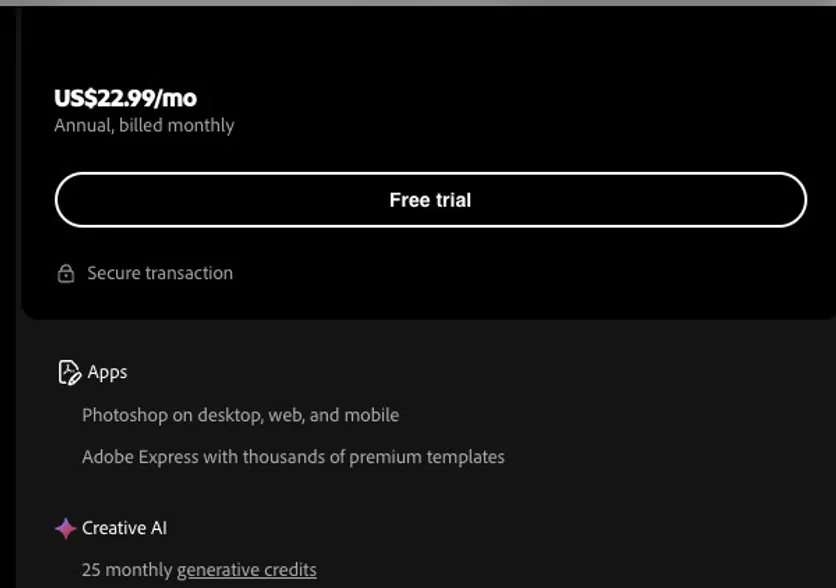
 Photoshop | Beginners who want room to grow into professional editing later | $22.99/month | No free plan; 7-day free trial | Visit |
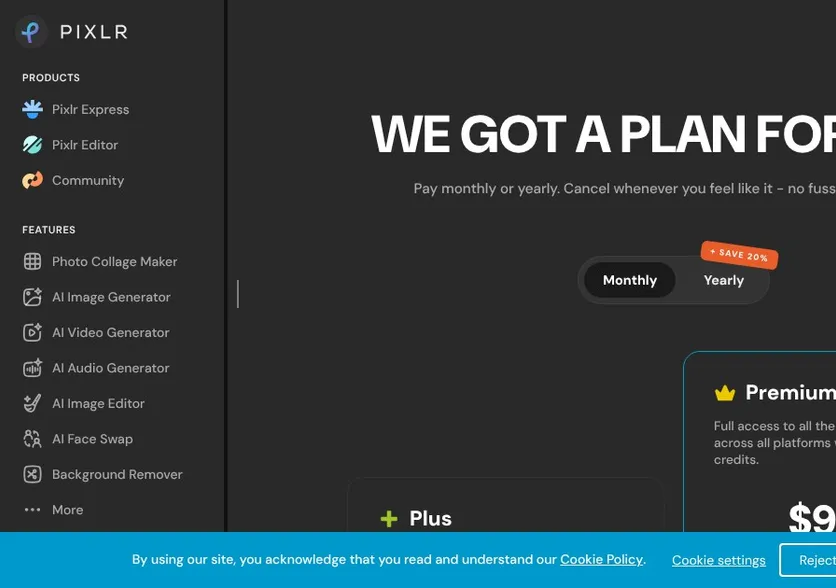
 Pixlr | Beginners who want a capable editor in the browser for almost nothing | $1.99/month | Free plan with basic tools and ads | Visit |
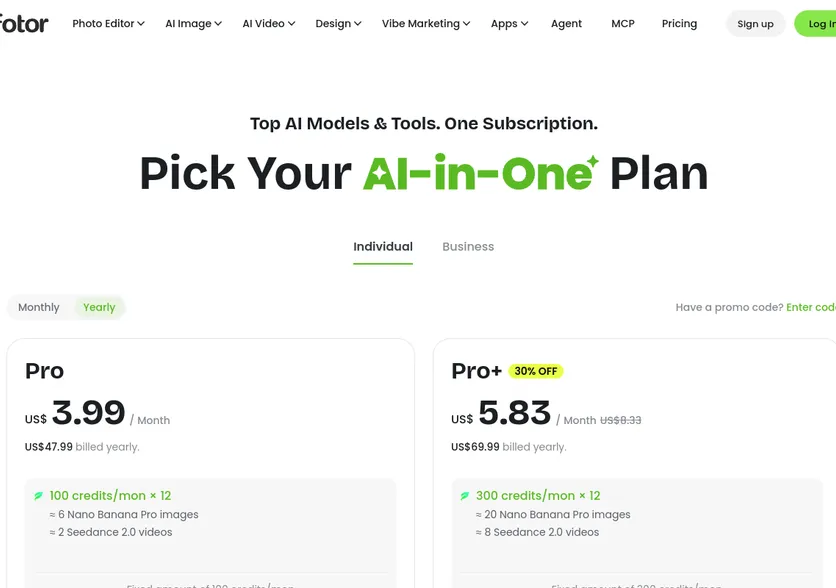
 Fotor | Beginners who want one-click fixes plus simple design tools | $3.99/month | Free plan with basic editing tools | Visit |
 BeFunky | Beginners who love playful effects, collages and quick touch-ups | $6.99/month | Free plan with basic tools | Visit |
 PicMonkey | Beginners who want templates and cloud storage with their editor | $7.99/month | No free plan; 7-day free trial | Visit |
| Luminar Neo | Beginners who want AI photo enhancement without a subscription | $99 one-time | No free plan; 7-day free trial | Visit |
| PaintShop Pro | Beginners who want a full desktop editor for a one-time price | $79.99 one-time | No free plan; 30-day free trial | Visit |
The image editing software for beginners, compared
1. Canva
Best for: Beginners who want the easiest possible start with templates and drag-and-drop tools
Paid tool Starting price: $10/month · Pro at ten dollars a month billed annually, or one hundred twenty dollars a year; fifteen dollars a month on monthly billing; free plan with five gigabytes of storage
Free plan: Free plan with 5 GB storage
This Canva editor is the friendliest way for a beginner to make a photo look good, because templates, one-click filters and drag-and-drop layouts do most of the work. You can remove a background, adjust brightness and add text in minutes without learning layers or masks. The free plan covers everyday edits, while Pro adds background removal, brand kits and a much larger template library.

What we like
- Thousands of templates for social posts and flyers
- One-click background removal on the Pro plan
- Free plan covers most everyday photo edits
Watch out for
- Advanced photo retouching is weaker than a full editor
- The best features need the Pro subscription
How to try it
- Open a photo in the editor or pick a template
- Apply a filter, crop the image and adjust brightness
- Download the finished image or share it directly
2. Photoshop
Best for: Beginners who want room to grow into professional editing later
Paid tool Starting price: $22.99/month · Photography plan at twenty-two dollars ninety-nine cents a month billed annually, or two hundred sixty-three dollars eighty-eight cents a year prepaid; thirty-four dollars forty-nine cents a month on monthly billing; seven-day free trial
Free plan: No free plan; 7-day free trial
This Photoshop editor is the industry standard, and its newer guided edits and AI tools make the first steps far less intimidating than the old reputation suggests. A beginner can remove an object, change a sky or extend a background with a short text prompt, then learn layers and masks at their own pace. The subscription includes cloud storage and the mobile app, so edits sync between computer and phone.
What we like
- AI tools that remove objects and extend images
- Guided edits that teach layers step by step
- Huge library of tutorials from Adobe and creators
Watch out for
- The full interface can overwhelm a first-time user
- Subscription cost adds up over a full year
How to try it
- Open a photo and try a guided edit first
- Use the remove tool to clean up distractions
- Save the result and sync it through Creative Cloud
3. Pixlr
Best for: Beginners who want a capable editor in the browser for almost nothing
Paid tool Starting price: $1.99/month · Plus at one dollar ninety-nine cents a month billed annually, or two dollars forty-nine cents a month on monthly billing; Premium at seven dollars ninety-nine cents a month billed annually; free plan with ads
Free plan: Free plan with basic tools and ads
This Pixlr editor runs entirely in the browser, so a beginner can start editing without installing anything or creating an account. The Plus plan costs less than two dollars a month on annual billing and adds AI tools, more overlays and an ad-free workspace. It handles the basics well, including cropping, color fixes, background removal and quick text overlays for social posts.
What we like
- Runs in the browser with nothing to install
- Lowest paid price in this comparison
- AI background removal and object removal included
Watch out for
- The free plan shows ads and limits some tools
- Browser editing depends on a steady connection
How to try it
- Open the editor in your browser and upload a photo
- Pick an AI tool or adjust colors and crop
- Export the finished image in your chosen format
4. Fotor
Best for: Beginners who want one-click fixes plus simple design tools
Paid tool Starting price: $3.99/month · Pro at three dollars ninety-nine cents a month billed annually, or forty-seven dollars ninety-nine cents a year; ten dollars ninety-nine cents a month on monthly billing; free plan with basic editing tools
Free plan: Free plan with basic editing tools
This Fotor editor combines quick photo fixes with a simple design studio, which suits a beginner who edits photos and makes social graphics in the same place. One-click enhance, background removal and portrait retouching cover the most common jobs without manual sliders. The Pro plan costs under four dollars a month on annual billing and unlocks the full effect library and batch processing.
What we like
- One-click enhance fixes most photos instantly
- Design tools and photo editing in one place
- Batch processing on the Pro plan saves time
Watch out for
- The free plan includes ads and fewer effects
- Advanced color controls are limited for pros
How to try it
- Upload a photo and try one-click enhance
- Remove the background or retouch a portrait
- Add text or a design element, then export
5. BeFunky
Best for: Beginners who love playful effects, collages and quick touch-ups
Paid tool Starting price: $6.99/month · Plus at six dollars ninety-nine cents a month billed annually, or eighty-three dollars eighty-eight cents a year; fourteen dollars ninety-nine cents a month on monthly billing; free plan with basic tools
Free plan: Free plan with basic tools
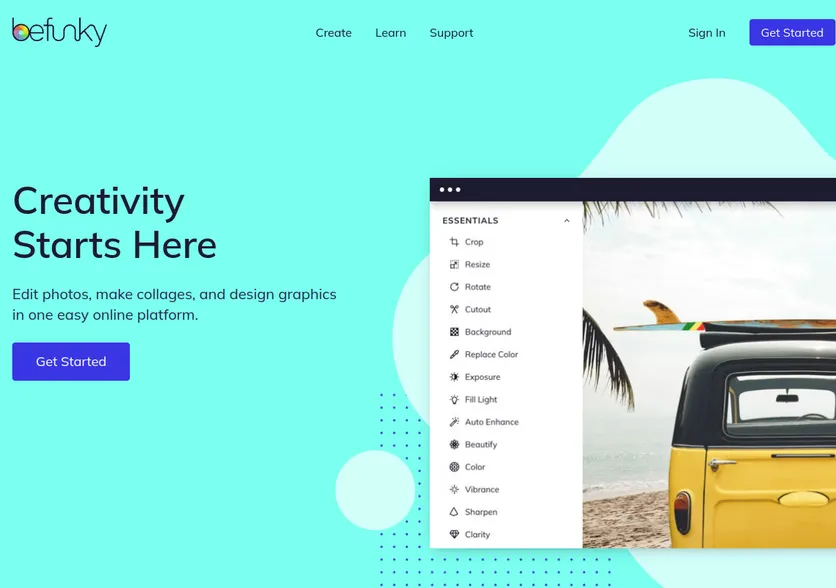
This BeFunky editor is built around fun and speed, with artsy filters, collage layouts and a touch-up panel that smooths skin and whitens teeth in a couple of clicks. A beginner can turn an ordinary snapshot into a framed collage or a stylized poster without touching a manual curve. The Plus plan adds the full effect library, batch editing and an ad-free workspace for under seven dollars a month on annual billing.
What we like
- Playful filters and effects that work in one click
- Easy collage maker with ready-made layouts
- Touch-up tools for portraits need no skill
Watch out for
- Less control over fine color and exposure
- The free plan shows ads while editing
How to try it
- Upload a photo or start from a collage layout
- Apply a filter and touch up portraits
- Save the image or share it to social media
6. PicMonkey
Best for: Beginners who want templates and cloud storage with their editor
Paid tool Starting price: $7.99/month · Basic at seven dollars ninety-nine cents a month, or seventy-two dollars a year on annual billing; no free plan, seven-day free trial
Free plan: No free plan; 7-day free trial
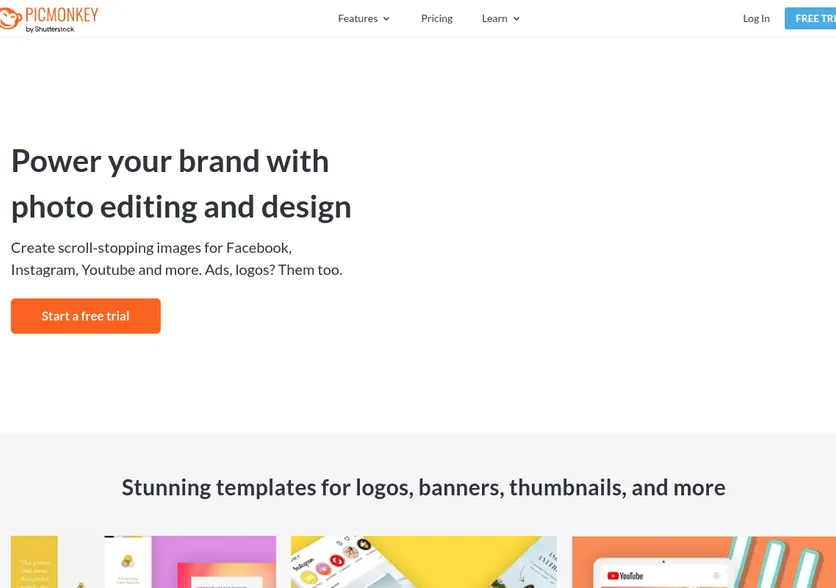
This PicMonkey editor pairs a straightforward photo editor with thousands of templates for social posts, invitations and ads, which suits a beginner who designs as often as they edit. The editing tools cover cropping, exposure, touch-ups and background removal without a steep learning curve. Cloud storage keeps projects and brand assets in one place, and the Basic plan starts under eight dollars a month.
What we like
- Thousands of templates for social and print
- Cloud storage keeps every project in one place
- Simple editor that never feels crowded
Watch out for
- No free plan, only a seven-day trial
- Fewer advanced editing tools than Photoshop
How to try it
- Start from a template or upload a photo
- Edit the image and add text or graphics
- Save the project to cloud storage and export
7. Luminar Neo
Best for: Beginners who want AI photo enhancement without a subscription
Paid tool Starting price: $99 one-time · Desktop Only edition at ninety-nine dollars one time; All Platforms at one hundred thirty-nine dollars and Max at one hundred fifty-nine dollars; seven-day free trial
Free plan: No free plan; 7-day free trial
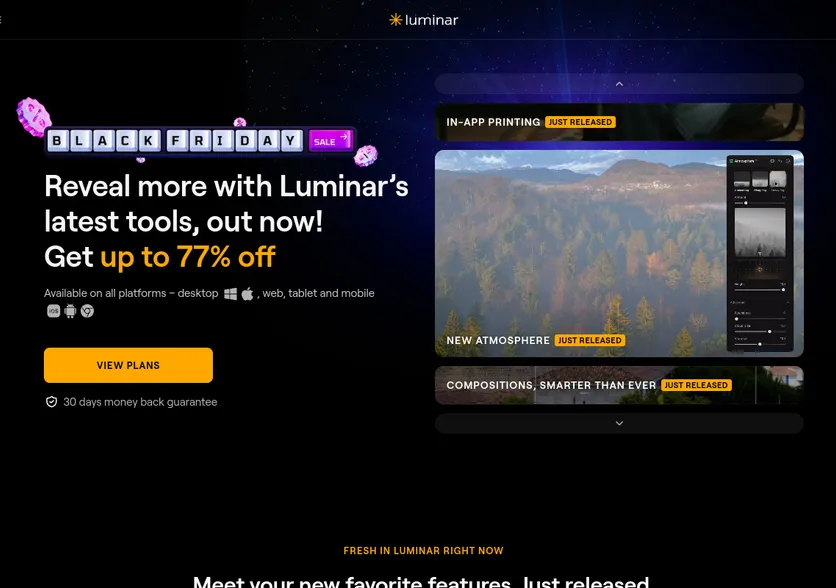
This Luminar Neo editor leans on AI to do the heavy lifting, with tools that replace skies, relight a scene and remove power lines in a few clicks. A beginner can get a polished result from a flat photo without learning manual masking, and the one-time purchase means no monthly bill. It works as a standalone app and as a plug-in for Photoshop and Lightroom, so it fits into a growing workflow.
What we like
- AI sky replacement and relighting in one click
- One-time purchase with no monthly subscription
- Works as a plug-in for Photoshop and Lightroom
Watch out for
- The product is now sold simply as Luminar
- Fewer organizing tools than a full photo manager
How to try it
- Open a photo and try the AI sky replacement
- Adjust the relight slider to balance the scene
- Export the finished image or send it to Photoshop
8. PaintShop Pro
Best for: Beginners who want a full desktop editor for a one-time price
Paid tool Starting price: $79.99 one-time · PaintShop Pro 2023 at seventy-nine dollars ninety-nine cents one time; Ultimate at ninety-nine dollars ninety-nine cents; thirty-day free trial
Free plan: No free plan; 30-day free trial
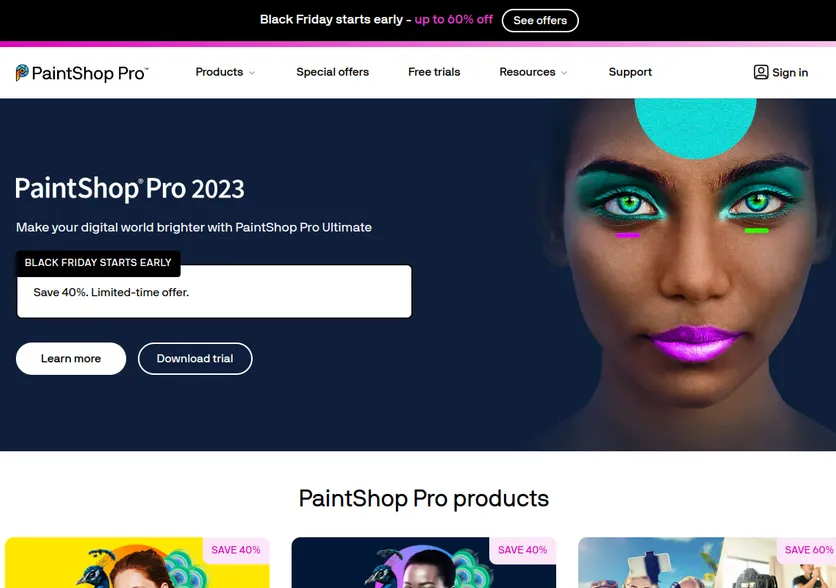
This PaintShop Pro editor is a classic desktop program that gives a beginner layers, selections and photo fixes for a single one-time payment. The 2023 edition includes AI tools for upscaling, background removal and noise reduction, plus a learning hub with guided tutorials. It suits a hobbyist who wants a permanent license and a complete toolset without a monthly subscription.
What we like
- One-time purchase with no subscription
- Full layer and selection tools for the price
- AI upscaling and background removal included
Watch out for
- Windows only, with no Mac version
- The interface feels dated next to newer editors
How to try it
- Open a photo and run the AI-powered one-click fixes
- Try a guided tutorial from the learning hub
- Save the project and export the finished image
Prices above were checked on each vendor’s own website on Nov 27, 2026 and can change — the vendor’s page is the final word. Vendor links are editorial: nobody paid to be listed or ranked here. Vendors who want a featured listing can see how it works on our Get listed page.
How a beginner should pick a first photo editor
Start with the job you actually do most often. If you mostly fix phone photos for social media, a template editor like Canva or a quick browser tool like Pixlr will cover nearly everything. If you shoot with a camera and want to develop raw files, look at Luminar Neo or Photoshop instead, because their AI tools handle exposure and color far better than a template app.
Use the free plan or trial on a real photo before you pay, and time yourself. An editor that feels obvious in ten minutes will still feel obvious in ten months, while one that confuses you on day one rarely gets easier. Check the export options too, since a cheap plan that limits image size or adds a watermark will frustrate you the moment you print or post at full quality.
Before you buy
- Check the free plan limits first, because storage caps and export watermarks differ widely
- Confirm the editor runs well in your browser or on your computer before paying
- Look for guided tutorials and templates if you have never edited a photo before
- Make sure the plan includes the export sizes you need for social media and print
- Test the free plan or trial on a real photo before committing to a yearly plan
Official websites
Official websites of the products reviewed above. Features and prices were checked against these sites when this guide was written, and they can change, so confirm on the vendor site before you buy.
Frequently asked questions
What is the easiest image editing software for a complete beginner?
Canva is the easiest starting point, because templates and drag-and-drop tools do most of the work and the free plan covers everyday edits. Pixlr is the cheapest paid option at under two dollars a month on annual billing and runs entirely in the browser. If you want room to grow, Photoshop is the standard, but it costs more and takes longer to learn.
Can I edit photos for free before paying?
Yes, Canva, Pixlr, Fotor and BeFunky all offer free plans that handle basic edits, and Photoshop, PicMonkey, Luminar Neo and PaintShop Pro offer free trials. Start with a free plan to learn the basics, then pay only when you need features like background removal, batch editing or higher export quality. A trial is the best way to test a paid editor before committing.
Should a beginner use a browser editor or a desktop editor?
A browser editor like Pixlr or Canva works well if your computer is modest and your internet is steady, because nothing is installed. A desktop editor like PaintShop Pro or Luminar Neo runs locally and works offline, which suits larger files and slower connections. Choose the browser route for quick social edits and the desktop route for big photo libraries.
Is it cheaper to pay monthly or yearly for photo editing software?
An annual plan usually costs about half the monthly price, so Pixlr Plus drops to under two dollars a month and Fotor Pro to under four dollars a month on yearly billing. A one-time purchase like Luminar Neo or PaintShop Pro can be cheaper over two or three years if you keep the same version. Compare the yearly total, not the monthly headline, before you decide.
Which editor should I choose if I plan to get serious later?
Photoshop is the best long-term pick, because its guided edits ease a beginner in and its professional tools are there when skills grow. Canva is the better pick if you mostly make social graphics and want templates more than deep editing. Luminar Neo sits in between, with AI tools that polish photos fast and a one-time price instead of a subscription.
Pick the editor that matches your comfort level, then start with its free plan or trial and edit one real photo before you pay.
Browse Image Tools tools