On this page
A small business sells with its photos, whether they are product shots, social posts or a flyer in the window, and a phone snapshot rarely does the job. The eight tools below edit product photos, remove backgrounds, build social posts and keep a brand consistent, from free to twenty-two dollars and ninety-nine cents a month. Canva Pro leads because it covers templates, AI and brand kits for one hundred and twenty dollars a year, and the rest are ranked on how much marketing they produce for the price.
How we researched this
We checked every price on the vendor pricing page on November 28, 2026, and only included tools with a published US dollar list price. Fotor's price rose from three dollars and thirty-three cents a month in November 2026, so its entry discloses the change, Luminar's headline price was shown under a sale banner, and Affinity became free in October 2025, so older guides still show a one-time price that no longer applies. Prices change, so confirm the current figure on the vendor site before you buy.
Compare the tools
| Name | Best for | Starting price | Free plan | |
|---|---|---|---|---|
 Canva Pro | Social posts, listings and brand kits in one place | $120/year | Free plan; 30-day free trial | Visit |
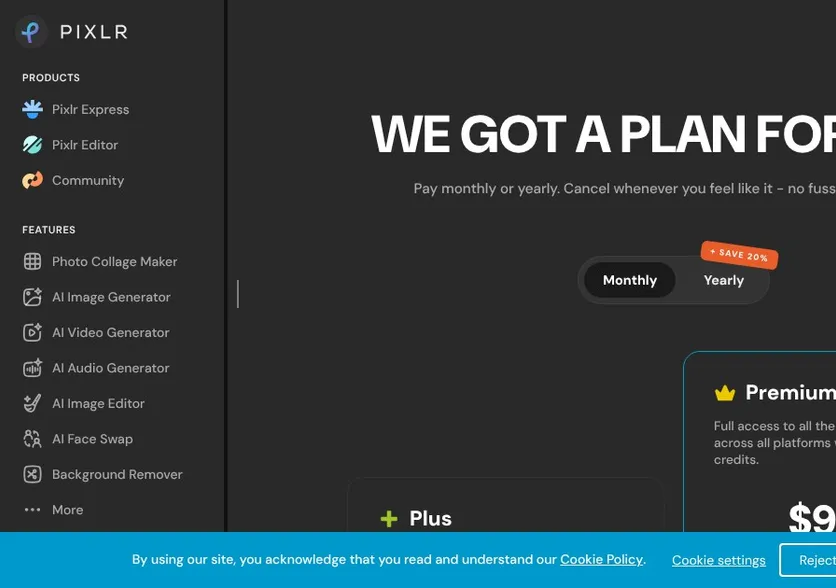
 Pixlr | Full browser editing with nothing to install | $7.99/month | Free plan; 7-day free trial | Visit |
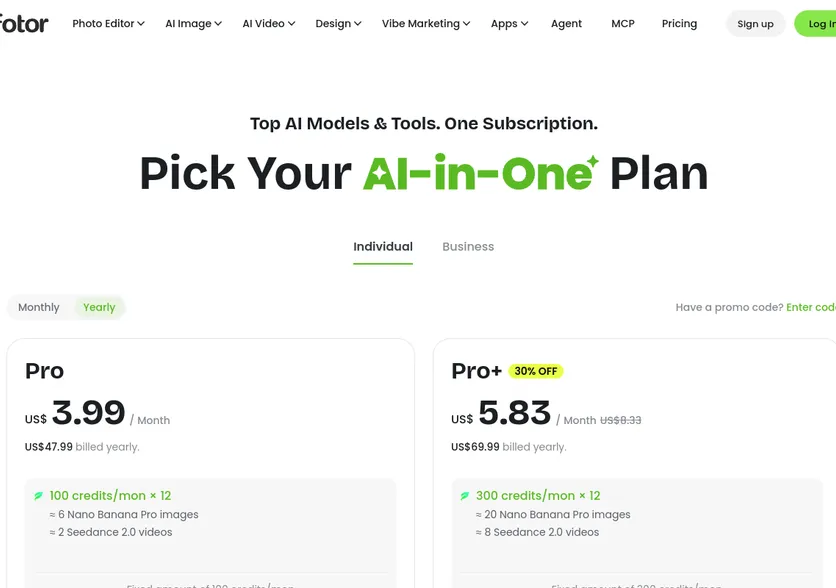
 Fotor | Budget editors who want AI tools bundled in | $3.99/month | Free plan | Visit |
 Adobe Photoshop | Professionals who need the deepest editing tools | $22.99/month | 7-day free trial | Visit |
| Adobe Lightroom | Photographers who want a catalog and cloud sync | $11.99/month | 7-day free trial | Visit |
 Luminar | One-click AI edits without a subscription | $99 one-time | No free plan; 30-day money-back guarantee | Visit |
| GIMP | Free desktop editing with no limits | $0 | Free forever, open source | Visit |
 Affinity | Professional editing for free on Mac and Windows | $0 | Free forever with a free Canva account | Visit |
The photo editing software for small business, compared
1. Canva Pro
Best for: Social posts, listings and brand kits in one place
Paid tool Starting price: $120/year · One hundred and twenty dollars a year billed annually, which works out at ten dollars a month; fifteen dollars a month on monthly billing
Free plan: Free plan; 30-day free trial
A small business that needs social posts, flyers and product photos from one app will find this Canva Pro plan costs one hundred and twenty dollars a year billed annually. It covers thousands of templates, a background remover, Magic Studio AI and a Brand Kit that keeps every design on brand. It is the fastest route from a product photo to a finished post.

What we like
- Thousands of templates for listings and social posts
- Background remover and Magic Studio AI included
- Brand Kit keeps every design on brand
Watch out for
- Photo editing is template-first, not a full RAW editor
- The annual plan bills the full year up front
How to try it
- Pick a template sized for the listing or post
- Drop in the photo and remove the background
- Export and reuse the design with the Brand Kit
2. Pixlr
Best for: Full browser editing with nothing to install
Paid tool Starting price: $7.99/month · Seven dollars and ninety-nine cents a month billed annually on Premium (ninety-five dollars and eighty-eight cents a year); nine dollars and ninety-nine cents billed monthly, and Plus starts at one dollar and ninety-nine cents a month billed annually
Free plan: Free plan; 7-day free trial
A business owner who edits product photos between customers needs an editor that opens instantly, and this Pixlr plan costs seven dollars and ninety-nine cents a month billed annually. Premium covers layers, AI background removal, generative fill and batch editing in the browser, with nothing to install. The free plan handles the occasional edit without a subscription.
What we like
- Real layers, masks and AI tools in the browser
- Nothing to install, works on any computer
- Batch editing and background removal included
Watch out for
- Browser-based, so very large files can feel slow
- The best AI tools need the Premium tier
How to try it
- Open the editor in the browser and upload a photo
- Apply AI background removal or generative fill
- Export in the format and size you need
3. Fotor
Best for: Budget editors who want AI tools bundled in
Paid tool Starting price: $3.99/month · Three dollars and ninety-nine cents a month billed annually on Pro (forty-seven dollars and ninety-nine cents a year); ten dollars and ninety-nine cents billed monthly; the price rose from three dollars and thirty-three cents a month in November 2026
Free plan: Free plan
For a business on the tightest budget, this Fotor plan costs three dollars and ninety-nine cents a month billed annually. Pro covers one-click enhancement, background removal, HD exports and AI image generation for social posts. The price rose from three dollars and thirty-three cents a month earlier in the year, but it is still the cheapest paid plan here.
What we like
- Cheapest subscription on this list
- AI image generation bundled with the editor
- One-click enhancement and HD exports
Watch out for
- The price rose from three dollars and thirty-three cents in November 2026
- AI credits are metered each month
How to try it
- Upload the photo to the browser editor
- Run one-click enhancement or an AI tool
- Export an HD copy for the listing
4. Adobe Photoshop
Best for: Professionals who need the deepest editing tools
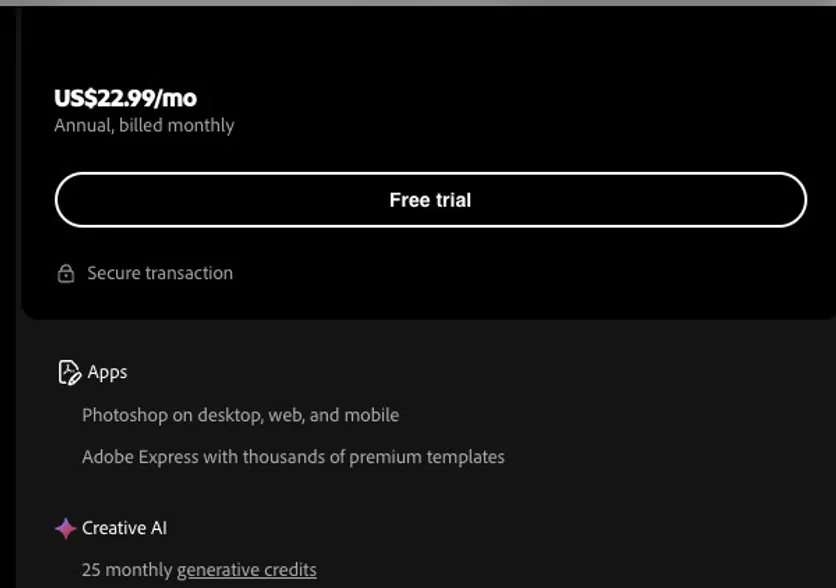
Paid tool Starting price: $22.99/month · Twenty-two dollars and ninety-nine cents a month on the annual plan billed monthly (thirty-four dollars and forty-nine cents month to month; two hundred and sixty-three dollars and eighty-eight cents a year prepaid)
Free plan: 7-day free trial
A business with a brand to protect needs the editor that professionals use, and this Adobe Photoshop plan costs twenty-two dollars and ninety-nine cents a month on the annual plan billed monthly. It handles product cutouts, background swaps, retouching and print-ready files with no compromises. It is the pick when the photos carry the brand.
What we like
- Layers, masks and selections with no real ceiling
- Generative Fill and Remove speed up heavy retouching
- PSD files open everywhere, so clients and printers accept them
Watch out for
- Subscription only, with no one-time purchase option
- Overkill for quick crops and colour fixes
How to try it
- Open the image and duplicate the background layer
- Make selections and adjustments on separate layers
- Export for print or web at the size you need
5. Adobe Lightroom
Best for: Photographers who want a catalog and cloud sync
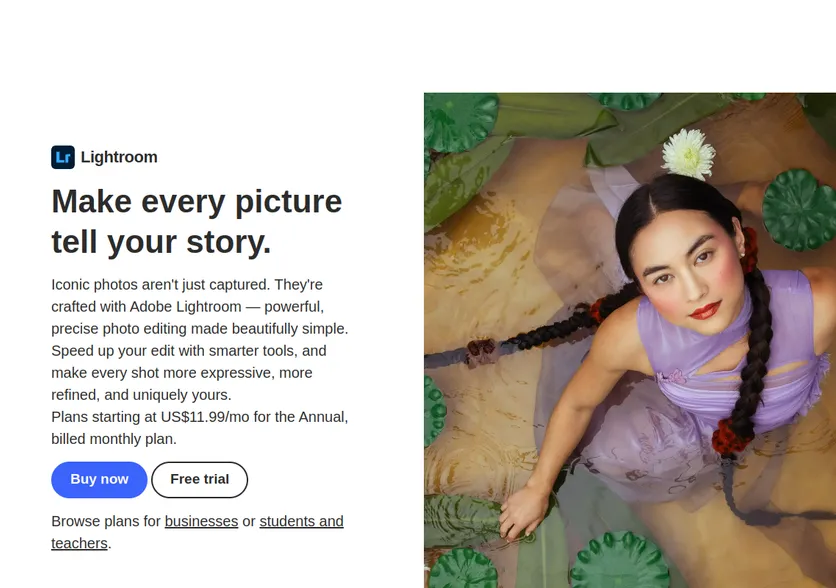
Paid tool Starting price: $11.99/month · Eleven dollars and ninety-nine cents a month on the annual plan billed monthly, with one terabyte of cloud storage; a year prepaid costs one hundred and nineteen dollars and eighty-eight cents, and the Photography plan with Photoshop is nineteen dollars and ninety-nine cents
Free plan: 7-day free trial
A business that photographs products every week needs one catalog that keeps them organised, and this Adobe Lightroom plan costs eleven dollars and ninety-nine cents a month on the annual plan billed monthly. Presets give every product photo the same look, batch editing processes a whole shoot, and cloud sync puts the photos on the phone for market days.
What we like
- Catalog, RAW editing and cloud sync in one app
- AI masking for skies, subjects and backgrounds
- Presets sync to mobile, so edits follow you
Watch out for
- Subscription only, with no one-time purchase option
- The base plan does not include Photoshop
How to try it
- Import the shoot and build a catalog
- Apply a preset, then refine exposure and colour
- Export the finished files at full resolution
6. Luminar
Best for: One-click AI edits without a subscription
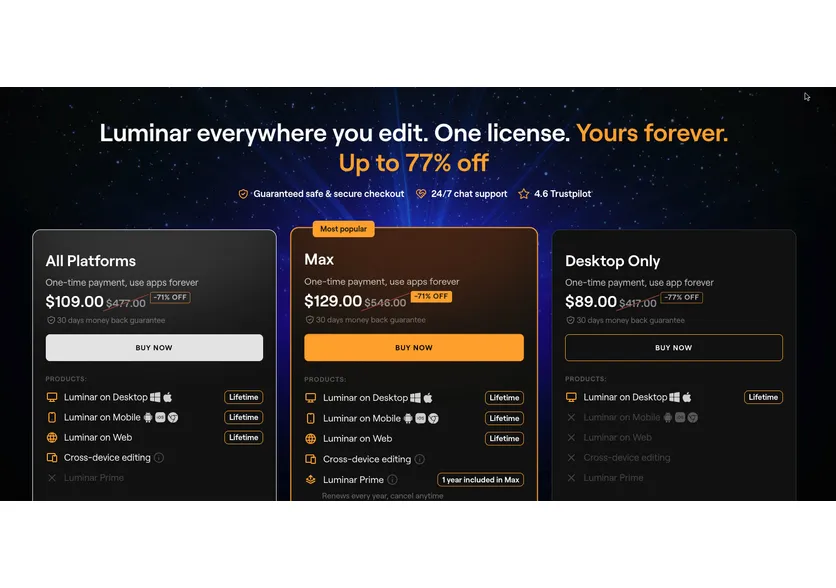
Paid tool Starting price: $99 one-time · Ninety-nine dollars one time for the Desktop Only licence, shown under a Black Friday banner in November 2026; All Platforms is one hundred and thirty-nine dollars and Max is one hundred and fifty-nine dollars one time
Free plan: No free plan; 30-day money-back guarantee
A business owner who wants good photos without learning a deep editor will like this Luminar plan, which costs ninety-nine dollars one time for the Desktop Only licence. Its AI tools fix light, colour and skies in one click, and it works standalone or as a plugin. One payment covers the tool for good.
What we like
- AI tools fix skies, skin and light in one click
- One-time licence, no monthly bill
- Works as a standalone app or a plugin
Watch out for
- The headline price was shown under a sale banner
- AI access on the Max tier renews yearly at an unstated price
How to try it
- Open the photo and let the AI suggest enhancements
- Adjust the sky, light and colour sliders
- Export the finished image at full resolution
7. GIMP
Best for: Free desktop editing with no limits
Paid tool Starting price: $0 · Free, with no payment, no trial and no watermark, since GIMP is open-source software maintained by volunteers; there is no paid tier and no vendor pricing page
Free plan: Free forever, open source
The free option that asks for nothing is here, since this GIMP app costs nothing at all. It is open-source software with layers, masks, colour tools and plugins, and it runs on Windows, Mac and Linux with no watermark and no trial. The interface feels dated, but the editing power is real.
What we like
- Completely free with no watermark or trial
- Layers, masks and plugins for serious editing
- Runs on Windows, Mac and Linux
Watch out for
- The interface feels dated next to paid editors
- No official support, only community help
How to try it
- Download GIMP and open the photo
- Edit with layers, masks and colour tools
- Export as JPEG, PNG or TIFF
8. Affinity
Best for: Professional editing for free on Mac and Windows
Paid tool Starting price: $0 · Free, with no payment and no watermark, since Canva merged the old Photo, Designer and Publisher apps into one free app in October 2025; the AI Studio features inside it need a paid Canva plan
Free plan: Free forever with a free Canva account
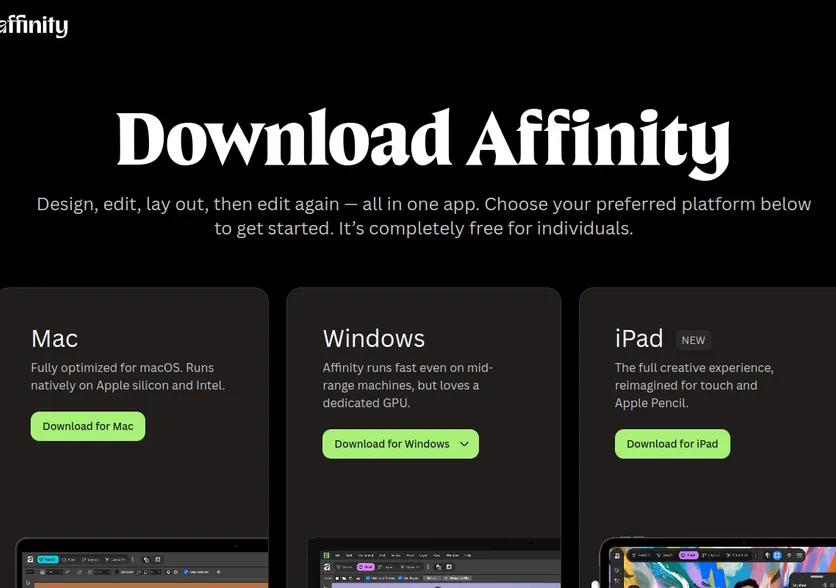
A small business that wants a professional editor without a monthly bill should look here, because this Affinity app is free forever with a free Canva account. It covers layers, RAW, HDR and batch work with no watermark, and it runs on Mac and Windows. The AI Studio features need a paid Canva plan, but the core editor is free.
What we like
- Full professional toolkit for free, no watermark
- Layers, RAW, HDR and batch work included
- No trial clock and no subscription
Watch out for
- AI features need a paid Canva plan
- A free Canva account is required to download it
How to try it
- Download Affinity and sign in with a free Canva account
- Open the photo in the Pixel Studio
- Edit with layers and export at full resolution
Prices above were checked on each vendor’s own website on Nov 28, 2026 and can change — the vendor’s page is the final word. Vendor links are editorial: nobody paid to be listed or ranked here. Vendors who want a featured listing can see how it works on our Get listed page.
How to make product photos that sell without hiring a photographer
Photograph the product against a plain background in daylight, because a clean shot needs far less editing than a cluttered one. Remove the background, fix the exposure with one preset, and crop to the size the shop or social post wants. Keep the same preset for every product so the shop looks like one brand, not a jumble of styles. Export a sharp web copy and keep the original for print, then reuse the design for the next product. Save the preset and the template together, since the next product should take minutes, not hours.
Before you buy
- Confirm the tool removes backgrounds and handles product cutouts cleanly
- Check whether templates for social posts and flyers are included or need another app
- Ask if presets keep every product photo looking like the same brand
- Make sure exports match the sizes the shop and social sites actually want
- Test the tool on a real product photo before paying for a year
Official websites
Official websites of the products reviewed above. Features and prices were checked against these sites when this guide was written, and they can change, so confirm on the vendor site before you buy.
Frequently asked questions
What is photo editing software for small business?
It is software that turns ordinary product and business photos into clean, consistent images for a shop, social media and flyers. Good tools remove backgrounds, fix exposure, apply presets and build social posts from templates. Most tools here charge per month or once, starting at free for Affinity and GIMP and three dollars and ninety-nine cents a month for Fotor.
How much does photo editing software cost for small business?
Prices on this list start at free for Affinity and GIMP, and three dollars and ninety-nine cents a month billed annually for Fotor Pro. Pixlr Premium costs seven dollars and ninety-nine cents a month, Lightroom eleven dollars and ninety-nine cents, Canva Pro one hundred and twenty dollars a year, and Photoshop twenty-two dollars and ninety-nine cents a month.
Can I edit product photos for free?
Yes, with Affinity, which is free forever with a free Canva account, and GIMP, which is free and open source with no watermark. Fotor, Pixlr and Canva all offer free plans that cover basic edits, and Adobe offers seven-day trials for Photoshop and Lightroom. A free plan suits a business with occasional photos, but busy shops need a paid plan.
Which tool is best for a small business?
Canva Pro is the best overall pick, since templates, AI and Brand Kit cover the whole marketing job for one hundred and twenty dollars a year. Affinity is the best value, since it is a full professional editor for free. Fotor is the cheapest paid plan, at three dollars and ninety-nine cents a month for AI editing and image generation.
Do I need Photoshop for product photos?
Not usually, since Canva, Pixlr and Fotor handle background removal, exposure and social templates for far less money. Photoshop is needed only for demanding work such as complex cutouts, retouching and print-ready files. A small business should start with Canva Pro or Affinity and add Photoshop only when the photos demand it.
Compare the eight tools above, then start with a free plan or trial on the tool that matches how your business sells before paying for a full year.
Browse Image Tools tools