On this page
PC photo editing splits into two camps: monthly subscriptions from Adobe and Topaz, and one-time purchases from ON1, ACDSee and Photoshop Elements. The seven tools below cover both, from a seventy-dollar one-time license to about two hundred dollars a year, and every price was checked on the vendor site on November 26, 2026. Most include raw editing, organizing and AI tools, so compare the whole workflow rather than one feature. Adobe Photoshop is our first pick — the deepest editor for PC users.
How we researched this
We started with the photo editors PC users actually buy, then read each price on the vendor pricing page on November 26, 2026 and noted the free trial each plan carries. We judged them for a PC user who edits raw photos, organizes a library and exports finished images, and we kept only tools with a published price. We dropped tools whose price we could not verify and left out Affinity Photo, which is now free.
Compare the tools
| Name | Best for | Starting price | Free plan | |
|---|---|---|---|---|
 Adobe Photoshop | PC users who want the industry-standard editor with no compromises | $22.99/month | No free plan; 7-day free trial | Visit |
 Adobe Lightroom | Photographers who organize and edit large libraries on a PC | $119.88/year | No free plan; 7-day free trial | Visit |
 ON1 Photo RAW 2027 | PC photographers who want to own their editor outright | $99.99 one-time | No free plan; 30-day free trial | Visit |
 Topaz Photo | PC users who want AI upscaling and sharpening for older photos | $199/year | No free plan; free trial available | Visit |
 Luminar Neo | PC users who want one-click AI edits without learning layers | $99/year | No free plan; free trial available | Visit |
 ACDSee Photo Studio Home 2027 | Windows users who want fast organizing plus editing in one app | $69.99 one-time | No free plan; free trial available | Visit |
 Adobe Photoshop Elements | Casual PC editors who want Photoshop power without a subscription | $99.99 one-time | No free plan; free trial available | Visit |
The photo editing software for PC, compared
1. Adobe Photoshop
Best for: PC users who want the industry-standard editor with no compromises
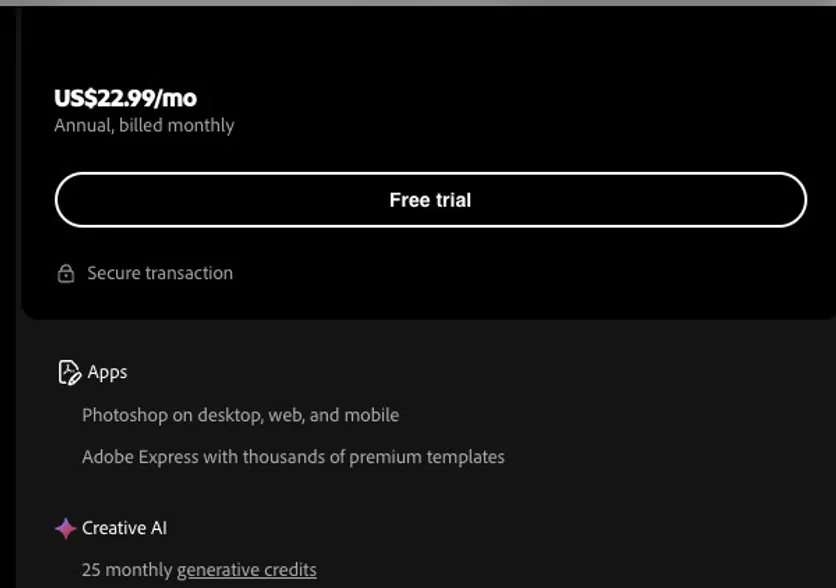
Paid tool Starting price: $22.99/month · Single-app plan billed annually; the Photography plan bundles Photoshop with Lightroom
Free plan: No free plan; 7-day free trial
Adobe Photoshop is the editor every other photo tool is measured against, with layers, masks, selections and retouching that handle any job. This Adobe Photoshop single-app plan is billed annually, and the Photography plan bundles it with Lightroom for photographers who want both. A PC user who edits client work every day will find no missing feature and no learning ceiling.
What we like
- Deepest editing tools in this list
- Huge library of tutorials and plugins
- New AI tools arrive here first
Watch out for
- Monthly cost never stops
- Steep learning curve for beginners
How to try it
- Open the Adobe pricing terms page and start the free trial
- Edit a raw photo with layers, masks and healing tools
- Export the result and check the file size and quality
2. Adobe Lightroom
Best for: Photographers who organize and edit large libraries on a PC
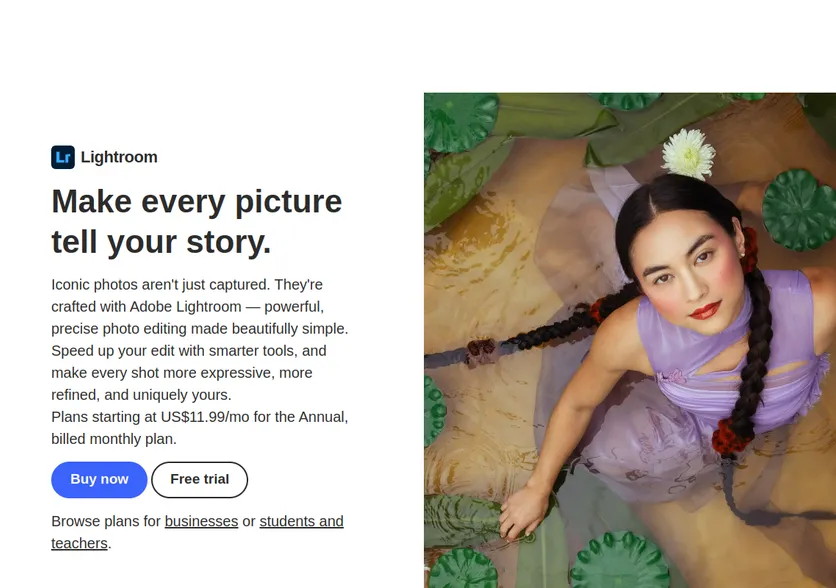
Paid tool Starting price: $119.88/year · Lightroom plan with one terabyte of storage, prepaid annually; monthly billing costs about twelve dollars a month
Free plan: No free plan; 7-day free trial
Adobe Lightroom pairs a photo organizer with a non-destructive editor, so a photographer can cull, edit and export thousands of shots without touching the originals. This Adobe Lightroom plan includes one terabyte of cloud storage, and the prepaid annual price works out cheaper than paying monthly. A PC photographer with a growing library will value the catalog more than any single editing tool.
What we like
- Best photo library and catalog tools
- Non-destructive edits with easy presets
- Cloud sync across desktop and mobile
Watch out for
- Price is from the January 2025 update
- Heavy catalog needs a fast PC
How to try it
- Start the Lightroom trial and import a folder of photos
- Rate and cull the set, then edit the best shots
- Sync the catalog and open it on another device
3. ON1 Photo RAW 2027
Best for: PC photographers who want to own their editor outright
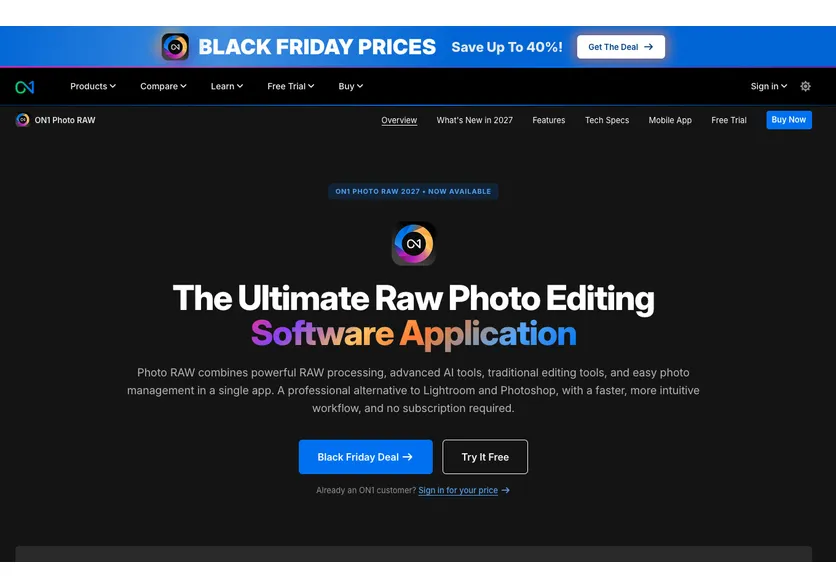
Paid tool Starting price: $99.99 one-time · One-time purchase; Photo RAW MAX costs more; a seasonal sale price is running and is not the list price
Free plan: No free plan; 30-day free trial
ON1 Photo RAW 2027 is a full raw editor and organizer sold as a one-time purchase, with AI noise reduction, masking and resizing built in. This ON1 Photo RAW 2027 license costs ninety-nine ninety-nine once and never expires, while the MAX version adds plugins and extra AI tools for more. A PC photographer who dislikes subscriptions can buy it once and edit for years.
What we like
- One-time purchase, no subscription
- Strong AI noise reduction built in
- Organizer and editor in one app
Watch out for
- New versions cost extra to upgrade
- Smaller plugin community than Adobe
How to try it
- Download the thirty-day trial from the ON1 site
- Edit a noisy raw file with NoNoise AI
- Compare the standard and MAX versions before buying
4. Topaz Photo
Best for: PC users who want AI upscaling and sharpening for older photos
Paid tool Starting price: $199/year · Personal plan billed annually; a first-year promotion is lower and is not the list price; monthly billing costs more
Free plan: No free plan; free trial available
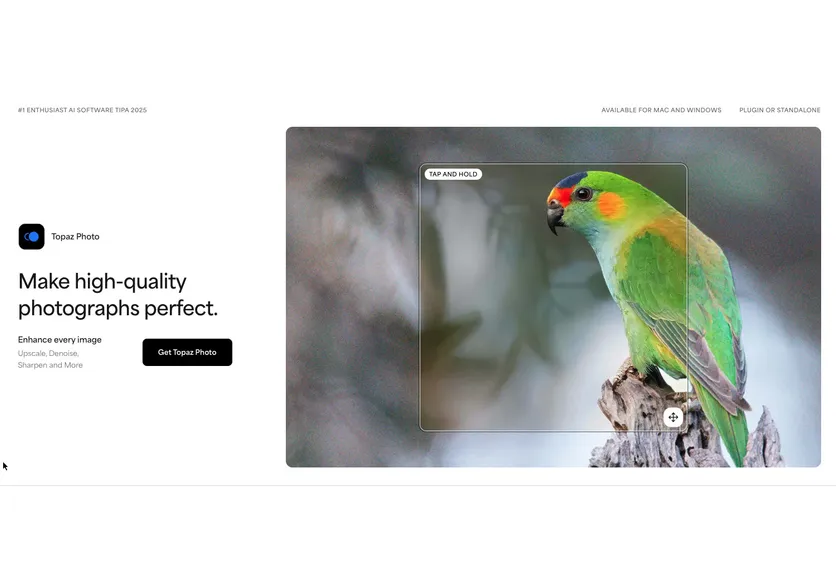
Topaz Photo is a dedicated AI enhancer that sharpens, denoises and upscales photos that other editors cannot save. This Topaz Photo Personal plan is billed annually and covers the full AI toolkit for one user. A PC user with old scans, phone shots or noisy event photos will see results here that no slider can match.
What we like
- Best AI sharpening and upscaling here
- Saves photos other editors cannot fix
- Simple controls with strong defaults
Watch out for
- Most expensive yearly plan here
- Enhancer only, not a full editor
How to try it
- Start the trial and open a noisy or soft photo
- Run denoise and sharpening and compare the result
- Upscale a small image and check the detail
5. Luminar Neo
Best for: PC users who want one-click AI edits without learning layers
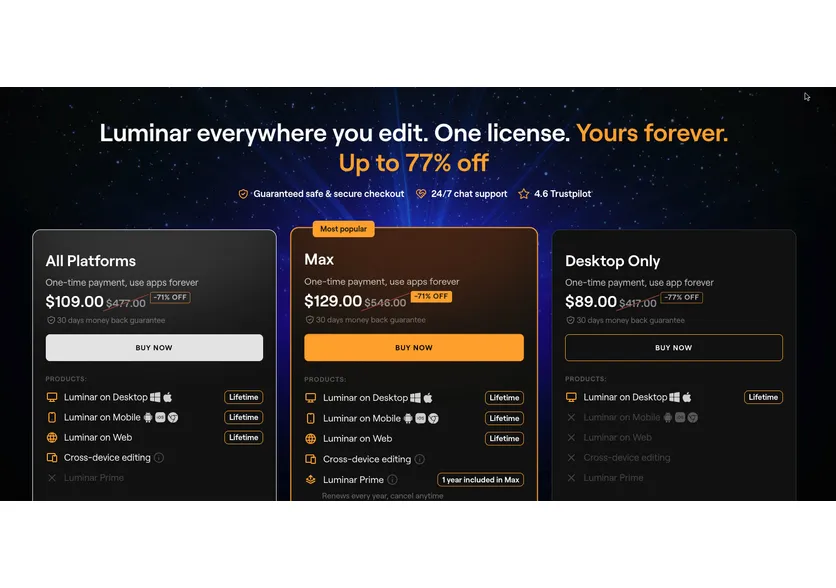
Paid tool Starting price: $99/year · Twelve-month subscription; lifetime licenses cost more; other campaign pages show lower prices
Free plan: No free plan; free trial available
Luminar Neo is a friendly editor built around AI tools that replace skies, relight portraits and clean up photos in one click. This Luminar Neo subscription runs for twelve months, and lifetime licenses cost more for buyers who want to pay once. A PC user who wants great results fast, without studying layers and masks, will enjoy it from day one.
What we like
- Fastest one-click AI edits here
- Friendly interface for beginners
- Works as a plugin for Photoshop too
Watch out for
- Campaign pages show conflicting prices
- Fewer manual controls than Photoshop
How to try it
- Start the trial and open a landscape photo
- Try sky replacement and relighting on the same shot
- Compare the subscription and lifetime prices
6. ACDSee Photo Studio Home 2027
Best for: Windows users who want fast organizing plus editing in one app
Paid tool Starting price: $69.99 one-time · One-time purchase; a seasonal sale price is lower and is not the list price
Free plan: No free plan; free trial available
ACDSee Photo Studio Home 2027 is a Windows-first editor and organizer that handles raw files, batch edits and quick fixes without a subscription. This ACDSee Photo Studio Home 2027 license is a one-time purchase, so the cost stops after checkout. A Windows user with a big photo folder will like the fast browsing and simple batch tools.
What we like
- Fast browsing for big photo folders
- One-time purchase, no subscription
- Strong batch editing tools
Watch out for
- Windows only, no Mac version
- Fewer AI tools than rivals
How to try it
- Download the trial and point it at your photo folder
- Batch-rename and batch-edit a set of photos
- Check the upgrade price for the next version
7. Adobe Photoshop Elements
Best for: Casual PC editors who want Photoshop power without a subscription
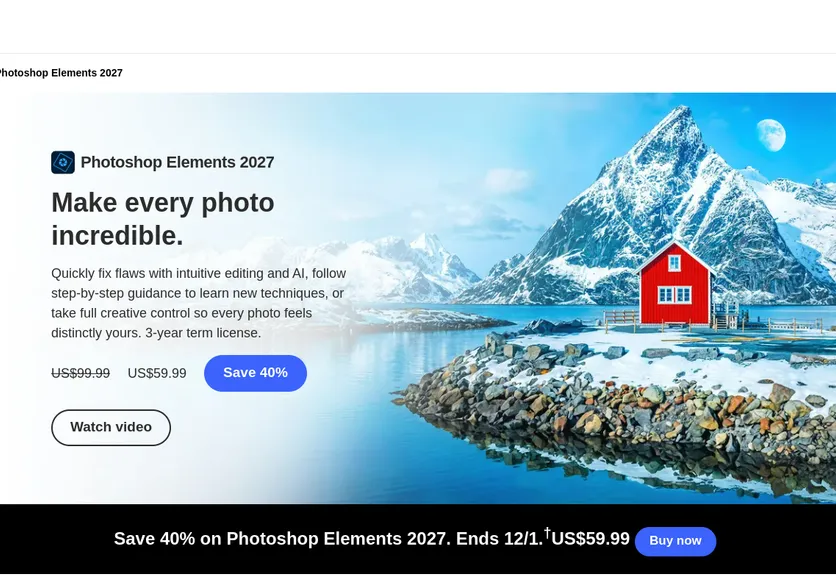
Paid tool Starting price: $99.99 one-time · Three-year term license with a one-time purchase; the bundle with Premiere Elements costs more
Free plan: No free plan; free trial available
Adobe Photoshop Elements is the friendly sibling of Photoshop, with guided edits, one-click fixes and organizing tools in a three-year license. This Adobe Photoshop Elements license is a one-time purchase with nothing more to pay during the three-year term. A casual PC editor who wants real Photoshop tools without a monthly bill will find it hits the sweet spot.
What we like
- Real Photoshop tools, no subscription
- Guided edits teach as you work
- Organizer included for family photos
Watch out for
- License ends after three years
- Fewer pro tools than full Photoshop
How to try it
- Download the trial from the Adobe Elements page
- Try a guided edit on one of your photos
- Check the bundle price with Premiere Elements
Prices above were checked on each vendor’s own website on Nov 26, 2026 and can change — the vendor’s page is the final word. Vendor links are editorial: nobody paid to be listed or ranked here. Vendors who want a featured listing can see how it works on our Get listed page.
What photo editing software for PC costs in 2026
Most PC photographers pay for one license, so the headline price is close to the whole budget, and this list runs from about seventy dollars once to about two hundred dollars a year. The cheapest plan is not always the cheapest deal, because a subscription keeps charging every year while a one-time purchase stops after checkout, and a three-year Elements license still ends. The headline plan each vendor shows on its own pricing page is the number in the table above, checked on November 26, 2026.
Start with the free trial on two tools and edit your own raw files through each, from import to export. Compare how fast the editor opens a large folder, whether the AI tools help your kind of photos, and whether the organizer fits how you work. Pick the tool that feels fastest on your PC, because an editor that lags is one you will stop opening.
Before you buy
- Decide between subscription and ownership first, because ON1 and ACDSee sell once while Adobe bills every month.
- Check the storage in the plan, because Lightroom bundles one terabyte while Photoshop alone includes less.
- Test the trial on your own raw files, because speed on a big library matters more than the feature list.
- Count the computers you edit on, because a one-time license may cover one machine only.
- Compare AI tools honestly, because Topaz and Luminar sell AI quality while ON1 sells control.
Official websites
Official websites of the products reviewed above. Features and prices were checked against these sites when this guide was written, and they can change, so confirm on the vendor site before you buy.
Frequently asked questions
Which photo editing software is best for PC in 2026?
Adobe Photoshop, at twenty-two ninety-nine a month, is the safest default because no other editor matches its depth, and its AI tools arrive first. ON1 Photo RAW 2027 wins for buyers who want to own their software, at ninety-nine ninety-nine once. Lightroom is the pick for photographers who organize big libraries, while Topaz Photo is the best second tool for rescuing noisy or soft shots.
How much does photo editing software for PC cost?
Most tools in this list cost between seventy and two hundred dollars a year, or about twenty-three dollars a month for Photoshop alone. One-time purchases change the math, because ON1, ACDSee and Photoshop Elements charge once, while Adobe and Topaz bill every year. Expect to pay more once you add cloud storage, extra seats or a MAX tier.
Is there a free photo editor for PC worth using?
No, Affinity Photo is now free, but it is not a paid tool and sits outside this comparison. Every paid tool here offers a free trial instead, from seven days for Adobe to thirty days for ON1. A trial is enough to edit your own raw files and judge speed and quality before you commit.
Photoshop vs Lightroom vs ON1 — which should I pick?
It depends on what you shoot. Photoshop wins for layered retouching and compositing, Lightroom wins for organizing and editing thousands of photos, and ON1 wins for photographers who want to own their editor. Topaz Photo is not a full editor, but it beats all of them at sharpening and upscaling a single image.
What should I look for in photo editing software for PC?
Look for raw support, non-destructive editing, fast browsing and the AI tools you will actually use, plus a price model that fits your budget. Test the trial on your own photos, not samples, and check how the editor handles a full folder before you buy. The best editor is the one that fits your workflow, not the one with the longest feature list.
Need everyday image help too? Try Toolsvine's free image tools right in your browser.
Browse Image Tools tools