On this page
An architectural visualisation lives or dies on its final image, and the edit is where a flat render becomes a building a client can feel. The eight tools below straighten perspectives, replace skies, match colours across a set and rescue low-resolution exports, from a free trial to a one-time licence. Adobe Photoshop leads because it handles the deepest composites for twenty-two dollars and ninety-nine cents a month, and the rest are ranked on how much of the visualisation workflow they cover for the price.
How we researched this
We checked every price on the vendor pricing page on November 28, 2026, and only included tools with a published US dollar list price. Capture One shows two different annual prices in November 2026 guides, so its entry discloses both, Luminar's headline price was shown under a sale banner, and Topaz moved from a one-time licence to a subscription in late 2025, so older guides show a stale price. Prices change, so confirm the current figure on the vendor site before you buy.
Compare the tools
| Name | Best for | Starting price | Free plan | |
|---|---|---|---|---|
 Adobe Photoshop | Professionals who need the deepest editing tools | $22.99/month | 7-day free trial | Visit |
| Adobe Lightroom | Photographers who want a catalog and cloud sync | $11.99/month | 7-day free trial | Visit |
 Capture One Pro | Studio and tethered shooting with colour control | $18/month | 30-day free trial | Visit |
 Luminar | One-click AI edits without a subscription | $99 one-time | No free plan; 30-day money-back guarantee | Visit |
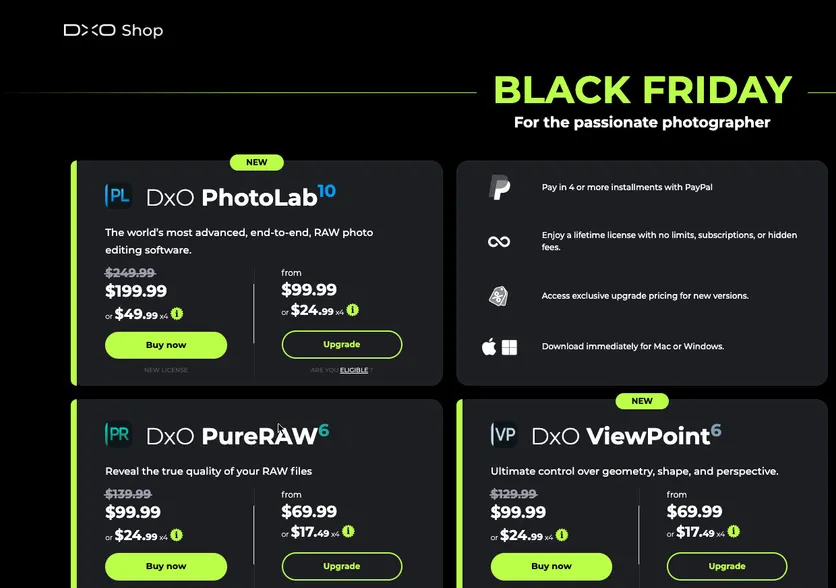
 DxO PhotoLab | Maximum RAW quality and noise reduction | $139 one-time | 30-day free trial | Visit |
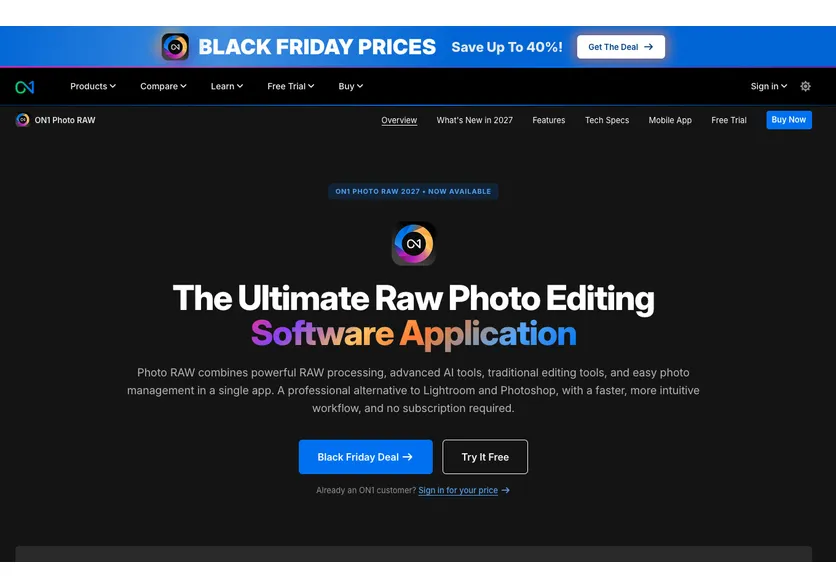
 ON1 Photo RAW | One app for catalog, RAW editing and layers | $99.99 one-time | 30-day free trial | Visit |
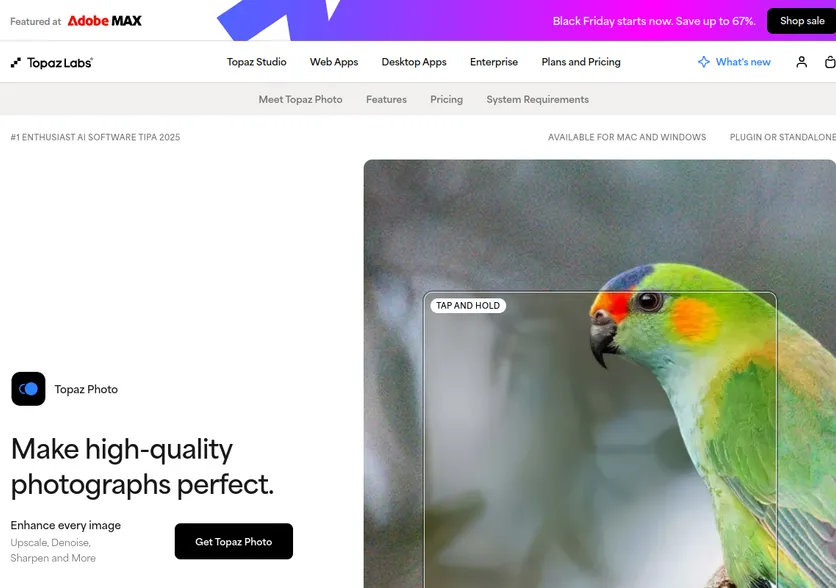
| Topaz Photo AI | Rescuing noisy, soft or low-resolution photos | $199/year | Free trial (watermarked exports) | Visit |
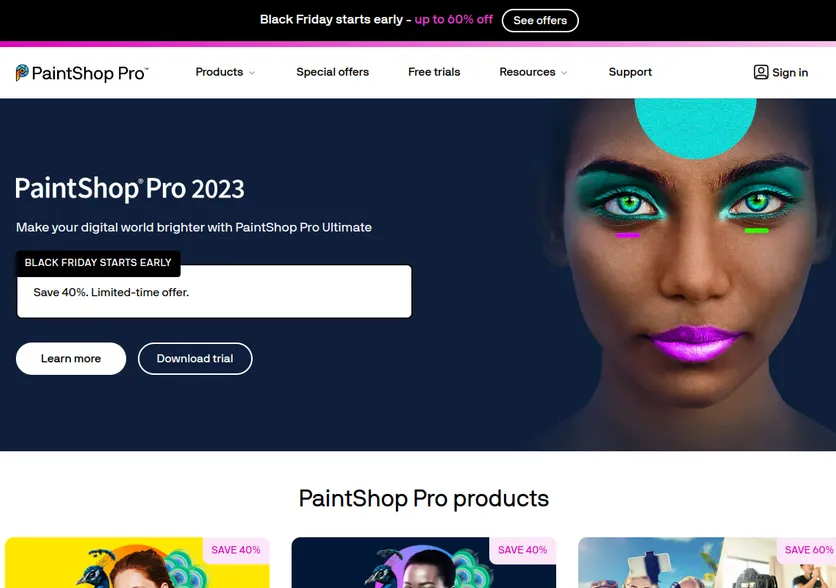
| Corel PaintShop Pro | Windows users who want a one-time Photoshop alternative | $79.99 one-time | 30-day free trial | Visit |
The photo editing software for architectural visualization, compared
1. Adobe Photoshop
Best for: Professionals who need the deepest editing tools
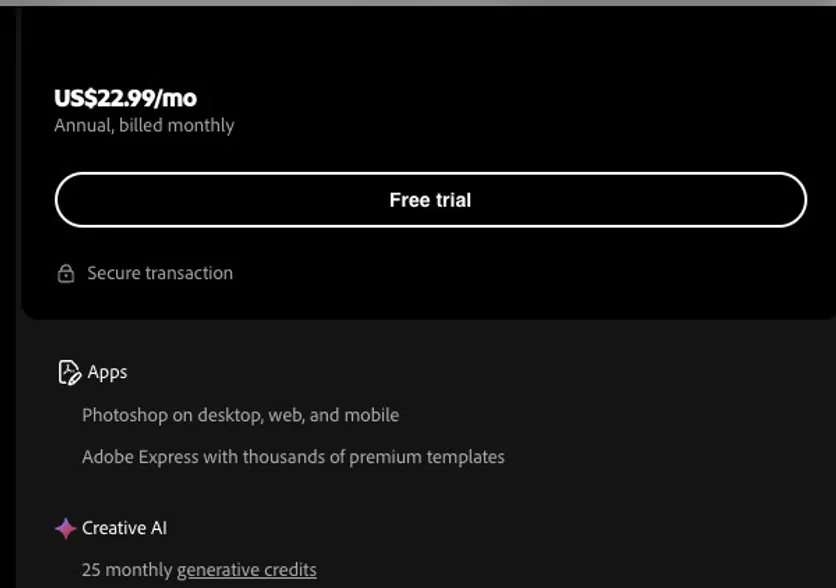
Paid tool Starting price: $22.99/month · Twenty-two dollars and ninety-nine cents a month on the annual plan billed monthly (thirty-four dollars and forty-nine cents month to month; two hundred and sixty-three dollars and eighty-eight cents a year prepaid)
Free plan: 7-day free trial
An architectural visualiser who composites people, trees and skies into a render needs the deepest layer tools available, and this Adobe Photoshop plan costs twenty-two dollars and ninety-nine cents a month on the annual plan billed monthly. Its perspective warp straightens converging lines, Generative Fill extends a facade or a sky, and smart objects keep every element editable until the client signs off. No other editor on this list handles a complex composite as comfortably.
What we like
- Layers, masks and selections with no real ceiling
- Generative Fill and Remove speed up heavy retouching
- PSD files open everywhere, so clients and printers accept them
Watch out for
- Subscription only, with no one-time purchase option
- Overkill for quick crops and colour fixes
How to try it
- Open the image and duplicate the background layer
- Make selections and adjustments on separate layers
- Export for print or web at the size you need
2. Adobe Lightroom
Best for: Photographers who want a catalog and cloud sync
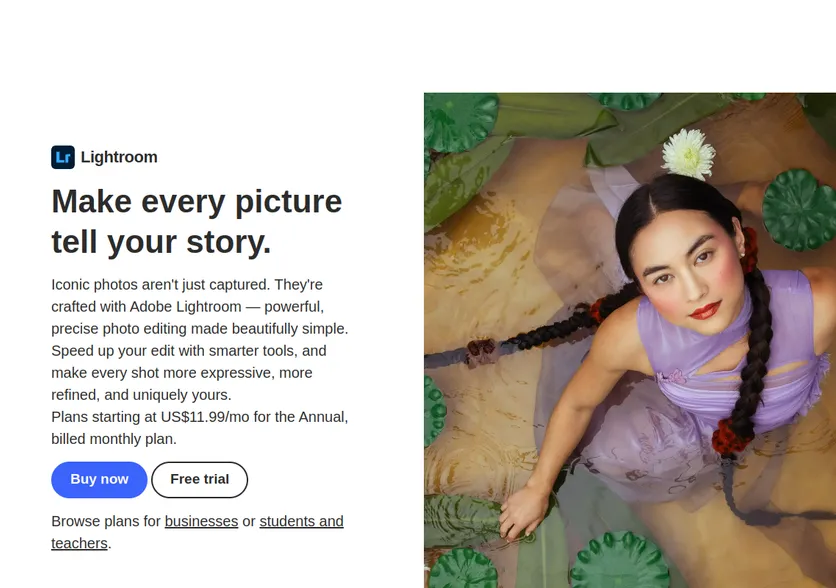
Paid tool Starting price: $11.99/month · Eleven dollars and ninety-nine cents a month on the annual plan billed monthly, with one terabyte of cloud storage; a year prepaid costs one hundred and nineteen dollars and eighty-eight cents, and the Photography plan with Photoshop is nineteen dollars and ninety-nine cents
Free plan: 7-day free trial
A visualiser with a library of renders, textures and site photos needs one catalog that keeps them all searchable, and this Adobe Lightroom plan costs eleven dollars and ninety-nine cents a month on the annual plan billed monthly. It batch-edits a whole set of renders to the same colour grade, syncs presets to mobile for site visits, and stores a terabyte of files in the cloud. It is the organiser that keeps a busy visualisation studio on track.
What we like
- Catalog, RAW editing and cloud sync in one app
- AI masking for skies, subjects and backgrounds
- Presets sync to mobile, so edits follow you
Watch out for
- Subscription only, with no one-time purchase option
- The base plan does not include Photoshop
How to try it
- Import the shoot and build a catalog
- Apply a preset, then refine exposure and colour
- Export the finished files at full resolution
3. Capture One Pro
Best for: Studio and tethered shooting with colour control
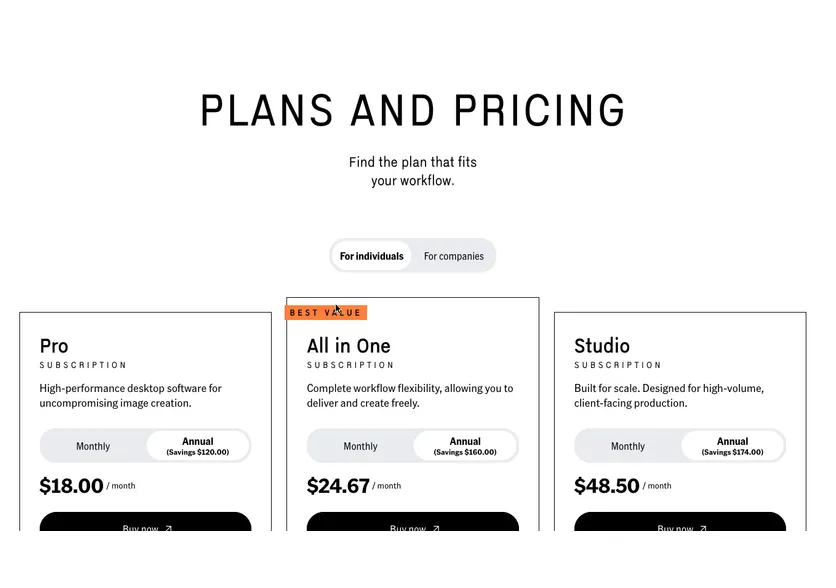
Paid tool Starting price: $18/month · Eighteen dollars a month billed annually on Pro (twenty-eight dollars month to month); All in One is twenty-four dollars and sixty-seven cents a month billed annually, and a perpetual Pro licence is three hundred and forty-nine dollars; some guides list twenty-six dollars and twenty-five cents a month, so verify at checkout
Free plan: 30-day free trial
Colour accuracy decides whether a render looks like the finished building, and this Capture One Pro plan costs eighteen dollars a month billed annually. Its colour editor and tethered capture suit a studio that photographs models, materials and sites, and its layers handle local exposure work on an interior shot. Some guides list a higher twenty-six dollar annual price, so check the vendor page at checkout.
What we like
- Best-in-class colour editing and tethered capture
- Sessions keep each shoot self-contained
- Layers and masks built for professional RAW work
Watch out for
- Some guides list a higher twenty-six dollar annual price, so verify
- Smaller preset and plugin ecosystem than Adobe
How to try it
- Create a session and connect the camera for tethered shooting
- Adjust colour and exposure with layers
- Export the selects at full resolution
4. Luminar
Best for: One-click AI edits without a subscription
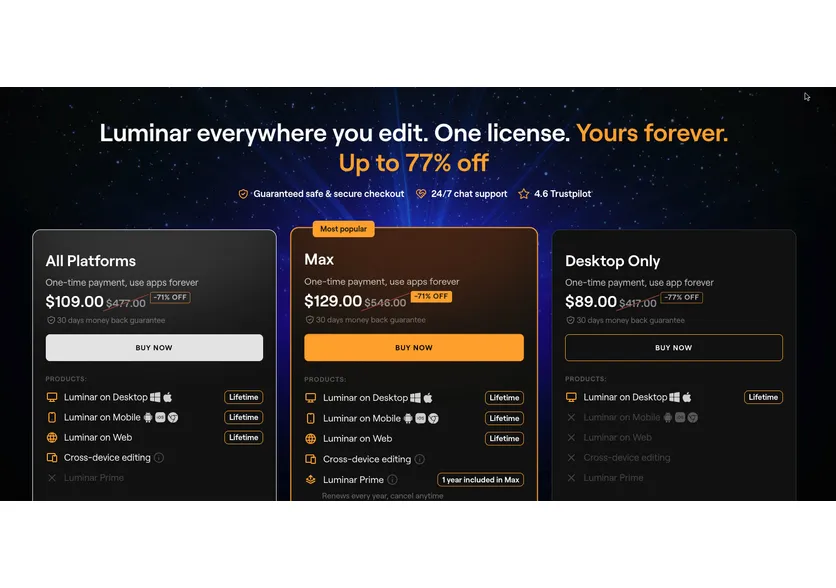
Paid tool Starting price: $99 one-time · Ninety-nine dollars one time for the Desktop Only licence, shown under a Black Friday banner in November 2026; All Platforms is one hundred and thirty-nine dollars and Max is one hundred and fifty-nine dollars one time
Free plan: No free plan; 30-day money-back guarantee
An exterior render with a dull grey sky sells nothing, and this Luminar plan costs ninety-nine dollars one time for the Desktop Only licence. Its AI sky replacement swaps in a believable sky in one click, and its light and structure tools lift a flat render without manual masking. The one-time price means the studio pays once and keeps the tool.
What we like
- AI tools fix skies, skin and light in one click
- One-time licence, no monthly bill
- Works as a standalone app or a plugin
Watch out for
- The headline price was shown under a sale banner
- AI access on the Max tier renews yearly at an unstated price
How to try it
- Open the photo and let the AI suggest enhancements
- Adjust the sky, light and colour sliders
- Export the finished image at full resolution
5. DxO PhotoLab
Best for: Maximum RAW quality and noise reduction
Paid tool Starting price: $139 one-time · One hundred and thirty-nine dollars one time for Essential; Elite is two hundred and twenty-nine dollars one time and adds the higher-grade DeepPRIME XD denoising and the wide-gamut workspace
Free plan: 30-day free trial
Wide-angle interiors shot on site suffer from distortion and noise, and this DxO PhotoLab plan costs one hundred and thirty-nine dollars one time for Essential. Its lab-measured lens profiles correct distortion automatically, and DeepPRIME denoising rescues high-ISO interior shots taken in dim light. It is the quality-first pick for site photography that feeds into visualisations.
What we like
- DeepPRIME denoising beats most rivals at high ISO
- Lab-measured lens and camera profiles
- One-time licence with no subscription
Watch out for
- Asset management is basic next to Lightroom
- Major version upgrades are separate paid purchases
How to try it
- Import RAW files and apply the lens module
- Run DeepPRIME denoising on high-ISO shots
- Make local adjustments and export
6. ON1 Photo RAW
Best for: One app for catalog, RAW editing and layers
Paid tool Starting price: $99.99 one-time · Ninety-nine dollars and ninety-nine cents one time for Photo RAW; MAX is one hundred and sixty-nine dollars and ninety-nine cents one time, or seven dollars and ninety-nine cents a month on subscription
Free plan: 30-day free trial
A visualiser who wants one app for the whole image workflow, from catalog to finished render, will find this ON1 Photo RAW plan costs ninety-nine dollars and ninety-nine cents one time. It combines browsing, RAW development, layers, HDR merging and panorama stitching, so a site panorama and its edits stay in one place. The one-time licence suits a studio that dislikes subscriptions.
What we like
- Catalog, RAW editing, layers and effects in one app
- One-time licence with no mandatory subscription
- HDR, panorama and focus stacking built in
Watch out for
- Catalog performance can lag with very large libraries
- Heavy AI work strains older computers
How to try it
- Browse folders and import the shoot
- Develop the RAW files and add layers
- Export the finished images in a batch
7. Topaz Photo AI
Best for: Rescuing noisy, soft or low-resolution photos
Paid tool Starting price: $199/year · One hundred and ninety-nine dollars a year on subscription; older guides still list a one hundred and ninety-nine dollar one-time licence, which the vendor retired when it moved to subscription in late 2025
Free plan: Free trial (watermarked exports)
A render exported at low resolution for a quick client check can still be saved, because this Topaz Photo AI plan costs one hundred and ninety-nine dollars a year on subscription. Its AI upscaling rebuilds detail in a small render, while denoise and sharpening clean up grainy site photos. It runs locally, so client files never leave the studio computer.
What we like
- Best-in-class denoise, sharpen and upscale in one pass
- Runs locally, so no files leave your computer
- Face recovery saves soft portraits
Watch out for
- Needs a real GPU with at least four gigabytes of video memory
- Older guides still show the retired one-time price
How to try it
- Open the photo and let the AI detect the problems
- Adjust denoise, sharpen and upscale strength
- Export the enhanced image at full resolution
8. Corel PaintShop Pro
Best for: Windows users who want a one-time Photoshop alternative
Paid tool Starting price: $79.99 one-time · Seventy-nine dollars and ninety-nine cents one time at list price (forty-seven dollars and ninety-nine cents in the November 2026 sale); Ultimate is ninety-nine dollars and ninety-nine cents one time
Free plan: 30-day free trial
A Windows-based visualisation studio that wants a one-time purchase instead of another monthly bill should look here, since this Corel PaintShop Pro plan costs seventy-nine dollars and ninety-nine cents one time at list price. It covers layers, masks, RAW editing, HDR merging and AI upsampling for a single payment. The trade-off is Windows only, and the current release is an older edition.
What we like
- Layers, masks and RAW editing for one payment
- AI upsampling and denoise built in
- Guided edits walk beginners through retouching
Watch out for
- Windows only, with no Mac version
- The current release is the 2023 edition, so updates are slow
How to try it
- Open the image and choose a guided or manual edit
- Adjust layers, colour and sharpness
- Export for print or web
Prices above were checked on each vendor’s own website on Nov 28, 2026 and can change — the vendor’s page is the final word. Vendor links are editorial: nobody paid to be listed or ranked here. Vendors who want a featured listing can see how it works on our Get listed page.
How to finish a render so it looks like the real building
Start with perspective, not colour, because converging verticals make a building look wrong before anyone notices the grade. Straighten the lines, fix the lens distortion, and only then match the colour across the set so every view feels like the same project. Replace a dead sky with one that matches the light direction in the render, and keep the entourage subtle, since people and trees should sell scale, not steal the scene. Export at full resolution for print, and keep a smaller web copy for the client email.
Before you buy
- Confirm the tool corrects perspective and lens distortion, not just brightness and colour
- Check whether sky replacement and compositing are included or need another app
- Ask if the tool batch-edits a whole set of renders to one colour grade
- Make sure exports keep full resolution for print and client presentations
- Test the tool on a real render, including a wide-angle interior, before paying
Official websites
Official websites of the products reviewed above. Features and prices were checked against these sites when this guide was written, and they can change, so confirm on the vendor site before you buy.
Frequently asked questions
What is photo editing software for architectural visualization?
It is software that finishes renders and site photos for architects and visualisers, straightening perspectives, correcting lens distortion, replacing skies and matching colour across a set of views. Good tools also composite people and trees into renders and upscale low-resolution exports for print. Most tools here charge per month or once, starting at eleven dollars and ninety-nine cents.
How much does photo editing software cost for architectural visualization?
Prices on this list start at eleven dollars and ninety-nine cents a month billed annually for Adobe Lightroom, and eighteen dollars for Capture One Pro. Photoshop costs twenty-two dollars and ninety-nine cents a month, while Luminar costs ninety-nine dollars once, DxO PhotoLab one hundred and thirty-nine dollars once, and ON1 Photo RAW ninety-nine dollars and ninety-nine cents once.
Can I edit architectural renders for free?
Adobe offers seven-day free trials for Photoshop and Lightroom, Capture One offers a thirty-day trial, and DxO PhotoLab and ON1 Photo RAW both offer thirty-day trials. Affinity is free forever with a free Canva account, though it is not in this list. A trial is the right way to test perspective correction on a real render before paying.
Which tool is best for architectural visualization?
Photoshop is the best overall pick, since its perspective warp, Generative Fill and layer tools handle the deepest composites. Luminar is the best value for exterior work, at ninety-nine dollars once for one-click sky replacement. Lightroom is the better pick for a studio that needs a catalog and batch grading across a whole set of renders.
Do these tools replace skies in renders?
Luminar does it best, with one-click AI sky replacement that matches the light in the render. Photoshop can replace a sky with Generative Fill and careful masking, and ON1 Photo RAW includes Sky Swap AI in its one-time licence. Lightroom and Capture One offer no automatic sky replacement, so a visualiser who needs it often should shortlist Luminar or ON1 first.
Compare the eight tools above, then start with a free trial on the tool that matches how your studio finishes renders before paying for a full year.
Browse Image Tools tools