
On this page
Professional design work lives or dies on the right editor, and the seven tools below cover vector illustration, photo editing, page layout and interface design for working designers. Prices run from free to about twenty-three dollars a month, and every figure was checked on the vendor site on November 26, 2026. Four offer a free plan, and the three Adobe apps share one price and a short trial. File compatibility and collaboration shape the real cost as much as the monthly figure. Adobe Illustrator is our first pick — the vector standard every studio still expects.
How we researched this
We started with the design tools professionals actually buy, then read each price on the vendor pricing page on November 26, 2026 and noted the free plan or trial each one carries. We judged them for a working designer who needs vector illustration, photo editing, layout and interface design, and we kept only tools with a published price or a genuinely free plan. We dropped quote-only suites and kept the list to tools a freelancer or small studio can buy today.
Compare the tools
| Name | Best for | Starting price | Free plan | |
|---|---|---|---|---|
 Adobe Illustrator | Professional vector illustration, logos and typography | $22.99/month | No free plan; 7-day free trial | Visit |
 Figma | UI and product design teams that design together | $16/seat/month | Free Starter plan with unlimited drafts | Visit |
 Canva Pro | Quick marketing, social and presentation design | $12/month | Free plan included; 30-day Pro trial | Visit |
 Lunacy | Free UI design on Windows, Mac and Linux | $11.99/user/month | Free core editor for personal and commercial work | Visit |
 Adobe Photoshop | Professional photo editing, retouching and compositing | $22.99/month | No free plan; 7-day free trial | Visit |
 Adobe InDesign | Print layout, books, magazines and catalogs | $22.99/month | No free plan; 7-day free trial | Visit |
 Affinity by Canva | Designers wanting a free pro-grade suite | Free | Free for individuals with a Canva account | Visit |
The graphic design software for professionals, compared
1. Adobe Illustrator
Best for: Professional vector illustration, logos and typography
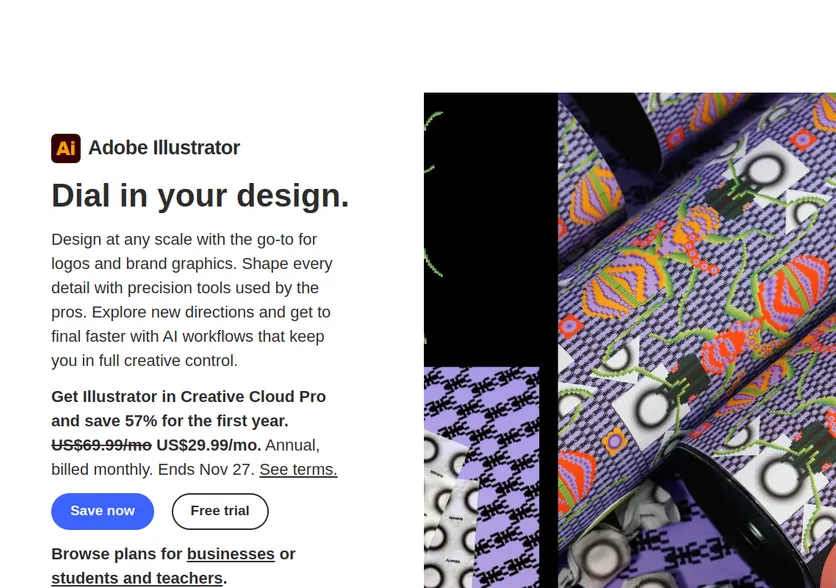
Paid tool Starting price: $22.99/month · Single app plan, $22.99 a month on an annual plan billed monthly or $34.49 month to month; a full-year prepayment is $263.88; Creative Cloud Pro with 20 plus apps is $69.99 a month
Free plan: No free plan; 7-day free trial
Adobe Illustrator is the vector editor the design industry runs on, and logos, icons and typography built here scale from a business card to a billboard without losing sharpness. This Adobe Illustrator single app plan covers desktop, iPad and web, plus Adobe Express Premium, Adobe Fonts and 100GB of cloud storage. Printers and brand teams expect native Illustrator files, so the subscription often pays for itself in avoided file conversions.
What we like
- Precision vector tools and typography
- Industry standard files every printer accepts
- Desktop, iPad and web apps in one plan
Watch out for
- Subscription only with no perpetual licence
- Early cancellation of the annual plan can carry a fee
How to try it
- Open the Adobe plans page and start the 7-day trial
- Draw a logo with the pen tool and test it at billboard size
- Export print and web versions to check the file handoff
2. Figma
Best for: UI and product design teams that design together
Paid tool Starting price: $16/seat/month · Professional plan, $16 a Full seat a month billed annually or $20 billed monthly; Dev seats $12 and Collab seats $3; Starter free
Free plan: Free Starter plan with unlimited drafts
Figma moved interface design into the browser, so designers, developers and stakeholders work in the same file at the same time without version chaos. This Figma Professional plan adds unlimited files and projects, team-wide design libraries and advanced Dev Mode inspection for handoff. It is the default choice for product teams, though print and photo work still belong in a desktop editor.

What we like
- Live collaboration is unmatched
- Runs in the browser on any machine
- Huge community library of files and plugins
Watch out for
- Needs an internet connection to work
- Per-seat pricing adds up fast on large teams
How to try it
- Open the Figma pricing page and start on the free Starter plan
- Invite a teammate into one file and test live editing
- Hand a frame to a developer and check Dev Mode inspection
3. Canva Pro
Best for: Quick marketing, social and presentation design
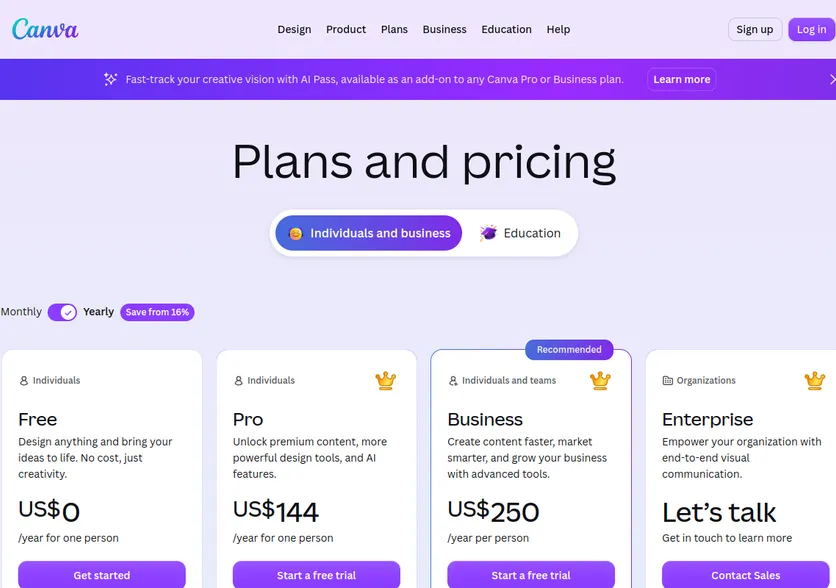
Paid tool Starting price: $12/month · Pro plan, $12 a month billed annually ($144 a year) or $18 billed monthly; Business from $250 a person a year
Free plan: Free plan included; 30-day Pro trial
Canva Pro is the quick layer for everyday design, turning social graphics, presentations and pitch decks around in minutes with templates and one-click resizing. This Canva Pro plan adds the full Magic Studio tools, background remover, Brand Kit and one terabyte of storage to the free plan. It will not replace a precision vector or photo editor, but for marketing assets it is dramatically faster than traditional tools.
What we like
- Very quick for social and marketing assets
- Huge template library
- Brand Kit keeps every design on brand
Watch out for
- Designs can look templated without custom work
- Limited precision for professional print work
How to try it
- Open the Canva pricing page and start the 30-day Pro trial
- Build one social post with the Brand Kit applied
- Resize it for three channels with Magic Switch and compare
4. Lunacy
Best for: Free UI design on Windows, Mac and Linux
Paid tool Starting price: $11.99/user/month · Pro plan, $11.99 a user a month billed annually; the core editor is free; Enterprise quoted
Free plan: Free core editor for personal and commercial work
Lunacy is a free desktop design app for interface work, with vector tools, components, prototyping and built-in graphics from Icons8. This Lunacy Pro plan adds editable Icons8 assets, AI image tools, unlimited cloud documents and unlimited version history. It opens Sketch files and runs natively instead of in a browser tab, which suits solo designers who want a real app.
What we like
- Free native UI design tool for Windows and Linux
- Opens Sketch files
- Built-in Icons8 graphics library
Watch out for
- Smaller community than Figma
- Collaboration features are thinner than browser tools
How to try it
- Download Lunacy free from the Icons8 site
- Open a Sketch file and test the vector tools
- Try a Pro feature during the trial and check cloud sync
5. Adobe Photoshop
Best for: Professional photo editing, retouching and compositing
Paid tool Starting price: $22.99/month · Single app plan, $22.99 a month on an annual plan billed monthly or $34.49 month to month; the Photography plan with Lightroom costs less at $19.99 a month
Free plan: No free plan; 7-day free trial
Adobe Photoshop remains the standard for retouching, compositing and detailed pixel work, with layers, masks and Generative Fill in one workspace. This Adobe Photoshop single app plan covers desktop, web and mobile, plus Adobe Express Premium, 100GB of cloud storage and monthly generative credits. Clients and printers expect layered PSD files, and that expectation alone keeps Photoshop installed at most studios.
What we like
- Unmatched depth for retouching and compositing
- Huge plugin and brush ecosystem
- Generative Fill built into the workflow
Watch out for
- Subscription only with no perpetual licence
- Heavy on system resources for large files
How to try it
- Open the Adobe plans page and start the 7-day trial
- Retouch one photo with Generative Fill and layers
- Compare the single app plan with the Photography plan before paying
6. Adobe InDesign
Best for: Print layout, books, magazines and catalogs
Paid tool Starting price: $22.99/month · Single app plan, $22.99 a month on an annual plan billed monthly or $34.49 month to month; a full-year prepayment is $263.88
Free plan: No free plan; 7-day free trial
Adobe InDesign is the layout tool for multi-page documents, with master pages, paragraph styles and preflight checks that catch expensive mistakes before print. This Adobe InDesign single app plan covers desktop and iPad, plus Adobe Express Premium and 100GB of cloud storage. Print shops and publishers run on InDesign files, so the subscription is simply part of doing business in print.
What we like
- Best-in-class long-document and print layout
- Professional preflight and prepress controls
- GREP styles and data merge for catalogs
Watch out for
- Subscription only with no perpetual licence
- Overkill for straightforward one-page layouts
How to try it
- Open the Adobe plans page and start the 7-day trial
- Build a four-page document with master pages
- Run preflight and export a print-ready PDF
7. Affinity by Canva
Best for: Designers wanting a free pro-grade suite
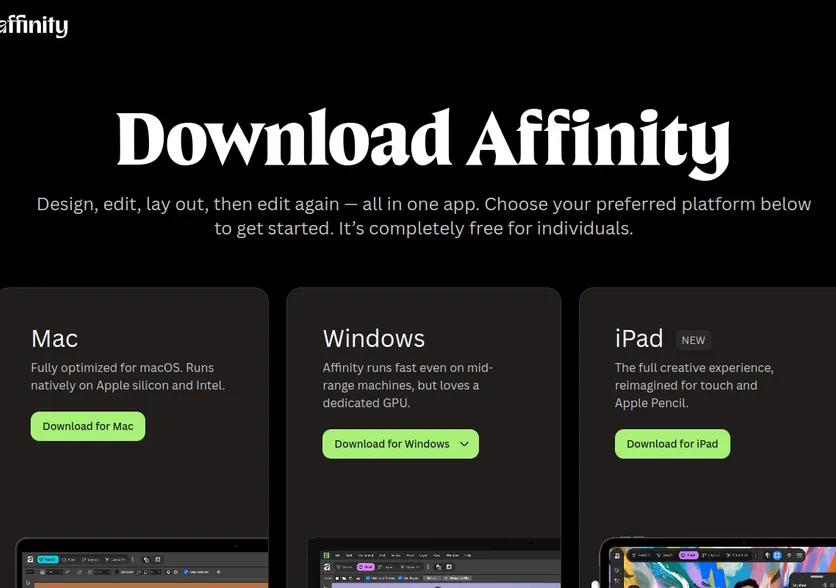
Paid tool Starting price: Free · The full Affinity app is free for individuals with a free Canva account; Canva AI tools inside Affinity need a Canva premium plan
Free plan: Free for individuals with a Canva account
Affinity by Canva packs vector design, photo editing and page layout into one free app, covering the three jobs that used to need three paid programs. This Affinity by Canva download needs only a free Canva account, and every core tool works with no payment and no restrictions. The catch is the ecosystem: fewer plugins than Adobe and AI features that need a Canva premium plan.
What we like
- Fully free professional suite
- Vector, photo and layout in one app
- Opens Photoshop files directly
Watch out for
- Needs a Canva account to download
- Smaller plugin ecosystem than Adobe
How to try it
- Create a free Canva account and download Affinity
- Open a PSD file and test the photo tools
- Try a vector logo and a page layout in the same app
Prices above were checked on each vendor’s own website on Nov 26, 2026 and can change — the vendor’s page is the final word. Vendor links are editorial: nobody paid to be listed or ranked here. Vendors who want a featured listing can see how it works on our Get listed page.
What graphic design software costs in 2026
Most professionals pay for one seat, so the headline monthly price is the whole budget here, and this list runs from free to about twenty-three dollars a month. The three Adobe single apps share one price, while Figma charges per seat and Canva Pro charges per person, so team size changes the bill more than the headline suggests. The headline plan each vendor shows on its own pricing page is the number in the table above, checked on November 26, 2026.
Start with the free plan or trial on two tools and push one real job through each, from first draft to final export. Compare how the files open at the printer, how fast the interface feels, and whether collaboration needs a second subscription. Pick the editor your clients and printers already accept, because file compatibility is worth more than a few dollars a month.
Before you buy
- Check the file formats your printer or client demands, because native Illustrator and PSD files are still the industry expectation.
- Count the seats first, because per-seat pricing doubles the bill the moment you add a teammate.
- Test the free plan or trial on a real job, because a seven-day trial is short for serious evaluation.
- Compare annual and monthly billing, because most tools here cut the price by a fifth on annual plans.
- Confirm what the AI features cost, because Affinity locks its AI tools behind a Canva premium plan.
Official websites
Official websites of the products reviewed above. Features and prices were checked against these sites when this guide was written, and they can change, so confirm on the vendor site before you buy.
Frequently asked questions
Which graphic design software is best for professionals in 2026?
Adobe Illustrator is the safest default for vector work at twenty-three dollars a month, because printers and brand teams expect its files. Figma wins for interface and product teams at sixteen dollars a seat a month, with live collaboration no desktop tool matches. Canva Pro is the quickest route to marketing assets at twelve dollars a month on annual billing, and Affinity is free for designers who want pro tools without a subscription.
How much does graphic design software cost for a professional?
Most tools in this list cost between free and twenty-three dollars a month for one person, with annual billing cutting the monthly rate. Adobe single apps cost twenty-three dollars a month each, Figma charges sixteen dollars a seat, and Canva Pro costs twelve dollars a month on annual billing. Affinity and the Lunacy core editor cost nothing, so a freelancer can run a full workflow without a subscription.
Is Affinity really free?
Yes, the full Affinity app is free for individuals, with vector design, photo editing and page layout included and no payment needed. You need a free Canva account to download and activate it, and the app gets free updates. The only paid part is the Canva AI tools inside Affinity, which need a Canva premium plan such as Pro.
Can I try these tools before paying?
Yes, four of the seven tools offer a free plan: Figma, Canva Pro, Lunacy and Affinity. The three Adobe apps offer a seven-day free trial instead, which is short, so plan a real job for the trial week. A trial is enough to test file compatibility, export quality and speed before you commit to a subscription.
What should a professional look for in design software?
Look for the file formats your clients and printers demand first, then the tools for your daily work, whether that is vectors, photos, layout or interfaces. Check the per-seat cost if you plan to add help, and test collaboration with a real teammate before you buy. The best editor is the one your workflow already accepts, not the one with the longest feature list.
Need everyday image help too? Try Toolsvine's free image tools for resizing, converting and editing right in your browser.
Browse Image Tools tools


