On this page
Vector graphics stay sharp at any size, so the editor you choose shapes everything from a logo to a full brand system. The eight tools below cover that job for illustrators, brand designers and product teams, from a one-time desktop licence to a cloud workspace your whole team can open. Adobe Illustrator leads because it sets the standard for professional vector work at twenty-two dollars and ninety-nine cents a month, and the rest are ranked on drawing power, file control and value.
How we researched this
We checked every price on the vendor pricing page on November 29, 2026, and only included tools with a published US dollar list price. Free-only editors such as Inkscape and Vectr have no paid tier, so they are not in this list, and Affinity Designer is now free for individuals. Prices change, so confirm the current figure on the vendor site before you buy.
Compare the tools
| Name | Best for | Starting price | Free plan | |
|---|---|---|---|---|
 Adobe Illustrator | Professional illustrators and brand designers | $22.99/month | 7-day free trial | Visit |
 CorelDRAW Graphics Suite | Studios that want a full suite without Adobe | $269/year | 15-day free trial | Visit |
 Sketch | Mac teams designing apps and websites | $10/editor/month | No free plan; 30-day free trial | Visit |
 Figma | Teams designing together in real time | $15/editor/month | Free plan (3 files) | Visit |
 VectorStyler | Solo illustrators who hate subscriptions | $95 one-time | No free plan; free trial available | Visit |
 Linearity Curve | Designers who sketch on iPad and finish on Mac | $10/month | Free plan (3 files) | Visit |
 Amadine | Apple users who want cheap one-time vector editing | $29.99 one-time | No free plan; free trial available | Visit |
 Boxy SVG | Web designers editing SVG files directly | $9.99/year | Free plan (basic features) | Visit |
The vector design software, compared
1. Adobe Illustrator
Best for: Professional illustrators and brand designers
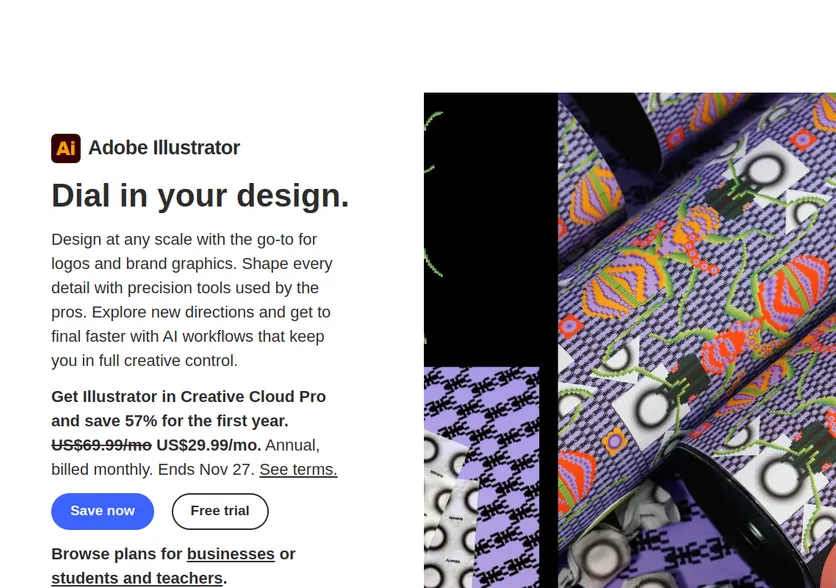
Paid tool Starting price: $22.99/month · Twenty-two dollars and ninety-nine cents a month on the annual plan billed monthly; Teams is thirty-seven dollars and ninety-nine cents a seat a month; month to month is thirty-four dollars and ninety-nine cents
Free plan: 7-day free trial
A designer who needs the deepest vector toolset available will find it here, since this Adobe Illustrator plan costs twenty-two dollars and ninety-nine cents a month billed annually. Its pen, shape builder and pattern tools handle logos, icons and full illustrations, and the file opens cleanly in the rest of the Adobe suite. It is the safest pick for professional work that must print, scale and hand off without surprises.
What we like
- Industry-standard pen, shape builder and pattern tools
- Clean handoff to Photoshop, InDesign and After Effects
- Huge library of brushes, fonts and stock assets
Watch out for
- The subscription never ends, so the lifetime cost keeps growing
- The learning curve is steep for occasional users
How to try it
- Open a new document and set the artboard to the final output size
- Draw with the pen tool and refine curves with the anchor controls
- Export as SVG or PDF and check the result at full size
2. CorelDRAW Graphics Suite
Best for: Studios that want a full suite without Adobe
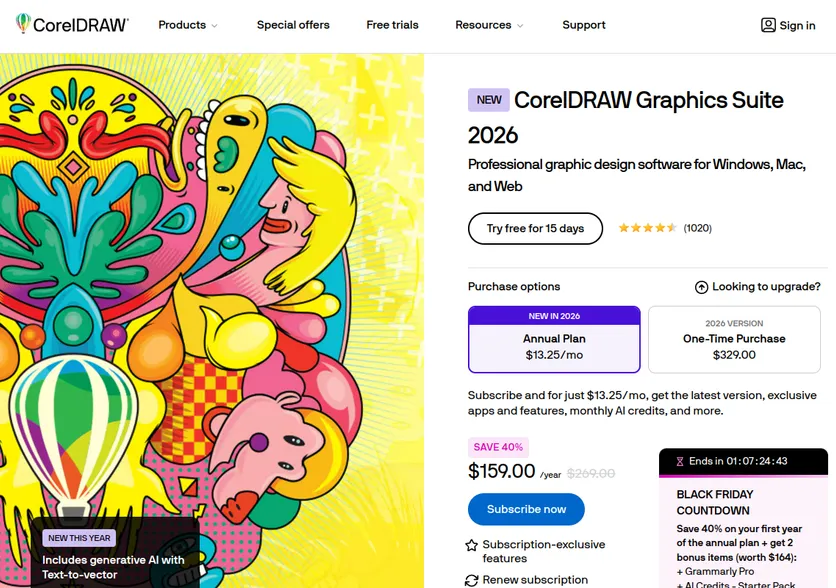
Paid tool Starting price: $269/year · Two hundred and sixty-nine dollars a year on subscription; a one-time perpetual licence is five hundred and forty-nine dollars; some older listings show a four hundred and thirty-nine dollar annual figure, which appears stale against the November 2026 vendor reads
Free plan: 15-day free trial
A studio that wants a complete vector suite without a monthly Adobe bill gets it here, because this CorelDRAW Graphics Suite plan costs two hundred and sixty-nine dollars a year on subscription. It pairs vector illustration with layout, photo editing and font management in one install, and the one-time licence suits buyers who dislike subscriptions. It is the strongest alternative for Windows shops that want everything in a single package.
What we like
- Vector, layout, photo editing and font tools in one suite
- One-time perpetual licence available for $549
- Strong print and prepress controls for production work
Watch out for
- The Mac version trails the Windows version on some features
- The interface feels dated next to newer design apps
How to try it
- Install the suite and open a new vector document
- Draw with the pen and shape tools and set up colour styles
- Export a print-ready PDF and check the separations
3. Sketch
Best for: Mac teams designing apps and websites
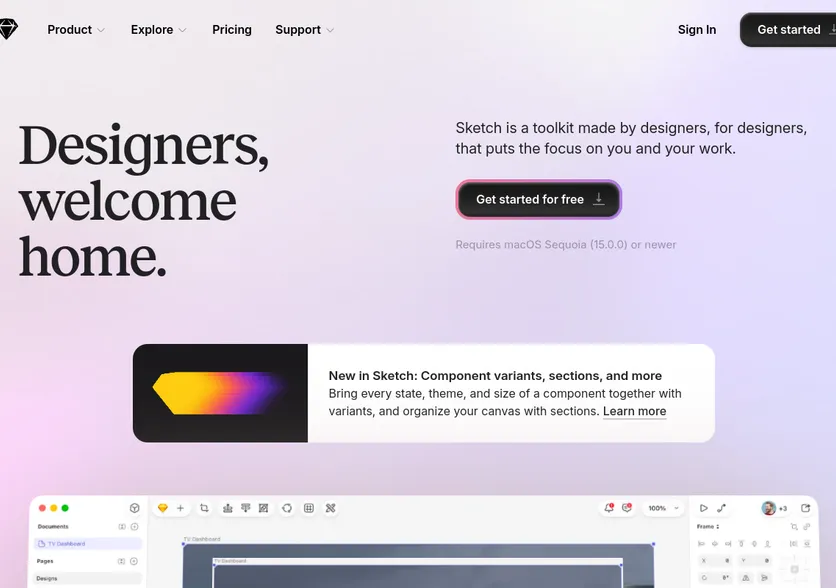
Paid tool Starting price: $10/editor/month · Ten dollars per editor a month on Standard, or ninety-nine dollars per editor a year on annual billing; Business is twenty dollars per editor a month billed annually; some reads list Business at twenty-two dollars, so confirm at checkout
Free plan: No free plan; 30-day free trial
A product team that designs interfaces on a Mac will move fast here, since this Sketch plan costs ten dollars per editor a month on Standard. Symbols, shared libraries and artboard layouts keep a design system consistent across dozens of screens, and developers can inspect measurements without a licence. It is the leanest pick for Mac-only teams that live in interface design.
What we like
- Symbols and shared libraries keep design systems consistent
- Developers inspect specs free with a viewer seat
- Fast native Mac app with a huge plugin ecosystem
Watch out for
- Mac only, so mixed-platform teams cannot use it
- Collaboration needs the web workspace, not just the desktop app
How to try it
- Create a document and set up symbols for repeated elements
- Lay out artboards for each screen in the flow
- Share the file and let developers inspect the specs
4. Figma
Best for: Teams designing together in real time
Paid tool Starting price: $15/editor/month · Fifteen dollars per editor a month on Professional, or twelve dollars billed annually; Full seats are twenty dollars a month and Dev seats fifteen dollars; Organization is forty-five dollars a seat a month
Free plan: Free plan (3 files)
A team that designs together in the browser needs no install here, because this Figma plan costs fifteen dollars per editor a month on Professional. Several people can edit the same file at once, comments sit beside the work, and components keep a whole product consistent. It is the best pick when designers, writers and developers must share one live file.

What we like
- Several people edit the same file live in the browser
- Components and variables keep large products consistent
- Free viewer seats for stakeholders and developers
Watch out for
- Vector drawing is weaker than a dedicated illustration app
- Large files can slow down on older machines
How to try it
- Start a file and build reusable components for the product
- Invite the team and comment directly on the canvas
- Hand off with inspect mode and export the assets
5. VectorStyler
Best for: Solo illustrators who hate subscriptions
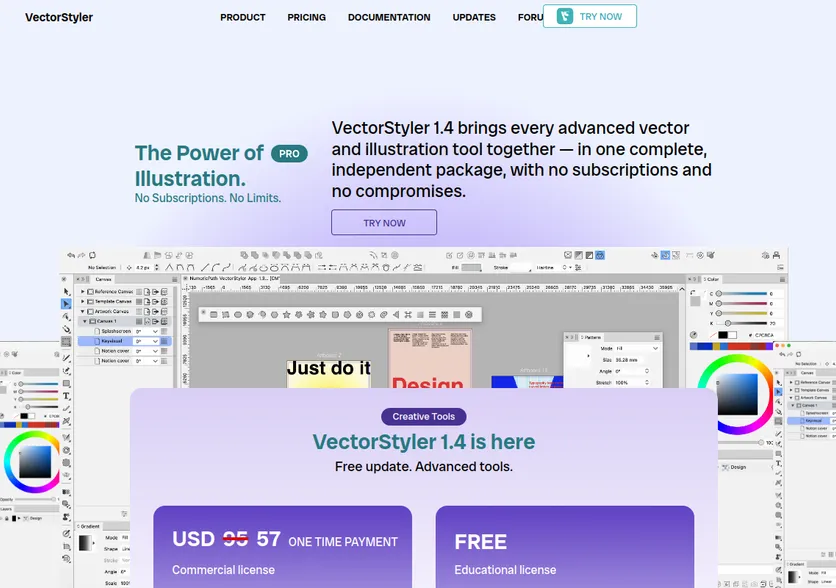
Paid tool Starting price: $95 one-time · Ninety-five dollars one time for a commercial licence; the price covers the current major version with free minor updates
Free plan: No free plan; free trial available
An illustrator who wants professional vector power without a subscription will like this deal, as this VectorStyler licence costs ninety-five dollars one time for commercial use. It offers advanced brushes, shape effects, blend modes and colour tools that rival the big names, and it opens Illustrator files for editing. It is the best value in this list for a solo designer who pays once and keeps the app.
What we like
- One-time $95 licence with no monthly bill
- Advanced brushes, blends and shape effects included
- Opens and edits Illustrator files
Watch out for
- Smaller community, so fewer tutorials and plugins
- The interface is dense and takes time to learn
How to try it
- Download the trial and open an existing vector file
- Test the brush and blend tools on a real illustration
- Buy the licence and set up a workspace that suits you
6. Linearity Curve
Best for: Designers who sketch on iPad and finish on Mac
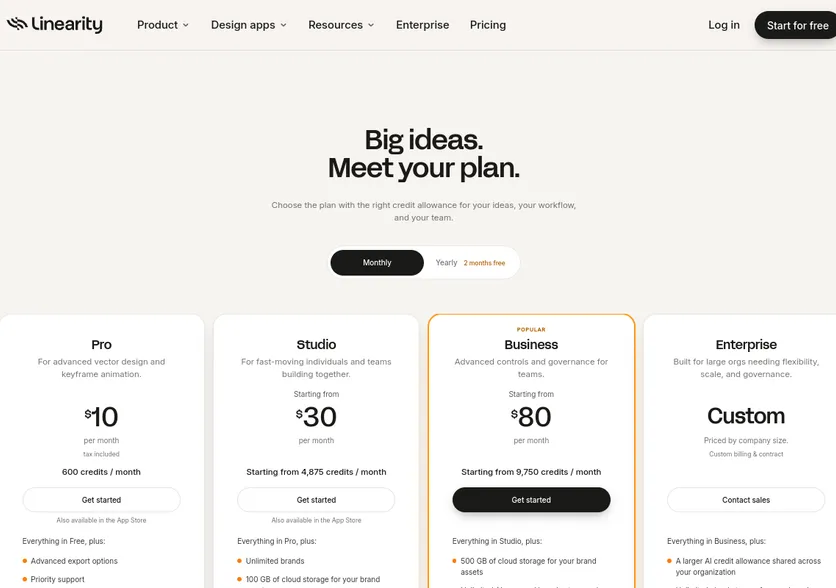
Paid tool Starting price: $10/month · Ten dollars a month on Pro, or eight dollars billed annually; older listings show eleven dollars and ninety-nine cents a month, which appears stale against the November 2026 vendor read
Free plan: Free plan (3 files)
A designer who works across Mac, iPad and the web gets a modern vector editor here, since this Linearity Curve plan costs ten dollars a month on Pro. Its pen tools, auto-trace and animation features cover logos and marketing graphics, and files sync between devices without a fuss. It is a strong pick for illustrators who sketch on an iPad and finish on a desktop.
What we like
- Works on Mac, iPad and the web with file sync
- Auto-trace turns sketches into editable vectors
- Built-in animation for social and marketing graphics
Watch out for
- Fewer pro print controls than Illustrator or CorelDRAW
- The free plan caps at three files
How to try it
- Open Curve and start a new vector document
- Trace a sketch with auto-trace or draw with the pen
- Export the finished graphic as SVG or PNG
7. Amadine
Best for: Apple users who want cheap one-time vector editing
Paid tool Starting price: $29.99 one-time · Twenty-nine dollars and ninety-nine cents one time for a Mac licence; a family licence is forty-nine dollars and ninety-nine cents; iPad and iPhone versions start at two dollars and ninety-nine cents a month; an old nine dollar and ninety-nine cent figure on directories is stale
Free plan: No free plan; free trial available
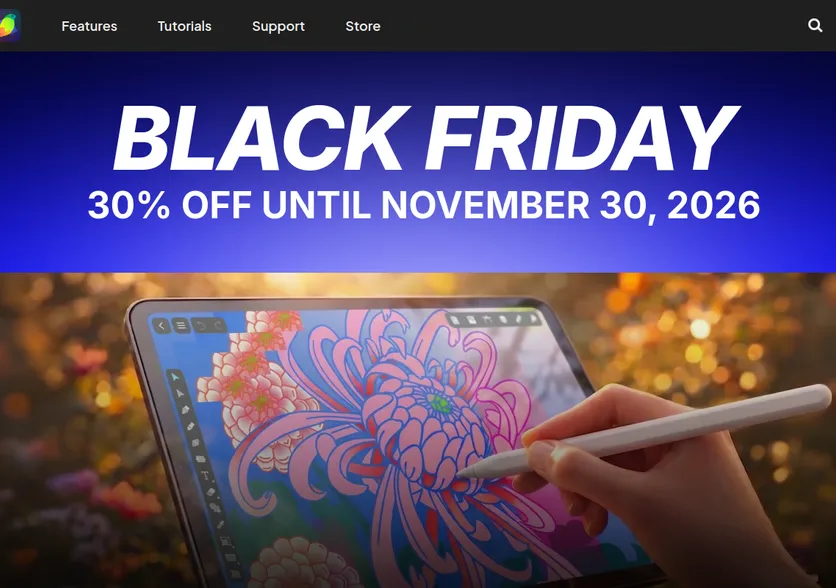
A Mac or iPad user who wants a capable vector editor for a small one-off price will find it here, because this Amadine licence costs twenty-nine dollars and ninety-nine cents one time on Mac. It handles logos, illustrations and lettering with pen, brush and text-on-path tools, and the iPad app keeps the same files. It is the cheapest proper vector editor in this list for Apple users.
What we like
- One-time $29.99 Mac licence with no subscription
- Full pen, brush and text-on-path toolset
- iPad app keeps the same files in sync
Watch out for
- No Windows or Android version exists
- Smaller feature set than the professional suites
How to try it
- Download the trial and open a logo project
- Draw with the pen tool and test the text-on-path feature
- Buy the licence and export the finished artwork
8. Boxy SVG
Best for: Web designers editing SVG files directly
Paid tool Starting price: $9.99/year · Nine dollars and ninety-nine cents a year on Standard; Premium is nine dollars and ninety-nine cents a month or ninety-nine dollars and ninety-nine cents a year
Free plan: Free plan (basic features)
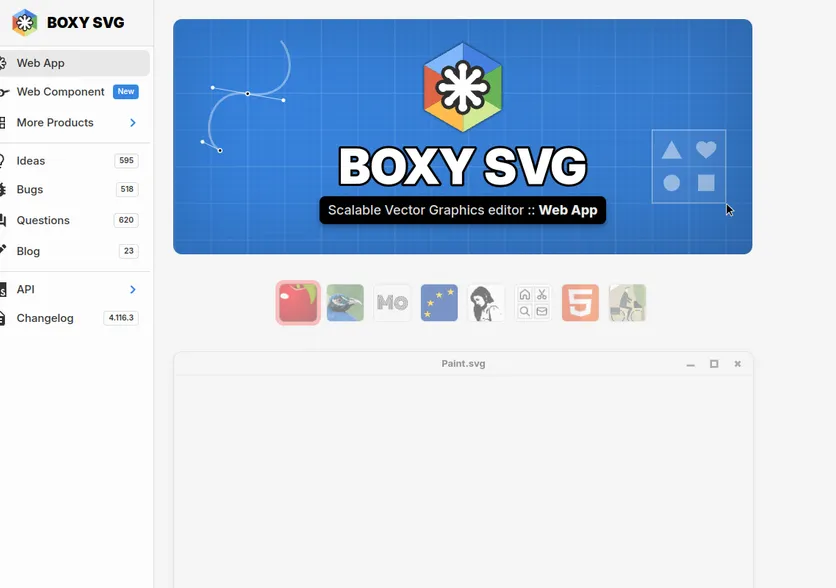
A web designer who edits SVG files directly will feel at home here, since this Boxy SVG plan costs nine dollars and ninety-nine cents a year on Standard. It runs in the browser or as a desktop app, edits the SVG code beside the canvas, and exports clean files for the web. It is the cheapest pick in this list for anyone whose vector work lives on websites.
What we like
- Edits SVG code beside the visual canvas
- Runs in the browser with no install needed
- Standard costs under ten dollars a year
Watch out for
- Not built for print or complex illustration
- Premium features need the monthly plan
How to try it
- Open Boxy SVG and import an SVG file
- Edit shapes on the canvas and check the code panel
- Export the cleaned SVG for the website
Prices above were checked on each vendor’s own website on Nov 29, 2026 and can change — the vendor’s page is the final word. Vendor links are editorial: nobody paid to be listed or ranked here. Vendors who want a featured listing can see how it works on our Get listed page.
How to pick a vector editor that fits how you actually draw
Start with the files you already make, because a logo designer and a web illustrator need different tools even though both draw vectors. Check whether the app opens your existing files cleanly, especially Illustrator files, since a converter that mangles layers will cost more time than the licence saves. Try the pen tool on a real shape before paying, because every editor draws curves differently and the feel matters more than the feature list. Weigh the billing shape too: a subscription buys updates and cloud sync, while a one-time licence suits a designer who wants the same tool for years.
Before you buy
- Check that the editor opens your existing vector files without mangling layers or text
- Test the pen tool on a real curve, since every editor handles anchors differently
- Confirm the export formats your printer or developer actually needs, including SVG and PDF
- Compare the lifetime cost of a subscription against a one-time licence over three years
- Make sure the app runs on every device you draw on, including a tablet
Official websites
Official websites of the products reviewed above. Features and prices were checked against these sites when this guide was written, and they can change, so confirm on the vendor site before you buy.
Frequently asked questions
What is vector design software?
Vector design software draws images from mathematical paths rather than pixels, so a logo or icon stays sharp at any size from a favicon to a billboard. It is the standard tool for logos, icons, illustrations and brand graphics, and the files it makes can be resized, recoloured and exported for print or the web without losing quality.
Is Adobe Illustrator worth $22.99 a month?
Illustrator is worth twenty-two dollars and ninety-nine cents a month for a professional who draws vectors daily, because no rival matches its pen tools, pattern controls and print output. A casual user or a web designer will get more value from a cheaper or one-time tool such as Figma, VectorStyler or Boxy SVG, so match the price to how often you draw.
Can I design vectors for free?
Yes, with Figma, which offers a free plan covering three files, and Linearity Curve, which also offers a free plan for three files, plus Boxy SVG, which has a free tier with basic features. Free editors such as Inkscape cost nothing at all, though they have no paid tier and are not in this comparison. A free plan is enough to test the workflow before paying.
Which vector tool is best for logos?
Adobe Illustrator is the best pick for professional logo work, because its pen and shape tools give exact control and its files are the industry standard for printers. VectorStyler is the best one-time alternative at ninety-five dollars, and Linearity Curve suits a designer who sketches on an iPad. Pick the tool whose files your printer accepts without conversion.
Do I need a subscription or a one-time licence?
A subscription suits a designer who wants constant updates, cloud sync and team features, while a one-time licence suits a solo designer who wants the same tool for years without a monthly bill. VectorStyler at ninety-five dollars and Amadine at twenty-nine dollars and ninety-nine cents are the one-time options here, and both pay for themselves within a few months of subscription prices.
Compare the eight tools above, then start with a free trial or the free Figma plan on the editor that matches how you draw before paying for a full year.
Browse Image Tools tools