
On this page
Vector illustration is the freelancer's bread and butter, from logos and icons to full-page artwork that scales to any size. The eight tools below cover desktop apps, browser editors and one-time purchases, with entry prices from nine dollars ninety-nine cents a year to twenty-two dollars ninety-nine cents a month. Every price was checked on the vendor site on November 26, 2026, and most tools offer a free plan or trial. Adobe Illustrator is our first pick — the industry standard, from twenty-two dollars ninety-nine cents a month.
How we researched this
We started with the vector illustration tools freelancers actually buy, then read each price on the vendor pricing page on November 26, 2026 and noted the free trial or free plan each one carries. We judged them for a freelancer who draws logos, icons and illustrations for clients and needs clean exports in SVG and PDF. We kept only tools with a published price, and we dropped Gravit Designer because it was discontinued, and Affinity and Inkscape because they are now free with no paid price to list.
Compare the tools
| Name | Best for | Starting price | Free plan | |
|---|---|---|---|---|
 Adobe Illustrator | Freelancers who need the industry-standard vector tool | $22.99/month | 7-day free trial | Visit |
 CorelDRAW Graphics Suite | Freelancers who want a full graphics suite with a one-time option | $269/year | 15-day free trial | Visit |
 Figma | Freelancers who design with teams and clients in the browser | $16/editor/month | Free Starter plan | Visit |
 Sketch | Mac freelancers who want a clean native vector app | $12/editor/month | 30-day free trial | Visit |
 Canva Pro | Freelancers who need quick vector graphics plus templates | $144/year | Free Canva plan | Visit |
 Boxy SVG | Freelancers who want a cheap browser-based SVG editor | $9.99/year | Free plan with limited features | Visit |
 Amadine | Mac and iPad freelancers who want a one-time vector app | $29.99 one-time | Free trial available | Visit |
 Linearity Curve | Freelancers who want modern vector tools at a low monthly price | $8/editor/month | Free plan with limits | Visit |
The vector illustration software tools, compared
1. Adobe Illustrator
Best for: Freelancers who need the industry-standard vector tool
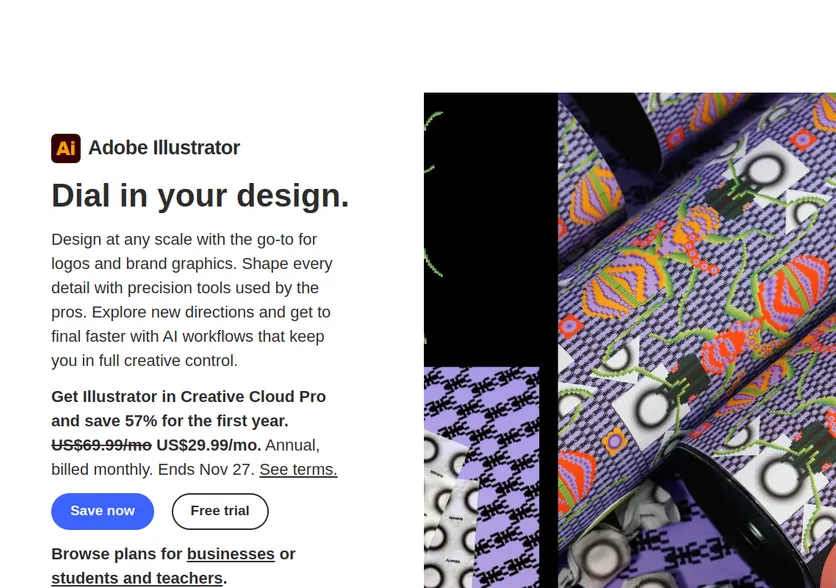
Paid tool Starting price: $22.99/month · Single-app annual plan billed monthly, $22.99 a month; 7-day free trial
Free plan: 7-day free trial
Adobe Illustrator is the vector tool every client expects, with the deepest pen, shape and type controls in the business. This Adobe Illustrator single-app plan covers the full desktop and iPad apps with cloud documents and fonts. A freelancer can take any client file, edit it cleanly and hand back work that opens anywhere.
What we like
- The industry standard every client expects
- Deepest pen, shape and type controls
- Desktop and iPad apps with cloud documents
Watch out for
- Single-app plan costs $22.99 a month
- Subscription only, with no one-time purchase
How to try it
- Open the Adobe Illustrator page and start a trial
- Draw a logo with the pen tool and shape builder
- Export the artwork as SVG or PDF for the client
2. CorelDRAW Graphics Suite
Best for: Freelancers who want a full graphics suite with a one-time option
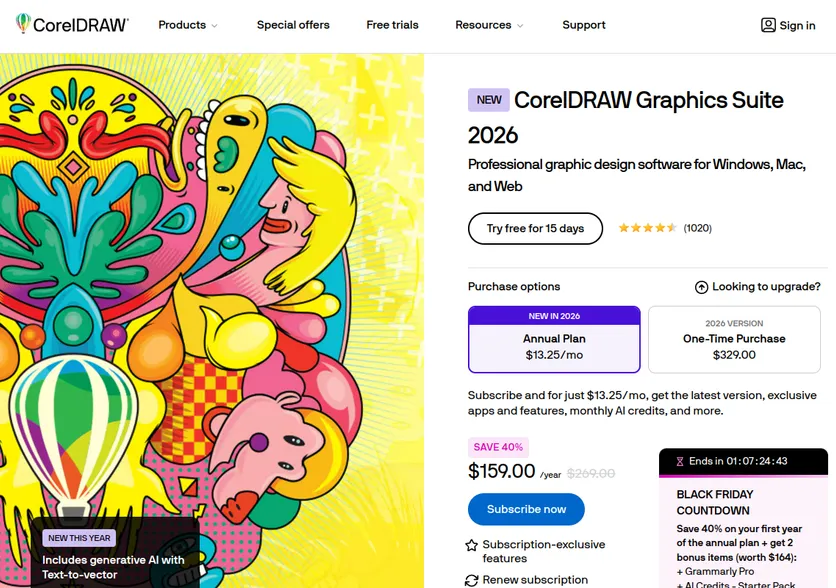
Paid tool Starting price: $269/year · Graphics Suite subscription, $269 a year list price; one-time purchase $549; 15-day trial
Free plan: 15-day free trial
CorelDRAW Graphics Suite is a complete vector and layout package, with illustration, photo editing and page design in one bundle. This CorelDRAW Graphics Suite subscription covers the full suite for two hundred sixty-nine dollars a year, with a one-time purchase available too. A freelancer who hates subscriptions can buy it once and keep working.
What we like
- Full suite with illustration and layout tools
- One-time purchase available alongside the subscription
- Strong print and typography features
Watch out for
- Subscription costs $269 a year at list price
- Smaller community than Illustrator
How to try it
- Open the CorelDRAW product page and start a trial
- Draw a vector illustration with the pen and shape tools
- Export the artwork as SVG, PDF or print-ready files
3. Figma
Best for: Freelancers who design with teams and clients in the browser
Paid tool Starting price: $16/editor/month · Professional plan, $16 an editor a month billed annually or $20 month to month; free Starter plan
Free plan: Free Starter plan
Figma is the browser-based design tool that turned vector work into a team sport, with live collaboration and comments on every file. This Figma Professional plan covers unlimited files, version history and shared libraries for sixteen dollars an editor a month billed annually. A freelancer can share a live file with a client and watch feedback arrive in real time.

What we like
- Live collaboration in the browser
- Unlimited files on the Professional plan
- Shared libraries for reusable components
Watch out for
- Professional costs $16 an editor a month billed annually
- Browser-based, so offline work is limited
How to try it
- Open the Figma pricing page and create an account
- Draw a vector illustration in a Figma file
- Share the file link and gather client comments
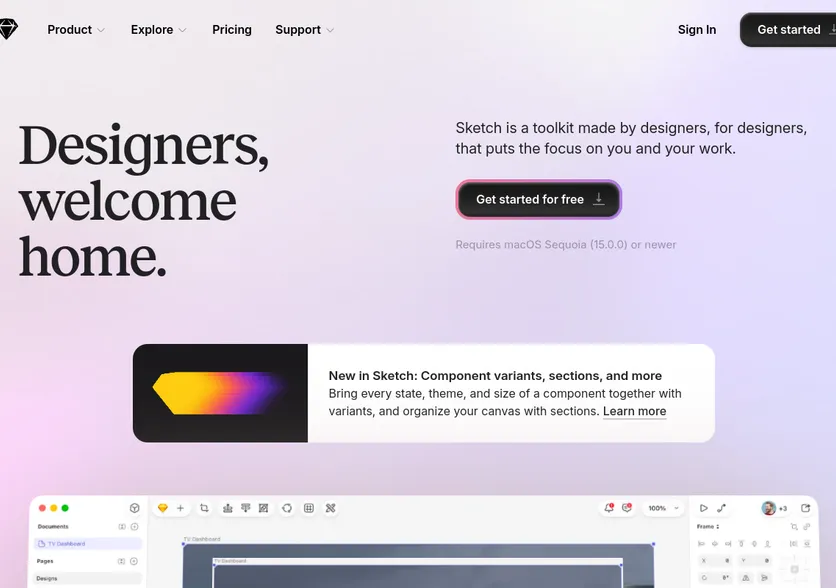
4. Sketch
Best for: Mac freelancers who want a clean native vector app
Paid tool Starting price: $12/editor/month · Standard plan, $12 an editor a month billed annually; 30-day trial
Free plan: 30-day free trial
Sketch is the native Mac vector app that defined modern interface design, with a clean canvas, symbols and shared libraries. This Sketch Standard plan covers the Mac app and web workspace for twelve dollars an editor a month billed annually. A Mac freelancer can draw icons and illustrations in a fast app that feels at home on the platform.
What we like
- Fast native Mac app with a clean canvas
- Symbols and libraries for reusable work
- Strong export tools for developers
Watch out for
- Standard costs $12 an editor a month billed annually
- Mac only, with no Windows app
How to try it
- Open the Sketch pricing page and start a trial
- Draw a vector illustration with the pen tool
- Share the file and export assets for the client
5. Canva Pro
Best for: Freelancers who need quick vector graphics plus templates
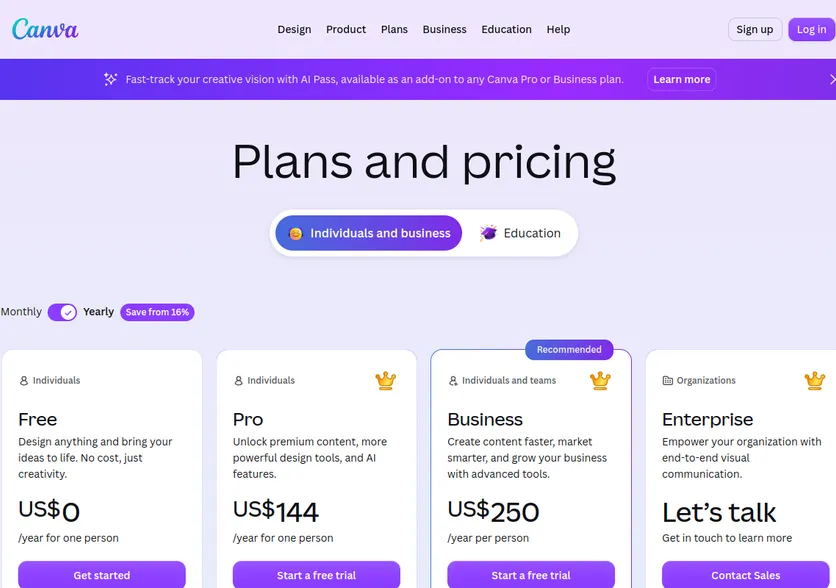
Paid tool Starting price: $144/year · Pro plan, $144 a year for one person; monthly billing runs higher
Free plan: Free Canva plan
Canva Pro is the fast route to vector-style graphics, with templates, a huge asset library and simple drawing tools in the browser. This Canva Pro plan covers unlimited premium templates, brand kits and background removal for a hundred forty-four dollars a year. A freelancer can turn around a social graphic or a simple logo in an hour without opening a heavy desktop app.
What we like
- Fastest route from idea to finished graphic
- Huge template and asset library
- Brand kits keep client work consistent
Watch out for
- Pro costs $144 a year for one person
- Not a full vector editor like Illustrator
How to try it
- Open the Canva pricing page and start a trial
- Pick a template or start a blank design
- Add vector shapes and export as SVG or PNG
6. Boxy SVG
Best for: Freelancers who want a cheap browser-based SVG editor
Paid tool Starting price: $9.99/year · Premium plan, $9.99 a year; Mac App Store version is a $19.99 one-time purchase
Free plan: Free plan with limited features
Boxy SVG is a lightweight vector editor that runs in the browser, with clean SVG output and a price that undercuts every desktop app here. This Boxy SVG Premium plan covers the full editor for nine dollars ninety-nine cents a year. A freelancer who works mostly in SVG can edit icons and illustrations without installing anything.
What we like
- The cheapest paid plan on this list
- Clean SVG output for the web
- Runs in the browser with nothing to install
Watch out for
- Premium costs $9.99 a year
- Lighter feature set than desktop apps
How to try it
- Open the Boxy SVG site and create an account
- Draw or import an SVG illustration
- Export clean SVG code for the web
7. Amadine
Best for: Mac and iPad freelancers who want a one-time vector app
Paid tool Starting price: $29.99 one-time · Mac single-user lifetime licence, $29.99 one time; iPad and iPhone apps from $2.99 a month
Free plan: Free trial available
Amadine is a precise vector illustration app for Mac and iPad, sold as a one-time purchase instead of a subscription. This Amadine Mac licence covers the full app for twenty-nine dollars ninety-nine cents, paid once and kept forever. A freelancer who dislikes monthly bills can buy a serious vector tool and never pay again.
What we like
- One-time purchase, no subscription
- Precise pen tools on Mac and iPad
- Clean interface that stays out of the way
Watch out for
- One-time licence costs $29.99
- Mac and iPad only, with no Windows app
How to try it
- Open the Amadine site and download the trial
- Draw a vector illustration with the pen tool
- Buy the licence and export your artwork
8. Linearity Curve
Best for: Freelancers who want modern vector tools at a low monthly price
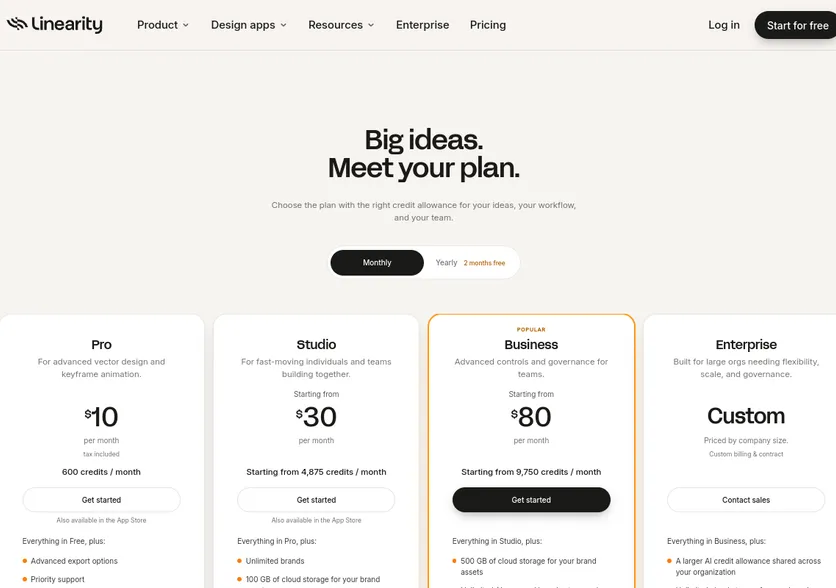
Paid tool Starting price: $8/editor/month · Pro plan, $8 an editor a month billed annually or $10 month to month; free plan with limits
Free plan: Free plan with limits
Linearity Curve, formerly Vectornator, is a modern vector app for Mac, iPad and iPhone with a clean interface and strong pen tools. This Linearity Curve Pro plan covers the full app and cloud sync for eight dollars an editor a month billed annually. A freelancer can sketch on an iPad, refine on a Mac and hand off clean vector files.
What we like
- Modern interface with strong pen tools
- Works across Mac, iPad and iPhone
- Low monthly price for a full vector app
Watch out for
- Pro costs $8 an editor a month billed annually
- Apple platforms only, with no Windows app
How to try it
- Open the Linearity pricing page and create an account
- Draw a vector illustration on iPad or Mac
- Export the artwork as SVG or PDF for the client
Prices above were checked on each vendor’s own website on Nov 26, 2026 and can change — the vendor’s page is the final word. Vendor links are editorial: nobody paid to be listed or ranked here. Vendors who want a featured listing can see how it works on our Get listed page.
What vector illustration software costs in 2026
Vector tools charge per editor or per year, and the cheapest one depends on how you work. Monthly plans run from eight dollars an editor a month for Linearity Curve to twenty-two dollars ninety-nine cents a month for Illustrator, while yearly plans run from nine dollars ninety-nine cents a year for Boxy SVG to two hundred sixty-nine dollars a year for CorelDRAW. The headline plan each vendor shows on its own pricing page is the number in the table above, checked on November 26, 2026.
Count your editors, then compare monthly against yearly and one-time prices at your real team size. A one-time purchase wins for a solo freelancer who keeps a tool for years, while a monthly plan wins for a team that changes tools often. Trial two apps on a real client file, and pick the one whose pen tool feels right in your hand.
Before you buy
- Count your editors first, because per-editor pricing adds up fast when the whole team needs a seat.
- Check the export formats, because a tool that cannot export clean SVG or PDF slows every handoff.
- Test the tool on a real client file, because a demo illustration never shows how it handles your work.
- Ask whether files live in the cloud or on your machine, because a subscription that locks your files is a risk.
- Add up the yearly cost, because a cheap monthly price with no annual discount costs more over twelve months.
Official websites
Official websites of the products reviewed above. Features and prices were checked against these sites when this guide was written, and they can change, so confirm on the vendor site before you buy.
Frequently asked questions
Which vector illustration software is best for freelancers in 2026?
Adobe Illustrator, at twenty-two dollars ninety-nine cents a month, is the safest default because every client expects it and it opens any vector file. Figma is better for team work, at sixteen dollars an editor a month with live collaboration in the browser. Linearity Curve wins on price, at eight dollars an editor a month with strong pen tools on Apple devices.
What is the cheapest vector illustration software?
Boxy SVG, at nine dollars ninety-nine cents a year, is the cheapest paid plan here and covers browser-based SVG editing. Amadine, at twenty-nine dollars ninety-nine cents once, is the cheapest way to own a vector app outright. Linearity Curve, at eight dollars an editor a month, is the cheapest monthly plan for a full vector editor.
Can I get vector illustration software for free?
Yes, and the free options are real. Figma has a free Starter plan, Canva has a free plan with templates and assets, and Boxy SVG and Linearity Curve both offer free tiers. Affinity is now free too, since Canva folded its three apps into one free app in late 2025. Start free and pay only when you need the paid features.
Should I export as SVG or PDF?
SVG is the web standard for vector graphics, so export clean SVG when the artwork goes on a website or into an app. PDF is better for print and for handing files to clients who use different tools. Most tools here export both, and the quality of the export matters more than the format you pick.
What should I look for in vector illustration software?
Count your editors first, since per-editor pricing adds up fast when the whole team needs a seat. Check the export formats, because a tool that cannot export clean SVG or PDF slows every handoff. Test the tool on a real client file, and check whether your files live in the cloud or on your machine.
Need everyday image help too? Try Toolsvine's free image tools for small teams right in your browser.
Browse Image Tools tools


