
On this page
Starting design work should feel exciting, not overwhelming, and the right tool hides the complexity while you learn the craft. The eight tools below run from about seven dollars a month to a full vector suite, and every price was checked on the vendor site on November 26, 2026. Most offer a free plan or a trial, so you can build something real before spending a dollar. Canva Pro is our first pick — the fastest way from a blank page to a finished design.
How we researched this
We started with the design tools beginners actually buy, then read each price on the vendor pricing page on November 26, 2026 and noted the free plan or trial each one carries. We judged them for a first-time designer who needs templates, tutorials and a gentle learning curve rather than professional depth. We kept only tools with a published price and dropped any tool whose price we could not verify on the vendor site.
Compare the tools
| Name | Best for | Starting price | Free plan | |
|---|---|---|---|---|
 Canva Pro | Beginners who want finished designs fast from templates | $12/month | Free plan with basic templates and design tools | Visit |
 Adobe Express | Beginners who want Adobe-quality templates without a learning curve | $9.99/month | Free plan with basic templates and two gigabytes of storage | Visit |
 Figma | Beginners learning interface and web design with others | $16/editor/month | Free Starter plan with three files and unlimited personal drafts | Visit |
 Sketch | Mac users learning interface design on a native app | $12/editor/month | No free plan; free trial available | Visit |
 CorelDRAW Graphics Suite | Beginners who want one desktop suite for vector, layout and photos | $269/year | No free plan; 15-day free trial | Visit |
 Pixlr | Beginners who want Photoshop-style editing in the browser | $7.99/month | Free plan with basic editing tools and ads | Visit |
 BeFunky | Beginners who want fun photo edits, collages and cards | $6.99/month | Free plan with basic editing and collage tools | Visit |
 VistaCreate | Small businesses that need fresh social graphics every week | $10/month | Free Starter plan with basic templates | Visit |
The design software for beginners, compared
1. Canva Pro
Best for: Beginners who want finished designs fast from templates
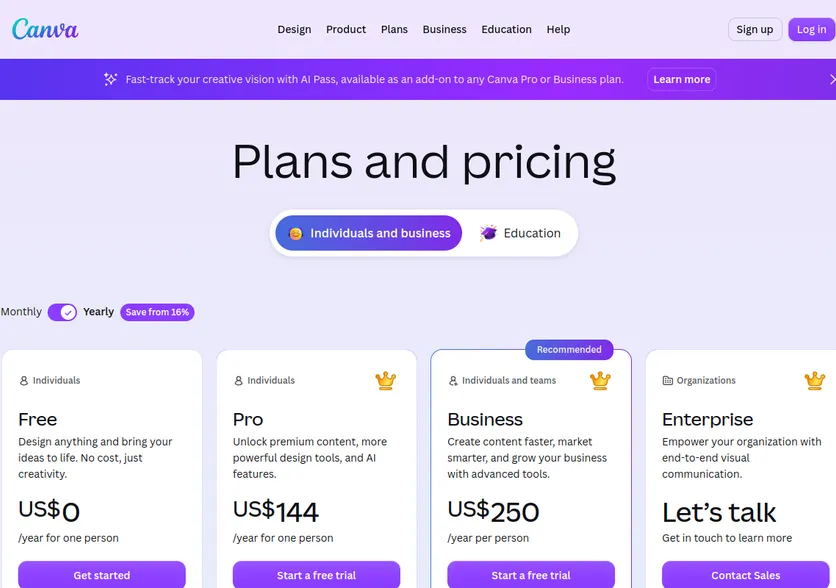
Paid tool Starting price: $12/month · Pro plan, $12 a month billed annually ($144 a year); $18 a month billed monthly
Free plan: Free plan with basic templates and design tools
Canva Pro is the easiest starting point on this list, because it turns a blank page into a finished social post, flyer or presentation in minutes. This Canva Pro plan unlocks the full template library, background remover and brand kit, so your second design looks as polished as your twentieth. A beginner can learn the whole workflow in an afternoon and still grow into team features later.
What we like
- Huge template library for almost any design
- Background remover and brand kit included
- Works in the browser with nothing to install
Watch out for
- Pro costs twelve dollars a month billed annually
- Advanced vector tools are limited compared with desktop apps
How to try it
- Open the Canva pricing page and start the Pro trial
- Pick a template for the design you need and swap in your own text
- Download the finished design and share it straight to social media
2. Adobe Express
Best for: Beginners who want Adobe-quality templates without a learning curve
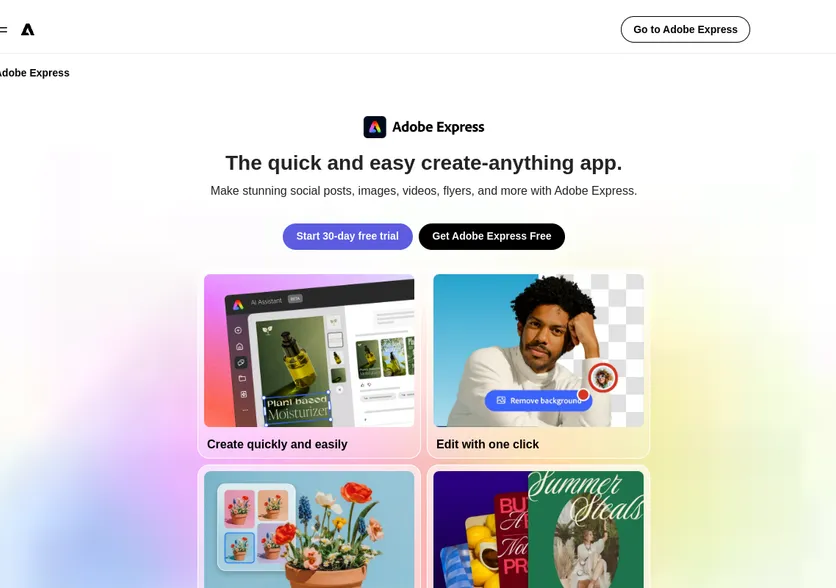
Paid tool Starting price: $9.99/month · Premium plan, $9.99 a month; annual billing available
Free plan: Free plan with basic templates and two gigabytes of storage
Adobe Express is the quick-design arm of Adobe, built for people who want polished graphics without learning a full design suite. This Adobe Express Premium plan adds the full template and stock photo library, one-click background removal and brand controls. A beginner can make a flyer, a reel cover or a resume in one sitting and have it look professionally made.
What we like
- Adobe stock photos and fonts included
- One-click background removal and resize
- Generous free plan to learn on first
Watch out for
- Premium costs about ten dollars a month
- Fewer drawing tools than a full desktop app
How to try it
- Open the Adobe Express pricing page and start a trial
- Choose a template or start from a blank canvas
- Export the design as an image or PDF and share it
3. Figma
Best for: Beginners learning interface and web design with others
Paid tool Starting price: $16/editor/month · Professional plan, $16 per full editor a month billed annually ($20 billed monthly); Dev seats $12, Collab seats $3
Free plan: Free Starter plan with three files and unlimited personal drafts
Figma is a browser-based design tool where beginners can build interfaces, mockups and brand assets on an endless shared canvas. This Figma Professional plan adds unlimited projects, version history and shared libraries for a small team. A beginner who wants design to become a career will find Figma the most useful skill on this list to learn.

What we like
- Runs in the browser with live collaboration
- Huge free community of files and plugins
- Industry-standard tool for interface design
Watch out for
- Professional costs sixteen dollars per editor a month
- Vector illustration tools are thinner than in a desktop suite
How to try it
- Open the Figma pricing page and create a free account
- Duplicate a community file and study how it is built
- Start your own project and invite a friend to comment
4. Sketch
Best for: Mac users learning interface design on a native app
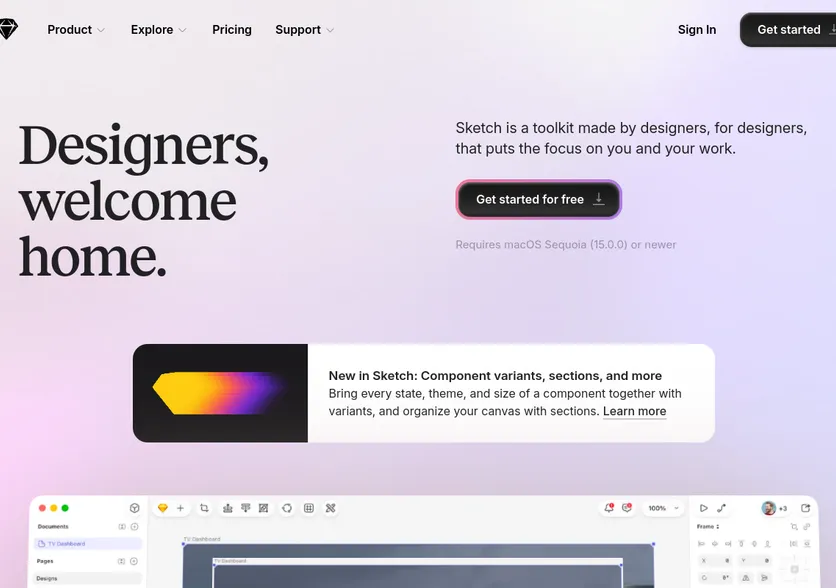
Paid tool Starting price: $12/editor/month · Standard plan, $12 per editor a month billed annually ($14 billed monthly); Mac-only app with a $120 one-time license option
Free plan: No free plan; free trial available
Sketch is a Mac-only design app with a clean canvas and a huge library of plugins that beginners can grow into over time. This Sketch Standard plan covers the native Mac app plus web collaboration, shared libraries and version history. A Mac owner who wants a focused interface design tool without the weight of a full creative suite will feel at home here.
What we like
- Clean native Mac app with a gentle learning curve
- Symbols and shared libraries keep designs consistent
- Large plugin library for extra features
Watch out for
- Standard costs twelve dollars per editor a month
- Mac only, so Windows users cannot use it
How to try it
- Open the Sketch pricing page and start a trial
- Open a sample document and explore symbols and artboards
- Build a simple app screen and share it for feedback
5. CorelDRAW Graphics Suite
Best for: Beginners who want one desktop suite for vector, layout and photos
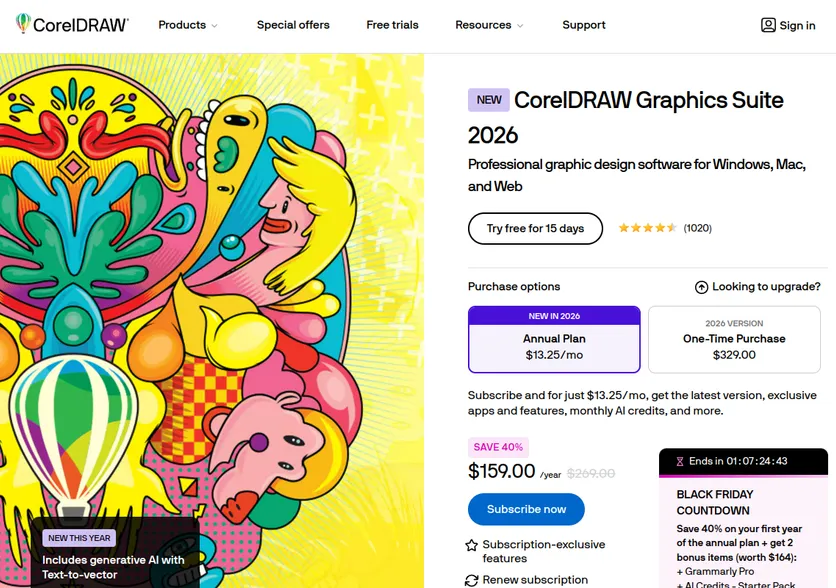
Paid tool Starting price: $269/year · Graphics Suite 2026 annual plan, $269 a year; $549 one-time purchase; list price confirmed in Corel's September 2026 release announcement, priceSource is the vendor homepage
Free plan: No free plan; 15-day free trial
CorelDRAW Graphics Suite is the veteran vector package here, pairing illustration, layout and photo editing in one desktop bundle. This CorelDRAW Graphics Suite annual plan gives a beginner professional vector tools, page layout and a photo editor without juggling three apps. A patient learner who wants to master real vector drawing will find the depth here unmatched at this price.
What we like
- Full vector, layout and photo tools in one suite
- One-time purchase option avoids a subscription
- Strong tutorials for new users
Watch out for
- Annual plan costs two hundred sixty-nine dollars a year
- Steeper learning curve than template-based tools
How to try it
- Open the CorelDRAW site and start a trial
- Work through the built-in tutorials for a first logo
- Export the finished artwork as a print-ready file
6. Pixlr
Best for: Beginners who want Photoshop-style editing in the browser
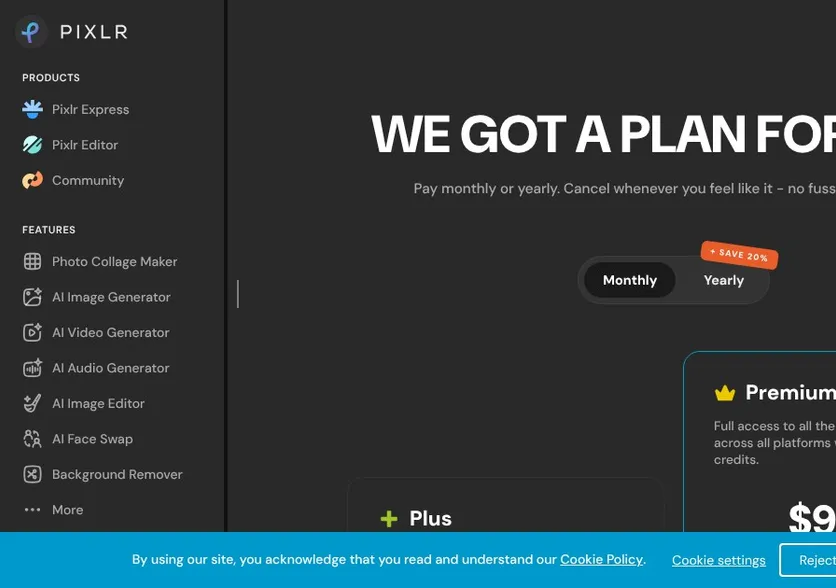
Paid tool Starting price: $7.99/month · Premium plan, $7.99 a month billed annually ($95.88 a year); $9.99 billed monthly; Plus plan $1.99 a month billed yearly
Free plan: Free plan with basic editing tools and ads
Pixlr is a browser-based editor that feels like a lighter Photoshop, with layers, masks and one-click AI tools in a familiar layout. This Pixlr Premium plan removes ads, unlocks the full AI toolset and adds more cloud storage for your projects. A beginner who wants real photo editing skills without installing software or paying a large monthly fee will like it here.
What we like
- Layers and masks like a desktop editor
- AI background removal and generative fill
- No install needed, works on any computer
Watch out for
- Premium costs about eight dollars a month billed annually
- Free version shows ads and limits AI tools
How to try it
- Open the Pixlr pricing page and create an account
- Upload a photo and try the one-click AI background remover
- Save the edit and export it in the format you need
7. BeFunky
Best for: Beginners who want fun photo edits, collages and cards
Paid tool Starting price: $6.99/month · Plus plan, $6.99 a month billed annually ($83.88 a year); $14.99 billed monthly
Free plan: Free plan with basic editing and collage tools
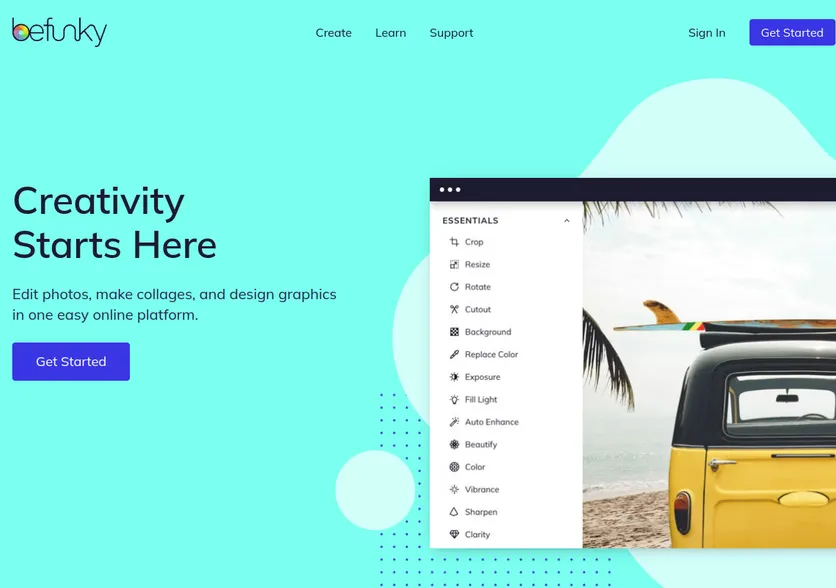
BeFunky is a cheerful all-in-one editor that covers photo edits, collages and graphic design from a single browser tab. This BeFunky Plus plan unlocks the full photo effects library, batch processing and an ad-free workspace. A beginner who mostly wants to fix photos, build collages and make cards will find BeFunky the friendliest tool on this list.
What we like
- Very friendly interface for first-time editors
- Photo effects, collage maker and designer in one
- Batch processing saves time on many photos
Watch out for
- Plus costs about seven dollars a month billed annually
- No vector drawing or interface design tools
How to try it
- Open the BeFunky pricing page and start a trial
- Upload a photo and try a one-click effect
- Build a collage and download it without a watermark
8. VistaCreate
Best for: Small businesses that need fresh social graphics every week
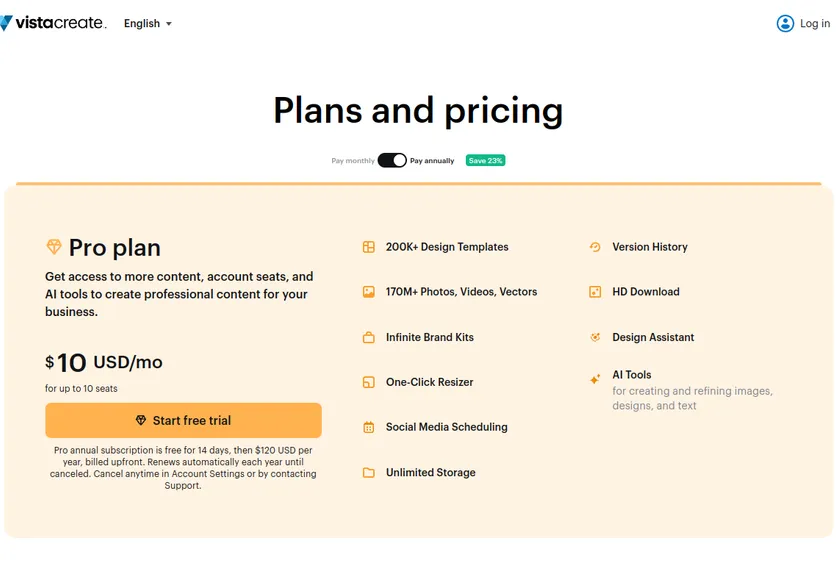
Paid tool Starting price: $10/month · Pro plan, $10 a month billed annually ($120 a year); $13 billed monthly; up to 10 team members
Free plan: Free Starter plan with basic templates
VistaCreate is a template-first design tool from the Vista team, aimed at small businesses that need fresh social graphics every week. This VistaCreate Pro plan unlocks the full template library, background remover, brand kit and team seats for up to ten people. A beginner running a shop or side project can keep a steady stream of posts looking consistent without hiring a designer.
What we like
- Huge library of social media templates
- Brand kit keeps colors and fonts consistent
- Team seats included for small businesses
Watch out for
- Pro costs ten dollars a month billed annually
- Fewer advanced editing tools than desktop apps
How to try it
- Open the VistaCreate pricing page and start a trial
- Pick a social media template and add your brand colors
- Schedule the finished post or download it for later
Prices above were checked on each vendor’s own website on Nov 26, 2026 and can change — the vendor’s page is the final word. Vendor links are editorial: nobody paid to be listed or ranked here. Vendors who want a featured listing can see how it works on our Get listed page.
What design software costs for beginners in 2026
Most beginners pay for one tool, so the monthly price is the whole budget and the cheapest plan is usually the best place to start. This list runs from about seven dollars a month for a friendly browser editor to a full vector suite at two hundred sixty-nine dollars a year, and the template tools all include a free plan you can learn on first. The headline plan each vendor shows on its own pricing page is the number in the table above, checked on November 26, 2026.
Start with the free plan on two tools and make the same design in both. Compare how fast you finish and how happy you are with the result, then pay for the one you reach for twice. A ten-dollar tool you open every day beats a two-hundred-dollar suite that sits unused.
Before you buy
- Try the free plan first, because every tool here lets you learn the basics before paying anything.
- Check the template library for your kind of work, because a social post template set will not help a logo project.
- Count the seats before paying, because team plans charge per editor and a hobbyist needs only one.
- Ask whether the tool runs in your browser or needs a download, because a browser tool works on any computer you own.
- Add up the yearly cost, because a seven-dollar monthly plan is really eighty-four dollars a year.
Official websites
Official websites of the products reviewed above. Features and prices were checked against these sites when this guide was written, and they can change, so confirm on the vendor site before you buy.
Frequently asked questions
What is the best design software for beginners in 2026?
Canva Pro, at twelve dollars a month billed annually, is the safest default because its templates and brand kit turn a blank page into a finished design in minutes. Adobe Express is better when you want Adobe stock photos and fonts, at about ten dollars a month. Figma wins when you want to learn real interface design, since it is the industry standard for app and web work.
What is the cheapest design software for beginners?
BeFunky Plus, at about seven dollars a month billed annually, is the cheapest paid plan here and covers photo editing, collages and graphic design in one browser tab. Pixlr Premium, at about eight dollars a month billed annually, is the cheapest Photoshop-style editor. Both offer free plans, so you can learn the basics before paying anything at all.
Can I learn design for free before paying?
Yes, almost every tool here offers a free plan or a trial. Canva, Adobe Express, Figma, Pixlr, BeFunky and VistaCreate all have free tiers with real templates and tools. Sketch and CorelDRAW offer free trials instead, so you can test them for two weeks before deciding. Start free, make five real designs, and only then choose a paid plan.
Do I need a Mac to learn design software?
No, most of these tools run in a browser on any computer. Canva Pro, Adobe Express, Figma, Pixlr, BeFunky and VistaCreate all work on Windows, Mac and Chromebooks. Sketch is the only Mac-only tool here, and CorelDRAW is a desktop suite for Windows and Mac. Pick a browser tool first if you switch computers often.
Is Canva Pro or Adobe Express better for beginners?
Canva Pro is better for most beginners because its template library is larger and its brand kit keeps every design consistent. Adobe Express is better when you want Adobe stock photos, fonts and one-click resize for social posts. Both cost about ten to twelve dollars a month, and both have free plans, so try the free tier of each and keep the one you enjoy opening.
Want to practise with free tools too? Try Toolsvine's free image tools right in your browser.
Browse Image Tools tools


