On this page
Bambu Lab printers ship with a fine free slicer, so paid software has to earn its place in the workflow. The seven tools below run from a nine dollar monthly cloud plan to a six hundred eighty dollar yearly subscription, and every price was checked on the vendor site on November 27, 2026. Simplify3D wins for owners who tune every print, while Fusion wins for owners who design their own parts. Compare the slicer against Bambu Studio before you pay, because a paid tool must beat the free one. Simplify3D is our first pick for Bambu Lab owners.
How we researched this
We started with the paid tools Bambu Lab owners actually add to their workflow, then read each price on the vendor site on November 27, 2026. We kept only tools with a published dollar price, and we judged them for slicing control, design power and remote printing. We dropped Bambu Studio, OrcaSlicer, UltiMaker Cura and Meshmixer because they cost nothing, Netfabb because it is an industrial bundle with conflicting published prices, and Lychee Slicer because its store lists prices in euros only.
Compare the tools
| Name | Best for | Starting price | Free plan | |
|---|---|---|---|---|
 Simplify3D | Makers who want one slicer that supports many printer brands | $199 one-time | No free plan; 14-day refund policy | Visit |
 Autodesk Fusion | Makers who design precise functional parts for a home printer | $680/year | Free personal-use licence for eligible hobbyists; 30-day free trial | Visit |
 ZBrush | Makers who sculpt organic models and figurines to print on a home printer | $399/year | No free plan; 14-day free trial | Visit |
 SelfCAD | Makers who want an all-in-one modeler and slicer for a low yearly price | $139.99/year | Free plan available; 10-day trial | Visit |
| KISSlicer | Makers who want a fast lightweight slicer for one low price | $42 one-time | Free tier for single-material slicing | Visit |
| 3DPrinterOS | Owners who run two or more printers from one dashboard | $19/month | No free plan; 14-day free trial | Visit |
| AstroPrint | Makers who want cloud slicing and remote printing for one low price | $9.90/month | Free Basic plan, 2 printers | Visit |
The 3D printing software for Bambu Lab, compared
1. Simplify3D
Best for: Makers who want one slicer that supports many printer brands
Paid tool Starting price: $199 one-time · Standard licence, one hundred ninety-nine dollars once for one computer with one year of updates included; two-week refund
Free plan: No free plan; 14-day refund policy
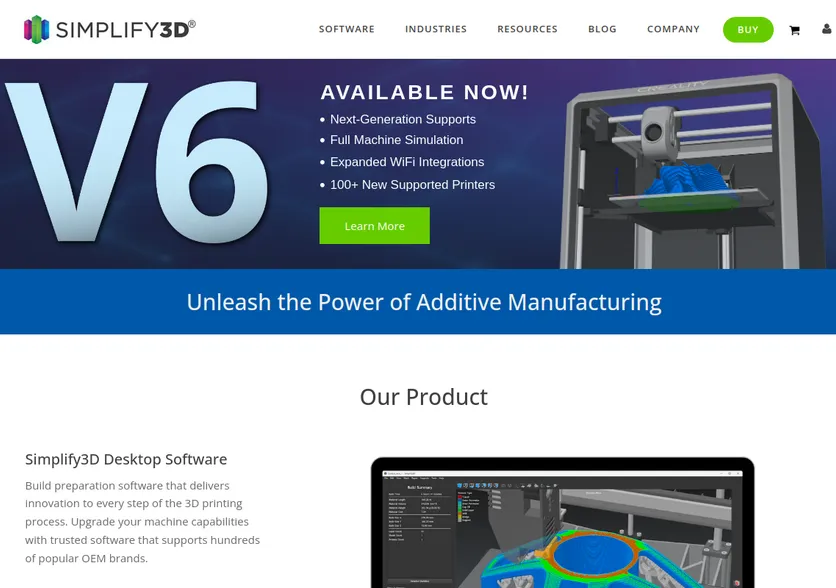
Simplify3D is the one slicer in this list that covers Bambu Lab printers alongside dozens of other brands, so one workflow serves a mixed fleet. This Simplify3D licence costs one hundred ninety-nine dollars once for one computer, with one year of updates included. Deep control over supports, seams and print order suits owners who tune every print, though there is no free trial, only a two-week refund.
What we like
- One slicer for many printer brands and materials
- Deep control over supports, seams and print order
- One-time purchase with no subscription
Watch out for
- No free trial, only a two-week refund
- The interface is dense for first-time slicer users
How to try it
- Open the Simplify3D site and check the licence terms
- Import a model and pick your printer profile
- Preview the toolpath layer by layer before printing
2. Autodesk Fusion
Best for: Makers who design precise functional parts for a home printer
Paid tool Starting price: $680/year · Annual subscription, six hundred eighty dollars a year, or eighty-five dollars a month on monthly billing; free personal-use licence for eligible hobbyists; thirty-day trial
Free plan: Free personal-use licence for eligible hobbyists; 30-day free trial
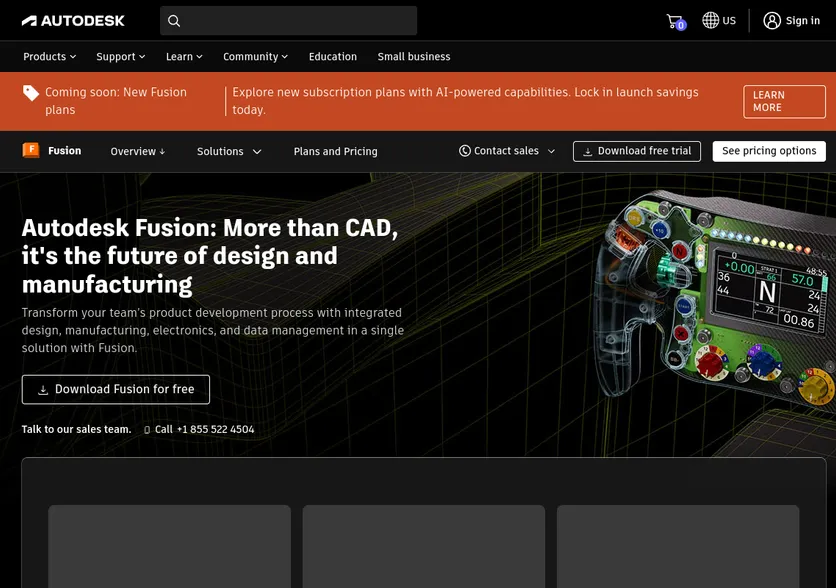
Autodesk Fusion is the design half of a Bambu Lab workflow, turning an idea into a precise model before Bambu Studio slices it. This Autodesk Fusion subscription costs six hundred eighty dollars a year, with a free personal-use licence for eligible hobbyists. Parametric parts fit the printer bed exactly, and the built-in simulation checks whether a thin wall will survive a fast Bambu print.
What we like
- Parametric modeling with full version history in the cloud
- Built-in CAM and simulation in the same subscription
- Free personal-use licence for eligible hobbyists
Watch out for
- Cloud storage is required for the full workflow
- Autodesk announced new subscription tiers starting January 2027
How to try it
- Open the Autodesk buy page and start the thirty-day trial
- Sketch a part and extrude it into a solid body
- Export the body as STL and slice it for your printer
3. ZBrush
Best for: Makers who sculpt organic models and figurines to print on a home printer
Paid tool Starting price: $399/year · Annual subscription, three hundred ninety-nine dollars a year, or forty-nine dollars a month on monthly billing; desktop and iPad included; fourteen-day trial
Free plan: No free plan; 14-day free trial
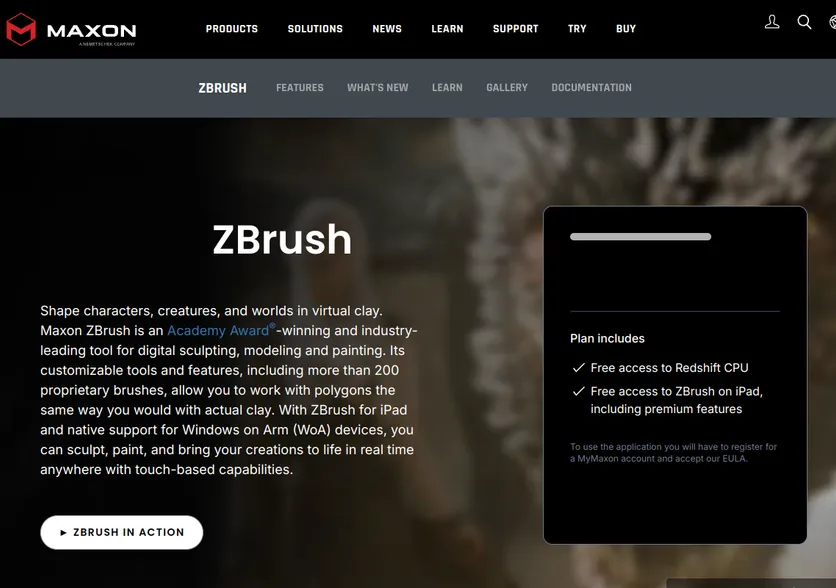
ZBrush feeds a Bambu Lab printer the organic models Bambu Studio cannot design itself, from figurines to detailed busts. This ZBrush subscription costs three hundred ninety-nine dollars a year and covers the desktop app plus the iPad app in the same licence. Sculpt a character, decimate the mesh, and export an STL that slices cleanly on any Bambu machine.
What we like
- The strongest digital sculpting toolset in this list
- Sculpts export cleanly to STL for slicing
- Includes the iPad app in the same subscription
Watch out for
- Subscription only, so the cost never stops
- The interface takes weeks to learn properly
How to try it
- Open the Maxon buy page and start the fourteen-day trial
- Sculpt a test figurine and decimate the mesh for printing
- Export the model as STL and open it in your slicer
4. SelfCAD
Best for: Makers who want an all-in-one modeler and slicer for a low yearly price
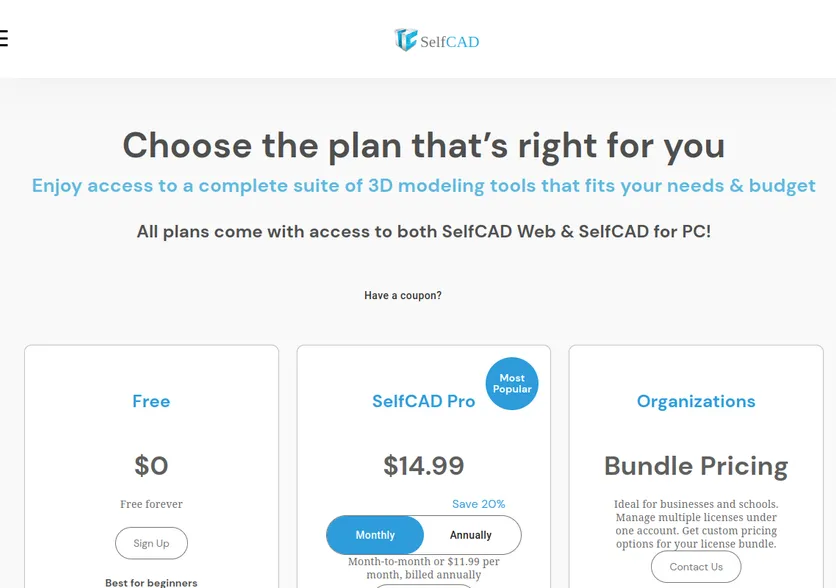
Paid tool Starting price: $139.99/year · Pro yearly plan, one hundred thirty-nine dollars and ninety-nine cents a year, or fourteen dollars and ninety-nine cents a month on monthly billing; perpetual licence five hundred ninety-nine dollars once; free plan available; ten-day trial
Free plan: Free plan available; 10-day trial
SelfCAD is the all-in-one start for a Bambu Lab owner who wants to model, sculpt and slice without juggling three apps. This SelfCAD Pro plan costs one hundred thirty-nine dollars and ninety-nine cents a year, with a free plan for casual use. It runs in the browser with nothing to install, and the built-in slicer prepares a model for any printer, Bambu included.
What we like
- Modeling, sculpting and slicing in one low-cost app
- The cheapest full modeler in this list
- Runs in the browser with nothing to install
Watch out for
- Less powerful than Fusion or ZBrush for complex work
- The yearly price and monthly price do not match up cleanly
How to try it
- Open the SelfCAD pricing page and start the ten-day trial
- Model a simple part with the built-in tools
- Slice the model inside SelfCAD and send it to your printer
5. KISSlicer
Best for: Makers who want a fast lightweight slicer for one low price
Paid tool Starting price: $42 one-time · Pro licence, forty-two dollars once; Premium eighty-two dollars once; free tier covers single-material slicing
Free plan: Free tier for single-material slicing
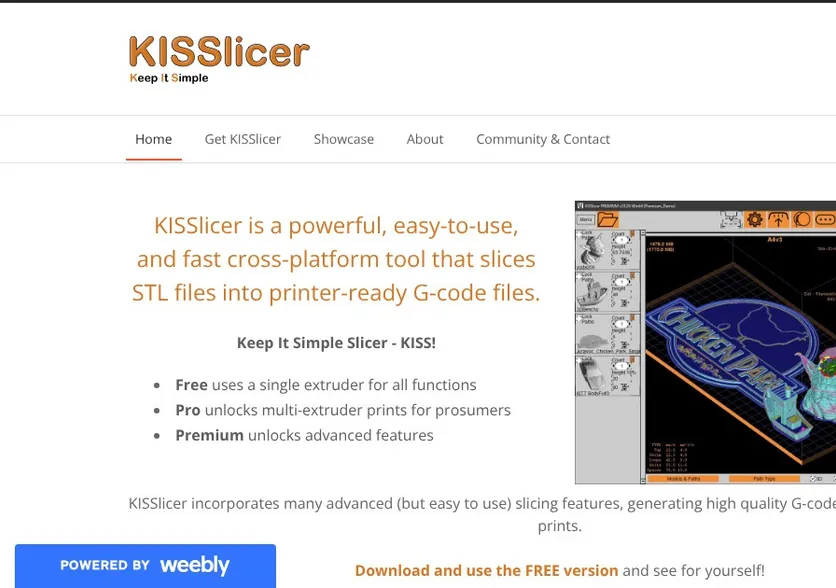
KISSlicer is the lightweight paid slicer for Bambu Lab owners who want fast slicing and a tiny footprint. This KISSlicer Pro licence costs forty-two dollars once, with Premium at eighty-two dollars once and a free tier for single-material prints. It slices quickly with deep control over the toolpath, though its printer profile library is smaller than the big free slicers.
What we like
- The cheapest paid slicer in this list
- Fast slicing with a tiny install footprint
- One-time purchase with a free single-material tier
Watch out for
- Smaller community than Cura or PrusaSlicer
- Fewer printer profiles than the big free slicers
How to try it
- Open the KISSlicer site and download the free tier
- Load a model and pick a printer profile
- Slice and check the preview before sending it to print
6. 3DPrinterOS
Best for: Owners who run two or more printers from one dashboard
Paid tool Starting price: $19/month · Premium plan, nineteen dollars a month for two printers and one user; Education and Enterprise by quote; fourteen-day free trial
Free plan: No free plan; 14-day free trial
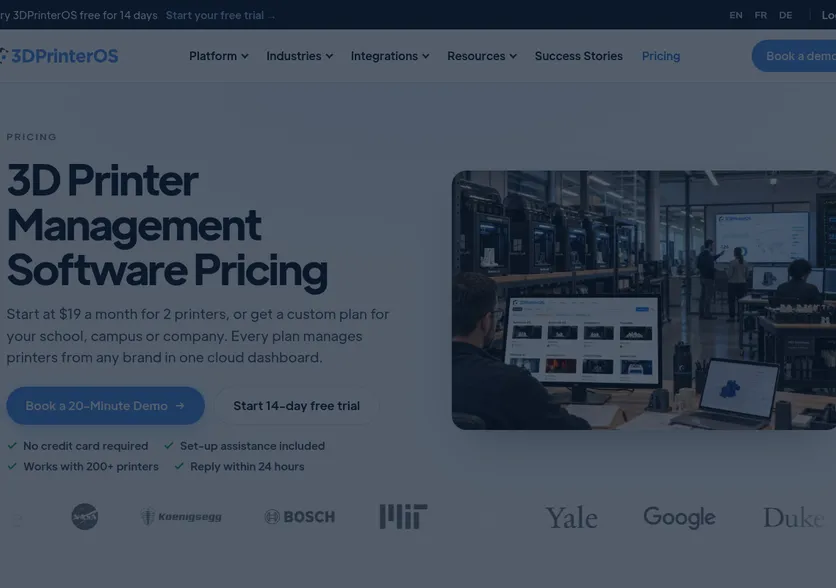
3DPrinterOS puts a Bambu Lab printer on a cloud dashboard with remote printing, live monitoring and AI failure detection. This 3DPrinterOS Premium plan costs nineteen dollars a month for two printers and one user, with a fourteen-day free trial. Cloud slicing prepares the file anywhere, and the dashboard watches the first layers while you are away from the printer.
What we like
- One dashboard for more than two hundred printer models
- Cloud slicing and AI failure detection included
- Fourteen-day trial with no card required
Watch out for
- The entry plan covers only two printers and one user
- Education and Enterprise plans need a custom quote
How to try it
- Open the 3DPrinterOS pricing page and start the trial
- Connect your printer and upload a model
- Slice in the cloud and watch the first layers remotely
7. AstroPrint
Best for: Makers who want cloud slicing and remote printing for one low price
Paid tool Starting price: $9.90/month · Premium plan, nine dollars and ninety cents a month for five printers, one user and ten gigabytes of storage, with extra printers at five dollars each; Basic plan free for two printers; Business and Education by quote
Free plan: Free Basic plan, 2 printers
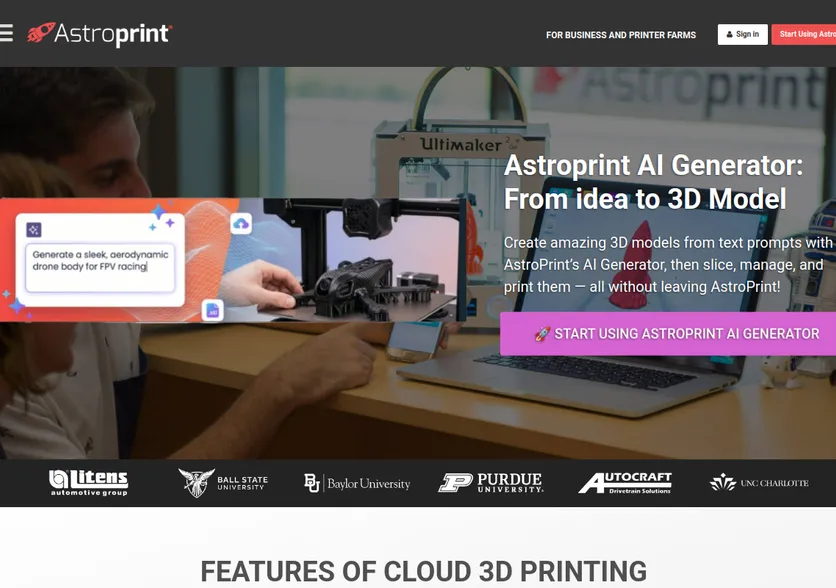
AstroPrint is the cheapest cloud route for a Bambu Lab owner who wants to slice in a browser and print from anywhere. This AstroPrint Premium plan costs nine dollars and ninety cents a month for five printers, one user and ten gigabytes of storage. The free Basic plan covers two printers to start, and the mobile app starts a print from the couch.
What we like
- The cheapest cloud printing plan in this list
- Slice in the browser with nothing to install
- Free Basic plan covers two printers to start
Watch out for
- Premium covers only five printers before extra fees
- Needs an AstroBox or plugin to connect some printers
How to try it
- Open the AstroPrint site and claim the free Basic plan
- Connect your printer through an AstroBox or plugin
- Upload a model, slice it in the browser and print
Prices above were checked on each vendor’s own website on Nov 27, 2026 and can change — the vendor’s page is the final word. Vendor links are editorial: nobody paid to be listed or ranked here. Vendors who want a featured listing can see how it works on our Get listed page.
What Bambu Lab software costs in 2026
Bambu Lab owners spend little on software, because the printer ships with a capable free slicer and most paid tools fill one gap. AstroPrint costs nine dollars and ninety cents a month, 3DPrinterOS costs nineteen dollars a month, and KISSlicer costs forty-two dollars once. SelfCAD costs one hundred thirty-nine dollars and ninety-nine cents a year, Simplify3D costs one hundred ninety-nine dollars once, and ZBrush costs three hundred ninety-nine dollars a year, while Fusion costs six hundred eighty dollars a year.
Start with a trial and run one real print end to end before you pay. Check whether the paid slicer beats Bambu Studio on supports and seams, whether the designer fits your parts, and whether remote printing saves you real time. Pick the tool that fills a gap Bambu Studio leaves, because a paid duplicate of the free slicer is money wasted.
Before you buy
- Compare every paid slicer against Bambu Studio first, because the free slicer already handles most Bambu prints well.
- Count the yearly cost honestly, since Fusion at six hundred eighty dollars a year dwarfs AstroPrint at about one hundred nineteen dollars a year.
- Try the free trial on two tools, since 3DPrinterOS and Fusion both offer trials before you pay.
- Match the tool to the gap, because design needs Fusion and remote printing needs AstroPrint.
- Check the refund terms, because Simplify3D has no trial and only a two-week refund.
Official websites
Official websites of the products reviewed above. Features and prices were checked against these sites when this guide was written, and they can change, so confirm on the vendor site before you buy.
Frequently asked questions
Which 3D printing software is best for Bambu Lab in 2026?
Simplify3D is the best overall pick for Bambu Lab owners, because one slicer covers many printer brands with deep control over supports and seams. Autodesk Fusion is the best choice for designing your own parts, and AstroPrint is the cheapest cloud plan for remote printing. Every price here was checked on the vendor site on November 27, 2026.
How much does software for a Bambu Lab printer cost?
Prices here run from nine dollars and ninety cents a month for AstroPrint to six hundred eighty dollars a year for Fusion. KISSlicer costs forty-two dollars once, Simplify3D costs one hundred ninety-nine dollars once, and SelfCAD costs one hundred thirty-nine dollars and ninety-nine cents a year. ZBrush costs three hundred ninety-nine dollars a year, and 3DPrinterOS costs nineteen dollars a month for two printers.
Do I need paid software for a Bambu Lab printer?
No, Bambu Studio is free and handles most prints well, so paid software only earns its place when it fills a gap. Buy Simplify3D when you want deeper slicer control, Fusion when you design your own parts, and AstroPrint when you print remotely. Try the free trials first and compare the result against Bambu Studio on the same model.
Can Simplify3D slice for Bambu Lab printers?
Yes, Simplify3D supports Bambu Lab printers alongside dozens of other brands, with printer profiles and deep control over the toolpath. It costs one hundred ninety-nine dollars once for one computer with one year of updates included. There is no free trial, so use the two-week refund window to test it on your own printer first.
What should a Bambu Lab owner look for in paid software?
Look for a gap Bambu Studio leaves, whether that is deeper slicer control, parametric design or remote printing. Check the price against how often you print, since a monthly plan only pays off for regular makers. Try the free trial first and run one real print before you commit to a yearly plan.
Need everyday image help too? Try Toolsvine's free image tools right in your browser.
Browse Image Tools tools