
On this page
A company that runs payroll on ADP can add hiring, scheduling and recognition from the ADP Marketplace without a new login. The eight apps below cover HR, hiring, scheduling and rewards, with prices from under $3 a user a month to about $249 a month, and every price was checked on the vendor site on November 26, 2026. Most offer a free plan or a free trial, so a company can test the app before paying. Rippling is our first pick — HR, payroll and IT in one account for about $8 an employee a month.
How we researched this
We started with the ADP Marketplace apps companies actually buy, then read each price on the vendor pricing page on November 26, 2026 and noted the free plan or trial each one carries. We judged them for a company that runs payroll on ADP and wants hiring, scheduling and recognition in the same system. We kept only apps with a published price, and we dropped any app whose price we could not verify.
Compare the tools
| Name | Best for | Starting price | Free plan | |
|---|---|---|---|---|
 Rippling | Companies that want HR, payroll and IT in one account | $8/employee/month | Free trial available; no free plan | Visit |
 JazzHR | Small companies that hire without a recruiter | $1,000/year | Free trial available; no free plan | Visit |
 WizeHire | Small businesses hiring hourly and frontline staff | $249/month | Free trial available; no free plan | Visit |
 Connecteam | Companies with deskless staff who work from phones | $29/month | Free plan (up to 10 users) | Visit |
 Deputy | Companies with shifts that change every week | $5/user/month | Free trial available; no free plan | Visit |
 Homebase | Small businesses that want scheduling and payroll together | $30/month | Free plan (basic scheduling and time tracking) | Visit |
 When I Work | Managers who fill shifts from a phone | $2.50/user/month | Free trial available; no free plan | Visit |
 Bonusly | Companies that want to keep hourly staff engaged | $5/user/month | Free trial available; no free plan | Visit |
The ADP Marketplace apps, compared
1. Rippling
Best for: Companies that want HR, payroll and IT in one account
Paid tool Starting price: $8/employee/month · $8 an employee a month
Free plan: Free trial available; no free plan
Rippling runs HR, payroll and IT from one account, which suits a company that wants to stop juggling separate systems. This Rippling plan costs about $8 an employee a month and covers HR, payroll and device management, so a growing company can onboard a hire in minutes. The ADP Marketplace listing means the data flows straight into payroll without manual entry.

What we like
- HR, payroll and IT in one account
- Onboarding in minutes
- Data flows straight into ADP payroll
Watch out for
- Costs about $8 an employee a month
- Pricing varies by modules
How to try it
- Open the Rippling pricing page
- Book a demo and discuss the plan
- Onboard your first hire in one account
2. JazzHR
Best for: Small companies that hire without a recruiter
Paid tool Starting price: $1,000/year · $1,000 a year
Free plan: Free trial available; no free plan
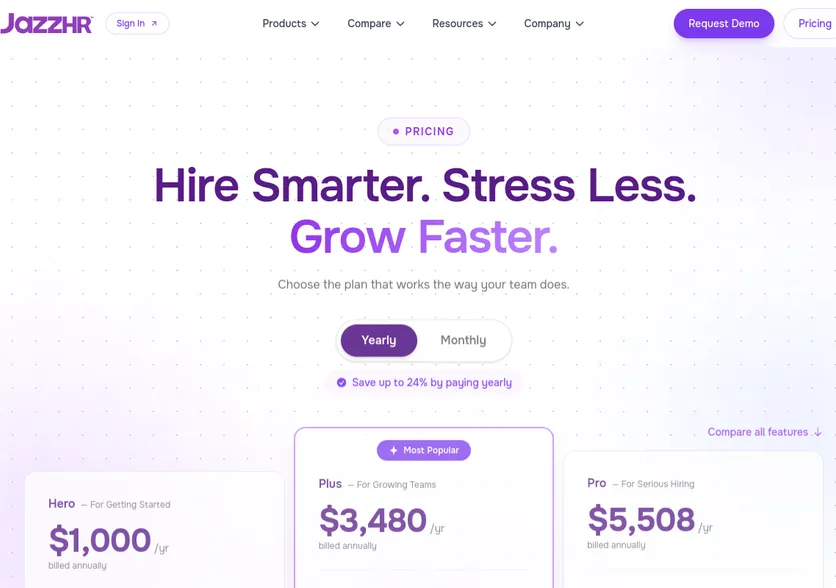
JazzHR is the hiring tool a small company buys to post jobs and track candidates without a recruiter. This JazzHR plan costs about $1,000 a year and covers job posting, candidate tracking and team collaboration, so a company can hire faster without agency fees. The flat yearly price suits a company that hires in bursts rather than every month.
What we like
- Job posting and tracking in one place
- Flat yearly price, no monthly bill
- Team collaboration built in
Watch out for
- Costs about $1,000 a year
- No free plan, trial only
How to try it
- Open the JazzHR pricing page and start the trial
- Post your first job
- Track candidates through the pipeline
3. WizeHire
Best for: Small businesses hiring hourly and frontline staff
Paid tool Starting price: $249/month · $249 a month
Free plan: Free trial available; no free plan
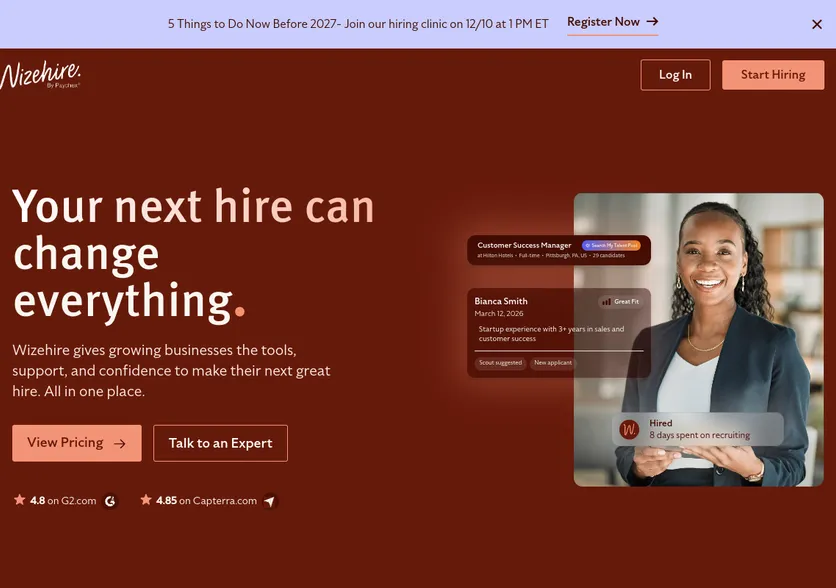
WizeHire helps a small business hire hourly and frontline staff with ads and screening built in. This WizeHire plan costs about $249 a month and covers job ads, candidate screening and hiring workflows, so a company can fill a role without posting on five sites. The screening questions save hours, because bad fits get filtered before the interview.
What we like
- Job ads and screening built in
- Suits hourly and frontline hiring
- Saves hours on bad fits
Watch out for
- Costs about $249 a month
- Dearest flat price on this list
How to try it
- Open the WizeHire pricing page and start the trial
- Post a job with screening questions
- Review the filtered candidates
4. Connecteam
Best for: Companies with deskless staff who work from phones
Paid tool Starting price: $29/month · $29 a month
Free plan: Free plan (up to 10 users)
Connecteam is the app a company gives to deskless staff who never sit at a computer. This Connecteam plan costs about $29 a month and covers scheduling, time tracking and team chat, so a company can manage field staff from one phone app. The low flat price suits a small team with a handful of hourly workers.

What we like
- Built for deskless staff
- Scheduling and chat in one app
- Free plan for up to 10 users
Watch out for
- Costs about $29 a month
- Some features need higher plans
How to try it
- Open the Connecteam pricing page and start the free plan
- Add your team and schedules
- Let staff clock in from the app
5. Deputy
Best for: Companies with shifts that change every week
Paid tool Starting price: $5/user/month · $5 a user a month
Free plan: Free trial available; no free plan
Deputy schedules hourly staff and tracks time, which suits a company with shifts that change every week. This Deputy plan costs about $5 a user a month and covers scheduling, time tracking and leave management, so a manager can build the rota in minutes. The ADP Marketplace listing means hours flow straight into payroll without retyping.

What we like
- Rota built in minutes
- Hours flow into ADP payroll
- Leave management included
Watch out for
- Costs about $5 a user a month
- No free plan, trial only
How to try it
- Open the Deputy pricing page and start the trial
- Build the rota for the week
- Export hours straight into payroll
6. Homebase
Best for: Small businesses that want scheduling and payroll together
Paid tool Starting price: $30/month · $30 a month
Free plan: Free plan (basic scheduling and time tracking)
Homebase is the free-first scheduling tool a small business uses to run shifts and payroll together. This Homebase plan costs about $30 a month and covers scheduling, time tracking and hiring, so a small business can run the whole team from one app. The free plan covers the basics, which is enough for a tiny team to start.

What we like
- Free plan covers the basics
- Scheduling and payroll together
- Suits tiny teams starting out
Watch out for
- Costs about $30 a month
- Some features need higher plans
How to try it
- Open the Homebase pricing page and start the free plan
- Build the rota for your team
- Upgrade when you need hiring tools
7. When I Work
Best for: Managers who fill shifts from a phone
Paid tool Starting price: $2.50/user/month · $2.50 a user a month
Free plan: Free trial available; no free plan
When I Work is the scheduling app a manager opens on a phone to fill a shift in seconds. This When I Work plan costs under $3 a user a month and covers scheduling, time tracking and team messaging, so a company can run shifts without a spreadsheet. The low price makes it the cheapest scheduling tool on this list.

What we like
- Cheapest scheduling here
- Shift swaps in the app
- Fast rota building on mobile
Watch out for
- Costs about $2.50 a user a month
- No free plan, trial only
How to try it
- Open the When I Work pricing page and start the trial
- Build the rota for the week
- Let staff swap shifts in the app
8. Bonusly
Best for: Companies that want to keep hourly staff engaged
Paid tool Starting price: $5/user/month · $5 a user a month
Free plan: Free trial available; no free plan
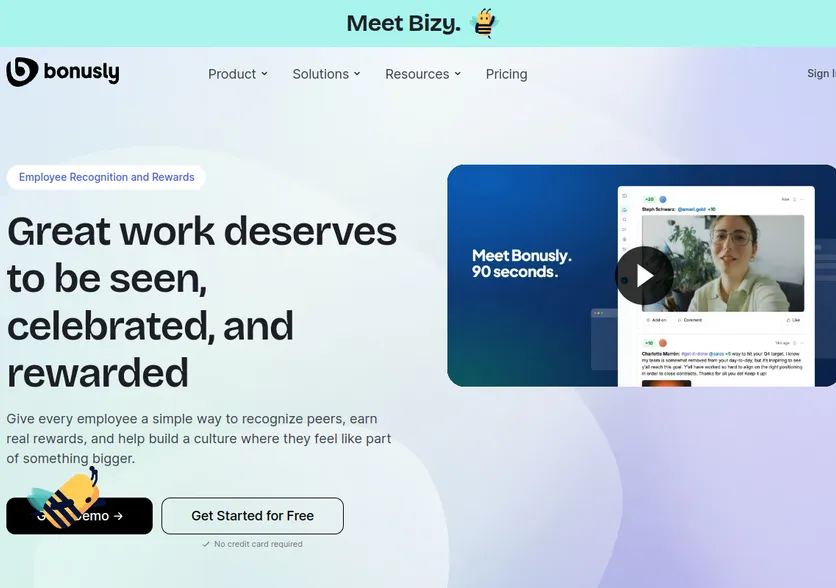
Bonusly is the recognition tool a company buys to keep hourly staff engaged and appreciated. This Bonusly plan costs about $5 a user a month and covers peer recognition, rewards and reporting, so a manager can spot the people who keep the team running. The ADP Marketplace listing means recognition data sits next to payroll without extra work.
What we like
- Peer recognition that works
- Rewards and reporting included
- Sits next to ADP payroll
Watch out for
- Costs about $5 a user a month
- No free plan, trial only
How to try it
- Open the Bonusly pricing page and start the trial
- Set up recognition for your team
- Review the rewards report each month
Prices above were checked on each vendor’s own website on Nov 26, 2026 and can change — the vendor’s page is the final word. Vendor links are editorial: nobody paid to be listed or ranked here. Vendors who want a featured listing can see how it works on our Get listed page.
What ADP Marketplace apps cost in 2026
ADP Marketplace apps charge per user, per employee or flat per month, and the range here runs from under $3 a user a month to about $249 a month. A 20-person company pays about $50 a month on When I Work and about $160 a month on Rippling, which shows how much the billing model matters. Flat plans suit a company with many hourly staff, while per-user plans suit a small team.
Start with the free plan or trial on two apps and run a real week of shifts through both. Compare how fast a manager builds the rota and how the hours flow into payroll, then pick the app your team will actually use.
Before you buy
- Check whether the app connects to ADP payroll, because hours and hires must flow into payroll without manual entry.
- Count the staff you will cover, because per-user pricing means a 50-person team pays far more than a 10-person team.
- Test the mobile app before paying, because hourly staff and managers work from phones, not desktops.
- Ask whether scheduling and time tracking come together, because a rota without time tracking means double entry.
- Add up the yearly cost, because annual billing saves money on most apps here, while monthly billing stays flexible.
Official websites
Official websites of the products reviewed above. Features and prices were checked against these sites when this guide was written, and they can change, so confirm on the vendor site before you buy.
Frequently asked questions
What are the best ADP Marketplace apps in 2026?
Rippling, at about $8 an employee a month, is the safest default because it covers HR, payroll and IT in one account with data flowing straight into ADP. Deputy is better when the work is mostly scheduling, since it builds rotas in minutes and exports hours to payroll. Homebase wins for a tiny team, because the free plan covers scheduling and time tracking with no cost.
What is the cheapest ADP Marketplace app?
When I Work, at $2.50 a user a month, is the cheapest paid app here and covers scheduling, time tracking and team messaging. Connecteam is close behind at $29 a month flat, with a free plan for up to 10 users. Homebase also offers a free plan covering the basics, which suits a tiny team with no budget.
Can I use ADP Marketplace apps for free?
Yes, some of them do. Connecteam offers a free plan for up to 10 users, and Homebase offers a free plan covering basic scheduling and time tracking. Rippling, JazzHR, WizeHire, Deputy, When I Work and Bonusly offer free trials instead. Test the app with a real week of shifts before paying.
Which app is best for scheduling hourly staff?
Deputy, When I Work and Homebase, because all three are built for hourly staff with shifting rotas. Deputy builds the rota fastest and exports hours to payroll, When I Work is the cheapest at $2.50 a user a month, and Homebase adds hiring on top of scheduling. Pick the one your managers will open on a phone every day.
Do these apps work with ADP payroll?
Yes, and that is the point of buying from the ADP Marketplace. Rippling, Deputy and Bonusly all list on the Marketplace, which means hours, hires and recognition data flow into ADP payroll without manual entry. Connecteam and Homebase also connect to payroll systems. Check the Marketplace listing for your ADP plan before paying.
Need everyday business help too? Try Toolsvine's free business tools for teams and startups right in your browser.
Browse Business Tools tools


