
On this page
Remote teams work from job sites, kitchens, warehouses and home offices, and a schedule that only lives on a wall chart never reaches them. The best ADP Marketplace apps software for remote teams puts schedules, time tracking and team messages on every phone, with hours flowing back to ADP payroll. Prices here run from $2.50 a user a month to $63 a month plus per-user fees, and every price was checked on the vendor site on November 26, 2026. Connecteam is our first pick — the all-in-one app for deskless teams from $29 a month.
How we researched this
We started with ADP Marketplace apps that remote teams use for scheduling, time tracking and communication, then read each price on the vendor site on November 26, 2026 and noted the plan limits, the GPS features and the free trial each tool carries. We judged them for a team spread across sites and shifts that needs one app on every phone. We kept the list to tools with a published price, and we dropped any tool whose price we could not verify.
Compare the tools
| Name | Best for | Starting price | Free plan | |
|---|---|---|---|---|
 Connecteam | Distributed teams that need one app for schedules, hours and messages | $29/month | 14-day free trial | Visit |
 When I Work | Remote and shift teams that want the cheapest per-user scheduler | $2.50/user/month | 14-day free trial | Visit |
 Timeero | Mobile teams that move between job sites and need GPS time and mileage | $5/user/month | 14-day free trial | Visit |
 Deputy | Remote teams that need labour costs visible on the roster before publishing | $5/user/month | Free trial | Visit |
 Bonusly | Remote teams that want recognition to replace the hallway thank-you | $5/user/month | Free plan; free trial | Visit |
 ClockShark | Remote field crews that need hours tied to jobs and costs | $63/month + $11.50/user/month | 14-day free trial | Visit |
 7shifts | Restaurant groups whose staff work across several sites | $39.99/month | Free Comp plan; 14-day free trial | Visit |
The ADP Marketplace apps for remote teams, compared
1. Connecteam
Best for: Distributed teams that need one app for schedules, hours and messages
Paid tool Starting price: $29/month · Basic plan for the first 30 users on yearly billing; $35 a month month-to-month; Advanced $49 and Expert $99 a month; 14-day free trial, no credit card; prices in USD
Free plan: 14-day free trial
For a remote team that never sits at a desk, Connecteam is the all-in-one app: schedules, time clocks, forms and team chat live on every phone. This Connecteam Basic plan costs $29 a month for the first 30 users on yearly billing, or $35 month to month, while Advanced is $49 and Expert is $99 a month. It is the first pick here for a distributed team that needs one app to replace the group chat, the wall chart and the paper timesheet.

What we like
- One app for schedules, time tracking and chat
- GPS time tracking for field teams
- First 30 users included on Basic
Watch out for
- Per-user pricing after the first 30
- Advanced features need higher tiers
How to try it
- Open the Connecteam pricing page and start the 14-day free trial
- Invite the team and build the first mobile schedule
- Turn on GPS time tracking and check hours in the dashboard
2. When I Work
Best for: Remote and shift teams that want the cheapest per-user scheduler
Paid tool Starting price: $2.50/user/month · Essentials plan; Pro $5 and Premium $8 a user a month; 14-day free trial, no credit card
Free plan: 14-day free trial
When I Work keeps scheduling simple for remote and shift teams, with a mobile app where staff see shifts, swap with each other and clock in. This When I Work Essentials plan costs $2.50 a user a month, while Pro is $5 and Premium is $8 a user a month. It is the cheapest per-user scheduler here for a remote team that mostly needs shifts published and covered.

What we like
- Cheapest per-user scheduler here at $2.50 a month
- Staff can swap shifts in the app
- 14-day free trial with no credit card
Watch out for
- Fewer HR features than Connecteam
- Time tracking needs a higher tier
How to try it
- Open the When I Work pricing page and start the 14-day free trial
- Add staff and publish the first schedule
- Let staff swap shifts in the app and track the changes
3. Timeero
Best for: Mobile teams that move between job sites and need GPS time and mileage
Paid tool Starting price: $5/user/month · Basic plan billed annually; $6 a month month-to-month; Pro $7.50 and Premium $10 a user a month annual; 14-day free trial, no credit card
Free plan: 14-day free trial
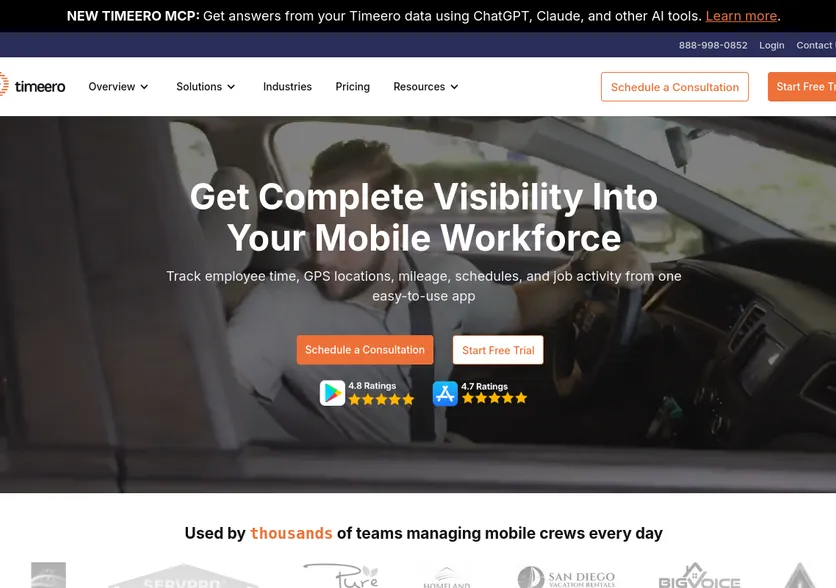
Timeero tracks time, GPS location and mileage for mobile teams, so a manager sees where the day went without chasing paper timesheets. This Timeero Basic plan costs $5 a user a month billed annually, or $6 month to month, while Pro is $7.50 and Premium is $10 a user a month annual. It is the pick here for a remote team that moves between job sites all day.
What we like
- GPS tracking and mileage in one app
- No base fee, pay per active user only
- 14-day free trial with no credit card
Watch out for
- Basic plan caps at 10 users
- Scheduling needs the Pro plan
How to try it
- Open the Timeero pricing page and start the 14-day free trial
- Add the team and turn on GPS tracking
- Check the timesheet and mileage report at the end of the day
4. Deputy
Best for: Remote teams that need labour costs visible on the roster before publishing
Paid tool Starting price: $5/user/month · Lite plan in USD; Core $6.50 and Pro $9 a user a month; HR add-on $2; minimum monthly spend $30; free trial included
Free plan: Free trial
Deputy gives a remote manager one roster for every shift, with time tracking, leave and labour costs attached to each worker. This Deputy Lite plan costs $5 a user a month in USD, while Core is $6.50 and Pro is $9 a user a month, with an HR add-on at $2. It is the pick here for a remote team that needs costs visible on the roster before it is published.

What we like
- Rosters with labour costs built in
- Works across sites and time zones
- Low starting price at $5 a user a month
Watch out for
- Minimum monthly spend of $30
- HR features cost extra as an add-on
How to try it
- Open the Deputy pricing page and start the free trial
- Add staff across sites and build a roster
- Publish shifts and track time against the roster
5. Bonusly
Best for: Remote teams that want recognition to replace the hallway thank-you
Paid tool Starting price: $5/user/month · Team plan billed monthly; $50 per user per year on annual billing; Team without Bizy AI is $3 a user a month or $30 a year; Organization plan is custom; free plan included; free trial available
Free plan: Free plan; free trial
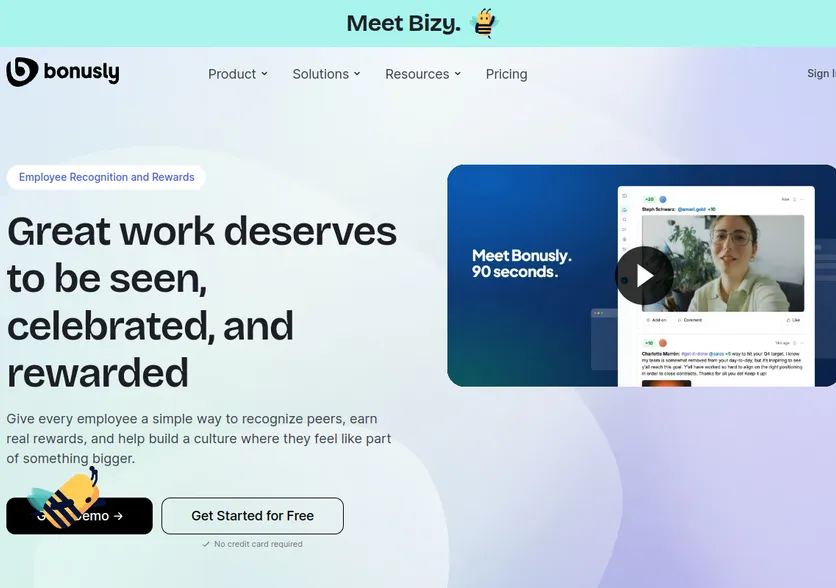
Bonusly keeps a remote team connected with peer recognition and rewards, so good work gets seen even when nobody shares an office. This Bonusly Team plan costs $5 a user a month billed monthly, or $50 per user per year on annual billing, while Team without Bizy AI is $3 a user a month. It is the pick here for a remote team that wants recognition to replace the hallway thank-you.
What we like
- Peer recognition built for remote teams
- Free plan included
- Rewards that staff actually use
Watch out for
- Recognition is an add-on to scheduling, not a replacement
- Organization plan is custom priced
How to try it
- Open the Bonusly pricing page and start the free trial
- Invite the team and set up recognition values
- Give the first bonus and check the recognition feed
6. ClockShark
Best for: Remote field crews that need hours tied to jobs and costs
Paid tool Starting price: $63/month + $11.50/user/month · Pro plan on annual billing; a base fee plus a per-user fee, with Standard starting lower; 14-day free trial of Pro, no credit card
Free plan: 14-day free trial
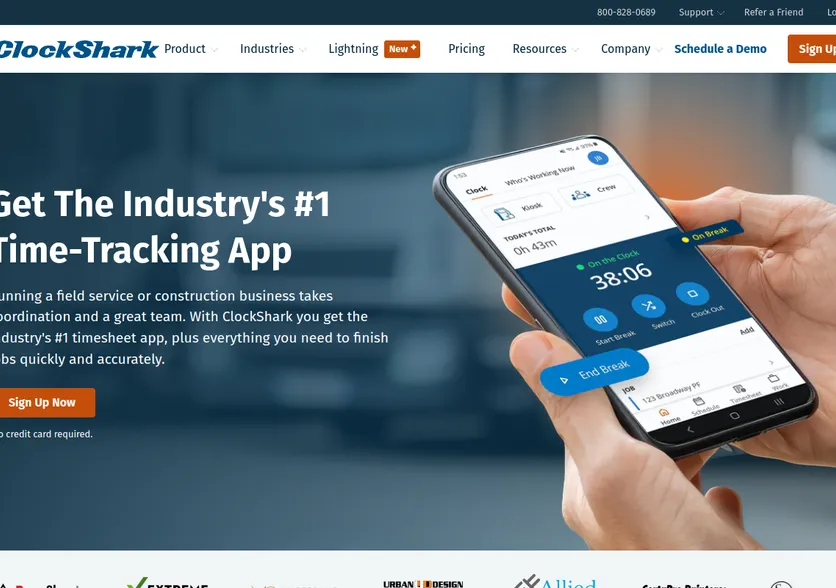
ClockShark is built for field crews, with GPS time tracking, scheduling and job costing that follow workers from site to site. This ClockShark Pro plan costs $63 a month plus $11.50 a user a month on annual billing, while Standard starts lower with a base fee plus a per-user fee. It is the pick here for a remote field team that needs hours tied to jobs and costs.
What we like
- GPS time tracking built for field crews
- Job costing tied to hours
- 14-day free trial of Pro, no credit card
Watch out for
- Base fee plus per-user fee adds up
- Field-focused, less suited to office teams
How to try it
- Open the ClockShark pricing page and start the 14-day free trial
- Add crew members and assign them to jobs
- Track GPS time and check job costs in the report
7. 7shifts
Best for: Restaurant groups whose staff work across several sites
Paid tool Starting price: $39.99/month · Essentials plan per location on annual billing; Pro $79.99 and Premium $134.99 a month per location; free Comp plan; 14-day free trial of Pro, no credit card
Free plan: Free Comp plan; 14-day free trial
For a remote restaurant team spread across locations, 7shifts keeps every schedule, clock-in and tip pool in one place. This 7shifts Essentials plan costs $39.99 a month per location on annual billing, with Pro and Premium tiers above it. It is the pick here for a restaurant group whose staff work across several sites.

What we like
- Schedules and time tracking on every phone
- Tip pooling built in
- Free Comp plan for small teams
Watch out for
- Priced per location, not per user
- Restaurant-specific, not for other industries
How to try it
- Open the 7shifts pricing page and start the 14-day free trial
- Add a location and publish the schedule to staff phones
- Track time and tips and sync them to payroll
Prices above were checked on each vendor’s own website on Nov 26, 2026 and can change — the vendor’s page is the final word. Vendor links are editorial: nobody paid to be listed or ranked here. Vendors who want a featured listing can see how it works on our Get listed page.
What ADP Marketplace apps cost for remote teams in 2026
Remote-team ADP apps price per user or per location, and the cheapest plan depends on team size. When I Work Essentials is $2.50 a user a month, Deputy Lite is $5, Timeero Basic is $5 and Bonusly Team is $5, while Connecteam Basic is $29 a month for the first 30 users. ClockShark Pro is $63 a month plus $11.50 a user a month, and 7shifts Essentials is $39.99 a month per location. Small teams pay least on per-user plans, while a large team at one site pays least on a flat location plan.
Before you buy, check the GPS and mileage features if your team moves between sites, because Timeero and ClockShark build them in while others do not. Test the mobile app with real staff during the free trial, since a clumsy app means missed clock-ins.
Before you buy
- Count your users first, because When I Work at $2.50 a user a month beats Connecteam for a small team.
- Check GPS and mileage features if your team moves between sites, since Timeero and ClockShark build them in.
- Test the mobile app with real staff during the free trial, because a clumsy app means missed clock-ins.
- Confirm hours sync to ADP payroll, so time tracking turns into pay without manual re-entry.
- Ask about the free plan limits, because Connecteam covers 30 users while Timeero Basic caps at 10.
Official websites
Official websites of the products reviewed above. Features and prices were checked against these sites when this guide was written, and they can change, so confirm on the vendor site before you buy.
Frequently asked questions
Which ADP Marketplace app is best for remote teams in 2026?
Connecteam is our first pick, because it puts schedules, time tracking and team chat on every phone from $29 a month for the first 30 users. When I Work is the cheapest per-user scheduler at $2.50 a month. Timeero is the pick for mobile teams that need GPS tracking and mileage, from $5 a user a month.
How much do ADP Marketplace apps for remote teams cost?
Per-user prices here run from $2.50 a month for When I Work Essentials to $5 a month for Deputy Lite, Timeero Basic and Bonusly Team. Connecteam Basic is $29 a month for the first 30 users, ClockShark Pro is $63 a month plus $11.50 a user, and 7shifts Essentials is $39.99 a month per location.
How do remote teams track time and location?
With GPS time tracking on a mobile app. Timeero and ClockShark record where and when staff clock in and out, and Timeero adds automatic mileage tracking. Connecteam and Deputy also offer GPS clock-ins on paid plans. The manager sees hours, locations and mileage in one dashboard, and the data flows to payroll without retyping.
Can remote teams use these apps for free?
Yes, in part. Bonusly has a free plan, and 7shifts has a free Comp plan for small teams. Connecteam, When I Work, Timeero, Deputy and ClockShark all offer 14-day free trials, with no credit card needed for most of them. Test the mobile app with real staff during the trial before paying.
Do these apps work for field crews?
Yes, for field crews especially. ClockShark is built for construction and field service crews, with GPS time tracking, scheduling and job costing. Timeero covers GPS tracking, mileage and geofencing for mobile teams. Connecteam suits deskless teams of any kind, from retail to home services, with scheduling and messaging on every phone.
Need the everyday team jobs too? Plan shifts and track time free on Toolsvine right in your browser.
Browse Business Tools tools


