
On this page
Startups ship fast and fix later, but accessibility is the one thing that costs more to fix later than to build in now. The best AI accessibility tools software for startups uses AI to find issues and adjust pages automatically, so a small team makes its site usable without hiring a specialist. The seven tools below run from a $25-a-month widget to a $990-a-year monitoring plan, and every price was checked on the vendor site on November 26, 2026. Accessibly is our first pick — the cheapest widget here, with a fast install and a 7-day free trial.
How we researched this
We started with the AI accessibility tools startups actually buy, then read each price on the vendor pricing page on November 26, 2026 and noted the page limits and free trial each plan carries. We judged them for a small team that needs fast setup, low cost and real fixes without a specialist. We kept the list to tools with a published price, and we dropped any tool whose price we could not verify on its own site.
Compare the tools
| Name | Best for | Starting price | Free plan | |
|---|---|---|---|---|
 accessiBe | Startups that need AI to do the accessibility work without a specialist | $59/month | 7-day free trial | Visit |
 EqualWeb | Startups that need accessibility handled, not a second job | $39/month | 7-day free trial | Visit |
 Stark | Startup design teams that ship fast and need checks before production | $198/user/year | Free team account | Visit |
 Clym | Startups that need accessibility and privacy in one affordable platform | $49/month | 14-day free trial | Visit |
 Accessibly | Startups that need the cheapest widget with a fast install | $25/month | 7-day free trial | Visit |
 UserWay | Startups whose site changes weekly and needs ongoing monitoring | $990/year | Free widget | Visit |
 Accessibility Checker | Startups that need to know exactly what to fix first | $69/month | Free plan (100 API credits a month) | Visit |
The AI accessibility tools, compared
1. accessiBe
Best for: Startups that need AI to do the accessibility work without a specialist
Paid tool Starting price: $59/month · accessWidget plans start at $59 a month, priced by site traffic; a 7-day free trial is available
Free plan: 7-day free trial
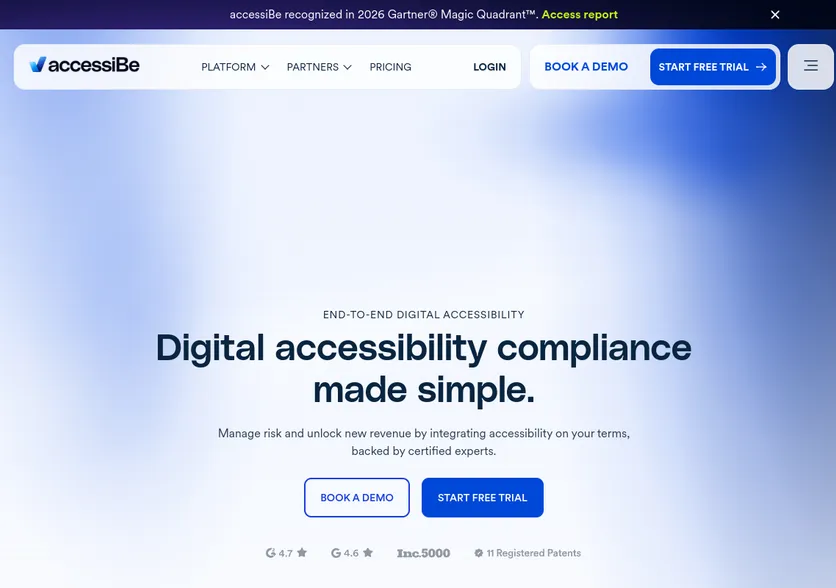
A startup cannot hire a full accessibility team, so accessiBe's AI does the heavy lifting instead. Its accessWidget adjusts a site for screen readers, keyboard navigation and contrast automatically, with plans priced by site traffic starting at $59 a month. This accessiBe plan covers the widget, monitoring and compliance reporting, so a small team can make its site usable without a specialist on staff.
What we like
- AI widget adjusts the site automatically for users
- Monitoring and compliance reports included
- Plans scale with site traffic, not seat count
Watch out for
- Plans start at $59 a month, priced by traffic
- Widget alone does not fix every issue on a complex site
How to try it
- Open the accessiBe pricing page and start the 7-day free trial
- Add the accessWidget script to the site and run the first scan
- Review the compliance report and fix the issues it flags
2. EqualWeb
Best for: Startups that need accessibility handled, not a second job
Paid tool Starting price: $39/month · Small widget plan, up to 100 pages, per month; $390 a year on annual billing; Medium is $49, Large $109 and Huge $169 a month
Free plan: 7-day free trial
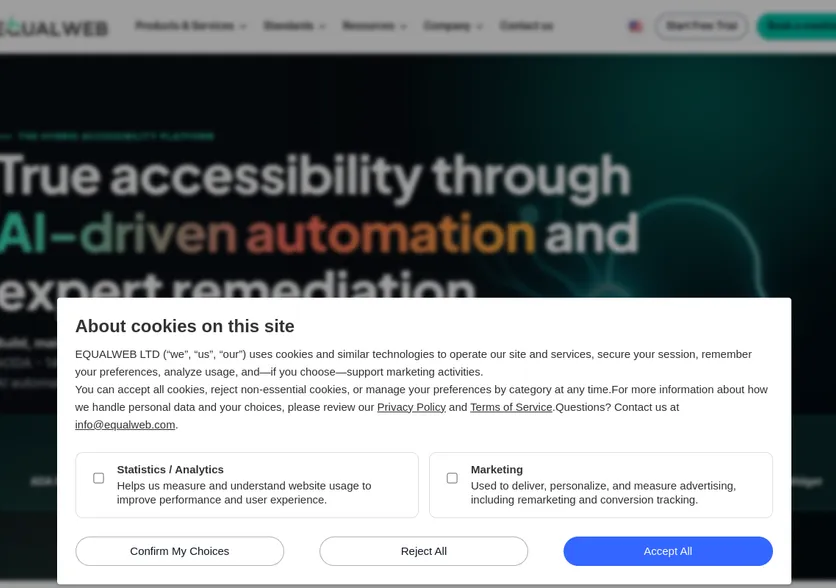
Startups need accessibility handled, not a second job, and EqualWeb pairs its AI widget with manual audits and remediation. The Small plan covers up to 100 pages from $39 a month, and larger plans scale as the site grows. This EqualWeb plan gives a small team a 7-day free trial to test the widget on a real site before committing.
What we like
- Widget plus manual audits and remediation
- Clear per-page plans from $39 a month
- 7-day free trial on a real site
Watch out for
- Small plan covers 100 pages, so big sites need larger plans
- Full remediation services cost extra
How to try it
- Open the EqualWeb widget pricing page and start the 7-day trial
- Install the widget and scan the site for accessibility issues
- Use the report to fix the highest-impact issues first
3. Stark
Best for: Startup design teams that ship fast and need checks before production
Paid tool Starting price: $198/user/year · Premium Pack, from $198 a user a year with a three-seat minimum; Launch starts at $2,500 a year, Grow $8,000 and Scale $21,000
Free plan: Free team account
A startup design team ships fast, and Stark catches accessibility issues before they reach production. Its checks live inside Figma, flagging contrast, focus and touch-target problems while the design is still being drawn, and the Premium Pack starts from $198 a user a year. This Stark plan covers the design plugins, a shared library and team reporting, with a free team account to start.
What we like
- Accessibility checks inside Figma and design tools
- Catches issues before a page is built
- Free team account to start
Watch out for
- Premium Pack needs a three-seat minimum
- Design-focused, so it does not monitor live sites
How to try it
- Open the Stark pricing page and start a free team account
- Install the Stark plugin in Figma and check a design
- Share the report with the team and fix issues before handoff
4. Clym
Best for: Startups that need accessibility and privacy in one affordable platform
Paid tool Starting price: $49/month · Start plan, per month for one website up to 50,000 page views; Grow is $149 a month and Enterprise starts at $449 a month
Free plan: 14-day free trial
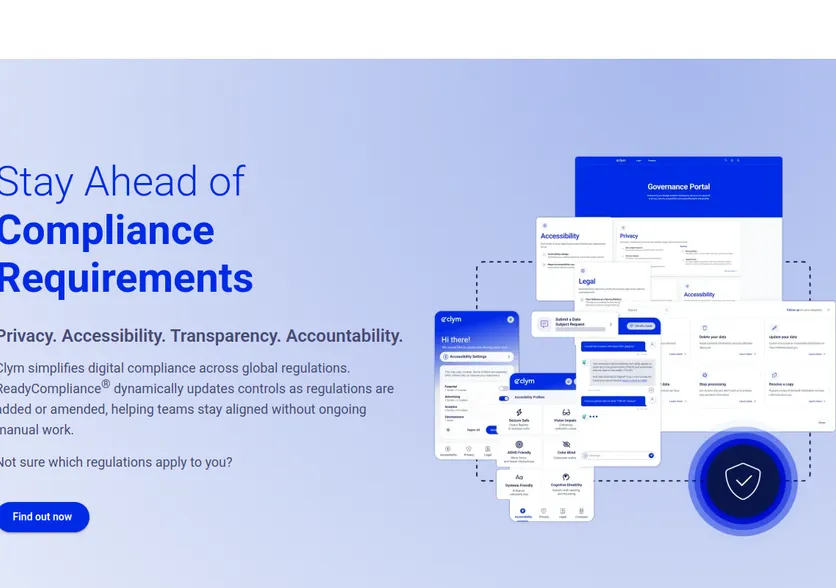
A startup cannot afford two compliance tools, and Clym covers accessibility and privacy in one platform. The Start plan covers one website up to 50,000 page views a month from $49, adding consent management, privacy requests and policies alongside accessibility. This Clym plan gives a small team a 14-day free trial to test compliance coverage before paying.
What we like
- Accessibility and privacy compliance in one platform
- ReadyCompliance configures 190-plus regulations automatically
- 14-day free trial with full feature access
Watch out for
- Start plan covers one website up to 50,000 page views
- Enterprise pricing starts at $449 a month
How to try it
- Open the Clym pricing page and start the 14-day free trial
- Add the site and let ReadyCompliance configure the rules
- Review accessibility and privacy gaps in one dashboard
5. Accessibly
Best for: Startups that need the cheapest widget with a fast install
Paid tool Starting price: $25/month · Premium plan, per month; Enterprise is $75 a month
Free plan: 7-day free trial
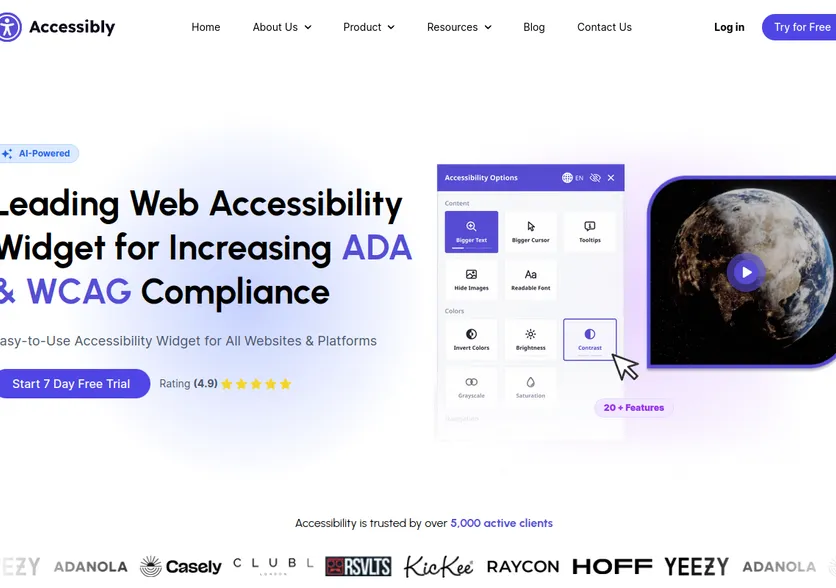
Budget is the first filter for a startup, and Accessibly is the cheapest widget on this list at $25 a month. The Premium plan adds the accessibility toolbar with a single-script install, while Enterprise at $75 a month covers larger sites with more features. This Accessibly plan includes a 7-day free trial, so a small team can test the widget on its live site before paying.
What we like
- Lowest starting price on this list at $25 a month
- Fast install with a single script
- 7-day free trial on the live site
Watch out for
- Widget-based fixes have limits on complex sites
- Enterprise plan is $75 a month for larger sites
How to try it
- Open the Accessibly pricing page and start the 7-day free trial
- Add the widget script to the site in a few minutes
- Check the toolbar on the live site and adjust the settings
6. UserWay
Best for: Startups whose site changes weekly and needs ongoing monitoring
Paid tool Starting price: $990/year · Accessibility Monitor, $990 a year for up to 100 pages; 1,500 pages is $10,990 a year; the widget has a free version
Free plan: Free widget
A startup site changes every week, so a one-time audit goes stale fast — UserWay monitors it continuously instead. The Monitor costs $990 a year for up to 100 pages, with larger plans covering up to 1,500 pages, and the widget itself has a free version. This UserWay plan suits a small team that needs ongoing proof of compliance without hiring an auditor.
What we like
- Continuous monitoring, not a one-time scan
- Free widget version to start
- Reports give ongoing proof of compliance
Watch out for
- Monitor starts at $990 a year, the highest entry here
- Widget plan prices are not shown on the pricing page
How to try it
- Open the UserWay pricing page and pick the Monitor plan
- Add the site and set the page limit for monitoring
- Review the ongoing reports and fix new issues as they appear
7. Accessibility Checker
Best for: Startups that need to know exactly what to fix first
Paid tool Starting price: $69/month · Lite plan, per domain per month on annual billing; $89 a month on monthly billing; Starter is $119 and Growth $249 a month annual
Free plan: Free plan (100 API credits a month)
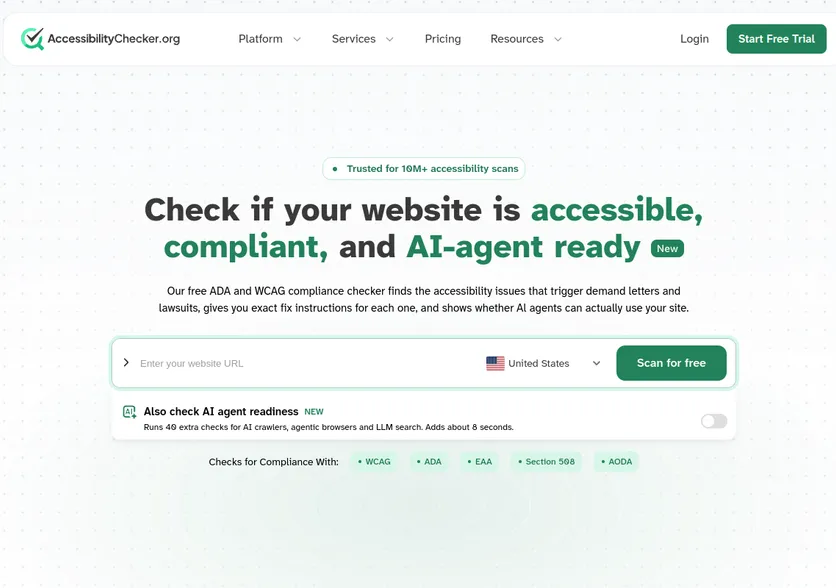
A startup needs to know exactly what to fix first, and Accessibility Checker ranks issues by severity per domain. The Lite plan costs $69 a month per domain on annual billing and covers automated scans, while Starter and Growth add more domains and features. This Accessibility Checker plan includes a free API tier with 100 credits a month, so a team can test the scans before paying.
What we like
- Clear per-domain pricing from $69 a month
- Scans rank issues by severity
- Free API tier with 100 credits a month
Watch out for
- Lite covers one domain, so multi-site teams pay more
- Monthly billing is $89 a month, above the annual price
How to try it
- Open the Accessibility Checker pricing page and pick the Lite plan
- Scan a domain and review the issue list by severity
- Fix the flagged issues and rescan to confirm the result
Prices above were checked on each vendor’s own website on Nov 26, 2026 and can change — the vendor’s page is the final word. Vendor links are editorial: nobody paid to be listed or ranked here. Vendors who want a featured listing can see how it works on our Get listed page.
What AI accessibility software costs startups in 2026
Startups feel every dollar, so the range on this list matters: from about $25 a month to about $990 a year for a starting plan. The cheapest headline is not always the cheapest deal, because page limits, domain counts and per-seat minimums change what a small team really pays. The figures above use the headline plan each vendor shows on its own pricing page, checked on November 26, 2026.
Start with the cheapest plan that covers your pages, and upgrade only when the limit bites. Flat-rate widgets like Accessibly suit a startup that wants one predictable bill, while per-domain audits like Accessibility Checker suit a team with one site to fix. Pick the billing model that matches the site you have today, not the one you hope to have next year.
Before you buy
- Count how many pages your site has, then check the page limit on the plan you like.
- Ask what the widget actually fixes: automated adjustments help, but they do not replace manual remediation on complex pages.
- Test the tool on the live site during the free trial, because a demo page hides the real issues.
- Check the exact limit before you buy: Accessibly Premium is $25 a month, and EqualWeb Small covers 100 pages.
- Try it on a real site first: every tool here offers a free trial or free plan, and Stark has a free team account.
Official websites
Official websites of the products reviewed above. Features and prices were checked against these sites when this guide was written, and they can change, so confirm on the vendor site before you buy.
Frequently asked questions
Which AI accessibility tool is best for a startup in 2026?
Accessibly is our first pick for startups, because its $25-a-month Premium plan adds the toolbar with a single-script install and a 7-day free trial. EqualWeb is better when the team wants manual audits too, since it pairs its widget with human remediation from $39 a month. Clym wins when the startup needs privacy compliance as well, because it covers both in one platform.
What is the cheapest AI accessibility software for a startup?
Accessibly Premium, at $25 a month, is the cheapest starting price here, and it adds the accessibility toolbar with a 7-day free trial. EqualWeb Small is next at $39 a month for up to 100 pages. Watch the page limit, because widget plans get expensive as the site grows, while audit tools like Accessibility Checker charge per domain.
Do startups pay per page or per user for AI accessibility software?
It depends on the tool. accessiBe and EqualWeb charge by site traffic or page count, while Accessibility Checker charges per domain and Clym charges by page views. Stark charges per user with a three-seat minimum, and UserWay Monitor charges per year by page count. Count your pages and domains first, then compare both models on your real site.
Can a startup try AI accessibility software before paying?
Yes, every tool here offers a free trial or a free plan. accessiBe, EqualWeb and Accessibly offer 7-day trials, Clym offers a 14-day trial, and Stark has a free team account. UserWay has a free widget version, and Accessibility Checker has a free API tier with 100 credits a month. Start a trial on the live site to see the real issues.
What limit should a startup watch before buying?
Check the page limit first, because that limit decides the real cost. EqualWeb Small covers 100 pages and Clym Start covers 50,000 page views a month, so growing sites need the higher tiers. Also watch the domain count on Accessibility Checker, which charges per domain, and the three-seat minimum on Stark Premium.
Need the everyday business math too? Run free break-even, margin and invoice calculators on Toolsvine right in your browser.
Browse Business Tools tools


