On this page
AI agents now run the first half of outbound, from finding accounts to writing the opener and booking the meeting. The seven tools below cover that loop in different ways, with Reply leading on multichannel outreach that mixes email, LinkedIn and calls. Reply is our first pick, the best multichannel sequencer at $49 a user a month. Every price was checked on the vendor site on November 26, 2026, and every tool offers a free plan or a free trial.
How we researched this
We started with the AI agentic go-to-market platforms sales teams actually buy in 2026, then read each price on the vendor site on November 26, 2026 and noted the free plan or trial each one carries. We judged them for a team that wants AI to run prospecting, drafting and follow-up across email and LinkedIn. We kept only platforms with a published price and dropped Lemlist, because its published prices conflict across sources, and dropped the quote-only enterprise suites entirely.
Compare the tools
| Name | Best for | Starting price | Free plan | |
|---|---|---|---|---|
 Reply | Teams that want AI to run email, LinkedIn, calls and SMS from one sequence | $49/user/mo | Free trial available | Visit |
 Clay | Revenue teams that want the deepest enrichment engine available | $149/mo | Free plan available | Visit |
 Apollo | Small sales teams that want one subscription for data and sending | $49/user/mo | Free plan available | Visit |
 Instantly | Teams sending cold email at serious volume | $37/mo | Free trial available | Visit |
 Smartlead | Teams where landing in the inbox matters most | $39/mo | Free trial available | Visit |
 Copy.ai | Reps who need fast first drafts for every prospect | $49/mo | Free plan available | Visit |
 Lavender | Reps who want every email graded before sending | $27/mo | Free plan available | Visit |
The AI agentic GTM platforms, compared
1. Reply
Best for: Teams that want AI to run email, LinkedIn, calls and SMS from one sequence
Paid tool Starting price: $49/user/mo · Email Volume, billed annually ($59 monthly); Multichannel $89 annually
Free plan: Free trial available
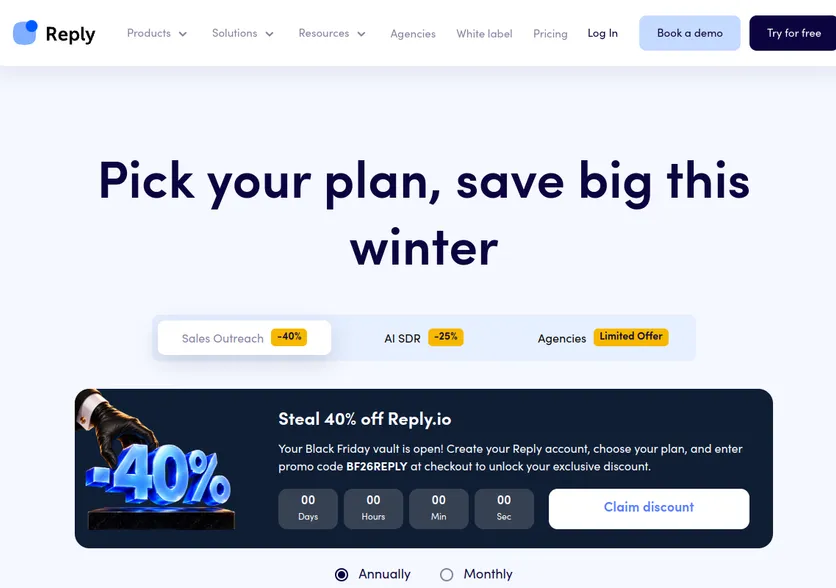
Reply runs outreach across email, LinkedIn, calls and SMS from one sequence, so a prospect hears from you on the channel they actually answer. This Reply plan adds AI agents that draft, send and sort replies while your team works the hot conversations. It is the best multichannel pick on this list, though the price is per user and the setup is richer than a single-channel sender.
What we like
- Email, LinkedIn, calls and SMS in one flow
- AI agents draft and sort replies
- Strongest multichannel coverage here
Watch out for
- Price is per user, so teams pay more
- Richer setup than single-channel tools
How to try it
- Connect your email and LinkedIn accounts to Reply
- Build a multichannel sequence with AI-written steps
- Let the AI agents sort replies and work the hot ones first
2. Clay
Best for: Revenue teams that want the deepest enrichment engine available
Paid tool Starting price: $149/mo · Starter, 2,000 credits a month; Explorer $349, Pro $800
Free plan: Free plan available
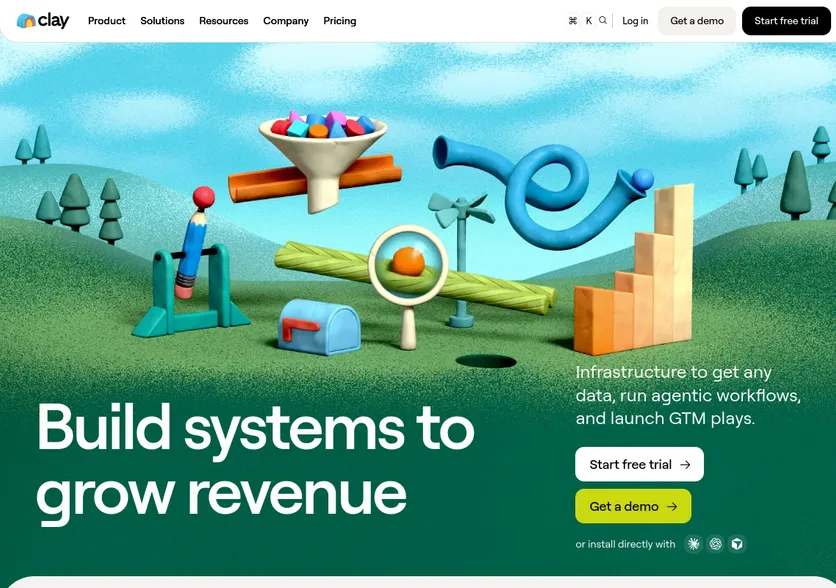
A Clay workspace starts from a simple company list and layers enrichment, scoring and outreach into one self-updating flow. This Clay plan connects dozens of data providers, so each account arrives with verified email, headcount, tech stack and recent signals. It is the deepest enrichment engine on this list, though credits are the meter and a large list can get expensive fast.
What we like
- Dozens of data providers in one place
- AI research on every account
- Self-updating workflows save hours
Watch out for
- Credits are the meter on every run
- Large lists get expensive fast
How to try it
- Import your target accounts and pick your data sources
- Add AI research steps that score each account
- Push the enriched list to your CRM or sequencer
3. Apollo
Best for: Small sales teams that want one subscription for data and sending
Paid tool Starting price: $49/user/mo · Basic, billed annually ($65 monthly); Professional $79, Organization $119
Free plan: Free plan available
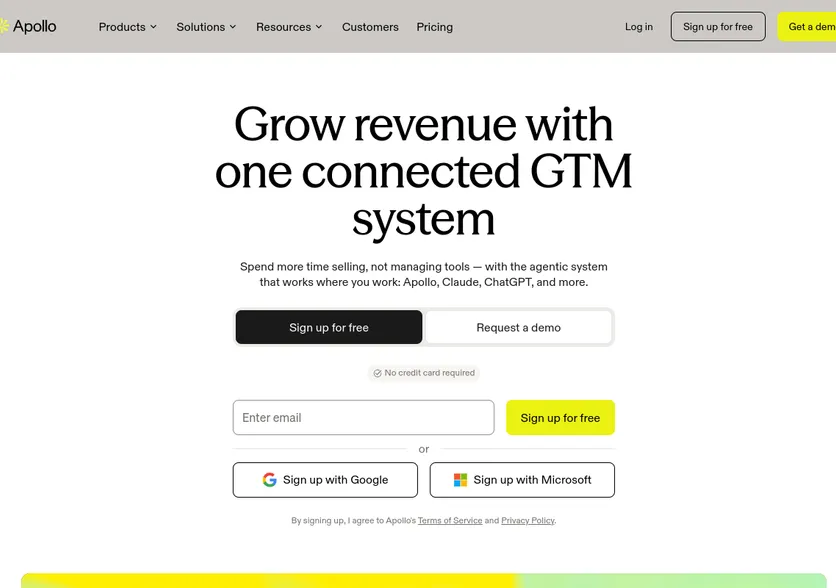
Apollo is the single subscription that covers the whole outbound loop, from finding contacts to sending sequences and booking meetings. This Apollo plan layers AI scoring and call recording over the database, so reps work one list instead of three tools. It is the simplest buy on this list, though contact coverage is strongest in North America and power users may outgrow the filters.
What we like
- Whole outbound loop in one tool
- AI scoring and call recording included
- Fastest setup on this list
Watch out for
- Coverage is strongest in North America
- Power users may outgrow the filters
How to try it
- Search the database for your ideal customer profile
- Verify the contacts and add them to a sequence
- Review AI scores daily and book the hot meetings
4. Instantly
Best for: Teams sending cold email at serious volume
Paid tool Starting price: $37/mo · Growth; Hypergrowth $97, Light Speed $358
Free plan: Free trial available
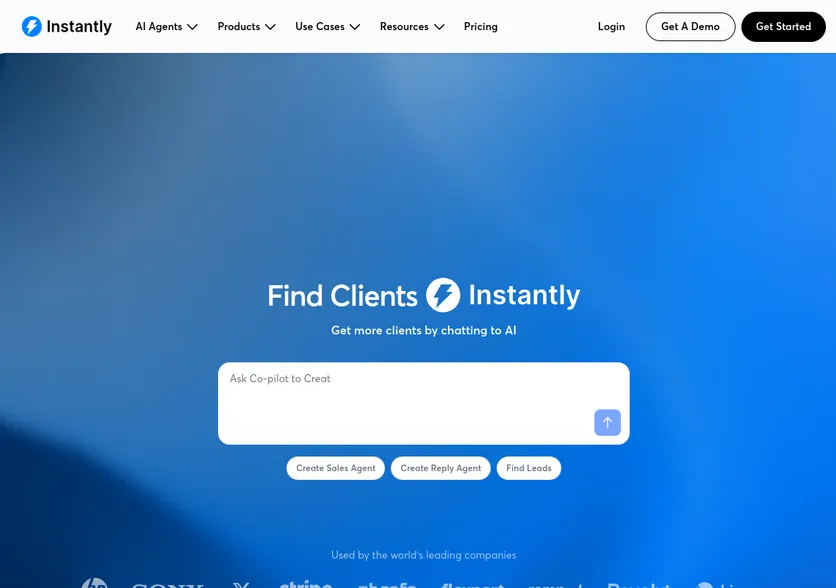
For teams that send cold email at scale, Instantly keeps deliverability high with unlimited warmup and automatic inbox rotation. This Instantly plan connects as many sending accounts as you need and lets AI write the follow-ups while you watch reply rates. It is the lowest-cost volume sender here, though it brings no prospecting data of its own and reporting stays basic.
What we like
- Unlimited warmup included
- Automatic inbox rotation
- Lowest cost for volume sending
Watch out for
- No prospecting data included
- Reporting stays basic
How to try it
- Connect sending accounts and run the warmup
- Upload leads and generate the AI sequence
- Scale volume slowly and watch the reply rate
5. Smartlead
Best for: Teams where landing in the inbox matters most
Paid tool Starting price: $39/mo · Base, billed monthly ($32.50 annually); Pro $94 monthly
Free plan: Free trial available
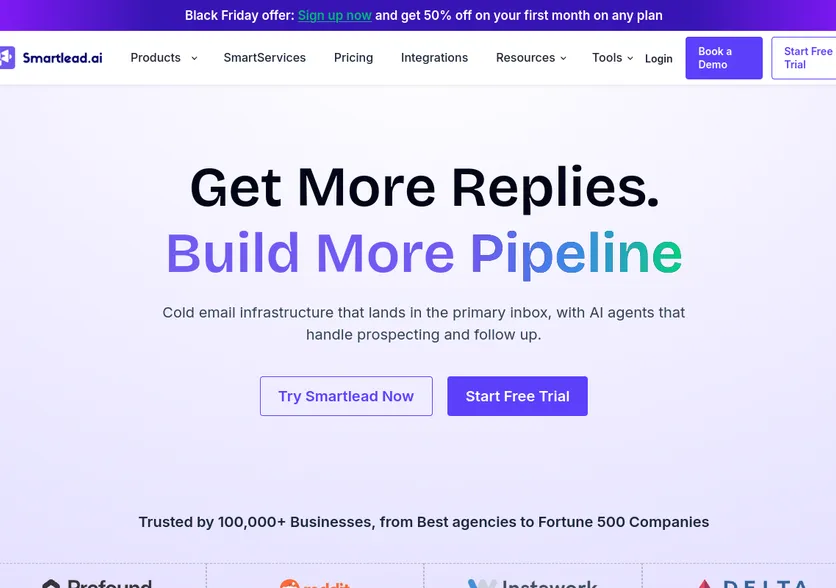
Smartlead is the deliverability-first sender, built around unlimited mailboxes and an AI master inbox that triages every reply. This Smartlead plan rotates senders, warms new domains and files each response as hot, neutral or unsubscribe. It is the pick when landing in the inbox matters more than anything else, though the setup is heavier than Instantly and the menus run deep.
What we like
- Unlimited mailboxes included
- AI master inbox triages replies
- Best deliverability controls here
Watch out for
- Heavier setup than Instantly
- Menus run deep for new users
How to try it
- Connect mailboxes and start domain warmup
- Launch a campaign from an imported lead list
- Triage replies in the master inbox every morning
6. Copy.ai
Best for: Reps who need fast first drafts for every prospect
Paid tool Starting price: $49/mo · Starter; Advanced $249
Free plan: Free plan available
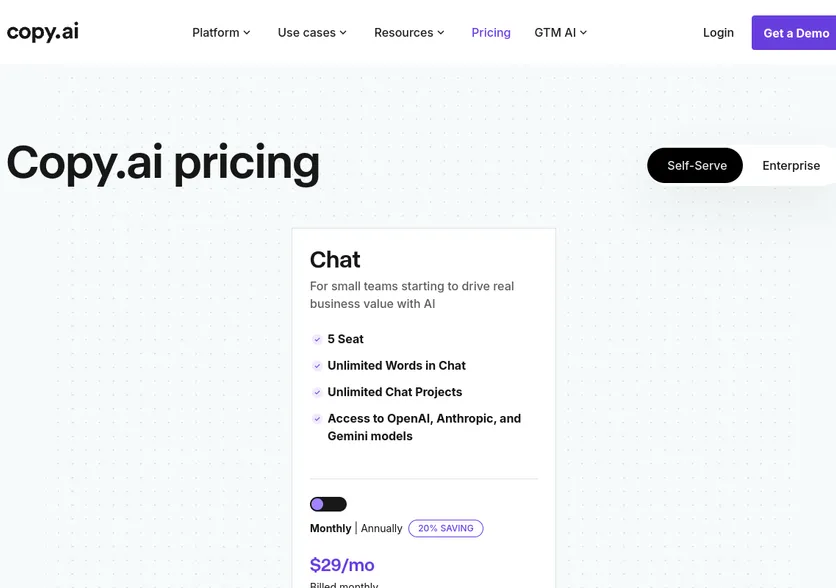
When the bottleneck is writing, Copy AI turns a short brief into first emails, LinkedIn notes and call openers in seconds. This Copy.ai plan builds workflows that fetch live company facts, so each draft mentions something real about the account. It is the fastest drafting tool here, though it does not find prospects and the best output still gets a human pass.
What we like
- Drafts in seconds from a brief
- Live company facts in every draft
- Covers email and LinkedIn alike
Watch out for
- Does not find prospects
- Best output still needs editing
How to try it
- Write a short brief about your offer and buyer
- Generate first emails and LinkedIn notes in bulk
- Edit the best drafts and send them through your sequencer
7. Lavender
Best for: Reps who want every email graded before sending
Paid tool Starting price: $27/mo · Starter, billed annually ($29 monthly); Individual Pro $45, Team $89
Free plan: Free plan available
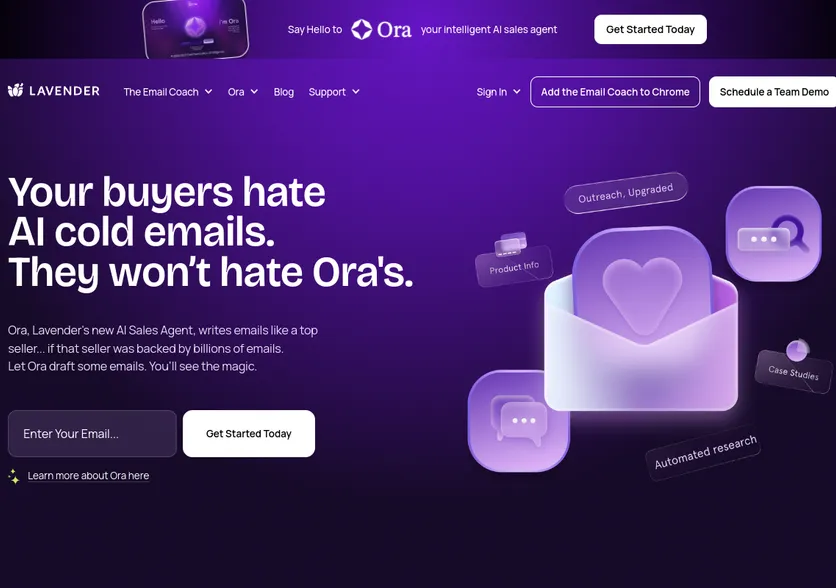
Lavender sits inside the inbox and grades every draft before it goes out, catching weak openers and flat personalization. This Lavender plan rewrites lines with the prospect's own context and tracks which phrases actually earn replies. It is the cheapest way to lift reply rates without adding headcount, though it covers email only and the coaching needs a few weeks to change habits.
What we like
- Grades every draft before sending
- Rewrites with prospect context
- Cheapest reply-rate lift here
Watch out for
- Email only, no other channels
- Coaching takes weeks to stick
How to try it
- Add the Lavender extension to your inbox
- Write a draft and read the live score
- Rewrite the weak lines and send when the score clears
Prices above were checked on each vendor’s own website on Nov 26, 2026 and can change — the vendor’s page is the final word. Vendor links are editorial: nobody paid to be listed or ranked here. Vendors who want a featured listing can see how it works on our Get listed page.
How to choose an AI agentic GTM platform
Match the tool to the missing piece in your pipeline, because enrichment, data and sending are three different jobs. Clay fixes bad data, Apollo replaces two subscriptions with one, Reply covers every channel, and Instantly or Smartlead fix deliverability when replies dry up. Price the whole team before you commit, since Reply, Apollo and Lavender charge per user while Clay, Instantly and Smartlead charge flat.
Test with fifty real accounts for two weeks and judge on replies per hundred sends, not opens. Keep the free tier in view, because credit caps, seat limits and mailbox caps decide what the tool really costs once the trial ends.
Before you buy
- Map the missing piece first, because Clay fixes data while Reply and Instantly fix sending.
- Count seats before you commit, because Reply and Apollo charge per user while Clay charges flat.
- Check the credit meter on Clay, because enrichments are billed per run and big lists cost more.
- Test multichannel reach with Reply, because email-only tools miss prospects who live on LinkedIn.
- Run a real two-week trial, because reply rate per hundred sends is the only number that matters.
Official websites
Official websites of the products reviewed above. Features and prices were checked against these sites when this guide was written, and they can change, so confirm on the vendor site before you buy.
Frequently asked questions
Which AI agentic GTM platform is best for 2026?
Reply is the best overall pick at $49 a user a month, because it runs email, LinkedIn, calls and SMS from one sequence with AI agents handling the replies. Clay is better for enrichment at $149 a month, and Apollo is the best all-in-one at $49 a user a month. Pick Reply for multichannel reach, Clay for data depth and Apollo when one subscription must do everything.
Is Reply worth $49 a user a month?
Reply is worth it when your prospects split across email and LinkedIn, because one sequence covers every channel and the AI agents sort replies while reps sell. It is less worth it for a team that only sends email, where Instantly at $37 a month does the same job cheaper. Try the trial with a real list and compare replies per hundred sends before you pay.
What makes a GTM platform agentic?
An agentic platform does work on its own instead of waiting for clicks. It researches accounts, drafts outreach, sends follow-ups and sorts replies, then hands the hot conversations to a human. The tools on this list differ in how much they automate, from Clay agents that enrich whole lists to Lavender coaching that only polishes drafts.
Which tool is cheapest for a small team?
Lavender is the cheapest paid plan here at $27 a month, but it only improves email, so it cannot run a campaign alone. For a full outbound setup, Instantly at $37 a month is the cheapest single subscription, and Apollo at $49 a user a month is the cheapest all-in-one. Add up every seat before you compare, because per-user pricing doubles fast on a team of five.
Do these platforms offer free plans?
Yes, most of them do. Clay, Apollo, Copy AI and Lavender all offer free plans with capped credits or seats, and Reply offers a free trial so you can test a multichannel sequence first. Instantly and Smartlead also run on trials rather than free plans. Check the cap before you commit, because credits, seats and mailboxes decide whether the free tier survives real use.
See what else your marketing stack can do — browse the full set of marketing calculators and tools, free and running on your device.
Browse Marketing & Ads Calculators tools