On this page
Free AI apps can carry a student through essays, research and revision without costing a dollar, but only if the free plan is real and the answers can be checked. The eight apps below all offer a genuine free tier, and every price was checked on the vendor site on November 26, 2026. Paid upgrades exist, and we name them, but none of these apps needs a card to start. ChatGPT is our first pick — the most capable free AI study partner.
How we researched this
We started with the AI apps students actually use, then read each price on the vendor pricing page on November 26, 2026 and noted the free plan each one offers. We judged them for a student who needs writing help, research with citations and revision that works, all without paying. We kept only tools with a genuine free plan, and we dropped tools that hide their best features behind a paywall with no free tier.
Compare the tools
| Name | Best for | Starting price | Free plan | |
|---|---|---|---|---|
 ChatGPT | Students who want one AI helper for writing, research and study plans | $0/month | Free plan with daily message limits | Visit |
 Gemini | Students who want Google research, writing and study help in one place | $0/month | Free plan with daily limits | Visit |
 Gemini Notebook | Students who want to turn lecture notes into a study guide that cites its sources | $0/month | Free plan with notebook and audio limits | Visit |
 Claude | Students who want careful, long-form writing help and deep reasoning | $0/month | Free plan with daily message limits | Visit |
 Perplexity | Students who want research answers with real citations | $0/month | Free plan with daily search limits | Visit |
 DeepSeek | Students who want a free AI chat with strong reasoning and no paywall | $0/month | Free chat, no paywall; API is pay-as-you-go | Visit |
 Grammarly | Students who want grammar, tone and citation help on every essay | $0/month | Free plan with basic grammar and tone checks | Visit |
 Quizlet | Students who want flashcards and study sets that adapt to what they know | $0/month | Free plan with ads and basic study modes | Visit |
The AI apps for students, compared
1. ChatGPT
Best for: Students who want one AI helper for writing, research and study plans
Paid tool Starting price: $0/month · Free plan, $0 a month; Plus upgrade is $20 a month with higher limits and the newest models
Free plan: Free plan with daily message limits
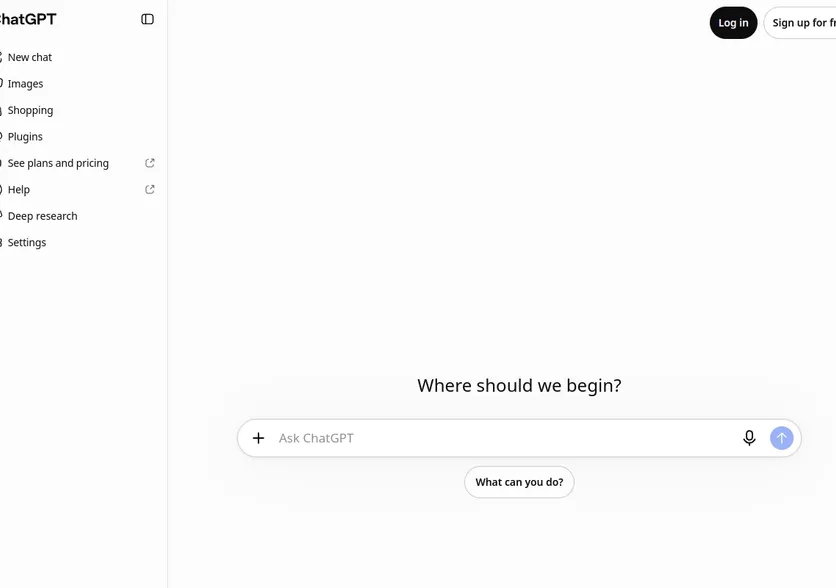
ChatGPT is the default AI study partner for millions of students, and its free plan covers the everyday work of essays, revision and research. This ChatGPT free tier gives access to the latest models with daily limits, plus voice, image uploads and file analysis for assignments. A student gets a capable helper without paying anything, though the free plan caps messages and hides the newest features.
What we like
- Most capable free tier for general study help
- Handles text, images, voice and files in one chat
- Huge library of study prompts and workflows online
Watch out for
- Free plan caps messages and hides the newest models
- Answers can invent facts, so always verify citations
How to try it
- Open the ChatGPT pricing page and sign up for the free plan
- Upload a lecture slide or essay draft and ask for feedback
- Build a study plan for your next exam with the free model
2. Gemini
Best for: Students who want Google research, writing and study help in one place
Paid tool Starting price: $0/month · Free plan, $0 a month; AI Pro upgrade is $19.99 a month with higher limits and the newest model
Free plan: Free plan with daily limits
Gemini is the Google AI that lives inside the tools students already use, from search to documents to classroom. This Gemini free tier answers questions, drafts essays, explains concepts and summarizes documents, with access to Google search for fresh facts. A student on a Google account gets help without a new signup, though the free plan limits the newest model and the deepest research features.
What we like
- Built into Google search, docs and classroom tools
- Strong at research with live web access
- Voice and image help included in the free tier
Watch out for
- Free plan limits the newest model and deep research
- Answers need the same fact-checking as any AI
How to try it
- Open Gemini in your browser and sign in with Google
- Ask Gemini to explain a concept from your lecture notes
- Use it to draft an essay outline and check the sources
3. Gemini Notebook
Best for: Students who want to turn lecture notes into a study guide that cites its sources
Paid tool Starting price: $0/month · Free plan, $0 a month; Plus upgrade comes with Google AI Plus at $4.99 a month with higher limits
Free plan: Free plan with notebook and audio limits
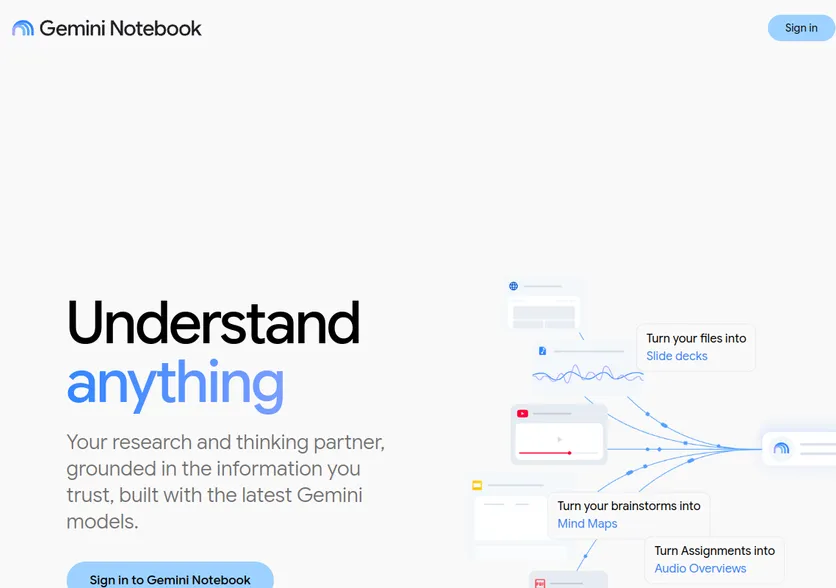
Gemini Notebook (formerly NotebookLM) is the study tool that stays inside your own notes, so every answer it gives can be traced back to a page you uploaded. This Gemini Notebook free tier lets you upload lectures, PDFs and slides, then ask questions, generate study guides and listen to an audio overview. A student revising for exams gets a tutor that never invents a source, though the free plan caps notebooks and audio generations.
What we like
- Every answer cites the exact source page in your notes
- Audio overviews turn readings into listenable summaries
- Study guides and quizzes generated from your own material
Watch out for
- Free plan caps the number of notebooks and audio overviews
- Only as good as the notes you upload
How to try it
- Open Gemini Notebook and sign in with your Google account
- Upload your lecture notes and readings for one course
- Ask for a study guide and check every answer against your notes
4. Claude
Best for: Students who want careful, long-form writing help and deep reasoning
Paid tool Starting price: $0/month · Free plan, $0 a month; Pro upgrade is $20 a month with higher limits and the newest model
Free plan: Free plan with daily message limits
Claude is the AI that students reach for when an essay needs careful thinking rather than a quick answer. This Claude free tier handles long documents, explains hard concepts step by step and drafts essays with a clear, measured tone. A student writing a long paper gets a thoughtful partner, though the free plan limits messages and the newest model.
What we like
- Best long-form writing help on this list
- Explains hard concepts clearly, step by step
- Handles very long documents without losing the thread
Watch out for
- Free plan caps messages and hides the newest model
- No live web search on the free tier
How to try it
- Open the Claude pricing page and sign up for the free plan
- Upload a long reading and ask Claude to summarize it
- Draft an essay outline and ask for feedback on the argument
5. Perplexity
Best for: Students who want research answers with real citations
Paid tool Starting price: $0/month · Free plan, $0 a month; Pro upgrade is $20 a month, or $10 a month for students with a university email
Free plan: Free plan with daily search limits
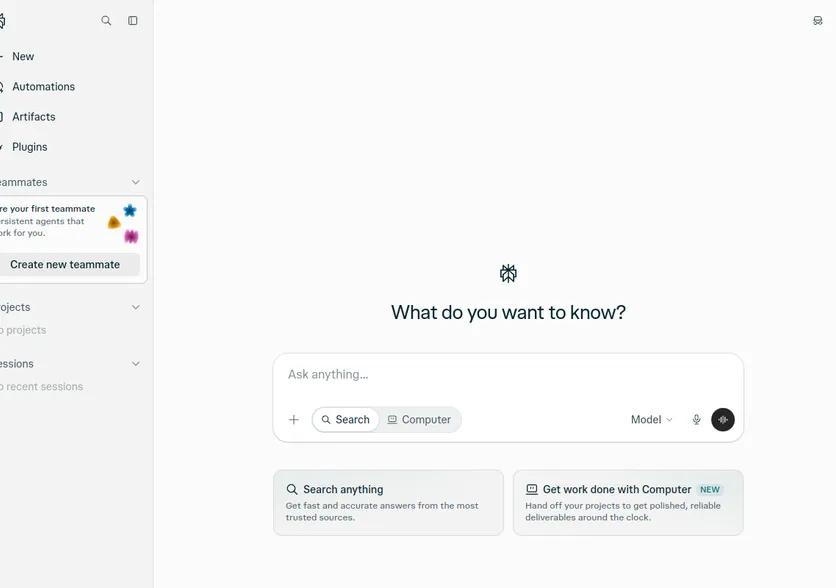
Perplexity is the research tool that answers with sources attached, which makes it the safest AI for essays and assignments. This Perplexity free tier searches the live web, summarizes what it finds and links every claim to its source. A student writing a paper gets facts they can actually cite, though the free plan limits the number of deep research searches per day.
What we like
- Every answer links to real sources you can cite
- Searches the live web, not just training data
- Student discount on the Pro plan with a university email
Watch out for
- Free plan limits deep research searches per day
- Summaries can still miss nuance in the original source
How to try it
- Open the Perplexity pricing page and sign up for free
- Ask a research question and read the cited sources
- Use the answer as a starting point, then check the originals
6. DeepSeek
Best for: Students who want a free AI chat with strong reasoning and no paywall
Paid tool Starting price: $0/month · Free chat, $0 a month; the API is pay-as-you-go for developers; no paid chat subscription exists
Free plan: Free chat, no paywall; API is pay-as-you-go
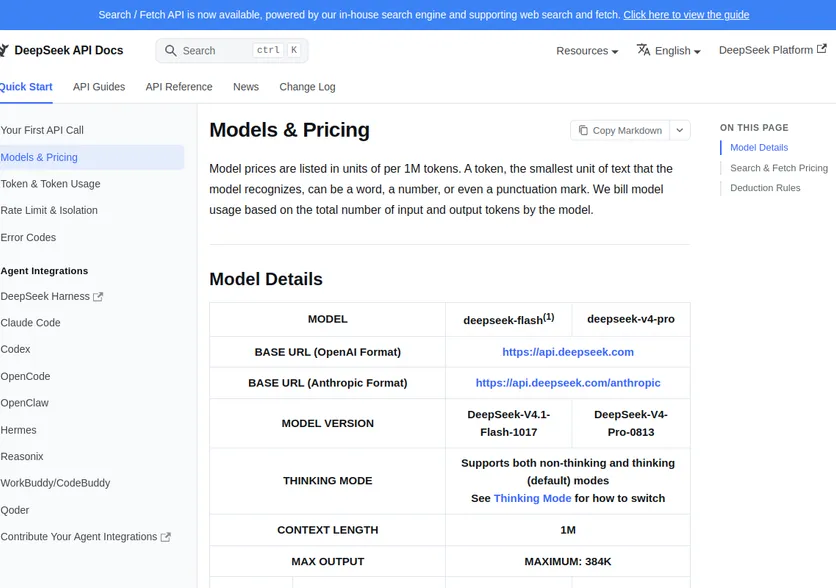
DeepSeek is the free AI chat that surprised everyone by matching paid models on reasoning, and it costs nothing at all to use. This DeepSeek free chat handles math, code, essays and explanations with a reasoning model that shows its work step by step. A student on a tight budget gets a strong model without a subscription, though the free chat lacks the polish and integrations of the bigger names.
What we like
- Completely free chat with a strong reasoning model
- Shows its thinking steps, which helps learning
- No subscription needed for the full chat experience
Watch out for
- Free chat can be slower at peak times
- Fewer integrations than ChatGPT or Gemini
How to try it
- Open DeepSeek chat in your browser and sign up for free
- Ask a hard math or reasoning question and read the steps
- Use it to check your homework before you submit
7. Grammarly
Best for: Students who want grammar, tone and citation help on every essay
Paid tool Starting price: $0/month · Free plan, $0 a month; Pro upgrade is $12 a month with full clarity, citation and plagiarism checks
Free plan: Free plan with basic grammar and tone checks
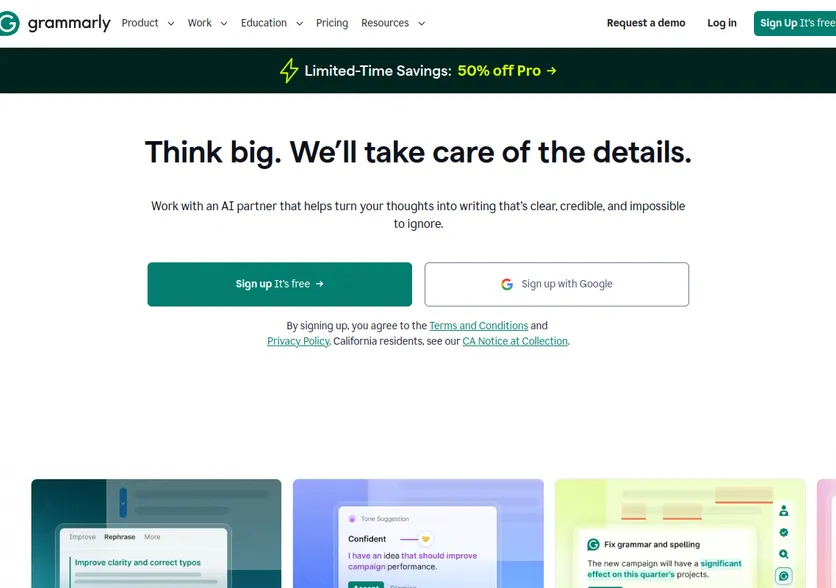
Grammarly is the writing checker that students have used for years, and its free plan still catches the mistakes that cost marks. This Grammarly free tier checks spelling, grammar and tone, flags unclear sentences and suggests clearer phrasing in essays and emails. A student writing under pressure gets a second pair of eyes on every draft, though the free plan hides the full clarity and citation features.
What we like
- Catches grammar and spelling errors in real time
- Tone suggestions help essays sound more confident
- Works in the browser, docs and email
Watch out for
- Free plan hides the full clarity and citation checks
- Plagiarism detection needs the paid plan
How to try it
- Open the Grammarly plans page and sign up for free
- Install the browser extension and paste an essay draft
- Fix the flagged errors and read the tone suggestions
8. Quizlet
Best for: Students who want flashcards and study sets that adapt to what they know
Paid tool Starting price: $0/month · Free plan, $0 a month; Plus upgrade is $7.99 a month with no ads and full study modes
Free plan: Free plan with ads and basic study modes
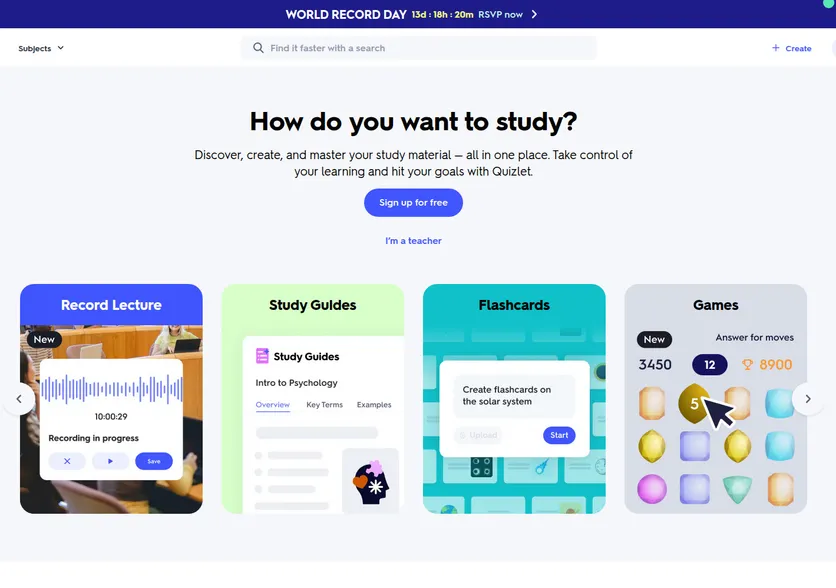
Quizlet is the flashcard app that turns a lecture into a study game, and its free plan covers the core of revision. This Quizlet free tier lets you make flashcard sets, play learn modes and test yourself with practice questions. A student revising for an exam gets spaced repetition without paying, though the free plan shows ads and limits some study modes.
What we like
- Flashcards and learn modes that adapt to what you know
- Millions of shared study sets for common courses
- Mobile app for revision anywhere
Watch out for
- Free plan shows ads and limits some study modes
- Shared study sets vary in quality
How to try it
- Open the Quizlet pricing page and sign up for free
- Create a flashcard set from your lecture notes
- Test yourself with the learn mode before your exam
Prices above were checked on each vendor’s own website on Nov 26, 2026 and can change — the vendor’s page is the final word. Vendor links are editorial: nobody paid to be listed or ranked here. Vendors who want a featured listing can see how it works on our Get listed page.
What free AI apps for students really cost
All eight apps here cost nothing to start, which is the whole point of a free apps list, but the paid upgrades still matter for a student who hits the daily limits. ChatGPT Plus costs twenty dollars a month, Claude Pro costs twenty dollars a month, and Perplexity Pro costs twenty dollars a month, or ten dollars for students with a university email. Gemini AI Pro costs nineteen dollars and ninety-nine cents a month, Grammarly Pro costs twelve dollars a month, and Quizlet Plus costs seven dollars and ninety-nine cents a month. DeepSeek chat has no paid subscription at all. The prices above are the list prices from each vendor pricing page, checked on November 26, 2026.
Try two apps on the same assignment, then compare the answers against your lecture notes and a trusted source. A free app that cites its sources is worth more than a paid app that invents them.
Before you buy
- Check the daily message limit on the free plan, because a study session that hits the cap wastes the evening.
- Ask whether the tool saves your notes and sources, because a chat that forgets yesterday is useless for revision.
- Confirm the citation behavior, because a tool that invents sources will cost marks on an essay.
- Test the tool on a real assignment, because a demo answer never shows how it handles your course material.
- Read the privacy terms for student data, because a free tool that sells your work is not free.
Official websites
Official websites of the products reviewed above. Features and prices were checked against these sites when this guide was written, and they can change, so confirm on the vendor site before you buy.
Frequently asked questions
What is the best free AI app for students in 2026?
ChatGPT is the best default for most students, because its free plan handles writing, research and study plans in one chat. Gemini Notebook is better for revision, since every answer cites the exact page in your own notes. Perplexity is better for research, because every answer links to a real source you can cite. Pick the tool that matches the task in front of you.
Are these AI apps really free for students?
Yes, all eight tools here have a genuinely free plan, and none of them asks for a card to start. ChatGPT, Gemini, Claude and Perplexity all give free tiers with daily limits, while DeepSeek chat is free with no paywall at all. Gemini Notebook, Grammarly and Quizlet also have free plans that cover the core of student work. Paid upgrades exist, but you can study for free.
Do these apps publish their prices?
No, not always. ChatGPT, Gemini, Claude, Perplexity, Gemini Notebook, Grammarly and Quizlet all publish their paid upgrade prices on their pricing pages, and DeepSeek chat has no paid subscription at all. Every figure here was checked on a vendor page on November 26, 2026. The free plans are real, but the paid upgrades change the limits.
Can I trust AI answers for homework and essays?
The best approach is to use each tool for what it does best and to verify every answer against a trusted source. Perplexity links its claims to real pages, and Gemini Notebook cites the exact page in your own notes, so both are safer than a chat that answers without sources. Never submit an AI answer as your own work without checking it, and always cite the original source.
Which free AI apps should a student use first?
Start with ChatGPT for general help, Gemini Notebook for revision from your own notes and Perplexity for research with citations. Add Grammarly for essay checks and Quizlet for flashcard revision. DeepSeek is a strong free backup when the other chats hit their daily limits. You do not need to pay for any of them to study well.
Need everyday study help too? Try Toolsvine's free education tools for students right in your browser.
Browse Education & Learning tools