
On this page
Cloud phone systems now come with AI that transcribes calls, drafts follow-ups and routes callers without a receptionist. The seven platforms below cover every size, from RingCentral business phone to Nextiva contact center and Aircall team calling. RingCentral is our first pick, the most complete business phone at 20 dollars a user a month. Every price was checked on the vendor site on November 26, 2026, and every tool offers a free plan or a free trial.
How we researched this
We started with the AI cloud PBX platforms businesses actually buy in 2026, then read each price on the vendor site on November 26, 2026 and noted the free plan or trial each one carries. We judged them for a small business that needs reliable calls, AI call summaries and CRM links without an office phone system. We kept only platforms with a published price and dropped Dialpad, because its pricing page now shows custom quotes with no dollar figure.
Compare the tools
| Name | Best for | Starting price | Free plan | |
|---|---|---|---|---|
 RingCentral | Businesses that want the complete phone system | $20/user/mo | Free trial available | Visit |
 Nextiva | Small businesses on a tight phone budget | $10/user/mo | Free trial available | Visit |
 8x8 | Teams that want phone and contact center together | $24/user/mo | Free trial available | Visit |
 Vonage | Mobile-first teams and developers | $19.99/line/mo | Free trial available | Visit |
 Ooma | Small businesses that want the simplest setup | $19.95/user/mo | Free trial available | Visit |
 Zoom Phone | Teams already running on Zoom | $10/user/mo | Free trial available | Visit |
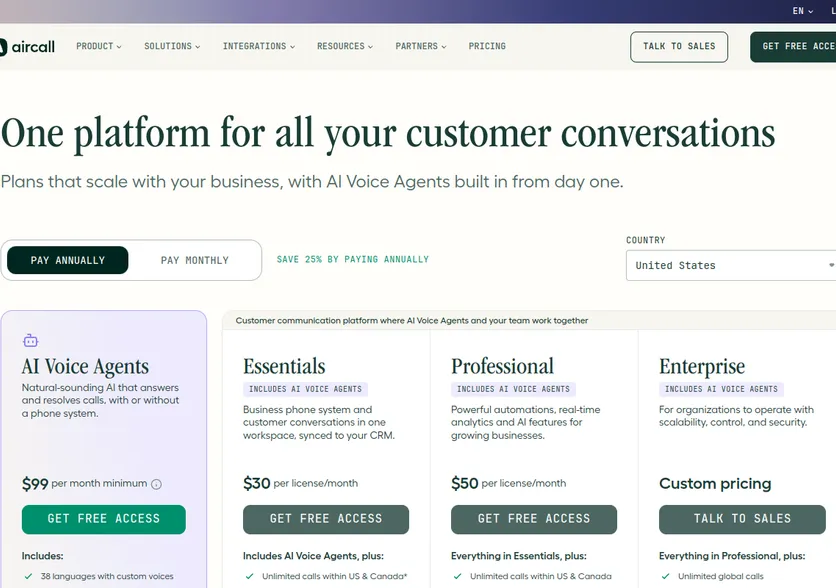
 Aircall | Sales and support teams that live on the phone | $30/license/mo | Free trial available | Visit |
The AI cloud PBX platforms, compared
1. RingCentral
Best for: Businesses that want the complete phone system
Paid tool Starting price: $20/user/mo · RingEX Core, billed annually ($30 monthly); Advanced $25, Ultra $35
Free plan: Free trial available
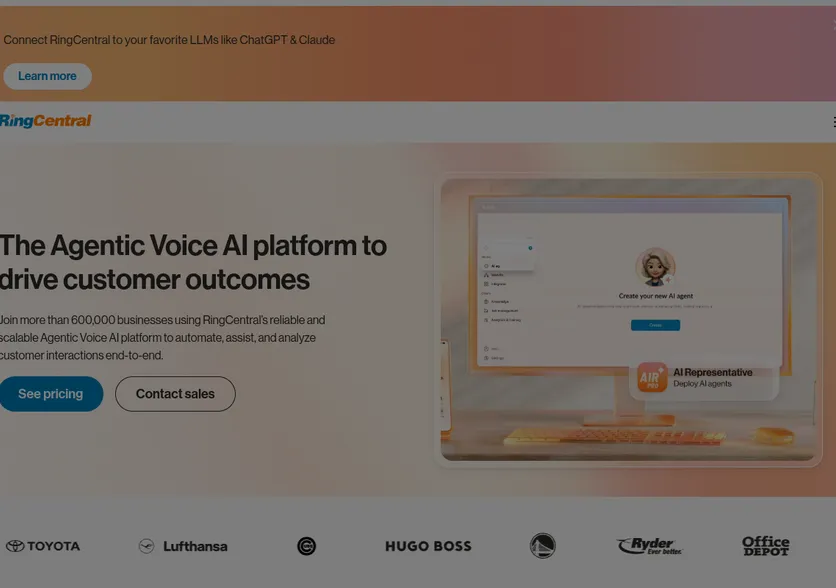
RingCentral is the full business phone system, with calls, video meetings, messaging and AI summaries in one app. This RingCentral plan adds AI call notes, spam blocking and integrations with Salesforce and HubSpot. It is the most complete platform on this list, though the entry plan is the priciest here and the admin console takes time to learn.
What we like
- Calls, video and messaging in one app
- AI call notes included
- Strong Salesforce and HubSpot links
Watch out for
- Priciest entry plan here
- Admin console takes time to learn
How to try it
- Sign up and port your business number
- Add users and set up call queues
- Turn on AI summaries and link your CRM
2. Nextiva
Best for: Small businesses on a tight phone budget
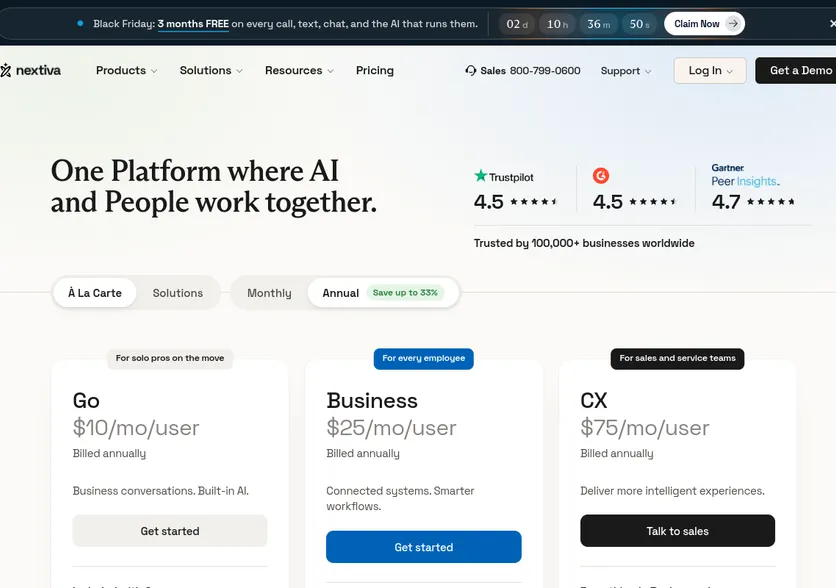
Paid tool Starting price: $10/user/mo · Go; Business $25, CX $75
Free plan: Free trial available
Nextiva is the budget business phone with a contact center built in, so small teams get call queues and AI summaries without enterprise pricing. This Nextiva plan adds unlimited calling in the United States and Canada, voicemail transcription and CRM integrations. It is the cheapest real phone system here, though the AI features are lighter than RingCentral and support is slower on the entry plan.
What we like
- Cheapest real phone system here
- Contact center built in
- Unlimited calling in the US and Canada
Watch out for
- AI features are lighter than RingCentral
- Slower support on the entry plan
How to try it
- Create an account and choose your number
- Set up the auto attendant and call queues
- Connect your CRM and turn on AI summaries
3. 8x8
Best for: Teams that want phone and contact center together
Paid tool Starting price: $24/user/mo · X2, billed annually; X4 $44
Free plan: Free trial available
8x8 combines cloud phone, video and contact center in one platform, with AI call summaries and analytics on every plan. This 8x8 plan adds unlimited calling in the United States and Canada, plus integrations with Microsoft Teams and Salesforce. It is the best pick for teams that want phone and contact center together, though the pricing page is hard to reach and the entry plan costs more than Nextiva.
What we like
- Phone, video and contact center together
- AI summaries on every plan
- Strong Microsoft Teams integration
Watch out for
- Pricing page is hard to reach
- Entry plan costs more than Nextiva
How to try it
- Sign up and add your team members
- Set up call queues and the video rooms
- Turn on AI summaries and check the analytics
4. Vonage
Best for: Mobile-first teams and developers
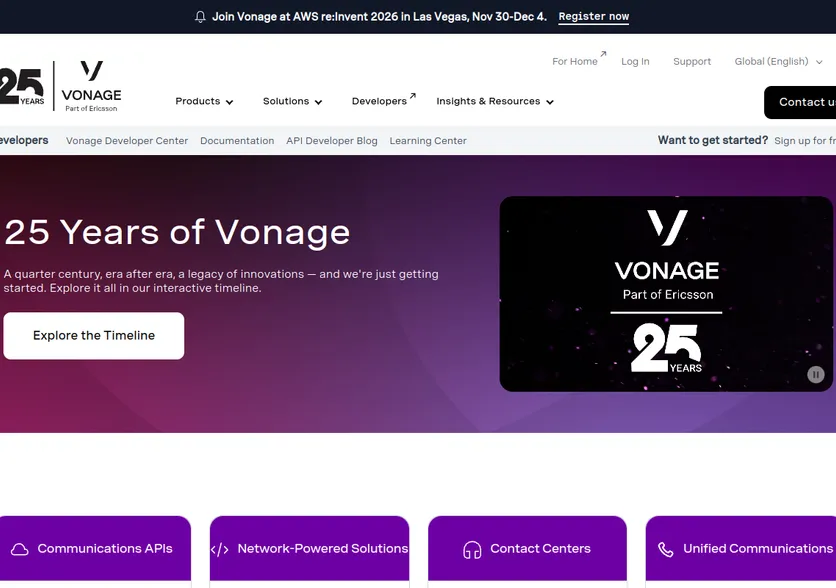
Paid tool Starting price: $19.99/line/mo · Mobile, list price (promo $13.99); Premium $29.99, Advanced $39.99
Free plan: Free trial available
Vonage is the flexible business phone with APIs for teams that want to build calling into their own apps. This Vonage plan adds a mobile app, virtual receptionist and AI call summaries on the higher tiers. It is the best pick for developers and mobile-first teams, though the entry price is higher than Nextiva and the AI features sit on premium plans.
What we like
- APIs for custom calling apps
- Strong mobile app
- Flexible plans for many team sizes
Watch out for
- Entry price is higher than Nextiva
- AI features sit on premium plans
How to try it
- Create an account and pick your plan
- Set up the virtual receptionist and mobile app
- Add API calling if your team builds its own tools
5. Ooma
Best for: Small businesses that want the simplest setup
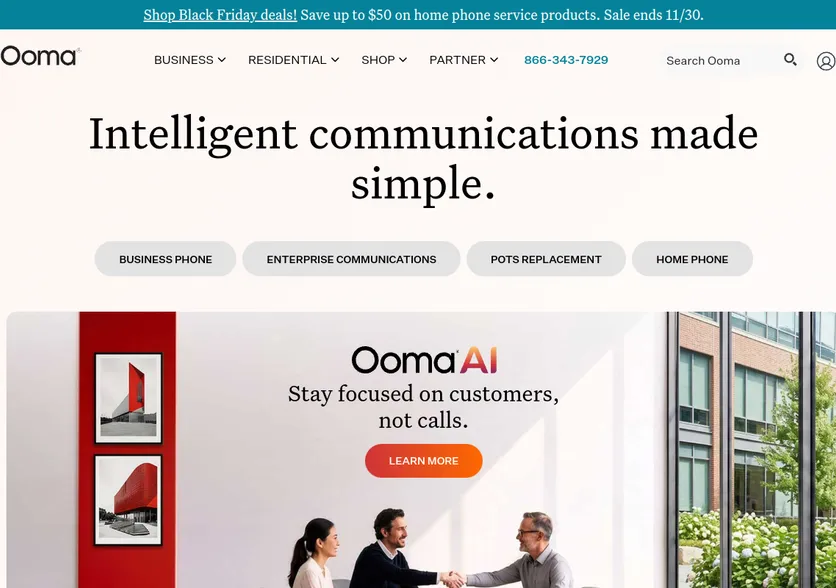
Paid tool Starting price: $19.95/user/mo · Essentials; Pro $24.95, Pro Plus $29.95
Free plan: Free trial available
Ooma is the simple small-business phone, with a virtual receptionist, call blocking and a mobile app that just works. This Ooma plan adds video meetings, call recording and integrations with Google Workspace and Microsoft 365. It is the easiest system to set up on this list, though the AI features are thin and the price is higher than the cheapest rivals.
What we like
- Easiest setup on this list
- Virtual receptionist included
- Good Google and Microsoft links
Watch out for
- AI features are thin
- Pricier than the cheapest rivals
How to try it
- Sign up and choose a business number
- Set up the virtual receptionist greetings
- Install the mobile app and start calling
6. Zoom Phone
Best for: Teams already running on Zoom
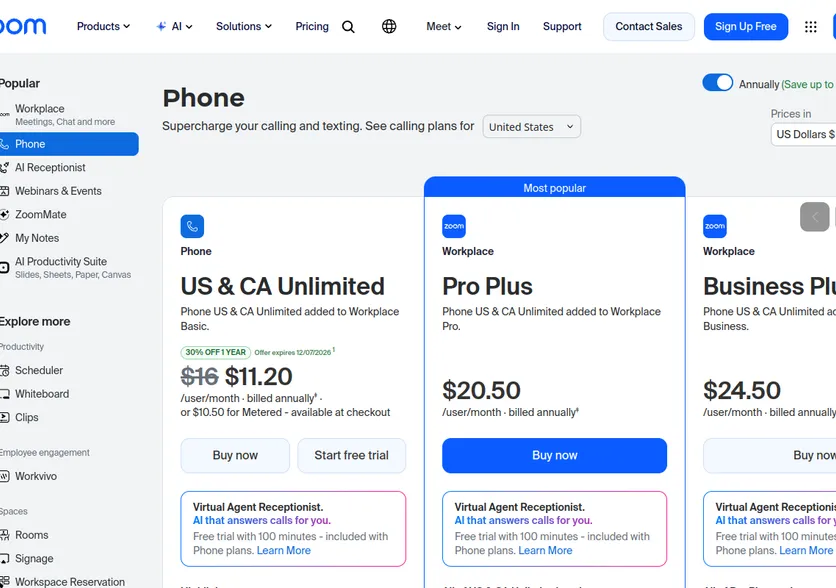
Paid tool Starting price: $10/user/mo · Metered; US and Canada Unlimited $15, Global Select $20
Free plan: Free trial available
Zoom Phone adds cloud calling to the Zoom meetings your team already runs, with AI summaries and call queues built in. This Zoom Phone plan adds unlimited calling in the United States and Canada on the higher tier, plus voicemail transcription. It is the best pick for teams already on Zoom, though it only shines inside the Zoom app and the metered plan charges per minute.
What we like
- Phone inside the Zoom you already use
- AI summaries built in
- Easy for existing Zoom teams
Watch out for
- Only shines inside the Zoom app
- Metered plan charges per minute
How to try it
- Add Zoom Phone to your Zoom account
- Port your number and set up call queues
- Turn on AI summaries for every call
7. Aircall
Best for: Sales and support teams that live on the phone
Paid tool Starting price: $30/license/mo · Essentials, billed annually, 3-license minimum; Professional $50
Free plan: Free trial available
Aircall is the team calling platform built for sales and support, with shared inboxes, call tagging and AI summaries. This Aircall plan adds integrations with HubSpot, Salesforce and Slack, so every call lands on the right record. It is the best pick for phone-heavy teams, though the entry plan needs three licenses and the price is per license.
What we like
- Shared inboxes for teams
- Call tagging and AI summaries
- Strong HubSpot and Salesforce links
Watch out for
- Entry plan needs three licenses
- Price is per license, not per user
How to try it
- Create a workspace and add your team
- Set up shared inboxes and call tagging
- Connect your CRM and review AI summaries
Prices above were checked on each vendor’s own website on Nov 26, 2026 and can change — the vendor’s page is the final word. Vendor links are editorial: nobody paid to be listed or ranked here. Vendors who want a featured listing can see how it works on our Get listed page.
How to choose an AI cloud PBX platform
Start with how your team actually calls, because a sales team needs shared inboxes and call tagging while a small office needs a virtual receptionist and a mobile app. RingCentral and 8x8 cover the most ground, Nextiva is the cheapest real system, and Zoom Phone wins when your team already lives in Zoom. Check the per-user math too, because a five-person team pays very differently from a fifty-person one.
Test number porting and call quality on the trial before you commit, because a phone system that drops calls costs more than any subscription saves. Keep your old numbers, test the mobile app from a real location, and check the AI summaries on a real call.
Before you buy
- Count your users first, because every platform here charges per user and the bill grows with each hire.
- Check what unlimited means, because Zoom Phone Metered charges per minute while Nextiva does not.
- Test number porting on the trial, because a phone system that drops calls costs more than it saves.
- Match the tool to the team, because Aircall suits sales while Ooma suits a small office.
- Check the AI tier, because call summaries and transcription sit on higher plans at Vonage and Ooma.
Official websites
Official websites of the products reviewed above. Features and prices were checked against these sites when this guide was written, and they can change, so confirm on the vendor site before you buy.
Frequently asked questions
Which AI cloud PBX platform is best for 2026?
RingCentral is the best overall pick at $20 a user a month, because it covers calls, video, messaging and AI summaries in one app. Nextiva is better for small businesses at $10 a user a month, and Zoom Phone wins for teams already on Zoom at $10 a user a month. Pick RingCentral for completeness, Nextiva for price and Zoom Phone when meetings already run on Zoom.
What is the cheapest cloud phone system?
Nextiva and Zoom Phone tie at $10 a user a month, and both include real business calling. Nextiva adds a contact center on the same platform, while Zoom Phone adds AI summaries inside the Zoom app. Compare the calling limits before you buy, because Zoom Phone Metered charges per minute while Nextiva includes unlimited calling in the United States and Canada.
Can I keep my business phone number?
Yes, every platform on this list supports number porting, so you keep your existing business number when you switch. Start the port during the trial and keep the old system running until the port completes, because a failed port can leave you unreachable for a day. Ask the vendor how long the port takes, since it varies by carrier and country.
Do these platforms work without an office?
Yes, that is the point of a cloud PBX. Every tool here runs on a mobile app and a desktop app, so your team takes business calls from anywhere with no office hardware. Aircall and Vonage are the most mobile-first, while RingCentral and 8x8 add video meetings for remote teams. All you need is a decent internet connection and a headset.
Do these platforms offer free plans?
No, none of them offers a permanent free plan, but all seven offer free trials so you can test calls, porting and AI summaries before you pay. Trial lengths vary by vendor, so check the length before you start and test with real calls rather than a demo. The trial is the time to test call quality from your actual locations.
Run your whole business from one place — browse the full set of business tools, free and running on your device.
Browse Business Tools tools


