
On this page
Large companies now give every employee an AI writing assistant, but the prices, seat minimums and admin controls behind them differ a lot. The eight tools below run from about seven dollars a month to fifty-nine dollars a month per user, and every price was checked on the vendor site on November 27, 2026. Most include team features and brand controls, so compare seat counts and usage limits rather than the headline price alone. Writer is our first pick — the enterprise platform built for governed company-wide writing.
How we researched this
We started with the AI writing assistants companies actually buy for large teams, then read each price on the vendor pricing page on November 27, 2026 and noted the free plan or trial each plan carries. We judged them for a company that needs consistent writing across departments, with admin controls and brand rules. We dropped Frase and Scalenut because they are built for SEO content rather than enterprise writing, and we dropped Sudowrite because it is built for fiction rather than business documents.
Compare the tools
| Name | Best for | Starting price | Free plan | |
|---|---|---|---|---|
| Writer | Large companies that want an enterprise AI writing platform with governance and custom models | $18/user/month | No free plan; free trial available | Visit |
 Grammarly | Companies that want grammar, tone and AI drafting in one tool every employee already knows | $12/member/month | Free plan, 100 AI prompts a month | Visit |
 Jasper | Enterprise marketing teams that want brand voice controls and campaign templates at scale | $59/seat/month | No free plan; 7-day free trial | Visit |
 Copy AI | Enterprise go-to-market teams that want unlimited words and workflow automation | $24/month | No free plan; free trial available | Visit |
| Anyword | Enterprise marketers who want predictive scores on every message before it goes out | $39/month | No free plan; 7-day free trial | Visit |
 Wordtune | Employees who want a low-cost rewriting assistant that sharpens tone in any app | $6.99/month | Free Basic plan, 10 rewrites a day | Visit |
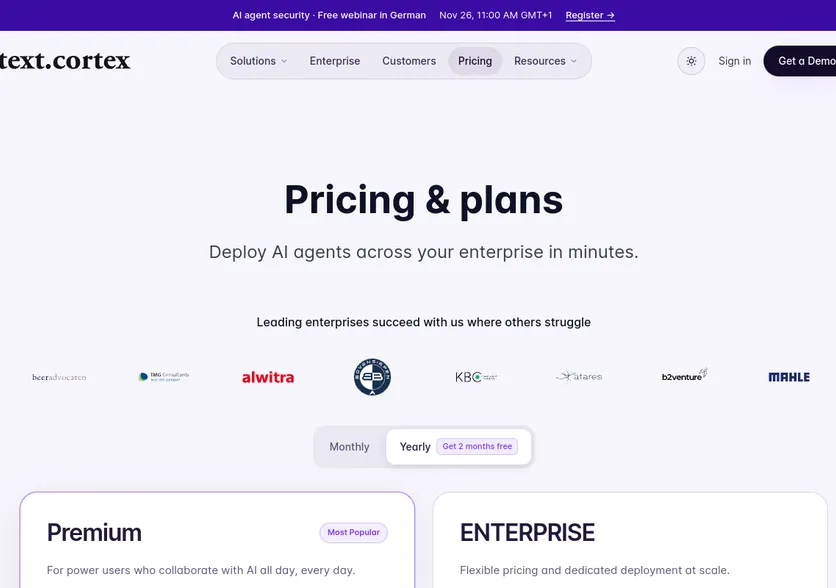
 TextCortex | Teams that want an affordable AI writer that works inside the browser | $29.99/user/month | Free plan, 20 creations a day | Visit |
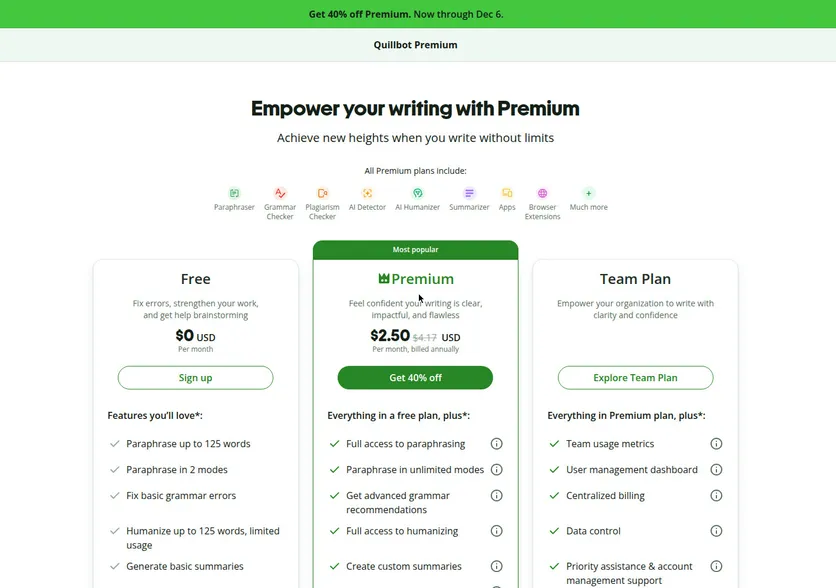
 QuillBot | Teams that want paraphrasing, summarizing and grammar checks at a low annual price | $8.33/month | Free plan, 125-word paraphrasing limit | Visit |
The AI writing assistants software for enterprise, compared
1. Writer
Best for: Large companies that want an enterprise AI writing platform with governance and custom models
Paid tool Starting price: $18/user/month · Team plan, eighteen dollars per user a month billed annually with a three-user minimum; Enterprise is custom
Free plan: No free plan; free trial available
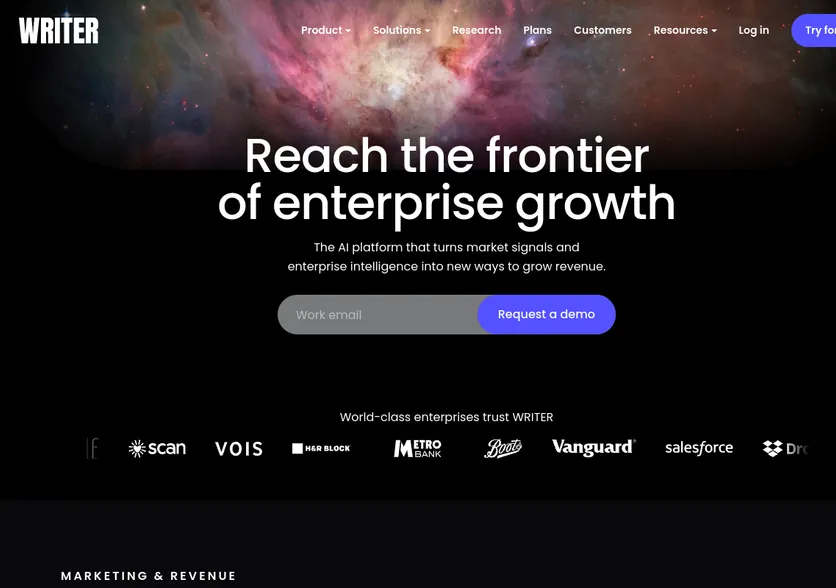
Writer is built for enterprises, with custom AI models trained on a company own documents and guardrails that keep every draft on brand. This Writer Team plan costs eighteen dollars per user a month billed annually with a three-user minimum. A company that needs consistent writing across hundreds of employees will like the governance controls, though the price per user and the minimum seat count add up fast.
What we like
- Custom AI models trained on company documents
- Governance guardrails that enforce brand rules
- Built for large teams with admin controls
Watch out for
- Sources disagree on the minimum seat count, so confirm it before buying
- Enterprise pricing is custom and reported to be very high
How to try it
- Open the Writer pricing page and request a trial
- Upload a sample of company documents to train the style guide
- Draft one internal report and check it against brand rules
2. Grammarly
Best for: Companies that want grammar, tone and AI drafting in one tool every employee already knows
Paid tool Starting price: $12/member/month · Pro plan, twelve dollars per member a month billed annually, thirty dollars billed monthly; Enterprise is custom
Free plan: Free plan, 100 AI prompts a month
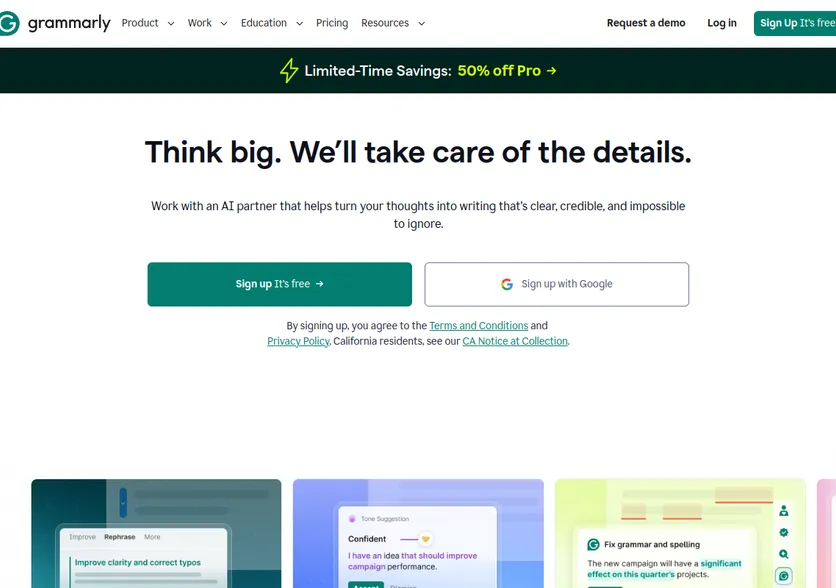
Grammarly covers writing for the whole company, checking grammar and tone while its AI drafts emails, reports and documents. This Grammarly Pro plan costs twelve dollars per member a month billed annually and covers teams of up to one hundred forty-nine seats. A company that wants one writing tool for everyone will like the familiar editor, though the monthly rate is more than double the annual rate.
What we like
- Familiar editor that most employees already use
- Grammar, tone and AI drafting in one tool
- Free plan with one hundred AI prompts a month
Watch out for
- Monthly billing costs more than double the annual rate
- Advanced admin controls sit on the custom Enterprise plan
How to try it
- Open the Grammarly pricing page and claim the free plan
- Install the browser extension for your team
- Draft one report with AI and check the tone suggestions
3. Jasper
Best for: Enterprise marketing teams that want brand voice controls and campaign templates at scale
Paid tool Starting price: $59/seat/month · Pro plan, fifty-nine dollars per seat a month billed annually, sixty-nine dollars billed monthly; Business is custom with a twelve-month minimum
Free plan: No free plan; 7-day free trial
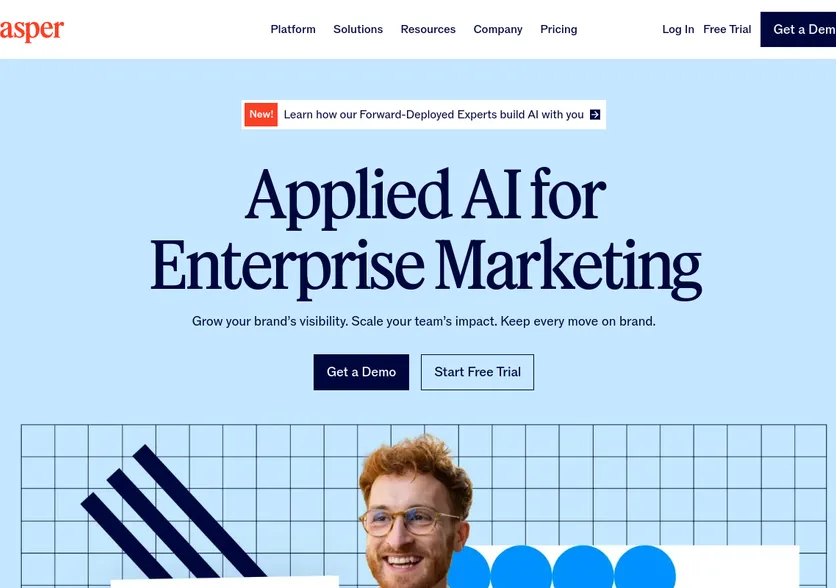
Jasper gives enterprise marketing teams a shared brand voice, campaign templates and admin controls that keep every writer on message. This Jasper Pro plan costs fifty-nine dollars per seat a month billed annually, and Business adds custom controls with a twelve-month minimum. A large marketing department will like the campaign builder, though per-seat pricing makes it one of the pricier tools here.
What we like
- Shared brand voice across the whole team
- Campaign builder for multi-asset launches
- Admin controls for large marketing departments
Watch out for
- Per-seat pricing climbs fast for large departments
- The old Creator plan was retired, so Pro is the entry point
How to try it
- Open the Jasper pricing page and start the 7-day trial
- Set up a shared brand voice for your team
- Draft one campaign and check consistency across assets
4. Copy AI
Best for: Enterprise go-to-market teams that want unlimited words and workflow automation
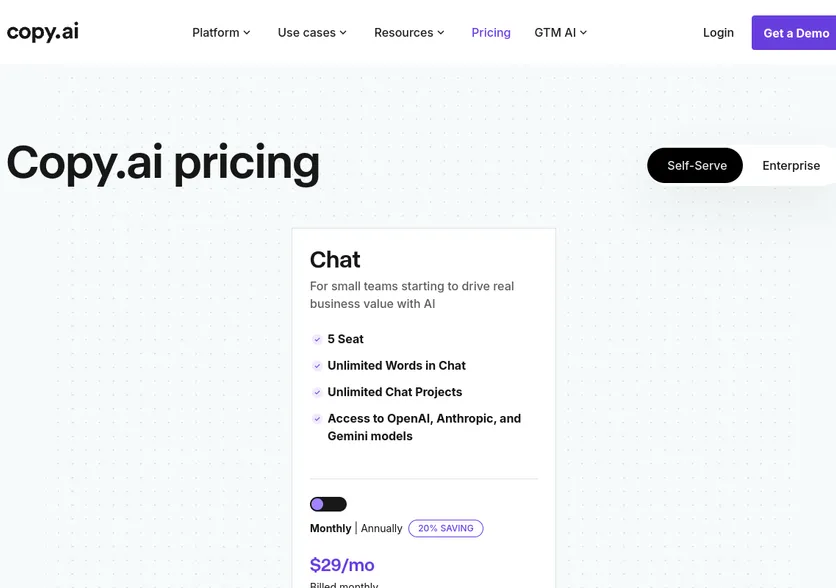
Paid tool Starting price: $24/month · Chat plan, twenty-four dollars a month billed annually, twenty-nine dollars billed monthly, five seats and unlimited words; Growth and higher tiers run from one thousand dollars a month
Free plan: No free plan; free trial available
Copy AI gives enterprise teams workflows that research accounts, draft outreach and hand finished copy to a human for review. This Copy AI Chat plan costs twenty-four dollars a month billed annually and covers five seats with unlimited words. A go-to-market team that writes at volume will like the automation, though the higher tiers jump to four figures a month and need a sales call.
What we like
- Unlimited words on the entry paid plan
- Workflows that automate research and drafting
- Five seats included at the lowest paid price
Watch out for
- Growth and higher tiers cost far more than the entry plan
- Enterprise features need a sales conversation
How to try it
- Open the Copy AI pricing page and start a free trial
- Build one workflow for account research and outreach
- Run five accounts through it and check the draft quality
5. Anyword
Best for: Enterprise marketers who want predictive scores on every message before it goes out
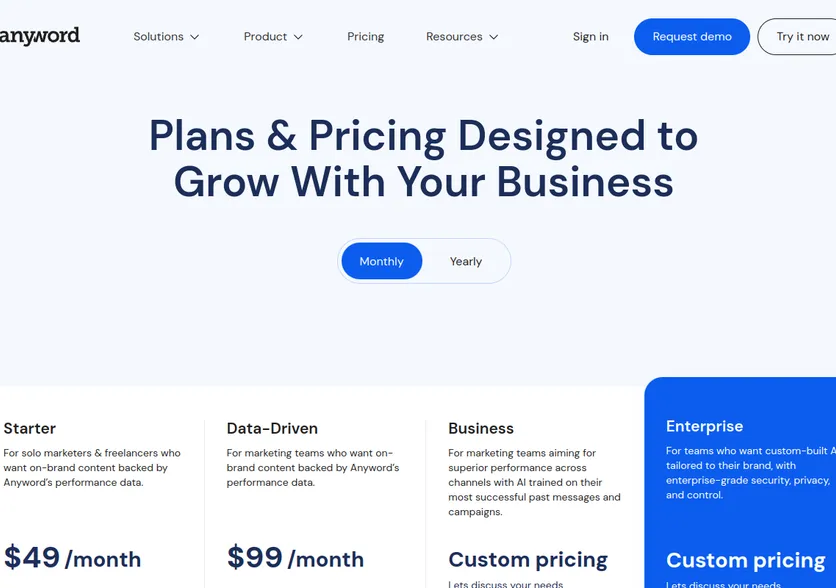
Paid tool Starting price: $39/month · Starter plan, thirty-nine dollars a month billed annually, forty-nine dollars billed monthly, one seat and unlimited words; Data-Driven costs more
Free plan: No free plan; 7-day free trial
Anyword scores enterprise copy before it publishes, predicting how each headline or email will perform with a chosen audience. This Anyword Starter plan costs thirty-nine dollars a month billed annually and covers one seat with unlimited words. A team that tests many variants will like the prediction scores, though the monthly prediction allowance is small and extra seats cost extra.
What we like
- Predictive performance scores on every draft
- Unlimited words on the entry plan
- Audience profiles that shape all copy
Watch out for
- Only fifty predictions a month on the entry plan
- Team features and seats sit on pricier tiers
How to try it
- Open the Anyword pricing page and start the 7-day trial
- Create an audience profile for one product line
- Score five email variants and send the highest scorer
6. Wordtune
Best for: Employees who want a low-cost rewriting assistant that sharpens tone in any app
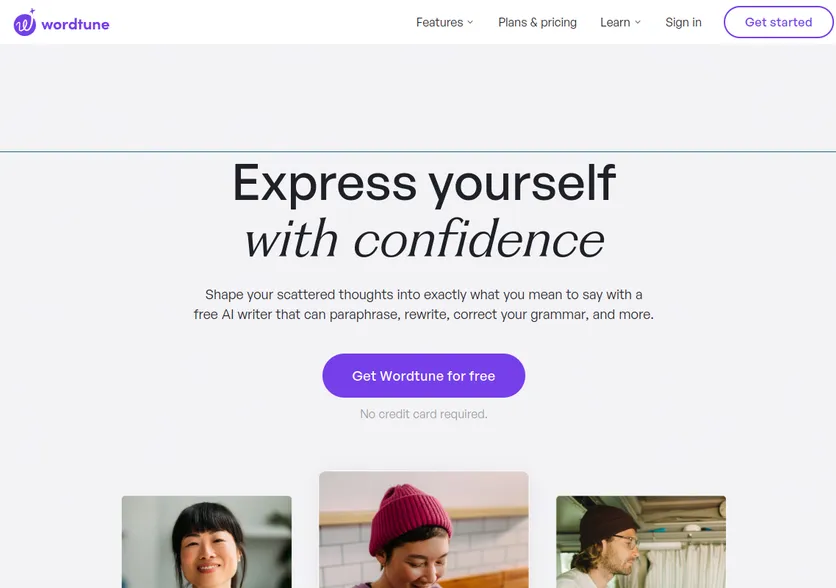
Paid tool Starting price: $6.99/month · Advanced plan, six dollars and ninety-nine cents a month billed annually, thirteen dollars and ninety-nine cents billed monthly, thirty rewrites a day; Unlimited costs more
Free plan: Free Basic plan, 10 rewrites a day
Wordtune rewrites sentences for clarity and tone, working inside email, documents and web apps where employees already write. This Wordtune Advanced plan costs six dollars and ninety-nine cents a month billed annually and allows thirty rewrites a day. A company that wants better everyday writing will like the low price, though it rewrites rather than drafts long documents.
What we like
- Lowest per-user price in this comparison
- Rewrites for tone and clarity in any app
- Free Basic plan for testing
Watch out for
- Rewriting only, not long-form drafting
- Prices changed during 2026, so older reviews show different rates
How to try it
- Open the Wordtune pricing page and claim the free plan
- Install the browser extension
- Rewrite one long email in three tones and pick the best
7. TextCortex
Best for: Teams that want an affordable AI writer that works inside the browser
Paid tool Starting price: $29.99/user/month · Premium plan, twenty-nine dollars and ninety-nine cents per user a month; sources disagree on the annual rate, so the monthly rate is the headline here
Free plan: Free plan, 20 creations a day
TextCortex works as a browser extension and a web app, helping employees draft and rewrite copy wherever they type. This TextCortex Premium plan costs twenty-nine dollars and ninety-nine cents per user a month. A team that writes across many apps will like the extension, though sources disagree on the annual rate, so the monthly rate is the price to budget for.
What we like
- Browser extension that works in any web app
- Free plan with twenty creations a day
- Templates for emails, memos and product copy
Watch out for
- Annual pricing is unclear, so budget on the monthly rate
- Fewer enterprise admin controls than the bigger platforms
How to try it
- Open the TextCortex pricing page and claim the free plan
- Install the browser extension for your team
- Draft one memo and one email with the extension
8. QuillBot
Best for: Teams that want paraphrasing, summarizing and grammar checks at a low annual price
Paid tool Starting price: $8.33/month · Premium plan, eight dollars and thirty-three cents a month billed annually, nineteen dollars and ninety-five cents billed monthly; Team plan is custom
Free plan: Free plan, 125-word paraphrasing limit
QuillBot paraphrases, summarizes and checks grammar, giving teams a fast way to clean up drafts and repurpose content. This QuillBot Premium plan costs eight dollars and thirty-three cents a month billed annually. A team that edits a lot of existing copy will like the paraphraser, though it is an editing aid rather than a full drafting platform.
What we like
- Low annual price for a full editing toolkit
- Paraphraser with several tone modes
- Summarizer that shortens long documents fast
Watch out for
- Editing aid, not a long-form drafting platform
- Free plan caps paraphrasing at one hundred twenty-five words
How to try it
- Open the QuillBot pricing page and claim the free plan
- Paste one rough draft into the paraphraser
- Compare three paraphrase modes and keep the clearest
Prices above were checked on each vendor’s own website on Nov 27, 2026 and can change — the vendor’s page is the final word. Vendor links are editorial: nobody paid to be listed or ranked here. Vendors who want a featured listing can see how it works on our Get listed page.
What enterprise AI writing assistants cost in 2026
Most enterprise writing assistants charge per user, so the headline price is only the start of the bill. A twelve-dollar plan for fifty people costs six hundred dollars a month, and a fifty-nine-dollar seat plan for the same team costs nearly three thousand. Usage limits are the second cost to watch, because capped AI prompts slow a large team down mid-month.
Start with the free plan or trial on two tools and test them on real internal documents. Compare how well each one follows your style guide, whether admins can control access, and how much editing each draft still needs. Pick the assistant your team actually opens every day, because an unused enterprise license is the most expensive kind.
Before you buy
- Count how many seats need access, because per-user pricing multiplies fast once a whole department joins.
- Check whether the plan includes admin controls and single sign-on, because enterprise security is not standard on team plans.
- Confirm the AI usage limit per member, because capped prompts slow a large team down mid-month.
- Test the tool on real internal documents during the trial, because generic demos hide style and accuracy problems.
- Compare the annual and monthly rates side by side, because annual billing cuts the bill by more than half on some tools here.
Official websites
Official websites of the products reviewed above. Features and prices were checked against these sites when this guide was written, and they can change, so confirm on the vendor site before you buy.
Frequently asked questions
Which AI writing assistant is best for enterprise in 2026?
Writer is the best overall pick for large companies, with custom models trained on company documents and governance guardrails. Grammarly is the best value at twelve dollars per member a month billed annually, with a tool most employees already know. Jasper is the best pick for enterprise marketing teams that need shared brand voice and campaign templates.
How much do AI writing assistants for enterprise cost?
Entry prices in this list run from six dollars and ninety-nine cents a month for Wordtune to fifty-nine dollars a month per seat for Jasper. Per-user pricing is the real cost driver, so a fifty-person team on Writer pays about nine hundred dollars a month. Annual billing saves money on most tools here, sometimes more than half.
Is there a free AI writing assistant for enterprise?
Yes, Grammarly has a free plan with one hundred AI prompts a month, QuillBot has a free plan with a one hundred twenty-five word paraphrasing limit, and Wordtune and TextCortex both have free plans for testing. Writer, Jasper, Copy AI and Anyword offer free trials instead of a permanent free plan.
What should enterprises look for in an AI writing assistant?
Check admin controls and single sign-on first, because team plans often lack them. Then check the AI usage limit per member, because capped prompts slow a large team down. Finally, test the tool on real internal documents, because generic demos hide style and accuracy problems.
Can AI writing assistants handle confidential company documents?
No, enterprise tools still need human review for facts, claims and confidential information. They speed up drafting and keep tone consistent, but they can invent details and leak context into shared models. Set clear rules on what may be pasted into an AI tool before rolling it out company-wide.
Need everyday business help too? Try Toolsvine's free business tools right in your browser.
Browse Business Tools tools


