
On this page
Bynder is a powerful enterprise DAM, but its pricing is quote-only and its entry cost starts near $450 a month, which puts it out of reach for most teams. The eight tools below cover the same ground — organized storage, search, governance and delivery — with published prices from $7 a month, and every price was checked on the vendor site on November 26, 2026. Each one offers a free plan or a free trial, so you can organize a real folder before paying. Cloudinary is our first pick — media infrastructure with optimization built in for $99 a month.
How we researched this
We started with the digital asset tools enterprises actually buy as Bynder alternatives, then read each price on the vendor pricing page on November 26, 2026 and noted the free plan or trial each one carries. We judged them for a brand team that needs governance, approvals and delivery at scale without an enterprise quote. We kept the list to tools with a published price, and we dropped any tool whose price we could not verify.
Compare the tools
| Name | Best for | Starting price | Free plan | |
|---|---|---|---|---|
 Cloudinary | Enterprises that deliver media at scale with automation | $99/month | Free plan (Cloudinary Free, 25 credits a month) | Visit |
 Brandkit | Franchises and distributed teams that need brand consistency | $99/month | No free plan; free trial available | Visit |
 Pics.io | Teams whose assets already live in Google Drive | $50/month | No free plan; free trial available | Visit |
 Filecamp | Small teams that outgrow shared folders | $29/month | No free plan; 30-day free trial | Visit |
 Airtable | Governance teams that track approvals like records | $20/user/month | Free plan (Airtable Free) | Visit |
 Google Workspace | Mid-size teams that already own the Google suite | $7/user/month | No free plan; 14-day free trial | Visit |
 Box | Regulated teams that need security certifications | $15/user/month | Free plan (Box Individual, 10 GB) | Visit |
 Dropbox | Teams that share assets with outside partners daily | $15/user/month | Free plan (Dropbox Basic, 2 GB) | Visit |
The Bynder alternatives, compared
1. Cloudinary
Best for: Enterprises that deliver media at scale with automation
Paid tool Starting price: $99/month · Plus plan, $99 a month billed monthly; $89 a month billed annually; Advanced is $249 a month
Free plan: Free plan (Cloudinary Free, 25 credits a month)
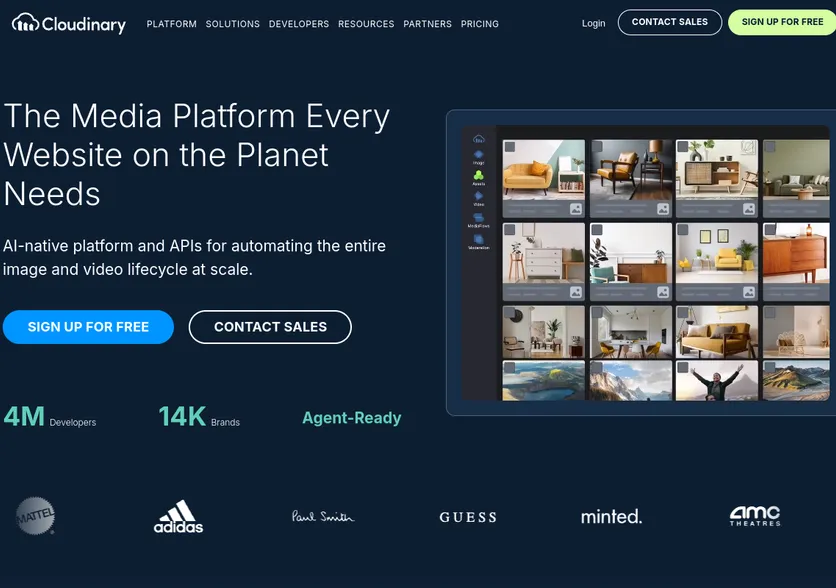
For enterprises that deliver media at scale, Cloudinary is the infrastructure pick, because it combines storage with automatic transformation and global delivery. This Cloudinary Plus plan covers 225 monthly credits, S3 backup and expedited support, so a high-traffic site serves optimized images without an ops team. The credit model rewards teams that plan their usage.
What we like
- Automatic image and video optimization
- Powerful API for developers
- Fast global delivery network
Watch out for
- Plus plan costs $99 a month billed monthly
- Credit model takes time to learn
How to try it
- Open Cloudinary and start the free plan
- Upload a product photo and transform it
- Deliver it through the global CDN
2. Brandkit
Best for: Franchises and distributed teams that need brand consistency
Paid tool Starting price: $99/month · Team plan, $99 a month; Pro is $249 and Advanced is $999 a month; unlimited users
Free plan: No free plan; free trial available
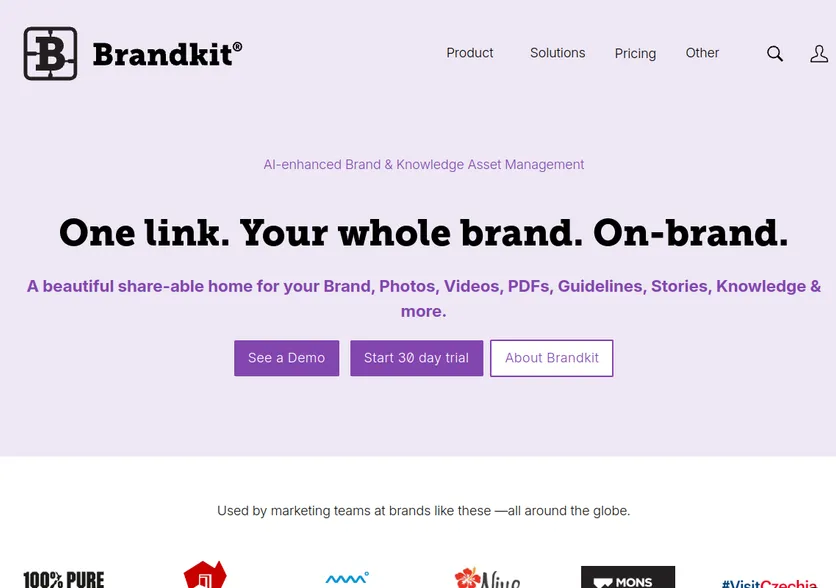
When brand consistency is the whole job, Brandkit earns its place, because every asset ships with guidelines, approvals and usage tracking attached. This Brandkit Team plan covers unlimited users and brand portals, so regional teams stop improvising with old logos. The pricing stays flat no matter how many people join.
What we like
- Brand portals keep logos consistent
- Usage tracking shows what gets used
- Flat pricing for unlimited users
Watch out for
- Team plan costs $99 a month
- Smaller feature set than enterprise DAMs
How to try it
- Open Brandkit and start the free trial
- Upload your logos and brand guidelines
- Share a portal with your whole team
3. Pics.io
Best for: Teams whose assets already live in Google Drive
Paid tool Starting price: $50/month · Solo plan, $50 a month; Micro is $150 a month; Small is $600 a month
Free plan: No free plan; free trial available
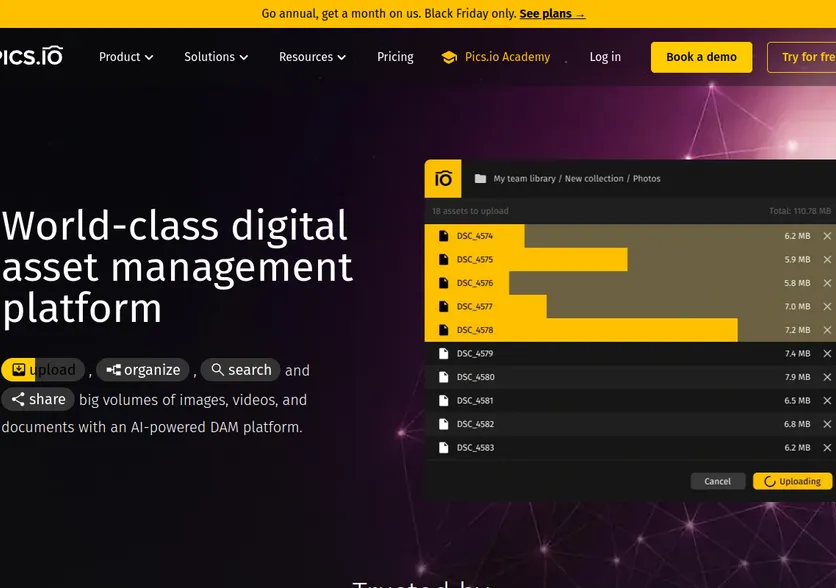
A Drive-based team can skip the migration entirely, because this DAM layers search and approvals over the storage it already pays for. The Pics.io Solo plan covers AI tagging, versioning and branded sharing, so marketing gets control without asking IT for a new platform.
What we like
- Sits on top of Google Drive storage
- AI tagging finds assets fast
- Branded portals for clients and partners
Watch out for
- Solo plan costs $50 a month
- Needs Google Drive or Amazon S3
How to try it
- Open Pics.io and connect your Google Drive
- Let AI tagging organize your library
- Share a branded portal with your team
4. Filecamp
Best for: Small teams that outgrow shared folders
Paid tool Starting price: $29/month · Basic plan, $29 a month flat rate; Advanced is $59 and Professional is $89 a month; unlimited users on every plan
Free plan: No free plan; 30-day free trial
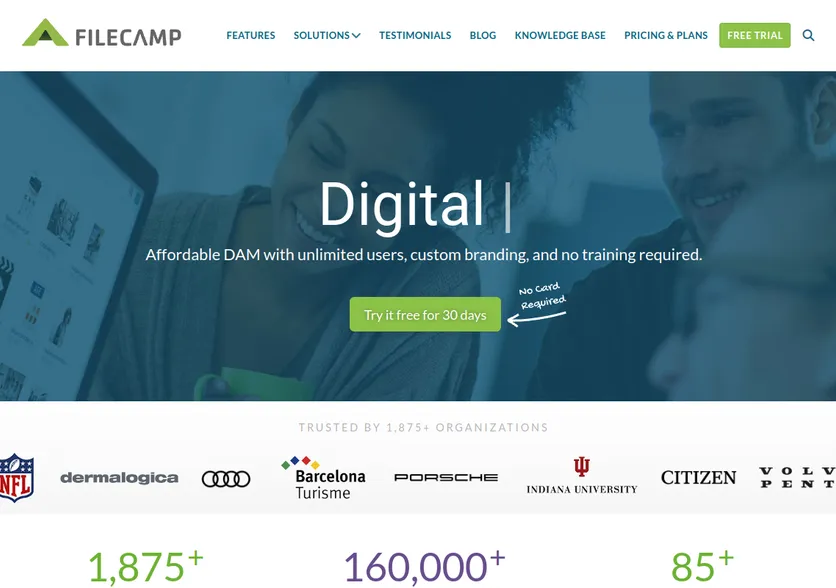
Small teams that outgrow shared folders find Filecamp first, because the flat rate covers everyone and the setup takes an afternoon. This Filecamp Basic plan covers unlimited users, custom branding and 20 GB of storage, so a growing brand gets a real DAM for the price of lunch. The proofing tools arrive on the higher tiers.
What we like
- Flat rate covers unlimited users
- White-label branding included
- Simple setup in an afternoon
Watch out for
- Basic plan costs $29 a month
- Only 20 GB storage on Basic
How to try it
- Open Filecamp and start the 30-day trial
- Upload your library and set up a branded portal
- Invite clients and freelancers to download
5. Airtable
Best for: Governance teams that track approvals like records
Paid tool Starting price: $20/user/month · Team plan, $20 per user a month billed annually; $24 a month billed monthly; Business is $45 a month
Free plan: Free plan (Airtable Free)
Governance teams that track approvals love Airtable, because every asset becomes a record with an owner, a status and a history. This Airtable Team plan covers automations, interfaces and integrations, so a request moves from brief to approved asset without a spreadsheet sidecar. The per-editor pricing means viewers cost nothing.

What we like
- Assets become trackable database records
- Views and automations fit any workflow
- Free plan covers small teams
Watch out for
- Team costs $20 per user a month billed annually
- Only editors are charged, viewers are free
How to try it
- Open Airtable and start the free plan
- Build a base for your brand assets
- Add automations for approvals and publishing
6. Google Workspace
Best for: Mid-size teams that already own the Google suite
Paid tool Starting price: $7/user/month · Business Starter, $7 per user a month on an annual plan; $8.40 a month on the flexible plan; Standard is $14 a month
Free plan: No free plan; 14-day free trial
The cheapest route to organized brand assets is the suite a company already owns, because Workspace puts shared drives, email and docs on one bill. This Google Workspace Business Starter plan covers 30 GB of pooled storage per user and custom email, so a mid-size team gets structure for the price of a coffee per person. The admin controls cover the basics well.

What we like
- Lowest price on this list
- Shared drives organize team assets
- Docs and Sheets integrations included
Watch out for
- Business Starter costs $7 per user a month
- No DAM features like portals or approvals
How to try it
- Open Google Workspace and start the 14-day trial
- Move brand assets into a shared drive
- Set permissions and share with your team
7. Box
Best for: Regulated teams that need security certifications
Paid tool Starting price: $15/user/month · Business plan, $15 per user a month billed annually; $20 a month billed monthly; Business Starter is $5 a month
Free plan: Free plan (Box Individual, 10 GB)
Regulated industries pick Box for a reason, because its security certifications and admin controls satisfy compliance teams that block other tools. This Box Business plan covers unlimited storage, granular permissions and external collaboration, so legal and marketing can share one system. The three-user minimum keeps tiny teams out.
What we like
- Unlimited storage on Business plans
- Strong compliance and admin controls
- Works with Office and Google apps
Watch out for
- Business costs $15 per user a month billed annually
- Three-user minimum on Business plans
How to try it
- Open Box and start the free plan
- Upload your brand library to a shared folder
- Set permissions for partners and freelancers
8. Dropbox
Best for: Teams that share assets with outside partners daily
Paid tool Starting price: $15/user/month · Standard plan, $15 per user a month billed annually; Advanced is $24 a month; Plus is $9.99 a month for one user
Free plan: Free plan (Dropbox Basic, 2 GB)
For teams that share assets with outside partners every day, Dropbox is the path of least resistance, because recipients need no training and no account. This Dropbox Standard plan covers 3 TB of team storage, file requests and 180-day version history, so a lost file is never really lost. The integrations with creative tools are a quiet bonus.
What we like
- Everyone already knows how to use it
- Reliable sync across every device
- Transfer sends large files easily
Watch out for
- Standard costs $15 per user a month billed annually
- No real DAM features like approvals
How to try it
- Open Dropbox and start the free plan
- Create a shared folder for your brand assets
- Send large files with Transfer
Prices above were checked on each vendor’s own website on Nov 26, 2026 and can change — the vendor’s page is the final word. Vendor links are editorial: nobody paid to be listed or ranked here. Vendors who want a featured listing can see how it works on our Get listed page.
What Bynder alternatives cost in 2026
Bynder pricing is quote-only, with third-party estimates starting near $450 a month, so the tools here cost a fraction of an enterprise deal. The range on this list runs from $7 per user a month for Google Workspace to $99 a month for Cloudinary and Brandkit, with flat-rate DAMs like Filecamp at $29 a month in between. The table below uses the headline plan each vendor shows on its own pricing page, checked on November 26, 2026.
Run a real approval through two tools before you pay, because the approval flow is where a DAM earns its keep. Compare how long a file takes from upload to approved, how clearly the rights are shown, and whether a new teammate can find it unaided, then choose the tool your team will actually use. A $29 DAM everyone opens beats a $99 DAM nobody touches.
Before you buy
- Count how many admins and approvers you need, because governance tools charge for every seat that touches an approval.
- Check how much storage the library needs this year, because DAM bills climb fast once you pass the included gigabytes.
- Test the approval workflow with a real campaign, because a DAM that slows approvals down will be abandoned in a month.
- Ask whether rights and expiry dates are tracked, because using an expired license is the risk Bynder buyers pay to avoid.
- Add up the bill when the team doubles, because a per-user plan that looks cheap now can triple before the year ends.
Official websites
Official websites of the products reviewed above. Features and prices were checked against these sites when this guide was written, and they can change, so confirm on the vendor site before you buy.
Frequently asked questions
Which Bynder alternative is best overall?
Cloudinary is the best Bynder alternative for enterprises that deliver media at scale, because it pairs storage with automatic optimization and global delivery for $99 a month. Brandkit is the best pick when brand consistency is the whole job, at the same $99 a month. Pics.io is the best pick for Drive-based teams at $50 a month, and Filecamp is the best budget DAM at $29 a month.
What is the cheapest Bynder alternative?
Google Workspace is the cheapest option here at $7 per user a month, though it is storage rather than a real DAM. Filecamp is the cheapest true DAM at $29 a month flat with unlimited users. Bynder itself is quote-only, with third-party estimates starting near $450 a month, so any tool here is cheaper and more transparent.
How much does Bynder cost compared to these tools?
Bynder is quote-only, with third-party estimates putting entry pricing near $450 a month and enterprise deals far higher. Every tool here publishes its price, from $7 a month for Google Workspace to $99 a month for Cloudinary and Brandkit. The gap is large enough that most teams can run a full DAM here for less than a Bynder quote.
Can I try these Bynder alternatives for free?
Yes, most of them do. Airtable and Box include free tiers, Cloudinary gives 25 free credits a month, and Google Workspace, Filecamp and Brandkit all offer free trials. Run a real approval through two tools before you pay, because the approval flow is where a DAM proves itself.
Can I move my Bynder library to these tools?
Yes, Pics.io works directly on Google Drive and Amazon S3, so nothing moves at all. Cloudinary and Box both provide migration support for large libraries, while Filecamp and Brandkit import from ordinary folders in an afternoon. Confirm whether migration help is included in the plan, because some vendors charge for it as a service.
Need everyday business help too? Try Toolsvine's free business tools for invoices, planning and conversions right in your browser.
Browse Business Tools tools


