On this page
Freelancers do not need an enterprise analytics department, they need to know which pages bring clients and which offers actually convert, and that answer should cost less than one project a month. Mixpanel is the pick that scales with you: its free tier covers a million events a month, so a portfolio site or a small client site can run real product analytics without a bill. This guide compares seven analytics tools for freelancers, from free privacy-first dashboards to session replay and funnel analysis, with live 2026 prices, free plans and trials.
How we researched this
We checked the pricing page of every vendor on this list on November 26, 2026, and kept only tools that publish a real dollar price. Each tool had to work for a one-person business without a sales call, and we compared entry prices, free plans, trial length and how the bill grows as traffic grows.
Compare the tools
| Name | Best for | Starting price | Free plan | |
|---|---|---|---|---|
 Mixpanel | Freelancers who want real product analytics on a client site without paying until traffic grows | $0 | Free plan (1M events/month) | Visit |
 Amplitude | Freelancers who want a full analytics platform with session replay and experimentation on a free tier | $0 | Free plan (2M events/month) | Visit |
 Fathom Analytics | Freelancers who want a simple privacy-first dashboard with no cookie banner and no feature gates | $15 | 7-day free trial | Visit |
 Hotjar | Freelancers who need to see why visitors leave, with heatmaps, replays and surveys in one place | $49 | Free plan (200,000 monthly sessions) | Visit |
 LogRocket | Freelancers with app or web clients who need session replay tied to errors and console logs | $83 | Free plan (1,000 sessions/month) | Visit |
 Kissmetrics | Freelancers who need to tie campaigns to paying customers, not just pageviews | $99 | Free plan (100,000 events/month) | Visit |
 Woopra | Freelancers with a high-traffic client who needs full customer journey analytics | $999 | 30-day free trial | Visit |
The analytics tools, compared
1. Mixpanel
Best for: Freelancers who want real product analytics on a client site without paying until traffic grows
Paid tool Starting price: $0 · Growth starts at $0 with 1M events a month free; 1.5M events costs $100 a month on annual billing
Free plan: Free plan (1M events/month)
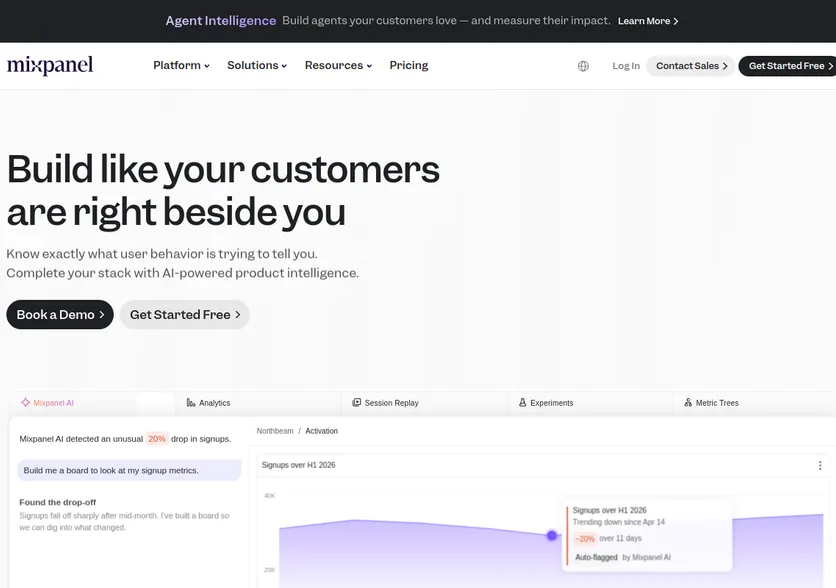
Mixpanel is the heavyweight product analytics platform on this list, and its free tier is generous enough for most freelance work. You get funnels, retention reports, session replays and experiments for up to a million events a month, with unlimited seats, so a client can look at their own dashboard without costing you extra. The bill only starts when a site outgrows the free allowance, which makes it a safe default for portfolio sites and small business clients.
What we like
- Free tier covers 1M events a month
- Funnels, retention and session replay included
- Unlimited seats on every plan
Watch out for
- Pricing gets complex above 1M events
- Overkill for a simple brochure site
How to try it
- Create a free Mixpanel account and install the tracking snippet on the site
- Define the key events, such as contact form submits and quote requests
- Build a funnel from the landing page to the thank-you page and watch where visitors drop off
2. Amplitude
Best for: Freelancers who want a full analytics platform with session replay and experimentation on a free tier
Paid tool Starting price: $0 · Plus starts at $0 with the first 2M events a month free; Growth and Enterprise are custom priced
Free plan: Free plan (2M events/month)
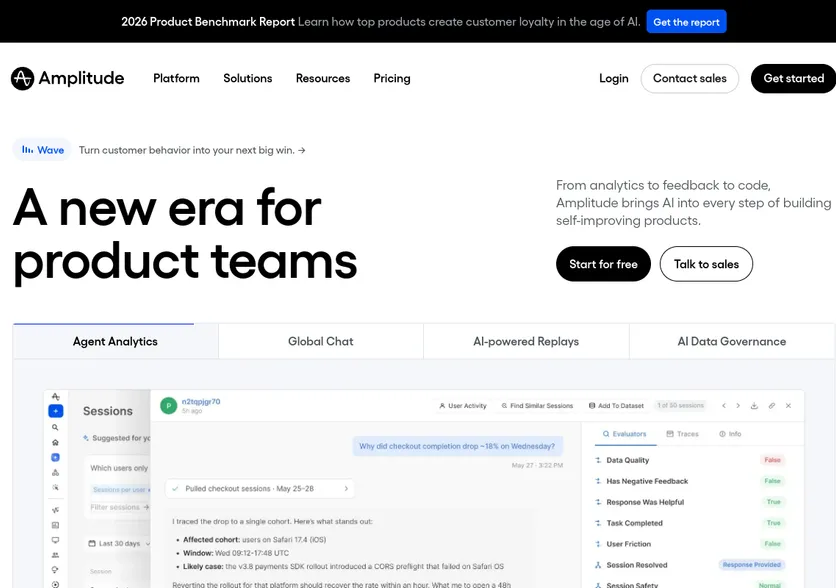
Amplitude bundles product analytics, session replay, experimentation and guides into one platform, and the free plan covers 2M events a month. That is twice the free allowance of most rivals, which makes it a strong fit for a freelancer juggling several client sites on one account. The Plus plan starts at zero and scales with event volume, so you pay only when a client site takes off.
What we like
- Free plan covers 2M events a month
- Session replay and experiments included
- Full platform on every plan
Watch out for
- Paid pricing is event based and hard to predict
- More platform than a simple site needs
How to try it
- Sign up for the free Amplitude plan and add the SDK to the client site
- Track page views and the key conversion events for that business
- Use a behavioral cohort to compare visitors who convert against those who leave
3. Fathom Analytics
Best for: Freelancers who want a simple privacy-first dashboard with no cookie banner and no feature gates
Paid tool Starting price: $15 · Standard is $15 a month for up to 100,000 pageviews; yearly billing costs 10 times the monthly price
Free plan: 7-day free trial
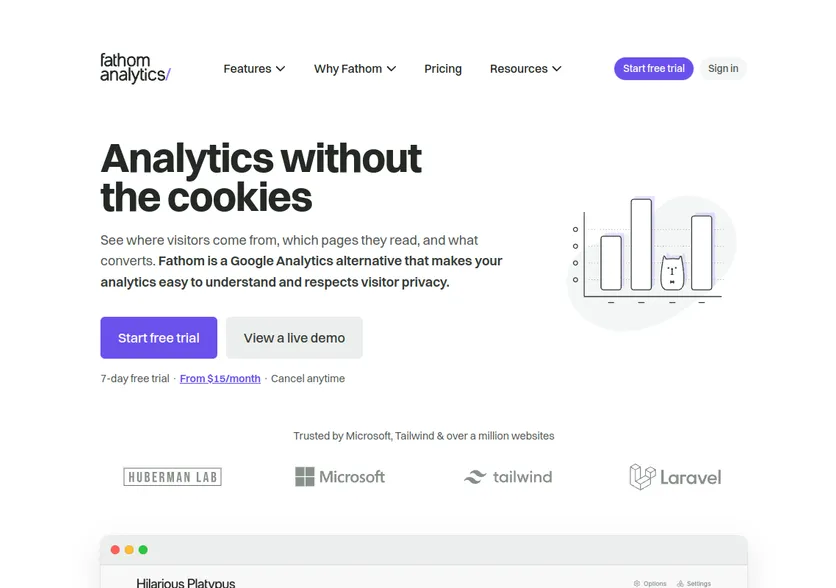
Fathom Analytics is the simplest tool on this list, and that is the point. Every plan includes the same features, so there is no upsell ladder to climb: pageviews, events, revenue tracking, UTM reports and an API all come with the $15 Standard plan. It needs no cookie banner, it filters bots automatically, and it covers 50 sites, which is plenty for a freelancer with a portfolio and a handful of clients.
What we like
- No cookie banner required
- Every feature on every plan
- 50 sites included on Standard
Watch out for
- No free plan, only a 7-day trial
- No funnels or session replay
How to try it
- Start the 7-day free trial and add the lightweight script to a site
- Import past stats from Google Analytics if the client has them
- Set up event tracking for form submits and quote requests
4. Hotjar
Best for: Freelancers who need to see why visitors leave, with heatmaps, replays and surveys in one place
Paid tool Starting price: $49 · Growth list price is $49 a month; the site currently shows a discounted $39 a month
Free plan: Free plan (200,000 monthly sessions)
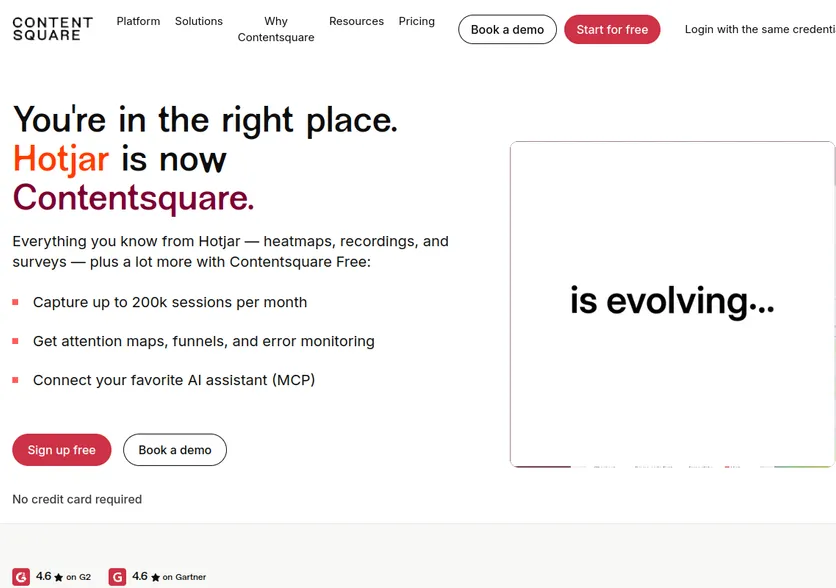
Hotjar answers a different question from the rest of this list: not how many visitors arrived, but what they actually did. Heatmaps show where people click and how far they scroll, session replays show the exact moment a visitor gives up, and surveys ask the question right on the page. The free plan covers 200,000 monthly sessions, so a freelancer can prove the value to a client before spending anything.
What we like
- Free plan covers 200,000 sessions
- Heatmaps, replays and surveys in one tool
- No per-site pricing, one account covers all sites
Watch out for
- List price is higher than the promo shown
- No event-based product analytics
How to try it
- Add the Hotjar script to the client site and start the free plan
- Record sessions on the pricing or contact page for a week
- Watch the replays where visitors rage-click or abandon a form, then fix that spot
5. LogRocket
Best for: Freelancers with app or web clients who need session replay tied to errors and console logs
Paid tool Starting price: $83 · Core starts at $83 a month for 10,000 sessions on annual billing; the free plan includes 1,000 sessions a month
Free plan: Free plan (1,000 sessions/month)
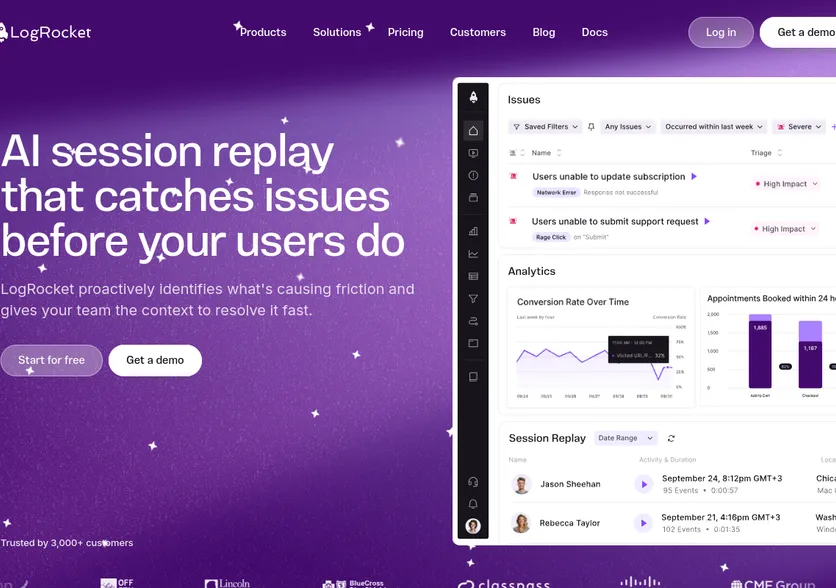
LogRocket pairs session replay with the technical detail other tools skip: console logs, network requests and error events, all unlimited on every plan. When a client says the checkout broke, you can watch the exact session and see the error that caused it instead of guessing. Core starts at $83 a month for 10,000 sessions, which suits a freelancer with one or two active app clients rather than a dozen brochure sites.
What we like
- Unlimited analytics, error and log events
- Replays linked to console errors
- AI session summaries on Pro
Watch out for
- Priced per session, so costs rise with traffic
- Overkill for a static marketing site
How to try it
- Install the LogRocket SDK on the client app or site
- Reproduce a reported bug by finding the session in the replay list
- Share the replay link with the client or developer to show the exact failure
6. Kissmetrics
Best for: Freelancers who need to tie campaigns to paying customers, not just pageviews
Paid tool Starting price: $99 · Growth starts at $99 a month for 500,000 events; the free plan covers 100,000 events a month
Free plan: Free plan (100,000 events/month)
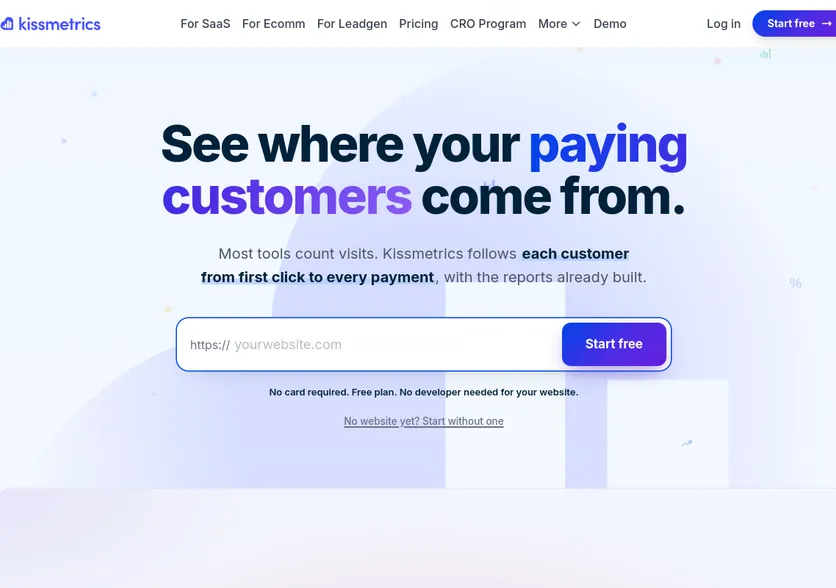
Kissmetrics tracks people rather than pageviews, so every visit, signup and payment attaches to one person across devices. That makes its Performance report unusually useful for a freelancer: it shows which campaign brought the customers who actually paid, not just the ones who clicked. The free plan covers 100,000 events a month with 3 seats, and Growth starts at $99 a month for half a million events.
What we like
- Revenue tied to campaigns per person
- Free plan with no card required
- Plain-English chat to ask questions of the data
Watch out for
- Growth starts at $99, a jump from free
- No session replay or heatmaps
How to try it
- Install Kissmetrics with the guided setup and connect the client site
- Tag the signup and purchase events so revenue ties to a person
- Open the Performance report to see which campaign brought paying customers
7. Woopra
Best for: Freelancers with a high-traffic client who needs full customer journey analytics
Paid tool Starting price: $999 · Pro starts at $999 a month for 5 million events; every signup starts with a 30-day trial
Free plan: 30-day free trial
Woopra is the enterprise end of this list, built for customer journey analytics at serious volume. It tracks each person across touchpoints, builds journey and retention reports, and adds AI suggestions for what to look at next. At $999 a month for 5 million events it is far beyond a typical freelance budget, but it belongs here for the freelancer whose client runs a busy store or SaaS product and needs that depth.

What we like
- Full customer journey reports
- 50 seats included on Pro
- AI copilot and suggestions included
Watch out for
- Starts at $999 a month, the priciest here
- Far more tool than a small site needs
How to try it
- Start the 30-day Pro trial and connect the client site or app
- Build a journey report from first visit to purchase
- Use the retention report to find where paying customers drift away
Prices above were checked on each vendor’s own website on Nov 26, 2026 and can change — the vendor’s page is the final word. Vendor links are editorial: nobody paid to be listed or ranked here. Vendors who want a featured listing can see how it works on our Get listed page.
How to read the price before you commit
Prices on this list run from $0 to $999 a month, and the spread is the whole story: event-based tools are cheap at low volume and expensive at high volume, while flat-rate tools flip that math. A free Mixpanel tier looks generous until a client site passes a million events, and a $15 Fathom plan looks plain until you realize it covers 50 sites with no per-seat charge. Before paying, run the free plan against a real client site for two weeks, not a demo, and watch how many events or sessions actually flow through. Check whether the plan counts pageviews, events or sessions, because the same traffic can cost very different amounts under each model, and confirm what happens when you exceed the limit.
Before you buy
- Count the monthly events or sessions on the busiest client site before comparing prices, because usage-based plans bill on that number.
- Confirm the free plan covers every site you manage, not just one, and check whether clients get their own seats for free.
- Run the free plan on a live client site for two full weeks to see real volume before paying for any tier.
- Check whether funnels, retention and session replay are included or sold as add-ons on the plan you would buy.
- Ask what happens when traffic spikes past the plan limit, since some tools pause data and others charge overages.
Official websites
Official websites of the products reviewed above. Features and prices were checked against these sites when this guide was written, and they can change, so confirm on the vendor site before you buy.
Frequently asked questions
What is the cheapest analytics tool for freelancers?
Mixpanel and Amplitude both start at $0, with free tiers covering 1M and 2M events a month. Fathom is the cheapest flat-rate option at $15 a month, and it covers 50 sites with every feature included. The right cheap pick depends on volume: usage-based free tiers stay free only while traffic stays under the limit.
Do freelancers need session replay or just pageview analytics?
Pageview analytics tells you how many people arrived and which pages they saw. Session replay shows what they did and where they gave up, which is what a client pays you to fix. If you sell conversion work, Hotjar or LogRocket earns its price; if you only report traffic, Fathom is enough.
Can one analytics account cover all my clients?
Yes, on most of these tools. Fathom covers 50 sites on its $15 plan, Mixpanel and Amplitude allow unlimited seats and multiple projects, and Hotjar prices by account rather than by site. Always check the site and seat limits on the plan you buy, since a few tools charge per site.
Is privacy-first analytics worth it for client work?
Yes, especially for clients in Europe or in health and education. Fathom needs no cookie banner and collects no personal data, which removes a whole compliance conversation from your onboarding. Clients also like that their visitors are not tracked across the web, and the reports stay simple enough for a non-technical client to read.
Need to check the numbers behind a campaign? Try the free marketing calculators on Toolsvine right in your browser.
Browse Marketing & Ads Calculators tools