On this page
Remote app teams live or die by store search, yet the people writing metadata, tracking keywords, and answering reviews often sit in different time zones. A good ASO platform keeps that work in one shared workspace, so keyword changes, rank shifts, and review replies stay visible to everyone. We checked list prices on each vendor pricing page and dropped every tool that hides its price behind a sales call. AppTweak leads this comparison for remote teams.
How we researched this
We kept only tools with a published dollar list price on the vendor site, which removed Sensor Tower and data.ai because both quote enterprise pricing through sales, while SplitMetrics Optimize and SplitMetrics Acquire offer no paid list price beyond a free starter tier. We also dropped AppSamurai and Appbooster because they sell install campaigns and agency services rather than ASO software subscriptions.
Compare the tools
| Name | Best for | Starting price | Free plan | |
|---|---|---|---|---|
 AppTweak | Remote teams that want deep keyword intelligence and AI agents in one platform. | $79/month | Free trial for each product, with billing details required to start | Visit |
 AppFollow | Small remote teams that need ASO plus review replies at the lowest price. | $19/month | Free plan for two apps | Visit |
 MobileAction | Budget teams that want keyword tracking and a seven day trial. | $12.50/month | Seven day free trial | Visit |
 Appfigures | Teams that want downloads, revenue, and keyword data in one dashboard. | $9.99/month | Free trial on the Optimize plan | Visit |
 App Radar | Teams that want keyword tools plus AI localization and store listing checks. | $57/month | Free plan to start, with paid packs as volume grows | Visit |
 ASOdesk | Teams that need deep keyword analytics and review replies together. | $59/month | Free plan with two hundred keywords and one app | Visit |
 ASO World | Teams that want to buy keyword installs and ranking campaigns per use. | from $0.20 per install | Free ASO tools available, with campaigns charged per use | Visit |
The best app store optimization software for remote teams, compared
1. AppTweak
Best for: Remote teams that want deep keyword intelligence and AI agents in one platform.
Paid tool Starting price: $79/month · Essential plan at seventy-nine dollars a month, with nine hundred forty-nine dollars billed annually
Free plan: Free trial for each product, with billing details required to start
AppTweak pairs keyword research with competitor tracking, review management, and Apple Ads intelligence, so a distributed team can run the whole ASO workflow from one dashboard. Its Atlas AI model scores keyword chance and difficulty, and the new agent tools answer data questions in plain language. AppTweak covers five apps and five hundred keywords on the entry plan, which suits small remote teams.
What we like
- Deepest keyword data in this comparison, with volume history
- Atlas AI scores chance and difficulty for every keyword
- Review management and Apple Ads tools included
Watch out for
- Entry plan covers only one seat, so larger teams pay more
- Prices exclude VAT for customers in the EU, UK, and Japan
How to try it
- Add your apps and pick the countries to track
- Build a keyword list with the research tools and chance scores
- Ship metadata updates and watch ranks move in the dashboard
2. AppFollow
Best for: Small remote teams that need ASO plus review replies at the lowest price.
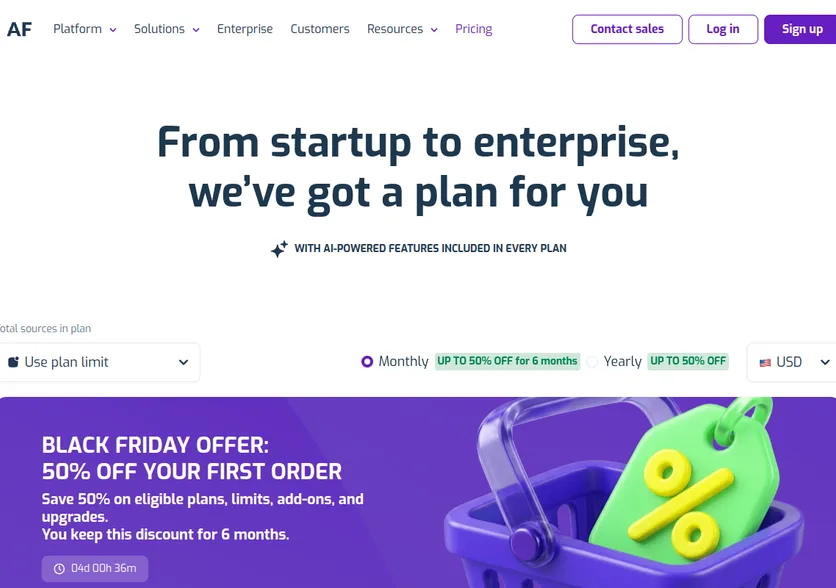
Paid tool Starting price: $19/month · ASO plan billed annually at nineteen dollars a month, with twenty-nine dollars on monthly billing
Free plan: Free plan for two apps
AppFollow combines ASO keyword tracking with review management, so a small team can watch ranks and answer users without juggling two tools. The entry ASO plan covers two apps, and the free plan is enough to test the workflow. AppFollow keeps the price low while covering both Apple and Google Play stores.
What we like
- Lowest entry price in this comparison
- Review replies and ASO tracking in one place
- Free plan covers two apps for testing
Watch out for
- Entry plan limits keyword tracking compared with pricier rivals
- Advanced reporting needs the higher Essential tier
How to try it
- Connect your apps from the App Store and Google Play
- Add keywords to track and set up rank alerts
- Reply to reviews from the shared inbox
3. MobileAction
Best for: Budget teams that want keyword tracking and a seven day trial.
Paid tool Starting price: $12.50/month · Lite plan billed annually at twelve dollars and fifty cents a month, with fifteen dollars on monthly billing
Free plan: Seven day free trial
MobileAction tracks keyword ranks, estimates downloads, and watches competitors across both stores, with a Lite plan that undercuts nearly every rival. The platform also covers Apple Ads keywords, which helps teams that run paid and organic growth together. MobileAction suits remote teams that need solid tracking without an enterprise budget.
What we like
- Cheapest paid ASO plan in this comparison
- Download and revenue estimates for any app
- Apple Ads keyword intelligence included
Watch out for
- Lite plan caps the number of tracked keywords
- Some advanced features need the higher Pro tier
How to try it
- Add your app and choose the countries to monitor
- Build a keyword list and set rank alerts
- Compare your ranks with competitors each week
4. Appfigures
Best for: Teams that want downloads, revenue, and keyword data in one dashboard.
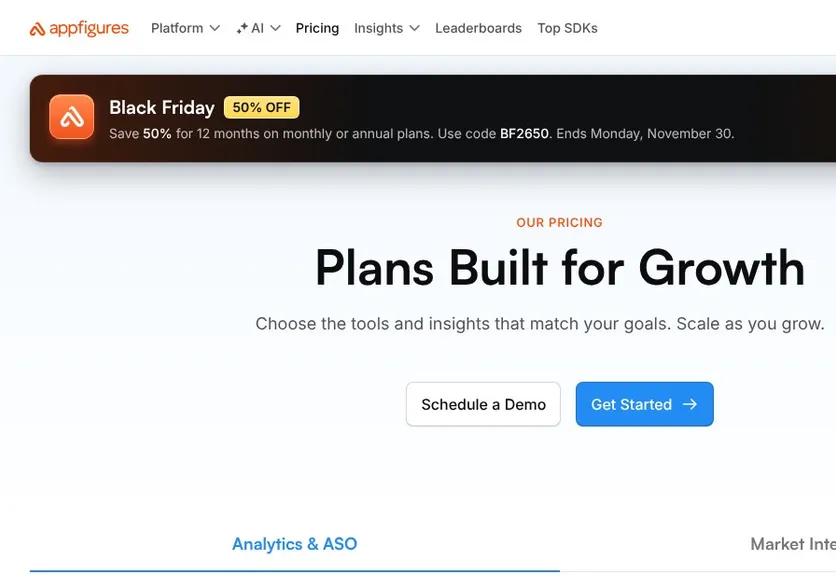
Paid tool Starting price: $9.99/month · Connect plan at nine dollars and ninety-nine cents a month, with seven dollars and ninety-nine cents on annual billing
Free plan: Free trial on the Optimize plan
Appfigures unifies downloads, revenue, subscriptions, and keyword ranks for every app you track, so a remote team sees the whole business in one place. The Connect plan covers five apps, and higher tiers add keyword tracking and competitor intelligence. Appfigures is the cheapest entry point here, and its free trial covers the Optimize tier.
What we like
- Cheapest entry price in this comparison
- Unified downloads, revenue, and subscription analytics
- Keyword tracking and competitor data on higher tiers
Watch out for
- Connect plan tracks no keywords, so ASO needs Monitor or higher
- Boost and Amplify tiers climb steeply in price
How to try it
- Connect your App Store and Google Play accounts
- Add the apps you want to track
- Review downloads, revenue, and keyword ranks daily
5. App Radar
Best for: Teams that want keyword tools plus AI localization and store listing checks.
Paid tool Starting price: $57/month · Essentials Pack at fifty-seven dollars a month, with six hundred ninety dollars billed annually
Free plan: Free plan to start, with paid packs as volume grows
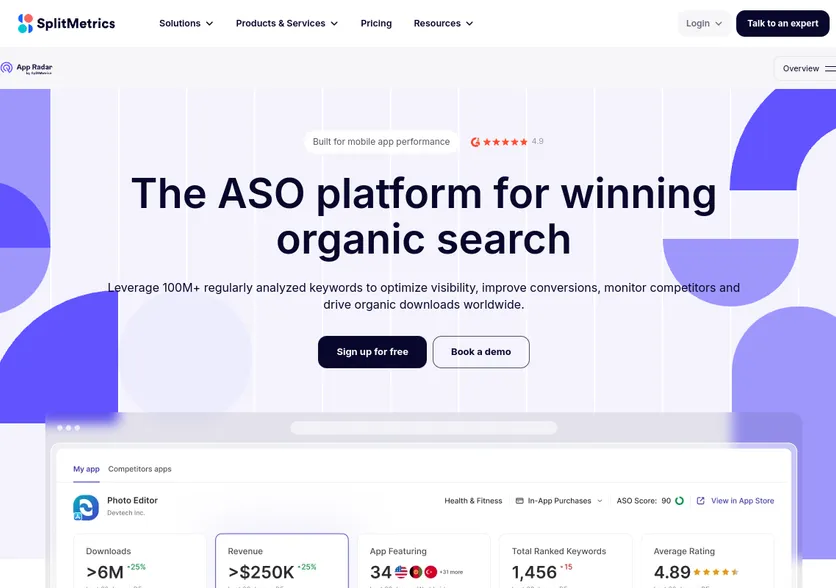
App Radar by SplitMetrics combines keyword research with store listing audits and AI powered localization, so remote teams can ship metadata in many languages from one tool. The Essentials Pack covers the core keyword tools, while higher packs add automation and global workflows. App Radar suits teams that manage apps across several countries at once.
What we like
- AI localization for store listings in many languages
- Live keyword search with ten plus keyword tools
- Volume based pricing that scales with the team
Watch out for
- Entry pack limits keyword volume for large portfolios
- Enterprise features need a custom quote
How to try it
- Add your apps and choose the markets to track
- Research keywords with the live search tools
- Localize listings and audit them before publishing
6. ASOdesk
Best for: Teams that need deep keyword analytics and review replies together.
Paid tool Starting price: $59/month · Pro plan list price at fifty-nine dollars a month, with a seasonal promotion running through November 29
Free plan: Free plan with two hundred keywords and one app
ASOdesk tracks keyword positions in real time and pairs that data with review management, so remote teams can react to rank drops and unhappy users from one dashboard. The Pro plan covers seven hundred keywords and two apps, with competitor analytics built in. ASOdesk also offers a free plan for trying the core tools before paying.
What we like
- Real time keyword tracking with daily impressions
- Review replies and keyword tools in one dashboard
- Free plan for trying the core workflow
Watch out for
- List price is higher than the seasonal promotion running now
- Higher tiers are needed for large keyword portfolios
How to try it
- Add your apps and build a semantic core of keywords
- Track positions daily and watch competitor moves
- Reply to reviews and update metadata from the dashboard
7. ASO World
Best for: Teams that want to buy keyword installs and ranking campaigns per use.
Paid tool Starting price: from $0.20 per install · Pay as you go from twenty cents per keyword install on Google Play and thirty cents on iOS, with no monthly subscription
Free plan: Free ASO tools available, with campaigns charged per use
ASO World works differently from the analytics tools here: it sells keyword installs, ratings, and reviews by the unit, so a remote team pays only for the campaigns it runs. Membership tiers lower unit prices as total spend grows, and combo packages bundle installs with ratings and reviews. ASO World fits teams that already know their keywords and want execution rather than more dashboards.
What we like
- Pay per install with no monthly subscription
- Unit prices fall as total spend grows
- Combo packages bundle installs, ratings, and reviews
Watch out for
- No monthly analytics subscription, so tracking needs another tool
- Costs scale with campaign volume and add up fast
How to try it
- Register and pick the keyword install service
- Choose the store, country, and keywords to target
- Top up the balance and launch the campaign
Prices above were checked on each vendor’s own website on Nov 27, 2026 and can change — the vendor’s page is the final word. Vendor links are editorial: nobody paid to be listed or ranked here. Vendors who want a featured listing can see how it works on our Get listed page.
What ASO software really costs for a remote team
The cheapest analytics entry here is Appfigures Connect at nine dollars and ninety-nine cents a month, while AppFollow ASO costs nineteen dollars and MobileAction Lite costs twelve dollars and fifty cents, so a small remote team can start tracking for under twenty dollars a month. Mid range plans such as ASOdesk Pro at fifty-nine dollars and App Radar Essentials at fifty-seven dollars suit teams with larger keyword lists, while AppTweak Essential at seventy-nine dollars adds the deepest data and AI agents. ASO World breaks the pattern by charging per install instead of per month, which suits campaign bursts rather than steady tracking.
Start with a free plan or trial, track one app for a month, and only then commit the whole team to a paid tier.
Before you buy
- Count the keywords and apps each plan covers, since Appfigures Connect tracks no keywords and AppTweak Essential covers five apps.
- Check whether the price is annual or monthly, because AppFollow costs nineteen dollars billed annually and twenty-nine dollars billed monthly.
- Confirm review replies are included, since some entry plans cover only keyword tracking and charge extra for review tools.
- Test the free plan or trial first, because Appfigures, ASOdesk, and AppFollow all let small teams try before paying.
- Budget separately for install campaigns, because ASO World charges per install on top of any analytics subscription you hold.
Official websites
Official websites of the products reviewed above. Features and prices were checked against these sites when this guide was written, and they can change, so confirm on the vendor site before you buy.
Frequently asked questions
What is app store optimization software?
App store optimization software helps teams improve how an app ranks in search results on the App Store and Google Play, so more people find and install it. It tracks keyword ranks, estimates search volume, watches competitors, and manages reviews and store listings. For remote teams it keeps that work in one shared workspace, so everyone sees the same ranks, alerts, and replies.
Which ASO tool is best for remote teams?
AppTweak leads for most remote teams because it combines deep keyword data, competitor tracking, review management, and AI agents in one dashboard. Budget teams can start with Appfigures Connect at nine dollars and ninety-nine cents a month or AppFollow ASO at nineteen dollars, while teams that need execution rather than analytics can buy installs through ASO World. The best choice depends on whether your team needs data, replies, or campaigns.
How much does ASO software cost per month?
Entry prices in this comparison run from nine dollars and ninety-nine cents a month for Appfigures Connect to twelve dollars and fifty cents for MobileAction Lite and nineteen dollars for AppFollow ASO. Mid range plans cost fifty-seven to seventy-nine dollars a month, while enterprise tiers climb past five hundred dollars. ASO World charges per install instead, from twenty cents on Google Play and thirty cents on iOS.
Do ASO tools offer a free plan?
Yes, several do. AppFollow offers a free plan for two apps, ASOdesk offers a free plan with two hundred keywords and one app, and App Radar lets teams start for free before choosing a paid pack. Appfigures and MobileAction offer free trials instead of permanent free plans. Free tiers suit testing and tiny portfolios, though serious keyword tracking needs a paid plan.
Can a remote team share one ASO subscription?
Most ASO tools in this comparison support shared workspaces, though seat limits vary. AppTweak Essential covers one seat, so larger remote teams need a higher tier or extra seats, while AppFollow and Appfigures plans cover several apps under one subscription. Check the seat and app limits before buying, since adding teammates is where the bill often grows.
Need everyday marketing help too? Try Toolsvine's free marketing tools right in your browser.
Browse Marketing & Ads Calculators tools