
On this page
A cleaning business runs on routes and clocks, and a missed visit leaves a client unhappy and a crew idle. The best appointment scheduling software books jobs online, sends reminders that cut no-shows, and keeps crews on route. We checked every price on the vendor's own pricing page on November 27, 2026, and kept only tools with a published dollar figure. Start with Jobber.
How we researched this
We kept only tools with a published price on the vendor's own pricing page, which removed FieldPulse because it publishes no prices at all. Workiz was also dropped because its reported prices conflict across sources, from sixty-five dollars a month to two hundred seventy-five dollars a month, and the remaining eight tools cover every budget from free to premium.
Compare the tools
| Name | Best for | Starting price | Free plan | |
|---|---|---|---|---|
 ZenMaid | Cleaning-only teams that want simple scheduling without job management extras. | $19/month | No free plan; fourteen-day free trial | Visit |
 BookingKoala | Cleaning businesses that want online booking with quotes and payments. | $27/month | No free plan; free trial available | Visit |
 Jobber | Cleaning businesses that need quoting, scheduling, and invoicing in one place. | $29/month | No free plan; fourteen-day free trial | Visit |
 Swept | Cleaning businesses with many locations that want flat pricing. | $30/month | No free plan; demo available, no free trial | Visit |
 Housecall Pro | Cleaning businesses that want dispatch, estimates, and payments together. | $59/month | No free plan; fourteen-day free trial | Visit |
 Setmore | Cleaning businesses that want a free start with reminders on the paid plan. | $5/user/month | Free plan for up to four users | Visit |
 SimplyBook.me | Cleaning businesses that want flat pricing by booking volume. | $11.90/month | Free system for under fifty bookings | Visit |
 Calendly | Cleaning businesses that want the simplest way to share availability. | $10/seat/month | Free plan with one event type and one calendar | Visit |
The best appointment scheduling software for cleaning businesses, compared
1. ZenMaid
Best for: Cleaning-only teams that want simple scheduling without job management extras.
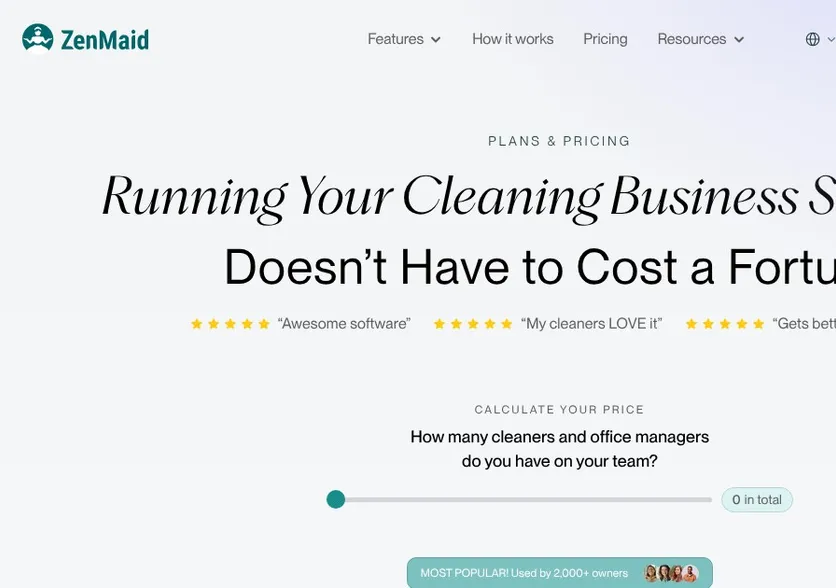
Paid tool Starting price: $19/month · Starter plan at nineteen dollars a month for up to forty appointments a month, with Pro at thirty-nine dollars a month and Pro Max at forty-nine dollars a month; month-to-month billing only, with no annual pricing published
Free plan: No free plan; fourteen-day free trial
ZenMaid is built only for cleaning businesses, with scheduling, reminders, and client records tuned to recurring home cleans. Its simple plans suit a small crew that wants booking without quoting, invoicing, and job management extras. See ZenMaid pricing and check the forty-appointment limit on the Starter plan.
What we like
- Built only for cleaning businesses, not adapted software
- Simple plans that a small crew learns fast
- Recurring cleans and reminders handled well
Watch out for
- Text messages are billed separately at an unpublished rate
- Team-size calculator changes the price, so confirm your quote
How to try it
- Start the fourteen-day trial and add your cleaners
- Set up recurring cleans and client records
- Turn on automated reminders for each visit
2. BookingKoala
Best for: Cleaning businesses that want online booking with quotes and payments.
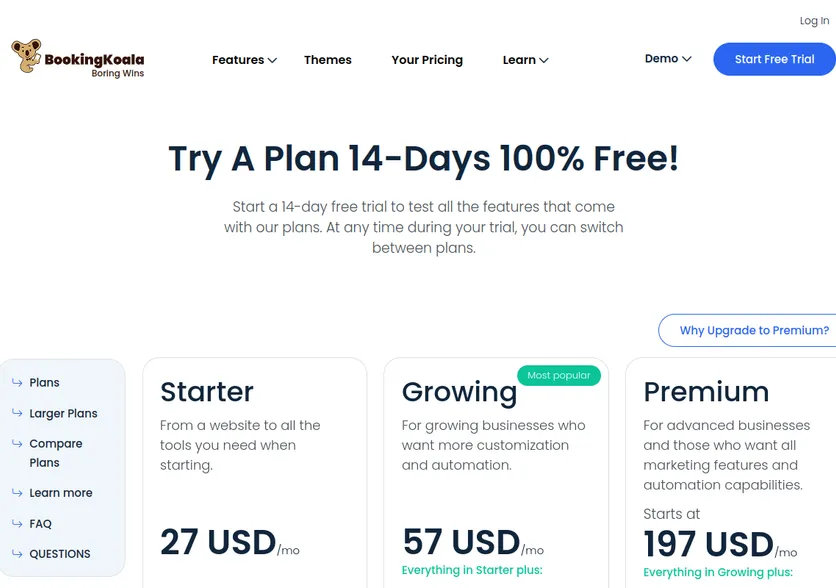
Paid tool Starting price: $27/month · Starter plan at twenty-seven dollars a month for up to five providers, with Growing at fifty-seven dollars a month and Premium at one hundred ninety-seven dollars a month; month-to-month billing only
Free plan: No free plan; free trial available
BookingKoala gives a cleaning business online booking, instant quotes, and payments in one place, which suits a company that sells cleans from its website. Its provider limits scale with the team, from five providers on Starter to fifty on Premium. See BookingKoala pricing and check the provider limit before you choose a tier.
What we like
- Online booking with instant quotes and payments
- Provider limits scale with your team size
- Built for cleaning, maid, and home service businesses
Watch out for
- No annual pricing published, so month-to-month is the only option
- Starter plan caps at five providers
How to try it
- Start a trial and set up your cleaning services
- Add providers and set their schedules
- Share your booking link and turn on reminders
3. Jobber
Best for: Cleaning businesses that need quoting, scheduling, and invoicing in one place.
Paid tool Starting price: $29/month · Core plan at twenty-nine dollars a month on annual billing, or forty-nine dollars a month billed monthly, for one user; Connect and Grow tiers add more users and features
Free plan: No free plan; fourteen-day free trial
Jobber covers a cleaning business end to end, with quoting, scheduling, invoicing, and payments in one account. Its Core plan suits a solo owner, while Connect and Grow add users and features as the team expands. See Jobber pricing and ignore the first-year promo price, which is not the list price.

What we like
- Quoting, scheduling, invoicing, and payments in one place
- Core plan suits a solo owner at a fair price
- Strong mobile app for crews in the field
Watch out for
- Core plan covers only one user
- First-year promo price is not the list price
How to try it
- Start the fourteen-day trial and add your services
- Build quotes and schedule your first jobs
- Send invoices and collect payments from the app
4. Swept
Best for: Cleaning businesses with many locations that want flat pricing.
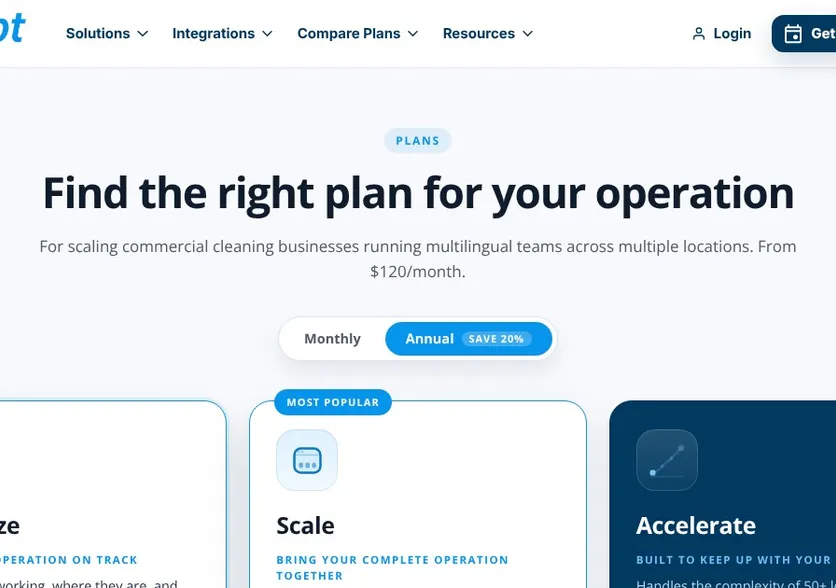
Paid tool Starting price: $30/month · Launch plan at thirty dollars a month billed monthly, or twenty-four dollars a month on annual billing, for up to fifteen locations with unlimited employees; Optimize and Scale tiers add more features
Free plan: No free plan; demo available, no free trial
Swept is built for cleaning businesses with several locations, offering flat pricing for up to fifteen locations with unlimited employees. Its scheduling, messaging, and reporting tools suit a manager who oversees many crews from one dashboard. See Swept pricing and note that there is no free trial, only a demo.
What we like
- Flat pricing for up to fifteen locations
- Unlimited employees on every plan
- Built only for cleaning businesses
Watch out for
- No free trial, so testing needs a demo first
- No quoting or invoicing built in
How to try it
- Book a demo and list your locations and crews
- Set up schedules and messaging for each location
- Review reports and adjust crew assignments
5. Housecall Pro
Best for: Cleaning businesses that want dispatch, estimates, and payments together.
Paid tool Starting price: $59/month · Basic plan at fifty-nine dollars a month on annual billing, or seventy-nine dollars a month billed monthly, for one user; Essentials and MAX tiers add more users and features
Free plan: No free plan; fourteen-day free trial
Housecall Pro gives a cleaning business dispatch, estimates, scheduling, and payments in one account, with a mobile app crews use in the field. Its Basic plan suits a solo owner, while higher tiers add users and automation. See Housecall Pro pricing and check the extra-user price, which varies by source.

What we like
- Dispatch, estimates, scheduling, and payments in one place
- Strong mobile app for crews in the field
- Automation that follows up on estimates and reviews
Watch out for
- Basic plan covers only one user
- Extra-user price is reported differently across sources
How to try it
- Start the fourteen-day trial and add your services
- Build estimates and schedule your first jobs
- Turn on automated follow-ups and review requests
6. Setmore
Best for: Cleaning businesses that want a free start with reminders on the paid plan.
Paid tool Starting price: $5/user/month · Pro plan at five dollars per user a month on annual billing, or twelve dollars a month billed monthly; the free plan covers up to four users
Free plan: Free plan for up to four users
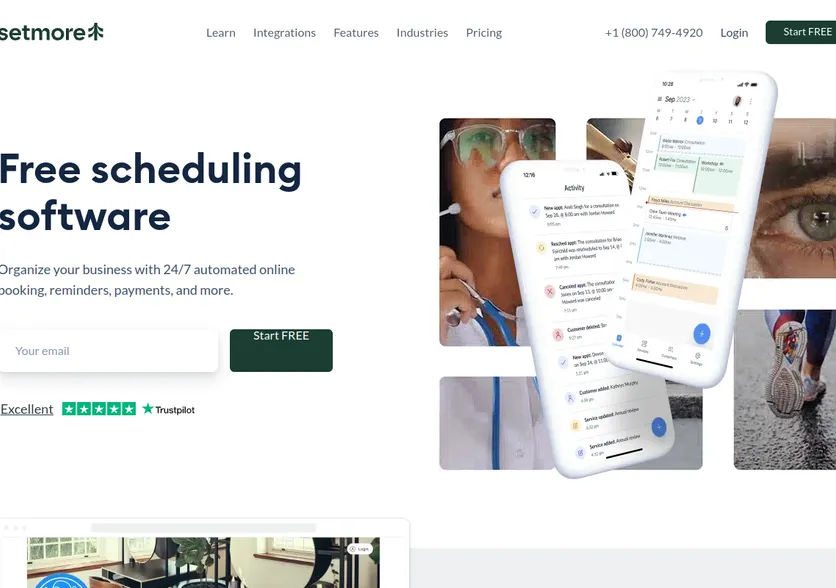
Setmore gives a cleaning business a free start with up to four users, and its Pro plan adds SMS reminders for five dollars per user a month. The booking page, calendar sync, and payment links cover the basics without a steep bill. See Setmore pricing and upgrade to Pro when you need text reminders.
What we like
- Free plan covers up to four users
- Pro plan adds SMS reminders for five dollars per user a month
- Booking page and payment links included
Watch out for
- SMS reminders need the paid Pro plan
- Monthly billing costs more than twice the annual rate
How to try it
- Sign up free and add your cleaners and services
- Share your booking page link with clients
- Upgrade to Pro to turn on SMS reminders
7. SimplyBook.me
Best for: Cleaning businesses that want flat pricing by booking volume.
Paid tool Starting price: $11.90/month · Basic plan at eleven dollars and ninety cents a month on annual billing for one hundred bookings; the free system covers under fifty bookings
Free plan: Free system for under fifty bookings
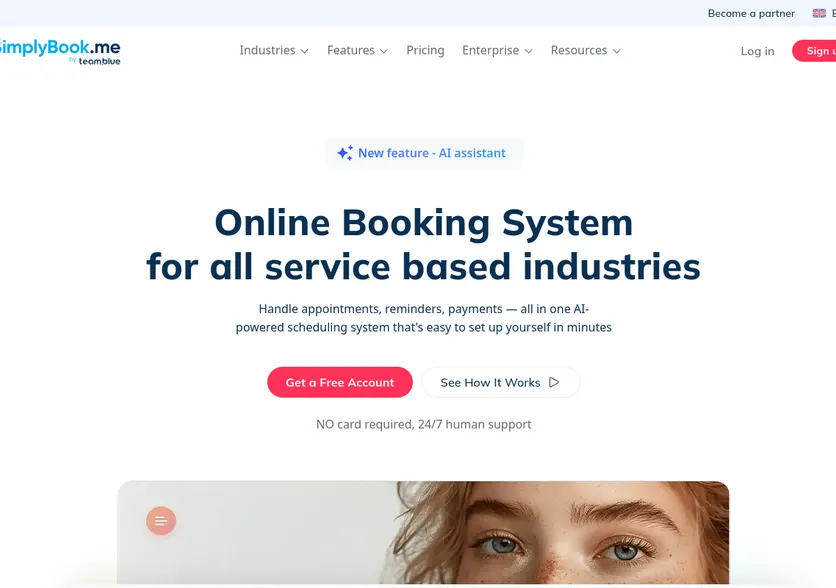
SimplyBook prices a cleaning business by booking volume instead of by user, which suits a company with a steady flow of appointments. The Basic plan covers one hundred bookings a month with three custom features, and the free system covers under fifty bookings. See SimplyBook pricing and check the booking limit before you choose a tier.
What we like
- Flat pricing by booking volume, not by user
- Free system covers under fifty bookings a month
- Custom features and add-ons for growing teams
Watch out for
- Older listings still show nine dollars and ninety cents a month
- Higher tiers climb fast as booking volume grows
How to try it
- Sign up free and set up your booking page
- Add services, cleaners, and working hours
- Upgrade to Basic when bookings pass fifty a month
8. Calendly
Best for: Cleaning businesses that want the simplest way to share availability.
Paid tool Starting price: $10/seat/month · Standard plan at ten dollars per seat a month on annual billing, or twelve dollars a month billed monthly; the free plan covers one event type and one calendar
Free plan: Free plan with one event type and one calendar
Calendly gives a cleaning business the simplest way to share availability and let clients pick a time, with automated reminders on the Standard plan. It connects with up to six calendars and handles group events, which suits a small crew. See Calendly pricing and start free if one event type is enough.

What we like
- Simplest way to share availability and take bookings
- Automated reminders on the Standard plan
- Connects with up to six calendars at once
Watch out for
- Free plan covers only one event type and one calendar
- Reminders need the paid Standard plan
How to try it
- Sign up free and connect your calendar
- Create an event type for each cleaning service
- Upgrade to Standard to turn on automated reminders
Prices above were checked on each vendor’s own website on Nov 27, 2026 and can change — the vendor’s page is the final word. Vendor links are editorial: nobody paid to be listed or ranked here. Vendors who want a featured listing can see how it works on our Get listed page.
What cleaning business scheduling software really costs
A cleaning business pays per location, per provider, or per user depending on the tool, so compare the same way. ZenMaid charges nineteen dollars a month for up to forty appointments, BookingKoala charges twenty-seven dollars a month for up to five providers, and Jobber charges twenty-nine dollars a month for one user, while Swept charges thirty dollars a month for up to fifteen locations. The cheapest start is free: Setmore covers up to four users at no cost.
Quoting and invoicing change the value, not just the price. Jobber and Housecall Pro include quotes, invoices, and payments, while ZenMaid and Swept focus on scheduling alone. Watch the billing terms: Jobber at twenty-nine dollars a month needs annual billing, or it costs forty-nine dollars a month, and ZenMaid and BookingKoala publish no annual price at all. Trial the winner with real jobs for a full week.
Before you buy
- Check whether quoting and invoicing are included or need a higher tier
- Count the per-provider and per-user fees before comparing two tools
- Confirm the billing term, because monthly rates cost more than annual
- Test scheduling and reminders with real jobs for a full week
- Ask what the price becomes when the introductory rate ends
Official websites
Official websites of the products reviewed above. Features and prices were checked against these sites when this guide was written, and they can change, so confirm on the vendor site before you buy.
Frequently asked questions
Which appointment scheduling software is best for cleaning businesses?
Jobber leads for most cleaning businesses because it covers quoting, scheduling, invoicing, and payments in one account. ZenMaid is the best value for cleaning-only teams, and Setmore is the best free start with up to four users at no cost. Choose the tool that matches your crew size and whether you need invoicing.
How much does cleaning business scheduling software cost?
Prices in this guide run from five dollars per user a month for Setmore Pro to fifty-nine dollars a month for Housecall Pro, with ZenMaid at nineteen dollars a month, BookingKoala at twenty-seven dollars a month, and Jobber at twenty-nine dollars a month in between. Swept charges thirty dollars a month for up to fifteen locations. Add per-user fees to the subscription before you compare.
Do cleaning tools offer a free plan?
Setmore is the only tool in this guide with a free plan, covering up to four users. The rest offer free trials instead, from fourteen days on ZenMaid, Jobber, and Housecall Pro, while Swept offers a demo with no trial. Use the free plan or trial to schedule real jobs before you pay for a subscription.
What is the difference between Jobber and ZenMaid?
Jobber is a full field service tool with quoting, scheduling, invoicing, and payments, priced from twenty-nine dollars a month for one user. ZenMaid is a simpler cleaning-only scheduler, priced from nineteen dollars a month for up to forty appointments, with no quoting or invoicing. Choose Jobber when you need the full job workflow and ZenMaid when scheduling alone is enough.
Can clients book cleans online and get reminders?
Yes. Every tool in this guide offers online booking, and most send automated text and email reminders before each visit. BookingKoala adds instant quotes to the booking flow, and Jobber sends invoices and payment links after the job. Check the reminder limits, because some plans charge separately for text messages.
Need everyday business help too? Try Toolsvine's free business tools right in your browser.
Browse Business Tools tools


