
On this page
A busy coach runs on sessions and clocks, and a missed call is a lost client. The best appointment scheduling software books sessions online, sends reminders that cut no-shows, and takes payment at booking. We checked every price on the vendor's own pricing page on November 27, 2026, and kept only tools with a published dollar figure. Start with Calendly.
How we researched this
We kept only tools with a published price on the vendor's own pricing page, which removed YouCanBookMe because its listed price changed twice in recent reads and could not be settled. Dubsado was also dropped because its scheduling and workflow tools live only on the Premier plan, and the remaining eight tools cover every budget from free to premium.
Compare the tools
| Name | Best for | Starting price | Free plan | |
|---|---|---|---|---|
 Calendly | Coaches who want the simplest way to share availability. | $10/seat/month | Free plan with one event type and one calendar | Visit |
 Acuity Scheduling | Coaches who need intake forms and deposits with booking. | $16/month | No free plan; seven-day free trial | Visit |
 SimplyBook.me | Coaches who want flat pricing by booking volume. | $11.90/month | Free system for under fifty bookings | Visit |
 Setmore | Coaches who want a free start with reminders on the paid plan. | $5/user/month | Free plan for up to four users | Visit |
| CoachAccountable | Coaches who want a dedicated coaching platform with client management. | $20/month | No free plan; thirty-day free trial | Visit |
 Paperbell | Coaches who want one flat plan with everything included. | $97/month | Free account to start, no card required; no free-forever plan | Visit |
 HoneyBook | Coaches who bill per project and want scheduling with invoicing. | $39/month | No free plan; seven-day free trial | Visit |
 TrueCoach | Fitness and wellness coaches who deliver programs alongside sessions. | $19/month | No free plan; free trial available | Visit |
The best appointment scheduling software for coaches, compared
1. Calendly
Best for: Coaches who want the simplest way to share availability.
Paid tool Starting price: $10/seat/month · Standard plan at ten dollars per seat a month on annual billing, or twelve dollars a month billed monthly; the free plan covers one event type and one calendar
Free plan: Free plan with one event type and one calendar
Calendly is the simplest way for a coach to share availability and let clients book sessions, with automated reminders on the Standard plan. It connects with up to six calendars, handles group events, and collects payment at booking. See Calendly pricing and start free if one event type is enough.

What we like
- Simplest way to share availability and take bookings
- Automated reminders on the Standard plan
- Connects with up to six calendars at once
Watch out for
- Free plan covers only one event type and one calendar
- Reminders need the paid Standard plan
How to try it
- Sign up free and connect your calendar
- Create an event type for each coaching offer
- Upgrade to Standard to turn on automated reminders
2. Acuity Scheduling
Best for: Coaches who need intake forms and deposits with booking.
Paid tool Starting price: $16/month · Starter plan at sixteen dollars a month on annual billing, or twenty dollars a month billed monthly, for one calendar; Standard and Premium tiers add more calendars and features
Free plan: No free plan; seven-day free trial
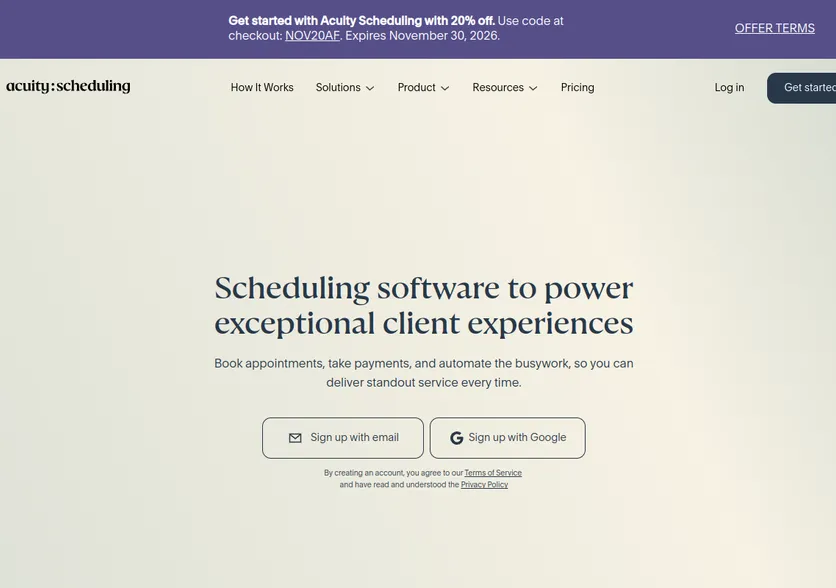
Acuity Scheduling gives a coach intake forms, packages, and deposits alongside booking, which suits a practice that sells session bundles. Clients book, pay, and fill in forms in one flow, which cuts the back-and-forth before a first session. See Acuity Scheduling pricing and start with the Starter plan if one calendar is enough.
What we like
- Intake forms, packages, and deposits on every plan
- Clients book, pay, and complete forms in one flow
- Simple setup that a coach finishes in an afternoon
Watch out for
- Starter plan covers only one calendar
- No free plan, so the trial is your only free test
How to try it
- Start the seven-day trial and add your coaching offers
- Build an intake form and set a deposit for each session
- Share your booking page link with clients
3. SimplyBook.me
Best for: Coaches who want flat pricing by booking volume.
Paid tool Starting price: $11.90/month · Basic plan at eleven dollars and ninety cents a month on annual billing for one hundred bookings; the free system covers under fifty bookings
Free plan: Free system for under fifty bookings
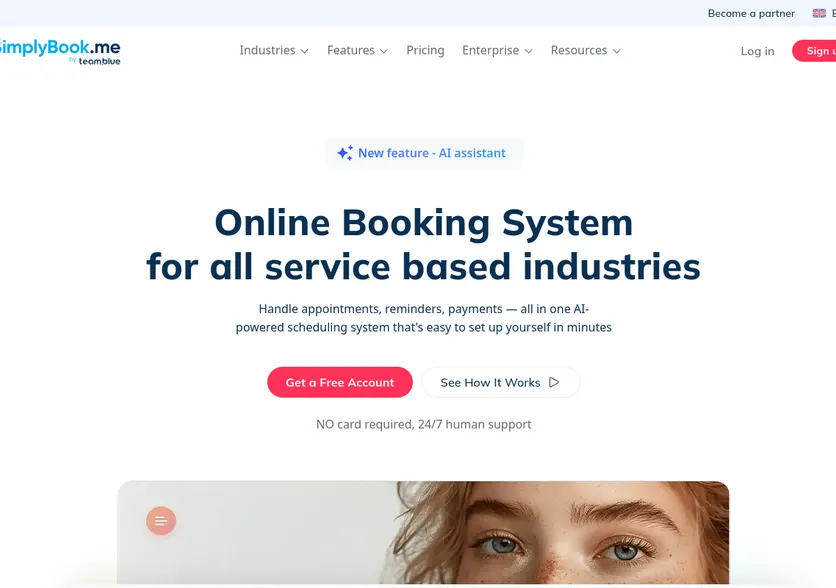
SimplyBook prices a coaching practice by booking volume instead of by user, which suits a coach with a steady flow of sessions. The Basic plan covers one hundred bookings a month with three custom features, and the free system covers under fifty bookings. See SimplyBook pricing and check the booking limit before you choose a tier.
What we like
- Flat pricing by booking volume, not by user
- Free system covers under fifty bookings a month
- Custom features and add-ons for growing teams
Watch out for
- Older listings still show nine dollars and ninety cents a month
- Higher tiers climb fast as booking volume grows
How to try it
- Sign up free and set up your booking page
- Add coaching offers, staff, and working hours
- Upgrade to Basic when bookings pass fifty a month
4. Setmore
Best for: Coaches who want a free start with reminders on the paid plan.
Paid tool Starting price: $5/user/month · Pro plan at five dollars per user a month on annual billing, or twelve dollars a month billed monthly; the free plan covers up to four users
Free plan: Free plan for up to four users
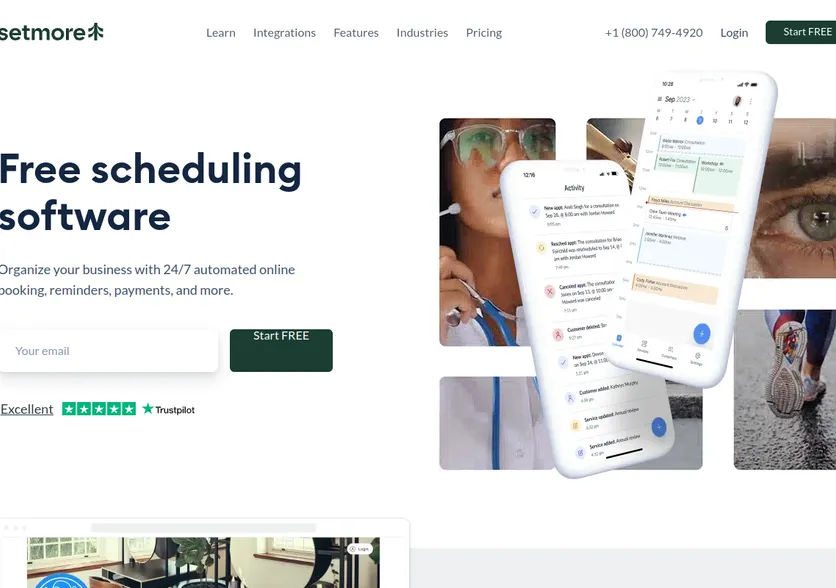
Setmore gives a coach a free start with up to four users, and its Pro plan adds SMS reminders for five dollars per user a month. The booking page, calendar sync, and payment links cover the basics without a steep bill. See Setmore pricing and upgrade to Pro when you need text reminders.
What we like
- Free plan covers up to four users
- Pro plan adds SMS reminders for five dollars per user a month
- Booking page and payment links included
Watch out for
- SMS reminders need the paid Pro plan
- Monthly billing costs more than twice the annual rate
How to try it
- Sign up free and add your coaching offers
- Share your booking page link with clients
- Upgrade to Pro to turn on SMS reminders
5. CoachAccountable
Best for: Coaches who want a dedicated coaching platform with client management.
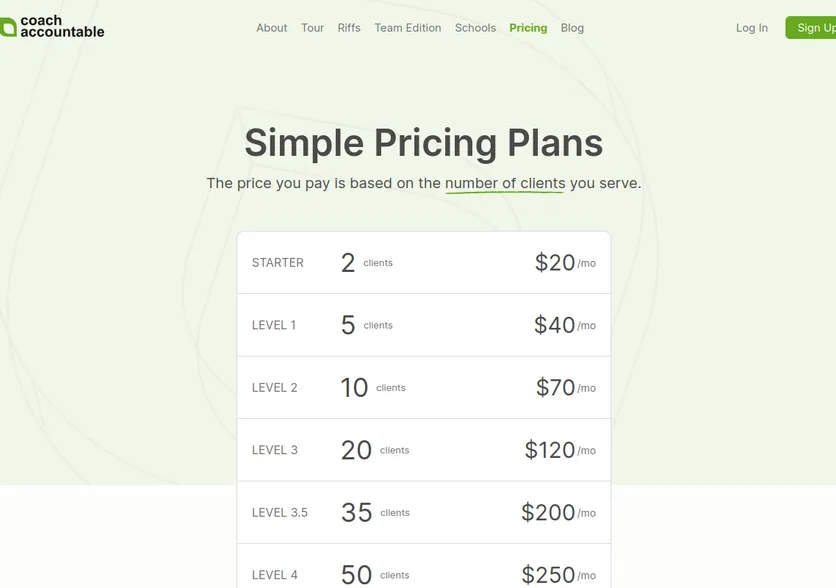
Paid tool Starting price: $20/month · Starter plan at twenty dollars a month for up to two active clients, with higher tiers at forty, seventy, one hundred twenty, two hundred fifty, and four hundred dollars a month for more clients; every tier includes full features
Free plan: No free plan; thirty-day free trial
CoachAccountable is built only for coaches, with session scheduling, client notes, worksheets, and progress tracking in one place. Its per-client pricing suits a coach who wants every feature on every tier, from two clients to one thousand. See CoachAccountable pricing and start on Starter if you coach two clients or fewer.
What we like
- Built only for coaches, with notes and worksheets
- Every tier includes full features
- Unlimited coach and admin seats on every plan
Watch out for
- Price rises with each active client you add
- No annual pricing published
How to try it
- Start the thirty-day trial and add your first clients
- Set up session scheduling and worksheets
- Invite clients and track their progress
6. Paperbell
Best for: Coaches who want one flat plan with everything included.
Paid tool Starting price: $97/month · Ninety-seven dollars a month, or nine hundred seventy dollars a year, for one plan with everything included and unlimited clients, packages, and contracts
Free plan: Free account to start, no card required; no free-forever plan
Paperbell gives a coach one flat plan with scheduling, contracts, payments, packages, and client management, all for ninety-seven dollars a month. Its single-plan pricing suits a coach who hates tier math and wants everything from day one. See Paperbell pricing and start a free account before you pay.
What we like
- One flat plan with everything included
- Unlimited clients, packages, and contracts
- Contracts and payments built into the same flow
Watch out for
- Flat price is steep for a coach with few clients
- No lower tier for a coach just starting out
How to try it
- Create a free account and add your coaching packages
- Set up contracts and payment collection
- Share your booking link and start taking clients
7. HoneyBook
Best for: Coaches who bill per project and want scheduling with invoicing.
Paid tool Starting price: $39/month · Essentials plan at thirty-nine dollars a month, which includes the scheduler with automated reminders; the Starter plan at nineteen dollars a month has a calendar but no scheduler
Free plan: No free plan; seven-day free trial
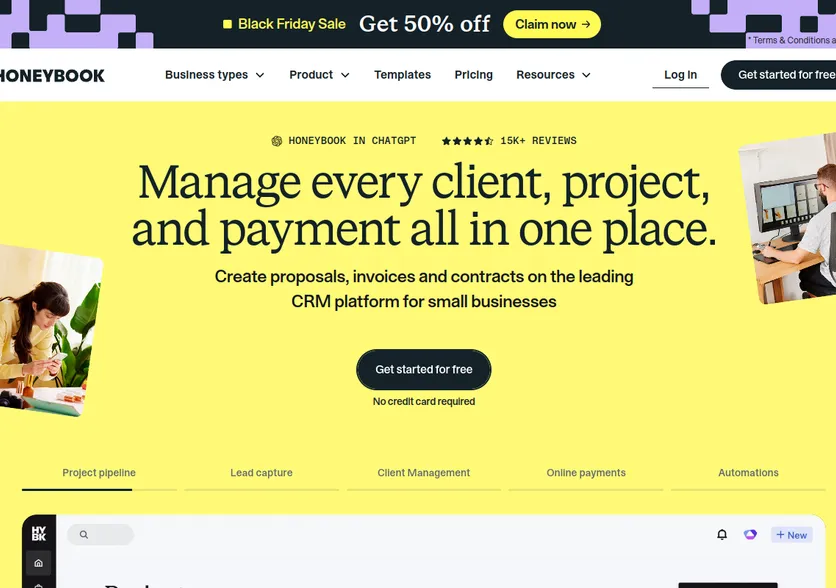
HoneyBook combines scheduling, contracts, invoicing, and payments for coaches who bill per project or package. Its scheduler with automated reminders lives on the Essentials plan, so skip the cheaper Starter tier if booking is the job. See HoneyBook pricing and check that Essentials covers your workflow.
What we like
- Scheduling, contracts, invoicing, and payments in one place
- Automated reminders on the Essentials plan
- Templates that speed up client onboarding
Watch out for
- Scheduler needs the Essentials plan, not Starter
- Monthly billing costs more than the annual rate
How to try it
- Start the trial and set up your coaching packages
- Build contract and invoice templates
- Turn on the scheduler and automated reminders
8. TrueCoach
Best for: Fitness and wellness coaches who deliver programs alongside sessions.
Paid tool Starting price: $19/month · Starter plan at nineteen dollars a month for up to five clients, with Standard at forty-nine dollars a month, Pro at ninety-nine dollars a month, and an unlimited tier at one hundred seventy-nine dollars a month
Free plan: No free plan; free trial available
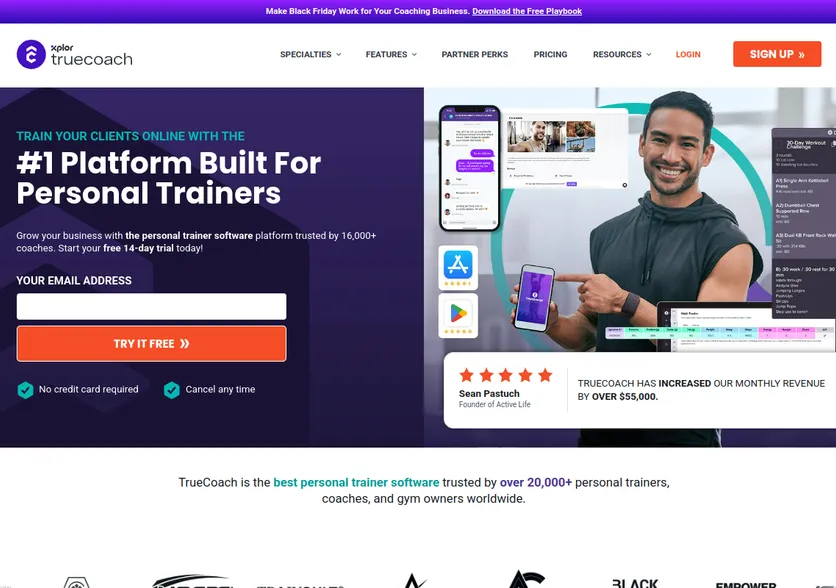
TrueCoach is built for fitness and wellness coaches, with program delivery, habit tracking, and messaging alongside session scheduling. Its per-client pricing suits a coach who grows from five clients to fifty without switching tools. See TrueCoach pricing and start on Starter if you coach five clients or fewer.
What we like
- Program delivery and habit tracking built in
- Messaging keeps coach and client in one place
- Per-client pricing that grows with your roster
Watch out for
- Fitness focused, with no nutrition module
- No free plan, so the trial is your only free test
How to try it
- Start a trial and add your first clients
- Build programs and set up session scheduling
- Invite clients and track their progress
Prices above were checked on each vendor’s own website on Nov 27, 2026 and can change — the vendor’s page is the final word. Vendor links are editorial: nobody paid to be listed or ranked here. Vendors who want a featured listing can see how it works on our Get listed page.
What coaching scheduling software really costs
A coach pays per seat, per user, or per client depending on the tool, so compare the same way. Calendly charges ten dollars per seat a month, Setmore charges five dollars per user a month on its Pro plan, and CoachAccountable charges twenty dollars a month for up to two clients, while Paperbell charges ninety-seven dollars a month flat. The cheapest start is free: Calendly, Setmore, and SimplyBook all offer a free plan.
Per-client pricing changes the math as your roster grows. CoachAccountable rises from twenty dollars a month for two clients to four hundred dollars a month for one hundred, while TrueCoach rises from nineteen dollars a month for five clients to one hundred seventy-nine dollars a month for unlimited. Paperbell stays flat at ninety-seven dollars a month no matter how many clients you take. Trial the winner with real clients for a full week.
Before you buy
- Check whether scheduling lives on the plan you priced or a higher tier
- Count the per-client cost at your real roster size before paying
- Confirm the free plan limits before you build your practice on it
- Test booking and reminders with real clients for a full week
- Ask what the price becomes when the introductory rate ends
Official websites
Official websites of the products reviewed above. Features and prices were checked against these sites when this guide was written, and they can change, so confirm on the vendor site before you buy.
Frequently asked questions
Which appointment scheduling software is best for coaches?
Calendly leads for most coaches because it is the simplest way to share availability, with automated reminders on the Standard plan. CoachAccountable is the best dedicated coaching platform, and Paperbell is the best all-in-one flat plan. Choose the tool that matches your roster size and whether you sell sessions or packages.
How much does coaching scheduling software cost?
Prices in this guide run from five dollars per user a month for Setmore Pro to ninety-seven dollars a month for Paperbell, with Calendly at ten dollars per seat a month and TrueCoach at nineteen dollars a month in between. CoachAccountable starts at twenty dollars a month for two clients. Add per-client fees to the subscription before you compare.
Do coaching tools offer a free plan?
Calendly is free for one event type and one calendar, Setmore is free for up to four users, and SimplyBook is free for under fifty bookings a month. Paperbell offers a free account to start with no card required, and the rest offer free trials instead, from seven days on Acuity Scheduling and HoneyBook to thirty days on CoachAccountable. Use the free plan or trial first.
What is the difference between CoachAccountable and Paperbell?
CoachAccountable is a dedicated coaching platform with session scheduling, client notes, worksheets, and progress tracking, priced from twenty dollars a month for two clients. Paperbell is an all-in-one business tool with scheduling, contracts, and payments on one flat plan at ninety-seven dollars a month. Choose CoachAccountable for coaching depth and Paperbell for a flat all-in-one price.
Can clients book sessions online and pay at booking?
Yes. Every tool in this guide offers online booking, and most collect payment or deposits at booking. Acuity Scheduling adds intake forms to the same flow, and HoneyBook adds contracts and invoices for coaches who bill per package. Check the card processing fee, because it sits on top of the subscription on most plans.
Need everyday business help too? Try Toolsvine's free business tools right in your browser.
Browse Business Tools tools


