
On this page
Every back-and-forth email about a meeting time is billable time you will never get back, and for a freelancer that cost adds up fast. Calendly is the pick most clients already know: one link, no instructions, and a free plan that covers a solo practice taking intro calls. This guide compares eight appointment scheduling tools for freelancers, from a three-dollar starter to a full booking and payments platform, with live 2026 prices, free plans and trials.
How we researched this
We checked the pricing page of every vendor on this list on November 26, 2026, and kept only tools that publish a real dollar price. Each tool had to work for a one-person business without a sales call, and we compared entry prices, free plans, reminder features and how the bill grows as bookings grow.
Compare the tools
| Name | Best for | Starting price | Free plan | |
|---|---|---|---|---|
 Calendly | Freelancers who want the scheduling link every client already recognizes | $10 | Free plan (1 event type) | Visit |
 Acuity Scheduling | Freelancers who sell packages, memberships or gift certificates alongside appointments | $16 | 7-day free trial | Visit |
 Setmore | Freelancers who want unlimited appointments and a branded booking page for free | $12 | Free plan (up to 4 users) | Visit |
 Appointy | Freelancers who want a low-cost scheduler with payments, gift certificates and staff logins | $19.99 | Free plan (100 appointments/month) | Visit |
 Square Appointments | Freelancers in beauty, wellness or fitness who also need point of sale and client messaging | $49 | Free plan ($0 per location) | Visit |
 Bookafy | Freelancers who want the cheapest paid scheduler with two-way calendar sync and payments | $7 | Free plan (1 user) | Visit |
 Goldie | Freelancers in beauty or wellness who want no-show protection and marketing built in | $19.99 | Free Starter plan (20 appointments/month) | Visit |
 Picktime | Freelancers who want the cheapest paid plan with email reminders and two-way calendar sync | $3 | Free plan (3 team members) | Visit |
The appointment scheduling tools, compared
1. Calendly
Best for: Freelancers who want the scheduling link every client already recognizes
Paid tool Starting price: $10 · Standard is $10 per seat a month on annual billing, $12 month to month; the free plan covers one event type
Free plan: Free plan (1 event type)
Calendly is the default scheduling link for a reason: clients already know how it works, so nobody needs instructions. The free plan covers one event type and one calendar connection, which is enough for a solo freelancer taking intro calls. Standard adds unlimited event types, up to six connected calendars, automated reminders and payments at booking through Stripe and PayPal, so a coaching or consulting practice can run on it end to end.

What we like
- Clients already know how it works
- Payments at booking on Standard
- Up to six calendar connections
Watch out for
- Priced per seat, so teams pay more
- No free plan beyond one event type
How to try it
- Create a Calendly account and connect your main calendar
- Set your working hours and add one event type for intro calls
- Share the booking link in your email signature and on your website
2. Acuity Scheduling
Best for: Freelancers who sell packages, memberships or gift certificates alongside appointments
Paid tool Starting price: $16 · Starter is $16 a month billed annually, $20 month to month, for 1 calendar
Free plan: 7-day free trial
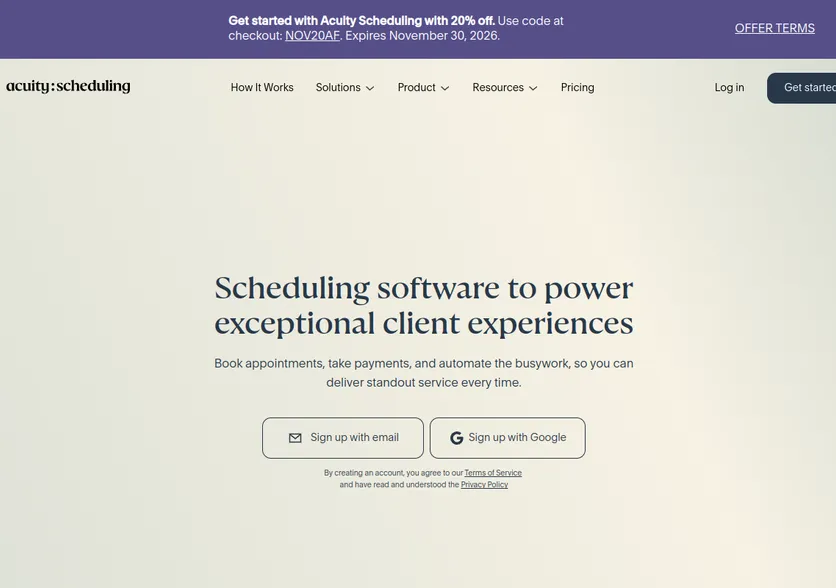
Acuity Scheduling is the scheduling tool for freelancers who sell more than time: packages, memberships and gift certificates are built into the paid plans. Starter covers one calendar with unlimited services and appointments, plus payments through Stripe, Square, PayPal and Venmo. The 7-day trial needs no card, and every plan includes intake forms, email reminders and automatic time zone conversion for clients.
What we like
- Sell packages, memberships and gift cards
- Payments via Stripe, Square and PayPal
- Automatic time zone conversion
Watch out for
- No free plan, only a 7-day trial
- Priced per calendar, not per user
How to try it
- Start the 7-day trial and add your services with prices and durations
- Connect Stripe or PayPal so clients can pay when they book
- Add an intake form to collect the details you need before the session
3. Setmore
Best for: Freelancers who want unlimited appointments and a branded booking page for free
Paid tool Starting price: $12 · Pro is $12 per user a month on monthly billing and $5 per user a month on annual billing
Free plan: Free plan (up to 4 users)
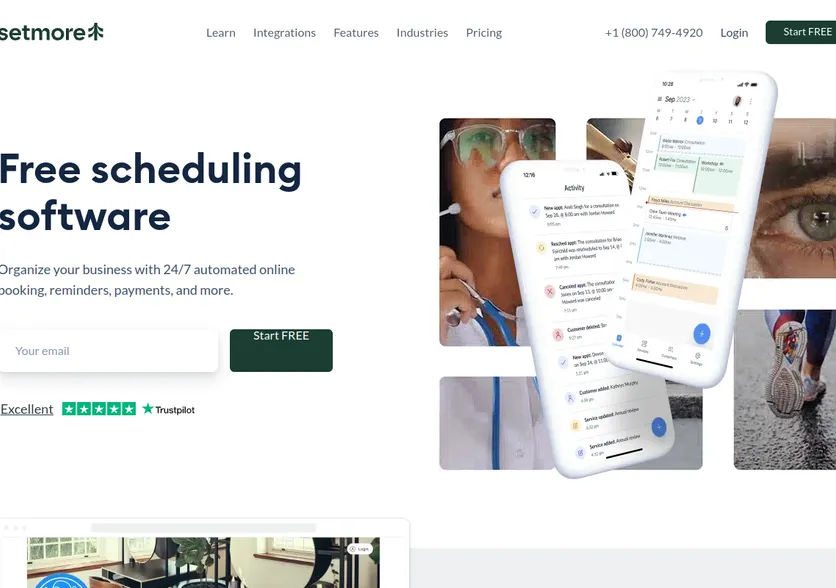
Setmore is the generous one on this list: the free plan allows up to four users and unlimited appointments, with email reminders, a branded booking page and payments included. Pro adds SMS reminders, two-way calendar sync, recurring appointments and removal of Setmore branding. For a freelancer who books clients all day, the free tier alone can carry the business until the team grows.
What we like
- Free plan with unlimited appointments
- Branded booking page on free
- Accept payments on every plan
Watch out for
- SMS reminders need the Pro plan
- Annual price shown per user, not per account
How to try it
- Sign up free and set your services, hours and staff calendar
- Share the booking page link on your website and social profiles
- Upgrade to Pro when you want SMS reminders and two-way calendar sync
4. Appointy
Best for: Freelancers who want a low-cost scheduler with payments, gift certificates and staff logins
Paid tool Starting price: $19.99 · Growth is $19.99 a month billed annually, $29.99 month to month
Free plan: Free plan (100 appointments/month)
Appointy covers the full booking workflow at a modest price, with a free plan for 100 appointments a month and paid plans from under twenty dollars. Growth adds unlimited services, Google calendar sync, payments through Stripe and PayPal, and advanced booking options such as recurring bookings and capacity booking. Professional adds staff logins, gift certificates and resource scheduling, which suits a freelancer who hires help for busy weeks.
What we like
- Free plan with 100 appointments a month
- Payments through Stripe and PayPal
- Staff logins on Professional
Watch out for
- Extra staff cost $5 a month each on Growth
- Free plan caps at 100 appointments
How to try it
- Sign up and add your services with durations and prices
- Connect Google Calendar so bookings block your real availability
- Turn on Stripe or PayPal to take prepayments when clients book
5. Square Appointments
Best for: Freelancers in beauty, wellness or fitness who also need point of sale and client messaging
Paid tool Starting price: $49 · Plus is $49 a month per location; the Free plan is $0 per location with card processing fees
Free plan: Free plan ($0 per location)
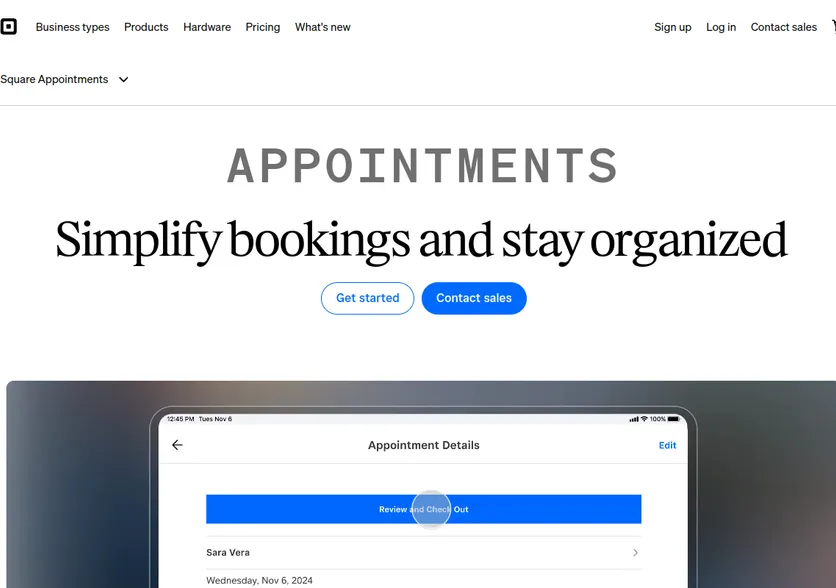
Square Appointments is the right pick when booking is only half the job: it pairs scheduling with payments, invoicing and client messaging in one account. The free plan covers one location with an online booking site, reminders and unlimited staff calendars, charging only card processing fees. Plus adds a cancellation policy, no-show fees, multi-staff booking and a waitlist, which is what a busy salon or studio actually needs.
What we like
- Free plan with unlimited staff calendars
- Payments and invoicing in one account
- No-show fees and waitlist on Plus
Watch out for
- Plus is $49 a month per location
- Card processing fees apply on every plan
How to try it
- Create a Square account and set up your services and staff calendars
- Publish the online booking site and add the Book Now button to your profiles
- Upgrade to Plus when you need a waitlist and no-show fees
6. Bookafy
Best for: Freelancers who want the cheapest paid scheduler with two-way calendar sync and payments
Paid tool Starting price: $7 · Pro is $7 per user a month billed yearly; the free plan covers one user
Free plan: Free plan (1 user)
Bookafy is the budget pick on this list, with Pro starting at seven dollars per user a month on yearly billing. It still covers the essentials: unlimited appointments, two-way sync with Google and Outlook, email and SMS reminders, Zoom and Teams integrations, and Stripe payments at booking. The free plan covers one user with unlimited appointments, so a solo freelancer can start free and pay only when the team grows.
What we like
- Pro from $7 per user a month
- Two-way calendar sync on Pro
- Zoom, Teams and Stripe included
Watch out for
- Free plan is one user only
- Smaller integration list than bigger rivals
How to try it
- Start free and build your booking page with your services and hours
- Connect Google Calendar for two-way sync and turn on reminders
- Upgrade to Pro when you need SMS reminders and Zoom integration
7. Goldie
Best for: Freelancers in beauty or wellness who want no-show protection and marketing built in
Paid tool Starting price: $19.99 · Pro is $19.99 a month, $199.99 a year; Starter is free for 20 appointments a month
Free plan: Free Starter plan (20 appointments/month)
Goldie is built for beauty and wellness professionals, and it shows: no-show protection, automated reminders, gift cards, loyalty cards and product sales sit alongside the booking calendar. Starter is free for 20 appointments a month with a customizable booking website and built-in payments. Pro adds unlimited appointments, 500 free SMS credits a month and marketing campaigns, which is the plan a busy stylist or therapist actually lives on.
What we like
- No-show protection on Pro
- Gift cards and loyalty cards included
- Free data transfer from your old tool
Watch out for
- Aimed at beauty and wellness pros
- Starter caps at 20 appointments a month
How to try it
- Download Goldie and set up your services and booking website
- Add your clients and turn on automated appointment reminders
- Upgrade to Pro for unlimited appointments and SMS credits
8. Picktime
Best for: Freelancers who want the cheapest paid plan with email reminders and two-way calendar sync
Paid tool Starting price: $3 · Starter is $3 per user a month billed annually for up to 3 team members
Free plan: Free plan (3 team members)
Picktime is the cheapest paid plan on this list, with Starter at three dollars per user a month on annual billing. It still includes email and SMS reminders, two-way sync with Google, Outlook and iCloud, Stripe and Square payments, and Zoom and Meet links. The free plan covers three team members and unlimited appointments, so a small freelance team can run on it for nothing and pay only for reminders and sync.
What we like
- Starter from $3 per user a month
- Free plan with 3 team members
- Two-way sync with Google and Outlook
Watch out for
- Round robin and waitlists need Pro
- SMS reminders use paid credits
How to try it
- Sign up free and create your booking page with services and hours
- Connect your calendar for two-way sync so slots block automatically
- Upgrade to Starter when you want email reminders and Stripe payments
Prices above were checked on each vendor’s own website on Nov 26, 2026 and can change — the vendor’s page is the final word. Vendor links are editorial: nobody paid to be listed or ranked here. Vendors who want a featured listing can see how it works on our Get listed page.
How to read the price before you commit
Prices on this list run from $3 to $49 a month, but the unit behind the number changes everything: Calendly and Bookafy charge per seat, Acuity charges per calendar, and Square charges per location. A freelancer with one calendar pays the headline price, while a small team can triple it before the first booking. Before paying, count the calendars, staff and booking pages you actually need, then test the booking page on a phone, because most clients book from a mobile browser. Check whether reminders are included, since a tool that saves you from one no-show a month has already paid for itself, and confirm that payments at booking are on the plan you would buy rather than a higher tier.
Before you buy
- Count the booking pages and calendars you actually need, because some tools charge per calendar and others per user.
- Confirm the plan includes automated reminders, since no-shows cost a freelancer far more than the subscription.
- Test the booking page on a phone before paying, because most clients book from a mobile browser.
- Check whether payments at booking are included or need a paid plan and a payment processor fee.
- Ask what happens to past appointments and client records if you cancel, since some tools lock exports behind paid tiers.
Official websites
Official websites of the products reviewed above. Features and prices were checked against these sites when this guide was written, and they can change, so confirm on the vendor site before you buy.
Frequently asked questions
What is the cheapest appointment scheduling software for freelancers?
Picktime Starter is the cheapest paid plan here at $3 per user a month on annual billing, and Setmore is free for up to four users with unlimited appointments. Bookafy Pro is $7 per user a month. The right cheap pick depends on reminders: Picktime charges for SMS credits, while Setmore includes email reminders free.
Can clients pay when they book?
Yes, on most of these tools. Calendly, Bookafy and Picktime all take payments through Stripe or PayPal when a client books, and Square Appointments and Goldie have payments built in. Taking a deposit at booking cuts no-shows far more than reminders alone, so pick a plan that includes payments rather than adding it later.
Why pay for scheduling software instead of using a calendar?
A calendar alone shows when you are free, but it cannot take bookings, collect intake details, send reminders or take payments. Scheduling software adds a public booking page, automatic confirmations, time zone handling and a waitlist. If clients book by email today, a scheduler removes that whole back-and-forth.
Do these tools sync with Google Calendar?
Most of them, yes. Calendly connects six calendars on Standard, Setmore syncs two ways on Pro, and Appointy, Bookafy and Picktime all sync with Google Calendar. Two-way sync matters: one-way sync only shows your calendar on the booking page, while two-way sync blocks a slot the moment someone books it.
Still running the business on spreadsheets? Try free invoice, budget and time tools on Toolsvine right in your browser.
Browse Business Tools tools


