
On this page
Freelancing means running a whole business alone, from finding clients to getting paid on time. The apps below split that job into pieces: invoicing, task lists, time tracking, and client management, each with a price a solo worker can afford. Prices run from about five dollars a month to thirty-eight dollars a month, and every figure was checked on the vendor site on November 26, 2026. Most offer a free plan or trial, so you can test one on a real client week before paying. FreshBooks is our first pick — invoicing that chases late payments for you.
How we researched this
We started with the apps freelancers actually buy, then read each price on the vendor pricing page on November 26, 2026 and noted the free plan or trial each one carries. We judged them for a solo freelancer who needs to get paid, track time, and stay organized without a finance team. We kept only tools with a published price, and we dropped any tool whose price we could not verify on the vendor site; Bonsai was dropped because published reads disagreed on its Starter price.
Compare the tools
| Name | Best for | Starting price | Free plan | |
|---|---|---|---|---|
 FreshBooks | Freelancers who want invoicing, expenses and reminders in one place | $23/month | 30-day free trial, no free tier | Visit |
 Todoist | Freelancers juggling tasks and deadlines across several clients | $5/month | Free plan with 5 projects | Visit |
 ClickUp | Freelancers who want tasks, docs and time tracking in one workspace | $9/user/month | Free plan with 100 MB storage | Visit |
 QuickBooks | Freelancers whose books have outgrown a spreadsheet | $38/month | 30-day free trial, no free tier | Visit |
 HoneyBook | Creative freelancers who book clients through forms and calls | $36/month | 7-day free trial, no free tier | Visit |
 Harvest | Freelancers who bill clients by the hour | $11/seat/month | Free plan for 1 user and 2 projects | Visit |
 Toggl Track | Freelancers who want to know which clients are profitable | $9/user/month | Free plan for up to 3 users | Visit |
 Wave | Freelancers on a tight budget who need proper books | $19/month | Starter plan free with unlimited invoicing | Visit |
The apps for freelancers, compared
1. FreshBooks
Best for: Freelancers who want invoicing, expenses and reminders in one place
Paid tool Starting price: $23/month · Lite plan, $23 a month; Plus is $43 and Premium $70
Free plan: 30-day free trial, no free tier
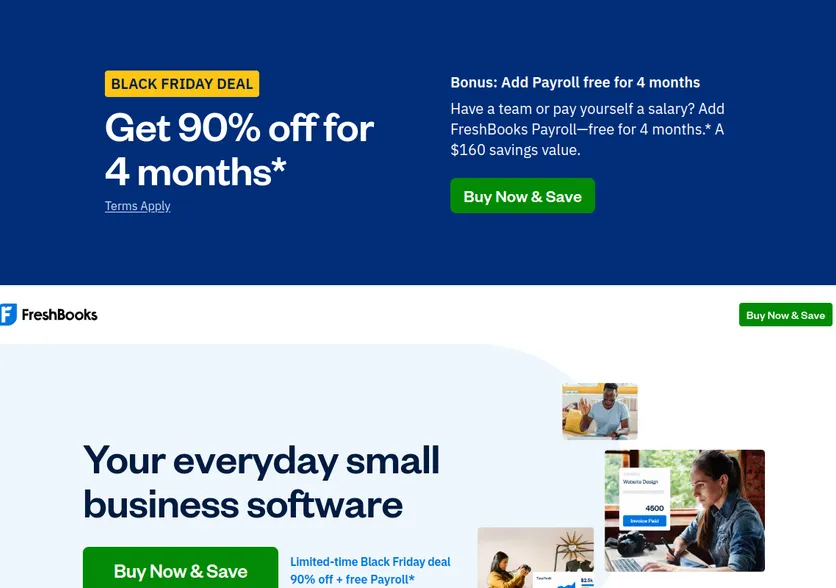
FreshBooks is the invoicing home base for many freelancers, turning tracked time and expenses into professional invoices in a few clicks. This FreshBooks Lite plan covers five billable clients with unlimited invoices, estimates, and expense tracking. A freelancer who hates chasing payments will like the automatic reminders and the clean client portal.
What we like
- Professional invoices in a few clicks
- Automatic reminders chase late payments for you
- Clean client portal for payments and estimates
Watch out for
- Lite covers only five billable clients
- No permanent free plan, only a trial
How to try it
- Open the FreshBooks pricing page and start the 30-day trial
- Add a client and create your first invoice
- Turn on automatic payment reminders
2. Todoist
Best for: Freelancers juggling tasks and deadlines across several clients
Paid tool Starting price: $5/month · Pro plan, $5 a month billed annually or $7 billed monthly
Free plan: Free plan with 5 projects
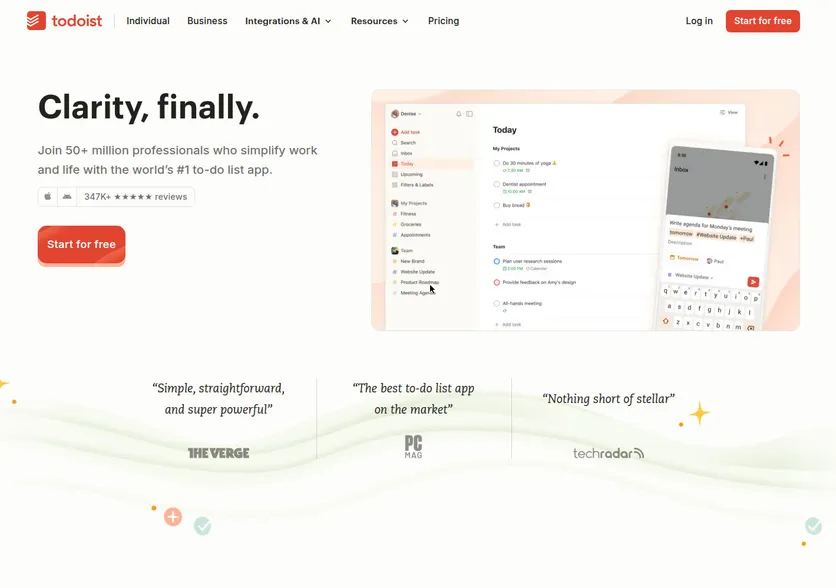
Todoist keeps every task, deadline, and project in one calm list that syncs across phone and desktop. This Todoist Pro plan adds reminders, labels, filters, and a generous project allowance for a few dollars a month. A freelancer juggling several clients can see the whole week at a glance and stop dropping small jobs.
What we like
- Fastest task capture on this list
- Syncs across phone, desktop and browser
- Cheap enough to keep forever at five dollars a month
Watch out for
- Pro costs five dollars a month billed annually
- No invoicing or time tracking built in
How to try it
- Open the Todoist pricing page and start the free plan
- Add your projects and set due dates
- Upgrade to Pro for reminders and filters
3. ClickUp
Best for: Freelancers who want tasks, docs and time tracking in one workspace
Paid tool Starting price: $9/user/month · Core plan, $9 a user a month
Free plan: Free plan with 100 MB storage
ClickUp combines tasks, docs, time tracking, and goals in one workspace that a freelancer can shape around any workflow. This ClickUp Core plan adds unlimited storage, more integrations, and guest seats for clients. A freelancer who wants one app instead of five will find ClickUp the most flexible base of the bunch.

What we like
- Tasks, docs, goals and time tracking in one place
- Flexible enough for any freelance workflow
- Guest seats let clients see progress
Watch out for
- Core costs nine dollars a user a month
- Can feel heavy if you only need a task list
How to try it
- Open the ClickUp pricing page and start the free plan
- Build a space for each client with tasks and docs
- Upgrade to Core for unlimited storage and guests
4. QuickBooks
Best for: Freelancers whose books have outgrown a spreadsheet
Paid tool Starting price: $38/month · Online Simple Start plan, $38 a month
Free plan: 30-day free trial, no free tier
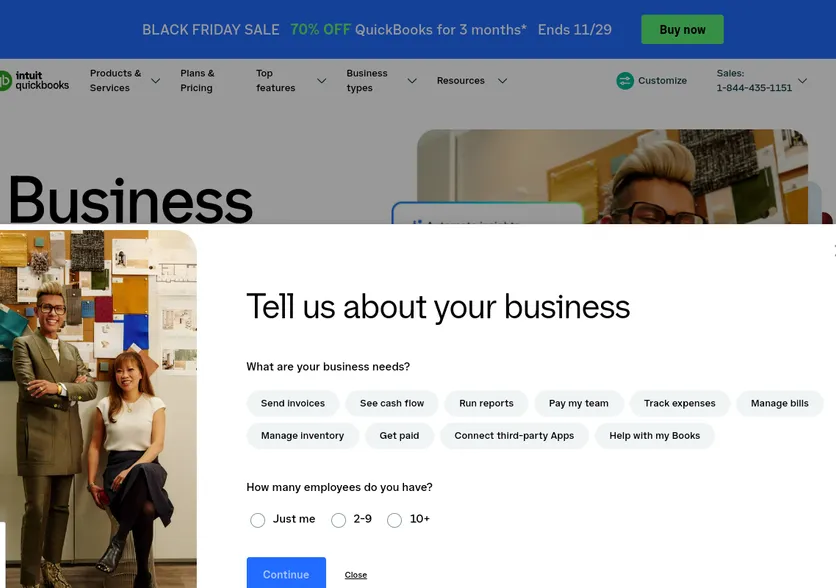
QuickBooks Online is the accounting standard for small businesses, tracking income, expenses, and taxes in one place. This QuickBooks Simple Start plan covers one user with invoicing, expense tracking, and receipt capture. A freelancer whose books have outgrown a spreadsheet should move here before tax season arrives.
What we like
- The accounting standard accountants already know
- Receipt capture and expense tracking built in
- Tax reports ready when the year ends
Watch out for
- Simple Start covers only one user
- No permanent free plan, only a trial
How to try it
- Open the QuickBooks pricing page and start the 30-day trial
- Connect your bank and import past transactions
- Send your first invoice and track the expense
5. HoneyBook
Best for: Creative freelancers who book clients through forms and calls
Paid tool Starting price: $36/month · Starter plan, $36 a month billed monthly or $29 a month billed yearly
Free plan: 7-day free trial, no free tier
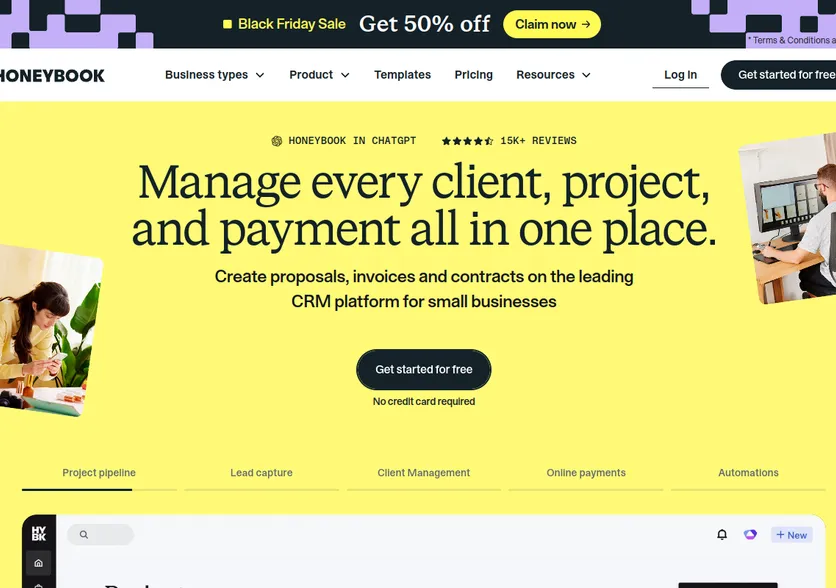
HoneyBook runs the whole client journey from inquiry to payment, with proposals, contracts, invoices, and scheduling in one flow. This HoneyBook Starter plan covers unlimited clients and projects for a solo freelancer. A creative freelancer who books clients through forms and calls will save hours of admin every week.
What we like
- Proposals, contracts and invoices in one flow
- Lead forms capture new clients automatically
- Client portal keeps everything in one place
Watch out for
- Starter costs thirty-six dollars a month billed monthly
- Automations and scheduler need the Essentials plan
How to try it
- Open the HoneyBook pricing page and start the 7-day trial
- Set up a lead form and a proposal template
- Send a contract and invoice from the same flow
6. Harvest
Best for: Freelancers who bill clients by the hour
Paid tool Starting price: $11/seat/month · Pro plan, $11 a seat a month billed annually or $13.75 billed monthly; free plan covers one user and two projects
Free plan: Free plan for 1 user and 2 projects
Harvest pairs simple time tracking with invoicing, so the hours you log become the invoice you send. This Harvest Pro plan adds unlimited projects, team reporting, and accounting integrations. A freelancer who bills by the hour will find Harvest the most honest way to prove where the time went.

What we like
- Tracked hours turn into invoices in one click
- Clean reports show where every hour went
- Integrates with QuickBooks, Xero and Stripe
Watch out for
- Pro costs eleven dollars a seat a month billed annually
- No proposals or contracts built in
How to try it
- Open the Harvest pricing page and start the 30-day trial
- Track time against a client and project
- Turn the tracked hours into an invoice
7. Toggl Track
Best for: Freelancers who want to know which clients are profitable
Paid tool Starting price: $9/user/month · Starter plan, $9 a user a month billed annually or $12 billed monthly
Free plan: Free plan for up to 3 users
Toggl Track is a one-click timer with reports that show exactly how each day was spent. This Toggl Track Starter plan adds billable rates, project estimates, and team reports for a small monthly fee. A freelancer who wants to know which clients are actually profitable should start timing everything here.

What we like
- One-click timer with no setup friction
- Billable rates turn hours into money
- Reports show profit by client and project
Watch out for
- Starter costs nine dollars a user a month billed annually
- No invoicing listed on the pricing page
How to try it
- Open the Toggl Track pricing page and start the free plan
- Start the timer whenever you begin client work
- Check the weekly report to see where time went
8. Wave
Best for: Freelancers on a tight budget who need proper books
Paid tool Starting price: $19/month · Pro plan, $19 a month billed monthly or $190 a year; Starter is free
Free plan: Starter plan free with unlimited invoicing
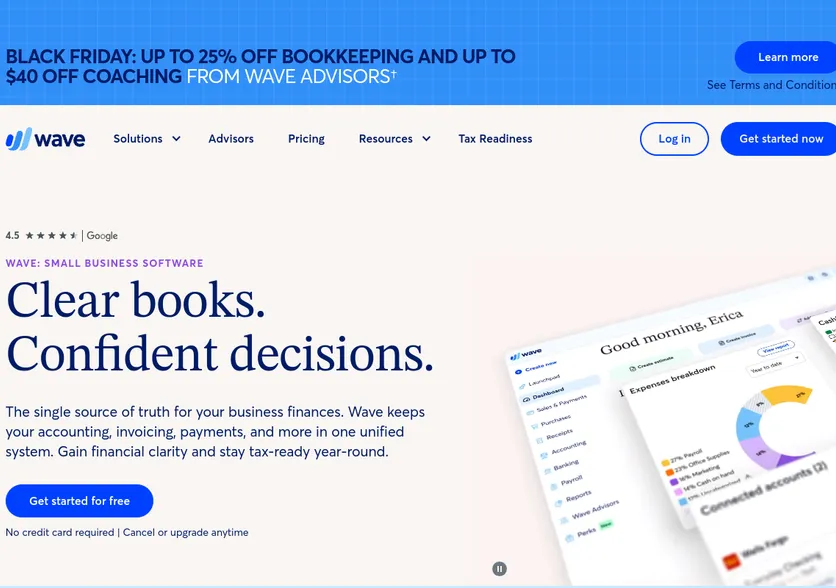
Wave is real double-entry accounting with unlimited invoicing at no monthly cost, which is rare in this category. This Wave Pro plan adds bank auto-import, auto-categorization, and unlimited receipt capture for a flat monthly fee. A freelancer on a tight budget gets proper books free and pays only when manual entry starts costing time.
What we like
- Unlimited invoicing free on the Starter plan
- Flat price per business, not per user
- Receipt capture with OCR on Pro
Watch out for
- Pro costs nineteen dollars a month billed monthly
- Payments and payroll are separate charges
How to try it
- Open the Wave pricing page and create a free account
- Send an invoice and record the first expense
- Upgrade to Pro for bank auto-import
Prices above were checked on each vendor’s own website on Nov 26, 2026 and can change — the vendor’s page is the final word. Vendor links are editorial: nobody paid to be listed or ranked here. Vendors who want a featured listing can see how it works on our Get listed page.
What freelance apps cost in 2026
Most freelancers pay for one or two apps, so the monthly price is the whole budget and the cheapest plan is not always the cheapest deal. This list runs from about five dollars a month for Todoist to thirty-eight dollars a month for QuickBooks, and plans that cap clients or projects can force an upgrade sooner than expected. The headline plan each vendor shows on its own pricing page is the number in the table above, checked on November 26, 2026.
Start with the free plan on two tools and run a real client week through both. Compare how fast invoicing feels and whether anything slipped through, then pick the app you will actually open every morning. A five-dollar tool you use daily beats a thirty-dollar tool you forget.
Before you buy
- Count the clients first, because invoicing plans cap billable clients and a cheap plan stops at five.
- Check the payment fees, because card processing takes a cut of every invoice on top of the subscription.
- Test the tool on a real client week first, because a demo never shows how it handles your actual workflow.
- Ask whether you need one app or a stack: FreshBooks covers money, while Todoist and ClickUp cover tasks.
- Add up the yearly cost, because a twenty-three-dollar monthly plan is really two hundred seventy-six dollars a year.
Official websites
Official websites of the products reviewed above. Features and prices were checked against these sites when this guide was written, and they can change, so confirm on the vendor site before you buy.
Frequently asked questions
Which app is best for freelancers in 2026?
FreshBooks, at twenty-three dollars a month, is the safest default because it covers invoicing, expenses and payment reminders in one calm app. QuickBooks is better when you need full accounting and tax reports, at thirty-eight dollars a month. Wave is the pick when money is tight, with unlimited invoicing free and Pro at nineteen dollars a month.
What is the cheapest app for freelancers?
Todoist Pro, at five dollars a month billed annually, is the cheapest paid app here and covers tasks and reminders for any freelancer. Wave Starter is free with unlimited invoicing, and Toggl Track and ClickUp both start at nine dollars a month. FreshBooks Lite, at twenty-three dollars a month, is the cheapest full invoicing plan.
Can freelancers manage clients for free?
Yes, several. Wave Starter is free with unlimited invoicing, Todoist has a free plan with five projects, and ClickUp and Toggl Track both offer free tiers. Harvest gives one user and two projects free. FreshBooks, QuickBooks and HoneyBook offer free trials instead of permanent free plans.
Do I need one app or several apps as a freelancer?
Most freelancers need two: one for money and one for time. FreshBooks or Wave covers invoicing and books, while Todoist or Toggl Track covers tasks and hours. ClickUp can cover both sides in one workspace if you prefer a single app. Start with invoicing first, because getting paid on time matters more than a perfect task list.
Which app is best for freelance invoicing?
FreshBooks is the strongest pick for invoicing, because it turns time and expenses into professional invoices and chases late payments for you. Wave is the best free alternative, with unlimited invoicing at no monthly cost. QuickBooks is the pick when you want full accounting that your accountant already knows.
Need everyday business help too? Try Toolsvine's free business tools for quick calculations right in your browser.
Browse Business Tools tools


