On this page
Korean is one of the fastest-growing languages to learn, and the best apps make it fun from the first lesson. The tools below teach Hangul, vocabulary and speaking with short daily lessons, games and audio from native speakers. Prices run from about eight dollars a month to just under twenty-five, and every app here has a free plan so you can start learning today. Duolingo is our first pick — the easiest free way to start learning Korean.
How we researched this
We started with the Korean learning apps people actually use, then read each price on the vendor site or checkout on November 26, 2026 and noted the free lessons each one offers. We judged them for a beginner starting from zero, where the app must teach Hangul first and keep daily lessons short, and we kept only apps with a published price.
Compare the tools
| Name | Best for | Starting price | Free plan | |
|---|---|---|---|---|
 Duolingo | Complete beginners who want a free daily habit | $12.99/month | Free plan with ads and limited hearts | Visit |
 Memrise | Learners who want native-speaker video and strong vocabulary drills | $24.99/month | Free plan with core lessons | Visit |
 LingoDeer | Learners who want clear grammar lessons built for Korean | $14.99/month | Free alphabet and first unit | Visit |
 Pimsleur | Learners who want to speak Korean from audio lessons alone | $19.95/month | Free trial, no free plan | Visit |
 Busuu | Learners who want feedback from native Korean speakers | $12.49/month | Free plan with basic lessons and ads | Visit |
| Mondly | Casual learners who want short daily lessons and speech recognition | $9.99/month | Free plan with daily lessons | Visit |
 Drops | Visual learners who want vocabulary drills in five-minute sessions | $12.99/month | Free plan with five minutes a day | Visit |
 KoreanClass101 | Learners who want a full Korean course with audio and video lessons | $8/month | Free account with basic lessons | Visit |
The apps to learn Korean for free, compared
1. Duolingo
Best for: Complete beginners who want a free daily habit
Paid tool Starting price: $12.99/month · Super plan, $12.99 a month billed monthly; annual is about $83.99-$95.99 a year; Duolingo publishes no public price list, the price is shown only in-app and at checkout
Free plan: Free plan with ads and limited hearts
Duolingo is the most popular way to start Korean, with short game-like lessons that turn a daily habit into real progress. This Duolingo Super plan removes ads and adds unlimited hearts, offline lessons and a practice hub for twelve dollars ninety-nine a month. A beginner can learn Hangul in the first week, then build vocabulary one five-minute lesson at a time.
What we like
- Free plan is enough to start learning Korean
- Game-like lessons keep a daily habit going
- Teaches Hangul before any vocabulary
Watch out for
- Super costs twelve dollars ninety-nine a month billed monthly
- Free plan limits mistakes with hearts
How to try it
- Open Duolingo and create a free account
- Pick Korean and finish the Hangul lessons first
- Do one lesson a day and keep your streak alive
2. Memrise
Best for: Learners who want native-speaker video and strong vocabulary drills
Paid tool Starting price: $24.99/month · Pro plan, $24.99 a month billed monthly, $61.99 a year, $329.99 lifetime
Free plan: Free plan with core lessons
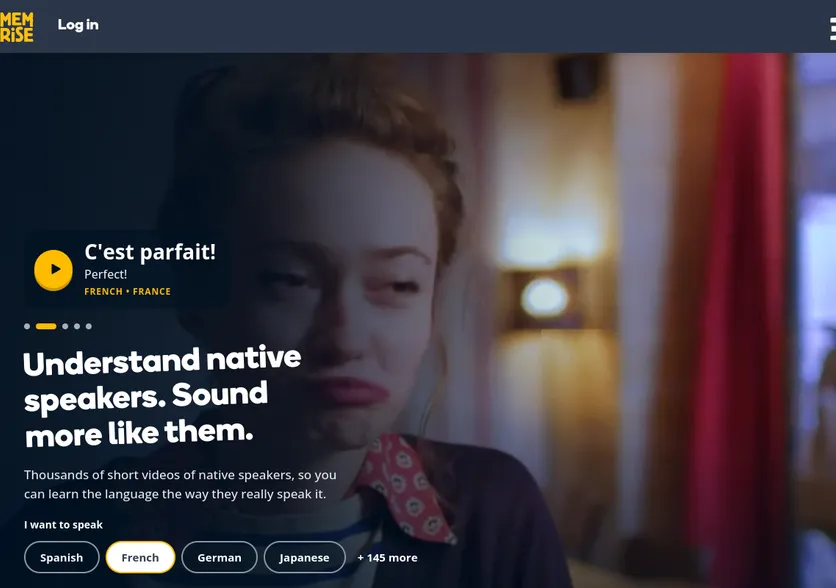
Memrise teaches Korean with video clips of native speakers, so you hear real pronunciation from the first lesson. This Memrise Pro plan gives you unlimited learning, offline mode and a chatbot for practising conversations for twenty-four dollars ninety-nine a month. A learner who wants to speak naturally can watch a phrase, repeat it, and then test it in a real conversation.
What we like
- Native-speaker video from the first lesson
- Strong vocabulary drills that stick
- Chatbot practises real conversations
Watch out for
- Pro costs twenty-four dollars ninety-nine a month billed monthly
- Free plan has fewer lessons and no chatbot
How to try it
- Open Memrise and create a free account
- Pick Korean and watch the native-speaker clips
- Practise speaking with the chatbot every day
3. LingoDeer
Best for: Learners who want clear grammar lessons built for Korean
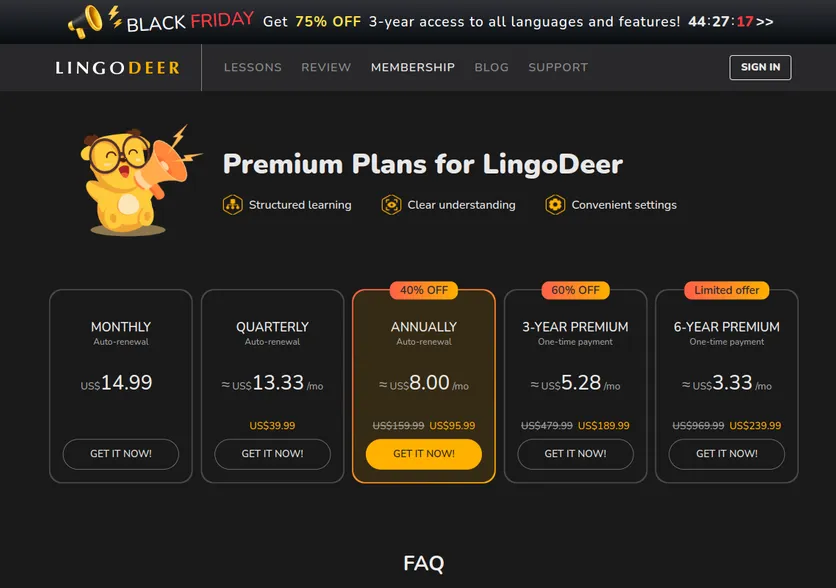
Paid tool Starting price: $14.99/month · Premium plan, $14.99 a month billed monthly; quarterly is $39.99, annual is $95.99 a year, 3-year is $189.99 once
Free plan: Free alphabet and first unit
LingoDeer is built for Asian languages, and its Korean course explains grammar in a way that actually makes sense to a beginner. This LingoDeer Premium plan gives you full grammar lessons, speaking practice and offline mode for fourteen dollars ninety-nine a month. A learner who got stuck on Korean sentence order will find the explanations here clearer than anywhere else.
What we like
- Grammar lessons built for Korean, not translated
- Clear explanations of sentence order
- Offline mode for learning on the move
Watch out for
- Premium costs fourteen dollars ninety-nine a month billed monthly
- Free plan covers only the alphabet and first unit
How to try it
- Open LingoDeer and create a free account
- Finish the free alphabet and first unit
- Upgrade to Premium for the full grammar course
4. Pimsleur
Best for: Learners who want to speak Korean from audio lessons alone
Paid tool Starting price: $19.95/month · Premium plan, $19.95 a month for one language; Audio-Only is $14.95 a month, All Access is $20.95 a month or $164.95 a year
Free plan: Free trial, no free plan
Pimsleur teaches Korean by listening and speaking, with no reading or writing in the early lessons at all. This Pimsleur Premium plan gives you thirty-minute audio lessons, reading lessons and a driving mode for nineteen dollars ninety-five a month. A commuter can learn to hold a real conversation in Korean before ever opening a textbook.
What we like
- Audio lessons build real speaking skill
- No reading needed in the early lessons
- Driving mode for learning on the move
Watch out for
- Premium costs nineteen dollars ninety-five a month for one language
- No free plan, only a trial
How to try it
- Open Pimsleur and start the free trial
- Do one thirty-minute audio lesson a day
- Repeat each lesson until you can answer without pausing
5. Busuu
Best for: Learners who want feedback from native Korean speakers
Paid tool Starting price: $12.49/month · Premium plan, $12.49 a month billed monthly or $72.99 a year; Premium Plus is $14.90 a month
Free plan: Free plan with basic lessons and ads
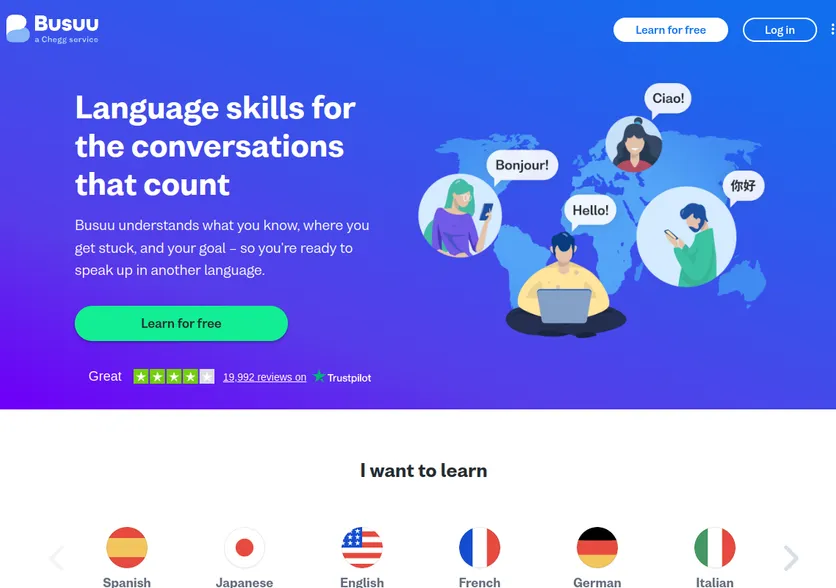
Busuu pairs structured lessons with feedback from native Korean speakers, so your writing and speaking get corrected by real people. This Busuu Premium plan gives you full lessons, offline mode and a personal study plan for twelve dollars forty-nine a month. A learner can write a sentence, get it corrected by a native speaker, and learn from the mistake the same day.
What we like
- Native speakers correct your writing and speaking
- Personal study plan keeps you on track
- Offline mode for learning anywhere
Watch out for
- Premium costs twelve dollars forty-nine a month billed monthly
- Free plan has basic lessons with ads
How to try it
- Open Busuu and create a free account
- Pick Korean and finish the placement test
- Write and speak, then read the corrections from native speakers
6. Mondly
Best for: Casual learners who want short daily lessons and speech recognition
Paid tool Starting price: $9.99/month · Premium plan, $9.99 a month for one language or $47.99 a year; lifetime is promo-dependent and not quoted here
Free plan: Free plan with daily lessons
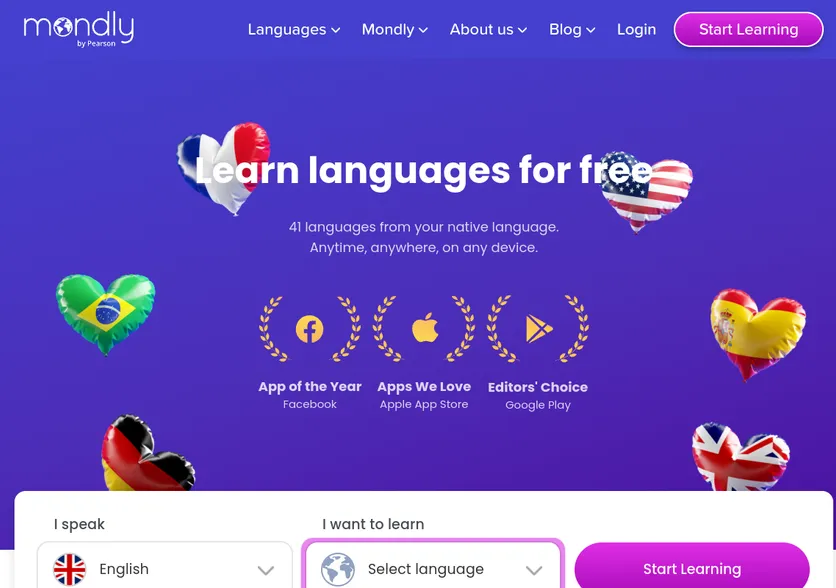
Mondly keeps Korean lessons short and visual, with speech recognition that checks your pronunciation as you go. This Mondly Premium plan gives you full lessons, a chatbot and augmented reality practice for nine dollars ninety-nine a month. A casual learner can do a five-minute lesson on the bus and hear instantly whether the pronunciation was right.
What we like
- Speech recognition checks your pronunciation
- Short visual lessons fit a busy day
- Chatbot practises real conversations
Watch out for
- Premium costs nine dollars ninety-nine a month for one language
- Lifetime price changes with promos
How to try it
- Open Mondly and create a free account
- Pick Korean and try the free daily lesson
- Upgrade to Premium for full lessons and the chatbot
7. Drops
Best for: Visual learners who want vocabulary drills in five-minute sessions
Paid tool Starting price: $12.99/month · Premium plan, $12.99 a month, $69.99 a year, $159.99 lifetime; free plan gives five minutes a day
Free plan: Free plan with five minutes a day
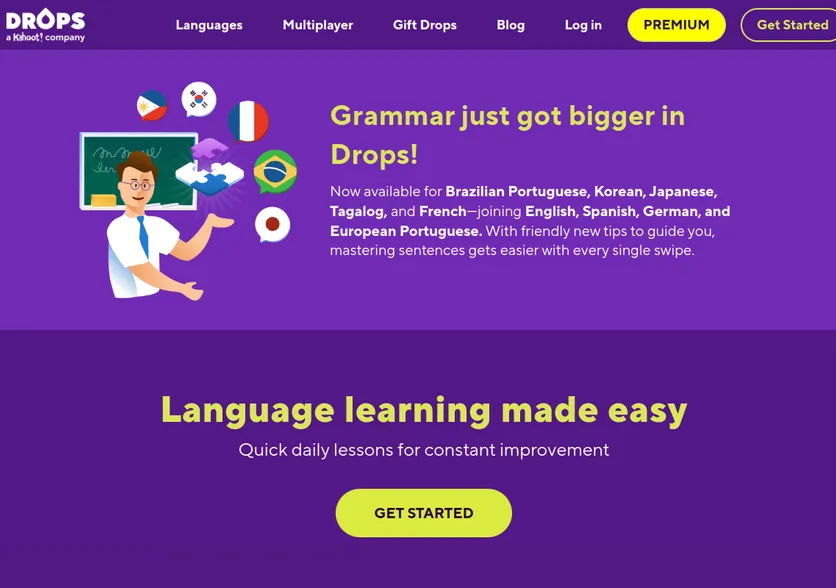
Drops teaches Korean vocabulary with beautiful illustrations and five-minute sessions, so it feels like a game rather than a lesson. This Drops Premium plan gives you unlimited time, all topics and offline mode for twelve dollars ninety-nine a month. A visual learner can build a Korean vocabulary of hundreds of words before ever studying grammar.
What we like
- Five-minute sessions fit any schedule
- Illustrations make vocabulary easy to remember
- Free plan is enough to learn real words
Watch out for
- Premium costs twelve dollars ninety-nine a month
- Focuses on vocabulary, not grammar
How to try it
- Open Drops and create a free account
- Pick Korean and try the free five minutes
- Upgrade to Premium for unlimited time and all topics
8. KoreanClass101
Best for: Learners who want a full Korean course with audio and video lessons
Paid tool Starting price: $8/month · Basic plan, $8 a month billed monthly or $4 a month on a 24-month term; Premium is $25 a month, Premium PLUS is $47 a month; free account plus 7-day trial
Free plan: Free account with basic lessons
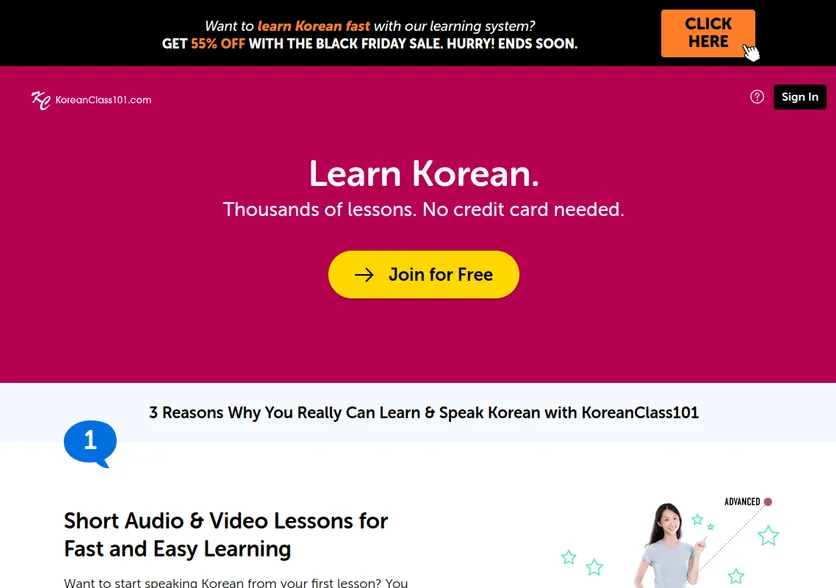
KoreanClass101 is the only app here built only for Korean, with a full course from absolute beginner to advanced. This KoreanClass101 Basic plan gives you audio and video lessons, lesson notes and a vocabulary list for eight dollars a month. A serious learner can follow one structured path from Hangul to fluent conversation, with a new lesson every week.
What we like
- Built only for Korean, from beginner to advanced
- New lesson every week keeps you moving
- Lesson notes make review easy
Watch out for
- Basic costs eight dollars a month billed monthly
- Higher plans cost much more for live lessons
How to try it
- Open KoreanClass101 and create a free account
- Take the placement test and find your level
- Follow the lesson path and review with the notes
Prices above were checked on each vendor’s own website on Nov 26, 2026 and can change — the vendor’s page is the final word. Vendor links are editorial: nobody paid to be listed or ranked here. Vendors who want a featured listing can see how it works on our Get listed page.
What Korean learning apps cost in 2026
Prices here run from about eight dollars a month for KoreanClass101 to just under twenty-five for Memrise, and every app offers a free plan or trial so the first lesson costs nothing. Monthly billing is the dearest way to pay: an annual plan usually cuts the price by a third or more, and a lifetime plan can pay for itself in two years if you stick with it. The headline plan each vendor shows on its own site or checkout is the number in the table above, checked on November 26, 2026.
Start with the free plan on Duolingo and LingoDeer and do one lesson a day for two weeks before you pay anything. The app you open without thinking is the one that will carry you to real Korean, so pick the one whose lessons you enjoy, not the one with the longest feature list.
Before you buy
- Learn Hangul first, because every app here teaches it and reading Korean opens up the whole language.
- Try the free plan for two weeks, because the app you open daily is the one that will work for you.
- Check the grammar lessons, because vocabulary alone will not teach you how Korean sentences work.
- Ask whether you want speaking practice, because Pimsleur and Memrise train your voice while Drops trains your eyes.
- Compare the annual price, because most apps here cost far less per month when you pay for a year.
Official websites
Official websites of the products reviewed above. Features and prices were checked against these sites when this guide was written, and they can change, so confirm on the vendor site before you buy.
Frequently asked questions
What is the best app to learn Korean for free in 2026?
Duolingo, at no cost on its free plan, is the best free start because it teaches Hangul first and turns learning into a daily habit. LingoDeer is better for grammar, with a free alphabet and first unit, and Drops gives you five free minutes a day of vocabulary. KoreanClass101 also offers a free account with basic lessons for absolute beginners.
How much does it cost to learn Korean with an app?
Most Korean apps cost between eight and twenty-five dollars a month on monthly billing, and an annual plan usually cuts that by a third or more. KoreanClass101 Basic is the cheapest at eight dollars a month, and Memrise Pro is the dearest at twenty-four dollars ninety-nine a month. Every app here has a free plan or trial, so the first lesson costs nothing.
Can I learn Korean for free?
Yes, Duolingo, LingoDeer, Drops, Busuu, Mondly and KoreanClass101 all offer free plans with real lessons, and you can learn Hangul and basic words without paying. A paid plan removes ads and limits, adds offline mode and opens the full course. Most learners can reach a basic level for free before deciding whether to pay.
Which app is best for Korean grammar?
LingoDeer, at fourteen dollars ninety-nine a month for Premium, is the best choice for grammar because its Korean course was built for the language and explains sentence order clearly. KoreanClass101 also teaches grammar well, with a structured path from beginner to advanced. Duolingo teaches some grammar, but its lessons focus more on vocabulary and daily practice.
How long does it take to learn Korean with an app?
Most learners can read Hangul and hold a basic conversation after three to six months of daily lessons, with about fifteen to thirty minutes a day. Reaching fluency takes longer, usually two years or more, and needs real conversation practice beyond an app. The apps here are best for building the base, and a tutor or language partner carries you the rest of the way.
Need free learning help too? Try Toolsvine's free education tools for quick study calculations right in your browser.
Browse Education & Learning tools