
On this page
A remote team cannot walk to the storage cupboard and count laptops, so the asset register has to find devices on its own. The eight tools below run from free to two hundred ninety-nine dollars a month, and every price was checked on the vendor site on November 27, 2026. Some scan the network for unknown devices while others price by the asset or the technician. ManageEngine AssetExplorer is our first pick — discovery, license compliance and contracts at a mid-market price.
How we researched this
We started with the asset management tools remote IT teams actually run, then read each price on the vendor pricing page on November 27, 2026 and noted the free tier or trial each one carries. We judged them for a distributed team whose laptops sit in home offices, with discovery, license compliance and check-in workflows that work without an office network. We dropped ServiceNow ITAM and Device42 because both sell by quote with no published price, and Flexera One because its enterprise pricing is quote-only.
Compare the tools
| Name | Best for | Starting price | Free plan | |
|---|---|---|---|---|
 ManageEngine AssetExplorer | Mid-market IT teams that want discovery plus license compliance on a per-asset price | $115/month | Free edition for 50 nodes, never expires; 30-day trial | Visit |
 Lansweeper | IT teams that need to find every device on the network, including ones nobody registered | $299/month | Free for up to 100 assets | Visit |
 Snipe-IT | Small IT teams that want a free open-source register with paid hosting | $39.99/month | Free self-hosted edition with unlimited users and assets | Visit |
 AssetSonar | Startups and small teams that want published per-asset pricing | $0.75/asset/month | No free plan; 14-day free trial | Visit |
 InvGate Asset Management | Mid-market IT teams that want per-device pricing tied to service management | $1,499/year | No free plan; 30-day free trial | Visit |
 Freshservice | IT teams that want asset management inside a service desk | $49/agent/month | No free plan; 14-day free trial | Visit |
 SysAid | IT teams that want ITSM plus asset management with AI in one tier | $89/agent/month | No free plan; free trial available | Visit |
 SolarWinds Service Desk | IT teams that want asset tracking inside a familiar service desk | $39/technician/month | No free plan; free trial available | Visit |
The asset management software for remote teams, compared
1. ManageEngine AssetExplorer
Best for: Mid-market IT teams that want discovery plus license compliance on a per-asset price
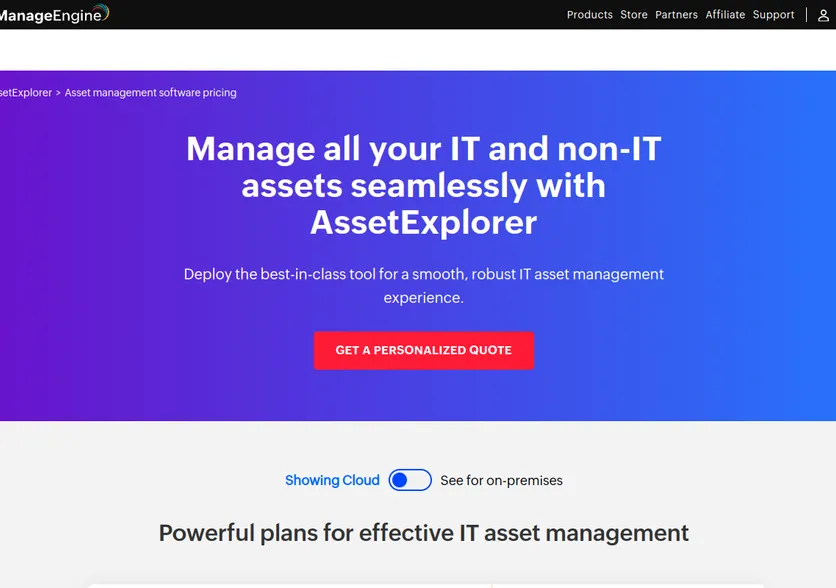
Paid tool Starting price: $115/month · Cloud plan starts at one hundred fifteen dollars a month for two hundred fifty assets, or one thousand two hundred forty-five dollars a year; on-premises starts at nine hundred fifty-five dollars a year
Free plan: Free edition for 50 nodes, never expires; 30-day trial
ManageEngine AssetExplorer finds devices on the network with or without an agent, then tracks licenses, purchases and contracts in one register. This ManageEngine AssetExplorer cloud plan starts at one hundred fifteen dollars a month for two hundred fifty assets, with an on-premises plan from nine hundred fifty-five dollars a year. A remote team gets barcode, QR and RFID scanning beside network discovery, so laptops at home and hardware in the office land in the same inventory.
What we like
- Agent and agentless discovery for remote and office devices
- License compliance, purchases and contracts in one register
- Free edition covers fifty nodes with no expiry
Watch out for
- Price grows with the fleet, so a large estate gets expensive
- Interface feels dated next to newer cloud tools
How to try it
- Open the AssetExplorer page and start the thirty-day trial
- Run a network scan to discover devices your spreadsheet missed
- Check license compliance for one software title before you pay
2. Lansweeper
Best for: IT teams that need to find every device on the network, including ones nobody registered
Paid tool Starting price: $299/month · Starter costs two hundred ninety-nine dollars a month billed annually for two thousand assets; Pro costs five hundred twenty-eight dollars a month billed annually
Free plan: Free for up to 100 assets
Lansweeper answers a different question from the rest of this list: what is actually on the network, including unmanaged and shadow devices. This Lansweeper Starter plan costs two hundred ninety-nine dollars a month billed annually for two thousand assets, with unlimited user seats on every plan. A remote team gets agentless scanning of office networks plus an agent option for home workers, warranty status and software normalization in one inventory.
What we like
- Agentless discovery finds devices nobody registered
- Unlimited user seats on every plan
- Free tier covers one hundred assets for testing
Watch out for
- Starter price is steep for a team under two thousand assets
- Financial ITAM features like depreciation are limited
How to try it
- Open the Lansweeper pricing page and start the fourteen-day trial
- Scan your office network to find unmanaged devices
- Deploy the agent to remote workers and compare the two inventories
3. Snipe-IT
Best for: Small IT teams that want a free open-source register with paid hosting
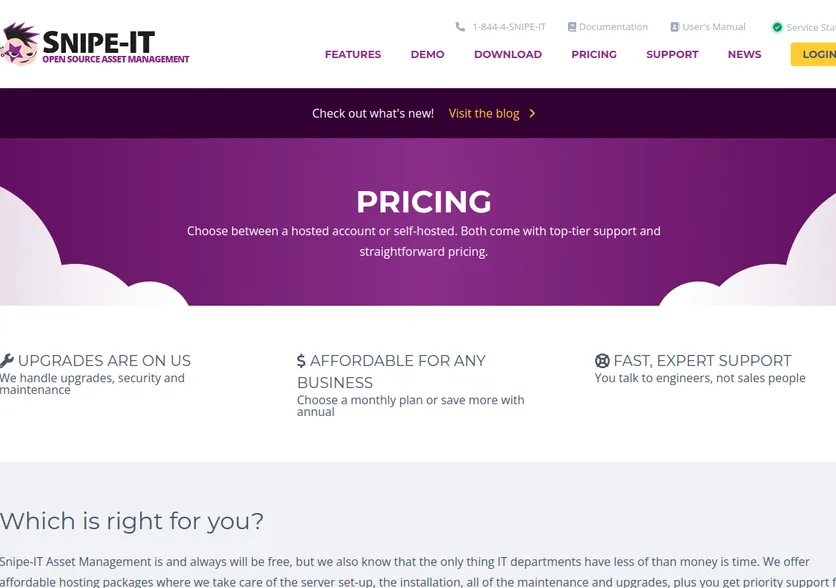
Paid tool Starting price: $39.99/month · Basic hosting costs thirty-nine dollars and ninety-nine cents a month, or three hundred ninety-nine dollars and ninety-nine cents a year; self-hosted edition is free
Free plan: Free self-hosted edition with unlimited users and assets
Snipe-IT is a free open-source asset register that tracks laptops, licenses, accessories and consumables with check-in, check-out and audit trails. This Snipe-IT Basic hosted plan costs thirty-nine dollars and ninety-nine cents a month, or three hundred ninety-nine dollars and ninety-nine cents a year, with unlimited users and assets. A remote team that can run its own server pays nothing at all for the self-hosted edition, while a team that cannot gets managed hosting for a flat fee.
What we like
- Self-hosted edition is free with unlimited users and assets
- Flat hosted fee with no per-user or per-device charge
- Check-in, check-out and audit trails included
Watch out for
- No automated network discovery, only manual entry and imports
- Your team runs the server, backups and upgrades on the free edition
How to try it
- Open the Snipe-IT pricing page and compare hosting plans
- Import your current spreadsheet to test the check-in workflow
- Start the hosted trial if your team cannot run a server
4. AssetSonar
Best for: Startups and small teams that want published per-asset pricing
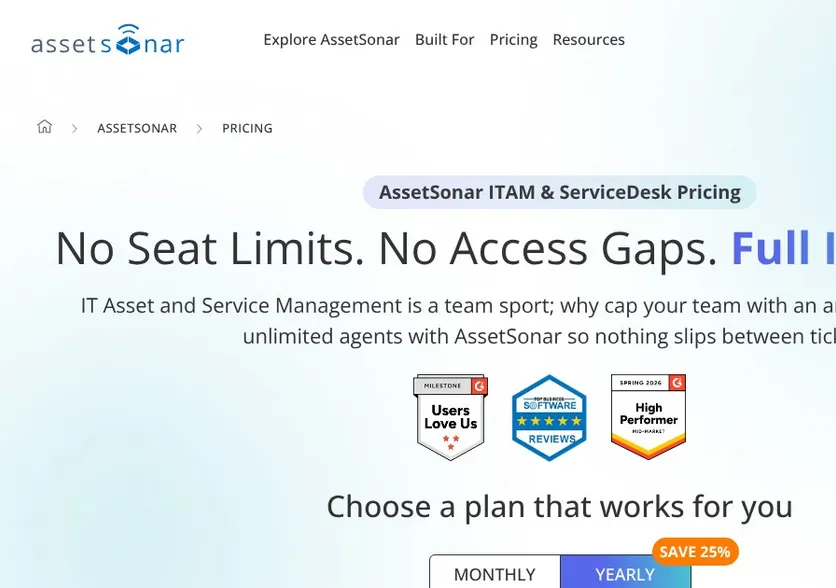
Paid tool Starting price: $0.75/asset/month · ITAM plan starts at seventy-five cents per asset per month billed annually, starting at one hundred assets; advanced software module adds forty-two cents per asset per month
Free plan: No free plan; 14-day free trial
AssetSonar is the connected IT management platform from EZO, bringing asset management, software licensing, patch management and a CMDB into one system. This AssetSonar ITAM plan starts at seventy-five cents per asset per month billed annually, with the advanced software module adding forty-two cents more per asset. A remote team can budget exactly from its device count, starting at one hundred assets, without guessing at seat prices.
What we like
- Published per-asset price with no quote needed
- ITAM, software licensing and patch management in one system
- Starts at one hundred assets, so small teams can budget exactly
Watch out for
- Bill grows with every device, including monitors and phones
- No free plan, only a fourteen-day trial
How to try it
- Open the AssetSonar pricing page and count your devices
- Start the fourteen-day trial with your real asset list
- Add the advanced software module only if audits demand it
5. InvGate Asset Management
Best for: Mid-market IT teams that want per-device pricing tied to service management
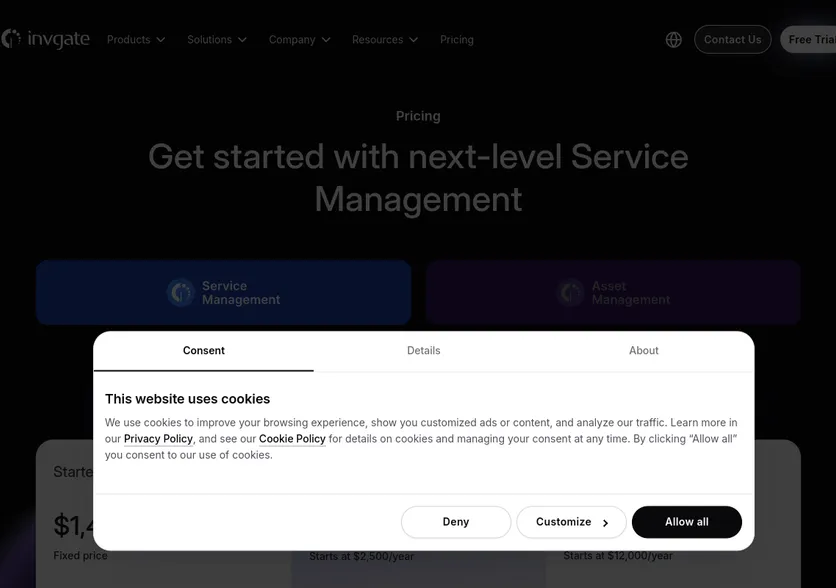
Paid tool Starting price: $1,499/year · Starter costs one thousand four hundred ninety-nine dollars a year for five hundred IP devices and one thousand non-IP devices; Pro costs five dollars per IP device per year
Free plan: No free plan; 30-day free trial
InvGate Asset Management prices by IP device rather than by user, which suits a remote team with many laptops and few technicians. This InvGate Asset Management Starter plan costs one thousand four hundred ninety-nine dollars a year for five hundred IP devices and one thousand non-IP devices. A team gets network discovery, CMDB mapping and software deployment at a fixed device price, with each IP device including two non-IP devices such as monitors and headsets.
What we like
- Per-device pricing suits many laptops with few technicians
- Discovery, CMDB mapping and software deployment included
- Each IP device includes two non-IP devices free
Watch out for
- No free plan, only a thirty-day trial
- Pro tier starts at two thousand five hundred dollars a year
How to try it
- Open the InvGate Asset Management page and start the thirty-day trial
- Count your IP devices and non-IP devices against the Starter package
- Test discovery on your remote laptops before you commit
6. Freshservice
Best for: IT teams that want asset management inside a service desk
Paid tool Starting price: $49/agent/month · Growth costs forty-nine dollars per agent per month billed annually and is the first plan with IT asset management; Starter costs nineteen dollars per agent without ITAM
Free plan: No free plan; 14-day free trial
Freshservice is an ITSM platform with asset management built in, so tickets and devices share one system instead of two. This Freshservice Growth plan costs forty-nine dollars per agent per month billed annually, and it is the first plan that includes IT asset management with one hundred asset units. A remote team can link a laptop to the ticket about it, discover devices with an agent or network probe, and manage the service desk from the same login.

What we like
- Tickets and assets share one system with no double entry
- Discovery agent and network probe included
- Growth includes one hundred IT asset units
Watch out for
- ITAM is not on Starter, so the real price starts at Growth
- Asset units beyond the included one hundred cost extra
How to try it
- Open the Freshservice pricing page and start the fourteen-day trial
- Start on Growth to test the IT asset management package
- Link a laptop to a ticket and check the discovery coverage
7. SysAid
Best for: IT teams that want ITSM plus asset management with AI in one tier
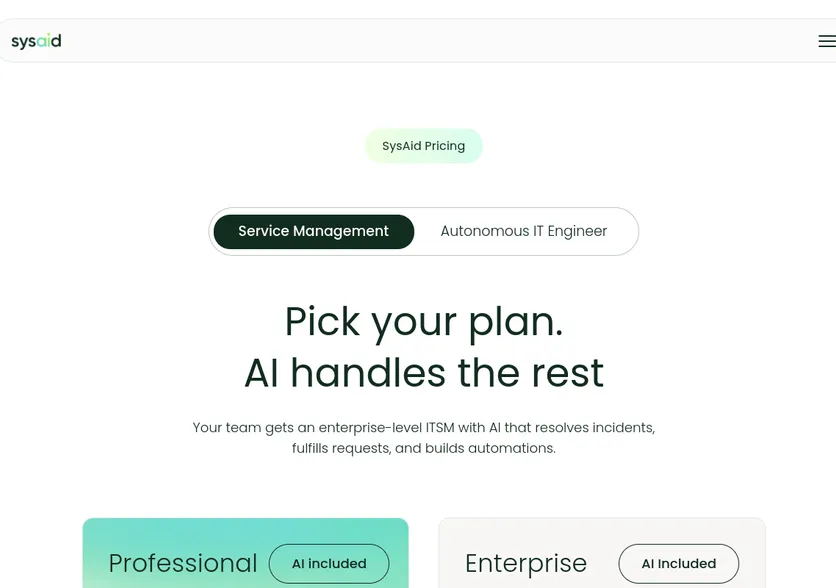
Paid tool Starting price: $89/agent/month · Eighty-nine dollars per agent per month with two hundred fifty assets included
Free plan: No free plan; free trial available
SysAid pairs its service desk with asset management and AI, giving a remote team one login for tickets, devices and automation. This SysAid plan costs eighty-nine dollars per agent per month with two hundred fifty assets included. A team gets network discovery, asset records tied to tickets, and AI features in the same tier rather than as a paid add-on.
What we like
- ITSM, asset management and AI in one tier
- Two hundred fifty assets included per agent plan
- Network discovery ties devices to tickets
Watch out for
- Highest per-agent price in this list
- Asset allowance caps at two hundred fifty on the entry tier
How to try it
- Open the SysAid pricing page and start the free trial
- Count your assets against the two hundred fifty included
- Test the AI ticket features beside the asset register
8. SolarWinds Service Desk
Best for: IT teams that want asset tracking inside a familiar service desk
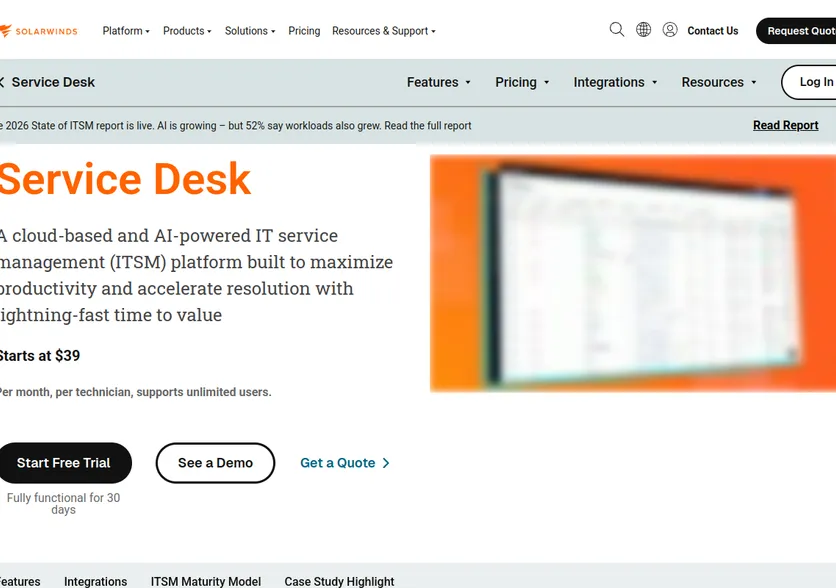
Paid tool Starting price: $39/technician/month · Thirty-nine dollars per technician per month billed annually; asset pricing on request for larger fleets
Free plan: No free plan; free trial available
SolarWinds Service Desk prices per technician and includes asset management, so a remote team pays for the people who fix things rather than the devices they fix. This SolarWinds Service Desk plan costs thirty-nine dollars per technician per month billed annually. A team gets ticket management, asset records and discovery integrations in a platform many IT departments already know, with asset pricing available on request for larger fleets.
What we like
- Per-technician pricing suits small IT teams with large fleets
- Familiar service desk with asset records attached
- Discovery integrations cover common device sources
Watch out for
- Asset pricing beyond the entry plan is on request only
- A service desk first, not a dedicated ITAM platform
How to try it
- Open the SolarWinds Service Desk pricing page and start a trial
- Add your technicians and test ticket-to-asset linking
- Ask for asset pricing if your fleet outgrows the entry plan
Prices above were checked on each vendor’s own website on Nov 27, 2026 and can change — the vendor’s page is the final word. Vendor links are editorial: nobody paid to be listed or ranked here. Vendors who want a featured listing can see how it works on our Get listed page.
What asset management software costs for a remote team in 2026
Remote asset management pricing follows three different units, and the cheapest headline is rarely the cheapest total. Per-user plans like Freshservice Growth at forty-nine dollars per agent suit a small IT team with a large fleet, because the bill follows people. Per-asset plans like AssetSonar at seventy-five cents per asset suit a team that wants the bill to track the fleet exactly. Flat plans like Snipe-IT hosting at thirty-nine dollars and ninety-nine cents a month suit a team that wants one predictable number whatever the fleet does.
Start with the free tier and run discovery on your real fleet, including home laptops that never touch the office network. Count the devices that count toward the limit, because monitors and phones can double a per-device bill, and check whether license compliance is included. Pick the tool that finds the devices you forgot you owned, because a register that misses home laptops is a spreadsheet with better branding.
Before you buy
- Check whether the price follows users, devices or assets, because a remote team with many laptops and few technicians pays very differently under each model.
- Confirm agentless discovery works for remote workers, because an agent that only scans the office network will miss every home laptop.
- Test the free tier on your real fleet before paying, because discovery coverage matters more than the feature list.
- Count the assets that count toward the limit, because monitors and phones can double the bill on per-device plans.
- Confirm software license tracking is included, because an audit is the risk that makes asset management pay for itself.
Official websites
Official websites of the products reviewed above. Features and prices were checked against these sites when this guide was written, and they can change, so confirm on the vendor site before you buy.
Frequently asked questions
Which asset management software is best for remote teams in 2026?
ManageEngine AssetExplorer is the best overall pick at one hundred fifteen dollars a month for two hundred fifty assets, with discovery, license compliance and contracts in one register. Lansweeper is the best pick for finding unknown devices at two hundred ninety-nine dollars a month for two thousand assets. Snipe-IT is the best budget pick, free to self-host or thirty-nine dollars and ninety-nine cents a month hosted.
How much does asset management software cost for a remote team?
Prices in this list run from zero for self-hosted Snipe-IT to two hundred ninety-nine dollars a month for Lansweeper Starter. AssetSonar costs seventy-five cents per asset per month, AssetExplorer one hundred fifteen dollars a month for two hundred fifty assets, and Freshservice Growth forty-nine dollars per agent per month. The right comparison is the total for your device count, not the headline rate.
Is there a free asset management tool for remote teams?
Yes, and the free options here are genuinely useful. Snipe-IT is free to self-host with unlimited users and assets, Lansweeper is free for up to one hundred assets, and AssetExplorer has a free edition for fifty nodes that never expires. Free tiers usually lack discovery or cap the fleet, so a team past a hundred devices will need a paid plan.
Should a remote team pick per-user or per-asset pricing?
Per-user pricing suits a team with few technicians and many devices, because the bill follows people rather than laptops. Per-asset pricing suits a team that wants the bill to track the fleet exactly, like AssetSonar at seventy-five cents per asset a month. Per-device packages like InvGate suit a team with a stable fleet size. Count your devices and technicians, then compare totals.
Do these tools find laptops that work from home?
Discovery is the feature that separates the tools in this list. Lansweeper and AssetExplorer find devices on the network without an agent, plus an agent option for home workers. Snipe-IT has no discovery at all, so every device arrives by manual entry or import. A remote team that cannot see home laptops will keep a stale register no matter how good the reporting is.
Need everyday business help too? Try Toolsvine's free business tools right in your browser.
Browse Business Tools tools


