
On this page
Freelancers who look after equipment for clients need one list of what exists, where it is and when it was last serviced, and that list should cost less than one lost laptop a year. MaintainX is the pick that starts free and stays cheap: its Basic plan covers small teams at no cost, and Essential is twenty dollars per user a month. This guide compares seven asset tracking tools for freelancers, from free open-source tracking to flat-rate maintenance platforms, with live 2026 prices, free plans and trials.
How we researched this
We checked the pricing page of every vendor on this list on November 26, 2026, and kept only tools that publish a real dollar price. Each tool had to work for a one-person business without a sales call, and we compared entry prices, free plans, trial length and whether the bill grows by asset count or by user.
Compare the tools
| Name | Best for | Starting price | Free plan | |
|---|---|---|---|---|
 MaintainX | Freelancers who want the cheapest serious asset tracker with unlimited users | $20 | Free Basic plan | Visit |
 UpKeep | Freelancers who manage maintenance for a client site and need work orders plus assets in one tool | $24 | Free trial | Visit |
 Snipe-IT | Freelancers who track IT gear and want a free open-source core with affordable hosting | $39.99 | Free self-hosted version | Visit |
 AssetTiger | Freelancers who charge by asset count and want every user free | $40 | 30-day free trial (250 assets) | Visit |
 Sortly | Freelancers who track physical inventory with QR labels and want a simple phone-first workflow | $49 | Free plan (100 unique items) | Visit |
 ManageEngine AssetExplorer | Freelancers with an IT client who needs discovery, tracking and software inventory in one place | $115 | 30-day free trial (250 assets) | Visit |
 eWorkOrders | Freelancers who need flat-rate pricing with unlimited users for a maintenance-heavy client | $380 | Free trial | Visit |
The asset tracking tools, compared
1. MaintainX
Best for: Freelancers who want the cheapest serious asset tracker with unlimited users
Paid tool Starting price: $20 · Essential is $20 per user a month billed annually, $25 month to month; Basic is free
Free plan: Free Basic plan
MaintainX is the cheapest paid plan on this list, with Essential at twenty dollars per user a month on annual billing and a free Basic plan for small teams. It covers work orders, preventive maintenance, asset hierarchies and QR scanning, with unlimited requester accounts free. For a freelancer who looks after equipment for a few clients, the free plan alone handles the basics, and Essential adds unlimited repeating work orders and longer analytics history.
What we like
- Free Basic plan with unlimited work orders
- Essential from $20 per user a month
- Unlimited requester users free
Watch out for
- Essential caps work orders with procedures at 3 a month
- Advanced analytics need Premium or higher
How to try it
- Create a free MaintainX account and add your first client assets
- Set up repeating work orders for routine checks and servicing
- Scan a QR code in the field to pull up an asset history instantly
2. UpKeep
Best for: Freelancers who manage maintenance for a client site and need work orders plus assets in one tool
Paid tool Starting price: $24 · Essential is $24 per user a month; Premium is $55 per user a month
Free plan: Free trial
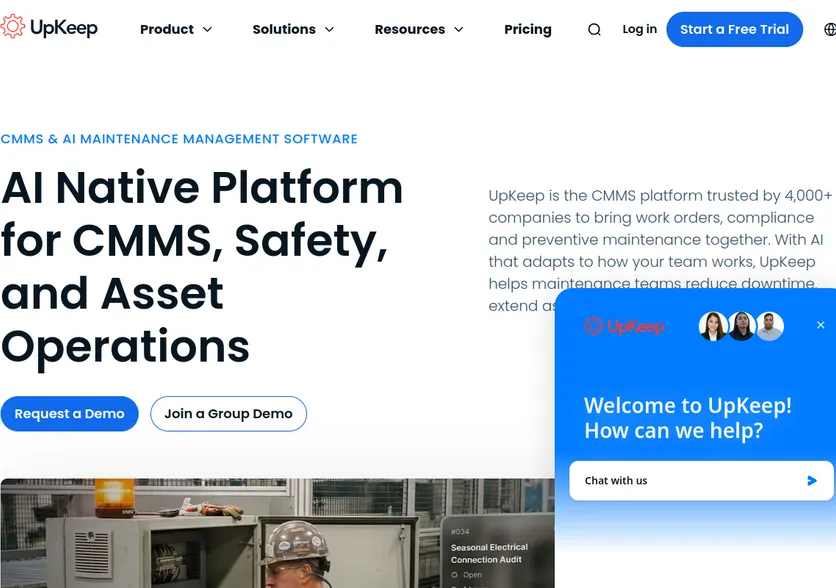
UpKeep is an asset operations tool that pairs asset tracking with work orders, parts inventory and preventive maintenance. Essential starts at twenty-four dollars per user a month and includes unlimited work orders and locations, plus a mobile app your client technicians can actually use. View-only and requester users are free, so a client can submit requests and check status without taking a paid seat.
What we like
- Essential from $24 per user a month
- Unlimited work orders and locations
- Free view-only and requester users
Watch out for
- Professional and Enterprise need a quote
- Analytics history is 30 days on Premium
How to try it
- Start a free trial and import the client asset list
- Create a preventive maintenance schedule for the key equipment
- Invite the client as a free requester so they can submit work orders
3. Snipe-IT
Best for: Freelancers who track IT gear and want a free open-source core with affordable hosting
Paid tool Starting price: $39.99 · Basic hosting is $39.99 a month, $399.99 a year; self-hosting is free
Free plan: Free self-hosted version
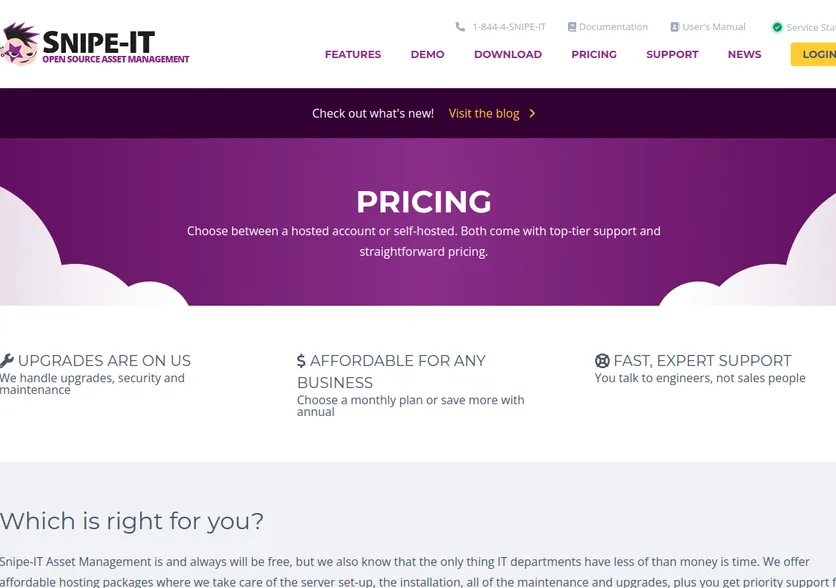
Snipe-IT is the open-source asset tracker that freelancers love: the self-hosted version is free forever, with unlimited users and unlimited assets. If you would rather not run a server, Basic hosting costs just under forty dollars a month and adds automatic backups, upgrades and email support. It handles check-in and check-out, depreciation, audits and custom fields, which covers everything a small IT inventory needs.
What we like
- Self-hosted version is free forever
- Unlimited users and unlimited assets
- Hosting from $39.99 a month with support
Watch out for
- Self-hosting needs your own server
- No built-in work order system
How to try it
- Download the free self-hosted version or sign up for Basic hosting
- Import the asset list and assign each item to a person or location
- Run an audit from the mobile app by scanning barcodes
4. AssetTiger
Best for: Freelancers who charge by asset count and want every user free
Paid tool Starting price: $40 · Core is $40 a month for 2,500 assets; annual billing is 11 months for 12
Free plan: 30-day free trial (250 assets)
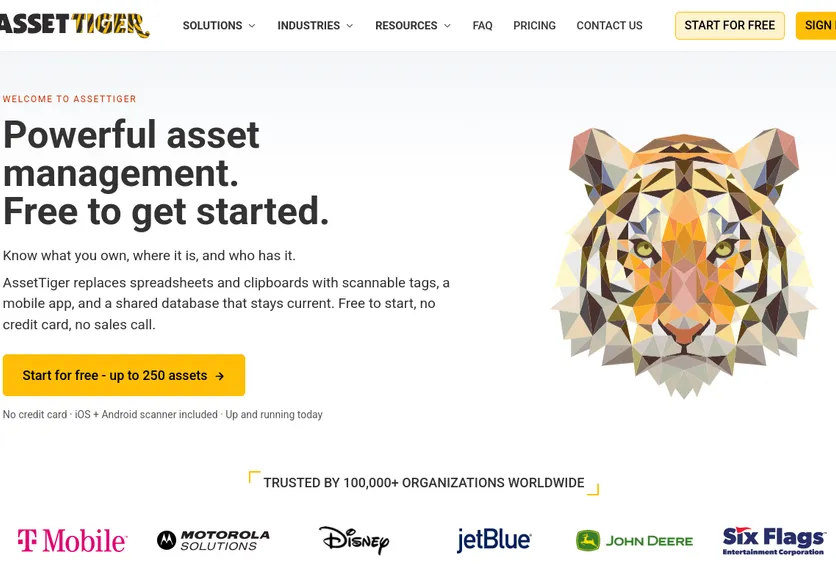
AssetTiger charges for assets, not seats: every paid plan includes unlimited users, so a whole client team can use it at no extra cost. Core covers 2,500 assets for forty dollars a month and includes barcode and QR scanning, check-in and check-out, maintenance scheduling and more than eighty report types. A 30-day trial covers up to 250 assets with no card required, which is enough to prove it on a real client inventory.
What we like
- Unlimited users on every paid plan
- Core from $40 a month for 2,500 assets
- 80 plus report types included
Watch out for
- Inventory tracking is a separate $15 add-on
- No free plan beyond the trial
How to try it
- Start the 30-day trial and import the asset list from a spreadsheet
- Print barcode labels and scan assets into their locations
- Set maintenance schedules and depreciation for the high-value items
5. Sortly
Best for: Freelancers who track physical inventory with QR labels and want a simple phone-first workflow
Paid tool Starting price: $49 · Advanced list price is $49 a month; the site shows a 50% first-year discount to $24
Free plan: Free plan (100 unique items)
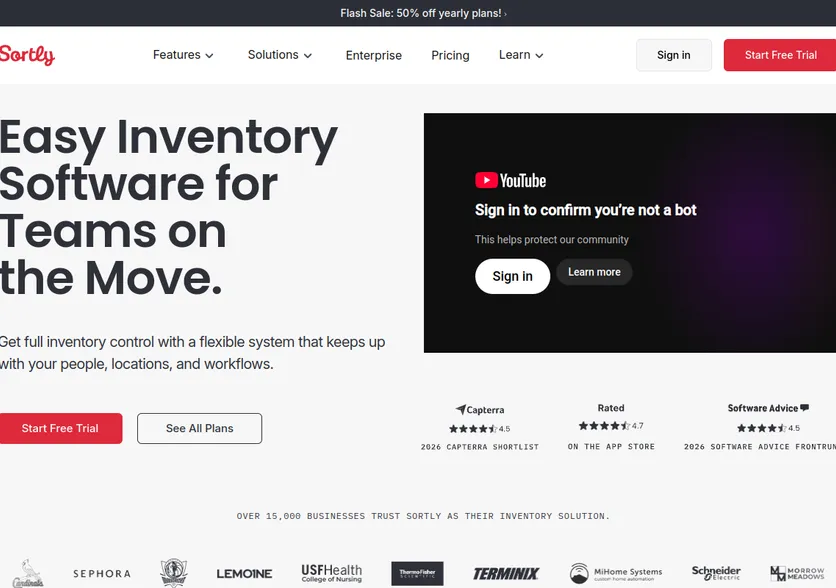
Sortly is the visual inventory tracker on this list, built around QR code labels, photos and a mobile app that works in a warehouse or a client office. The free plan covers 100 unique items with one user, and Advanced adds 500 items, two users and unlimited QR label creation. The list price is forty-nine dollars a month, though the site currently shows a first-year discount, so budget for the list price after year one.
What we like
- Free plan with 100 items
- Unlimited QR label creation on paid plans
- Mobile app built for the warehouse floor
Watch out for
- Advanced covers only 2 user licenses
- First-year discount ends after 12 months
How to try it
- Sign up free and add the first 100 items with photos
- Print QR labels and stick them on the equipment
- Scan an item in the app to check it out to a person or job
6. ManageEngine AssetExplorer
Best for: Freelancers with an IT client who needs discovery, tracking and software inventory in one place
Paid tool Starting price: $115 · Cloud is $115 a month for 250 IT assets; $1,245 a year when billed annually
Free plan: 30-day free trial (250 assets)
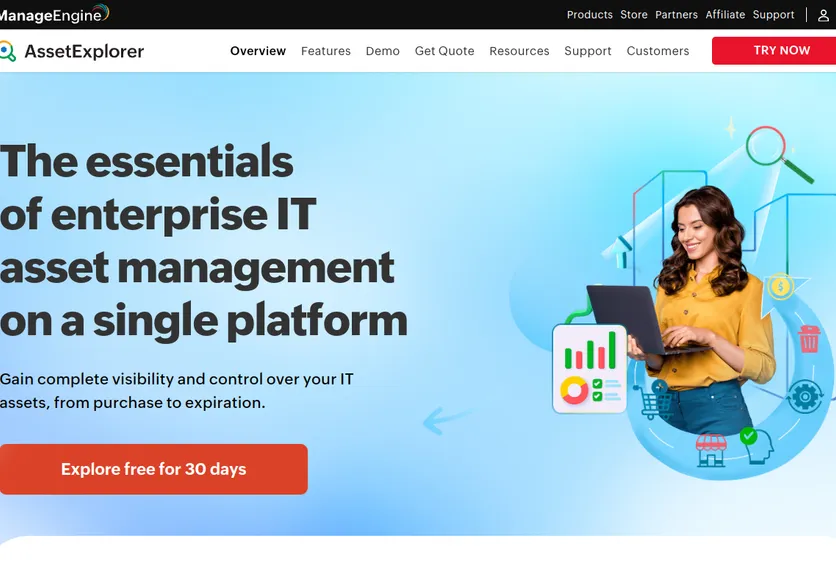
ManageEngine AssetExplorer is the IT asset management pick for freelancers with a corporate client: it discovers hardware and software across the network, tracks licenses and warranties, and manages the full asset lifecycle. Cloud pricing starts at one hundred fifteen dollars a month for 250 IT assets, with a 30-day trial that downgrades to a free edition. It is heavier than the other tools here, but it is the one that handles software inventory alongside hardware.
What we like
- Automatic network discovery included
- Tracks hardware and software together
- Free edition after the trial ends
Watch out for
- Priced by asset count, so costs rise fast
- More complex than a simple tracker
How to try it
- Start the 30-day cloud trial and run network discovery
- Review the discovered hardware and software inventory for duplicates
- Set license and warranty alerts for the assets that matter most
7. eWorkOrders
Best for: Freelancers who need flat-rate pricing with unlimited users for a maintenance-heavy client
Paid tool Starting price: $380 · Starter is $380 a month with unlimited users; Advanced is $480 a month
Free plan: Free trial
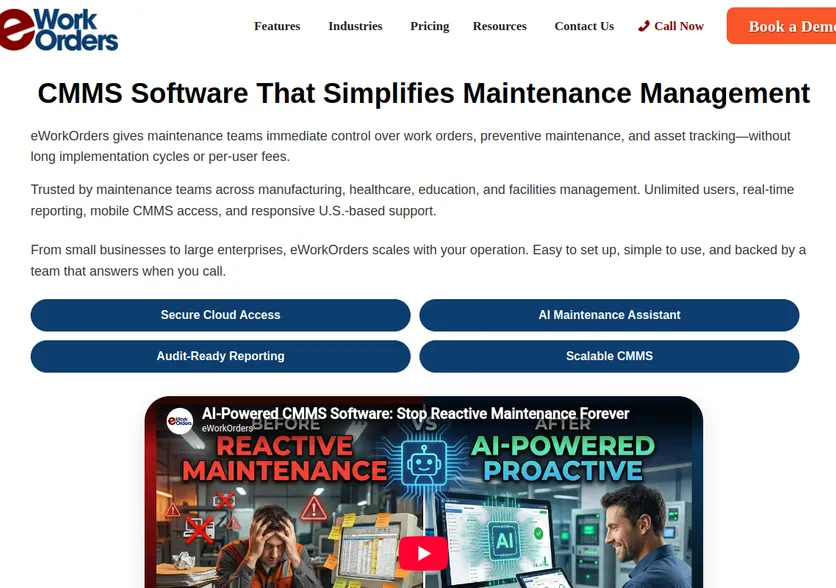
eWorkOrders is the flat-rate option on this list: Starter costs three hundred eighty dollars a month with unlimited users, so a large client team costs the same as a small one. It covers work orders, asset management, preventive maintenance, materials and reporting, with an AI assistant included on every plan. Advanced adds smartphone and tablet access with QR and barcode scanning for field technicians, which is the plan most maintenance work actually needs.
What we like
- Flat $380 a month with unlimited users
- AI assistant on every plan
- QR and barcode scanning on Advanced
Watch out for
- The priciest entry point on this list
- Enterprise is per user with a 5-user minimum
How to try it
- Request a trial and set up the client sites and asset list
- Build preventive maintenance schedules for the critical equipment
- Give technicians mobile access so they can close work orders in the field
Prices above were checked on each vendor’s own website on Nov 26, 2026 and can change — the vendor’s page is the final word. Vendor links are editorial: nobody paid to be listed or ranked here. Vendors who want a featured listing can see how it works on our Get listed page.
How to read the price before you commit
Prices on this list run from $0 to $380 a month, and the billing unit is the whole story: AssetTiger charges by asset with unlimited users free, while UpKeep and MaintainX charge per user, and eWorkOrders charges a flat monthly rate. A client with many staff and few assets pays least on an asset-based plan, while a client with many assets and two technicians pays least per user. Before paying, count both the assets and the people who will log in, then run the trial with your real asset list, not a demo file, and check whether depreciation, maintenance schedules and warranty alerts are included or sold as add-ons. Confirm what happens to your data if you cancel, since some tools charge to export it.
Before you buy
- Count the assets you actually track before comparing prices, because most tools bill by asset count, not by user.
- Confirm the plan includes barcode or QR scanning on a phone, since a tool without mobile scanning slows every audit.
- Test the free trial with your real asset list, not a demo file, to see how imports and custom fields behave.
- Check whether depreciation, maintenance schedules and warranty alerts are included or sold as add-ons.
- Ask what happens to your data if you cancel, since some tools charge to export or lock history behind paid tiers.
Official websites
Official websites of the products reviewed above. Features and prices were checked against these sites when this guide was written, and they can change, so confirm on the vendor site before you buy.
Frequently asked questions
What is the cheapest asset tracking software for freelancers?
MaintainX Basic is free forever for small teams, and its Essential plan is $20 per user a month. Snipe-IT is free if you self-host, with hosting from $39.99 a month. The right cheap pick depends on what you track: MaintainX fits maintenance work, while Snipe-IT fits IT gear.
Is asset tracking software priced per user or per asset?
Most of them charge by asset count or by user, and the difference matters. AssetTiger charges per asset with unlimited users free, which suits a client with many staff and few assets. UpKeep and MaintainX charge per user, which suits a client with many assets and few technicians. Count both before you compare prices.
Can I scan barcodes from a phone?
Yes, on the tools that include a mobile app. Sortly, UpKeep, MaintainX and eWorkOrders all scan QR codes or barcodes from a phone, which is how audits actually happen in the field. Snipe-IT and AssetTiger also support phone scanning. If a tool has no mobile app, skip it for field work.
Do these tools track depreciation?
Only some of them. Snipe-IT, AssetTiger and ManageEngine AssetExplorer all track depreciation, and UpKeep tracks it on Premium and above. If depreciation matters for a client tax or audit, check that the plan you buy includes it rather than assuming it is there.
Still running the business on spreadsheets? Try free invoice, budget and time tools on Toolsvine right in your browser.
Browse Business Tools tools


