On this page
Enterprise software ships too fast for manual testing alone. A release that used to take a week of clicking now takes an afternoon, and only automated QA can keep up. The tools on this list run browser tests, API tests and visual checks on every code change, and they report exactly what broke before a customer finds it. We compared eight of them on live 2026 prices. Katalon is our top pick for most enterprise teams, because its low-code authoring lets the whole QA team build tests without waiting for a developer.
How we researched this
We kept only automated QA tools with a published price on their own website and an enterprise-grade feature set. Tricentis Tosca, SmartBear TestComplete and mabl were dropped because none publishes prices, while TestMu AI is included under its new name after LambdaTest rebranded in January 2026 and the old site now redirects to the new one. Every price below is the vendor list price checked on November 27, 2026, with the annual-billed figure as the headline and the monthly-billed figure in the note.
Compare the tools
| Name | Best for | Starting price | Free plan | |
|---|---|---|---|---|
 BrowserStack | Real-device and browser test clouds | $99/parallel/month | No free plan; free trial available | Visit |
 Sauce Labs | Live manual testing plus automated cloud runs | $39/month | No free plan; free trial available | Visit |
 TestMu AI | Cross-browser live and automation testing | $15/parallel/month | Free plan available with limited minutes | Visit |
 Katalon | Low-code test authoring at enterprise scale | $150/seat/month | Free plan available for local authoring | Visit |
 Cypress | Teams that already test with Cypress | $67/month | Free Starter plan, five hundred test results per month | Visit |
 Applitools | Visual and AI-driven test validation | $667/month | No free plan; free trial available | Visit |
 Functionize | Budget AI test generation for web apps | $20/month | Free plan available | Visit |
 TestRail | Test case management for enterprise QA teams | $22/user/month | No free plan; free trial available | Visit |
The automated qa software, compared
1. BrowserStack
Best for: Real-device and browser test clouds
Paid tool Starting price: $99/parallel/month · Automate Desktop plan, billed annually; Desktop and Mobile one hundred seventy-five dollars and Pro two hundred twenty-five dollars; Live Team one hundred fifty dollars per month for five users
Free plan: No free plan; free trial available
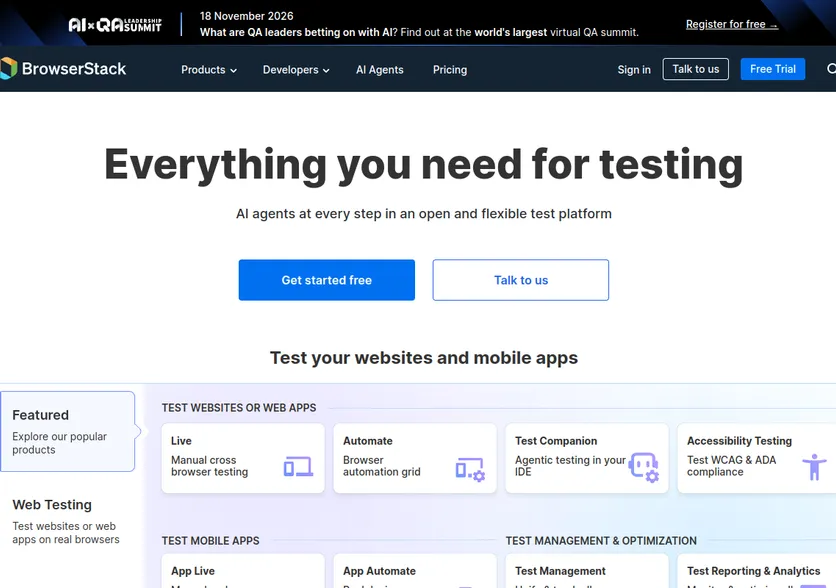
BrowserStack is the biggest name in cloud testing, and for enterprise teams the reason is coverage: thousands of real devices and browsers you can rent by the parallel session. The BrowserStack Automate Desktop plan is the entry point for automated tests, and the Live plan covers manual testing on the same devices. It is not cheap, but when a bug only appears on one phone model, having that phone in the cloud pays for itself.
What we like
- Largest real-device and browser cloud
- Automate and Live testing on one platform
- Strong CI integrations for enterprise teams
Watch out for
- Ninety-nine dollars per parallel adds up fast
- Mobile testing needs a separate, pricier plan
How to try it
- Pick the Automate plan and connect it to your CI pipeline.
- Run your suite against the desktop browsers your customers use most.
- Add the Mobile plan when you need real phones and tablets.
2. Sauce Labs
Best for: Live manual testing plus automated cloud runs
Paid tool Starting price: $39/month · Live Testing plan, billed annually; forty-nine dollars per month billed monthly; Virtual Cloud one hundred forty-nine dollars and Real Device Cloud one hundred ninety-nine dollars billed annually
Free plan: No free plan; free trial available
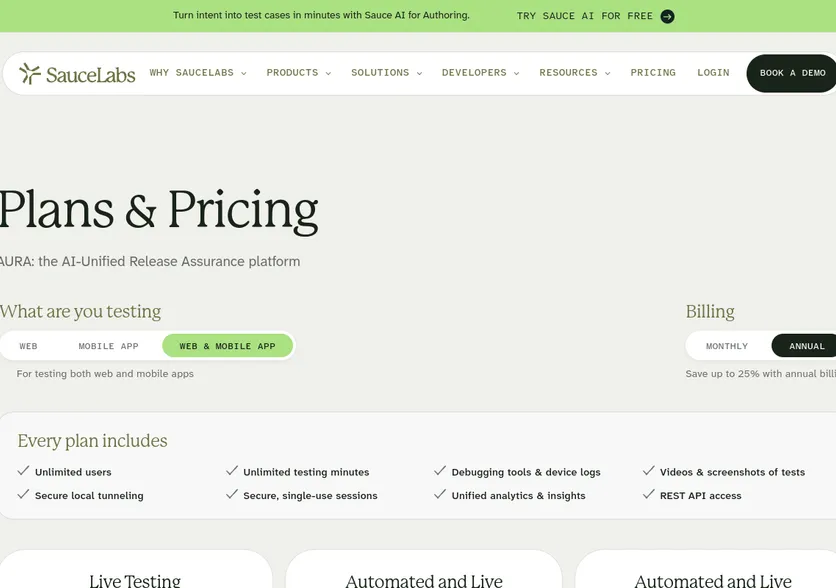
Sauce Labs is the long-running rival to BrowserStack, and its cheapest plan is the lowest entry point on this list. The Sauce Labs Live Testing plan gives a team real browsers and devices for manual testing, while the Virtual Cloud plan covers automated runs. Enterprise teams often run Sauce Labs alongside another tool, but for a team that wants one cloud and a low starting price, it is a solid pick.
What we like
- Lowest entry price of the device clouds
- Live manual and automated testing together
- Video recordings of every failed test
Watch out for
- Automated runs need the pricier Virtual Cloud plan
- Smaller device library than BrowserStack
How to try it
- Start with the Live Testing plan for manual checks on real devices.
- Connect your test framework to the Virtual Cloud for automated runs.
- Use the video recordings of failed tests to debug without re-running.
3. TestMu AI
Best for: Cross-browser live and automation testing
Paid tool Starting price: $15/parallel/month · Virtual Live plan, billed annually; ChromeOS Live twenty-nine dollars and Real Device Plus Live thirty-nine dollars; Web Automation Desktop Linux twenty-nine dollars and Desktop seventy-nine dollars billed annually; TestMu AI is the new name for LambdaTest, rebranded in January 2026
Free plan: Free plan available with limited minutes
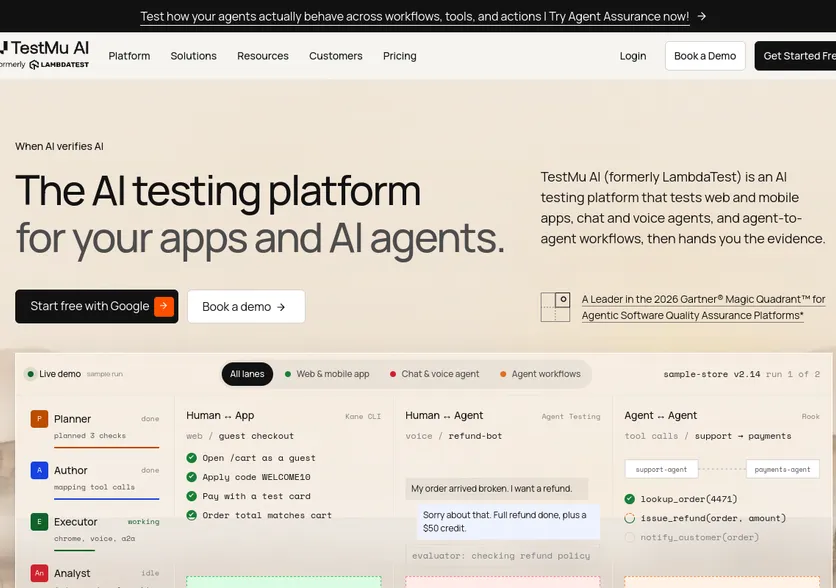
TestMu AI is the new name for LambdaTest, which rebranded in January 2026 after a trademark dispute, and the old LambdaTest site now redirects to TestMu AI. The TestMu AI Virtual Live plan is the cheapest entry point on this list, and the automation plans scale from Linux desktops to full desktop browsers. For an enterprise team that wants a low-cost cloud with a familiar feature set, the rebrand changes nothing about the product.
What we like
- Cheapest entry point on this list
- Free plan with limited minutes
- Familiar LambdaTest feature set under a new name
Watch out for
- Rebrand may confuse teams that know LambdaTest
- Real-device plans cost more than the entry plan
How to try it
- Start with the Virtual Live plan for manual cross-browser checks.
- Add a Web Automation plan and connect your test framework.
- Use the free minutes to test the cloud before you buy a plan.
4. Katalon
Best for: Low-code test authoring at enterprise scale
Paid tool Starting price: $150/seat/month · Studio Professional, billed annually at one thousand eight hundred dollars per seat per year; one hundred eighty dollars per seat per month billed monthly; one third-party index lists a struck-through price of about one hundred eighty-three dollars before a twenty percent discount, so confirm the quote before you buy
Free plan: Free plan available for local authoring
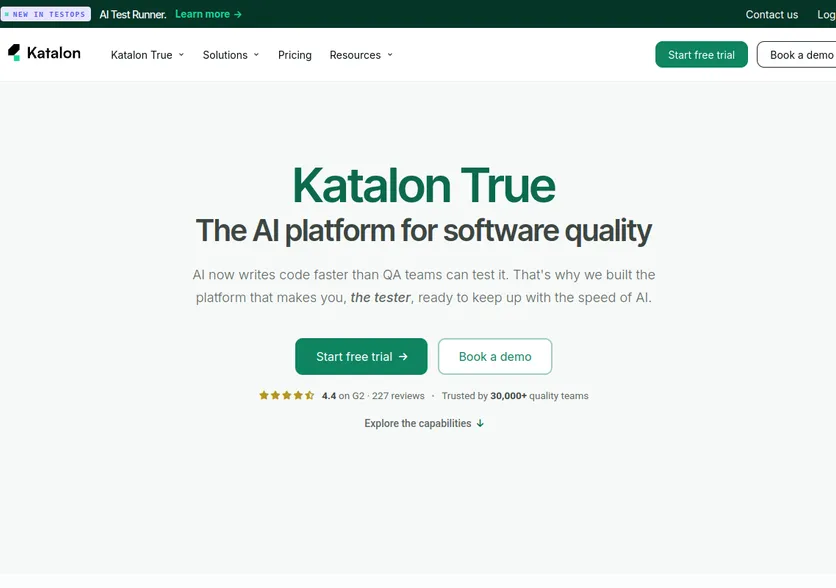
Katalon is the low-code leader on this list: testers can record and build tests without writing code, and the platform scales to enterprise teams with shared objects and reporting. The Katalon Studio Professional plan is the entry point for serious use, and the free plan covers local authoring for a team that wants to try before it buys. It is the most expensive per seat here, but it replaces the need for a dedicated automation engineer on many teams.
What we like
- Low-code recording that non-developers can use
- Free plan for local authoring
- Enterprise reporting and shared test objects
Watch out for
- Most expensive per-seat price on this list
- One source lists a higher pre-discount price, so confirm the quote
How to try it
- Install Studio and record your first test against the staging site.
- Move the test into the shared project and connect it to CI.
- Review the reports after each run and fix flaky tests first.
5. Cypress
Best for: Teams that already test with Cypress
Paid tool Starting price: $67/month · Cypress Cloud Team plan, billed annually at seven hundred ninety-nine dollars per year; Business two hundred sixty-seven dollars per month; Starter free with five hundred test results per month
Free plan: Free Starter plan, five hundred test results per month
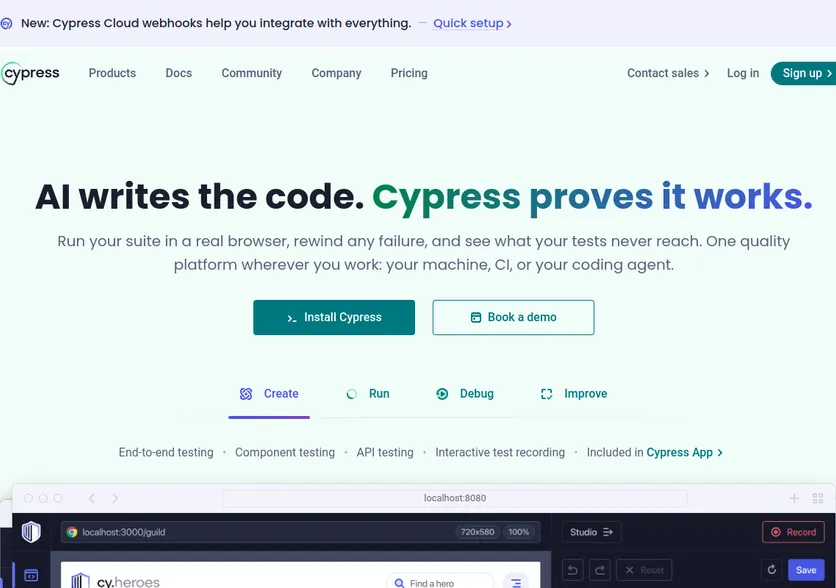
Cypress Cloud is the reporting and orchestration layer for the open-source Cypress test runner, and it is the natural pick for a team already writing Cypress tests. The Cypress Team plan adds parallel runs, flaky-test detection and richer reporting on top of the free Starter tier. It is cheaper than the big clouds because you bring your own browsers, and that trade-off suits teams with a solid CI setup.
What we like
- Natural home for existing Cypress tests
- Flaky-test detection included on Team
- Free Starter tier with five hundred results a month
Watch out for
- You bring your own browsers and devices
- Business plan is four times the Team price
How to try it
- Keep writing tests in the open-source Cypress runner.
- Connect Cypress Cloud and set the Team plan for parallel runs.
- Use flaky-test detection to fix the tests that fail randomly.
6. Applitools
Best for: Visual and AI-driven test validation
Paid tool Starting price: $667/month · Starter plan, billed annually; one thousand page checkpoints included; Professional and Enterprise are quote-only; fourteen-day trial
Free plan: No free plan; free trial available
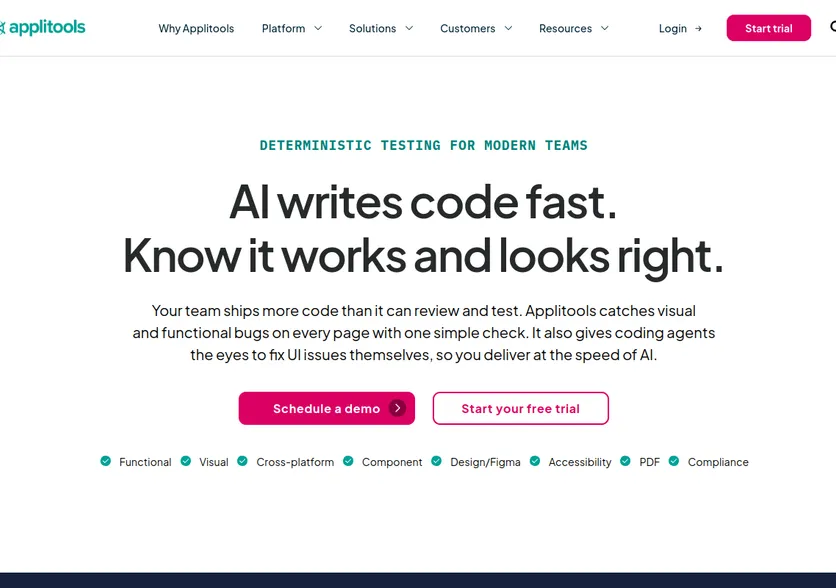
Applitools checks what other tools miss: whether the page actually looks right. Its visual AI compares screenshots against a baseline and flags layout shifts, missing elements and rendering bugs that functional tests cannot see. The Applitools Starter plan is the most expensive entry point here, and it includes one thousand page checkpoints a month. It is a specialist tool, and it earns its place alongside a functional suite rather than replacing one.
What we like
- Visual AI catches layout bugs functional tests miss
- Works with the frameworks you already use
- Baseline management keeps false positives low
Watch out for
- Most expensive entry price on this list
- Higher tiers are quote-only
How to try it
- Connect Applitools to your existing test framework.
- Capture a baseline on a known-good build.
- Review the visual diffs after each run and approve real changes.
7. Functionize
Best for: Budget AI test generation for web apps
Paid tool Starting price: $20/month · Growth plan; Free plan at zero dollars and Scale at one hundred dollars per month; credit-metered usage on top of the base price
Free plan: Free plan available
Functionize uses AI to generate and maintain tests from plain-language descriptions, which means a team can build coverage without a dedicated automation engineer. The Functionize Growth plan is the cheapest paid tier on this list, and the free plan lets a team try the approach before spending anything. Usage is credit-metered, so the bill grows with the number of tests you run, and that is worth watching as the suite grows.
What we like
- AI generates tests from plain language
- Cheapest paid plan on this list
- Free plan to try the approach
Watch out for
- Credit metering can push the bill up as tests grow
- AI-generated tests need human review
How to try it
- Describe the flow you want tested in plain language.
- Let the AI generate the test and run it against staging.
- Review the failures and let the tool heal the test when the UI changes.
8. TestRail
Best for: Test case management for enterprise QA teams
Paid tool Starting price: $22/user/month · Essentials plan, billed annually, capped at five users; Professional thirty-nine dollars and Enterprise seventy-eight dollars billed annually
Free plan: No free plan; free trial available
TestRail is the test case manager on this list rather than a test runner: it organizes test cases, plans runs, and tracks results across a whole QA team. The TestRail Essentials plan covers small teams of up to five users, and the Professional and Enterprise plans add the scale and integrations a larger team needs. It pairs well with any automation tool on this list, because it is where the human side of QA lives.
What we like
- Best test case organization on this list
- Pairs with any automation tool
- Clear reporting across the whole QA team
Watch out for
- Essentials plan is capped at five users
- It manages tests rather than running them
How to try it
- Import your existing test cases or write them in TestRail.
- Plan a run for the next release and assign cases to testers.
- Track the results and link failures back to your issue tracker.
Prices above were checked on each vendor’s own website on Nov 27, 2026 and can change — the vendor’s page is the final word. Vendor links are editorial: nobody paid to be listed or ranked here. Vendors who want a featured listing can see how it works on our Get listed page.
How to buy automated QA without overpaying for parallels
The price trap in automated QA is the parallel. BrowserStack, TestMu AI and Sauce Labs all charge by the parallel session, and the entry price on the pricing page usually buys one. A suite that takes an hour on one parallel takes fifteen minutes on four, but it also costs four times as much. Measure your suite first. Run it on one parallel, time it, and only buy more when the run time actually blocks a release.
The second decision is low-code versus code. Katalon and Functionize let testers build coverage without a developer, which is the fastest way to get a suite running. Cypress is the better pick if your developers already write tests and want full control. And do not forget the visual layer: functional tests can pass while the page looks broken, and Applitools is the only tool here that catches that. Most enterprise teams end up with two tools: one for functional tests and one for visual checks.
Before you buy
- Check the parallel limit on the exact plan, because parallel sessions decide how fast your suite runs.
- Confirm the plan covers the browsers and devices your customers actually use.
- Ask whether AI test generation is included or charged per test on top of the seat.
- Make sure the tool connects to your CI pipeline so tests run on every pull request.
- Test the reporting on a real failure before you commit, since bad reports waste more time than slow tests.
Official websites
Official websites of the products reviewed above. Features and prices were checked against these sites when this guide was written, and they can change, so confirm on the vendor site before you buy.
Frequently asked questions
What is automated QA software for enterprise teams?
Automated QA software runs your tests without a human clicking through the app. It covers unit tests, browser tests, API tests and visual checks, and it runs them on every code change so a regression is caught before it reaches customers. Enterprise teams use it to keep a large suite fast and reliable, with reporting that shows exactly which test failed and why.
Should we pick low-code or code-based test automation?
Low-code tools such as Katalon and Functionize let testers build tests without writing code, which is faster to start. Code-based tools such as Cypress give developers more control and fit better into a CI pipeline. Most enterprise teams use both: low-code for broad coverage and code for the complex flows that need precise control.
How many parallels does an enterprise team need?
Parallels decide how fast the suite runs, so a team with a thousand tests needs more parallels than a team with a hundred. BrowserStack and TestMu AI charge per parallel, so the bill scales with speed. Start with one or two parallels, measure the run time, and add more only when the suite becomes the bottleneck in your release cycle.
What is visual testing, and do we need it?
A visual tool such as Applitools compares screenshots and catches layout bugs, missing elements and rendering differences that functional tests cannot see. If your product is a web app where the look matters, visual testing catches a whole class of bugs that would otherwise reach customers. It works alongside a functional suite rather than replacing it.
Why are Tricentis Tosca and TestComplete not on this list?
Yes. Tricentis Tosca, SmartBear TestComplete and mabl are all respected enterprise tools, but none of them publishes prices, so they cannot be compared fairly here. If your team is large enough to need them, ask each vendor for a quote and compare the per-seat cost against Katalon at one hundred fifty dollars. The tools on this list cover the same ground for most teams.
Start with Katalon if you want low-code authoring at scale, or compare the device-cloud pricing above before you pick a QA platform.
Browse Developer Tools tools