
On this page
Keeping track of every application installed on every machine is the kind of job nobody notices until an audit or a license renewal exposes the gaps. PDQ is the cheapest way to start: its Basic plan covers device inventory from twelve dollars per device a year, with patch management built in. This guide compares seven automated software inventory tools, from lightweight per-device plans to full ITSM platforms with discovery, license tracking and configuration databases, all with prices checked on the vendor sites on November 26, 2026.
How we researched this
We checked the pricing page of every vendor on this list on November 26, 2026, and kept only tools that publish a real dollar price for their inventory features. Each tool had to discover installed software automatically rather than relying on manual entry, and we compared entry prices, free trials, per-agent versus per-device billing and whether asset pricing was quoted separately.
Compare the tools
| Name | Best for | Starting price | Free plan | |
|---|---|---|---|---|
 PDQ | IT teams that want the cheapest per-device inventory with patching built in | $12 | 14-day free trial | Visit |
 Freshservice | Small IT teams that want ticketing and software inventory in one per-agent plan | $19 | Free trial | Visit |
 Alloy | Small teams that need agentless software discovery without a big platform | $19 | Free trial | Visit |
 Jira Service Management | Teams already on Atlassian who want Assets with their service desk | $21.50 | Free plan (3 agents) | Visit |
 ManageEngine ServiceDesk Plus | IT teams that want asset management bundled with a full service desk | $27 | Free Standard (5 technicians) | Visit |
 SolarWinds Service Desk | IT teams that want AI-assisted service management with asset tracking included | $39 | 30-day free trial | Visit |
 Lansweeper | Larger networks that need deep agentless discovery across every operating system | $245 | Free plan (100 assets) | Visit |
The automated software inventory tools, compared
1. PDQ
Best for: IT teams that want the cheapest per-device inventory with patching built in
Paid tool Starting price: $12 · Basic is $12 per device a year; Plus is $18 and Premium is $28 per device a year
Free plan: 14-day free trial
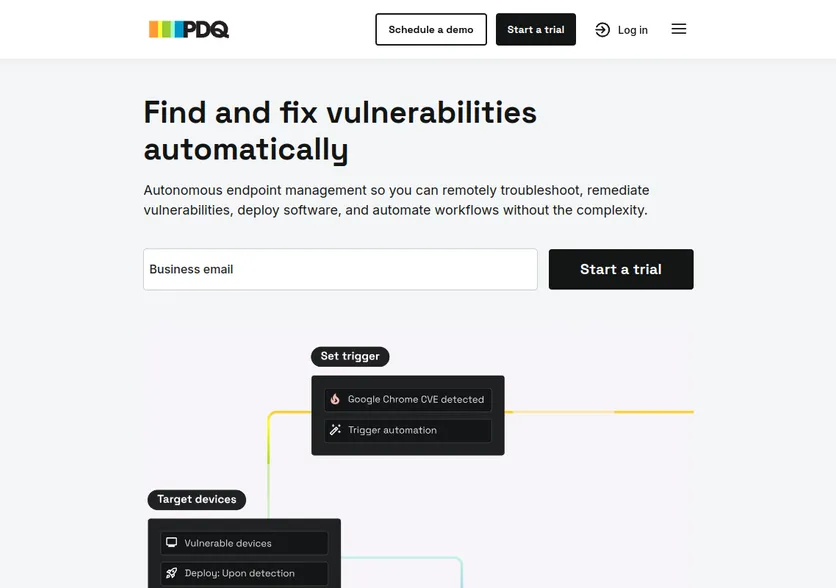
PDQ is the cheapest entry point on this list, with Basic cloud pricing at twelve dollars per device a year for device inventory, prebuilt packages and custom reports. It manages Windows and macOS machines, handles patching and deployments, and adds vulnerability scanning on the Premium plan. A 14-day trial covers the cloud version, while the on-premises Deploy and Inventory bundle costs one thousand nine hundred fifty dollars per admin a year.
What we like
- Inventory from $12 per device a year
- Patch management included on Basic
- Windows and macOS support
Watch out for
- Per-device pricing adds up on big fleets
- On-premises bundle is $1,950 per admin a year
How to try it
- Start the 14-day trial and connect your first devices
- Run a scan to build the inventory of installed software
- Set up automated patching for the apps that need it most
2. Freshservice
Best for: Small IT teams that want ticketing and software inventory in one per-agent plan
Paid tool Starting price: $19 · Starter is $19 per agent a month billed annually; Growth is $49 and Pro is $99
Free plan: Free trial
Freshservice is the cheapest per-agent option here, with Starter at nineteen dollars per agent a month billed annually for ticketing plus asset discovery. It finds hardware and software across the network, tracks warranties and contracts, and folds the inventory into the same queue your team already uses for incidents. Growth and Pro add workflow automation and advanced analytics, and a free trial lets you test it on a real fleet before you pay.

What we like
- Starter from $19 per agent a month
- Asset discovery included on Starter
- Warranty and contract tracking included
Watch out for
- Advanced automation needs Growth or Pro
- Per-agent pricing grows with the team
How to try it
- Start a trial and connect the network discovery agent
- Review the discovered hardware and software for duplicates
- Link assets to tickets so incidents carry full context
3. Alloy
Best for: Small teams that need agentless software discovery without a big platform
Paid tool Starting price: $19 · Explorer is $19 a month for one agent, $228 billed annually; cloud hosting is billed separately
Free plan: Free trial
Alloy is the small-team pick for software inventory, with Explorer at nineteen dollars a month for one agent and two hundred twenty-eight dollars billed annually. It discovers installed software, tracks licenses and hardware, and scans the network without agents, which keeps setup light. Cloud hosting is billed separately, so check the total before you compare it with all-in-one platforms.
What we like
- Explorer from $19 a month for one agent
- Agentless network scanning
- License tracking included
Watch out for
- Cloud hosting is billed separately
- One agent on the cheapest plan
How to try it
- Start a trial and run an agentless network scan
- Review the software inventory and license counts
- Set alerts for unlicensed or outdated software
4. Jira Service Management
Best for: Teams already on Atlassian who want Assets with their service desk
Paid tool Starting price: $21.50 · Standard is $21.50 per agent a month; free forever for up to 3 agents
Free plan: Free plan (3 agents)
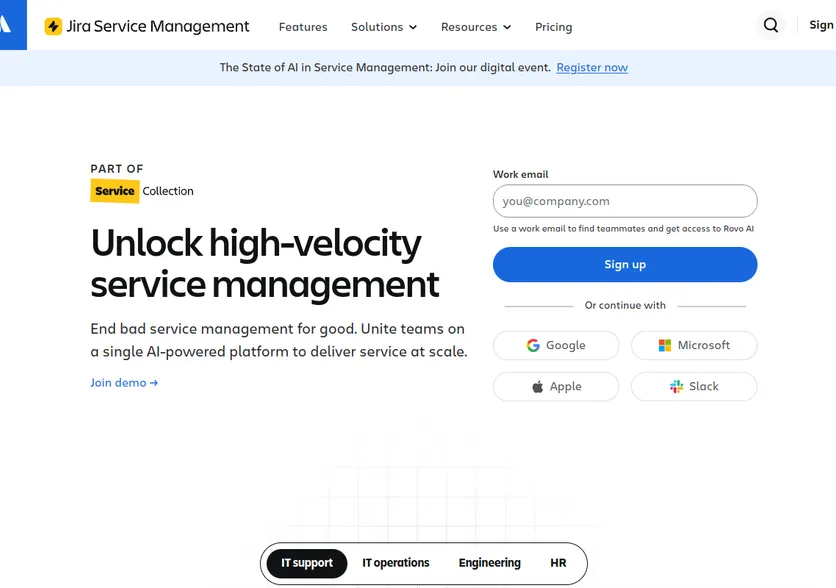
Jira Service Management brings software inventory into the Atlassian service collection, with Standard at about twenty-one dollars and fifty cents per agent a month. Assets are included on Standard, with five thousand objects free, so you can track hardware, software and licenses in the same system that handles incidents. The free plan covers three agents forever, which makes it the easiest way to try a full ITSM inventory without paying.
What we like
- Standard from $21.50 per agent a month
- Assets included with 5,000 free objects
- Free plan for up to 3 agents
Watch out for
- Best value if you already use Atlassian
- Advanced features need Premium or Enterprise
How to try it
- Sign up for the free plan and open Assets
- Import or discover your hardware and software
- Link assets to incidents and change requests
5. ManageEngine ServiceDesk Plus
Best for: IT teams that want asset management bundled with a full service desk
Paid tool Starting price: $27 · Professional starts at $27 per technician a month; Standard is free for up to 5 technicians
Free plan: Free Standard (5 technicians)
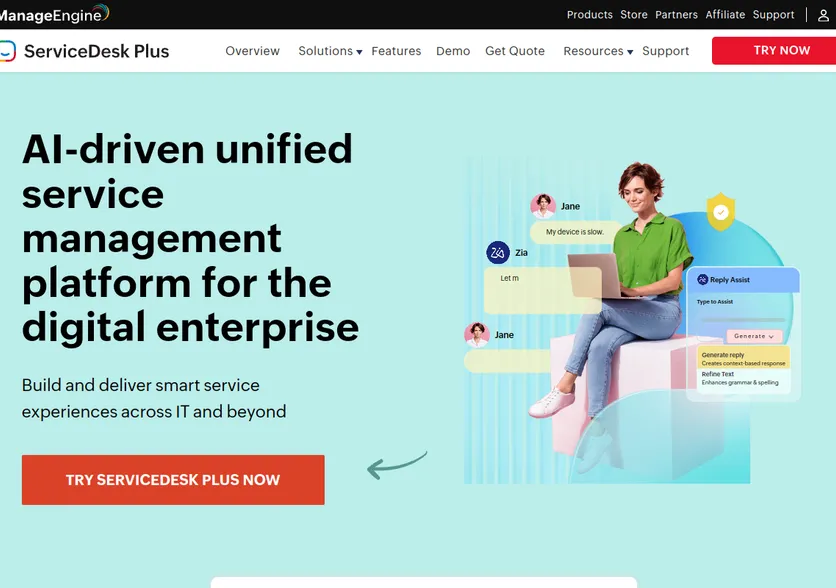
ManageEngine ServiceDesk Plus pairs service desk ticketing with asset management, with Professional starting at twenty-seven dollars per technician a month. It tracks hardware and software, manages licenses and warranties, and includes a configuration database on the higher editions. The Standard edition is free for up to five technicians, and the cloud version starts at six hundred forty-five dollars a year for two technicians and 250 assets on Professional.
What we like
- Professional from $27 per technician a month
- Free Standard edition for up to 5 technicians
- CMDB on the Enterprise edition
Watch out for
- Asset pricing is bundled by technician and asset count
- Some features need the Enterprise edition
How to try it
- Start the 30-day trial and run discovery
- Review the hardware and software inventory
- Set up license and warranty alerts
6. SolarWinds Service Desk
Best for: IT teams that want AI-assisted service management with asset tracking included
Paid tool Starting price: $39 · Essentials starts at $39 per technician a month billed annually; asset pricing is available on request
Free plan: 30-day free trial
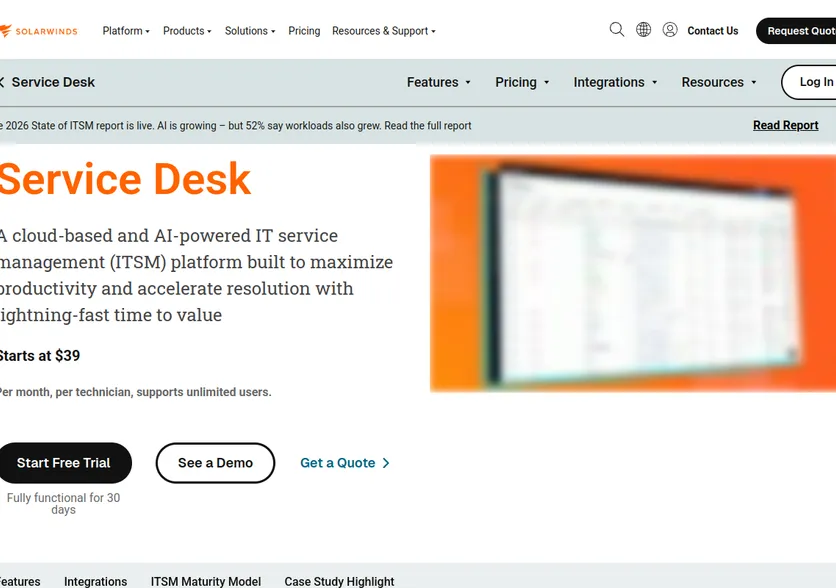
SolarWinds Service Desk is the ITSM platform on this list with the broadest AI features, with Essentials starting at thirty-nine dollars per technician a month billed annually. Asset management is included on every plan, alongside incident management, a service catalog, change management and a configuration database. A 30-day trial gives full access to the Premier features, so you can test discovery and automation before you pay.
What we like
- Essentials from $39 per technician a month
- Asset management on every plan
- AI incident summaries on higher plans
Watch out for
- Asset pricing available on request only
- Billed annually on every plan
How to try it
- Start the 30-day trial with Premier access
- Run discovery to build the software inventory
- Test the AI summaries on real incidents
7. Lansweeper
Best for: Larger networks that need deep agentless discovery across every operating system
Paid tool Starting price: $245 · Starter is from $245 a month billed annually; the pricing page lists three currency figures and the first is taken as USD
Free plan: Free plan (100 assets)
Lansweeper is the discovery heavyweight here, scanning Windows, Mac and Linux machines without agents and mapping every installed application. Starter starts at two hundred forty-five dollars a month billed annually, and the free plan covers the first one hundred assets with six seats. It is built for larger networks where manual inventory is hopeless, with deep reporting on software versions, licenses and end-of-life dates.
What we like
- Free plan for the first 100 assets
- Agentless discovery across Windows, Mac and Linux
- Deep software version and license reporting
Watch out for
- Starter pricing lists three currency figures, so confirm the dollar price
- Priced for larger teams, not one-person shops
How to try it
- Sign up free and scan the first 100 assets
- Review the software inventory for unlicensed installs
- Set up reports for end-of-life software and versions
Prices above were checked on each vendor’s own website on Nov 26, 2026 and can change — the vendor’s page is the final word. Vendor links are editorial: nobody paid to be listed or ranked here. Vendors who want a featured listing can see how it works on our Get listed page.
Pick by billing unit, not by headline price
Every tool on this list bills differently, and the unit decides the real cost: PDQ charges per device a year, Freshservice and Jira charge per agent a month, and Lansweeper charges a flat monthly rate. A team with many machines and few technicians pays least per agent, while a team with many technicians and few machines pays least per device. Before you pay, count both the devices and the people who will log in, then run the trial against your real network and check whether asset pricing is bundled or quoted separately, since SolarWinds and Alloy both add it on top of the headline plan. Confirm that discovery covers every operating system you run, and check what happens to your inventory data if you cancel.
Before you buy
- Count the devices and the technicians before comparing prices, because per-device and per-agent billing punish different teams.
- Confirm discovery is agentless or check what installing agents on every machine will cost in time.
- Test the trial on your real network, not a lab, to see whether discovery finds every installed application.
- Check whether asset pricing is bundled or quoted separately, since some vendors add it on top of the plan price.
- Ask how the tool handles licenses and end-of-life software, since that is where audits usually bite.
Official websites
Official websites of the products reviewed above. Features and prices were checked against these sites when this guide was written, and they can change, so confirm on the vendor site before you buy.
Frequently asked questions
What is the cheapest automated software inventory tool?
PDQ Basic at $12 per device a year is the cheapest entry here, and it includes patch management. Freshservice Starter is the cheapest per-agent option at $19 per agent a month, while Jira Service Management is free for up to three agents. The cheapest pick depends on your team: per-device pricing suits fleets with few technicians, per-agent pricing suits teams with many machines and few staff.
Do these tools discover software automatically?
Yes, all seven discover installed software without manual entry. Lansweeper, Alloy and Freshservice scan the network and report every application they find, while Jira, ServiceDesk Plus and SolarWinds tie discovery into their asset records. PDQ inventories devices and the software on them as part of its patching workflow. Manual entry is only needed for non-network assets like furniture or peripherals.
Is there a free automated software inventory tool?
Yes. Lansweeper is free for the first 100 assets with six seats, Jira Service Management is free forever for three agents, and ServiceDesk Plus Standard is free for up to five technicians. Snipe-IT, covered in our asset tracking guide, is free if you self-host. Free plans cover small networks well, but larger fleets need a paid plan for discovery at scale.
Per agent or per device: which billing is cheaper?
It depends on the ratio of machines to staff. A team with 200 devices and two technicians pays far less per agent on Freshservice or Jira than per device on PDQ. A team with 20 devices and 10 technicians pays less per device. Count both numbers, multiply them out over a year, and compare the totals rather than the headline rates.
Inventory sorted? Try free business, budget and time tools on Toolsvine right in your browser.
Browse Business Tools tools


