
On this page
Warehouse teams scan all day: receiving, picking, packing and cycle counts, often with gloves on and a phone in one hand. The eight tools below turn phones and rugged devices into barcode scanners, from about fifteen dollars a month to fifteen hundred dollars a year. Every price was checked on the vendor site on November 27, 2026. Dynamsoft Barcode Reader is our first pick — the fastest, most reliable scan engine for high-volume warehouse work.
How we researched this
We started with the barcode tools warehouse teams actually run on phones and rugged devices, then read each price on the vendor pricing page on November 27, 2026 and noted the trial each plan carries. We judged them for a warehouse that needs fast scans in poor light, batch scanning and data that lands in the inventory system. We dropped quote-only enterprise platforms and tools that publish prices only in euros.
Compare the tools
| Name | Best for | Starting price | Free plan | |
|---|---|---|---|---|
 Dynamsoft Barcode Reader | Warehouses that need the fastest scan engine at high volume | $1,499/year | No free plan; 30-day free trial | Visit |
 Scanbot SDK | Warehouse apps that need a polished scanning SDK | $2,500/year | No free plan; 30-day free trial | Visit |
 STRICH | Warehouse teams that scan in high volumes from a browser | $99/month | Free trial; no free plan | Visit |
 Scan-IT to Office | Small warehouses that scan barcodes into spreadsheets | $81/year | Free trial; no free plan | Visit |
 Sortly Advanced | Warehouse teams that want scanning inside an inventory app | $49/month | Free plan with limited items; 14-day free trial | Visit |
 WiScanner Pro | Warehouses that scan over Wi-Fi with no per-scan fees | $99.99/year | First 100 scans free; Pro plan is paid | Visit |
 Zoho Inventory Standard | Warehouses that want scanning inside a full inventory system | $29/month | Free plan with 50 orders a month; 14-day free trial | Visit |
 CodeREADr | Warehouse teams that want a cheap scanner app with a database | $14.99/month | Free version; free trial | Visit |
The barcode scanning software for warehouse teams, compared
1. Dynamsoft Barcode Reader
Best for: Warehouses that need the fastest scan engine at high volume
Paid tool Starting price: $1,499/year · Barcode Reader lists from one thousand four hundred ninety-nine dollars per year; older listings show one thousand two hundred forty-nine dollars, so confirm the price at checkout
Free plan: No free plan; 30-day free trial
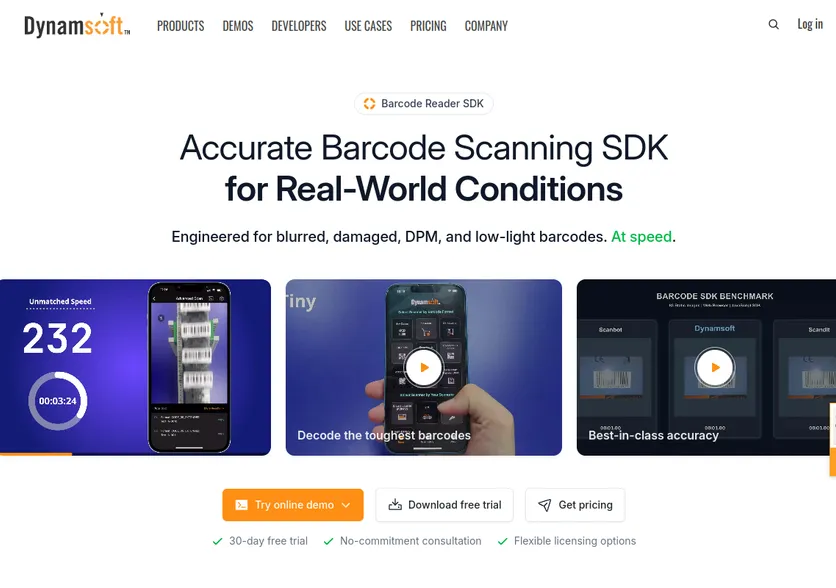
Dynamsoft Barcode Reader is the scan engine behind many warehouse apps, reading damaged, small and poorly printed barcodes that phone cameras usually miss. This Dynamsoft Barcode Reader decodes dozens of barcode types in milliseconds and works offline, so a dead zone in the warehouse never stops the line. It is a developer toolkit rather than a finished app, which suits teams building scanning into their own warehouse system.
What we like
- Reads damaged and poorly printed barcodes reliably
- Decodes dozens of barcode types in milliseconds
- Works offline in warehouse dead zones
Watch out for
- It is a developer toolkit, not a ready-made app
- The price is high for a team that only scans occasionally
How to try it
- Open the Dynamsoft pricing page and pick the Barcode Reader license
- Add the SDK to your warehouse app and test it on damaged labels
- Run a pilot shift and compare scan speed with the old tool
2. Scanbot SDK
Best for: Warehouse apps that need a polished scanning SDK
Paid tool Starting price: $2,500/year · Scanbot SDK lists from two thousand five hundred dollars per year for simple use cases, with custom pricing for larger deployments
Free plan: No free plan; 30-day free trial
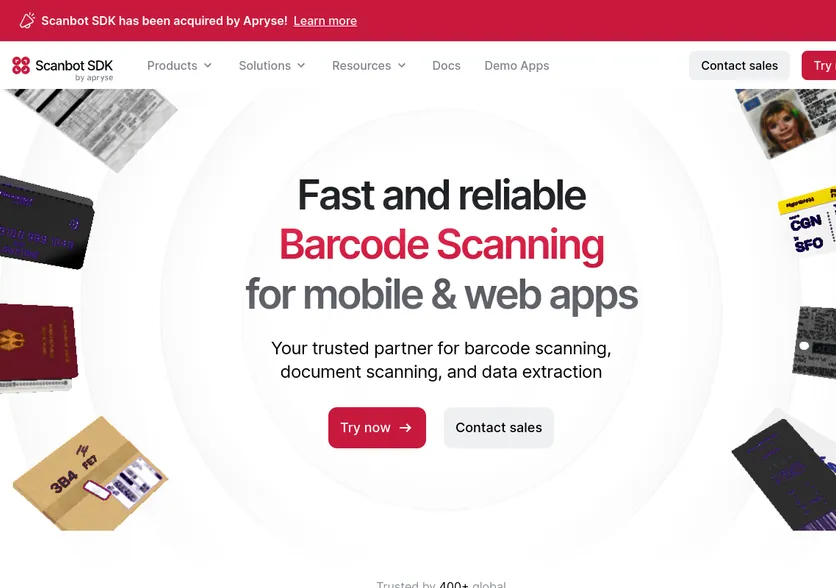
Scanbot SDK adds fast barcode and document scanning to a warehouse app, with a clean scanning interface and ready-made user interface components. This Scanbot SDK reads barcodes in batches, works offline and handles the camera setup so developers do not have to. It is the pick for teams that want scanning that feels native inside their own app without building the camera layer themselves.
What we like
- Polished scanning interface with ready-made components
- Batch scanning reads many codes in one pass
- Works offline with no connection needed
Watch out for
- The entry price is high for a small warehouse
- Custom pricing for larger deployments needs a sales call
How to try it
- Open the Scanbot pricing page and request the SDK trial
- Add the SDK to your app and enable batch scanning
- Test it on the warehouse floor with real labels
3. STRICH
Best for: Warehouse teams that scan in high volumes from a browser
Paid tool Starting price: $99/month · Basic plan lists from ninety-nine dollars per month for ten thousand scans; the vendor homepage also lists ninety-nine euros per month in some regions, so confirm the currency at checkout
Free plan: Free trial; no free plan
STRICH is a barcode scanning SDK that runs in the browser, so warehouse staff can scan with any phone or tablet without installing an app. This STRICH reads barcodes at high speed even in poor light and handles batch scanning for receiving and cycle counts. The Basic plan covers ten thousand scans a month, which suits a mid-size warehouse that scans through a web app.
What we like
- Runs in the browser with no app install
- High-speed scanning even in poor light
- Batch scanning for receiving and cycle counts
Watch out for
- The scan allowance caps the Basic plan at ten thousand a month
- Some regions see euro pricing instead of dollars
How to try it
- Open the STRICH pricing page and start the trial
- Add the web SDK to your warehouse web app
- Test batch scanning on a receiving shift
4. Scan-IT to Office
Best for: Small warehouses that scan barcodes into spreadsheets
Paid tool Starting price: $81/year · Scan-IT to Office lists from eighty-one dollars per device per year
Free plan: Free trial; no free plan
Scan-IT to Office turns a phone into a barcode scanner that sends codes straight into Excel, Google Sheets or any desktop app as if typed. This Scan-IT to Office costs eighty-one dollars per device per year and needs no integration work, so a small warehouse can start scanning the same day. It is the simplest tool on this list for teams that live in spreadsheets.
What we like
- Sends scans straight into Excel or Google Sheets
- No integration work needed to start scanning
- Cheapest per-device price on this list
Watch out for
- It only feeds scans into other apps, with no inventory system
- Each device needs its own license
How to try it
- Open the TEC-IT price list and pick the device licenses
- Install the app on each phone and the connector on the PC
- Scan a test batch into a spreadsheet
5. Sortly Advanced
Best for: Warehouse teams that want scanning inside an inventory app
Paid tool Starting price: $49/month · Advanced plan lists from forty-nine dollars per month on monthly billing; annual billing is discounted in the first year and is not the list price
Free plan: Free plan with limited items; 14-day free trial
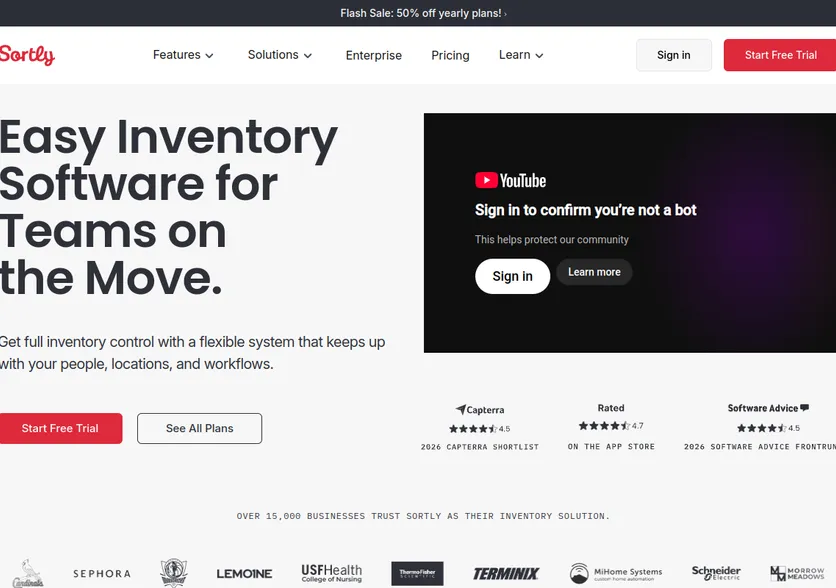
Sortly Advanced pairs barcode scanning with visual inventory management, so a warehouse team scans items, sees photos and tracks stock levels in one app. This Sortly Advanced supports barcode labels, low-stock alerts and multi-user access, which covers the daily work of a small warehouse without a full warehouse management system. The monthly price is the list price, so the bill is the same every month.
What we like
- Barcode scanning inside a visual inventory app
- Low-stock alerts and multi-user access
- Photo-based item records that staff recognize fast
Watch out for
- The list price is the monthly rate, so annual savings are limited
- Advanced features need the paid plan, not the free tier
How to try it
- Open the Sortly pricing page and pick the Advanced plan
- Add your items and print barcode labels
- Scan items in and out for a week and check stock levels
6. WiScanner Pro
Best for: Warehouses that scan over Wi-Fi with no per-scan fees
Paid tool Starting price: $99.99/year · Pro plan lists from ninety-nine dollars and ninety-nine cents per year; the first one hundred scans are free, with scan packs from two dollars and ninety-nine cents
Free plan: First 100 scans free; Pro plan is paid
WiScanner Pro turns phones into Wi-Fi barcode scanners that send codes to any computer on the same network, with no per-scan fees on the Pro plan. This WiScanner Pro scans continuously and keeps a history of every code, which helps when a shipment needs to be traced later. The first one hundred scans are free, so a team can prove the workflow before paying.
What we like
- Sends scans over Wi-Fi to any computer
- No per-scan fees on the Pro plan
- Scan history helps trace shipments later
Watch out for
- Needs Wi-Fi, so it stops in a dead zone
- No built-in inventory system, only scanning
How to try it
- Open the WiScanner site and try the first one hundred scans free
- Connect the phones and the computer to the same Wi-Fi
- Scan a receiving batch and check the history
7. Zoho Inventory Standard
Best for: Warehouses that want scanning inside a full inventory system
Paid tool Starting price: $29/month · Standard plan lists from twenty-nine dollars per organization per month billed yearly for five hundred orders; monthly billing lists from thirty-nine dollars
Free plan: Free plan with 50 orders a month; 14-day free trial
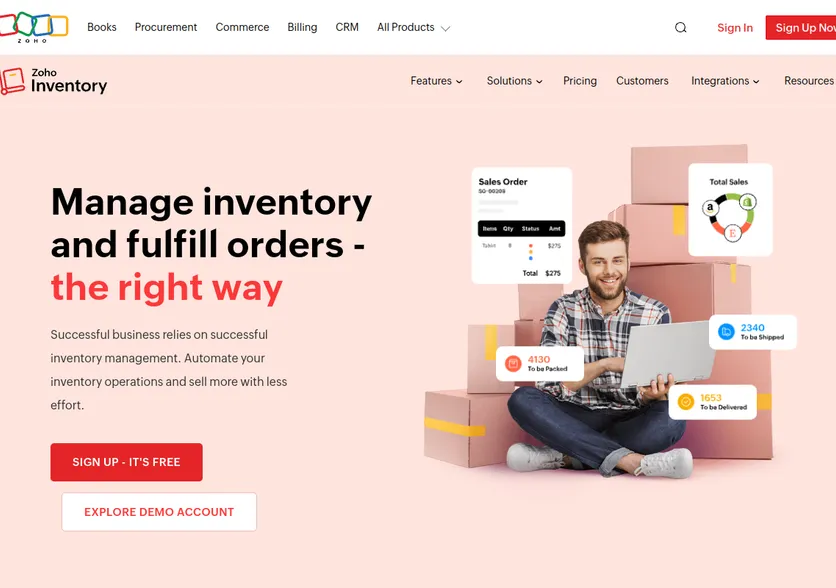
Zoho Inventory Standard is a full inventory and order system with barcode support, covering purchase orders, stock levels and multi-location warehouses. This Zoho Inventory Standard scans items into stock, tracks serial numbers on higher plans and connects to sales channels. It is the pick for a warehouse that needs scanning as part of a bigger inventory workflow, not a standalone scanner.
What we like
- Full inventory and order system with barcode support
- Multi-location stock tracking in one app
- Connects to sales channels and shipping
Watch out for
- Serial and batch tracking need the higher plan
- Barcode features are thinner than a dedicated scanner
How to try it
- Open the Zoho Inventory pricing page and pick Standard
- Add your items and warehouse locations
- Scan stock in and out for a week and check the counts
8. CodeREADr
Best for: Warehouse teams that want a cheap scanner app with a database
Paid tool Starting price: $14.99/month · CodeREADr lists from fourteen dollars and ninety-nine cents per month, with a free version and a free trial
Free plan: Free version; free trial
CodeREADr is a barcode scanner app for phones, tablets and rugged devices that uploads scan data to a central database. This CodeREADr lets a warehouse team design its own data forms, so each scan can capture a quantity, a location or a condition note. At about fifteen dollars a month it is the cheapest full-featured scanner on this list.
What we like
- Cheapest full-featured scanner on this list
- Custom data forms capture more than a barcode
- Works on phones, tablets and rugged devices
Watch out for
- The price comes from a directory listing, not the vendor page
- The interface is functional rather than polished
How to try it
- Open the CodeREADr site and start the free trial
- Design a data form for your scans
- Scan a test batch and check the data in the database
Prices above were checked on each vendor’s own website on Nov 27, 2026 and can change — the vendor’s page is the final word. Vendor links are editorial: nobody paid to be listed or ranked here. Vendors who want a featured listing can see how it works on our Get listed page.
What warehouse barcode scanning costs in 2026
Warehouse barcode scanning is priced per device, per scan or per year, and the right measure depends on how the team scans. A per-device price is predictable when the same phones scan all day, while a per-scan price punishes a busy receiving shift. Test the scanner on your worst labels, not your best ones: torn, faded and small barcodes are the ones that slow the line. Check offline support, because a warehouse dead zone should not stop receiving. Count the scan allowance against a real shift, since ten thousand scans a month sounds generous until three people scan all day. Confirm the tool feeds data into the inventory system you already run, because a scanner that cannot export is a dead end. Finally, budget the labels and the devices too: the software price is only part of what a scanning setup costs.
Before you buy
- Test the scanner on your worst labels, because torn and faded barcodes are the ones that slow the line.
- Check offline support, because a warehouse dead zone should not stop receiving or picking.
- Count the scan allowance against a real shift, since ten thousand scans a month goes fast with three people.
- Confirm the tool feeds data into your inventory system, because a scanner that cannot export is a dead end.
- Budget the labels and devices too, because the software price is only part of a scanning setup.
Official websites
Official websites of the products reviewed above. Features and prices were checked against these sites when this guide was written, and they can change, so confirm on the vendor site before you buy.
Frequently asked questions
Which barcode scanning software is best for warehouse teams in 2026?
Dynamsoft Barcode Reader is the best overall pick at about fifteen hundred dollars a year, with the fastest scan engine for damaged labels. Sortly Advanced is the best pick for small warehouses at forty-nine dollars a month with scanning inside an inventory app. Scan-IT to Office is the best budget pick at eighty-one dollars a year per device.
How much does barcode scanning software cost for a warehouse?
Warehouse barcode scanning on this list runs from about fifteen dollars a month with CodeREADr to about twenty-five hundred dollars a year with Scanbot SDK. Sortly Advanced costs forty-nine dollars a month, and Scan-IT to Office costs eighty-one dollars a year per device. SDKs cost more but scan faster at high volume.
Can warehouse staff scan barcodes with a phone?
Yes. Every tool on this list works on phones, and most work on tablets and rugged devices too. CodeREADr, WiScanner and Scan-IT to Office turn a phone into a scanner with no extra hardware. For the fastest scans in poor light, an SDK like Dynamsoft or STRICH reads damaged labels a plain camera app misses.
What is batch scanning and why does it matter?
Batch scanning reads many barcodes in one pass without tapping each one, which speeds up receiving and cycle counts. STRICH, Scanbot and Dynamsoft all support it. A team that scans hundreds of items per shift saves hours a week with batch mode versus scanning one code at a time.
Do barcode scanners work without internet?
Some do. Dynamsoft, Scanbot and STRICH work offline, so scanning continues in warehouse dead zones and syncs later. WiScanner needs Wi-Fi, and web-based tools need a connection. Check offline support before buying if any part of the warehouse has poor signal.
Need everyday help too? Try Toolsvine's free tools right in your browser.
Browse QR & Barcode Tools tools


