
On this page
A winning bid starts before ground breaks, and the seven tools below run from forty-nine dollars a month to two thousand dollars a year per seat. Every price was checked on the vendor site on November 26, 2026, and five of the seven tools offer a free plan or trial, so a contractor can test the workflow on a real job before paying. Some measure plans in the cloud, some run on a Windows desktop, and one packs estimating into a wider project platform. STACK is our first pick — the fastest way to turn plans into priced bids.
How we researched this
We compared published list prices from each vendor site, checked on November 26, 2026, and kept only tools that print a starting price and cover estimating or takeoff for construction bids. Quote-only platforms were left out, so every figure below is one you can verify yourself. We weighed takeoff speed, the depth of the cost library, how the tool bills, and whether a free plan or trial lets a contractor test it on a live job.
Compare the tools
| Name | Best for | Starting price | Free plan | |
|---|---|---|---|---|
 STACK | Cloud takeoff and estimating for general contractors | $299/user/month | Free version; one project a month | Visit |
 JobTread | All-in-one estimating and job management for residential builders | $199/month | No free plan; 30-day money-back guarantee on monthly billing | Visit |
 Clear Estimates | Fast remodel bids for small residential contractors | $59/month | No free plan; 30-day free trial | Visit |
 Buildxact | Residential builders who want supplier pricing in the estimate | $169/month | Free Go tier with 5 AI estimate credits | Visit |
 Houzz Pro | Design-build firms that sell with 3D plans and a Houzz profile | $199/month | Free plan with estimates and 3D floor plans | Visit |
 Contractor Foreman | Small contractors who want the most software per dollar | $49/month | No free plan; 30-day free trial | Visit |
 PlanSwift | Trade contractors who want desktop takeoff power | $2,000/year | No free plan; 14-day free trial of Core | Visit |
The 7 best bidding software tools for construction in 2026
1. STACK
Best for: Cloud takeoff and estimating for general contractors
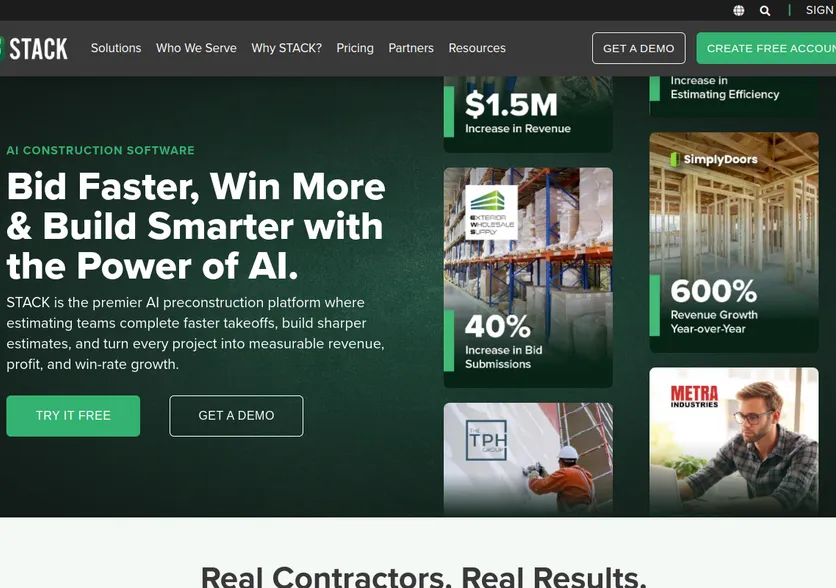
Paid tool Starting price: $299/user/month · Takeoff and Estimate starts at two hundred ninety-nine dollars per user a month, listed as an as low as figure; the final price comes from a quote, and a free version covers one project a month.
Free plan: Free version; one project a month
STACK is a cloud takeoff and estimating tool that measures areas, lengths and counts straight from PDF plans in a browser, then prices the quantities from a built-in item and assembly library. It is the top-rated takeoff platform on the major review sites because its measurements stay close to the plan, and teams can share the same estimate without passing files around. See the current plans on the STACK site before you buy, since the published figure is an as low as price and the final quote depends on your team size.
What we like
- Cloud takeoff that needs no install and works from any browser
- Item and assembly library speeds up repeat bids
- Free version covers one project a month for small firms
Watch out for
- Published price is an as low as figure, so the final quote can be higher
- Per user billing adds up fast on large estimating teams
How to try it
- Upload a PDF plan and let the auto measure tools count walls, doors and symbols
- Price the quantities from the item library or your own assemblies
- Share the estimate with your team and export the bid package
2. JobTread
Best for: All-in-one estimating and job management for residential builders
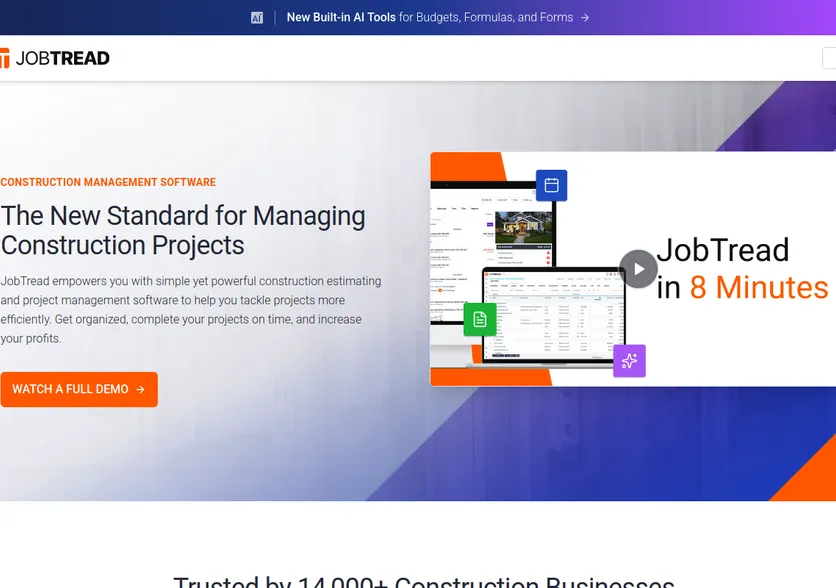
Paid tool Starting price: $199/month · One plan at one hundred ninety-nine dollars a month, plus twenty dollars a month for each added office user; yearly billing saves twenty percent and portal users are free.
Free plan: No free plan; 30-day money-back guarantee on monthly billing
JobTread runs the whole job from the first estimate to the final invoice, which suits residential builders who want one subscription instead of three. Its estimating tools build bids from templates and cost catalogs, then carry the numbers straight into budgets, schedules and client change orders. You can read the full plan details on the JobTread site, and the flat base price makes it easy to budget before you sign up.
What we like
- Every feature in one plan, with no tiered upsells
- Estimates flow into budgets, schedules and invoices
- Highest rated tool in this list on the major review sites
Watch out for
- No free trial, only a money-back guarantee on monthly billing
- Each added office user costs extra on top of the base price
How to try it
- Build an estimate from a template or your own cost catalog
- Send the proposal to the client and track approval in the portal
- Convert the approved bid into a budget and schedule in one click
3. Clear Estimates
Best for: Fast remodel bids for small residential contractors
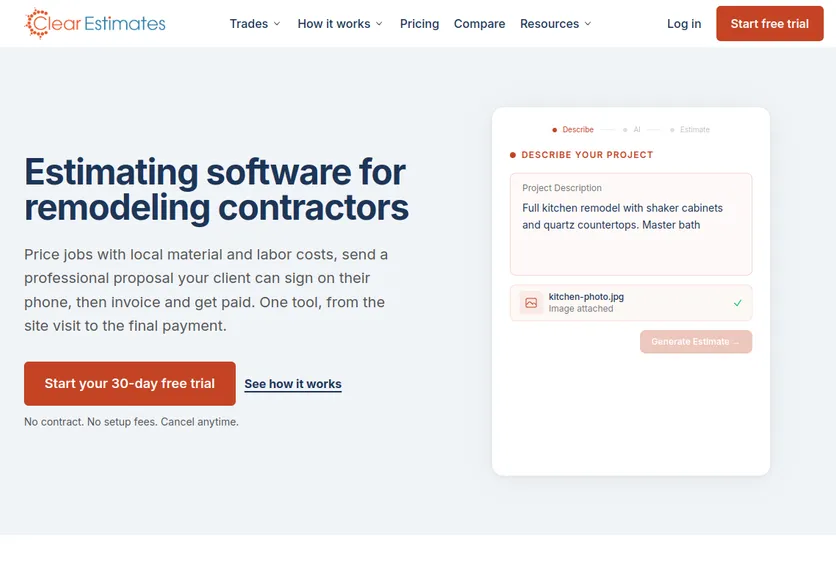
Paid tool Starting price: $59/month · Standard plan at fifty-nine dollars a month billed annually, or seventy-nine dollars month to month; Pro adds users at nine dollars a month each.
Free plan: No free plan; 30-day free trial
Clear Estimates is built for remodelers who need a priced bid fast, with local cost data and a parts database tuned to residential work. The Standard plan covers one login and a full estimating library, while Pro adds extra users for growing crews. You can compare the plans on the Clear Estimates site, and the thirty-day trial lets you price a real job before paying.
What we like
- Cheapest paid start in this list for a working estimator
- Local cost data tuned to residential remodeling
- Thirty-day trial with no card needed up front
Watch out for
- No takeoff tools, so measurements come from another app
- Standard plan covers one login only
How to try it
- Pick your trade and set your local cost database
- Build the estimate from the parts library and your own prices
- Send a clean proposal to the homeowner and track the reply
4. Buildxact
Best for: Residential builders who want supplier pricing in the estimate
Paid tool Starting price: $169/month · Foundation plan at one hundred sixty-nine dollars a month billed annually, or one hundred ninety-nine dollars month to month; Pro and Master add more users and tools.
Free plan: Free Go tier with 5 AI estimate credits
Buildxact is made for residential builders and remodelers, and it pulls live supplier pricing into estimates so bids reflect what materials actually cost. Its AI tools can draft an estimate from a plan and review it for missing items, which cuts the time from measure to proposal. The plans are listed on the Buildxact site, and the free Go tier is a fair way to test the workflow before paying.

What we like
- Live supplier pricing keeps bids honest on material costs
- AI estimate tools speed up drafting and review
- Flat price covers unlimited users on paid plans
Watch out for
- Yearly billing needs a twelve-month commitment
- No documented bid leveling for comparing subcontractor quotes
How to try it
- Connect your supplier price lists to the estimating library
- Draft an estimate with the AI tools and review the line items
- Send the proposal and track the job from the same account
5. Houzz Pro
Best for: Design-build firms that sell with 3D plans and a Houzz profile
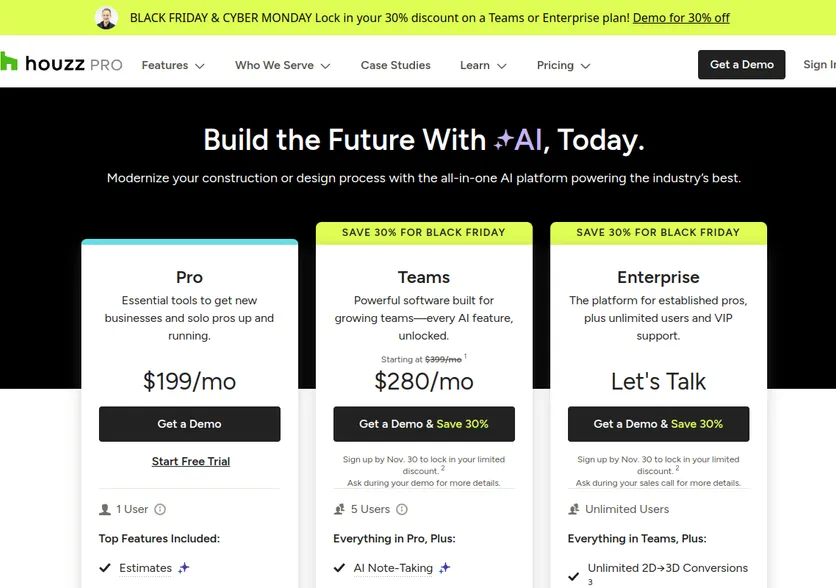
Paid tool Starting price: $199/month · Pro plan at one hundred ninety-nine dollars a month for one user; Teams starts higher and each extra user costs fifty dollars a month.
Free plan: Free plan with estimates and 3D floor plans
Houzz Pro bundles estimates, takeoffs, 3D floor plans and a client portal with a profile on Houzz, where homeowners browse projects and find pros. The Pro plan covers the design-led workflow, from mood boards and selections to contracts and change orders. You can see the current tiers on the Houzz Pro site, and the free plan is generous enough to run small estimates before upgrading.
What we like
- Combines estimating with a lead source on Houzz itself
- 3D floor plans with room scanning help clients say yes
- Free plan covers estimates and invoicing
Watch out for
- Per user pricing grows fast once the team passes one person
- Contracts and takeoffs wait for the paid Pro plan
How to try it
- Set up your Houzz profile and import your project photos
- Build a 3D floor plan and price the estimate from assemblies
- Send the proposal through the client portal and track approval
6. Contractor Foreman
Best for: Small contractors who want the most software per dollar
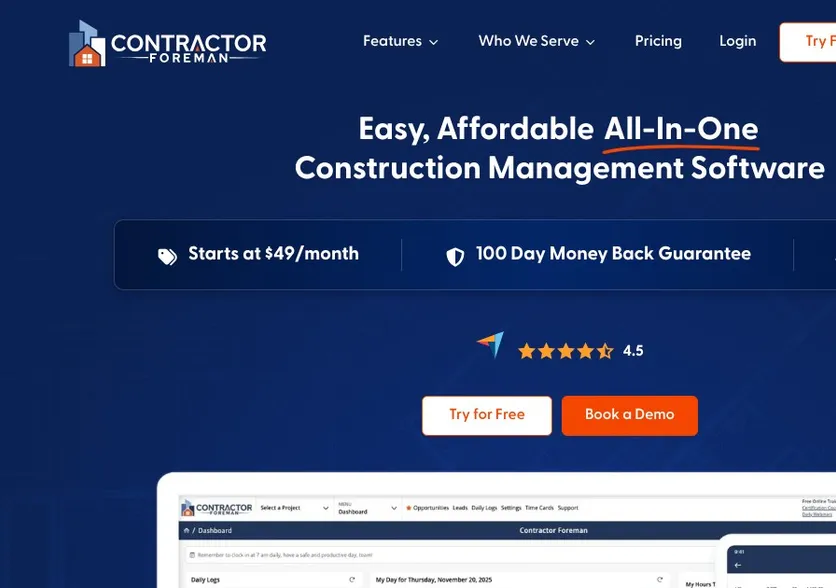
Paid tool Starting price: $49/month · Basic plan at forty-nine dollars a month billed annually for one user; Standard, Plus, Pro and Unlimited add users up to no cap.
Free plan: No free plan; 30-day free trial
Contractor Foreman packs estimating, scheduling, invoicing and document management into one flat-priced platform, which makes it the cheapest all-in-one in this list. The Basic plan covers one internal user, and every tier includes a thirty-day free trial with a price lock at signup. You can compare all five tiers on the Contractor Foreman site, and subcontractor users are free on every plan.
What we like
- Lowest starting price in this list at forty-nine dollars a month
- Flat tiers by user count, so adding a foreman does not reprice the account
- Price lock keeps your rate fixed from signup
Watch out for
- Basic plan leaves out daily logs, change orders and time cards
- Annual-only billing means the cheapest way in still costs a full year up front
How to try it
- Pick the tier that matches your internal user count
- Build the estimate from the material database and your own prices
- Send the proposal and run the job from the same dashboard
7. PlanSwift
Best for: Trade contractors who want desktop takeoff power
Paid tool Starting price: $2,000/year · Essential plan at two thousand dollars per seat a year; Core at three thousand dollars a seat a year adds full Auto Takeoff, and extra seats cost less.
Free plan: No free plan; 14-day free trial of Core
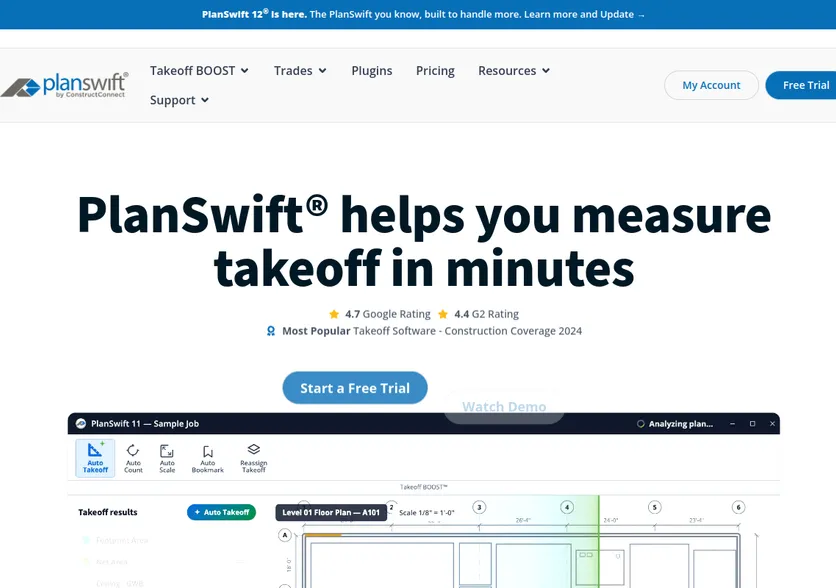
PlanSwift is a Windows takeoff and estimating program from ConstructConnect that measures areas, lengths and counts by pointing and clicking on plans, then prices the quantities with drag-and-drop assemblies. It runs offline on a desktop, which suits estimators who work on site without a reliable connection. The current plans are on the PlanSwift site, and the fourteen-day trial unlocks every Core feature with no card required.
What we like
- Fast once your assemblies are built, with auto count and auto scale
- Offline desktop software that works without a connection
- Two hours of live one-on-one training included in the price
Watch out for
- Windows only, with no cloud or Mac version
- Annual subscription only, so the first seat costs two thousand dollars up front
How to try it
- Install PlanSwift on a Windows PC and import a PDF plan
- Measure areas, lengths and counts with the point and click tools
- Price the quantities from your assemblies and export the bid
Prices above were checked on each vendor’s own website on Nov 26, 2026 and can change — the vendor’s page is the final word. Vendor links are editorial: nobody paid to be listed or ranked here. Vendors who want a featured listing can see how it works on our Get listed page.
How to pick bidding software that fits your firm
Start with how you measure. If your bids start from PDF plans, a cloud takeoff tool saves hours on every job, while a desktop tool suits estimators who work offline on site. If you mostly price remodels from a walkthrough, a parts library with local cost data matters more than takeoff speed.
Count the users before you compare prices. Per user billing looks cheap for one estimator and expensive for five, while flat plans stay the same no matter how many people log in. Add the yearly total to your budget, not the monthly figure, since most of these tools bill annually.
Test on a real bid. Every tool here offers a free plan or a trial, so run one live job through it before you pay. Check that the estimate exports cleanly, that the client proposal looks professional, and that your team can find the numbers a month later.
Before you buy
- Budget the yearly total, not the monthly figure, since most plans here bill annually.
- Count every estimator before you pick, because per user pricing at two hundred ninety-nine dollars a month adds up fast.
- Confirm a free plan or trial exists before you pay, since five of these seven tools offer one.
- Check whether takeoff is included, because Clear Estimates has none and PlanSwift is built around it.
- Read the user cap on the cheapest plan, since Basic tiers here cover one user only.
Official websites
Official websites of the products reviewed above. Features and prices were checked against these sites when this guide was written, and they can change, so confirm on the vendor site before you buy.
Frequently asked questions
What is the cheapest bidding software for construction?
Contractor Foreman is the cheapest paid start in this list at forty-nine dollars a month billed annually for one user, and it covers estimating beside scheduling and invoicing. Clear Estimates follows at fifty-nine dollars a month billed annually for remodelers. Both offer a thirty-day trial, so a small firm can price real jobs before committing to a full year.
Do any of these tools offer a free plan?
Yes. STACK has a free version that covers one project a month, Buildxact has a free Go tier with five AI estimate credits, and Houzz Pro has a free plan with estimates and 3D floor plans. The other four tools offer trials instead, from fourteen days on PlanSwift to thirty days on Clear Estimates and Contractor Foreman.
Which bidding software is best for takeoff?
STACK is the strongest cloud takeoff choice, with auto measurement of walls, doors and symbols from PDF plans and a free version to test. PlanSwift is the strongest desktop choice, with auto count and auto scale on a Windows PC and a fourteen-day trial of every feature. Pick cloud if your team shares estimates, and desktop if you work offline on site.
Why do some tools cost per user and others charge a flat price?
Per user pricing fits tools that sell seats, like STACK at two hundred ninety-nine dollars per user a month, while flat pricing fits tools that sell the whole company, like Buildxact and JobTread. Flat plans stay the same as your team grows, but per user plans climb with every estimator you add. Count your team before you compare the monthly figures.
Can I use bidding software without a subscription?
Not really, since all seven tools here are annual or monthly subscriptions except for the free plans on STACK, Buildxact and Houzz Pro. PlanSwift used to sell a one-time license, but it now charges two thousand dollars a seat a year. If you want no subscription at all, the free plans are the only way in, and they cap projects or features.
Need everyday business help too? Try Toolsvine's free business tools right in your browser.
Browse Business Tools tools


