On this page
Enterprise analytics starts where spreadsheets stop: billions of rows, streaming events and models that train on petabytes. The eight platforms below handle that scale, from fifteen cents per compute unit to two hundred sixty-three dollars a month for a capacity block, and every price was checked on the vendor site on November 27, 2026. Databricks is our first pick — the most flexible lakehouse for analytics and machine learning together.
How we researched this
We started with the big data platforms enterprises actually run, then read each price on the vendor pricing page on November 27, 2026 and noted the trial each plan carries. We judged them for an enterprise that needs petabyte scale, governed data and analytics that business users can actually read. We dropped quote-only platforms with no published pricing at all.
Compare the tools
| Name | Best for | Starting price | Free plan | |
|---|---|---|---|---|
 Databricks | Enterprises that want analytics and machine learning on one platform | $0.15/DBU | 14-day free trial; pay as you go | Visit |
 Snowflake | Enterprises that want a cloud data warehouse that just works | $2.00/credit | 30-day free trial with $400 in credits | Visit |
 Google BigQuery | Enterprises on Google Cloud that want serverless analytics | $6.25/TiB | First 1 TiB scanned free each month | Visit |
 Amazon Redshift Serverless | Enterprises on AWS that want a warehouse without servers | $1.50/hour | Free trial with $300 in credits; pay as you go | Visit |
 Microsoft Fabric | Enterprises on Microsoft that want one analytics platform | $262.80/month | 60-day free trial; pay as you go | Visit |
 Alteryx | Enterprises that want drag-and-drop data preparation | $250/user/month | 30-day free trial; no free plan | Visit |
 Qlik Sense Starter | Enterprises that want associative analytics at a fixed price | $300/month | 30-day free trial; no free plan | Visit |
 Tableau Standard | Enterprises that want many people reading dashboards cheaply | $15/user/month | 14-day free trial; no free plan | Visit |
The big data analytics software for enterprise, compared
1. Databricks
Best for: Enterprises that want analytics and machine learning on one platform
Paid tool Starting price: $0.15/DBU · Jobs Classic lists from fifteen cents per Databricks Unit on the Premium tier in US East; SQL Classic lists from twenty-two cents and SQL Serverless from seventy cents
Free plan: 14-day free trial; pay as you go
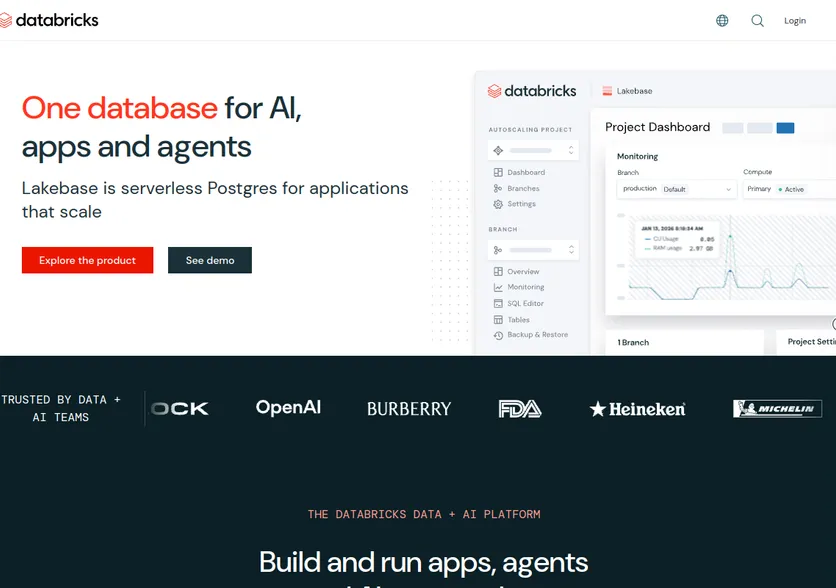
Databricks is the lakehouse platform where enterprise teams run SQL analytics and machine learning on the same data, without moving it between systems. This Databricks charges by the Databricks Unit, so a small job costs pennies and a large one scales with the compute it uses. It is the pick for an enterprise that wants one platform for dashboards, pipelines and models.
What we like
- Analytics and machine learning on one platform
- Pay by the compute unit, so small jobs cost pennies
- Scales from a notebook to a petabyte lakehouse
Watch out for
- The per-unit price needs a calculator to budget
- The platform takes time to learn well
How to try it
- Open the Databricks pricing page and pick the tier
- Create a workspace and connect your data lake
- Run a SQL query and a notebook on the same data
2. Snowflake
Best for: Enterprises that want a cloud data warehouse that just works
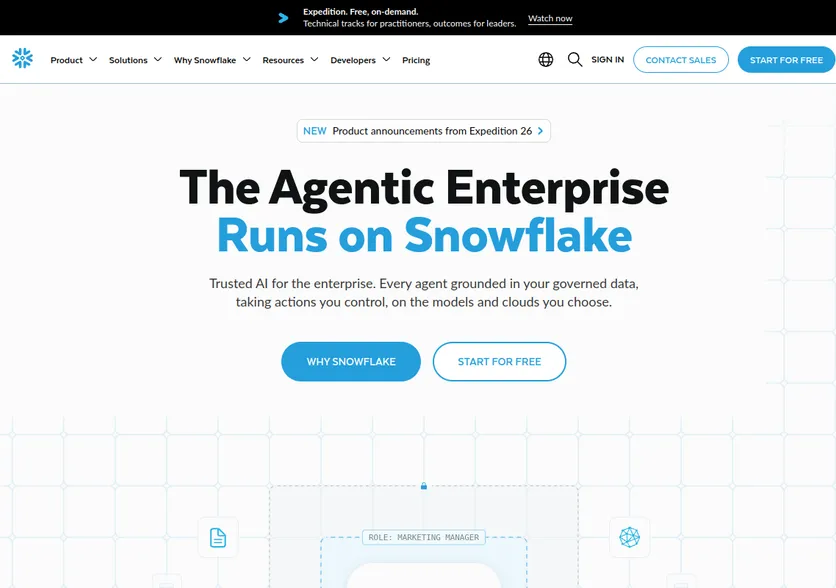
Paid tool Starting price: $2.00/credit · Standard edition lists from two dollars per platform credit on demand in US East; Enterprise lists from three dollars and Business Critical from four dollars, with storage from about twenty-three dollars per terabyte per month
Free plan: 30-day free trial with $400 in credits
Snowflake is the cloud data warehouse most enterprises reach for first, with separate compute and storage so a heavy query never slows the next team. This Snowflake charges by the credit for compute and by the terabyte for storage, and it scales to zero when nobody is querying. It is the pick for an enterprise that wants a warehouse the data team can run without a dedicated admin.
What we like
- Compute and storage scale independently
- Scales to zero when nobody is querying
- No dedicated admin needed to run it
Watch out for
- Credits add up fast on heavy workloads
- The per-credit price varies by edition and region
How to try it
- Open the Snowflake pricing page and pick the edition
- Create a warehouse and load a sample table
- Run a query and watch the credits used
3. Google BigQuery
Best for: Enterprises on Google Cloud that want serverless analytics
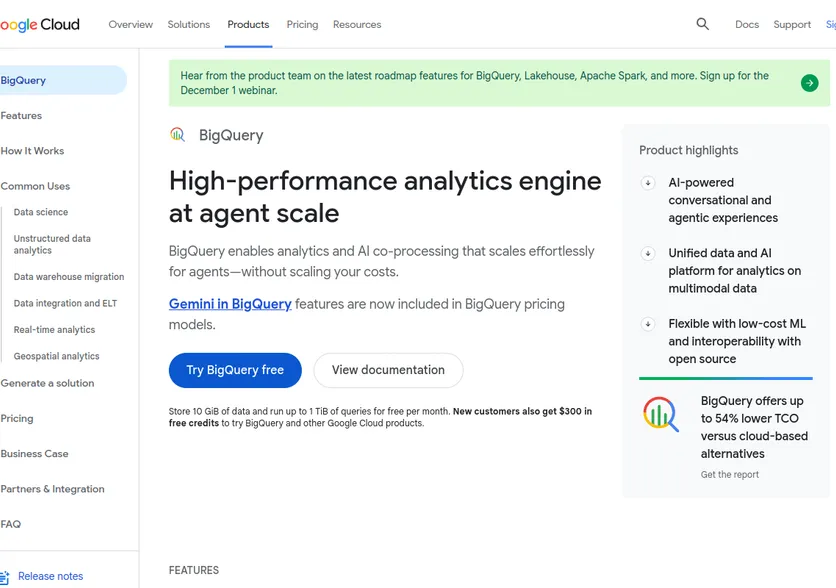
Paid tool Starting price: $6.25/TiB · On-demand analysis lists from six dollars and twenty-five cents per tebibyte scanned, with the first tebibyte free each month
Free plan: First 1 TiB scanned free each month
Google BigQuery is the serverless data warehouse inside Google Cloud, where an enterprise can query petabytes without managing a single server. This Google BigQuery charges by the data scanned, so a well-written query costs cents and a sloppy one costs dollars, which teaches good habits fast. The first tebibyte each month is free, so a team can learn the tool before the bill starts.
What we like
- Serverless with no infrastructure to manage
- First tebibyte scanned each month is free
- Charges by data scanned, so good queries cost cents
Watch out for
- A sloppy query can scan far more than intended
- Works best inside Google Cloud, not outside it
How to try it
- Open the BigQuery pricing page and check the on-demand rate
- Load a sample table in the Google Cloud console
- Run a query and check the bytes scanned
4. Amazon Redshift Serverless
Best for: Enterprises on AWS that want a warehouse without servers
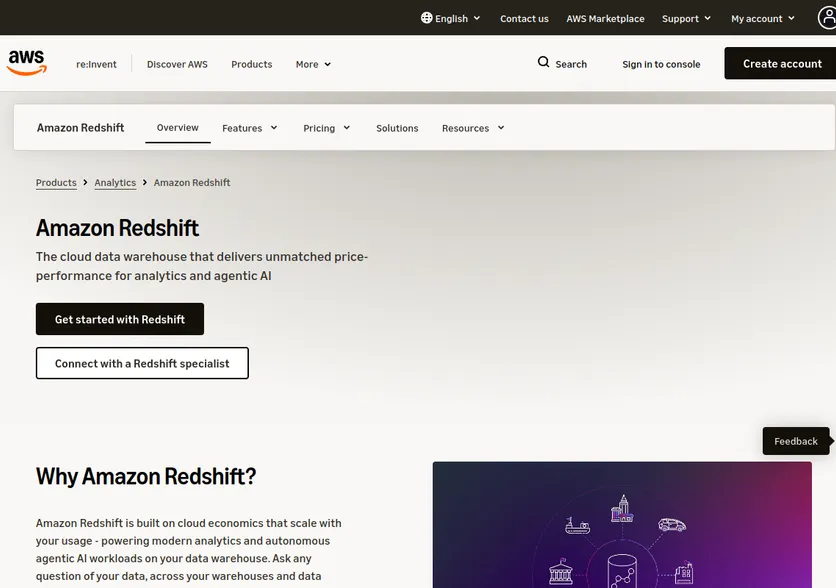
Paid tool Starting price: $1.50/hour · Serverless lists from one dollar and fifty cents per hour; provisioned clusters list from about fifty-four cents per hour
Free plan: Free trial with $300 in credits; pay as you go
Amazon Redshift Serverless is the data warehouse inside AWS that scales compute automatically and charges by the hour it runs. This Amazon Redshift Serverless handles petabyte-scale analytics with the SQL the data team already knows, and it integrates with the rest of AWS without extra connectors. It is the pick for an enterprise already running on AWS that wants a warehouse, not a new platform.
What we like
- Serverless scaling with no cluster to manage
- Standard SQL the data team already knows
- Deep integration with the rest of AWS
Watch out for
- The hourly price adds up on always-on workloads
- Works best inside AWS, not outside it
How to try it
- Open the Redshift pricing page and check the serverless rate
- Create a serverless workgroup in the AWS console
- Load a sample table and run a query
5. Microsoft Fabric
Best for: Enterprises on Microsoft that want one analytics platform
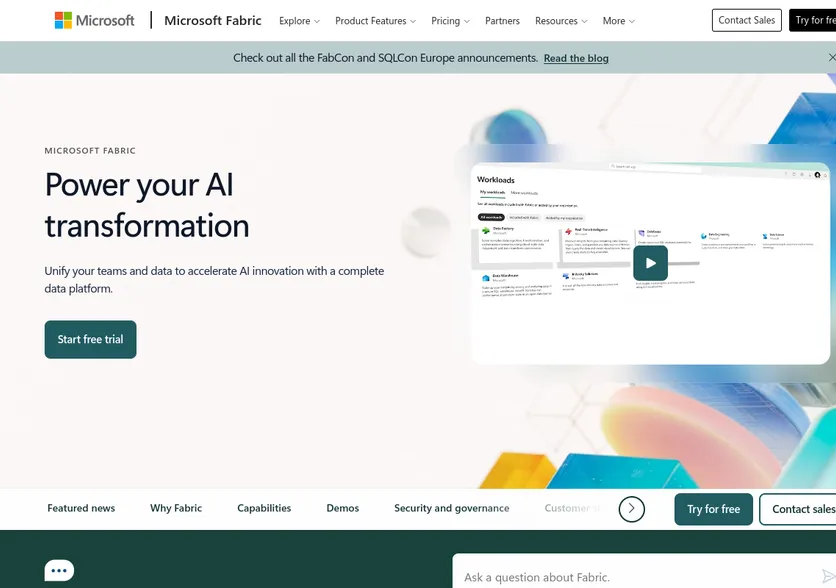
Paid tool Starting price: $262.80/month · F2 capacity lists from two hundred sixty-two dollars and eighty cents per month; larger capacities scale from there
Free plan: 60-day free trial; pay as you go
Microsoft Fabric is the unified analytics platform inside Microsoft, combining data engineering, warehousing, real-time analytics and Power BI in one capacity. This Microsoft Fabric charges by capacity, so one purchase covers every workload instead of a bill per tool. It is the pick for an enterprise already on Microsoft that wants its analytics in one place.
What we like
- One platform for engineering, warehousing and BI
- One capacity purchase covers every workload
- Power BI built in for dashboards
Watch out for
- The entry capacity is a big monthly commitment
- Works best inside Microsoft, not outside it
How to try it
- Open the Fabric pricing page and pick the F2 capacity
- Create a workspace and connect your data sources
- Build a lakehouse and a Power BI report on the same data
6. Alteryx
Best for: Enterprises that want drag-and-drop data preparation
Paid tool Starting price: $250/user/month · Starter lists from two hundred fifty dollars per user per month billed yearly; the older Designer desktop license listed from five thousand one hundred ninety-five dollars per year, so confirm the price before buying
Free plan: 30-day free trial; no free plan
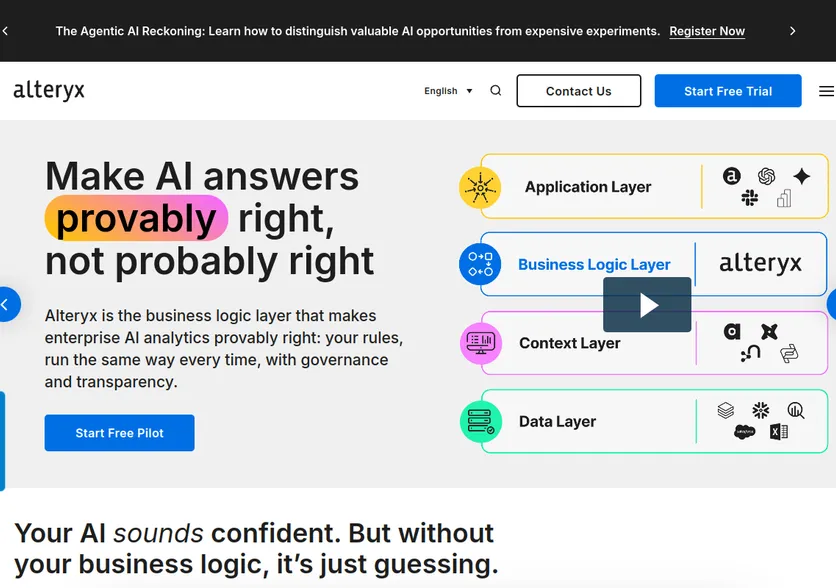
Alteryx is the analytics platform for teams that prepare data by dragging blocks instead of writing code, with workflows for blending, cleaning and predicting. This Alteryx lets analysts build a pipeline in an afternoon that would take a developer a week, and it connects to the warehouse and the dashboard. It suits an enterprise where the analysts outnumber the engineers.
What we like
- Drag-and-drop workflows, no code needed
- Blends, cleans and predicts in one tool
- Analysts build pipelines without waiting on engineers
Watch out for
- The price comes from a directory listing, not the vendor
- Desktop roots show in the cloud pricing
How to try it
- Open the Alteryx pricing page and request a trial
- Build a workflow that blends two data sources
- Schedule the workflow and check the output
7. Qlik Sense Starter
Best for: Enterprises that want associative analytics at a fixed price
Paid tool Starting price: $300/month · Starter lists from three hundred dollars per month billed yearly for ten users; Business lists from thirty dollars per user per month
Free plan: 30-day free trial; no free plan
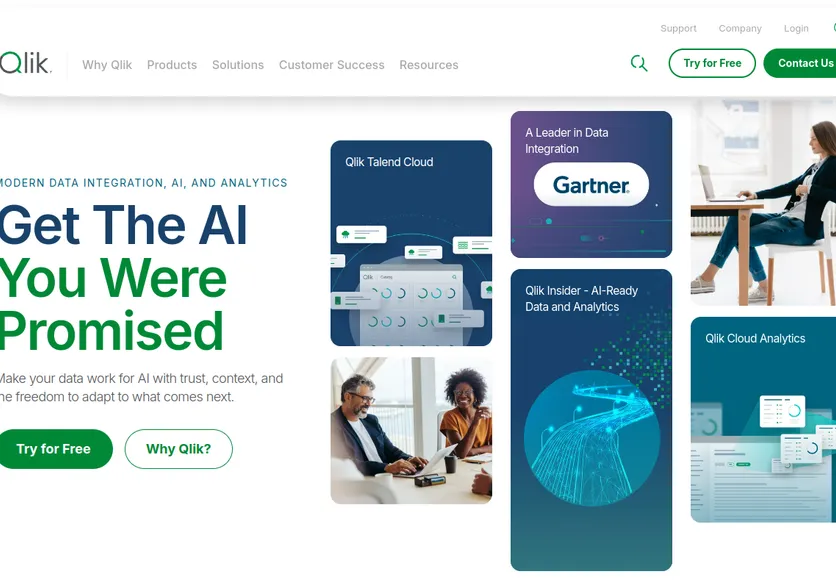
Qlik Sense Starter gives an enterprise team of ten a fixed-price entry into associative analytics, where users explore data freely instead of following a fixed report path. This Qlik Sense Starter connects to the warehouse, adds AI insights and answers natural language questions. It is the pick for a team that wants a predictable monthly bill for ten analysts.
What we like
- Fixed price for ten users, no per-unit math
- Associative exploration finds patterns fixed reports miss
- AI insights and natural language questions included
Watch out for
- Ten users only on the Starter plan
- Smaller community than the bigger platforms
How to try it
- Open the Qlik Sense pricing page and pick Starter
- Connect Qlik Sense to your data warehouse
- Ask a natural language question about the data
8. Tableau Standard
Best for: Enterprises that want many people reading dashboards cheaply
Paid tool Starting price: $15/user/month · Standard lists from fifteen dollars per user per month billed yearly; Enterprise lists from thirty-five dollars, and every deployment needs at least one Creator license
Free plan: 14-day free trial; no free plan
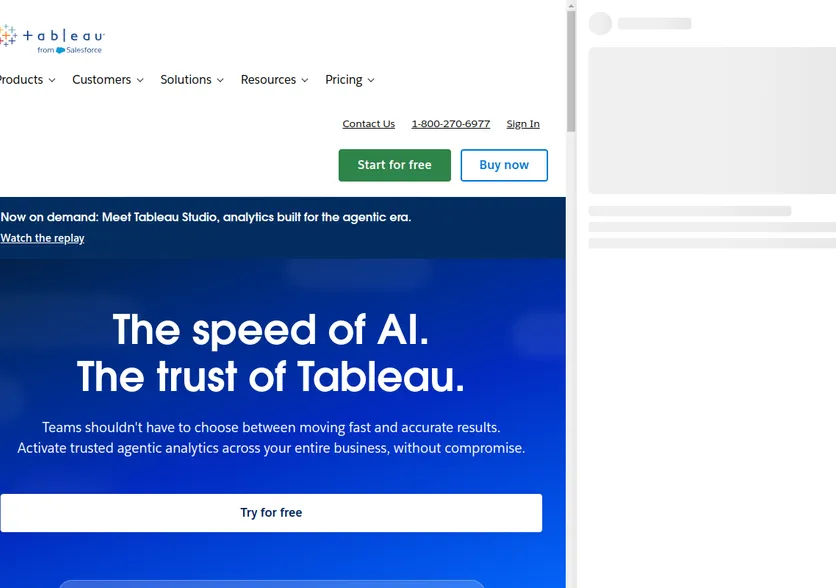
Tableau Standard is the entry edition for the enterprise that wants Tableau dashboards without the Enterprise price, starting at fifteen dollars per user a month. This Tableau Standard lets teams build, share and view governed dashboards, while the builders work with the full authoring tools. It is the cheapest way to put Tableau in front of a whole company.
What we like
- Cheapest way to put Tableau in front of a whole company
- Governed dashboards keep the data consistent
- Desktop and Prep Builder included for authors
Watch out for
- Enterprise features need the thirty-five dollar tier
- Every deployment needs a Creator license too
How to try it
- Open the Tableau pricing page and pick Standard
- Connect Tableau to your data warehouse
- Share a dashboard with viewers and check the filters
Prices above were checked on each vendor’s own website on Nov 27, 2026 and can change — the vendor’s page is the final word. Vendor links are editorial: nobody paid to be listed or ranked here. Vendors who want a featured listing can see how it works on our Get listed page.
What enterprise big data analytics costs in 2026
Enterprise big data analytics is priced per compute unit, per credit, per tebibyte scanned or per capacity, and none of those measures compare directly. Budget by workload, not by headline: run a real query on real data and read the bill before committing. Check the storage price separately, because compute and storage are billed apart on most of these platforms. Confirm governance early, since an enterprise needs row-level security, audit logs and data lineage from day one. Test the exit: a platform that locks data in a proprietary format costs more to leave than to join. Watch the idle bill, because a warehouse that never scales to zero charges all night for nothing. Finally, count the people: a platform the analysts love but the business cannot read will sit unused no matter how cheap the compute is.
Before you buy
- Budget by workload, not by headline, because per-unit prices only make sense on a real query.
- Check the storage price separately, because compute and storage are billed apart on most platforms.
- Confirm governance early, since an enterprise needs row-level security, audit logs and data lineage.
- Test the exit, because a platform that locks data in a proprietary format costs more to leave.
- Watch the idle bill, because a warehouse that never scales to zero charges all night for nothing.
Official websites
Official websites of the products reviewed above. Features and prices were checked against these sites when this guide was written, and they can change, so confirm on the vendor site before you buy.
Frequently asked questions
Which big data analytics software is best for enterprise in 2026?
Databricks is the best overall pick from fifteen cents per Databricks Unit, with analytics and machine learning on one platform. Snowflake is the best pick for a warehouse at two dollars per credit with scaling to zero. Google BigQuery is the best budget pick at about six dollars per tebibyte scanned with the first tebibyte free each month.
How much does big data analytics software cost for enterprise?
Big data analytics on this list runs from fifteen cents per Databricks Unit to two hundred sixty-three dollars a month for Microsoft Fabric F2 capacity. Snowflake costs two dollars per credit, BigQuery about six dollars per tebibyte scanned, and Redshift Serverless from one dollar and fifty cents per hour. Storage is billed separately.
What is the difference between Databricks and Snowflake?
Databricks is a lakehouse built for both SQL analytics and machine learning on the same data, charging by the compute unit. Snowflake is a cloud data warehouse built for SQL analytics with separate compute and storage, charging by the credit. Teams that train models lean toward Databricks, while teams that want a warehouse that just works lean toward Snowflake.
Is BigQuery really serverless?
Yes. BigQuery has no servers to manage, no clusters to size and no capacity to buy: you run a query and pay by the data scanned. The first tebibyte each month is free. It works best inside Google Cloud, where the data already lives and the billing is part of the same account.
How do enterprises control big data costs?
They budget by workload, set quotas and alerts, and let warehouses scale to zero when idle. Snowflake and Redshift both support auto-suspend, while BigQuery charges by data scanned so a well-written query stays cheap. The biggest savings come from governing who can run the expensive queries in the first place.
Need everyday help too? Try Toolsvine's free tools right in your browser.
Browse Business Tools tools