
On this page
A dashboard earns its keep when the whole team sees the same numbers every morning, and the tools below range from free to three hundred dollars a month for a small team. The nine options cover everything from TV-ready KPI boards to deep visual analytics, and every price was checked on the vendor site on November 26, 2026. Three of them offer a real free tier, so you can build a live dashboard before you spend anything. Tableau is our first pick — the deepest visual analytics in this comparison.
How we researched this
We started with the dashboard tools analytics teams actually buy, then read each price on the vendor pricing page on November 26, 2026 and noted the free plan or trial each one carries. We judged them for a team that needs live charts, sharing and alerts from real data sources, and we kept only tools with a published price. We left out Databox, because its pricing was restructured in November 2026 and the figures conflicted across sources.
Compare the tools
| Name | Best for | Starting price | Free plan | |
|---|---|---|---|---|
 Tableau | Teams that want the deepest visual analytics and the biggest dashboard community | $75/user/month | No free plan; 14-day free trial | Visit |
 Power BI | Teams already on Microsoft tools that want the cheapest full dashboard | $14/user/month | Free Desktop app; Pro trial available | Visit |
 Geckoboard | Teams that want TV-ready KPI dashboards without a data team | $79/month | No free plan; 14-day free trial | Visit |
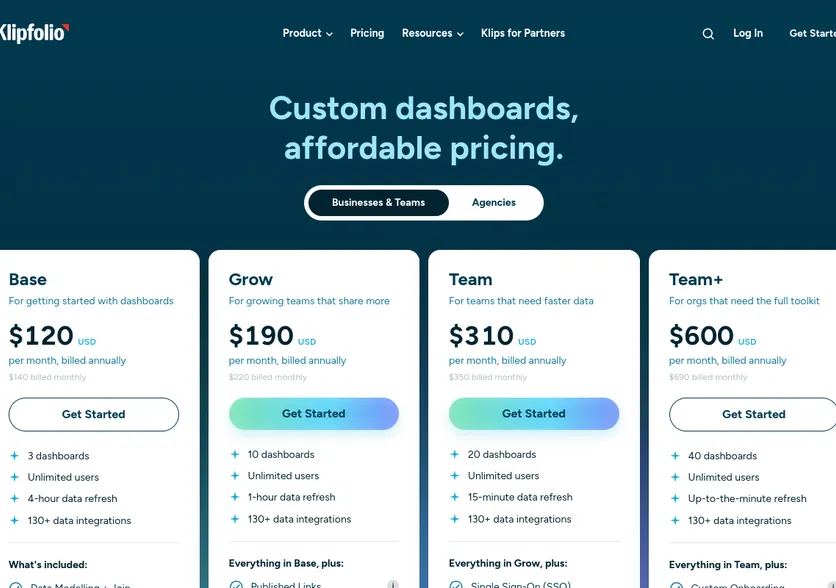
 Klipfolio | Marketing and ops teams that want scheduled reports and alerts from many sources | $120/month | No free plan; 14-day free trial | Visit |
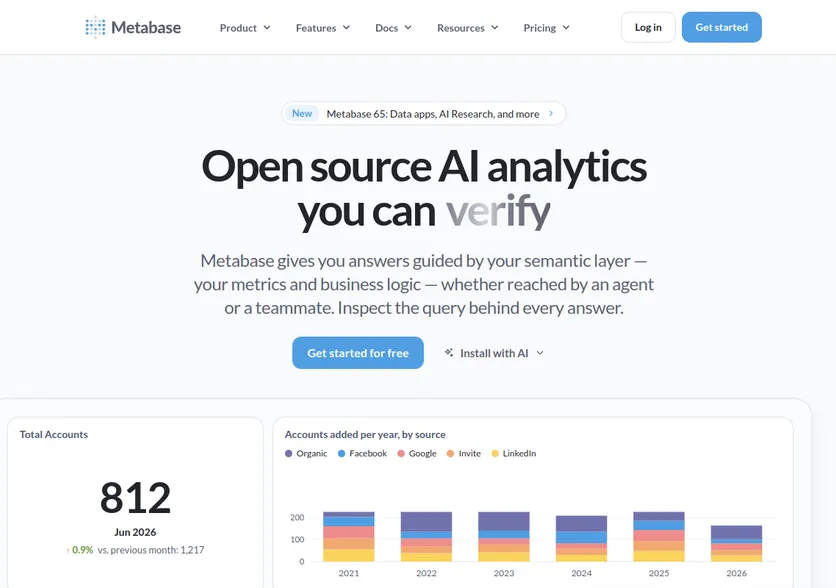
 Metabase | Teams that want open source dashboards they can self-host or run in the cloud | $85/month | Free open source edition | Visit |
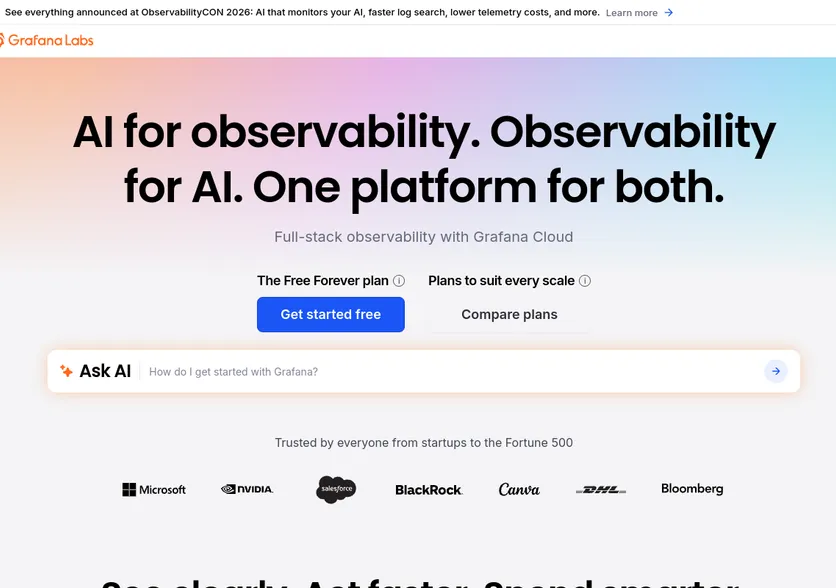
 Grafana Cloud | Engineering teams that want metrics, logs and traces on one dashboard | $19/month | Free tier included | Visit |
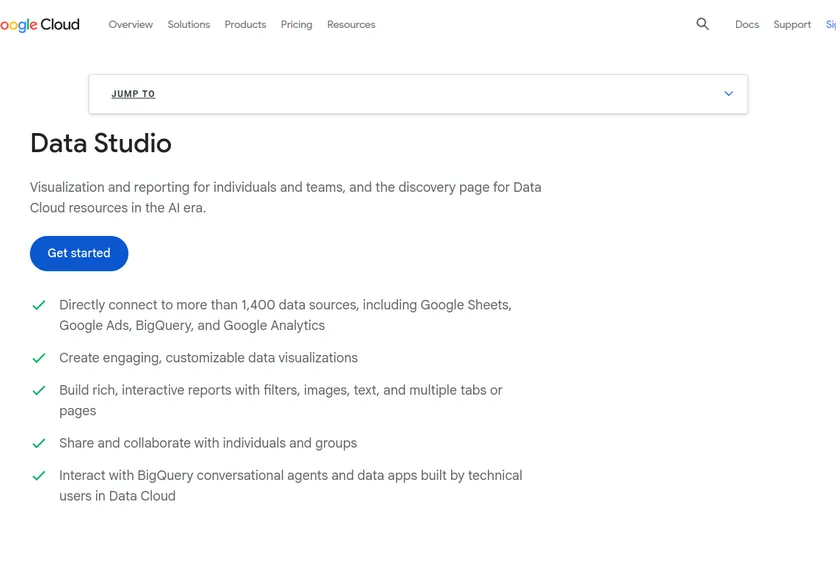
 Looker Studio | Google Workspace teams that want free dashboards with a cheap Pro upgrade | $9/user/month | Free tier included; 30-day Pro trial | Visit |
 Zoho Analytics | Small businesses that want dashboards plus AI insights on a Zoho budget | $24/month | Free plan included | Visit |
 Qlik Sense | Enterprises that want governed analytics with AI-assisted insight | $300/month | No free plan; 30-day free trial | Visit |
The dashboard software for data analytics, compared
1. Tableau
Best for: Teams that want the deepest visual analytics and the biggest dashboard community
Paid tool Starting price: $75/user/month · Creator plan, $75 a user a month on the Standard annual contract; Explorer $42 and Viewer $15 a month; Enterprise Creator $115 a month
Free plan: No free plan; 14-day free trial
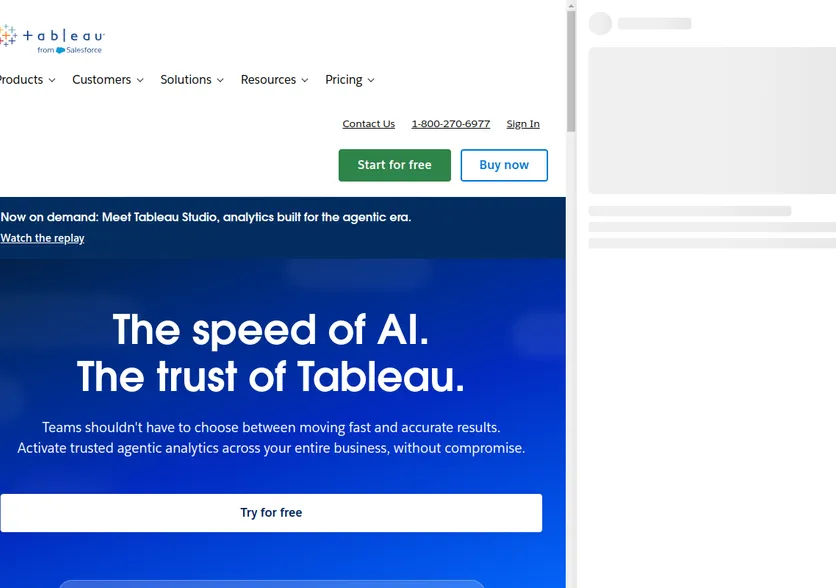
Tableau is the dashboard tool other tools are measured against, with drag-and-drop visuals, live data connections and a huge library of shared workbooks. This Tableau Creator plan costs seventy-five dollars a user a month on the Standard annual contract and covers building, connecting and publishing dashboards. An analyst who needs to answer a new question every day will like the flexibility, because almost any chart or calculation is a few drags away.
What we like
- Deepest visual analytics in this comparison
- Huge community with shared workbooks to learn from
- Live connections to almost any data source
Watch out for
- Priciest builder seat in this comparison
- Annual contracts only, no monthly option
How to try it
- Open the Tableau pricing page and start the 14-day trial
- Connect your spreadsheet or database and build one dashboard
- Publish it and share the link with your team
2. Power BI
Best for: Teams already on Microsoft tools that want the cheapest full dashboard
Paid tool Starting price: $14/user/month · Pro plan, $14 a user a month paid yearly; Premium Per User $24 a month; Desktop is free
Free plan: Free Desktop app; Pro trial available
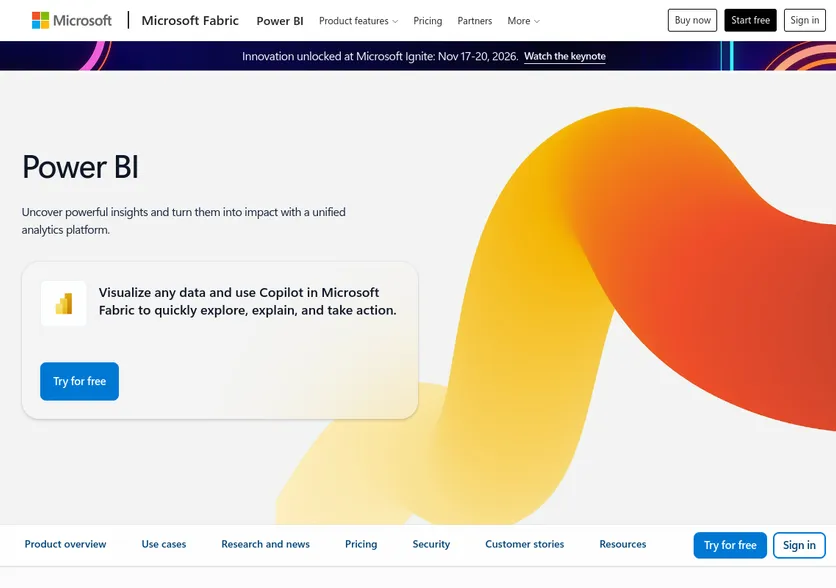
Power BI turns spreadsheets and Microsoft data into interactive dashboards at fourteen dollars a user a month, which undercuts every full-featured rival here. This Power BI Pro plan costs fourteen dollars a user a month paid yearly and covers sharing, collaboration and scheduled refresh. A team that lives in Excel and Teams will feel at home, because reports open inside the apps they already use every day.
What we like
- Cheapest full dashboard in this comparison
- Deep links to Excel, Teams and Microsoft data
- Free Desktop app for building reports
Watch out for
- Sharing needs a paid Pro seat for every viewer
- Best value only inside the Microsoft world
How to try it
- Open the Power BI pricing page and download the free Desktop app
- Build a report from your Excel data
- Publish it to the service and share it with your team
3. Geckoboard
Best for: Teams that want TV-ready KPI dashboards without a data team
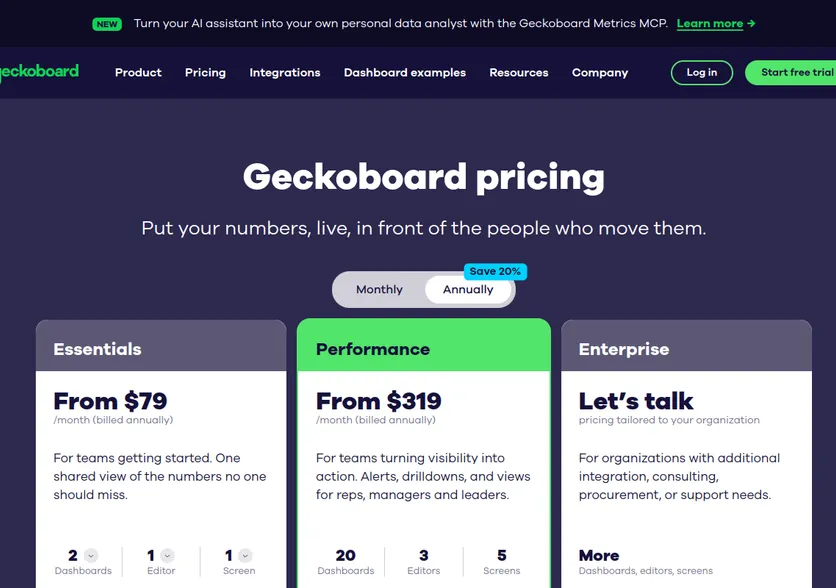
Paid tool Starting price: $79/month · Essentials plan, $79 a month on annual billing; Performance $319 a month; 14-day trial
Free plan: No free plan; 14-day free trial
Geckoboard builds live KPI dashboards that look good on a wall-mounted TV, with simple widgets that pull numbers from the tools a team already uses. This Geckoboard Essentials plan costs seventy-nine dollars a month on annual billing and covers the core integrations and dashboards. An ops team that wants everyone to see the same numbers will like the simplicity, because a dashboard takes minutes to build and never needs a query written.
What we like
- Fastest dashboard setup in this list
- TV-ready displays the whole team can read
- Simple widgets, no queries needed
Watch out for
- No free plan, so the trial is the only test
- Limited depth for heavy analysis
How to try it
- Open the Geckoboard pricing page and start the 14-day trial
- Connect your sales or support tool to a widget
- Put the dashboard on a screen your team can see
4. Klipfolio
Best for: Marketing and ops teams that want scheduled reports and alerts from many sources
Paid tool Starting price: $120/month · Base plan, $120 a month billed annually or $140 billed monthly; Grow $190 a month billed annually
Free plan: No free plan; 14-day free trial
Klipfolio connects to hundreds of data sources and turns them into dashboards, scheduled reports and alerts that land in an inbox on time. This Klipfolio Base plan costs one hundred and twenty dollars a month on annual billing and covers the core dashboards and data connections. A marketing team that reports the same numbers every week will like the scheduling, because the report builds itself and arrives before the Monday meeting.
What we like
- Hundreds of ready data connectors
- Scheduled reports that send themselves
- Alerts flag numbers that move the wrong way
Watch out for
- No free plan, so the trial is the only test
- Flat monthly price, not per user
How to try it
- Open the Klipfolio pricing page and start the 14-day trial
- Connect your marketing tools to one dashboard
- Schedule the dashboard as a weekly email report
5. Metabase
Best for: Teams that want open source dashboards they can self-host or run in the cloud
Paid tool Starting price: $85/month · Cloud Starter plan, $85 a month for 5 users; Pro $500 a month for 10 users; open source edition is free
Free plan: Free open source edition
Metabase is the open source dashboard tool that turns database questions into charts without SQL, and the cloud version removes the hosting work. This Metabase Cloud Starter plan costs eighty-five dollars a month for five users and covers dashboards, questions and alerts. A team with a Postgres or MySQL database will like the ask-a-question flow, because anyone can explore data by clicking instead of writing queries.
What we like
- Open source edition is free to self-host
- Ask questions by clicking, no SQL needed
- Cloud plan removes all hosting work
Watch out for
- Starter covers only five users
- Advanced features need the Pro plan
How to try it
- Open the Metabase pricing page and start the cloud trial
- Connect your database and ask your first question
- Save the chart as a dashboard and share it
6. Grafana Cloud
Best for: Engineering teams that want metrics, logs and traces on one dashboard
Paid tool Starting price: $19/month · Pro plan, $19 a month platform fee plus usage; free tier included
Free plan: Free tier included
Grafana Cloud is the dashboard engineers reach for when the data is metrics, logs and traces, with panels that watch systems as they run. This Grafana Cloud Pro plan costs nineteen dollars a month as a platform fee plus usage, and it adds more users and longer data retention than the free tier. A team that runs services in production will like the alerting, because a dashboard can page someone the moment a metric crosses a line.
What we like
- Best dashboards for metrics and logs
- Strong alerting built into every panel
- Free tier covers small setups well
Watch out for
- Usage charges grow with data volume
- Built for metrics, not business reporting
How to try it
- Open the Grafana pricing page and claim the free tier
- Connect a data source and build a metrics panel
- Set an alert that fires when the metric crosses a threshold
7. Looker Studio
Best for: Google Workspace teams that want free dashboards with a cheap Pro upgrade
Paid tool Starting price: $9/user/month · Pro plan, $9 a user per project a month; free tier included; 30-day trial; formerly Data Studio Pro
Free plan: Free tier included; 30-day Pro trial
Looker Studio is Google's free dashboard tool, and the Pro upgrade adds team sharing, scheduled delivery and support for nine dollars a user a month. This Looker Studio Pro plan costs nine dollars a user per project a month and covers the collaboration features a team needs. A team that already reports in Sheets and BigQuery will like the zero setup, because the data is already connected and the first chart takes minutes.
What we like
- Cheapest paid plan in this comparison
- Free tier covers most solo reporting
- Zero setup for Google data sources
Watch out for
- Pro is priced per user per project, which adds up
- Weaker for non-Google data sources
How to try it
- Open Looker Studio and build a report from a Google Sheet
- Add a chart and share it with your team
- Upgrade to Pro for scheduled delivery and team spaces
8. Zoho Analytics
Best for: Small businesses that want dashboards plus AI insights on a Zoho budget
Paid tool Starting price: $24/month · Basic plan, $24 a month billed annually or $30 billed monthly, for 2 users; Standard $48, Premium $115 and Enterprise $455 a month
Free plan: Free plan included
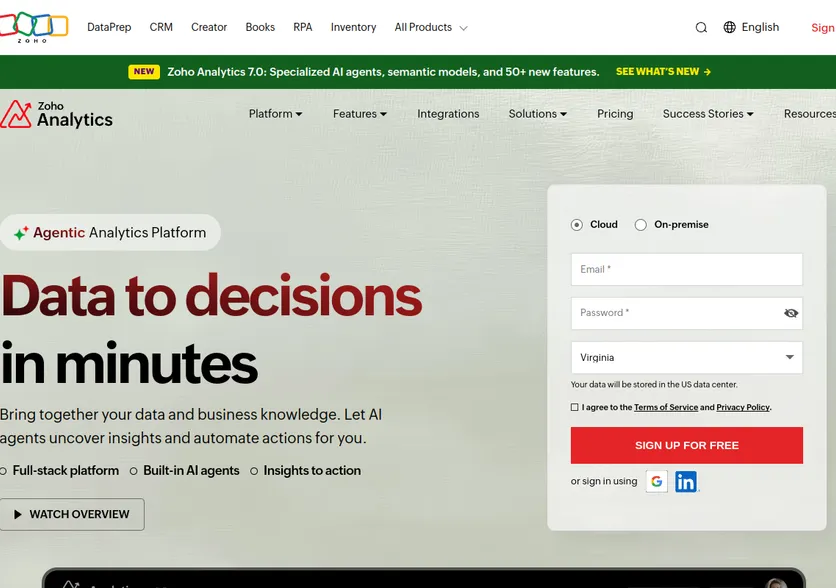
Zoho Analytics turns spreadsheets, databases and cloud apps into dashboards with an AI assistant that answers questions in plain language. This Zoho Analytics Basic plan costs twenty-four dollars a month on annual billing for two users and half a million rows. A small business that already uses Zoho apps will like the shared data, because sales, support and finance numbers flow into one dashboard without exports.
What we like
- AI assistant answers questions in plain words
- Low price for a full analytics tool
- Deep links to the wider Zoho app suite
Watch out for
- Basic plan caps at two users and half a million rows
- Best value only inside the Zoho world
How to try it
- Open the Zoho Analytics pricing page and claim the free plan
- Import a spreadsheet and let the AI suggest charts
- Ask the AI assistant a question about your data
9. Qlik Sense
Best for: Enterprises that want governed analytics with AI-assisted insight
Paid tool Starting price: $300/month · Starter plan, $300 a month for 10 users; Standard $825 and Premium $2,750 a month; sold as Qlik Cloud Analytics
Free plan: No free plan; 30-day free trial
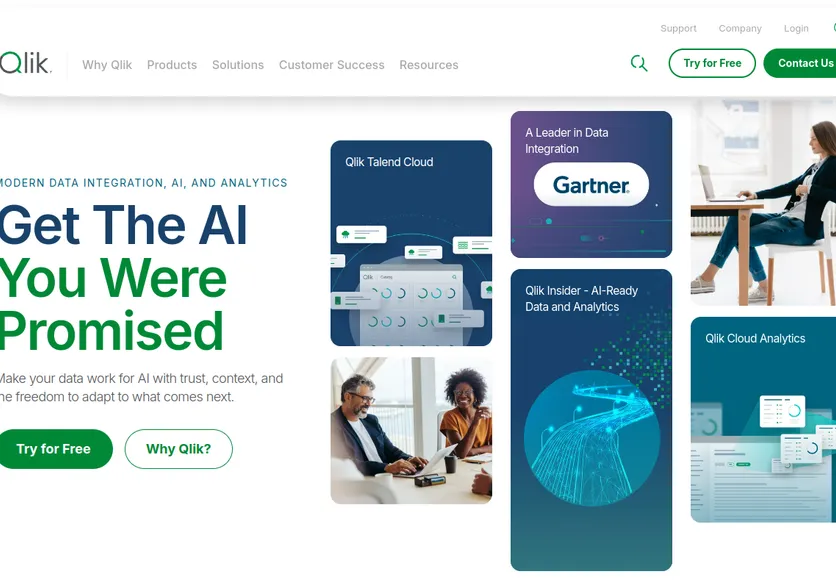
Qlik Sense is the enterprise dashboard platform that pairs associative analytics with AI suggestions, so users can explore data without knowing what to ask first. This Qlik Sense Starter plan costs three hundred dollars a month for ten users and ten gigabytes of data, sold as Qlik Cloud Analytics. A large team that needs governed data and audit trails will like the control, because every dashboard draws from approved sources with permissions built in.
What we like
- Associative engine finds hidden patterns
- AI suggestions guide new users
- Strong governance for enterprise data
Watch out for
- Highest entry price in this comparison
- Overkill for a small team
How to try it
- Open the Qlik pricing page and start the 30-day trial
- Connect an approved data source and build an app
- Share it with ten users and test the AI insights
Prices above were checked on each vendor’s own website on Nov 26, 2026 and can change — the vendor’s page is the final word. Vendor links are editorial: nobody paid to be listed or ranked here. Vendors who want a featured listing can see how it works on our Get listed page.
What dashboard software costs in 2026
Dashboard pricing splits in two, because some tools charge per user and others charge one flat monthly fee. Tableau costs seventy-five dollars per Creator a month and Power BI fourteen dollars per user, while Geckoboard costs seventy-nine dollars a month flat and Klipfolio one hundred and twenty dollars a month flat. The headline plan each vendor shows on its own pricing page is the number in the table above, checked on November 26, 2026.
Start with the trial on two tools and build one dashboard from your real data, not the vendor demo set. Compare how fast it loads, how clear the charts look on a phone, and whether sharing needs a paid seat for every viewer. Pick the tool your team opens every morning, because a dashboard nobody checks is money wasted.
Before you buy
- Count the viewers first, because Tableau charges seventy-five dollars per Creator while viewers cost far less.
- Check the data connectors, because a dashboard that cannot read your database is only a chart builder.
- Confirm the sharing rules, because some tools charge extra for public links or guest viewers.
- Test with your real data, because a demo dashboard hides slow queries and messy joins.
- Compare annual and monthly billing, because most tools here cut the price by about a fifth on annual plans.
Official websites
Official websites of the products reviewed above. Features and prices were checked against these sites when this guide was written, and they can change, so confirm on the vendor site before you buy.
Frequently asked questions
Which dashboard software is best for data analytics in 2026?
Power BI is the cheapest full dashboard at fourteen dollars a user a month, and Looker Studio Pro is cheaper still at nine dollars a user per project, though it works best with Google data. Tableau is the strongest overall at seventy-five dollars a Creator a month, with the deepest visuals and the biggest community. Metabase is the best open source pick, with a free self-hosted edition and a cloud plan from eighty-five dollars a month.
How much does dashboard software cost?
Most tools here cost between nine and eighty-five dollars a month for a small team, with Tableau at seventy-five dollars per builder and Qlik Sense at three hundred dollars a month for ten users at the top. Per-user tools charge for every viewer who needs a seat, so count viewers before you budget. Flat-fee tools like Geckoboard and Klipfolio charge one monthly price no matter how many people look.
Is there free dashboard software for data analytics?
Looker Studio and Grafana Cloud both offer a real free tier, and Metabase offers a free open source edition you can self-host. Zoho Analytics includes a free plan, and Power BI Desktop is free for building reports. The other tools offer trials of fourteen to thirty days, which is enough to build a real dashboard from your own data.
How do I choose between Tableau, Power BI and Metabase?
Start with the data, because a dashboard tool earns its keep only if it connects to your database, spreadsheet or cloud apps without extra work. Then check who needs to view the dashboards, since per-user pricing punishes a wide audience. Build one dashboard from your real data in the trial, and pick the tool your team actually opens every morning.
Can these dashboards connect to my database?
Yes, every tool here connects to common databases and spreadsheets, and most connect to cloud apps like Salesforce, Google Analytics and HubSpot. The depth varies: Tableau and Power BI cover the widest range, while Looker Studio works best with Google sources and Grafana Cloud works best with metrics and logs. Check your exact sources on the vendor connector list before you buy.
Need everyday business help too? Try Toolsvine's free business tools right in your browser.
Browse Business Tools tools


