
On this page
Enterprise data teams pay for compute by the unit, by the credit or by the seat, and the cheapest headline rarely means the cheapest year. The eight platforms below cover warehouses, lakehouses, ingestion and dashboards, with every price read from the vendor pricing page on November 27, 2026. Consumption pricing rewards tidy pipelines and punishes messy ones, so we note where the meter runs. Databricks leads our picks for enterprise teams that want one lakehouse for warehousing, engineering and machine learning.
How we researched this
We started with the data platforms large companies actually run in production, then read each price on the vendor pricing page on November 27, 2026 and noted the billing unit each one meters. We judged them for an enterprise team that needs governed warehouses, scheduled pipelines and dashboards for hundreds of readers without runaway consumption bills. We dropped Domo because it no longer publishes a list price and sells consumption credits by quote, and we left out open-source engines that carry no vendor price.
Compare the tools
| Name | Best for | Starting price | Free plan | |
|---|---|---|---|---|
 Databricks | Enterprise teams that want one lakehouse for warehousing, engineering and machine learning | $0.15/DBU | Free Edition available for learning; 14-day free trial | Visit |
 Snowflake | Enterprises that want a cloud warehouse with storage and compute billed separately | $2.00/credit | Free trial with four hundred dollars of credits for thirty days | Visit |
 Google BigQuery | Teams on Google Cloud that want serverless queries with no servers to manage | $6.25 per TiB | Free tier with the first tebibyte of queries each month free | Visit |
 Tableau | Executives and analysts who need polished visual exploration without writing queries | $75/user/month | No free plan; 14-day free trial of Tableau Cloud | Visit |
 Microsoft Power BI | Enterprises already on Microsoft 365 that want the cheapest dashboard seats | $14/user/month | Power BI Desktop is free; Pro offers a trial | Visit |
 Qlik Sense | Teams that want associative exploration and strong data preparation in one suite | $300/month | 30-day free trial; no permanent free plan | Visit |
 Alteryx Designer | Analysts who blend and model messy data every day without writing code | $5,195/user/year | No free plan; 30-day free trial | Visit |
| dbt Cloud | Analytics teams that want versioned SQL models and lineage on their warehouse | $100/user/month | Free Developer tier with one seat | Visit |
The big data software for enterprise, compared
1. Databricks
Best for: Enterprise teams that want one lakehouse for warehousing, engineering and machine learning
Paid tool Starting price: $0.15/DBU · Fifteen cents per Databricks Unit on the Jobs Classic tier at the Premium level; serverless and all-purpose compute cost more; Standard tier retired in October 2025 on AWS and Google Cloud and October 2026 on Azure
Free plan: Free Edition available for learning; 14-day free trial
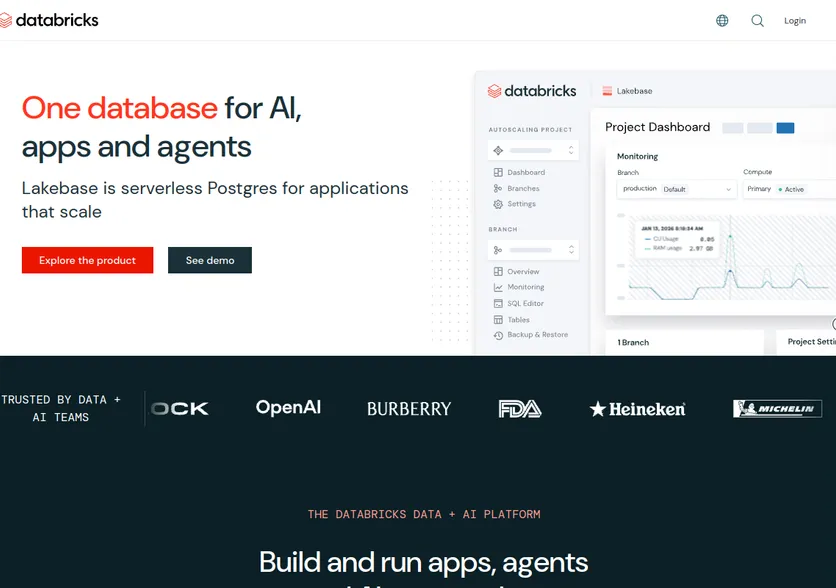
Databricks runs warehousing, data engineering and machine learning on one lakehouse, so enterprise teams stop copying data between systems. This Databricks platform prices compute from fifteen cents per Databricks Unit on the Jobs Classic tier at the Premium level, with serverless and all-purpose compute billed higher. A team that schedules pipelines and notebooks together gets governed tables, Unity Catalog and AI features in one place, though the bill follows every unit the jobs consume.
What we like
- One lakehouse for warehousing, engineering and machine learning
- Unity Catalog governs tables across every workload
- Jobs compute starts at fifteen cents per unit
Watch out for
- Consumption billing rewards tidy pipelines and punishes messy ones
- Serverless and all-purpose compute cost more than Jobs compute
How to try it
- Open the Databricks site and start the free trial
- Connect your cloud storage and create a first notebook
- Run a scheduled job and check the units it consumes
2. Snowflake
Best for: Enterprises that want a cloud warehouse with storage and compute billed separately
Paid tool Starting price: $2.00/credit · Two dollars per credit on the Standard edition on demand in AWS US East; Enterprise lists at three dollars a credit and Business Critical at four dollars; storage lists at twenty-three dollars per terabyte a month
Free plan: Free trial with four hundred dollars of credits for thirty days
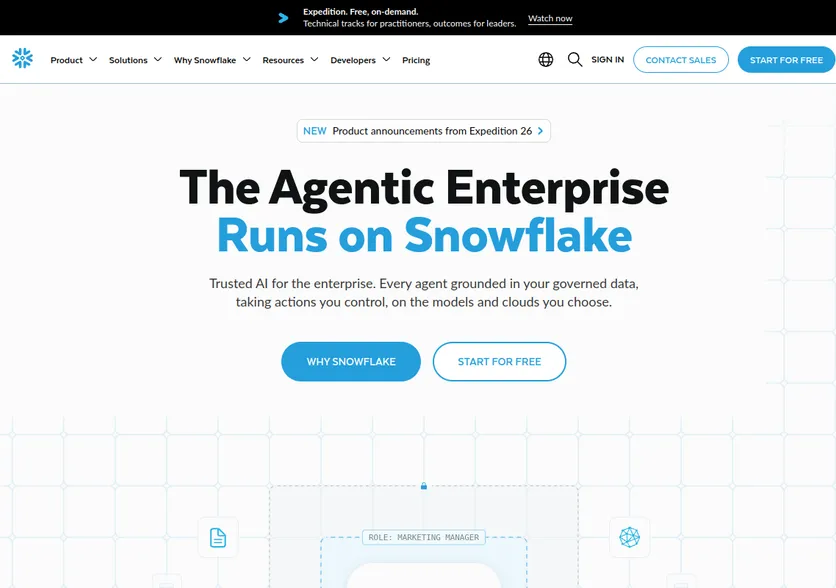
Snowflake is the cloud warehouse most enterprises compare everything else against, with storage and compute billed separately so idle warehouses cost nothing. This Snowflake platform lists Standard edition compute at two dollars per credit on demand in AWS US East, with Enterprise at three dollars and Business Critical at four dollars a credit. A team that separates storage from compute and suspends idle warehouses keeps the bill close to the headline rate, though heavy queries burn credits fast.
What we like
- Storage and compute scale and bill independently
- Deepest ecosystem of connectors and marketplace data
- Warehouses suspend automatically when idle
Watch out for
- Heavy queries burn credits faster than the headline suggests
- Enterprise and Business Critical editions cost more per credit
How to try it
- Open the Snowflake site and start the free trial
- Load a sample table and run a first query
- Set a warehouse to auto-suspend and watch credit use
3. Google BigQuery
Best for: Teams on Google Cloud that want serverless queries with no servers to manage
Paid tool Starting price: $6.25 per TiB · Six dollars and twenty-five cents per tebibyte of data processed on demand, with the first tebibyte each month free; flat-rate slots are a separate option
Free plan: Free tier with the first tebibyte of queries each month free
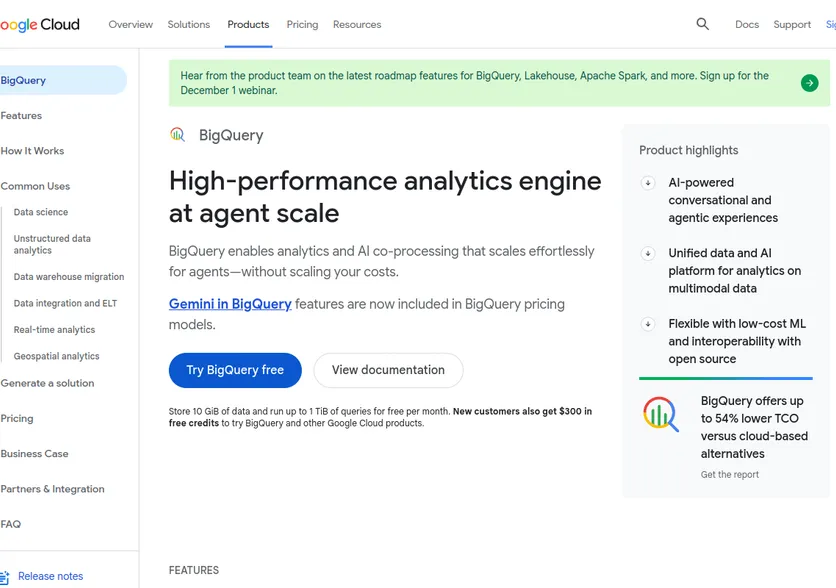
BigQuery is the serverless warehouse from Google, and it charges for the data each query scans rather than for servers that sit idle. This Google BigQuery service lists on-demand queries at six dollars and twenty-five cents per tebibyte processed, with the first tebibyte each month free. A team that partitions tables and previews query costs before running them can hold a big warehouse bill near zero, though one careless full-table scan can cost more than a month of storage.
What we like
- No servers to size, patch or keep running
- First tebibyte of queries each month is free
- Query cost is visible before the query runs
Watch out for
- One unfiltered full-table scan can cost more than a month of storage
- Egress and streaming inserts are billed on top of queries
How to try it
- Open the Google Cloud console and enable BigQuery
- Load the public sample data and run a first query
- Check the bytes processed before running a large query
4. Tableau
Best for: Executives and analysts who need polished visual exploration without writing queries
Paid tool Starting price: $75/user/month · Seventy-five dollars per user a month for Creator on the Standard edition billed annually; Explorer lists at forty-two dollars and Viewer at fifteen dollars
Free plan: No free plan; 14-day free trial of Tableau Cloud
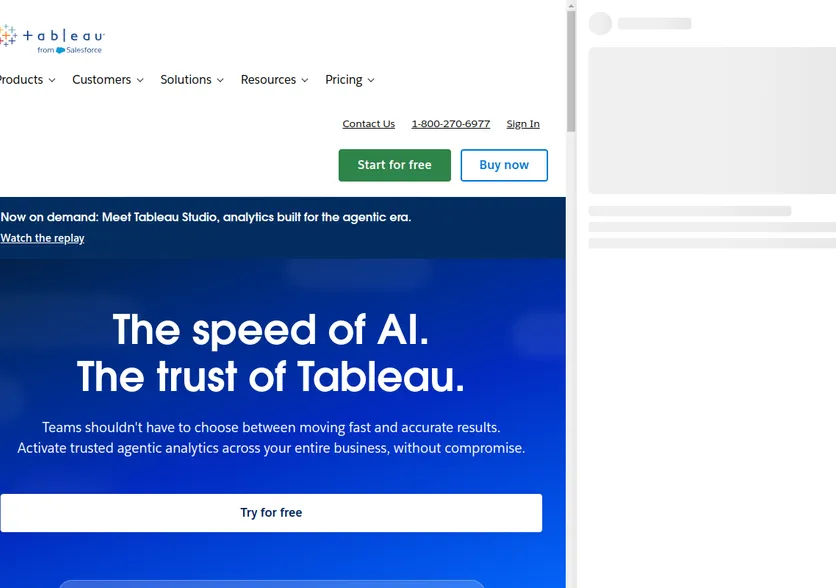
Tableau is the dashboard tool enterprise teams buy when executives need to explore data without writing queries. This Tableau platform lists Creator at seventy-five dollars per user a month billed annually, with Explorer at forty-two dollars and Viewer at fifteen dollars. A team that gives builders Creator seats and readers Viewer seats keeps the license bill in check, though the per-user price climbs fast once hundreds of people need access.
What we like
- The most polished visual exploration in this list
- Viewer seats keep reader licenses cheap
- Huge community and library of shared dashboards
Watch out for
- Per-user pricing climbs fast once hundreds of people need access
- Advanced features live on higher editions that cost more
How to try it
- Open the Tableau site and start the free trial
- Connect a data source and build a first dashboard
- Share it with a Viewer seat and check the reading experience
5. Microsoft Power BI
Best for: Enterprises already on Microsoft 365 that want the cheapest dashboard seats
Paid tool Starting price: $14/user/month · Fourteen dollars per user a month for Pro billed annually; the price rose from ten dollars on April 1 2025; Premium Per User lists at twenty-four dollars
Free plan: Power BI Desktop is free; Pro offers a trial
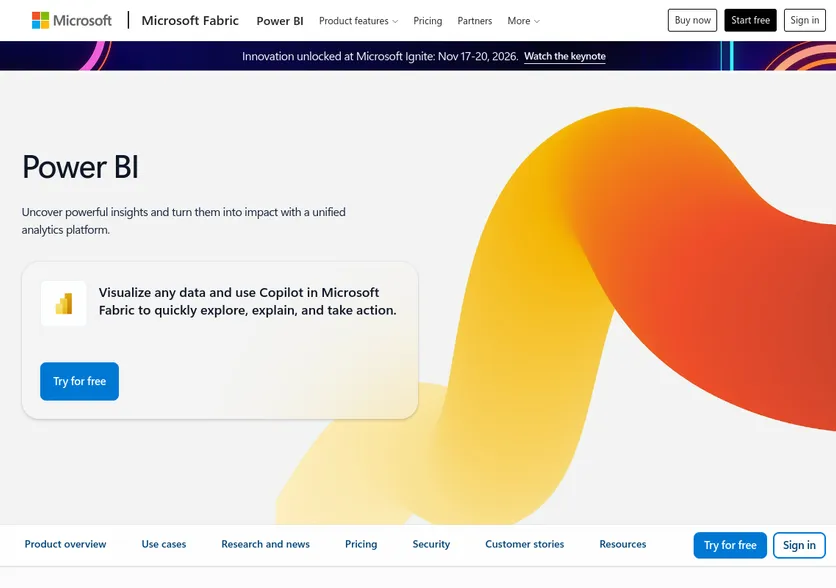
Power BI is the Microsoft dashboard that lives inside the Microsoft 365 world most enterprises already pay for. This Microsoft Power BI service lists Pro at fourteen dollars per user a month billed annually, up from ten dollars in April 2025, with Premium Per User at twenty-four dollars. A team already on Microsoft 365 gets sharing, scheduled refresh and mobile apps for the lowest seat price here, though heavy models and large audiences eventually need Premium capacity.
What we like
- Lowest seat price in this list at fourteen dollars
- Fits naturally with Microsoft 365 and Teams
- Desktop app is free for building reports
Watch out for
- Heavy models and large audiences eventually need Premium capacity
- Pro rose from ten dollars to fourteen dollars in April 2025
How to try it
- Download Power BI Desktop free and build a first report
- Publish it to the Power BI service on a Pro trial
- Share it with a colleague and test scheduled refresh
6. Qlik Sense
Best for: Teams that want associative exploration and strong data preparation in one suite
Paid tool Starting price: $300/month · Three hundred dollars a month for the Starter plan billed annually, covering ten users; Standard lists at eight hundred twenty-five dollars and Premium at two thousand seven hundred fifty dollars; the old thirty-dollar per-user Business plan is retired
Free plan: 30-day free trial; no permanent free plan
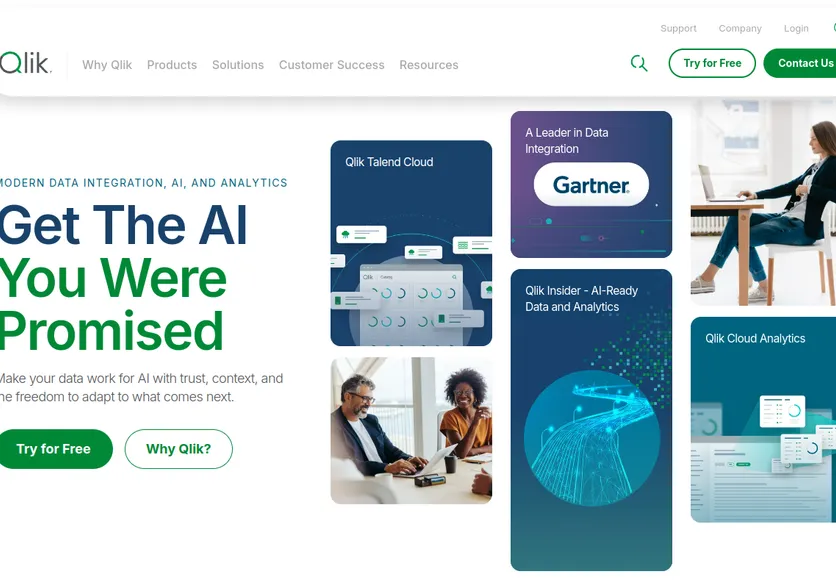
Qlik Sense is the associative analytics engine that lets users click through data without prebuilt query paths. This Qlik Sense product now sits inside Qlik Cloud Analytics, and the Starter plan lists at three hundred dollars a month billed annually for ten users. A team that values guided exploration and strong data preparation gets a polished dashboard suite, though the old thirty-dollar per-user Business plan is gone and small teams now pay the flat Starter rate.
What we like
- Associative engine finds relationships without preset queries
- Strong built-in data preparation tools
- Flat Starter rate covers ten users
Watch out for
- The old per-user Business plan is retired, so small teams pay the flat rate
- Premium features jump the price sharply from Starter
How to try it
- Open the Qlik site and start the free trial
- Load a spreadsheet and let the engine suggest associations
- Build a dashboard and share it with a colleague
7. Alteryx Designer
Best for: Analysts who blend and model messy data every day without writing code
Paid tool Starting price: $5,195/user/year · Five thousand one hundred ninety-five dollars per user a year for Designer Desktop; Designer Cloud lists at seven thousand one hundred ninety-five dollars per user a year
Free plan: No free plan; 30-day free trial
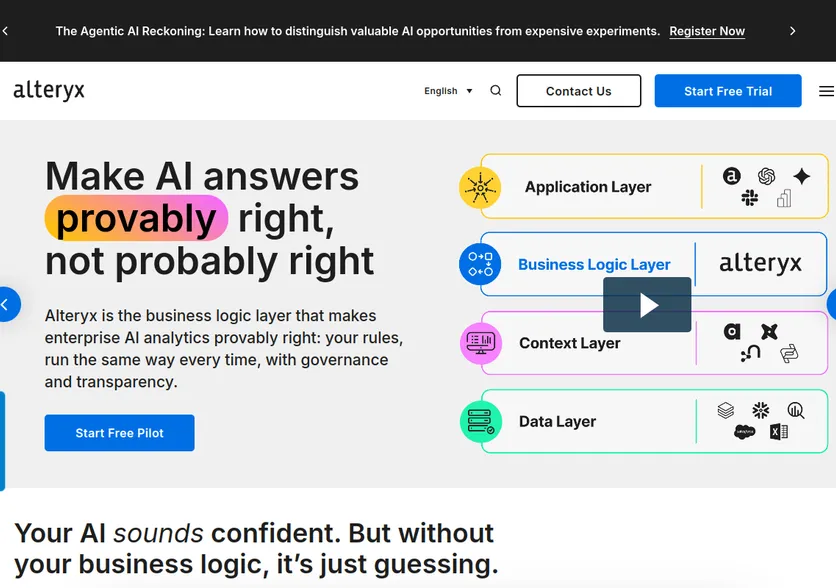
Alteryx Designer is the desktop workbench where analysts blend, clean and model data without writing code. This Alteryx Designer license lists at five thousand one hundred ninety-five dollars per user a year for the Desktop edition, with Designer Cloud at seven thousand one hundred ninety-five dollars. A team that prepares messy data every day gets visual workflows and hundreds of built-in tools, though the price is per analyst and the server products cost more again.
What we like
- Visual workflows replace hand-written data prep code
- Hundreds of built-in tools for blending and modelling
- Desktop license works offline on the analyst machine
Watch out for
- Price is per analyst, so a large team pays per seat
- Server and cloud products cost more on top
How to try it
- Open the Alteryx site and start the free trial
- Drag a first workflow together from two messy files
- Run it and check the output against the source data
8. dbt Cloud
Best for: Analytics teams that want versioned SQL models and lineage on their warehouse
Paid tool Starting price: $100/user/month · One hundred dollars per developer seat a month on the Starter plan, with five seats included; a free Developer tier covers one seat
Free plan: Free Developer tier with one seat
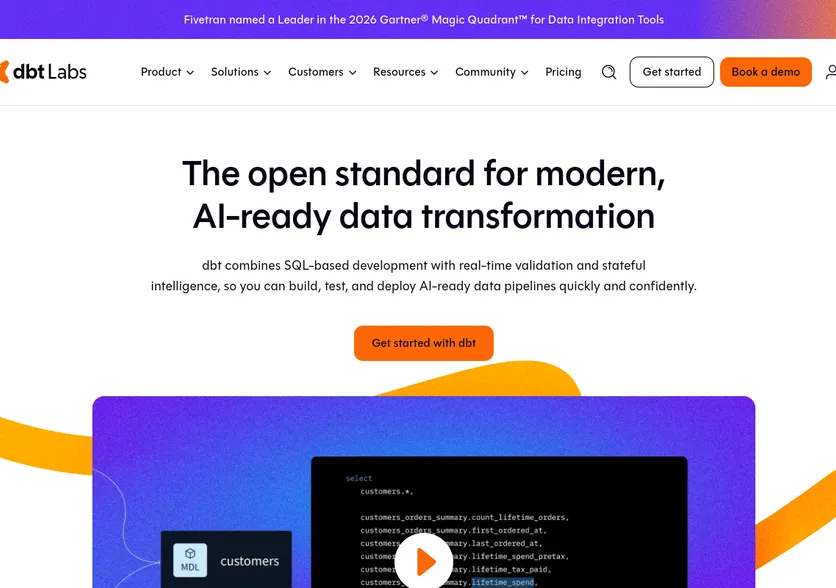
dbt Cloud turns SQL models into tested, documented and scheduled pipelines, and it has become the default transformation layer for modern warehouses. This dbt Cloud service lists the Starter plan at one hundred dollars per developer seat a month, with five seats included and fifteen thousand models a month. A team that already runs Snowflake, BigQuery or Databricks gets versioned models and lineage without a second warehouse, though the seat price adds up once the whole analytics team needs access.
What we like
- Versioned models with tests and documentation built in
- Works on Snowflake, BigQuery and Databricks
- Lineage shows exactly where every number came from
Watch out for
- Seat price adds up once the whole team needs access
- Needs a warehouse underneath, so it is an added cost
How to try it
- Open the dbt Cloud site and create a free Developer account
- Connect your warehouse and build a first model
- Add a test and schedule the model to run daily
Prices above were checked on each vendor’s own website on Nov 27, 2026 and can change — the vendor’s page is the final word. Vendor links are editorial: nobody paid to be listed or ranked here. Vendors who want a featured listing can see how it works on our Get listed page.
What enterprise big data software costs in 2026
An enterprise data bill has three parts, and the headline price usually shows only one of them. Compute is metered by the unit or the credit, storage is billed by the terabyte, and dashboards are licensed by the seat, so a platform that looks cheap on one line can be dear on another. Add the three together for your real workload before you compare totals, and run the same queries on two trials to see which meter moves slower.
Start with the free tier or trial and load a real slice of your data, not the vendor sample set. Measure a week of normal queries, check the governance and lineage tools your auditors will ask for, and count the viewer seats your readers will need. Pick the platform whose bill stays predictable at your volume, because a cheap entry rate means nothing if the meter runs away.
Before you buy
- Ask how the meter runs before you sign, because credits, units and seats punish different kinds of waste.
- Check whether storage, compute and egress are billed separately, because the headline rate rarely covers all three.
- Confirm the minimum spend and the smallest billable unit, because a low per-unit price can still mean a high monthly floor.
- Test governance, lineage and access controls on a trial, because enterprise audits fail on features the demo never shows.
- Count dashboard viewers separately from builders, because viewer seats are where enterprise license costs quietly grow.
Official websites
Official websites of the products reviewed above. Features and prices were checked against these sites when this guide was written, and they can change, so confirm on the vendor site before you buy.
Frequently asked questions
Which big data software is best for enterprise in 2026?
Databricks is the best overall pick for enterprise teams that want one lakehouse for warehousing, engineering and machine learning. Snowflake is the best pure warehouse, with separate storage and compute and the deepest ecosystem. Tableau is the best dashboard layer, while Power BI is the best value for teams already on Microsoft 365.
How much does enterprise big data software cost?
Enterprise big data software runs from fourteen dollars per user a month for Power BI Pro to five thousand one hundred ninety-five dollars per user a year for Alteryx Designer. Consumption platforms bill by the unit or credit, so Databricks starts at fifteen cents per unit and Snowflake at two dollars per credit. Budget by workload, not by headline, because a busy warehouse can cost many times its entry rate.
Is Databricks or Snowflake cheaper?
Neither is always cheaper, because the two meters measure different work. Databricks bills Databricks Units for compute jobs, while Snowflake bills credits for warehouse time, so the cheaper one depends on whether your work is long-running jobs or short interactive queries. Run the same workload on both trials and compare the metered bill before you commit to either platform.
Can I try enterprise big data software for free?
Yes, most of these tools offer a trial or a free tier. BigQuery gives the first tebibyte of queries each month free, dbt Cloud has a free Developer tier with one seat, and Databricks offers a Free Edition for learning. Snowflake, Tableau, Qlik Sense and Alteryx all offer free trials of fourteen to thirty days, so you can test the real product before paying.
What is a Databricks Unit?
A Databricks Unit is the billing unit for compute on Databricks, and its dollar price depends on the compute type and the tier. Jobs Classic compute at the Premium tier costs fifteen cents per unit, while serverless and all-purpose compute cost more per unit. The unit measures the processing power a job consumes, so a faster cluster burns more units in less time.
Need everyday business help too? Try Toolsvine's free business tools right in your browser.
Browse Business Tools tools


