
On this page
Remote data teams cannot walk over to the server room, so the tools have to run themselves in the cloud and agree on one version of the truth. The eight platforms below cover ingestion, warehousing, transformation and dashboards, with every price read from the vendor pricing page on November 27, 2026. Pipelines that sync themselves and warehouses that suspend when idle matter more than raw speed when nobody is in the same room. Fivetran leads our picks because it moves data from apps into the warehouse without anyone writing a pipeline.
How we researched this
We started with the data tools remote teams actually run without an office server room, then read each price on the vendor pricing page on November 27, 2026 and noted the billing unit each one meters. We judged them for a team spread across time zones that needs pipelines that sync themselves, one governed warehouse and dashboards everyone can open from a laptop. We dropped Domo because it no longer publishes a list price, and we left out tools that need an engineer on site to keep running.
Compare the tools
| Name | Best for | Starting price | Free plan | |
|---|---|---|---|---|
 Fivetran | Remote teams that want app and database data in the warehouse without writing pipelines | $500 per million MAR | Free tier covering five hundred thousand monthly active rows | Visit |
 Airbyte | Remote teams that want open-source connectors and credit-based cloud ingestion | $20/month | No free plan; Standard plan starts at twenty dollars a month | Visit |
 Hevo Data | Remote teams that want no-code pipelines with automatic schema handling | $239/month | Free tier covering one million events | Visit |
 Snowflake | Distributed teams that want one cloud warehouse everyone queries from anywhere | $2.00/credit | Free trial with four hundred dollars of credits for thirty days | Visit |
 Google BigQuery | Remote teams on Google Cloud that want serverless queries with no cluster to run | $6.25 per TiB | Free tier with the first tebibyte of queries each month free | Visit |
 Tableau | Remote teams that want one set of live dashboards every office reads | $75/user/month | No free plan; 14-day free trial of Tableau Cloud | Visit |
 Microsoft Power BI | Remote teams already on Microsoft 365 that want the cheapest shared dashboards | $14/user/month | Power BI Desktop is free; Pro offers a trial | Visit |
| dbt Cloud | Remote analytics teams that want one shared model layer on the warehouse | $100/user/month | Free Developer tier with one seat | Visit |
The big data software for remote teams, compared
1. Fivetran
Best for: Remote teams that want app and database data in the warehouse without writing pipelines
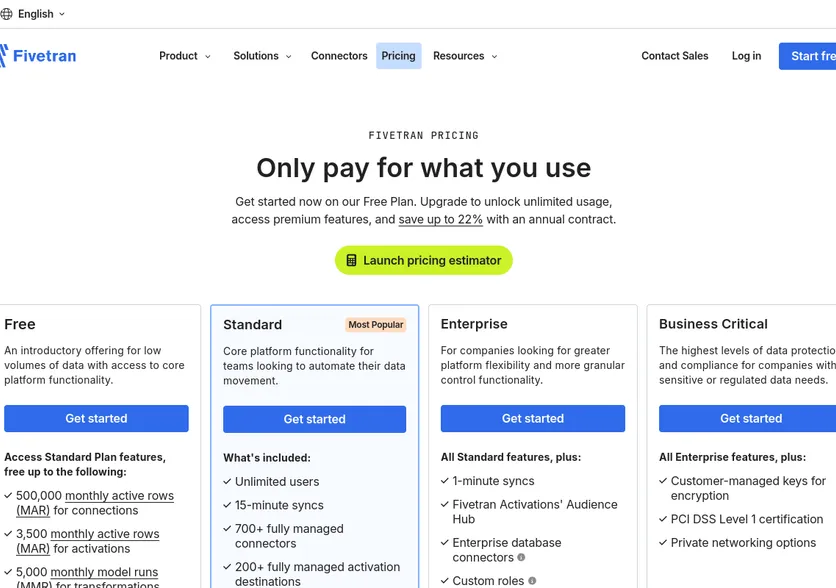
Paid tool Starting price: $500 per million MAR · Five hundred dollars per million monthly active rows on the Standard plan; the free tier covers five hundred thousand monthly active rows
Free plan: Free tier covering five hundred thousand monthly active rows
Fivetran moves data from apps and databases into a warehouse without anyone writing a pipeline, which is what a scattered remote team needs most. This Fivetran service prices its Standard plan at five hundred dollars per million monthly active rows, with a free tier covering five hundred thousand rows. A remote team that connects Salesforce, Postgres and a dozen SaaS tools gets fresh warehouse data every few minutes, though the bill follows every row that changes.
What we like
- Hundreds of ready connectors with no code to write
- Syncs run themselves on a schedule you set once
- Free tier covers five hundred thousand rows a month
Watch out for
- The bill follows every row that changes, so busy sources cost more
- Plan names changed recently, so older guides show retired names
How to try it
- Open the Fivetran site and create a free account
- Connect a first source app and pick a warehouse
- Watch the first sync land and check the row count
2. Airbyte
Best for: Remote teams that want open-source connectors and credit-based cloud ingestion
Paid tool Starting price: $20/month · Twenty dollars a month for the Standard plan on Airbyte Cloud with five credits included and extra credits at five dollars each; the price changed at the end of September 2026 and older guides still show ten dollars
Free plan: No free plan; Standard plan starts at twenty dollars a month
Airbyte is the open-source ingestion tool that remote teams run in the cloud when they want connectors without per-row surprises. This Airbyte cloud service lists the Standard plan at twenty dollars a month with five credits included, and extra credits cost five dollars each. A team that syncs databases, APIs and files into one warehouse gets hundreds of ready connectors, though heavy database syncs burn credits faster than file syncs.
What we like
- Open-source connectors with a large community behind them
- Credit pricing stays cheap for light sync workloads
- Runs in the cloud with nothing to install
Watch out for
- Pricing changed at the end of September 2026, so older guides show ten dollars
- Heavy database syncs burn credits faster than file syncs
How to try it
- Open the Airbyte site and create a cloud workspace
- Add a source and a warehouse destination
- Run a first sync and check the credits it used
3. Hevo Data
Best for: Remote teams that want no-code pipelines with automatic schema handling
Paid tool Starting price: $239/month · Two hundred thirty-nine dollars a month for the Starter plan billed annually, covering five million events; the free tier covers one million events
Free plan: Free tier covering one million events
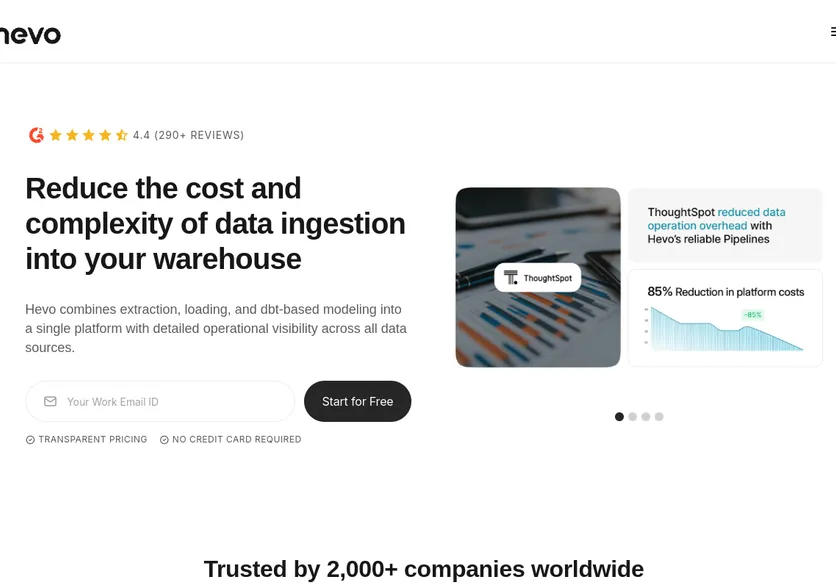
Hevo Data is the no-code pipeline tool that pulls data from apps and databases into a warehouse on a schedule a remote team can set once and forget. This Hevo Data service lists the Starter plan at two hundred thirty-nine dollars a month billed annually, covering five million events. A team spread across time zones gets automatic schema handling and error alerts, though the event count is the meter and busy sources use it up.
What we like
- No-code setup with automatic schema handling
- Error alerts reach the team when a sync fails
- Free tier covers one million events a month
Watch out for
- The event count is the meter, so busy sources use it up fast
- Higher tiers jump the price once events pass five million
How to try it
- Open the Hevo Data site and start the free tier
- Connect a source app and a warehouse destination
- Turn on error alerts so failed syncs reach the team
4. Snowflake
Best for: Distributed teams that want one cloud warehouse everyone queries from anywhere
Paid tool Starting price: $2.00/credit · Two dollars per credit on the Standard edition on demand in AWS US East; Enterprise lists at three dollars a credit and Business Critical at four dollars; storage lists at twenty-three dollars per terabyte a month
Free plan: Free trial with four hundred dollars of credits for thirty days
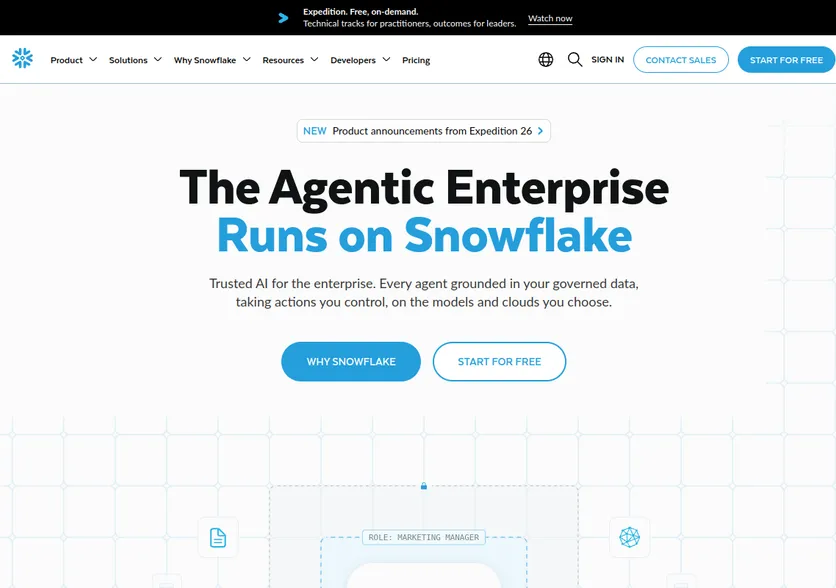
Snowflake suits a remote team because the warehouse lives in the cloud and nobody maintains a server in any office. This Snowflake platform bills Standard edition compute at two dollars per credit on demand, and warehouses suspend themselves when the team logs off. A distributed team that shares one warehouse across time zones gets the same governed data everywhere, though credits keep burning while a query runs, so idle time still costs money if warehouses stay awake.
What we like
- No servers to maintain in any office
- Warehouses suspend themselves when idle
- One governed warehouse for every time zone
Watch out for
- Credits keep burning while a query runs, so slow queries cost real money
- Sharing across regions can add replication charges
How to try it
- Open the Snowflake site and start the free trial
- Share a warehouse with teammates in other time zones
- Set auto-suspend so idle warehouses stop billing
5. Google BigQuery
Best for: Remote teams on Google Cloud that want serverless queries with no cluster to run
Paid tool Starting price: $6.25 per TiB · Six dollars and twenty-five cents per tebibyte of data processed on demand, with the first tebibyte each month free; flat-rate slots are a separate option
Free plan: Free tier with the first tebibyte of queries each month free
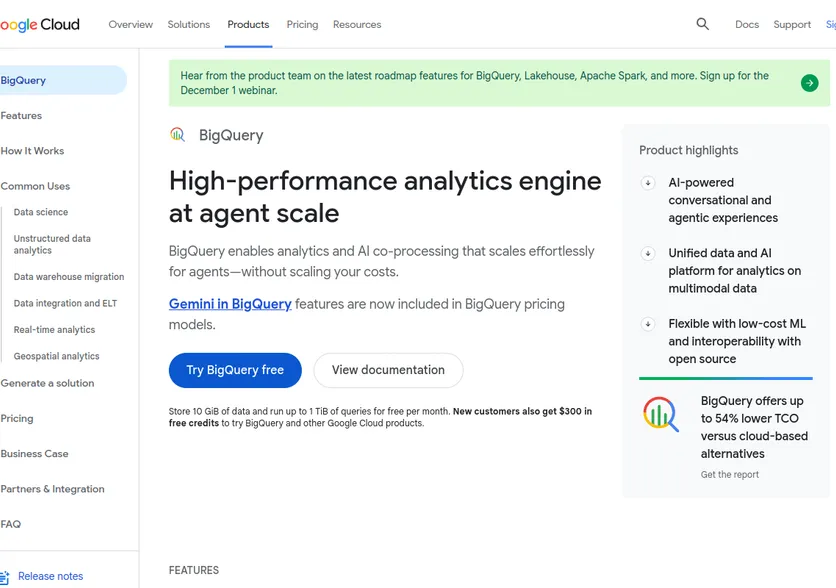
BigQuery fits remote teams because there is no cluster to run and every analyst queries the same warehouse from anywhere. This Google BigQuery service charges six dollars and twenty-five cents per tebibyte scanned, with the first tebibyte each month free. A team that works from different countries gets one bill and one set of permissions, though a teammate who runs unfiltered queries can spend the budget before lunch.
What we like
- No cluster to run or keep patched
- One bill and one set of permissions for the team
- First tebibyte of queries each month is free
Watch out for
- One unfiltered query can spend a large share of the budget
- Cost controls need setting up before the team starts querying
How to try it
- Open the Google Cloud console and enable BigQuery
- Share a dataset with the whole remote team
- Turn on cost controls before the first big query
6. Tableau
Best for: Remote teams that want one set of live dashboards every office reads
Paid tool Starting price: $75/user/month · Seventy-five dollars per user a month for Creator on the Standard edition billed annually; Explorer lists at forty-two dollars and Viewer at fifteen dollars
Free plan: No free plan; 14-day free trial of Tableau Cloud
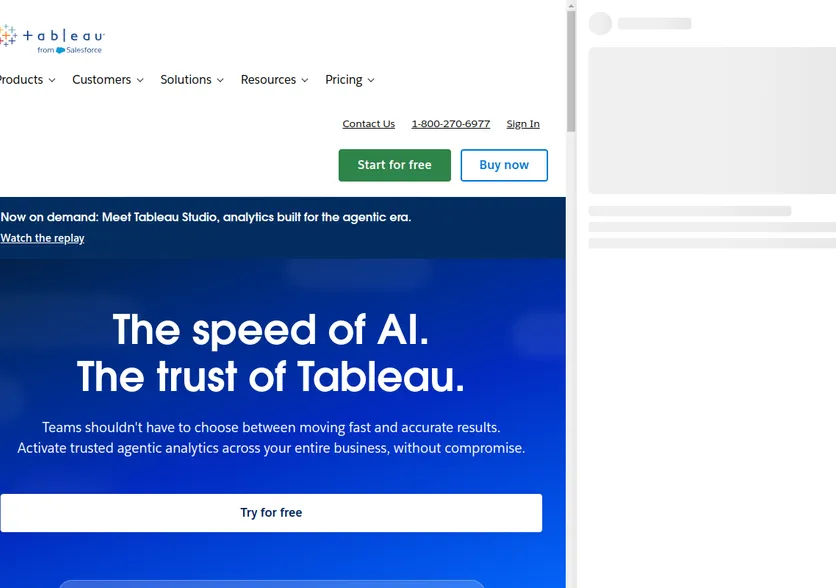
Tableau gives a remote team one set of dashboards that every office reads, so the numbers stop drifting between spreadsheets. This Tableau platform lists Creator at seventy-five dollars per user a month billed annually, with Viewer seats at fifteen dollars for readers. A distributed team that publishes to Tableau Cloud gets live dashboards on any laptop, though every new hire who needs to build adds a Creator seat to the bill.
What we like
- One live dashboard set for every office
- Viewer seats keep reader licenses cheap
- Mobile apps work well on laptops anywhere
Watch out for
- Every new builder adds a Creator seat to the bill
- Time zone scheduling needs care for refresh windows
How to try it
- Open the Tableau site and start the free trial
- Publish a dashboard to Tableau Cloud
- Invite teammates as Viewers and check mobile access
7. Microsoft Power BI
Best for: Remote teams already on Microsoft 365 that want the cheapest shared dashboards
Paid tool Starting price: $14/user/month · Fourteen dollars per user a month for Pro billed annually; the price rose from ten dollars on April 1 2025; Premium Per User lists at twenty-four dollars
Free plan: Power BI Desktop is free; Pro offers a trial
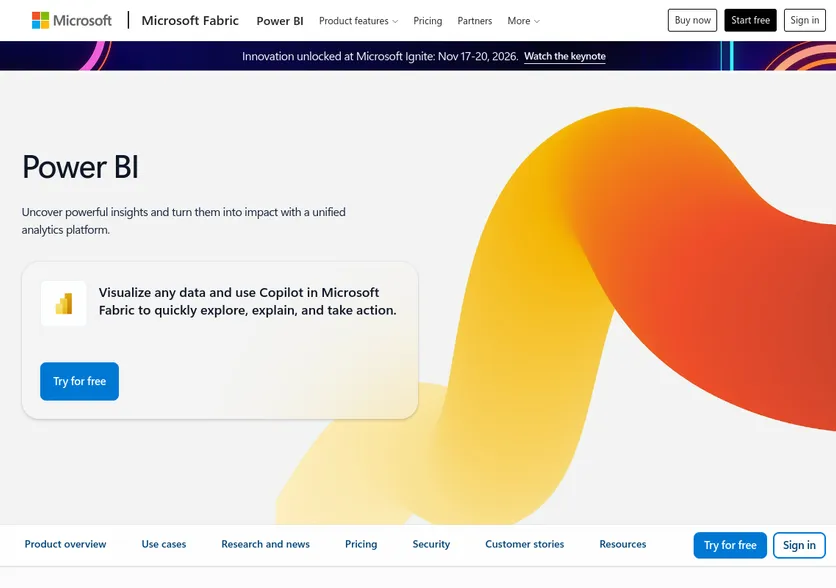
Power BI is the cheapest way to give a whole remote team the same dashboards, especially when the company already runs Microsoft 365. This Microsoft Power BI service lists Pro at fourteen dollars per user a month billed annually, with a free Desktop app for building reports. A team spread across home offices gets shared workspaces and mobile apps for the lowest seat price here, though large shared models eventually need Premium capacity.
What we like
- Lowest seat price in this list at fourteen dollars
- Shared workspaces fit a team across home offices
- Desktop app is free for building reports
Watch out for
- Large shared models eventually need Premium capacity
- Pro rose from ten dollars to fourteen dollars in April 2025
How to try it
- Download Power BI Desktop free and build a first report
- Publish it to a shared workspace on a Pro trial
- Invite the remote team and test the mobile app
8. dbt Cloud
Best for: Remote analytics teams that want one shared model layer on the warehouse
Paid tool Starting price: $100/user/month · One hundred dollars per developer seat a month on the Starter plan, with five seats included; a free Developer tier covers one seat
Free plan: Free Developer tier with one seat
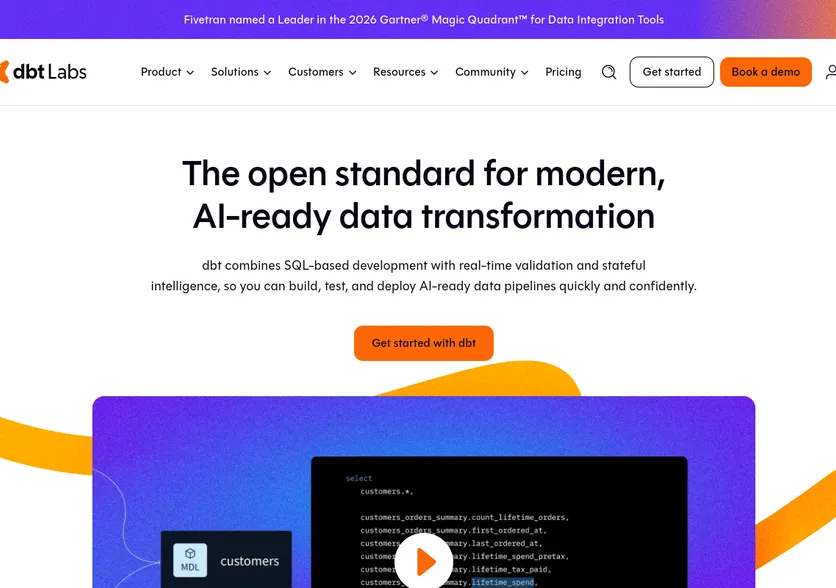
dbt Cloud is how a remote analytics team agrees on what a number means, because models, tests and docs live in version control. This dbt Cloud service lists Starter at one hundred dollars per developer seat a month, with five seats included. A team in different time zones gets one shared model layer on top of the warehouse, though every analyst who edits models needs a paid seat.
What we like
- Models, tests and docs live in version control
- One shared model layer for every time zone
- Lineage shows where every number came from
Watch out for
- Every analyst who edits models needs a paid seat
- Needs a warehouse underneath, so it is an added cost
How to try it
- Open the dbt Cloud site and create a free Developer account
- Connect the shared warehouse and build a first model
- Open a pull request so a teammate reviews the change
Prices above were checked on each vendor’s own website on Nov 27, 2026 and can change — the vendor’s page is the final word. Vendor links are editorial: nobody paid to be listed or ranked here. Vendors who want a featured listing can see how it works on our Get listed page.
What remote-team big data software costs in 2026
A remote team pays for the same three things an office team pays for, but the failure modes are different. Ingestion is metered by rows or events, the warehouse by credits or bytes scanned, and dashboards by seats, so a team across time zones can run up a bill while everyone sleeps. Add the three together for your real workload, and set auto-suspend and cost alerts before the team starts querying.
Start with the free tiers and run a real week of work on them. Connect the two busiest sources, share one dashboard with the whole team, and check the meter at the end of the week. Pick the stack whose bill stays flat when the team is idle, because a remote team should never pay for servers nobody is using.
Before you buy
- Pick ingestion that syncs itself, because a remote team has nobody on site to restart a failed pipeline at midnight.
- Check that the warehouse suspends when idle, because a team across time zones can leave compute running around the clock.
- Confirm every teammate sees the same governed data, because separate copies are how remote numbers start to disagree.
- Count seats across every time zone before you buy, because dashboard licenses multiply with each new hire.
- Test the mobile and offline experience, because remote analysts often work from laptops on slow connections.
Official websites
Official websites of the products reviewed above. Features and prices were checked against these sites when this guide was written, and they can change, so confirm on the vendor site before you buy.
Frequently asked questions
Which big data software is best for remote teams in 2026?
Fivetran is the best overall pick for remote teams because it moves data from apps into the warehouse without anyone writing a pipeline. Airbyte is the best budget ingestion pick at twenty dollars a month, and Snowflake is the best warehouse for a team spread across time zones. Tableau and Power BI both work well for dashboards, with Power BI cheaper per seat.
How much does big data software cost for a remote team?
A small remote team can start near zero: BigQuery gives the first tebibyte of queries free each month, Airbyte starts at twenty dollars a month, and dbt Cloud has a free Developer tier. Fivetran starts at five hundred dollars per million monthly active rows, Snowflake at two dollars per credit, and Tableau Creator at seventy-five dollars per user a month. The total depends on how much data moves and how many people build dashboards.
What is a monthly active row in Fivetran pricing?
A monthly active row is a row in a source table that changed during the month, and Fivetran counts each changed row once per month no matter how many times it changed. A table with ten thousand rows that all change counts as ten thousand monthly active rows, while rows that never change cost nothing. The free tier covers five hundred thousand monthly active rows, which suits a small team with a few quiet sources.
Do remote teams need a data warehouse or just dashboards?
Most remote teams need both, because dashboards without a warehouse show stale copies and a warehouse without dashboards leaves the data unread. Ingestion tools like Fivetran or Airbyte feed the warehouse, and Tableau or Power BI turn it into dashboards the team can open. A very small team can start with dashboards on spreadsheets, but the numbers drift apart as soon as two people edit different copies.
Can a small remote team start for free?
Yes, several tools in this list start free. BigQuery gives the first tebibyte of queries each month free, dbt Cloud has a free Developer tier with one seat, and Fivetran has a free tier covering five hundred thousand monthly active rows. Snowflake, Tableau, Airbyte and Hevo Data offer free trials, so a small team can prove the workflow before paying anything.
Need everyday business help too? Try Toolsvine's free business tools right in your browser.
Browse Business Tools tools


