
On this page
Freelancers lose money every time a client has to email back and forth to find a time, and a booking page fixes that in an afternoon. Picktime is the cheapest way to start, at three dollars per user a month for up to three team members, with a free plan for one user. This guide compares seven booking tools for freelancers, from simple scheduling links to full salon platforms with payments and reminders, with live 2026 prices, free plans and the booking limits each plan actually sets.
How we researched this
We checked the pricing page of every vendor on this list on November 26, 2026, and kept only tools that publish a real dollar price. Each tool had to let clients book online without a sales call, and we compared entry prices, free plans, booking limits, payment support and whether reminders and no-show protection are included.
Compare the tools
| Name | Best for | Starting price | Free plan | |
|---|---|---|---|---|
 Picktime | Freelancers who want the cheapest paid booking plan | $3 | Free plan (1 user) | Visit |
 Bookafy | Freelancers who want a flat low price with unlimited bookings | $7 | Free plan (1 user) | Visit |
 SavvyCal | Freelancers who schedule lots of meetings and hate email ping-pong | $10 | Free (polls and links, no booking) | Visit |
 Cal.com | Freelancers who want a free plan with no usage limits | $12 | Free Individuals plan | Visit |
 TidyCal | Freelancers who would rather pay once than subscribe | $12 | Free plan | Visit |
 Setmore | Freelancers who want a generous free plan with up to four users | $12 | Free plan (4 users) | Visit |
 GlossGenius | Beauty and wellness freelancers who want booking plus payments in one app | $24 | Free trial | Visit |
The booking tools, compared
1. Picktime
Best for: Freelancers who want the cheapest paid booking plan
Paid tool Starting price: $3 · Starter is $3 per user a month billed annually, for up to 3 team members
Free plan: Free plan (1 user)
Picktime costs less than a coffee a month: Starter is three dollars per user a month on annual billing, for up to three team members, and a free plan covers one user with unlimited appointments. It includes email and SMS reminders, a booking page you can embed on your site, and payments through Stripe and PayPal. For a freelancer who just needs clients to pick a time and pay a deposit, it does the job at the lowest price here.
What we like
- Starter from $3 per user a month
- Free plan for one user
- Payments through Stripe and PayPal
Watch out for
- Starter covers up to 3 team members
- Advanced features need higher plans
How to try it
- Sign up free and set your working hours
- Add your services and connect Stripe or PayPal
- Share the booking link on your site and social profiles
2. Bookafy
Best for: Freelancers who want a flat low price with unlimited bookings
Paid tool Starting price: $7 · Pro is $7 per user a month billed yearly
Free plan: Free plan (1 user)
Bookafy charges seven dollars per user a month on yearly billing for its Pro plan, and that flat rate covers unlimited bookings, unlimited staff and unlimited services. It adds automated reminders, a booking widget for your website, and a mobile app for managing the day from your phone. There is a free plan for one user, so a solo freelancer can start without paying and upgrade when the calendar fills up.
What we like
- Pro from $7 per user a month
- Unlimited bookings, staff and services
- Automated reminders included
Watch out for
- Free plan covers one user only
- Fewer integrations than Calendly
How to try it
- Start free and build your booking page
- Set up automated reminders for clients
- Embed the booking widget on your website
3. SavvyCal
Best for: Freelancers who schedule lots of meetings and hate email ping-pong
Paid tool Starting price: $10 · Basic is $10 per user a month, $120 a year with annual billing; Premium is $17
Free plan: Free (polls and links, no booking)
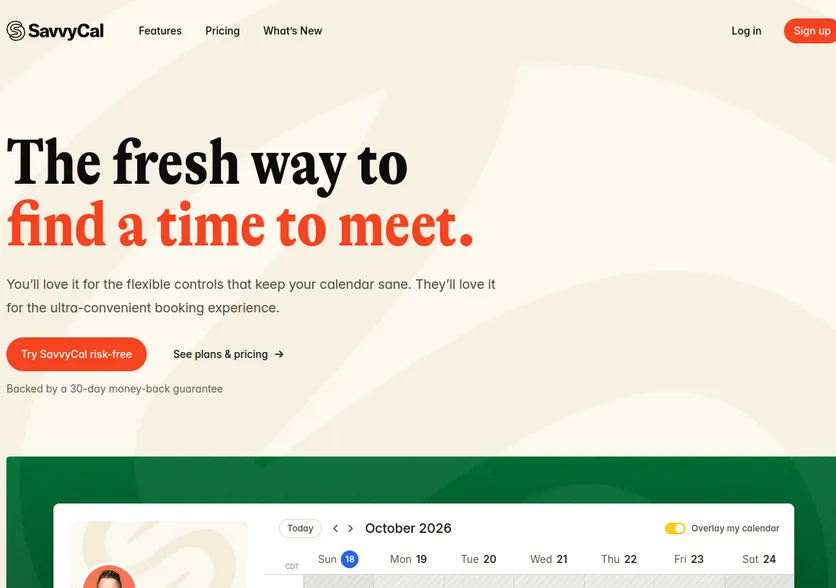
SavvyCal is the scheduling tool for people who hate back-and-forth emails: invitees overlay their own calendar on your link and pick a time that works for both sides. Basic costs ten dollars per user a month, or one hundred twenty dollars a year with annual billing, and includes unlimited links, calendars and meeting polls. Premium adds custom domains, payment collection through Stripe and the option to remove branding.
What we like
- Basic from $10 per user a month
- Invitees overlay their own calendar
- Unlimited links and calendars
Watch out for
- No self-serve free trial, 30-day money-back instead
- Payments need Premium
How to try it
- Sign up and connect your calendars
- Create a scheduling link and share it
- Let invitees pick a time from the overlay view
4. Cal.com
Best for: Freelancers who want a free plan with no usage limits
Paid tool Starting price: $12 · Teams is $12 per user a month billed yearly; Individuals is free forever
Free plan: Free Individuals plan
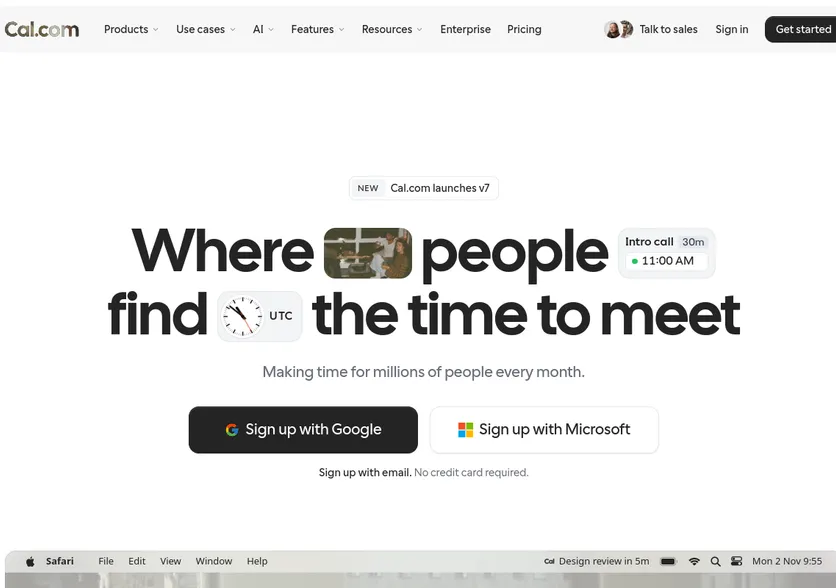
Cal is the open-source scheduling platform on this list, and its Individuals plan is free forever with unlimited links and calendars. Teams costs twelve dollars per user a month on yearly billing and adds round-robin scheduling, collective events and booking analytics. It connects with more than a hundred apps, accepts Stripe and PayPal payments, and lets you import Calendly events in one click.
What we like
- Free plan with unlimited links and calendars
- Teams from $12 per user a month
- 100 plus app integrations
Watch out for
- Round-robin needs the Teams plan
- Self-hosting is for developers
How to try it
- Sign up free and connect your calendar
- Create a booking link with your availability
- Import your old Calendly events in one click
5. TidyCal
Best for: Freelancers who would rather pay once than subscribe
Paid tool Starting price: $12 · Pro is $12 a month, $99 a year billed annually; Individual Lifetime is $29 one-time
Free plan: Free plan
TidyCal is the lifetime-deal option here: Individual Lifetime costs twenty-nine dollars once, and the free plan already includes unlimited bookings and booking types. Pro costs twelve dollars a month, or ninety-nine dollars a year, and adds a custom domain, no branding, priority support and unlimited SMS reminders. It also sells digital products through Stripe, so a freelancer can take payments for bookings and downloads from the same page.
What we like
- Individual Lifetime $29 one-time
- Free plan with unlimited bookings
- Pro from $12 a month with no platform fee
Watch out for
- Lifetime plans are sold through AppSumo
- Pro Black Friday price is first-year only
How to try it
- Sign up free and create your booking page
- Add booking types with your services and prices
- Upgrade to Lifetime or Pro when you need more
6. Setmore
Best for: Freelancers who want a generous free plan with up to four users
Paid tool Starting price: $12 · Pro is $12 per user a month billed monthly, $5 billed annually
Free plan: Free plan (4 users)
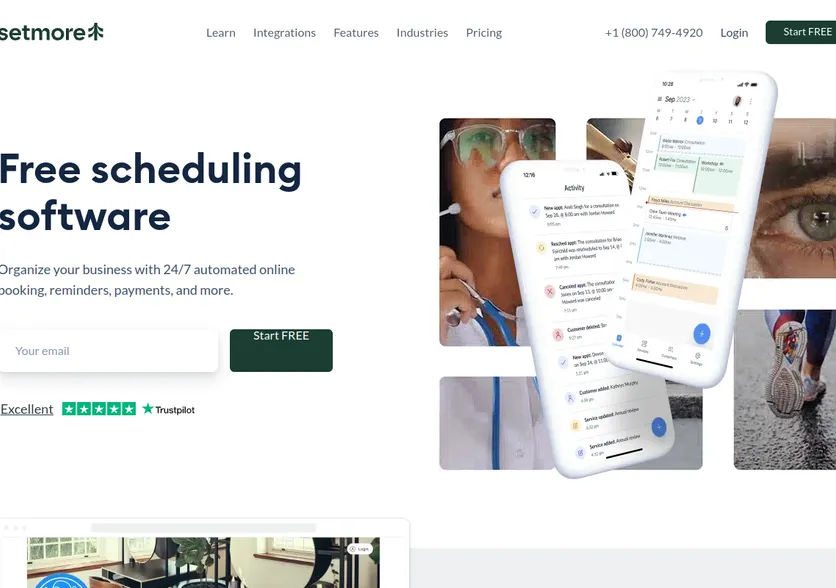
Setmore gives freelancers a free plan that is genuinely useful: up to four users, unlimited appointments, email reminders and a branded booking page at no cost. Pro costs twelve dollars per user a month on monthly billing, or five dollars on annual billing, and adds SMS reminders, two-way calendar sync and payment collection. It works well for salons and studios as well as solo consultants, with a mobile app for managing bookings on the go.
What we like
- Free plan with 4 users and unlimited appointments
- Pro from $12 per user a month monthly
- Two-way calendar sync on Pro
Watch out for
- Annual Pro is $5 per user a month, monthly is $12
- SMS reminders need Pro
How to try it
- Sign up free and add up to four users
- Create your services and booking page
- Turn on SMS reminders when you upgrade to Pro
7. GlossGenius
Best for: Beauty and wellness freelancers who want booking plus payments in one app
Paid tool Starting price: $24 · Standard is $24 a month billed annually, $28 month to month; Gold is $48
Free plan: Free trial
GlossGenius is the booking platform built for beauty and wellness freelancers, with Standard at twenty-four dollars a month on annual billing. It combines 24/7 online booking with a booking website, payments at low card rates, free unlimited emails and client management in one place. Gold and Platinum add marketing, AI teammates and team tools, while the free data transfer service moves your appointments and client list over for you.

What we like
- Standard from $24 a month billed annually
- 24/7 online booking included
- Free data transfer service
Watch out for
- Built for beauty and wellness, not general consulting
- Gold and Platinum cost much more
How to try it
- Start a trial and set up your service menu
- Publish your booking website
- Turn on deposits and no-show policies
Prices above were checked on each vendor’s own website on Nov 26, 2026 and can change — the vendor’s page is the final word. Vendor links are editorial: nobody paid to be listed or ranked here. Vendors who want a featured listing can see how it works on our Get listed page.
Count the bookings before you count the cost
Most booking tools charge per user, so the bill depends on who needs a seat: Picktime charges three dollars per user, Cal and TidyCal charge twelve, and GlossGenius charges a flat monthly rate for the whole business. Before you pay, count how many people take bookings and how many appointments you expect each month, since free plans cap users or bookings and the caps decide whether free is actually free. Check whether reminders are included, because no-shows cost more than any subscription, and confirm that the tool takes payments if you charge deposits. Run the trial with real clients, not just a test booking, and check that the booking page looks right on a phone, since most clients book from one.
Before you buy
- Count the people who need a booking seat before comparing prices, since per-user billing adds up fast.
- Check the free plan limits, since some cap users or bookings and the cap decides whether free is really free.
- Confirm reminders are included, because no-shows cost more than any monthly subscription.
- Test the booking page on a phone, since most clients book from one and a clumsy page loses them.
- Ask whether the tool takes deposits or payments, since chasing payment after the appointment wastes time.
Official websites
Official websites of the products reviewed above. Features and prices were checked against these sites when this guide was written, and they can change, so confirm on the vendor site before you buy.
Frequently asked questions
What is the cheapest booking software for freelancers?
Picktime is the cheapest paid plan here at $3 per user a month on annual billing, with a free plan for one user. Bookafy Pro is $7 per user a month, and TidyCal offers a $29 one-time lifetime plan. Cal and SavvyCal both have free plans too, so a solo freelancer can often start without paying and upgrade only when bookings grow.
Is there free booking software for freelancers?
Yes. Cal is free forever for individuals with unlimited links and calendars, TidyCal is free with unlimited bookings, and Setmore is free for up to four users. Picktime and Bookafy both have free plans for one user. Free plans cover solo freelancers well, but teams and payment collection usually need a paid plan.
Do booking tools take payments?
Most of them do. Picktime, Cal, TidyCal and Setmore all take payments through Stripe or PayPal, and GlossGenius has built-in card payments at low rates. SavvyCal takes payment through Stripe on its Premium plan. If you charge deposits or sell packages, check that payment collection is included in the plan you buy rather than locked behind a higher tier.
Which booking tool is best for salons and beauty freelancers?
GlossGenius is built for beauty and wellness, with a booking website, payments, client management and marketing in one place from $24 a month. Setmore also works well for salons with its free plan for four users. For a solo stylist or therapist, GlossGenius is the most complete option, while Setmore is the cheapest way to start.
Bookings sorted? Try free business, budget and time tools on Toolsvine right in your browser.
Browse Business Tools tools


