
On this page
A small business does not need an enterprise vault, it needs one place where logos, photos and templates are easy to find and hard to misuse. The seven tools below run from twenty-nine dollars a month to nine hundred dollars a month, and every price was checked on the vendor site on November 27, 2026. Filecamp is our first pick, because it gives a small team a branded library and client portals from twenty-nine dollars a month.
How we researched this
We started with the asset tools small teams actually buy, then read each price on the vendor pricing page on November 27, 2026 and noted where the vendor publishes no number at all. We judged them for a small business that needs a searchable library, branded portals and version control without an enterprise sales process. We dropped Canto, Bynder, Brandfolder and Frontify because all four sell on quote only, and we kept only tools with a published price.
Compare the tools
| Name | Best for | Starting price | Free plan | |
|---|---|---|---|---|
 Filecamp | Small teams sharing files with clients through branded portals | $29/month | No free plan; free trial available | Visit |
 Pics | Teams that want a DAM layer on storage they already pay for | $100/month | No free plan; free trial available | Visit |
 Lingo | Small teams that want one brand kit for the whole company | $80/month | No free plan; free trial available | Visit |
 Air | Creative teams that want a working library with review tools | $900/month | Free plan available; Business $900/month | Visit |
| Playbook | Small teams that want a library with a portal | $50/month | No free plan; free trial available | Visit |
 Dash | Small teams that want a searchable library with a portal | $98/month | No free plan; free trial available | Visit |
 Brault | Small teams that want a library, portal, review and transfer in one tool | $74/month | No free plan; free trial available | Visit |
The brand asset management software, compared
1. Filecamp
Best for: Small teams sharing files with clients through branded portals
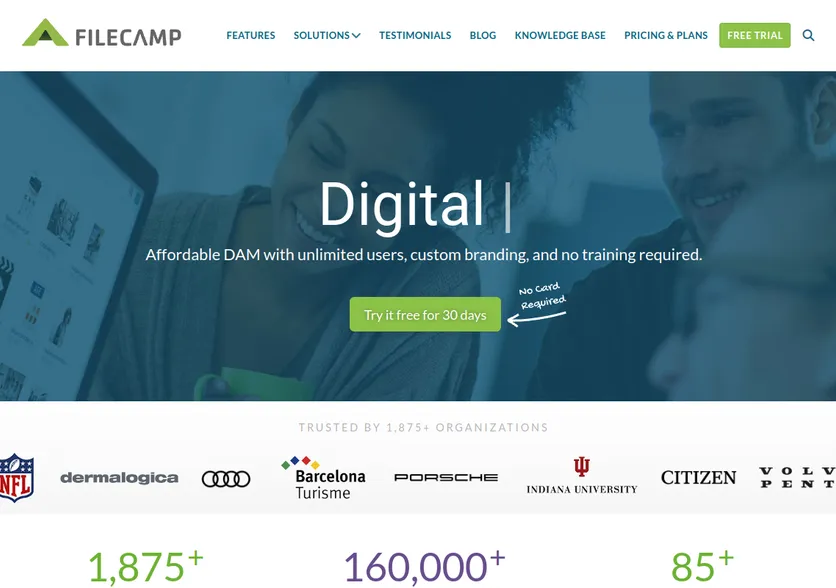
Paid tool Starting price: $29/month · Basic plan at twenty-nine dollars a month with twenty gigabytes, Advanced at fifty-nine dollars and Professional at eighty-nine dollars, billed in US dollars
Free plan: No free plan; free trial available
Filecamp is the small-team asset library with branded portals, so clients and staff always grab the approved file instead of an old copy. This Filecamp Basic plan costs twenty-nine dollars a month with twenty gigabytes of storage, and higher plans add more space and features. A small business can share a branded portal, control who sees what, and keep versions straight without an enterprise budget.
What we like
- Cheapest published DAM price here at twenty-nine dollars a month
- Branded portals for clients and staff
- Simple pricing with clear storage limits
Watch out for
- Twenty gigabytes is tight for a big photo library
- Fewer AI search features than the dearer tools
How to try it
- Open the Filecamp pricing page and pick your storage tier
- Upload your logos, photos and templates
- Share a branded portal with clients and staff
2. Pics
Best for: Teams that want a DAM layer on storage they already pay for
Paid tool Starting price: $100/month · Solo plan at one hundred dollars a month for one user, monthly only; Micro at two hundred twenty-five dollars a month billed yearly for ten users
Free plan: No free plan; free trial available
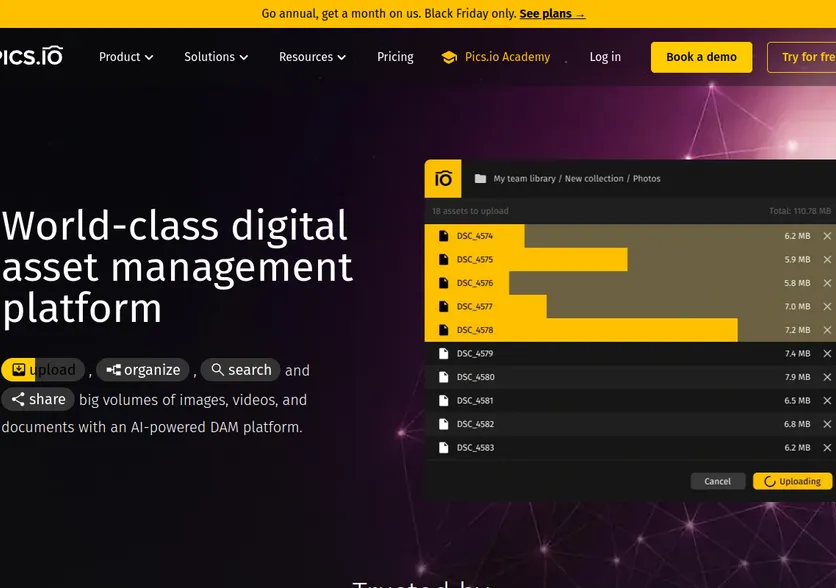
Pics sits between self-hosting and full software as a service, adding search, metadata, versioning and sharing on top of storage you already own. This Pics Solo plan costs one hundred dollars a month for one user, with Micro at two hundred twenty-five dollars a month on yearly billing for ten users. A team can keep files in its own drive or bucket, add AI visual search, and avoid migrating a whole library to a new home.
What we like
- Runs on storage you already pay for
- AI visual similarity and semantic search
- Published prices, rare in this category
Watch out for
- Solo covers only one user at one hundred dollars a month
- AI add-on costs fifty dollars a month extra
How to try it
- Open the Pics pricing page and pick Solo or Micro
- Connect your own storage or use Pics storage
- Add metadata and test the AI visual search
3. Lingo
Best for: Small teams that want one brand kit for the whole company
Paid tool Starting price: $80/month · Starting price of eighty dollars a month plus sixteen dollars per editor in third-party pricing surveys; confirm the current rate on the vendor site
Free plan: No free plan; free trial available
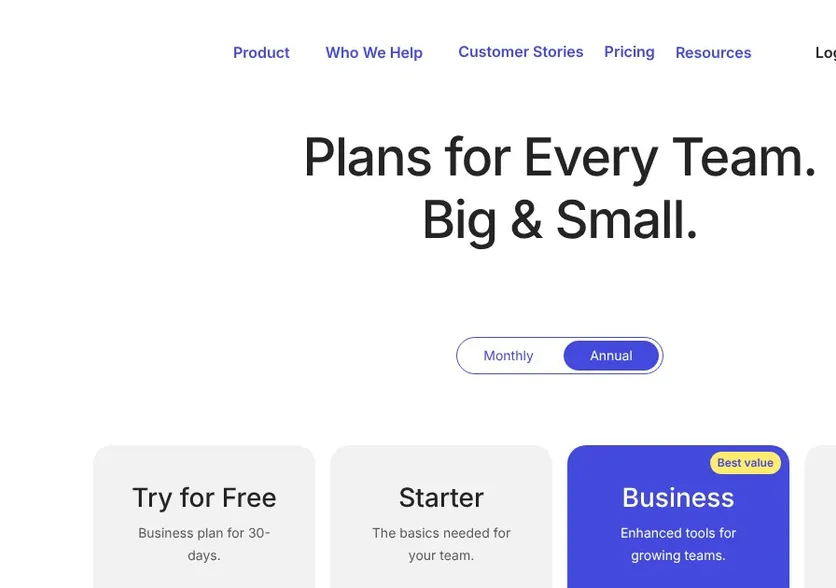
Lingo is the simple brand kit for the whole company, with logos, colors, fonts and guidelines in one shared place. This Lingo plan starts at eighty dollars a month plus sixteen dollars per editor in third-party pricing surveys, so a small team pays one predictable figure. A business can give every employee the same approved assets, stop old logos from circulating, and keep brand guidelines beside the files themselves.
What we like
- One brand kit for the whole company
- Simple pricing with a clear editor rate
- Guidelines live beside the assets
Watch out for
- Entry price comes from third-party surveys, so confirm it first
- Fewer portal features than Filecamp or Air
How to try it
- Open the Lingo pricing page and confirm the current rate
- Upload your logos, colors and fonts
- Share the kit with the whole company
4. Air
Best for: Creative teams that want a working library with review tools
Paid tool Starting price: $900/month · Business plan at nine hundred dollars a month in third-party pricing surveys; free plan available for small teams
Free plan: Free plan available; Business $900/month
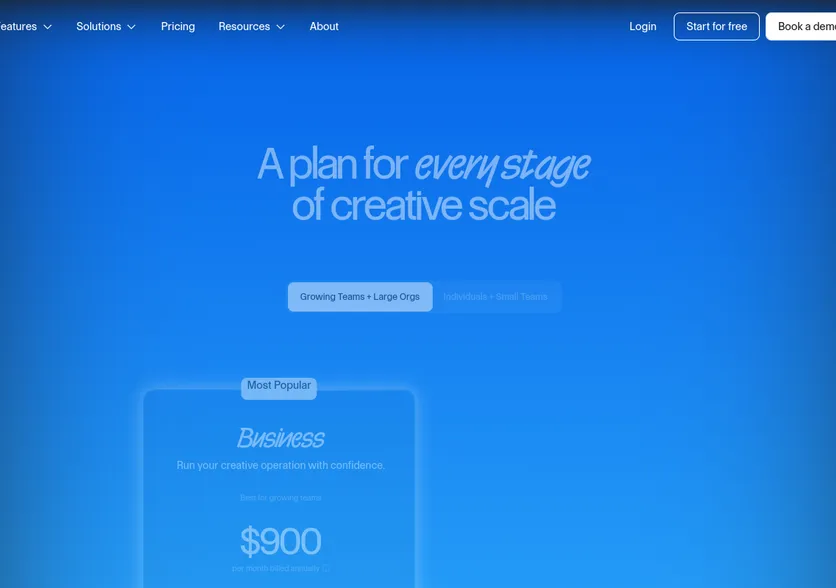
Air is the creative team working library, with asset organization, review and sharing built for teams that produce visual work every day. This Air Business plan is listed at nine hundred dollars a month in third-party pricing surveys, with a free plan for small teams getting started. A creative team can store, review and share assets in one place, collect feedback on work in progress, and hand off approved files without email chains.
What we like
- Built for creative teams and visual review
- Free plan for small teams getting started
- Boards and sharing fit a working library
Watch out for
- Business price is high for a small business
- Entry price comes from third-party surveys, so confirm it first
How to try it
- Open the Air pricing page and start on the free plan
- Upload your assets and organize them into boards
- Invite the team to review and approve work
5. Playbook
Best for: Small teams that want a library with a portal
Paid tool Starting price: $50/month · Starting price of fifty dollars a month in third-party pricing surveys; confirm the current rate on the vendor site
Free plan: No free plan; free trial available
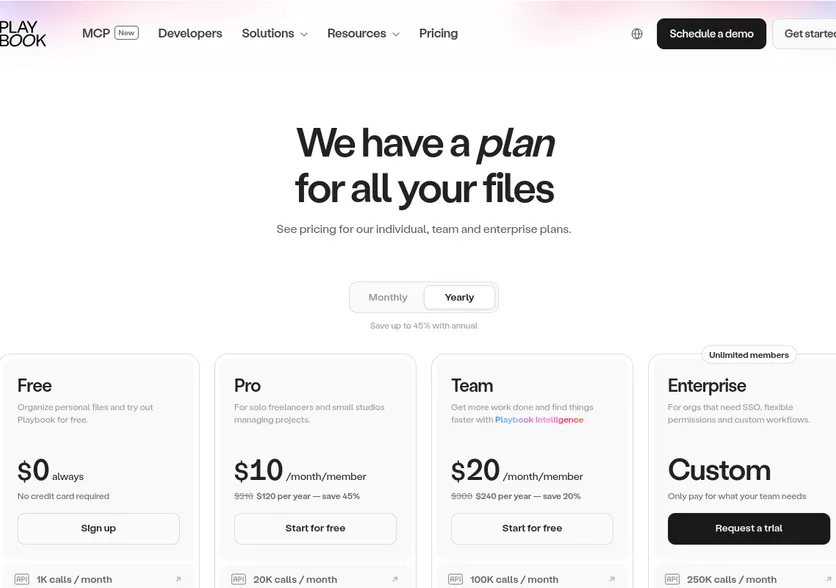
Playbook is the asset library with a portal for small teams, giving clients and staff one branded place to find approved files. This Playbook plan starts at fifty dollars a month in third-party pricing surveys, with a portal that keeps the library tidy. A small business can upload logos and photos, share a portal link, and stop sending files by email every time someone asks.
What we like
- Low entry price at fifty dollars a month
- Portal keeps the library tidy for outsiders
- Simple setup for a small team
Watch out for
- Entry price comes from third-party surveys, so confirm it first
- Fewer features than the dearer DAM tools
How to try it
- Open the Playbook pricing page and confirm the current rate
- Upload your logos, photos and templates
- Share your portal link with clients and staff
6. Dash
Best for: Small teams that want a searchable library with a portal
Paid tool Starting price: $98/month · About ninety-eight dollars a month in third-party pricing surveys for a small team; confirm the current rate on the vendor site
Free plan: No free plan; free trial available
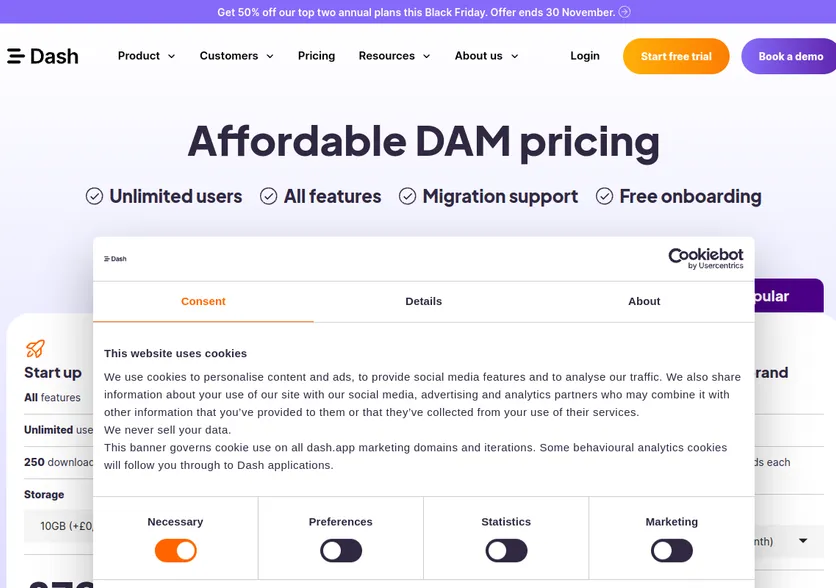
Dash is the asset library for small teams that need search, portals and sharing without an enterprise sales process. This Dash plan costs about ninety-eight dollars a month in third-party pricing surveys for a small team, with a portal for sharing approved files. A business can find any asset fast, share it through a branded portal, and keep versions straight as the library grows.
What we like
- Search and portals without enterprise pricing
- Simple setup for a small team
- Version control keeps the right file in use
Watch out for
- Price comes from third-party surveys, so confirm it first
- Smaller vendor with a smaller community
How to try it
- Open the Dash pricing page and confirm the current rate
- Upload your assets and add tags
- Share a portal with clients and staff
7. Brault
Best for: Small teams that want a library, portal, review and transfer in one tool
Paid tool Starting price: $74/month · Growth plan at seventy-four dollars a month in third-party pricing surveys, with five terabytes of storage and four users included
Free plan: No free plan; free trial available
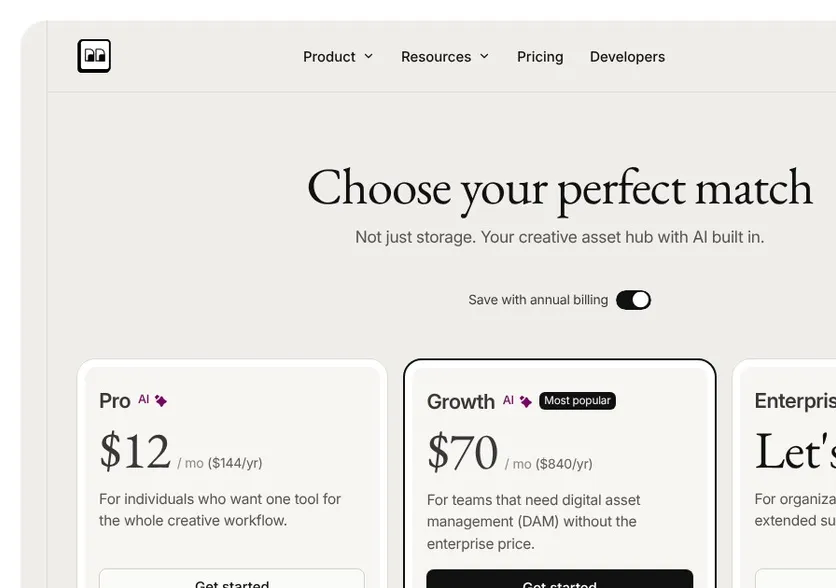
Brault is the all-in-one asset tool for small teams, combining a library, portal, review and transfer in one subscription. This Brault Growth plan costs seventy-four dollars a month in third-party pricing surveys, with five terabytes of storage and four users included. A small business can store assets, review work, share a portal and send large files without buying four separate tools.
What we like
- Library, portal, review and transfer in one tool
- Five terabytes of storage on Growth
- Four users included at seventy-four dollars a month
Watch out for
- Price comes from third-party surveys, so confirm it first
- Newer vendor with a smaller track record
How to try it
- Open the Brault pricing page and confirm the current rate
- Upload your assets and set up your portal
- Use review and transfer for client work
Prices above were checked on each vendor’s own website on Nov 27, 2026 and can change — the vendor’s page is the final word. Vendor links are editorial: nobody paid to be listed or ranked here. Vendors who want a featured listing can see how it works on our Get listed page.
What brand asset software costs in 2026
Brand asset software for small business is priced per month with a storage limit, and the storage decides whether the entry plan actually fits. Filecamp Basic gives twenty gigabytes for twenty-nine dollars a month, Pics Solo gives one user for one hundred dollars a month, and Brault Growth gives five terabytes for seventy-four dollars a month, so the cheapest plan can be the wrong plan for a photo-heavy library. Count your library size before you buy, because an upgrade for storage costs more than the difference between two entry plans.
Start with a trial and upload a real slice of your library, including the biggest files and the messiest folders. Test search with the words your team actually uses, share a portal link with a client, and check that version control stops old logos from circulating. Pick the tool whose portal your clients will open, because a library nobody can find is just a more expensive hard drive.
Before you buy
- Count your library size before buying, because a twenty gigabyte limit is tight for a photo-heavy collection.
- Check whether the price covers your whole team or only one user, because Pics Solo covers a single user.
- Test search with the words your team actually uses, because a library that cannot be searched is barely a library.
- Share a portal link with a real client before paying, because the portal is where the tool earns its keep.
- Confirm the AI search and add-on prices, because Pics charges fifty dollars a month extra for its AI add-on.
Official websites
Official websites of the products reviewed above. Features and prices were checked against these sites when this guide was written, and they can change, so confirm on the vendor site before you buy.
Frequently asked questions
Which brand asset management software is best for small business in 2026?
Filecamp is the best overall pick at twenty-nine dollars a month, with a branded library and client portals for small teams. Pics is the best pick for teams that want a DAM layer on storage they already own, from one hundred dollars a month. Lingo is the best budget pick for a simple brand kit, from eighty dollars a month plus sixteen dollars per editor.
How much does brand asset management software cost for small business?
The tools in this list run from twenty-nine dollars a month for Filecamp Basic to nine hundred dollars a month for Air Business. Playbook starts at fifty dollars a month, Brault Growth costs seventy-four dollars a month, and Pics Solo costs one hundred dollars a month. Most small teams can run a proper library for under one hundred dollars a month.
Why do Canto, Bynder and Brandfolder not publish prices?
Canto, Bynder, Brandfolder and Frontify sell on quote because their price depends on users, storage, regions and contract length, so a published number would mislead as often as it helps. Third-party surveys put their contracts in the thousands of dollars a month, which is enterprise money rather than small-business money. Small teams should start with the published-price tools in this list instead.
Is there free brand asset management software for small business?
Air offers a free plan for small teams getting started, which suits a tiny library with light use. The other tools in this list offer free trials rather than free plans, so expect to pay from the first month. Open-source options exist, but they need hosting and maintenance that most small teams would rather avoid.
What should a small business check before buying asset software?
Check the storage limit against your real library size, because a twenty gigabyte cap fills fast with photos and video. Test search with your own words, share a portal with a real client, and confirm who can see what before you upload anything sensitive. Compare the price at your real user count, because a one-user plan can cost more than a team plan once everyone joins.
Need everyday business help too? Try Toolsvine's free business tools right in your browser.
Browse Business Tools tools


