
On this page
Remote teams need call center infrastructure that works from anywhere, without a server room or a desk phone on every kitchen table. The eight cloud platforms below run from twelve dollars to thirty dollars per user a month, and every price was checked on the vendor site on November 27, 2026. Each one gives remote agents a softphone, shared numbers and call routing, so a team spread across time zones can answer like one office. Aircall is our first pick — the fastest to set up, with the widest integration list for remote support teams.
How we researched this
We started with cloud call center platforms that publish a per-user price and run entirely in a browser or mobile app, so no office hardware is needed. We read each price on the vendor pricing page on November 27, 2026 and noted the seat minimum, because a three-seat floor changes the real monthly bill. We judged them for a remote team that needs shared numbers, call routing, recording and CRM integrations, and we dropped the big enterprise suites that publish no price at all.
Compare the tools
| Name | Best for | Starting price | Free plan | |
|---|---|---|---|---|
 Aircall | Remote support teams that want to be live in a day with deep helpdesk integrations | $30/user/month | No free plan; free trial available | Visit |
 Dialpad | Remote teams that want AI call summaries and transcription bundled from the first plan | $15/user/month | No free plan; free trial available | Visit |
 CloudTalk | Global remote teams that call customers in many countries on one flat rate | $25/user/month | No free plan; 14-day free trial | Visit |
 JustCall | Remote sales teams that text as much as they call and want both in one seat | $29/user/month | No free plan; 14-day free trial | Visit |
 RingCentral | Remote teams that want phone, video and messaging in one system with deep compliance | $20/user/month | No free plan; 14-day free trial | Visit |
 Ringover | Distributed teams that share one main company number and want simple setup | $19/user/month | No free plan; free trial available | Visit |
 CallHippo | Small remote teams that want international numbers in more than one hundred fifty countries | $19/user/month | Free Basic plan for 6 months; 10-day free trial | Visit |
 KrispCall | Tiny remote teams that want the lowest published per-user price with international numbers | $12/user/month | No free plan; demo available | Visit |
The call center infrastructure software, compared
1. Aircall
Best for: Remote support teams that want to be live in a day with deep helpdesk integrations
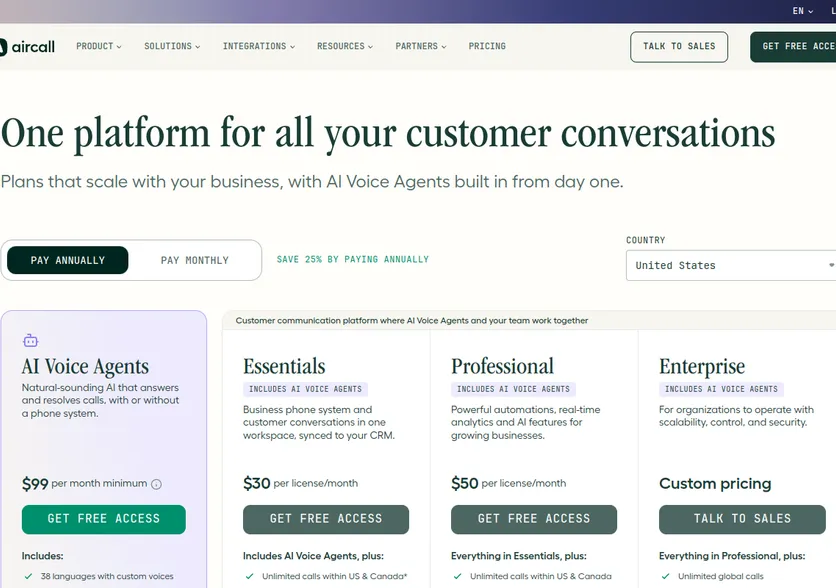
Paid tool Starting price: $30/user/month · Essentials plan, thirty dollars per user a month on annual billing; Professional lists at fifty dollars per user a month; both carry a three license minimum
Free plan: No free plan; free trial available
Aircall is a cloud phone system built for sales and support teams that need a remote call center running fast without buying hardware. This Aircall Essentials plan lists at thirty dollars per user a month on annual billing, with a three license minimum that puts the smallest real bill at ninety dollars a month. Remote agents get shared numbers, call routing, call recording and more than one hundred integrations, so a distributed team can work inside the helpdesk it already uses.
What we like
- Live in a day with no hardware to install or ship
- More than one hundred integrations with helpdesk and CRM tools
- Call recording and analytics included from the first plan
Watch out for
- Three license minimum means a solo agent still pays for three seats
- Unlimited outbound calling covers the United States and Canada only
How to try it
- Open the Aircall pricing page and start the free trial
- Connect your helpdesk or CRM and set up one shared number
- Build a call routing rule and test it with a remote agent
2. Dialpad
Best for: Remote teams that want AI call summaries and transcription bundled from the first plan
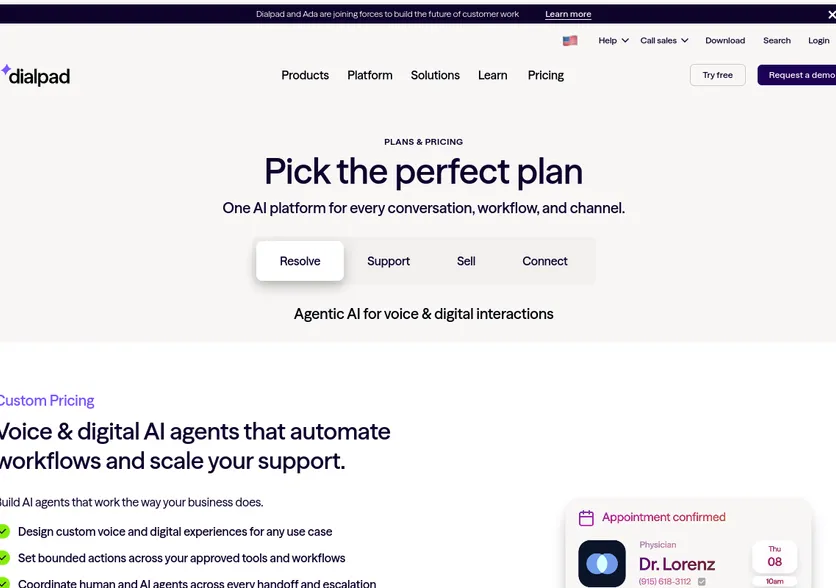
Paid tool Starting price: $15/user/month · Connect Standard plan, fifteen dollars per user a month on annual billing; monthly billing lists at twenty-seven dollars per user a month
Free plan: No free plan; free trial available
Dialpad is an AI-first business phone system that gives remote agents calling, messaging and meetings in one app. This Dialpad Connect Standard plan lists at fifteen dollars per user a month on annual billing, or twenty-seven dollars when billed monthly. Every call gets a real-time transcript and an AI summary, so a manager can review a remote shift without listening to every recording.
What we like
- AI transcription and call summaries included on Standard
- One app for calling, messaging and video meetings
- No seat minimum, so a one-person team can start
Watch out for
- CRM integrations need the Pro plan at twenty-five dollars a month
- Only one office location and three ring groups on Standard
How to try it
- Open the Dialpad pricing page and start the free trial
- Add your team and assign each agent a business number
- Turn on AI summaries and check the first call transcript
3. CloudTalk
Best for: Global remote teams that call customers in many countries on one flat rate
Paid tool Starting price: $25/user/month · Starter plan, twenty-five dollars per user a month on annual billing; Essential lists at twenty-nine dollars and Expert at forty-nine dollars
Free plan: No free plan; 14-day free trial
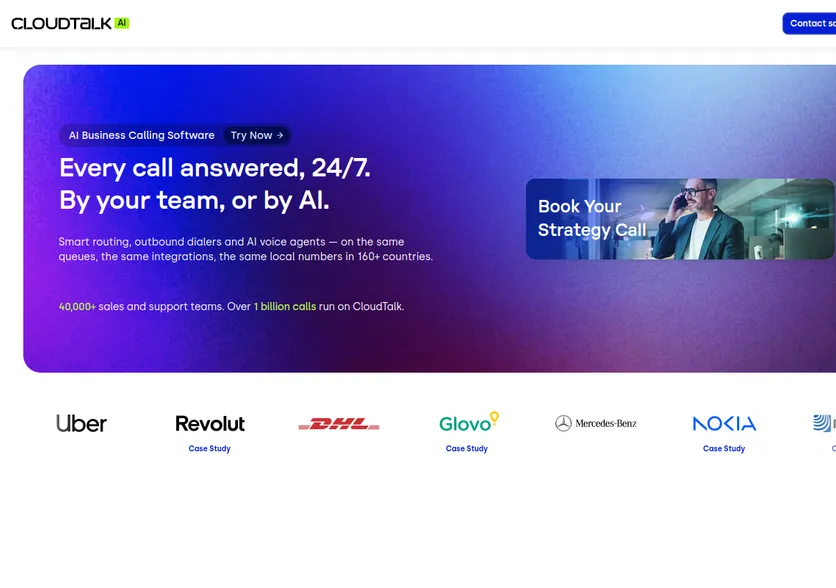
CloudTalk is a cloud calling platform for sales and support teams that work across borders, with local numbers in more than one hundred sixty countries. This CloudTalk Starter plan lists at twenty-five dollars per user a month on annual billing, with no seat minimum. Remote agents get a visual call flow designer, call recording and AI conversation tools, so a team spread across continents can route calls without an IT ticket.
What we like
- Local numbers in more than one hundred sixty countries
- No seat minimum on the Starter and Essential plans
- Visual call flow designer included from the first plan
Watch out for
- CRM integrations start on Essential, not on Starter
- AI features are an add-on on the lower plans
How to try it
- Open the CloudTalk pricing page and start the 14-day trial
- Pick local numbers for each country your team calls
- Build a call flow and test routing with two remote agents
4. JustCall
Best for: Remote sales teams that text as much as they call and want both in one seat
Paid tool Starting price: $29/user/month · Team plan, twenty-nine dollars per user a month on annual billing; monthly billing lists at thirty-nine dollars; two seat minimum
Free plan: No free plan; 14-day free trial
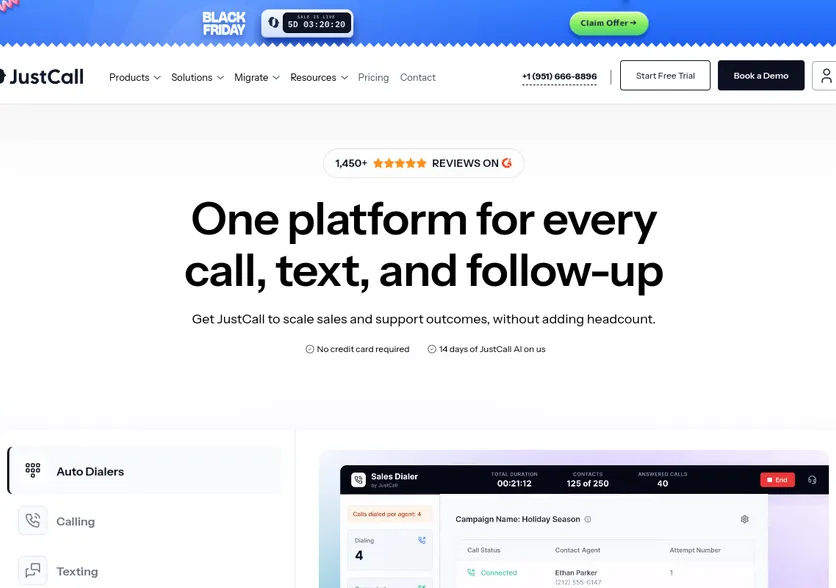
JustCall is a cloud phone system made by SaaS Labs that runs calls, SMS and WhatsApp in one workspace for remote teams. This JustCall Team plan lists at twenty-nine dollars per user a month on annual billing, with a two seat minimum that puts the smallest bill at fifty-eight dollars a month. Agents get an AI dialer, voicemail drop and CRM sync, so follow-up texts and calls stay logged without manual entry.
What we like
- Calls, SMS and WhatsApp in one workspace
- AI dialer and voicemail drop on the Team plan
- Local numbers in more than seventy countries
Watch out for
- Two seat minimum means a solo user pays for two seats
- Power dialing needs the Pro plan at forty-nine dollars a month
How to try it
- Open the JustCall pricing page and start the 14-day trial
- Connect your CRM and set up SMS and WhatsApp templates
- Test the AI dialer on a small call list before scaling
5. RingCentral
Best for: Remote teams that want phone, video and messaging in one system with deep compliance
Paid tool Starting price: $20/user/month · RingEX Core plan, twenty dollars per user a month on annual billing; Advanced lists at twenty-five dollars and Ultra at thirty-five dollars
Free plan: No free plan; 14-day free trial
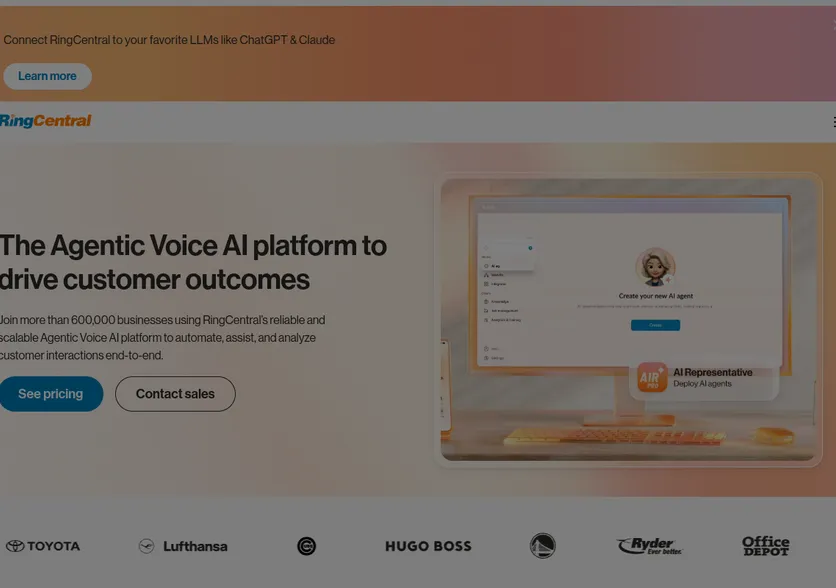
RingCentral is a cloud communications platform that bundles phone, video meetings and team messaging for remote teams of any size. This RingCentral RingEX Core plan lists at twenty dollars per user a month on annual billing, with unlimited domestic calling. Agents get an auto attendant, call queues and more than three hundred integrations, and the platform carries HIPAA and PCI compliance for regulated teams.
What we like
- Phone, video and messaging in one subscription
- More than three hundred integrations in the app gallery
- HIPAA and PCI compliance built in for regulated work
Watch out for
- SMS is capped by tier, with twenty-five messages on Core
- Contact center features need RingCX, priced separately
How to try it
- Open the RingCentral pricing page and start the 14-day trial
- Set up an auto attendant and call queues for your team
- Connect your CRM and test call logging on a live call
6. Ringover
Best for: Distributed teams that share one main company number and want simple setup
Paid tool Starting price: $19/user/month · Talk plan, nineteen dollars per user a month on a twelve month commitment; monthly billing lists at twenty-nine dollars; three user minimum
Free plan: No free plan; free trial available
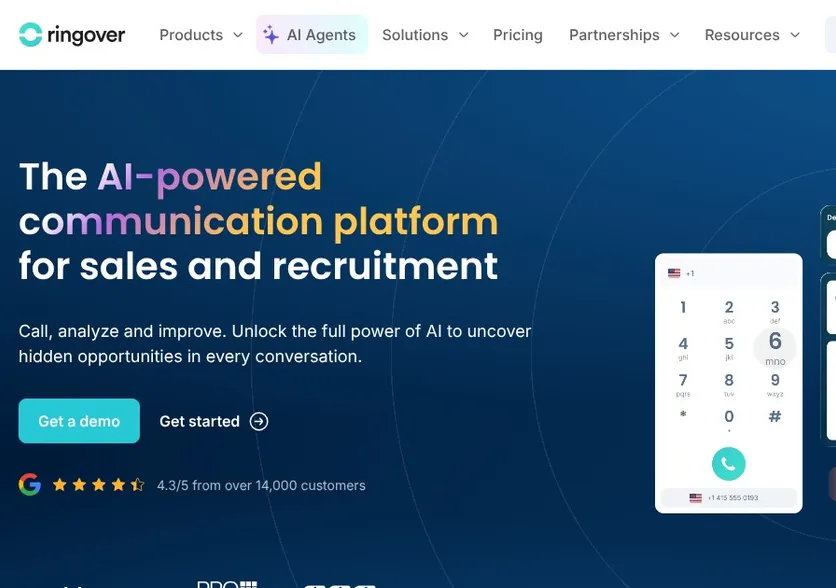
Ringover is a cloud phone system built for distributed sales and support teams, with a shared company number at the heart of every plan. This Ringover Talk plan lists at nineteen dollars per user a month on a twelve month commitment, with a three user minimum. Remote agents get unlimited calls to more than one hundred destinations, call recording and a mobile app, so the team phone works from anywhere.
What we like
- Unlimited calls to more than one hundred destinations on Talk
- One shared company number included on every plan
- Clean desktop and mobile apps for remote agents
Watch out for
- Three user minimum on every plan below Enterprise
- A number per user and CRM integrations need Business
How to try it
- Open the Ringover pricing page and check the Talk plan
- Claim your shared company number and add three users
- Test unlimited international calling with a remote agent
7. CallHippo
Best for: Small remote teams that want international numbers in more than one hundred fifty countries
Paid tool Starting price: $19/user/month · Starter plan, nineteen dollars per user a month on annual billing; monthly billing lists at twenty-five dollars; Basic plan free for six months
Free plan: Free Basic plan for 6 months; 10-day free trial
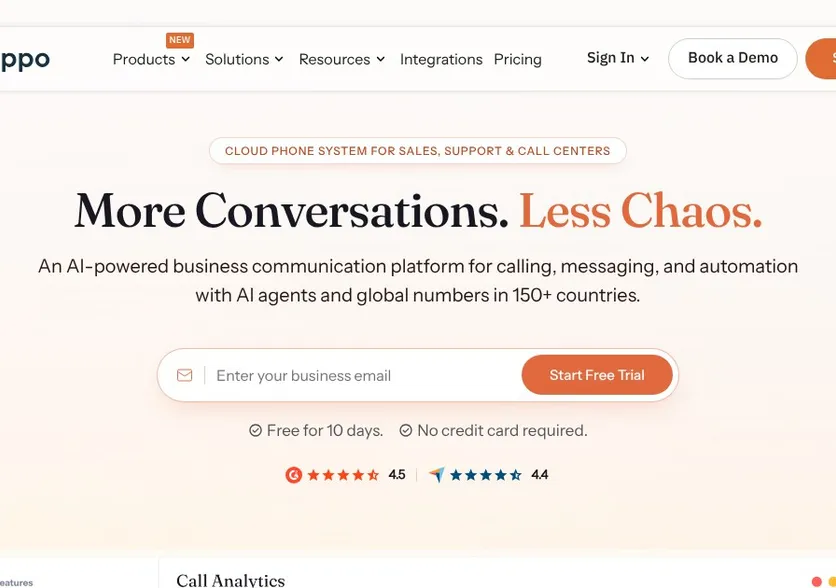
CallHippo is a cloud phone system for sales and support teams that need local numbers in more than one hundred fifty countries. This CallHippo Starter plan lists at nineteen dollars per user a month on annual billing, or twenty-five dollars when billed monthly. Remote agents get a parallel dialer, an omnichannel inbox and a free WhatsApp Business API connection, so inbound and outbound work stays in one dashboard.
What we like
- Local numbers in more than one hundred fifty countries
- Free Basic plan for the first six months
- Parallel dialer and omnichannel inbox included
Watch out for
- Setup fee of fifteen dollars is listed on some plans
- Advanced analytics and SSO sit on the higher plans
How to try it
- Open the CallHippo pricing page and start the 10-day trial
- Buy local numbers for the countries your team calls
- Set up the omnichannel inbox and test a WhatsApp reply
8. KrispCall
Best for: Tiny remote teams that want the lowest published per-user price with international numbers
Paid tool Starting price: $12/user/month · Starter plan, twelve dollars per user a month on annual billing; monthly billing lists at fifteen dollars; Starter supports up to five users
Free plan: No free plan; demo available
KrispCall is a virtual phone system for small remote teams that want browser and mobile calling with international numbers. This KrispCall Starter plan lists at twelve dollars per user a month on annual billing, or fifteen dollars when billed monthly. Agents get voicemail, number porting and a browser extension, so a team of up to five can run its whole phone system from laptops and phones.
What we like
- Lowest entry price in this comparison at twelve dollars
- Works from a browser with no desktop app to install
- International numbers for the United States, Canada and the United Kingdom
Watch out for
- Starter supports only five users, so growing teams must upgrade
- No standard free trial is published on the pricing page
How to try it
- Open the KrispCall pricing page and check the Starter plan
- Pick a local or mobile number for your team
- Install the browser extension and make a test call
Prices above were checked on each vendor’s own website on Nov 27, 2026 and can change — the vendor’s page is the final word. Vendor links are editorial: nobody paid to be listed or ranked here. Vendors who want a featured listing can see how it works on our Get listed page.
What remote call center infrastructure costs in 2026
Remote call center infrastructure is priced per user per month, but the headline rate is rarely the whole bill. Seat minimums matter most: Aircall needs three licenses, JustCall needs two and Ringover needs three, so a solo operator pays for empty seats on those plans. Dialpad, CloudTalk and CallHippo sell single seats, which makes them cheaper for a team of one or two. Add the minimums together before you compare rates.
Check where your customers actually call from, because international coverage is where the plans split. CloudTalk covers more than one hundred sixty countries and Ringover includes unlimited calls to more than one hundred destinations, while Aircall keeps unlimited outbound calling to the United States and Canada. Pick the platform whose included calling matches your customer map, then test call quality from each agent home office before you commit to a year.
Before you buy
- Count the seat minimum before you compare prices, because a three-seat floor can double a small team bill.
- Check which countries are included in unlimited calling, because international minutes are billed separately on some plans.
- Confirm call recording storage limits, because Aircall keeps recordings for one year on Essentials.
- Test call quality from each agent home office, because a remote team depends on home internet, not office wiring.
- Check whether CRM integrations are included or gated, because several vendors lock them to a higher plan.
Official websites
Official websites of the products reviewed above. Features and prices were checked against these sites when this guide was written, and they can change, so confirm on the vendor site before you buy.
Frequently asked questions
Which call center software is best for remote teams in 2026?
Aircall is the best overall pick at thirty dollars per user a month, with the fastest setup and the widest integration list for remote support teams. Dialpad is the best choice for teams that want AI transcription and call summaries bundled from fifteen dollars a month. KrispCall is the best budget pick at twelve dollars a month for a team of up to five people.
How much does call center infrastructure software cost?
The eight platforms in this list run from twelve dollars to thirty dollars per user a month on annual billing. Seat minimums change the real bill: Aircall, JustCall and Ringover all require two or three seats, so the smallest invoice runs from fifty-eight to ninety dollars a month. Single-seat plans from Dialpad, CloudTalk and CallHippo start at fifteen to twenty-five dollars a month.
Do I need special hardware for a remote call center?
No, every tool in this list runs in a browser, a desktop app or a mobile app, so agents need only a headset and a stable internet connection. Cloud phone systems replace desk phones entirely, and numbers, routing and recording all live in the cloud. The main hardware decision is a good headset, not a phone system.
Which call center software works best across countries?
CloudTalk is the strongest pick for global teams, with local numbers in more than one hundred sixty countries on one flat rate. Ringover includes unlimited calls to more than one hundred destinations on its Talk plan. CallHippo covers more than one hundred fifty countries, while Aircall keeps unlimited outbound calling to the United States and Canada.
Is there a free call center platform for remote teams?
There is no permanent free plan among the eight tools here, but CallHippo offers a Basic plan free for the first six months. Most vendors offer a free trial of seven to fourteen days, which is enough to test call quality and routing with real agents. KrispCall publishes no standard free trial, so confirm trial terms before you sign up.
Need everyday business help too? Try Toolsvine's free business tools right in your browser.
Browse Business Tools tools


