
On this page
A caller who hears a voicemail instead of a menu does not call back, and a freelancer who answers every call personally cannot scale. Nextiva is the cheapest way onto this list at ten dollars per user a month, with an AI receptionist that answers when you cannot. This guide compares seven call center tools with IVR systems, from simple phone plans with menus to full contact centers with AI voice agents, with live 2026 prices, free trials and the per-seat limits each plan actually sets.
How we researched this
We checked the pricing page of every vendor on this list on November 26, 2026, and kept only tools that publish a real dollar price with IVR on the plan. Each tool had to route callers through a menu without a sales call, and we compared entry prices, free trials, included minutes and numbers, and whether AI voice agents and analytics are included or sold as add-ons.
Compare the tools
| Name | Best for | Starting price | Free plan | |
|---|---|---|---|---|
 Nextiva | Freelancers who want the cheapest call center starter kit | $10 | Free trial | Visit |
 Vonage | Freelancers who want a veteran phone provider with IVR | $19.99 | Free trial | Visit |
 RingCentral | Freelancers who want a full contact center platform | $20 | 14-day free trial | Visit |
 8x8 | Freelancers who call clients in many countries | $24 | Free trial | Visit |
 Aircall | Teams who want AI voice agents from day one | $30 | Free access | Visit |
 JustCall | Teams who want an AI voice agent answering calls | $39 | 14-day free trial | Visit |
 Five9 | Large teams who need an enterprise contact center | $119 | Demo available | Visit |
The call center tools, compared
1. Nextiva
Best for: Freelancers who want the cheapest call center starter kit
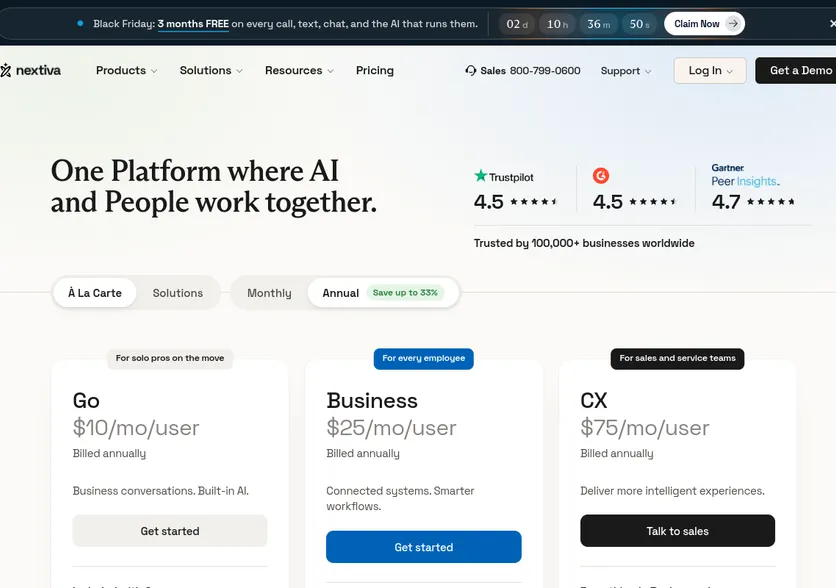
Paid tool Starting price: $10 · Go is $10 per user a month; Business is $25 and CX is $75
Free plan: Free trial
Nextiva doubles as a call center starter kit, with Go at ten dollars per user a month for voice, texts, video and email in one place. It adds an AI receptionist with ten free conversations on every plan, plus transcription, summaries and team chat, which covers the basics a small call center needs. Business at twenty-five dollars adds call recording and more seats, while CX at seventy-five dollars brings the full contact center with queues and analytics.
What we like
- Go from $10 per user a month
- AI receptionist on every plan
- Voice, texts, video and email in one place
Watch out for
- Business plan is $25 per user a month
- Full contact center features need CX
How to try it
- Sign up and choose a local or toll-free number
- Set up the AI receptionist greeting
- Add call queues as your team grows
2. Vonage
Best for: Freelancers who want a veteran phone provider with IVR
Paid tool Starting price: $19.99 · Mobile list price is $19.99 per line a month; the first-year promo is $13.99
Free plan: Free trial
Vonage is the call center veteran here, with Mobile at nineteen dollars and ninety-nine cents per line a month at list price. It routes calls through an auto attendant and call groups, includes unlimited domestic calling, SMS and MMS, and adds video meetings and team messaging on Premium. The advertised first-year price of thirteen dollars and ninety-nine cents rises to the list price at renewal, and taxes and fees sit on top of every plan.
What we like
- Mobile list price $19.99 per line a month
- Unlimited domestic calling, SMS and MMS
- Auto attendant and call groups
Watch out for
- Promo price rises at renewal
- Taxes and fees sit on top
How to try it
- Sign up and pick a number
- Set up the auto attendant menu
- Check the first bill for taxes and fees
3. RingCentral
Best for: Freelancers who want a full contact center platform
Paid tool Starting price: $20 · Core is $20 per user a month on an annual contract, $30 month to month
Free plan: 14-day free trial
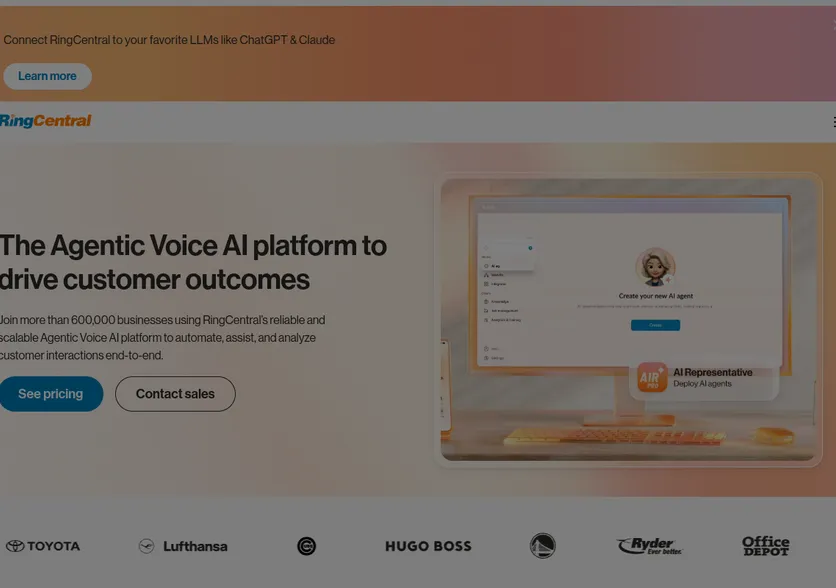
RingCentral is the contact center heavyweight on this list, with Core at twenty dollars per user a month on an annual contract. It covers voice, video, team messaging and fax in one app, with unlimited calls in the US and Canada, an auto attendant and more than three hundred integrations. A 14-day free trial supports up to twenty phone lines, and the higher tiers add call queues, analytics and supervisor tools for a real call center.
What we like
- Core from $20 per user a month annually
- Voice, video, messaging and fax in one app
- 330 plus integrations
Watch out for
- Monthly billing is $30 per user a month
- Call center analytics need higher tiers
How to try it
- Start the 14-day trial
- Set up the auto attendant and queues
- Connect your CRM from the app gallery
4. 8x8
Best for: Freelancers who call clients in many countries
Paid tool Starting price: $24 · X2 is from $24 per user a month with annual billing; the per-seat rate varies by team size
Free plan: Free trial
8x8 is the international call center pick here, with X2 from twenty-four dollars per user a month on annual billing. It includes unlimited voice calling to fourteen countries, video meetings for up to five hundred participants, team messaging and voicemail transcription. X4 adds unlimited calling to forty-eight countries and supervisor analytics, while the contact center tiers start higher and are priced for support teams.
What we like
- X2 from $24 per user a month annually
- Unlimited calling to 14 countries
- Video meetings for up to 500 participants
Watch out for
- Per-seat rate varies by team size
- Contact center tiers start at $85
How to try it
- Start a trial and check the included countries
- Set up the auto attendant
- Add supervisor analytics on X4
5. Aircall
Best for: Teams who want AI voice agents from day one
Paid tool Starting price: $30 · Essentials is $30 per license a month billed annually; Professional is $50
Free plan: Free access
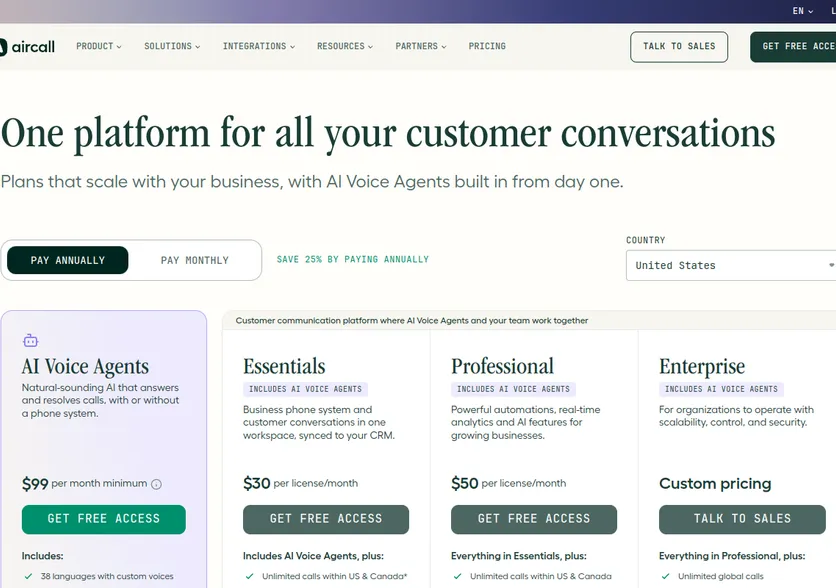
Aircall is the AI-first call center on this list, with Essentials at thirty dollars per license a month billed annually. It includes IVR and basic call flow on the entry plan, unlimited calls within the US and Canada, SMS and MMS, call recordings with AI transcripts and more than two hundred fifty integrations. Fifty minutes of AI Voice Agents come with every plan, and Professional at fifty dollars adds smart routing, a power dialer and conversation intelligence.
What we like
- Essentials from $30 per license a month annually
- IVR and call flow included on every plan
- 250 plus integrations
Watch out for
- Minimum 3 licenses
- AI Voice Agents cost extra beyond 50 minutes
How to try it
- Start free access and pick numbers
- Build your IVR menu and call flow
- Connect your CRM from the integration list
6. JustCall
Best for: Teams who want an AI voice agent answering calls
Paid tool Starting price: $39 · Team list price is $39 per user a month; the site currently shows $29 billed annually
Free plan: 14-day free trial
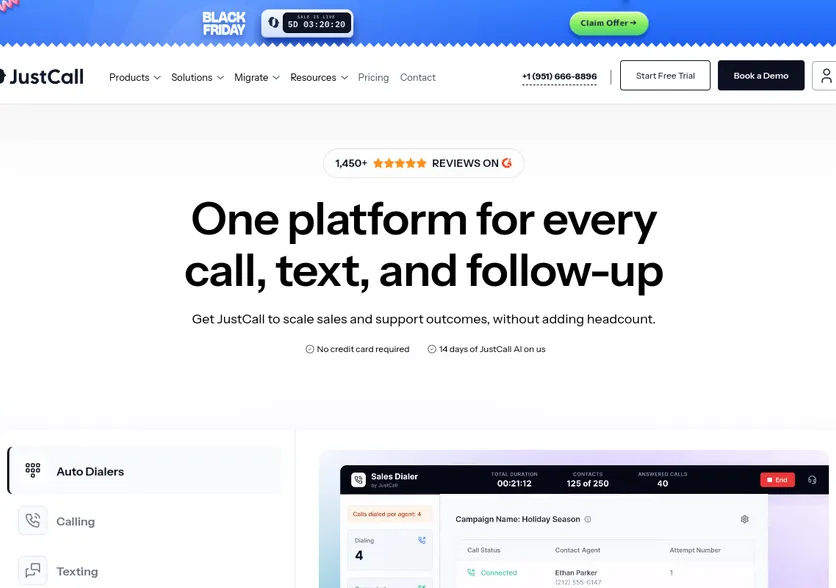
JustCall is the business phone system with AI built in, with Team at thirty-nine dollars per user a month at list price. It includes two phone numbers with every account, unlimited incoming calls, outbound calling and SMS bundles, and an AI voice agent that can answer calls around the clock. A 14-day free trial needs no credit card, and Pro adds workflow automations and AI coaching for sixty-nine dollars a user a month at list price.
What we like
- Team list price $39 per user a month
- Two phone numbers with every account
- AI voice agent answers calls around the clock
Watch out for
- Site shows a $29 annual price that may be seasonal
- Minimum 2 licenses
How to try it
- Start the 14-day trial
- Claim your two phone numbers
- Set up the AI voice agent greeting
7. Five9
Best for: Large teams who need an enterprise contact center
Paid tool Starting price: $119 · Digital is $119 per seat a month; Core is $159
Free plan: Demo available
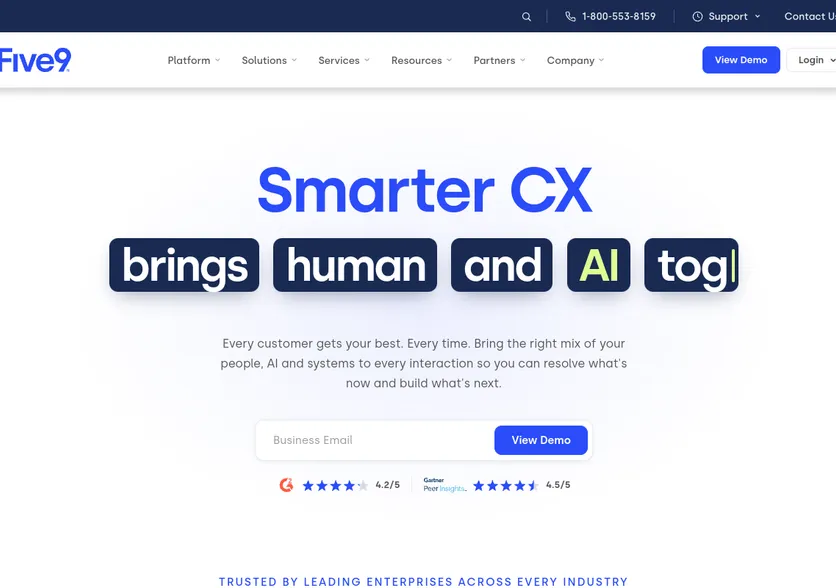
Five9 is the enterprise contact center on this list, with Digital at one hundred nineteen dollars per seat a month. It covers voice, chat, email, SMS and social messaging with AI summaries, live transcription and AI agent assist, plus a dialer, recording and a choice of CRM adapters. The seat includes IVR, call queues and analytics, but the fifty-seat minimum means this is a tool for teams, not solo freelancers.
What we like
- Digital from $119 per seat a month
- IVR, queues and analytics in every seat
- AI summaries and live transcription included
Watch out for
- Minimum 50 seats
- Higher bundles are contact sales only
How to try it
- Request a demo from the pricing page
- Choose the Digital or Core bundle
- Connect your CRM adapter
Prices above were checked on each vendor’s own website on Nov 26, 2026 and can change — the vendor’s page is the final word. Vendor links are editorial: nobody paid to be listed or ranked here. Vendors who want a featured listing can see how it works on our Get listed page.
Count the seats before you count the features
Call center pricing is per seat, so the bill depends on how many agents answer the phone: Nextiva charges ten dollars per user, Aircall charges thirty dollars per license with a three-license minimum, and Five9 needs fifty seats before it will talk to you. Before you pay, check whether IVR is included on the entry plan, since every tool here includes it, and check what the AI costs, since Aircall gives fifty voice agent minutes and JustCall bundles its AI agent while others charge per minute. Confirm how many numbers come with the plan, since JustCall includes two numbers with every account and Aircall includes one, and test the menu yourself by calling in, since a clumsy IVR loses callers faster than no menu at all.
Before you buy
- Check whether IVR is included on the entry plan or locked behind a higher tier.
- Count the minimum seats, since some tools need three licenses and Five9 needs fifty.
- Ask what AI voice agent minutes cost after the included bundle runs out.
- Confirm how many phone numbers come with the plan before you buy extras.
- Call your own IVR menu as a customer before launch, since a clumsy menu loses callers.
Official websites
Official websites of the products reviewed above. Features and prices were checked against these sites when this guide was written, and they can change, so confirm on the vendor site before you buy.
Frequently asked questions
What is the cheapest call center software with IVR?
Nextiva Go is the cheapest here at $10 per user a month, with an AI receptionist on every plan and voice, texts, video and email in one place. Vonage Mobile is next at $19.99 a line a month, and RingCentral Core is $20 per user a month on an annual contract. For a solo freelancer, Nextiva is the cheapest way to sound like a call center, while RingCentral is the cheapest full platform.
What is IVR and do I really need it?
IVR is the phone menu that greets callers and routes them, so press one for sales and two for support reaches the right person without a receptionist. Every tool on this list includes IVR on its entry plan, from Nextiva to Five9. You need it once more than one person answers calls, or when you want callers handled after hours instead of hitting voicemail.
Do call center tools include AI voice agents?
Aircall includes fifty AI Voice Agent minutes on every plan, and JustCall bundles an AI voice agent that answers calls around the clock. Nextiva includes an AI receptionist with ten free conversations on every plan, and Five9 adds AI summaries, live transcription and agent assist. The AI minutes are the part to watch, since extra minutes are billed per minute on most tools.
How many seats do I need to start?
Nextiva, Vonage, RingCentral and 8x8 let you start with a single user, which suits a solo freelancer or a tiny team. Aircall needs a minimum of three licenses and JustCall needs two, while Five9 needs fifty seats, so it only fits established teams. Start with the smallest plan that includes IVR and the numbers you need, then add seats as call volume grows.
Call center sorted? Try free business, budget and time tools on Toolsvine right in your browser.
Browse Business Tools tools


