

On this page
A small business capital project is a building, a renovation or a big equipment install, and it needs budgets, schedules and field crews in one place. The eight platforms below run from nine dollars per user a month to one hundred ninety-nine dollars a month, and every price was checked on the vendor site on November 27, 2026. Each one tracks jobs, costs and documents, so a small team can run a big project without an enterprise system. Fieldwire is our first pick — free to start, with field crews living on the drawings.
How we researched this
We started with project management platforms that publish a price and support construction and capital project work like budgets, schedules, drawings and punch lists. We read each price on the vendor pricing page on November 27, 2026 and noted whether the bill is per user or flat, because a small business needs a predictable number. We judged them for a small team running capital projects, and we dropped Procore and Buildertrend because neither publishes a price, and CoConstruct because it is being retired.
Compare the tools
| Name | Best for | Starting price | Free plan | |
|---|---|---|---|---|
 Fieldwire | Field crews that live on drawings, punch lists and site photos | $39/user/month | Free Basic plan for up to 5 users | Visit |
 JobTread | Small builders that want every feature in one flat plan | $159/month | No free plan | Visit |
 Houzz Pro | Design-build firms and remodelers that sell from estimates | $199/month | Free plan available | Visit |
 Contractor Foreman | Small contractors that want a low flat company price | $49/month | No free plan; 30-day free trial | Visit |
| Leap | Roofing and remodeling sales teams that close jobs from the field | $79/month | No free plan; 14-day free trial | Visit |
 Smartsheet | Teams that want Gantt charts and budget sheets without a construction-only tool | $9/user/month | No free plan; 30-day free trial | Visit |
 Monday | Small teams that want visual boards across jobs and office work | $9/user/month | Free plan for up to 2 seats | Visit |
 Asana | Teams that want task tracking and timelines with a free start | $10.99/user/month | Free plan for up to 10 teammates | Visit |
The capital project management software, compared
1. Fieldwire
Best for: Field crews that live on drawings, punch lists and site photos
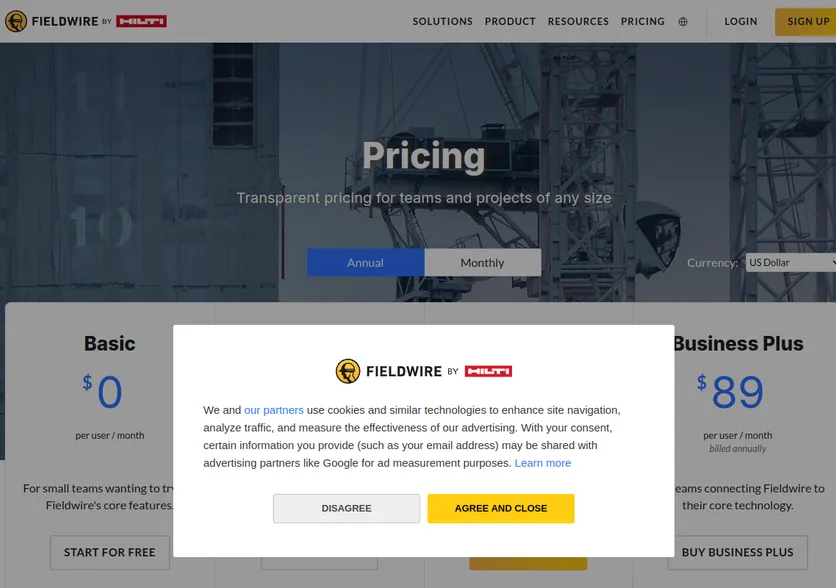
Paid tool Starting price: $39/user/month · Pro plan, thirty-nine dollars per user a month billed annually; Basic plan is free for up to five users, three projects and one hundred sheets
Free plan: Free Basic plan for up to 5 users
Fieldwire, now Fieldwire by Hilti, is a field-first tool built around plan viewing, tasks pinned to plan locations, punch lists and checklists. This Fieldwire Pro plan lists at thirty-nine dollars per user a month billed annually. A foreman can walk a job, drop a pin on the plan sheet, attach a photo and assign the item to the subcontractor who owns it.
What we like
- Free Basic plan for up to five users and three projects
- Tasks pinned to exact locations on the plan sheet
- Mobile app with offline access for field crews
Watch out for
- RFIs, submittals and budgets need Business Plus at eighty-nine dollars
- Per-user billing adds cost for every collaborator
How to try it
- Open the Fieldwire pricing page and start the free Basic plan
- Upload your plan sheets and pin the first punch list items
- Assign tasks to subcontractors from the mobile app
2. JobTread
Best for: Small builders that want every feature in one flat plan
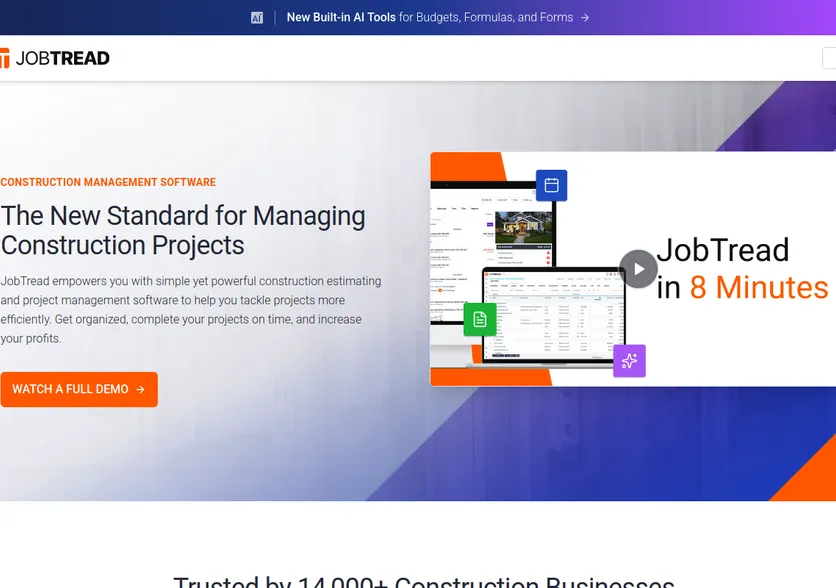
Paid tool Starting price: $159/month · Base fee, one hundred fifty-nine dollars a month billed annually, or one hundred ninety-nine dollars month to month; covers one internal user
Free plan: No free plan
JobTread keeps its pricing simple, with every feature included in the subscription, so a small builder does not pay extra for budgets or schedules. This JobTread base fee lists at one hundred fifty-nine dollars a month billed annually, or one hundred ninety-nine dollars month to month. A team gets budgets, schedules, selections, change orders, time tracking and a client portal, with extra internal users at sixteen dollars each.
What we like
- Every feature included, with no tier gates
- Flat monthly fee that is easy to budget
- Client portal included for every job
Watch out for
- Base fee covers one internal user, then sixteen dollars each
- No free plan, so the first month is paid
How to try it
- Open the JobTread pricing page and check the base fee
- Set up a job budget and a schedule for your next project
- Invite your client to the portal and share the schedule
3. Houzz Pro
Best for: Design-build firms and remodelers that sell from estimates
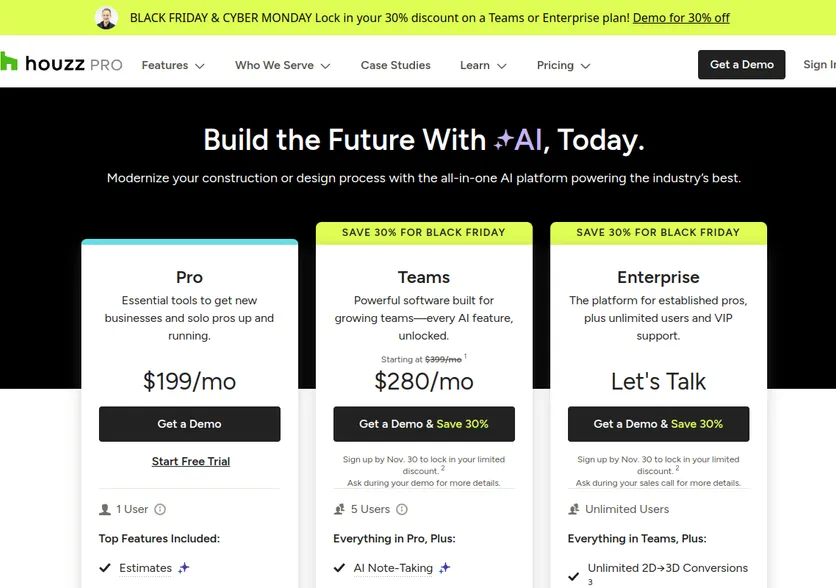
Paid tool Starting price: $199/month · Pro plan, one hundred ninety-nine dollars a month for one user; handles estimates, schedules, invoices and client updates; Houzz no longer publishes a separate pricing page, so one hundred ninety-nine dollars a month is the last published Pro price
Free plan: Free plan available
Houzz Pro works best for leads and job schedules, with estimates, invoices and client updates in one place. This Houzz Pro plan lists at one hundred ninety-nine dollars a month for one user. A design-build firm gets lead management, estimates, schedules and a client portal, so the sale and the build stay in the same system from first call to final invoice.
What we like
- Estimates, schedules and invoices in one plan
- Lead management built in for design-build firms
- Client portal keeps homeowners informed
Watch out for
- One hundred ninety-nine dollars covers one user only
- Built for remodelers, not for large commercial jobs
How to try it
- Open the Houzz Pro site and check the Pro plan
- Build an estimate and send it to a client
- Set up a job schedule and share it through the portal
4. Contractor Foreman
Best for: Small contractors that want a low flat company price
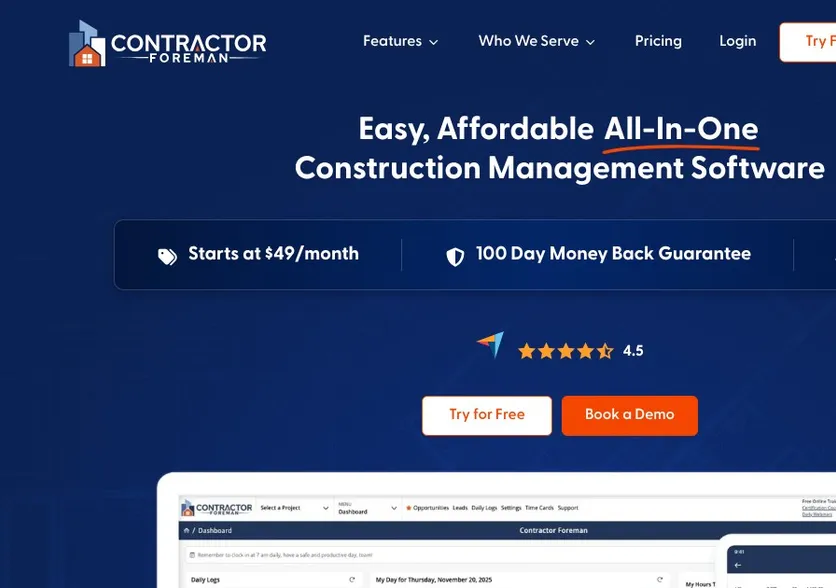
Paid tool Starting price: $49/month · Basic plan, forty-nine dollars a month billed annually for one user; renews at five hundred eighty-eight dollars a year
Free plan: No free plan; 30-day free trial
Contractor Foreman is the cheapest published starting price for a small contractor, with a flat monthly fee that covers the whole company. This Contractor Foreman Basic plan lists at forty-nine dollars a month billed annually for one user. A small team gets scheduling, estimating, project tracking and client management, with a thirty-day free trial to test it on a live job.
What we like
- Lowest flat starting price here at forty-nine dollars a month
- Scheduling, estimating and project tracking in one plan
- Thirty-day free trial to test on a live job
Watch out for
- Basic plan covers one user, so a bigger team pays more
- Fewer field tools than Fieldwire for large crews
How to try it
- Open the Contractor Foreman pricing page and start the trial
- Set up your first project with a schedule and an estimate
- Test the client portal with a real customer
5. Leap
Best for: Roofing and remodeling sales teams that close jobs from the field
Paid tool Starting price: $79/month · Essential plan, seventy-nine dollars a month for one user on a one-year contract billed monthly; formerly JobProgress
Free plan: No free plan; 14-day free trial
Leap, formerly JobProgress, is a sales and project platform for roofing and remodeling teams that close jobs from the field. This Leap Essential plan lists at seventy-nine dollars a month for one user on a one-year contract billed monthly. A sales team gets estimates, contracts, scheduling and payments in one flow, so a job moves from first visit to signed contract without retyping anything.
What we like
- Built for roofing and remodeling sales teams
- Estimates, contracts and payments in one flow
- Fourteen-day free trial to test on real jobs
Watch out for
- One user on Essential, so a bigger team pays more
- Formerly JobProgress, so older reviews use the old name
How to try it
- Open the Leap pricing page and check the Essential plan
- Build an estimate on the mobile app at a job site
- Send a contract for e-signature and track the payment
6. Smartsheet
Best for: Teams that want Gantt charts and budget sheets without a construction-only tool
Paid tool Starting price: $9/user/month · Pro plan, nine dollars per member a month billed annually; Business lists at nineteen dollars a member a month billed yearly
Free plan: No free plan; 30-day free trial
Smartsheet is a spreadsheet-style work platform that small businesses use for Gantt charts, calendars and budget tracking on capital projects. This Smartsheet Pro plan lists at nine dollars per member a month billed annually. A team gets Gantt views, automations and dashboards, with a thirty-day free trial and a Business plan at nineteen dollars that adds unlimited editors and proofing.

What we like
- Lowest per-user price here at nine dollars a month
- Gantt charts and budget sheets in one place
- Works for any project, not just construction
Watch out for
- No construction-specific tools like punch lists or RFIs
- Proofing and activity logs need the Business plan
How to try it
- Open the Smartsheet pricing page and start the trial
- Build a Gantt chart for your capital project
- Set up a budget sheet and share it with the team
7. Monday
Best for: Small teams that want visual boards across jobs and office work
Paid tool Starting price: $9/user/month · Basic plan, nine dollars per user a month billed annually; Standard lists at twelve dollars and Pro at nineteen dollars
Free plan: Free plan for up to 2 seats
Monday is a visual work platform that small businesses use to run capital projects on boards, timelines and dashboards. This Monday Basic plan lists at nine dollars per user a month billed annually. A team gets unlimited boards, file storage and a mobile app, with a free plan for up to two seats and higher plans adding automations and integrations.

What we like
- Visual boards that a whole team learns in a day
- Free plan for up to two seats
- Works across jobs, office work and clients
Watch out for
- Automations and integrations need Standard or Pro
- No construction-specific tools like drawings or punch lists
How to try it
- Open the Monday pricing page and start the free plan
- Build a board for your capital project with timelines
- Add automations for status changes and deadlines
8. Asana
Best for: Teams that want task tracking and timelines with a free start
Paid tool Starting price: $10.99/user/month · Starter plan, ten dollars and ninety-nine cents per user a month billed annually; Advanced lists at twenty-four dollars and ninety-nine cents
Free plan: Free plan for up to 10 teammates
Asana is a task and project platform that small businesses use to track capital projects from kickoff to closeout. This Asana Starter plan lists at ten dollars and ninety-nine cents per user a month billed annually. A team gets timelines, task dependencies and project dashboards, with a free plan for up to ten teammates and a thirty-day trial of the paid plans.

What we like
- Free plan for up to ten teammates
- Timelines and task dependencies from Starter
- Strong mobile apps for field check-ins
Watch out for
- Advanced reporting needs the Advanced plan
- No construction-specific tools like drawings or budgets
How to try it
- Open the Asana pricing page and start the free plan
- Build a timeline for your capital project
- Set task dependencies and assign owners to each phase
Prices above were checked on each vendor’s own website on Nov 27, 2026 and can change — the vendor’s page is the final word. Vendor links are editorial: nobody paid to be listed or ranked here. Vendors who want a featured listing can see how it works on our Get listed page.
What capital project software costs in 2026
Small business capital project software splits two ways: per user or flat per month. Fieldwire, Smartsheet, Monday and Asana charge per user, from nine to thirty-nine dollars a month, so the bill grows with the crew. JobTread, Houzz Pro, Contractor Foreman and Leap charge a flat monthly fee, from forty-nine to one hundred ninety-nine dollars a month, so the bill stays still as the team grows. A small crew usually saves money per user, while a big field crew saves money on flat pricing.
Procore and Buildertrend, the two biggest names in construction, publish no price on their own pages and ask for a custom quote, so budget for a sales call before you can compare them. CoConstruct is being retired by Buildertrend, with no new projects after March 31, 2027, so new buyers should not choose it. Pick a tool with a published price first, then get a written quote from the big suites if the job needs them.
Before you buy
- Check whether pricing is per user or flat, because a big field crew changes the math.
- Confirm which features sit on higher tiers, because Fieldwire gates RFIs and budgets to Business Plus.
- Test the free plan on a live job, because Fieldwire, Monday and Asana all offer a free start.
- Check the user count on flat plans, because JobTread base covers one internal user.
- Get a written quote from Procore or Buildertrend, because neither publishes a price.
Official websites
Official websites of the products reviewed above. Features and prices were checked against these sites when this guide was written, and they can change, so confirm on the vendor site before you buy.
Frequently asked questions
Which capital project management software is best for small business in 2026?
Fieldwire is the best overall pick at thirty-nine dollars per user a month, with a free Basic plan and field crews living on drawings and punch lists. Contractor Foreman is the best budget pick at forty-nine dollars a month flat. JobTread is the best pick for all-in-one value, with every feature included in one flat plan at one hundred fifty-nine dollars a month.
How much does capital project management software cost?
The eight platforms here run from nine dollars per user a month to one hundred ninety-nine dollars a month. Per-user tools run from nine dollars for Smartsheet and Monday to thirty-nine dollars for Fieldwire Pro. Flat-rate tools run from forty-nine dollars for Contractor Foreman to one hundred ninety-nine dollars for Houzz Pro.
Do Procore and Buildertrend publish their prices?
No, neither Procore nor Buildertrend shows a price on its official pricing page today, and both require a custom quote based on annual construction volume. Third-party estimates put Procore from about three hundred seventy-five dollars a month and Buildertrend from about two hundred ninety-nine dollars a month, but those are estimates, not published prices. Ask for a written quote before you budget.
Is there a free capital project management tool?
Yes, Fieldwire Basic is free for up to five users, three projects and one hundred sheets. Monday is free for up to two seats and Asana is free for up to ten teammates. Houzz Pro also offers a free plan. Fieldwire is the only free option here built for construction field work, with drawings and punch lists included.
What happened to CoConstruct?
CoConstruct is being retired by Buildertrend, with no new projects after March 31, 2027, so new buyers should not choose it as a long-term platform. Buildertrend is the replacement for custom home builders and remodelers. Existing CoConstruct customers are being moved to Buildertrend, which now quotes a custom price rather than publishing one.
Need everyday business help too? Try Toolsvine's free business tools right in your browser.
Browse Business Tools tools


