
On this page
A restaurant that adds catering is running two businesses from one kitchen. The dining room still needs its tables turned, while the catering side needs proposals, menus, deliveries and invoices that never clash with service. CaterZen leads this list because it handles online ordering and event management in one place, so the catering side grows without a second system. The seven tools below fit restaurants of every size, from a small cafe taking its first catering orders to a hotel group selling room blocks with events. Every price is a live list price checked in November 2026.
How we researched this
We checked the vendor pricing page for every tool and kept only those with a published list price in US dollars. We compared how each tool fits catering around daily restaurant service, from menus and costing to deliveries and payments. We dropped tools with no public pricing or conflicting figures, and we noted every free plan and trial so you can test with a real catering order before you pay.
Compare the tools
| Name | Best for | Starting price | Free plan | |
|---|---|---|---|---|
| CaterZen | Restaurants that want online ordering and event management in one place | $179/mo | No free plan; 30-day free trial, no card required, with pre-loaded data | Visit |
 Better Cater | Restaurants that want a low-cost way to start catering | $83/mo | No free plan; 30-day free trial | Visit |
| Pxier | Caterers that want menu costing and delivery routing at a low monthly price | $65/mo | No free plan; 30-day free trial, no credit card required | Visit |
 LightCater | Small caterers and restaurants that want one clean tool for the whole event lifecycle | $45/mo | No free plan; 14-day free trial | Visit |
 Perfect Venue | Restaurants that host private events and want a free plan to start | $199/mo | Free plan available; paid plans start at one hundred ninety-nine dollars a month per location | Visit |
 Event Temple | Hotels and resorts that sell group room blocks with meeting space | $249/mo | No free plan; free trial arranged through the sales team | Visit |
 Goodshuffle Pro | Restaurants that rent out party equipment and need conflict detection | $39/mo | No free plan; 7-day free trial on Lite, 14-day trial on Standard | Visit |
The 7 best catering tools for restaurants
1. CaterZen
Best for: Restaurants that want online ordering and event management in one place
Paid tool Starting price: $179/mo · Pro plan, one hundred seventy-nine dollars a month; Pro Plus one hundred ninety-nine dollars, Marketing Pro Plus two hundred twenty-nine dollars; unlimited users
Free plan: No free plan; 30-day free trial, no card required, with pre-loaded data
CaterZen suits restaurants that add catering to a busy dining room and need orders, menus and events in one place. Clients order online while the kitchen sees catering and dine-in work on the same schedule, which stops double bookings at the pass. Unlimited users mean the whole team can log in without a per-seat bill.
What we like
- Online ordering that fits a restaurant kitchen
- Unlimited users on every plan
- Events and orders share one dashboard
Watch out for
- Start-Up Support costs extra as a one-time fee
- Hotel room-block features are lighter than Event Temple
How to try it
- Publish menus and prices on the online ordering page
- Take catering bookings alongside dine-in service
- Track deliveries, invoices and payments in one dashboard
2. Better Cater
Best for: Restaurants that want a low-cost way to start catering
Paid tool Starting price: $83/mo · Plus plan, eighty-three dollars a month billed annually, ninety-nine dollars month to month; Premium one hundred twenty-five dollars billed annually
Free plan: No free plan; 30-day free trial
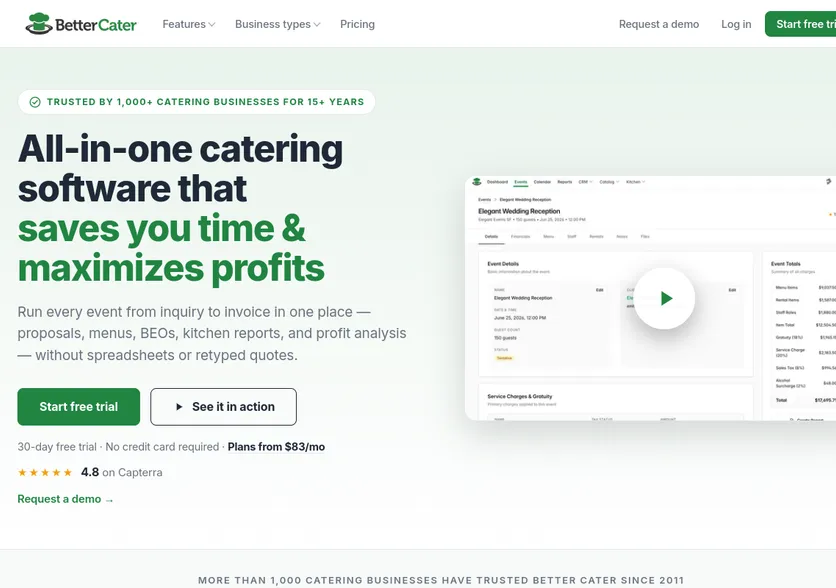
Better Cater gives a restaurant a low-cost way to start catering, with proposals, menus and invoices that work alongside daily service. The setup is quick enough that a small team can take its first catering order the same week it signs up. With no setup fee and a thirty-day trial, the risk of trying it is low.
What we like
- Low entry price for restaurants
- No setup fee and a 30-day trial
- Quick setup for a small team
Watch out for
- One user on the entry plan
- No delivery routing as deep as Pxier
How to try it
- Create a catering menu from existing dishes
- Send a branded proposal to the client
- Invoice and record payment when the event closes
3. Pxier
Best for: Caterers that want menu costing and delivery routing at a low monthly price
Paid tool Starting price: $65/mo · Standard plan, sixty-five dollars a month for the first user, twenty-nine dollars for each additional user; Enterprise custom-quoted
Free plan: No free plan; 30-day free trial, no credit card required
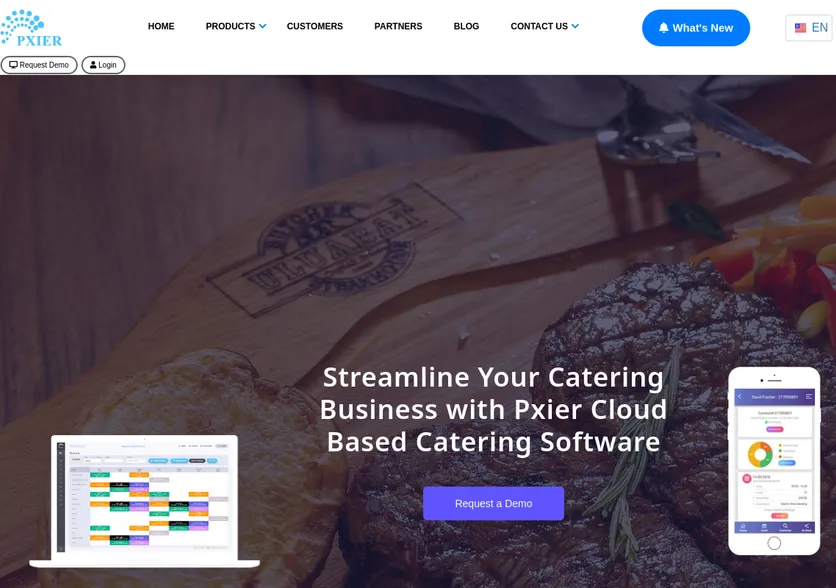
Pxier is the menu-costing pick in this list: every dish carries its recipe cost, so a restaurant can price catering work without guessing the margin. Delivery zones, proposals and invoicing sit in the same flow, which suits restaurants that deliver as much as they serve in house. The Standard plan covers the first user, with extra seats at a flat monthly rate.
What we like
- Recipe costing on every menu item
- Delivery-zone pricing built in
- Free setup, training and support included
Watch out for
- Enterprise features are custom-quoted
- Fewer venue and floor-plan tools
How to try it
- Build menus with recipe costs for every dish
- Price delivery by zone and send the proposal
- Track the order through delivery and invoicing
4. LightCater
Best for: Small caterers and restaurants that want one clean tool for the whole event lifecycle
Paid tool Starting price: $45/mo · Basic plan, forty-five dollars a month; Standard sixty-nine dollars, Professional ninety-nine dollars; ten percent off annual billing
Free plan: No free plan; 14-day free trial
LightCater is built for small caterers and restaurants that want one clean tool for the whole event lifecycle, from lead to invoice. It covers CRM, menus, branded proposals, contracts and banquet orders without the clutter of a big venue system. Optional add-ons cover floor plans, online booking and table reservations as the business grows.
What we like
- One clean flow from lead to invoice
- Branded proposals with e-signatures
- Add-ons grow with the business
Watch out for
- Basic plan limits some features
- Older listings show lower prices, so confirm the current rate
How to try it
- Log the lead and build the event in the calendar
- Send a branded proposal with an e-signature contract
- Issue the banquet order and the final invoice
5. Perfect Venue
Best for: Restaurants that host private events and want a free plan to start
Paid tool Starting price: $199/mo · Professional plan, one hundred ninety-nine dollars a month per location billed annually, two hundred thirty-nine dollars month to month; Premium two hundred ninety-nine dollars billed annually
Free plan: Free plan available; paid plans start at one hundred ninety-nine dollars a month per location
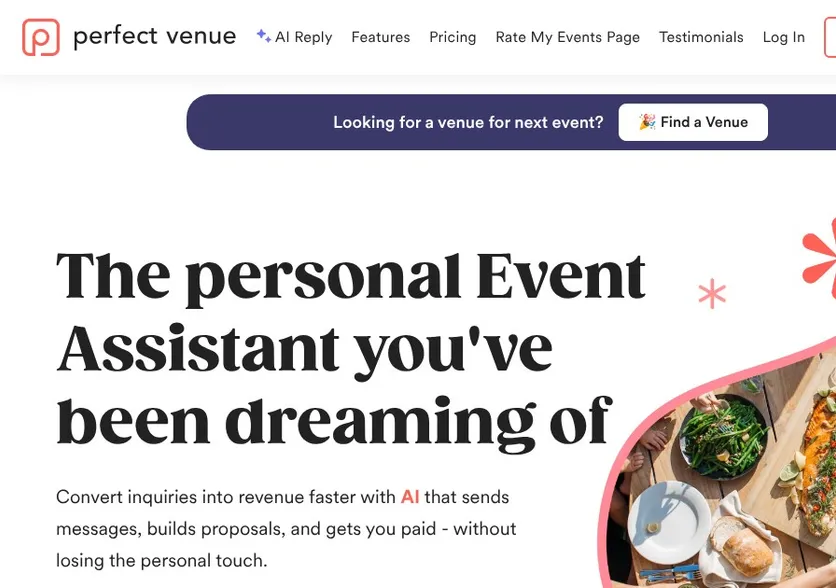
Perfect Venue helps restaurants that host private events sell the room as well as the food, with a CRM, proposals, BEOs and payments in one place. The free plan lets a restaurant test the workflow on real bookings before paying, which suits a team adding events slowly. Paid plans add sales team features, branding and lower card fees.
What we like
- Free plan for restaurants testing events
- Private dining proposals look professional
- Payments and BEOs in one tool
Watch out for
- Higher card fees on the free plan
- Per-location pricing for multi-site groups
How to try it
- Set up the restaurant profile and event spaces
- Send proposals and BEOs for private dining bookings
- Take payments online and track each booking
6. Event Temple
Best for: Hotels and resorts that sell group room blocks with meeting space
Paid tool Starting price: $249/mo · From two hundred forty-nine dollars a month billed annually; one-year minimum; final price quoted per property, setup and import fees may apply
Free plan: No free plan; free trial arranged through the sales team
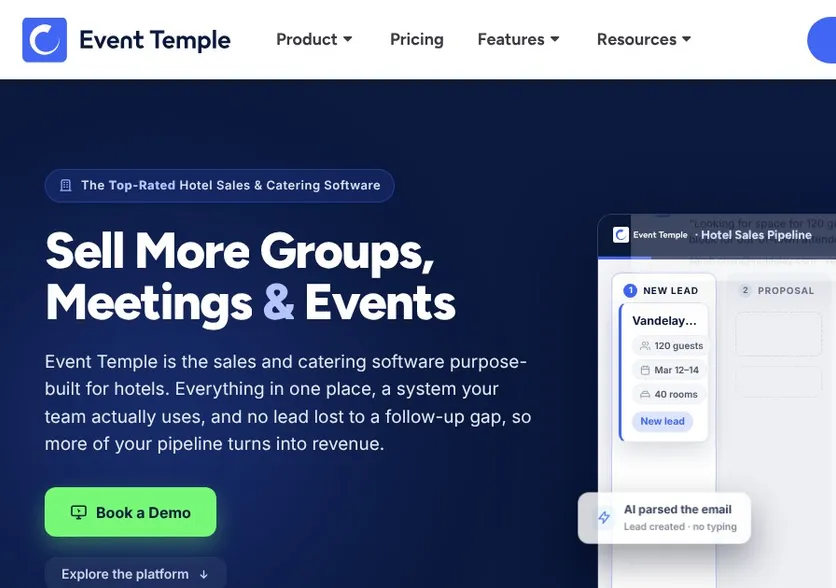
Event Temple is hotel software first and foremost: it ties group room blocks to function space, then carries the sale through proposals, contracts, banquet orders and payments. Two-way links to property management systems keep room pickup and event details in step. The starting price is a quote per property, so the final figure depends on size.
What we like
- Room blocks and events in one pipeline
- Two-way property management links
- Strongest rated tool in its class on review sites
Watch out for
- Final price is quoted per property
- Setup and import fees may apply
How to try it
- Set up the property and link the management system
- Sell room blocks and function space in one pipeline
- Issue banquet orders and track payments to close
7. Goodshuffle Pro
Best for: Restaurants that rent out party equipment and need conflict detection
Paid tool Starting price: $39/mo · Lite plan, thirty-nine dollars a month for one user; Standard ninety-nine dollars a month billed annually, one hundred thirty-nine dollars month to month
Free plan: No free plan; 7-day free trial on Lite, 14-day trial on Standard
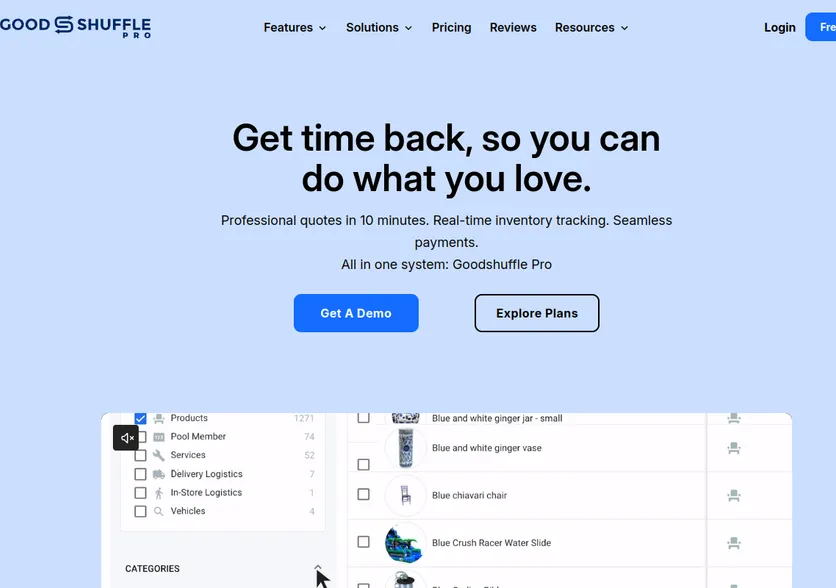
Goodshuffle Pro covers the rental side of restaurant catering: tables, linens, tents and decor tracked as inventory, with quotes clients can sign and pay online. Conflict detection stops the same arch or table being promised to two weddings on the same night. The Lite plan fits a solo operator, while Standard adds the team features a busy rental desk needs.
What we like
- Conflict detection stops double bookings
- Quotes clients can sign and pay online
- Clear flat pricing with no hidden fees
Watch out for
- Lite covers one user only
- Standard costs more month to month than yearly
How to try it
- Add inventory items and set rental prices
- Send a quote the client can sign and pay online
- Check conflicts and schedule deliveries and pickups
Prices above were checked on each vendor’s own website on Nov 27, 2026 and can change — the vendor’s page is the final word. Vendor links are editorial: nobody paid to be listed or ranked here. Vendors who want a featured listing can see how it works on our Get listed page.
How to add catering to a restaurant without breaking service
Start with the kitchen. Catering work must share ovens, staff and prep time with the dining room, so the tool has to show both kinds of work on one schedule. Next, price every dish. A catering menu without recipe costs is guesswork, and a single badly priced event can wipe out a week of dining room profit. Then test the ordering page as a customer. If the menu is hard to read or the checkout stalls, catering orders will go to a rival. Finally, plan deliveries and pickups. The tool should flag conflicts, schedule drivers and keep the client informed, because a late delivery hurts more than a late table.
Before you buy
- Check whether the tool fits catering around daily service, or forces the kitchen to run two systems
- Confirm menu costing is built in, so every catering dish shows its margin before you quote
- Test the online ordering page with a real customer, because a clumsy checkout loses catering orders
- Ask how deliveries and pickups are scheduled, since catering lives or dies on timing
- Add setup fees and per-user costs to the first-year total before you compare headline prices
Official websites
Official websites of the products reviewed above. Features and prices were checked against these sites when this guide was written, and they can change, so confirm on the vendor site before you buy.
Frequently asked questions
What is the best catering software for restaurants?
CaterZen is the strongest pick for most restaurants, because it handles online ordering and event management in one place. Pxier suits restaurants that need tight menu costing and delivery routing, and LightCater is the simplest choice for a small team. The right pick depends on whether catering is a side line or a growing share of revenue.
How much does catering software for restaurants cost?
Entry prices in this list run from thirty-nine dollars a month for Goodshuffle Pro Lite to two hundred forty-nine dollars a month for Event Temple. Most restaurant tools sit between forty-five and one hundred ninety-nine dollars a month. Always check whether the price covers one user or the whole team, and whether setup or import fees apply.
Is there free catering software for restaurants?
Perfect Venue offers a free plan with CRM, BEOs, proposals and payments, though card fees are higher than on paid plans. CaterZen, Pxier, LightCater and Goodshuffle Pro all offer free trials, while Event Temple arranges trials through its sales team. A trial is the honest test: run one real catering order through it first.
Can catering software handle deliveries as well as events?
Yes, but the depth varies. Pxier includes delivery-zone pricing and routing, and Goodshuffle Pro schedules deliveries and pickups for rental items. CaterZen and LightCater cover deliveries as part of the event flow. If delivery is a large share of your catering work, check the routing and scheduling features before you buy.
Explore more business tools to keep the dining room and the catering side in step.
Browse Business Tools tools


