
On this page
A small catering business cannot afford software that takes a month to learn. Every hour spent fighting a system is an hour away from the kitchen, the client or the next booking. Better Cater leads this list because it covers proposals, menus and invoices at the lowest entry price here, with no setup fee and a trial that lets a small team start the same week. The seven tools below are picked for small teams: simple to learn, quick to set up and priced to fit a modest budget. Every price is a live list price checked in November 2026.
How we researched this
We checked the vendor pricing page for every tool and kept only those with a published list price in US dollars. We compared ease of setup, the monthly cost for a small team and whether the essentials work without add-ons. We dropped tools with no public pricing or prices that only fit large venues, and we noted every free plan and trial so you can start small and test before you pay.
Compare the tools
| Name | Best for | Starting price | Free plan | |
|---|---|---|---|---|
 Better Cater | Small catering teams that want proposals, menus and invoices without a setup fee | $83/mo | No free plan; 30-day free trial | Visit |
 LightCater | Small businesses that want the whole job in one place without venue extras | $45/mo | No free plan; 14-day free trial | Visit |
| Pxier | Small caterers that deliver often and need recipe costing | $65/mo | No free plan; 30-day free trial, no credit card required | Visit |
 Planning Pod | Small event teams that need tasks, timelines and floor plans together | $74/mo | No free plan; no free trial listed — free demo available | Visit |
 Total Party Planner | Small businesses that have outgrown simpler tools and book weekly | $119/mo | No free plan; no free trial — free live demo and 30-day money-back guarantee | Visit |
 Caterease | Small businesses that plan to grow and want modules to add later | $99/mo | No free plan; no free trial listed — demo on request | Visit |
 Goodshuffle Pro | Small catering businesses that own rental tables, linens and decor | $39/mo | No free plan; 7-day free trial on Lite, 14-day trial on Standard | Visit |
The 7 best catering tools for small business
1. Better Cater
Best for: Small catering teams that want proposals, menus and invoices without a setup fee
Paid tool Starting price: $83/mo · Plus plan, eighty-three dollars a month billed annually, ninety-nine dollars month to month; Premium one hundred twenty-five dollars billed annually
Free plan: No free plan; 30-day free trial
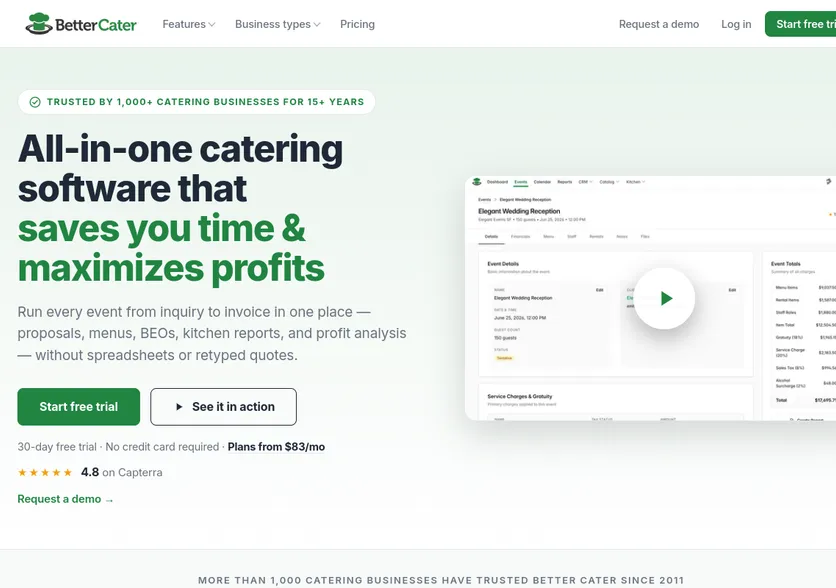
Better Cater is the cheapest way into catering software on this list, and it keeps the essentials simple: proposals, menus, invoices and clients in one place. A small team can set it up in days, send its first professional proposal the same week and pay nothing to get started. The Plus plan covers one user, so a two-person team should price the extra seat before buying.
What we like
- Cheapest entry price in this list
- No setup fee to get started
- Simple enough for a two-person team
Watch out for
- Extra users cost more on top
- No floor plans or venue features
How to try it
- Set up the business profile and build the first menu
- Send a proposal and track whether the client opens it
- Invoice the event and record the payment
2. LightCater
Best for: Small businesses that want the whole job in one place without venue extras
Paid tool Starting price: $45/mo · Basic plan, forty-five dollars a month; Standard sixty-nine dollars, Professional ninety-nine dollars; ten percent off annual billing
Free plan: No free plan; 14-day free trial
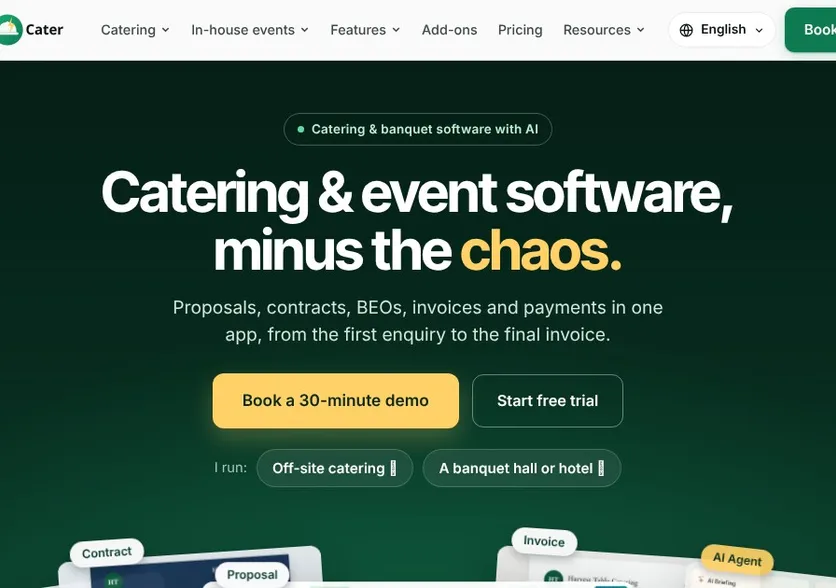
LightCater suits a small business that wants the whole job in one place without paying for venue features it will never use. Leads, menus, proposals, contracts and invoices run through a single clean flow, and the add-ons stay optional until the business needs them. The Basic plan starts at forty-five dollars a month, which keeps the monthly bill modest.
What we like
- Whole event lifecycle in one tool
- Low starting price for small teams
- Add-ons stay optional until needed
Watch out for
- Basic plan limits some features
- Support hours may not suit late-night teams
How to try it
- Log the inquiry and create the event
- Build the menu and send the proposal
- Sign the contract and issue the invoice
3. Pxier
Best for: Small caterers that deliver often and need recipe costing
Paid tool Starting price: $65/mo · Standard plan, sixty-five dollars a month for the first user, twenty-nine dollars for each additional user; Enterprise custom-quoted
Free plan: No free plan; 30-day free trial, no credit card required
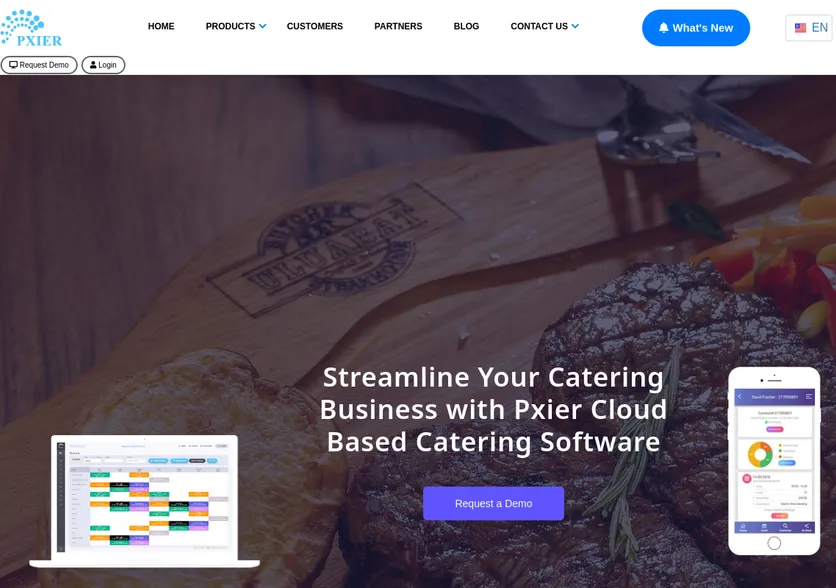
Pxier fits a small caterer that delivers as much as it serves on site, with recipe costing, delivery zones and invoicing in one flow. Knowing the cost of every dish means a small team can quote with confidence instead of guessing the margin. Setup, training and support are included free, which matters when there is no IT person to call.
What we like
- Recipe costs stop margin guesswork
- Free setup and training included
- Delivery zones built into quoting
Watch out for
- Enterprise pricing is custom-quoted
- Interface is functional rather than flashy
How to try it
- Enter recipes and costs for the menu
- Quote delivery by zone from the same screen
- Send the invoice and track payment
4. Planning Pod
Best for: Small event teams that need tasks, timelines and floor plans together
Paid tool Starting price: $74/mo · Planner plan, seventy-four dollars a month for up to ten events; Business one hundred nine dollars, Venue one hundred forty-nine dollars
Free plan: No free plan; no free trial listed — free demo available
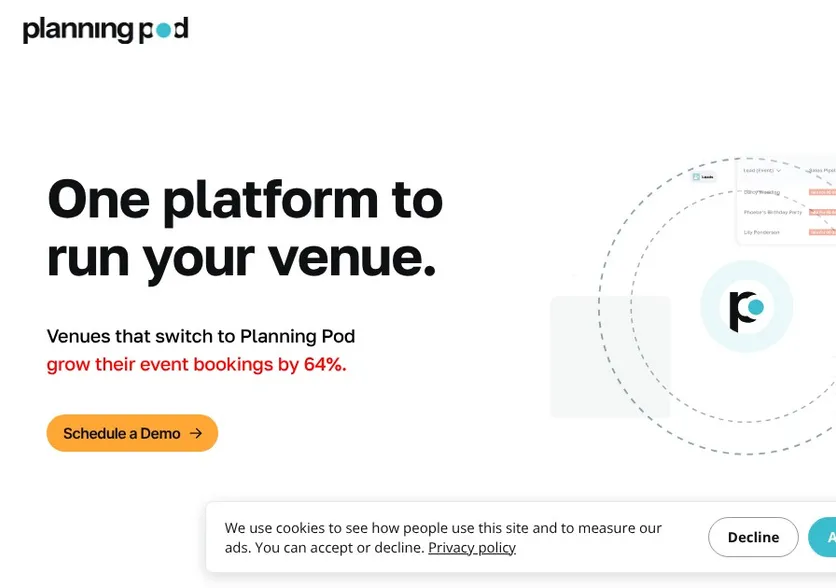
Planning Pod gives a small event team the structure of a big venue system at a small-team price. Tasks, timelines, floor plans and BEOs live together, so nothing falls through the cracks when several events run at once. The Planner plan covers ten events, which is enough for most small businesses starting out.
What we like
- Tasks and timelines keep small teams organised
- Floor plans included from the start
- Scales up when the business grows
Watch out for
- No free trial listed by most sources
- Ten-event cap on the entry plan
How to try it
- Create the event and assign tasks to the team
- Lay out the floor plan and build the BEO
- Share the final plan with the client and the crew
5. Total Party Planner
Best for: Small businesses that have outgrown simpler tools and book weekly
Paid tool Starting price: $119/mo · Nibble plan, one hundred nineteen dollars a month for one user; Feast two hundred ninety-nine dollars, Delicacy four hundred twenty-nine dollars; two hundred ninety-nine dollar setup fee; ten percent off yearly billing
Free plan: No free plan; no free trial — free live demo and 30-day money-back guarantee
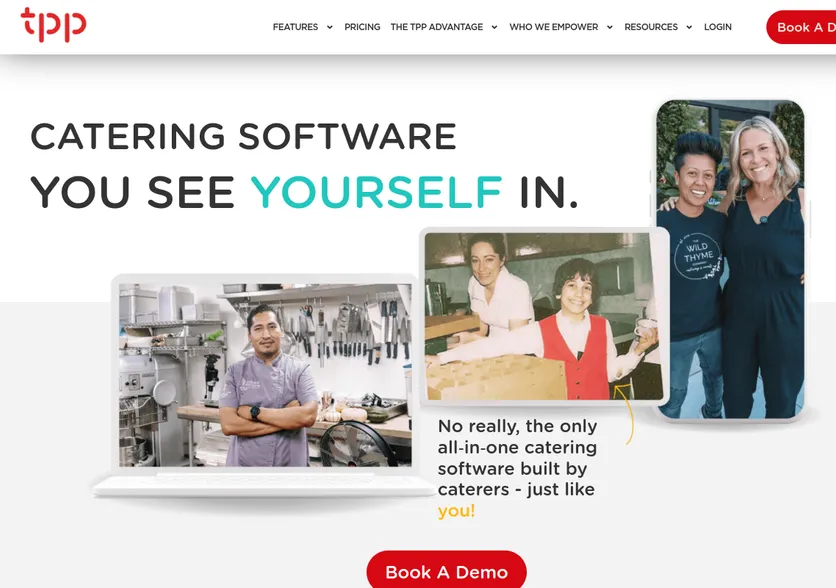
Total Party Planner is the premium pick in this list, and it earns the price when a small business starts booking events every week. Events, costing, proposals and a sales CRM run together, so the owner can see the margin on every booking without extra spreadsheets. The setup fee and the monthly price are the highest here, so it fits teams that have outgrown the simpler tools.
What we like
- Full system for a growing team
- Costing attached to every event
- CRM tracks repeat clients
Watch out for
- Two hundred ninety-nine dollar setup fee
- Highest entry price in this list
How to try it
- Move bookings into the event pipeline
- Cost each event and send the proposal
- Track payments and repeat bookings in the CRM
6. Caterease
Best for: Small businesses that plan to grow and want modules to add later
Paid tool Starting price: $99/mo · Express plan, ninety-nine dollars a month per feature, billed annually; Standard one hundred forty-nine dollars, Professional one hundred ninety-nine dollars; two hundred dollar launch fee per user
Free plan: No free plan; no free trial listed — demo on request
Caterease is the veteran option for a small business that plans to grow: the core system is deep, and optional modules add rooms, prospects and web inquiries later. Booking wizards walk a small team through each event so nothing gets missed, and the printed documents suit teams that still work from paper on the day. The per-feature pricing means the bill follows the modules you actually use.
What we like
- Deep workflows that grow with the business
- Booking wizards prevent missed details
- Modules stay optional until needed
Watch out for
- Two hundred dollar launch fee per user
- Per-feature pricing can climb quickly
How to try it
- Follow the booking wizard for each event
- Add modules for rooms or prospects as needed
- Print event documents for the day team
7. Goodshuffle Pro
Best for: Small catering businesses that own rental tables, linens and decor
Paid tool Starting price: $39/mo · Lite plan, thirty-nine dollars a month for one user; Standard ninety-nine dollars a month billed annually, one hundred thirty-nine dollars month to month
Free plan: No free plan; 7-day free trial on Lite, 14-day trial on Standard
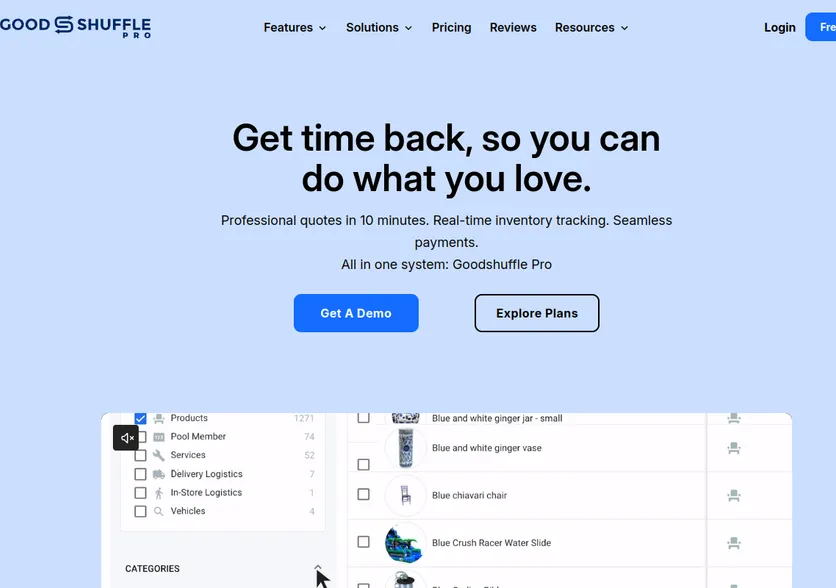
Goodshuffle Pro is the rental pick for a small catering business that owns its own tables, linens and decor. Inventory, quotes and conflict detection run in one place, and clients can sign and pay online without a phone call. The Lite plan costs thirty-nine dollars a month for a solo operator, which keeps the bill in line with a small budget.
What we like
- Built for small rental operations
- Conflict detection included
- Quotes clients can sign online
Watch out for
- Lite covers one user only
- Standard plan jumps to ninety-nine dollars a month
How to try it
- List rental inventory with prices
- Send a quote the client can sign and pay
- Schedule delivery and pickup without conflicts
Prices above were checked on each vendor’s own website on Nov 27, 2026 and can change — the vendor’s page is the final word. Vendor links are editorial: nobody paid to be listed or ranked here. Vendors who want a featured listing can see how it works on our Get listed page.
How a small catering business should buy software
Start with the budget you can hold every month, not just the first month. A tool that costs forty-five dollars a month is easy to keep, while one that climbs past a hundred needs real revenue behind it. Next, count the seats. Many small teams are two or three people, and a one-user plan with paid extras can cost more than a flat team plan. Then test with a real event. Build the menu, send the proposal and invoice the client during the trial, because a demo file hides the friction. Finally, check the exit. If the tool holds your menus and client list, make sure you can export them before you commit.
Before you buy
- Check the price for your actual team size, since one-user plans hide the cost of a second seat
- Confirm setup is included, because a setup or launch fee can double the first month
- Test the tool with a real event, not a demo file, before the trial runs out
- Ask which features need paid add-ons, since a cheap plan can turn expensive fast
- Make sure the proposal and invoice look professional, because clients judge the business by them
Official websites
Official websites of the products reviewed above. Features and prices were checked against these sites when this guide was written, and they can change, so confirm on the vendor site before you buy.
Frequently asked questions
What is the best catering software for a small business?
Better Cater is the best value pick, with proposals, menus and invoices from eighty-three dollars a month and no setup fee. LightCater is the simplest all-in-one choice, and Pxier suits teams that deliver often and need recipe costing. The right pick depends on team size, event volume and whether delivery or venue work matters more.
How much does catering software cost for a small business?
Entry prices in this list run from thirty-nine dollars a month for Goodshuffle Pro Lite to one hundred nineteen dollars a month for Total Party Planner. Most small-team tools sit between forty-five and ninety-nine dollars a month. Always add setup fees, launch fees and extra users to the first-year total before you compare.
Is there free catering software for small business?
None of the tools in this list offers a permanent free plan, but several offer free trials: thirty days for Better Cater and Pxier, fourteen days for LightCater and seven days for Goodshuffle Pro Lite. Total Party Planner and Planning Pod offer demos instead. Use the trial to run one real event before you pay.
What features matter most in catering software for a small business?
Proposals, menus and invoicing matter most, because they are the daily work of a small caterer. Recipe costing protects the margin, and online payments speed up cash flow. Floor plans and venue tools matter less until the business grows. Pick the tool that does the daily work well and leaves the rest as optional add-ons.
Find more business tools built for small teams and tight budgets.
Browse Business Tools tools


