On this page
A kitchen that runs delivery, takeout and dine-in from one room needs one queue, not a tablet for every app. The seven tools below pull orders together, sync menus and show the line what to cook next, so a remote team can run the pass without shouting across the room. Prices run from fifty-seven dollars a month to one hundred seventy-nine dollars a month, and every figure was checked on the vendor site on November 27, 2026. Square for Restaurants is our first pick — the system that starts free and only charges when the restaurant is ready.
How we researched this
We started with the kitchen management tools restaurants actually buy, then read each price on the vendor pricing page on November 27, 2026 and noted whether the headline covers one location or many. We judged them for a restaurant team that runs delivery, takeout and dine-in from one kitchen and needs orders in a single queue. We dropped Chowly and Deliverect because their US plans are quote-only, and we dropped KitchenHub because its production pricing page publishes no prices.
Compare the tools
| Name | Best for | Starting price | Free plan | |
|---|---|---|---|---|
| Foodics | Restaurants that want a cheap kitchen system with menu sync and reporting | $57/month | No free plan listed | Visit |
| Square for Restaurants | Small restaurants that want to start free and pay only for processing | $60/month | Free plan available | Visit |
| Lightspeed Restaurant | Restaurants that want a full point of sale with kitchen display and AI reporting | $69/month | No free plan listed | Visit |
| OrderOut | Restaurants drowning in third-party delivery orders from many apps | $89.99/month | Free plan available | Visit |
| Cuboh | Ghost kitchens and virtual brands managing many concepts from one kitchen | $119/month | No free plan listed | Visit |
| Otter Order Manager | Delivery-first restaurants that want every order in one manager | $149/month | No free plan listed | Visit |
| MarketMan | Restaurant groups that need inventory, costing and multi-brand control | $179/month | No free plan listed | Visit |
The cloud kitchen management software for remote teams, compared
1. Foodics
Best for: Restaurants that want a cheap kitchen system with menu sync and reporting
Paid tool Starting price: $57/month · Fifty-seven dollars a month for the Starter Bundle; the Basic Bundle costs seventy-five dollars a month and the Advanced Bundle costs one hundred twenty-five dollars a month
Free plan: No free plan listed
Foodics is the restaurant management platform that covers point of sale, kitchen display and inventory in one subscription. This Foodics Starter Bundle costs fifty-seven dollars a month and suits a small restaurant getting its first proper system. A kitchen that still runs on paper tickets gets ordering, stock and reports in one place.
What we like
- Cheapest paid plan in this comparison
- Point of sale, kitchen display and inventory together
- Works for small restaurants and growing chains
Watch out for
- Prices are per seat, so a big team pays more
- Advanced features need the higher bundles
How to try it
- Open the Foodics site and book a demo
- Set up your menu, prices and kitchen stations
- Train the team on the kitchen display and reports
2. Square for Restaurants
Best for: Small restaurants that want to start free and pay only for processing
Paid tool Starting price: $60/month · Sixty dollars a month per location for the Plus plan; the Free plan costs nothing and Premium is custom priced. Card processing at two point six percent plus ten cents per transaction is charged on top
Free plan: Free plan available
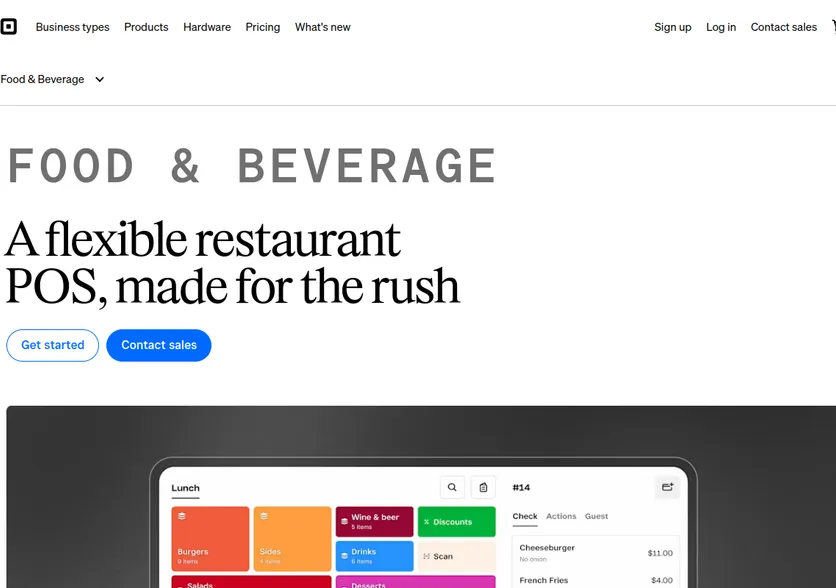
Square for Restaurants is the point of sale that starts free and only charges card processing until a restaurant wants the full feature set. This Square for Restaurants Plus plan costs sixty dollars a month per location and adds coursing, table management and unlimited kitchen display screens. A counter-service kitchen gets a proven system with no upfront cost.
What we like
- Free plan with no monthly fee to start
- Plus adds coursing and unlimited kitchen screens
- Same card rate on Free and Plus plans
Watch out for
- Kitchen display costs twenty dollars a month per screen on Plus
- Multi-location management is limited on Free and Plus
How to try it
- Open the Square for Restaurants site and create an account
- Build your menu and set up the kitchen display
- Turn on Plus features like coursing and floor plans
3. Lightspeed Restaurant
Best for: Restaurants that want a full point of sale with kitchen display and AI reporting
Paid tool Starting price: $69/month · Sixty-nine dollars a month for the Starter plan; Essential costs one hundred eighty-nine dollars a month and Premium costs three hundred ninety-nine dollars a month. Kitchen display costs thirty dollars per screen a month on every plan
Free plan: No free plan listed
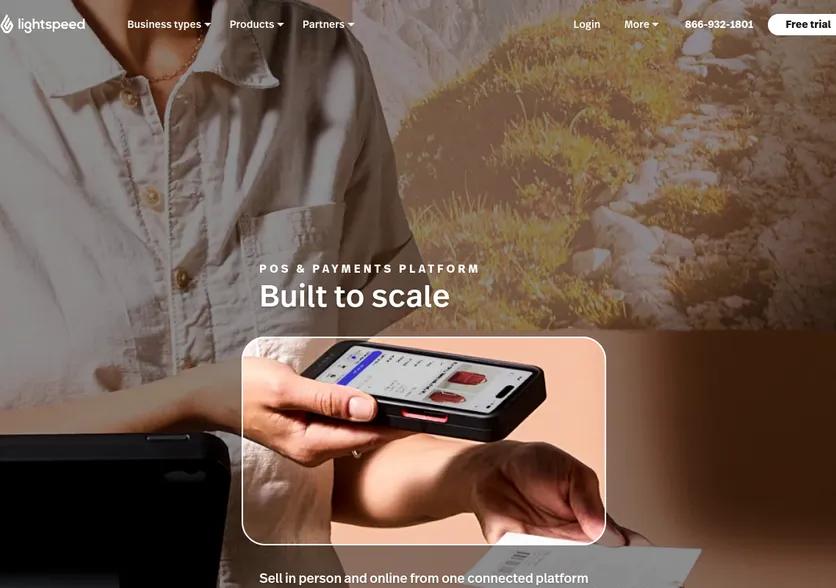
Lightspeed Restaurant is the iPad point of sale built for full-service dining rooms, with floor plans, menu management and AI reporting. This Lightspeed Restaurant Starter plan costs sixty-nine dollars a month and covers the core register with takeout and delivery order management. A restaurant that needs table service and deep reporting gets a system that grows with it.
What we like
- Floor plans and table management on Starter
- AI reporting and insights on every plan
- Kitchen display integrates with the register
Watch out for
- Kitchen display is an add-on on every plan
- Prices can vary by business, so confirm your quote in writing
How to try it
- Open the Lightspeed site and book a demo
- Set up your menu, floor plan and kitchen stations
- Add the kitchen display screens for the line
4. OrderOut
Best for: Restaurants drowning in third-party delivery orders from many apps
Paid tool Starting price: $89.99/month · Eighty-nine dollars and ninety-nine cents a month for the Essential plan; Premium costs one hundred twenty-nine dollars and ninety-nine cents a month
Free plan: Free plan available
OrderOut is the delivery aggregator that pulls orders from every marketplace into one tablet, so the kitchen sees one queue instead of five. This OrderOut Essential plan costs eighty-nine dollars and ninety-nine cents a month and covers the core aggregation flow. A restaurant that takes delivery orders from many apps stops retyping them by hand.
What we like
- One queue for every delivery marketplace
- Free plan to start with no monthly fee
- Menu sync across all connected apps
Watch out for
- APIs are priced separately from the plans
- Premium is needed for the full feature set
How to try it
- Open the OrderOut site and create an account
- Connect your delivery marketplaces and menu
- Route every order to one kitchen display
5. Cuboh
Best for: Ghost kitchens and virtual brands managing many concepts from one kitchen
Paid tool Starting price: $119/month · One hundred nineteen dollars a month for the Cuboh plan; add-ons and higher tiers are priced per location
Free plan: No free plan listed
Cuboh is the order aggregator built for ghost kitchens and virtual brands, pulling delivery orders into a single dashboard. This Cuboh plan costs one hundred nineteen dollars a month and suits a kitchen running several brands from one location. A virtual brand operator gets one queue, one menu sync and far fewer missed orders.
What we like
- Built for multi-brand ghost kitchens
- Single dashboard for every delivery app
- Menu sync across all connected channels
Watch out for
- No free plan to test with before paying
- Priced for delivery-heavy kitchens, not dine-in only
How to try it
- Open the Cuboh site and book a demo
- Connect your delivery apps and virtual brands
- Set up menu sync and the single order queue
6. Otter Order Manager
Best for: Delivery-first restaurants that want every order in one manager
Paid tool Starting price: $149/month · One hundred forty-nine dollars a month for the Order Manager plan; the Advanced POS bundle costs one hundred seventy-eight dollars a month plus transaction fees
Free plan: No free plan listed
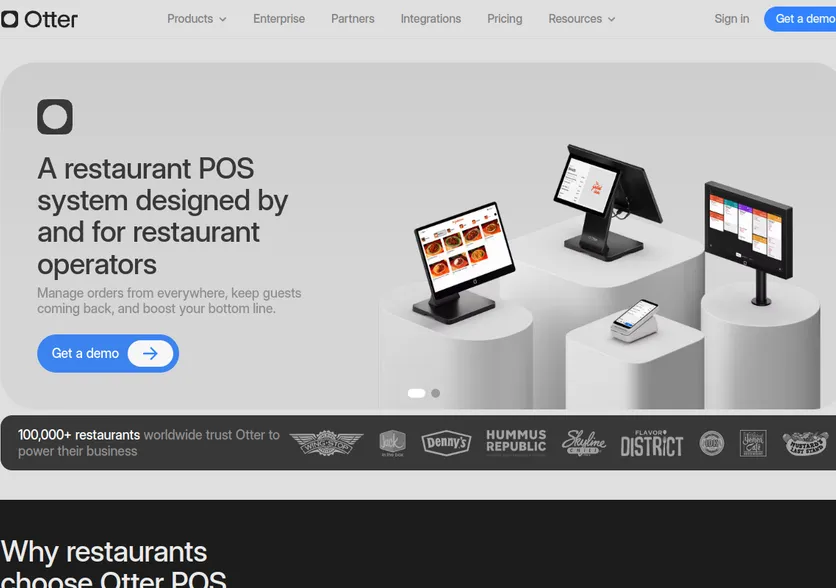
Otter Order Manager is the delivery hub that aggregates third-party orders and routes them straight to the kitchen display. This Otter Order Manager plan costs one hundred forty-nine dollars a month and suits a restaurant whose delivery volume keeps growing. A kitchen that juggles five tablets gets one screen and one queue instead.
What we like
- One screen replaces a tablet per app
- Built for high delivery volume
- Works with the main marketplaces out of the box
Watch out for
- No free plan to test with before paying
- Advanced POS bundle adds transaction fees on top
How to try it
- Open the Otter site and book a demo
- Connect your delivery marketplaces
- Route orders to the kitchen display and printers
7. MarketMan
Best for: Restaurant groups that need inventory, costing and multi-brand control
Paid tool Starting price: $179/month · One hundred seventy-nine dollars a month for the Operator plan; Professional costs two hundred forty-nine dollars a month. Some sources list a Starter plan at two hundred forty-nine dollars a month, so confirm the tier on the pricing page before buying
Free plan: No free plan listed
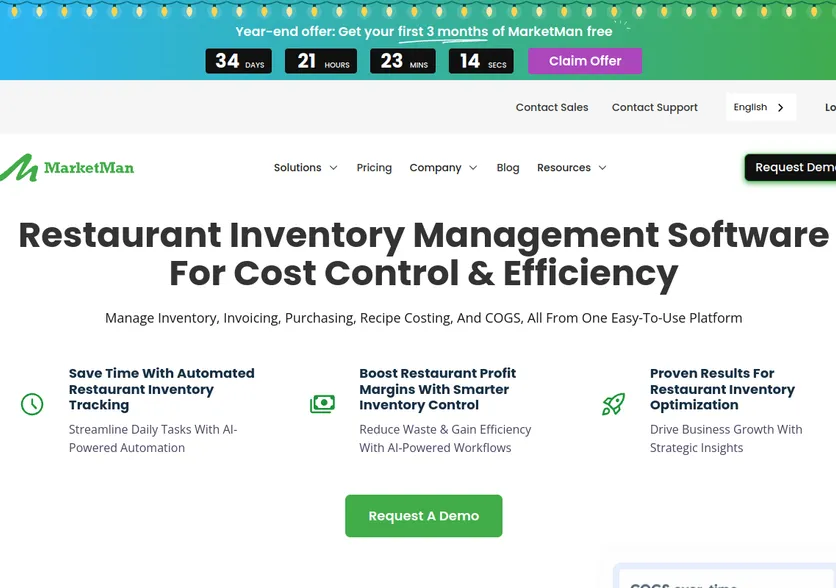
MarketMan is the inventory and costing platform that tracks every ingredient from delivery to plate, with supplier ordering built in. This MarketMan Operator plan costs one hundred seventy-nine dollars a month and suits a restaurant group watching food cost closely. A kitchen that loses money on waste gets the numbers to fix it.
What we like
- Recipe costing down to the ingredient
- Supplier ordering inside the platform
- Multi-brand control for restaurant groups
Watch out for
- Dearest plan in this comparison
- Some sources list different plan names and prices
How to try it
- Open the MarketMan site and book a demo
- Enter your recipes and supplier price lists
- Track food cost daily and order from the platform
Prices above were checked on each vendor’s own website on Nov 27, 2026 and can change — the vendor’s page is the final word. Vendor links are editorial: nobody paid to be listed or ranked here. Vendors who want a featured listing can see how it works on our Get listed page.
What kitchen management costs in 2026
Kitchen software is priced per location, so a small chain pays the headline rate several times over. A sixty dollar plan looks cheap until three locations and two kitchen display screens push the total past two hundred dollars a month. Compare the total for every location you run, including screens and processing fees, not the single-location price.
Start with the order flow, because that is where the money leaks. Watch a Friday dinner rush and count how many orders get retyped, missed or remade, then pick the tool that kills the most rework. Check menu sync next, because a price change that reaches one app but not the others creates refunds. Pick the system whose kitchen display your line cooks can read at a glance, because a confusing screen slows the whole pass.
Before you buy
- Check which delivery apps it connects to, because a missing marketplace means orders typed in by hand.
- Confirm the price covers every location, because per-location billing multiplies fast for a small chain.
- Test the kitchen display, because a screen that lags during the dinner rush costs real orders.
- Ask about menu sync, because a price change must reach every app at once, not one by one.
- Check the reporting, because food cost and prep time data decide whether a dish stays on the menu.
Official websites
Official websites of the products reviewed above. Features and prices were checked against these sites when this guide was written, and they can change, so confirm on the vendor site before you buy.
Frequently asked questions
Which cloud kitchen management software is best for remote teams in 2026?
Square for Restaurants is the best overall pick, with a free plan to start and Plus at sixty dollars a month per location for coursing, table management and unlimited kitchen display screens. OrderOut is the best choice for delivery-heavy kitchens at eighty-nine dollars and ninety-nine cents a month. Foodics is the best budget pick at fifty-seven dollars a month for point of sale, kitchen display and inventory together.
How much does cloud kitchen management software cost?
Prices in this list run from fifty-seven dollars a month for Foodics to one hundred seventy-nine dollars a month for MarketMan, with most kitchen tools landing between sixty and one hundred fifty dollars a month per location. Delivery aggregators charge per location, while point of sale tools add processing fees and kitchen display screens on top. Multiply the monthly rate by your location count before you compare totals.
Is there a free kitchen management tool for restaurants?
Yes, Square for Restaurants and OrderOut both offer free plans, so a small restaurant can start without a monthly fee. Free plans limit features like coursing, advanced reporting and multi-location management, so check the caps before you rely on them. Most restaurants move to a paid plan once delivery volume or table service grows.
What is the difference between a delivery aggregator and a point of sale?
A delivery aggregator pulls orders from every marketplace into one queue, so the kitchen sees one screen instead of a tablet per app. A point of sale rings up orders, takes payment and runs the kitchen display for dine-in and takeout. Many restaurants need both, which is why tools like Otter and OrderOut sit beside a register rather than replacing it.
Do these tools work with delivery apps like Uber Eats and DoorDash?
Yes, every tool here connects to the main delivery marketplaces, and most connect to the common point of sale systems too. Check the integration list for the exact apps your kitchen uses, because a missing marketplace means orders typed in by hand. Menu sync matters just as much, since a price change must reach every app at once.
Running a small business too? Try Toolsvine's free business tools right in your browser.
Browse Business Tools tools