On this page
Customer data scattered across inboxes and spreadsheets costs a team deals it never knew it lost. The eight tools below put every contact, conversation and pipeline stage in one place, so nothing slips through the cracks. Prices run from nine dollars per user a month to twenty-nine dollars, and every figure was checked on the vendor site on November 27, 2026. HubSpot Sales Hub is our first pick — the CRM that starts free and grows with the team that uses it.
How we researched this
We started with the customer data tools small teams actually buy, then read each price on the vendor pricing page on November 27, 2026 and noted the seat count and contact limit each plan carries. We judged them for a team that needs every customer, deal and conversation in one place without a steep learning curve. We dropped monday Sales CRM because its three-seat minimum makes the real floor thirty-six dollars a month and its pricing page moved, and we left out enterprise suites that need a sales call to price.
Compare the tools
| Name | Best for | Starting price | Free plan | |
|---|---|---|---|---|
 Freshsales | Small teams that want a capable CRM for nine dollars a month | $9/user/month | No free plan; 21-day free trial | Visit |
 Zoho CRM | Small teams that want a free CRM with a cheap upgrade path | $14/user/month | Free edition for up to 3 users | Visit |
 Pipedrive | Sales teams that want the clearest visual pipeline | $14/user/month | No free plan; 14-day free trial | Visit |
 Capsule CRM | Tiny teams that want a simple CRM with a free plan for two users | $18/user/month | Free plan for up to 2 users | Visit |
 HubSpot Sales Hub | Teams that want HubSpot's free CRM with a cheap paid upgrade | $20/seat/month | Free CRM for up to 2 users | Visit |
 Copper | Teams that live in Google Workspace and want a CRM inside Gmail | $23/user/month | No free plan; 14-day free trial | Visit |
 Salesforce Sales Cloud | Teams that want the biggest CRM platform with a free tier for two users | $25/user/month | Free Suite for up to 2 users | Visit |
 Insightly | Teams that want CRM plus project management in one subscription | $29/user/month | No free plan; 14-day free trial | Visit |
The cloud software for organizing customer data, compared
1. Freshsales
Best for: Small teams that want a capable CRM for nine dollars a month
Paid tool Starting price: $9/user/month · Nine dollars per user a month billed annually for the Growth plan; Pro costs thirty-nine dollars a month and Enterprise costs fifty-nine dollars a month. The free plan was removed on November 4, 2026, so new signups get a twenty-one day trial instead
Free plan: No free plan; 21-day free trial
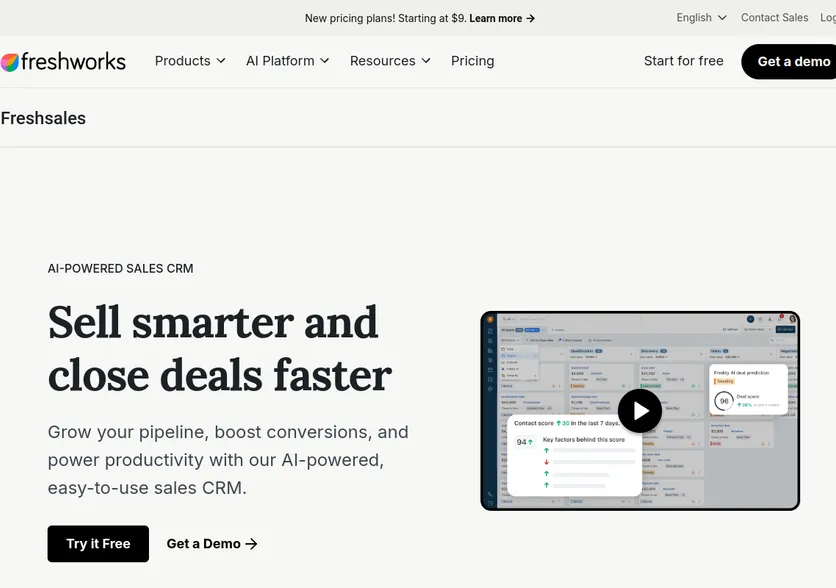
Freshsales is the Freshworks CRM that pairs a visual pipeline with AI lead scoring and built-in phone and email. This Freshsales Growth plan costs nine dollars per user a month billed annually and covers the core sales flow. A small team gets a proper CRM for less than a takeaway lunch per user.
What we like
- Cheapest paid plan in this comparison
- AI lead scoring on the Growth plan
- Phone and email built into the CRM
Watch out for
- Free plan was removed in November 2026
- Monthly billing costs more than the annual rate
How to try it
- Open the Freshsales site and start the 21-day trial
- Import your contacts and set up the pipeline
- Turn on lead scoring and email tracking
2. Zoho CRM
Best for: Small teams that want a free CRM with a cheap upgrade path
Paid tool Starting price: $14/user/month · Fourteen dollars per user a month billed annually for the Standard plan, or twenty dollars a month billed monthly; Professional costs twenty-three dollars a month and Enterprise costs forty dollars a month
Free plan: Free edition for up to 3 users
Zoho CRM is the long-running customer platform that starts free for three users and scales to a full sales suite. This Zoho CRM Standard plan costs fourteen dollars per user a month billed annually and adds sales forecasting and custom dashboards. A small team gets a CRM that grows from free to enterprise without changing vendor.

What we like
- Free edition for up to three users
- Fourteen dollars a month for the paid Standard plan
- Deepest feature set at this price in the list
Watch out for
- Interface feels busy compared with Pipedrive or Capsule
- Advanced features need the Professional plan
How to try it
- Open the Zoho CRM site and create a free account
- Import your contacts and set up the pipeline
- Turn on forecasting and custom dashboards
3. Pipedrive
Best for: Sales teams that want the clearest visual pipeline
Paid tool Starting price: $14/user/month · Fourteen dollars per user a month billed annually for the Essential plan, or twenty-four dollars a month billed monthly; Advanced costs twenty-nine dollars a month and Professional costs forty-nine dollars a month
Free plan: No free plan; 14-day free trial
Pipedrive is the sales CRM built around a visual pipeline that shows every deal and its next step at a glance. This Pipedrive Essential plan costs fourteen dollars per user a month billed annually and covers the core pipeline with lead management. A sales team that lives in its pipeline gets the clearest board in this list.

What we like
- Clearest visual pipeline in this comparison
- Lead management built into the Essential plan
- Simple setup that a team finishes in a day
Watch out for
- No free plan, only a fourteen-day trial
- Reporting needs the Advanced plan or higher
How to try it
- Open the Pipedrive site and start the free trial
- Import your deals and set up the pipeline stages
- Turn on lead management and email sync
4. Capsule CRM
Best for: Tiny teams that want a simple CRM with a free plan for two users
Paid tool Starting price: $18/user/month · Eighteen dollars per user a month billed annually for the Starter plan, or twenty-two dollars a month billed monthly; Growth costs thirty-six dollars a month and Advanced costs fifty-four dollars a month
Free plan: Free plan for up to 2 users
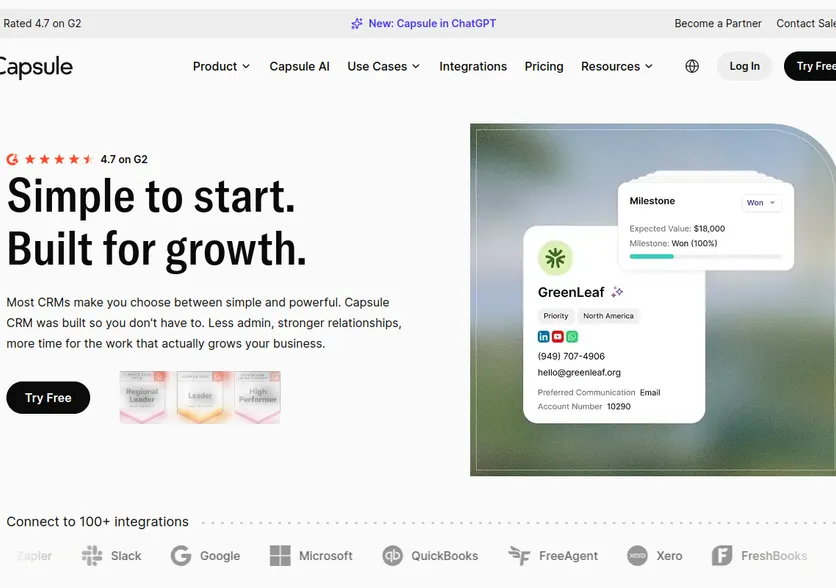
Capsule is the simple CRM that keeps contacts, deals and tasks in one clean place without the clutter of a big platform. This Capsule CRM Starter plan costs eighteen dollars per user a month billed annually and covers the core contact and deal flow. A tiny team that hates bloated software gets a CRM it will actually open every day.
What we like
- Simplest interface in this comparison
- Free plan for up to two users
- Two hundred fifty contacts on the free plan
Watch out for
- Fewer features than the bigger platforms
- Starter plan is light on reporting
How to try it
- Open the Capsule site and create a free account
- Import your contacts and set up the pipeline
- Add tasks and track the first deals
5. HubSpot Sales Hub
Best for: Teams that want HubSpot's free CRM with a cheap paid upgrade
Paid tool Starting price: $20/seat/month · Twenty dollars per seat a month for the Sales Hub Starter plan at list price; the seven dollar rate is a new-customer promotion, not the list price. Professional costs one hundred dollars a seat a month and Enterprise costs one hundred fifty dollars a seat a month
Free plan: Free CRM for up to 2 users
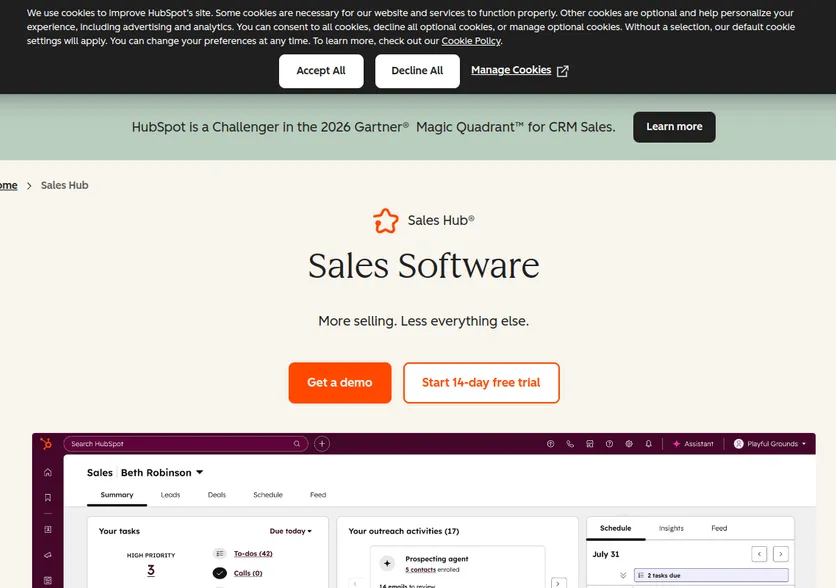
HubSpot Sales Hub is the sales arm of the CRM that most small teams start with, pairing a free core with paid sales tools. This HubSpot Sales Hub Starter plan costs twenty dollars per seat a month at list price and adds deal pipelines, quotes and e-signatures. A team that outgrows the free CRM gets the upgrade without migrating.
What we like
- Free CRM for up to two users
- Quotes and e-signatures on the Starter plan
- Huge integration marketplace beside the CRM
Watch out for
- Seven dollar rate is a promo, not the list price
- Professional plan jumps fivefold to a hundred dollars a seat
How to try it
- Open the HubSpot site and create a free CRM account
- Import your contacts and set up deal pipelines
- Upgrade to Starter for quotes and e-signatures
6. Copper
Best for: Teams that live in Google Workspace and want a CRM inside Gmail
Paid tool Starting price: $23/user/month · Twenty-three dollars per user a month billed annually for the Basic plan, or twenty-nine dollars a month billed monthly; Professional costs fifty-nine dollars a month and Business costs ninety-nine dollars a month. The nine dollar Starter plan was removed in October 2026
Free plan: No free plan; 14-day free trial
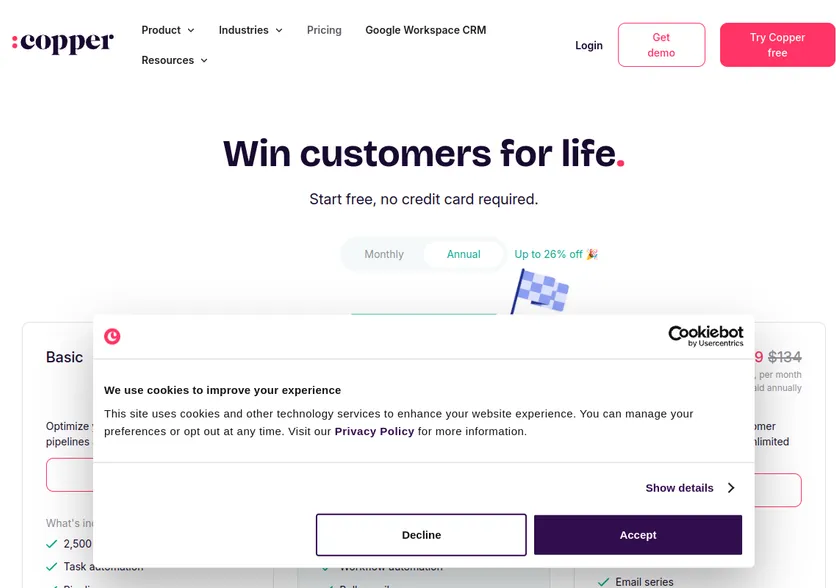
Copper is the CRM built for Google Workspace, putting contacts, deals and emails inside Gmail instead of a separate app. This Copper Basic plan costs twenty-three dollars per user a month billed annually and covers the core pipeline with Gmail integration. A team that lives in Gmail gets a CRM without leaving the inbox.
What we like
- Lives inside Gmail and Google Workspace
- Automatic contact enrichment from email
- Simple pipeline that a team learns in a day
Watch out for
- Basic plan caps at two thousand five hundred contacts with no reporting
- Nine dollar Starter plan was removed in October 2026
How to try it
- Open the Copper site and start the free trial
- Connect your Google Workspace account
- Import contacts and track deals from Gmail
7. Salesforce Sales Cloud
Best for: Teams that want the biggest CRM platform with a free tier for two users
Paid tool Starting price: $25/user/month · Twenty-five dollars per user a month for the Starter Suite; Pro Suite costs one hundred dollars a month, Core costs one hundred ninety-five dollars a month and Advanced costs three hundred ninety-five dollars a month
Free plan: Free Suite for up to 2 users
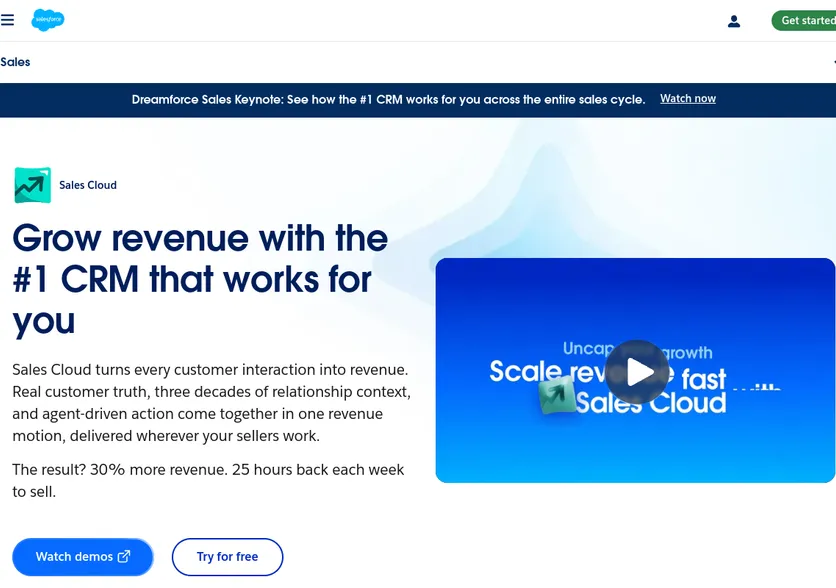
Salesforce Sales Cloud is the biggest CRM platform in this list, used by teams of two and teams of two thousand alike. This Salesforce Sales Cloud Starter Suite costs twenty-five dollars per user a month and covers accounts, contacts and the core pipeline. A team that plans to scale gets a platform that never runs out of room.
What we like
- Biggest platform in this comparison
- Free Suite for up to two users
- Thousands of integrations and add-ons
Watch out for
- Steepest learning curve in this comparison
- Higher tiers cost several times the Starter price
How to try it
- Open the Salesforce site and start the free trial
- Set up accounts, contacts and the pipeline
- Turn on the reports your team needs each week
8. Insightly
Best for: Teams that want CRM plus project management in one subscription
Paid tool Starting price: $29/user/month · Twenty-nine dollars per user a month billed annually for the Plus plan; Professional costs forty-nine dollars a month and Enterprise costs ninety-nine dollars a month. Plus includes two users, one hundred thousand records and fifty custom fields
Free plan: No free plan; 14-day free trial
Insightly is the CRM that pairs customer records with project management, so a deal and its delivery live in the same place. This Insightly Plus plan costs twenty-nine dollars per user a month billed annually and includes two users, a hundred thousand records and fifty custom fields. A team that delivers what it sells gets the handover without a second tool.
What we like
- CRM plus project management in one price
- A hundred thousand records on the Plus plan
- Fifty custom fields for tailoring the system
Watch out for
- No monthly rates published on the vendor page
- No free CRM tier, only a fourteen-day trial
How to try it
- Open the Insightly site and start the free trial
- Import your contacts and set up the pipeline
- Link each won deal to a delivery project
Prices above were checked on each vendor’s own website on Nov 27, 2026 and can change — the vendor’s page is the final word. Vendor links are editorial: nobody paid to be listed or ranked here. Vendors who want a featured listing can see how it works on our Get listed page.
What customer data software costs in 2026
CRM pricing is per user, so the headline rate is only half the bill. A nine dollar plan looks cheap until ten seats and a contact upgrade push the total past a twenty dollar plan that included everything. Compare the total for your actual seat count, and check the contact limit, because a two thousand five hundred contact cap fills fast.
Start with a trial and import a real slice of your customer list, not a test file. Check that the import cleans duplicates, that the pipeline shows the next step clearly, and that the reports answer the questions your team actually asks. Pick the CRM your team will open every morning, because a system nobody updates is just an expensive address book.
Before you buy
- Check the contact limit, because a two thousand five hundred contact cap fills fast for a growing list.
- Confirm the price covers every seat, because per-user billing multiplies quickly as the sales team grows.
- Test the import, because a CRM that cannot clean your spreadsheet will cost weeks of manual work.
- Ask about reporting, because a CRM without pipeline reports is just an address book.
- Check the integrations, because the CRM must talk to your email, calendar and invoicing tools.
Official websites
Official websites of the products reviewed above. Features and prices were checked against these sites when this guide was written, and they can change, so confirm on the vendor site before you buy.
Frequently asked questions
Which cloud software is best for organizing customer data in 2026?
HubSpot Sales Hub is the best overall pick at twenty dollars per seat a month, with a free CRM underneath, quotes and e-signatures on Starter, and the biggest integration marketplace. Freshsales is the best budget pick at nine dollars per user a month. Zoho CRM is the best choice for small teams that want a free edition for three users and a fourteen dollar upgrade.
How much does cloud software for organizing customer data cost?
Prices in this list run from nine dollars per user a month for Freshsales to twenty-nine dollars per user a month for Insightly, with most CRMs landing between fourteen and twenty-five dollars a month. The cheapest plans cover the core pipeline, while the dearer ones add reporting, automation and project tools. Multiply the per-user rate by your seat count and check the contact limit first.
What does a CRM do that a spreadsheet cannot?
A CRM keeps every customer, deal and conversation in one place, so nothing lives in one person's inbox or spreadsheet. It shows the pipeline, reminds the team what to do next and reports on what is actually closing. For a team past a handful of customers, a shared CRM beats a shared spreadsheet every time.
Is there a free CRM for organizing customer data?
Yes, HubSpot, Zoho CRM, Salesforce and Capsule all offer free plans for two or three users, so a tiny team can start without paying. Free plans cap contacts, users or features, and they lack the reporting and automation a growing team needs. Most teams move to a paid plan once the pipeline fills and the free caps start to bite.
Can these tools import my existing customer list?
Yes, every tool here imports contacts and deals from a spreadsheet, and most connect to email, calendar and invoicing tools too. HubSpot and Salesforce have the deepest integration lists, while Capsule and Copper focus on the essentials. Check the import tool for your current spreadsheet before you commit, because a messy import costs weeks.
Running a small business too? Try Toolsvine's free business tools right in your browser.
Browse Business Tools tools