On this page
A team that stores its files in five different places loses time every day hunting for the current version. The eight tools below put every document in one shared drive with version history, permissions and search that actually works. Prices run from two dollars and fifty cents per user a month to twenty-three dollars and twenty cents, and every figure was checked on the vendor site on November 27, 2026. Dropbox is our first pick — the team storage platform most companies already know and trust.
How we researched this
We started with the storage tools teams actually buy, then read each price on the vendor pricing page on November 27, 2026 and noted the storage limit each plan carries. We judged them for a team that shares files every day and needs version history, admin controls and a price that stays sane as headcount grows. We dropped ShareFile because its Standard plan was retired and its current entry tier is quote-led, and we left out consumer-only plans that cap sharing.
Compare the tools
| Name | Best for | Starting price | Free plan | |
|---|---|---|---|---|
 Zoho WorkDrive | Small teams that want the cheapest shared storage with admin controls | $2.50/user/month | No free plan; free trial available | Visit |
 Sync | Teams that want zero-knowledge encryption on every file | $6/user/month | No free plan; free trial available | Visit |
 Google Workspace | Teams that want storage plus email and office apps in one bill | $7/user/month | No free plan; 14-day free trial | Visit |
 pCloud | Teams that want European hosting with an encryption add-on | $7.99/user/month | No free plan; 30-day free trial | Visit |
 Egnyte | Regulated teams that need governance and audit trails on storage | $10/user/month | No free plan; free trial available | Visit |
 Dropbox | Teams that want the most familiar sync with strong admin controls | $15/user/month | No free Business plan; 30-day free trial | Visit |
 Box | Teams that live in documents and want AI search on top | $15/user/month | No free Business plan; 14-day free trial | Visit |
 Tresorit | Teams that handle sensitive files and need end-to-end encryption | $23.20/user/month | No free plan; 14-day free trial | Visit |
The cloud document storage software for teams, compared
1. Zoho WorkDrive
Best for: Small teams that want the cheapest shared storage with admin controls
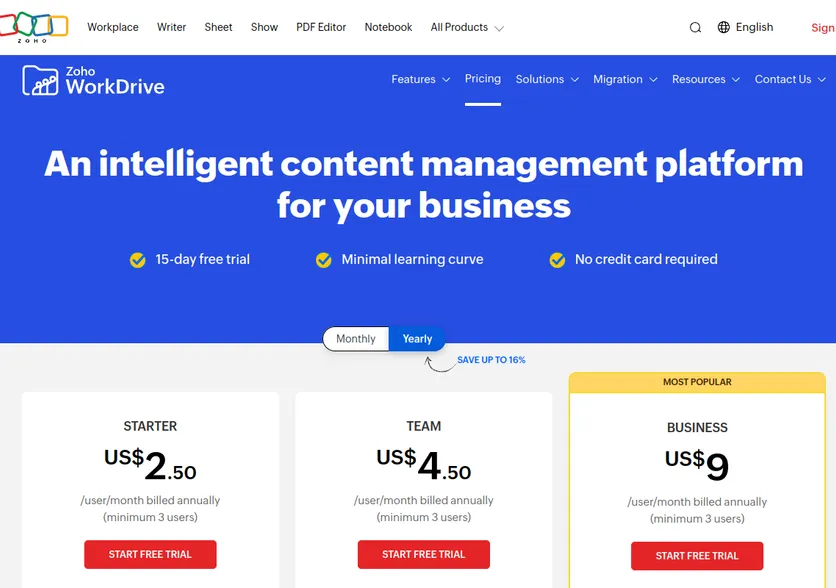
Paid tool Starting price: $2.50/user/month · Two dollars and fifty cents per user a month billed annually for the Starter plan, or three dollars a month billed monthly; Team costs four dollars and fifty cents a month and Business costs nine dollars a month
Free plan: No free plan; free trial available
Zoho WorkDrive is the cheapest team storage in this list, giving a small team shared folders, version history and admin controls for two dollars and fifty cents per user a month. This Zoho WorkDrive Starter plan includes one terabyte of shared team storage and works smoothly beside the rest of Zoho's office suite. A team that already lives in Zoho gets storage that fits its budget without a second subscription.
What we like
- Cheapest paid plan in this comparison
- Shared team storage instead of per-user caps
- Sits naturally beside Zoho's office apps
Watch out for
- Starter caps shared storage at one terabyte for the team
- Fewer third-party integrations than Dropbox or Box
How to try it
- Open the Zoho WorkDrive site and start the free trial
- Create your team folders and set who can edit each one
- Invite the team and move your shared files into the drive
2. Sync
Best for: Teams that want zero-knowledge encryption on every file
Paid tool Starting price: $6/user/month · Six dollars per user a month billed annually for the Teams 1TB plan, or eight dollars a month billed monthly; the first-year four dollar fifty cent rate is a discount, not the list price. Teams 2TB costs nine dollars a month and 10TB costs fifteen dollars a month
Free plan: No free plan; free trial available
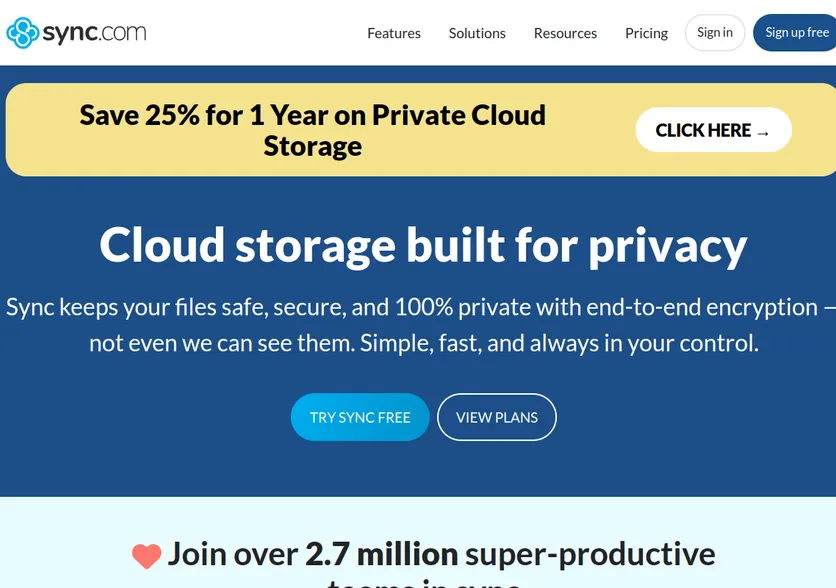
Sync is the zero-knowledge storage service that encrypts files on your device before they ever reach the cloud, so not even Sync can read them. This Sync Teams 1TB plan costs six dollars per user a month billed annually and adds unlimited data transfer with granular permissions. A privacy-minded team gets encrypted storage at a price smaller firms can actually afford.
What we like
- Zero-knowledge encryption on every plan
- Unlimited data transfer with no caps
- Granular permissions on shared folders
Watch out for
- Three-user minimum on every Teams plan
- No built-in office suite, so editing needs another app
How to try it
- Open the Sync site and start the free trial
- Set up your team vaults and invite members
- Turn on two-factor authentication for every account
3. Google Workspace
Best for: Teams that want storage plus email and office apps in one bill
Paid tool Starting price: $7/user/month · Seven dollars per user a month billed annually for the Business Starter plan, or eight dollars and forty cents a month on flexible monthly billing; Standard costs fourteen dollars a month and Plus costs twenty-two dollars a month. The fifty percent off first-year offer is an introductory discount, not the list price
Free plan: No free plan; 14-day free trial
Google Workspace pairs team storage with Gmail, Docs and Meet, so a small team gets its whole office suite for seven dollars per user a month. This Google Workspace Business Starter plan includes thirty gigabytes of pooled storage per user and a fourteen-day trial. A team starting from scratch gets email, storage and video calls under one login.

What we like
- Storage plus Gmail, Docs and Meet in one price
- Pooled storage that flexes across the team
- Best real-time collaboration in this list
Watch out for
- Starter storage is pooled at thirty gigabytes per user
- Advanced admin controls need the Standard plan
How to try it
- Open the Google Workspace site and start the trial
- Verify your domain and create user accounts
- Move shared files into Drive and set folder permissions
4. pCloud
Best for: Teams that want European hosting with an encryption add-on
Paid tool Starting price: $7.99/user/month · Seven dollars and ninety-nine cents per user a month billed annually for the Business plan, or nine dollars and ninety-nine cents a month billed monthly; Business Pro costs fifteen dollars and ninety-eight cents a month billed annually
Free plan: No free plan; 30-day free trial
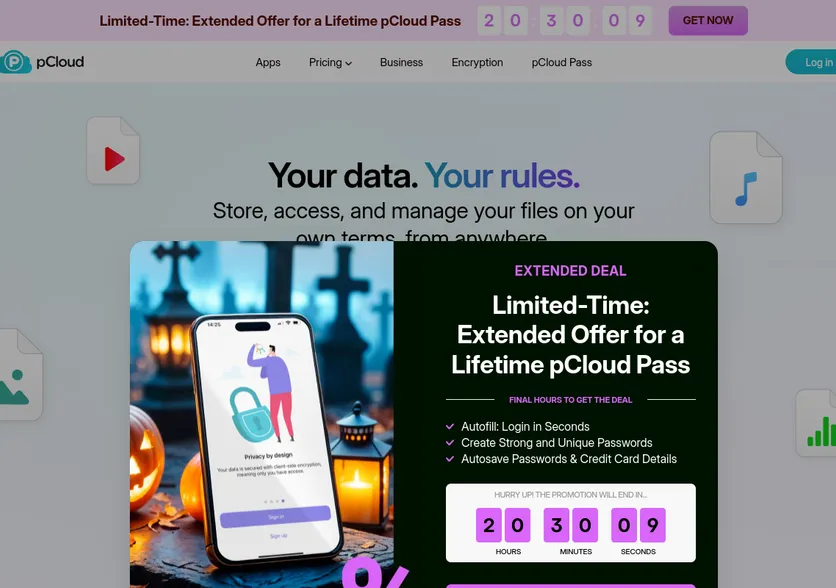
pCloud is the European storage service that keeps lifetime plans beside its Business tiers, with client-side encryption available as a paid add-on. This pCloud Business plan costs seven dollars and ninety-nine cents per user a month billed annually and gives one terabyte per user. A team that wants its files stored in the EU gets solid storage with a one-time payment option.
What we like
- One terabyte per user on the Business plan
- Files stored in the EU with a lifetime option
- Crypto add-on for client-side encryption
Watch out for
- Three-user minimum on the Business plan
- Encryption costs extra on top of the plan
How to try it
- Open the pCloud site and start the Business trial
- Add your team members and set their storage quotas
- Turn on Crypto encryption for sensitive folders
5. Egnyte
Best for: Regulated teams that need governance and audit trails on storage
Paid tool Starting price: $10/user/month · Ten dollars per user a month billed annually for the Team plan, for one to ten users; Business costs twenty-two dollars a month and Enterprise Lite costs thirty-nine dollars a month
Free plan: No free plan; free trial available
Egnyte is the storage platform built for regulated teams, pairing shared drives with governance, audit trails and ransomware detection. This Egnyte Team plan costs ten dollars per user a month billed annually and covers one to ten users. A team in finance, legal or life sciences gets storage that auditors actually accept.

What we like
- Governance and audit trails built in
- Ransomware detection on shared folders
- Works with files on-premises and in the cloud
Watch out for
- Annual billing only, with no monthly price published
- Team plan caps at ten users
How to try it
- Open the Egnyte site and book a demo
- Set your governance rules and retention policies
- Migrate shared folders and turn on audit logging
6. Dropbox
Best for: Teams that want the most familiar sync with strong admin controls
Paid tool Starting price: $15/user/month · Fifteen dollars per user a month billed annually for the Business Standard plan, or eighteen dollars per user a month billed monthly; Advanced costs twenty-four dollars a month billed annually and adds unlimited storage and advanced admin controls
Free plan: No free Business plan; 30-day free trial
Dropbox is the sync service most teams already know, and its Business Standard plan adds three terabytes of team storage with strong admin controls. This Dropbox Standard plan costs fifteen dollars per user a month billed annually and includes version history and file recovery. A team that shares files with clients every day gets sync that rarely breaks.
What we like
- Sync that works on every device and platform
- Three terabytes of team storage on Standard
- Admin console with device wipe and audit logs
Watch out for
- Three-user minimum on Business plans
- No built-in office suite, so editing needs another app
How to try it
- Open the Dropbox site and start the Business trial
- Create team folders and set member permissions
- Turn on version history and file recovery for the team
7. Box
Best for: Teams that live in documents and want AI search on top
Paid tool Starting price: $15/user/month · Fifteen dollars per user a month billed annually for the Business plan, or twenty dollars a month billed monthly; Business Starter costs five dollars a month and Business Plus costs twenty-five dollars a month
Free plan: No free Business plan; 14-day free trial
Box is the content platform that pairs unlimited storage with AI search and workflow automation, aimed at teams that live in documents all day. This Box Business plan costs fifteen dollars per user a month billed annually and includes unlimited storage from the Business tier up. A content-heavy team gets search and e-signatures beside the storage itself.

What we like
- Unlimited storage from the Business plan
- AI search across every document and image
- E-signatures built into the platform
Watch out for
- Three-user minimum on Business plans
- Advanced governance needs the Plus or Enterprise tier
How to try it
- Open the Box site and start the Business trial
- Set up shared folders with folder-level permissions
- Turn on Box AI search and e-signatures for the team
8. Tresorit
Best for: Teams that handle sensitive files and need end-to-end encryption
Paid tool Starting price: $23.20/user/month · Twenty-three dollars and twenty cents per user a month billed annually for the Business plan, or twenty-nine dollars a month billed monthly; Business Pro costs twenty-eight dollars and eighty cents a month billed annually
Free plan: No free plan; 14-day free trial
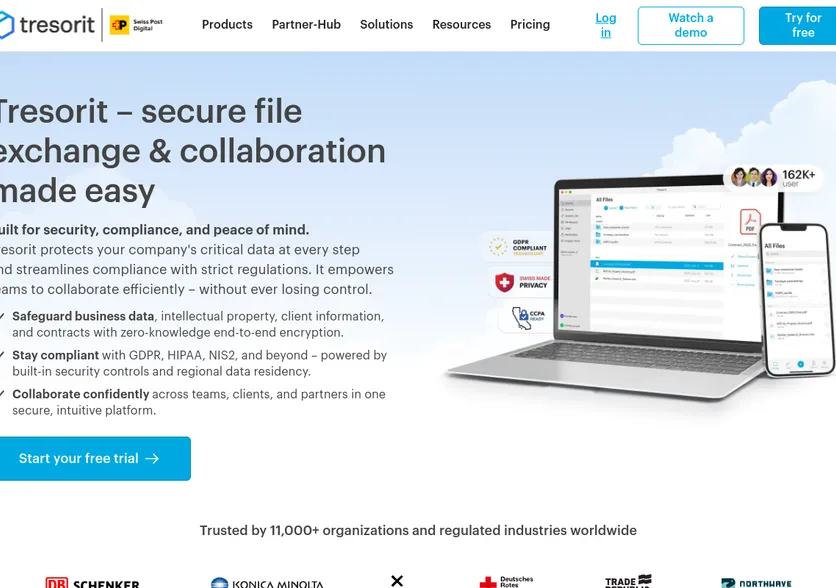
Tresorit is the zero-knowledge storage service that encrypts every file end to end, built for teams that handle contracts, health records or legal files. This Tresorit Business plan costs twenty-three dollars and twenty cents per user a month billed annually and includes encrypted rooms and granular permissions. A team that cannot risk a breach gets encryption that even Tresorit cannot break.
What we like
- End-to-end encryption on every file
- Encrypted rooms with granular permissions
- Compliant with GDPR, HIPAA and ISO standards
Watch out for
- Dearest plan in this comparison
- Three-user minimum on the Business plan
How to try it
- Open the Tresorit site and start the free trial
- Create encrypted rooms for each client or project
- Set expiry dates and download controls on shared links
Prices above were checked on each vendor’s own website on Nov 27, 2026 and can change — the vendor’s page is the final word. Vendor links are editorial: nobody paid to be listed or ranked here. Vendors who want a featured listing can see how it works on our Get listed page.
What team document storage costs in 2026
Team storage is priced per user, so the headline rate is only half the bill. A two dollar fifty cent plan looks cheap until twenty seats and a storage upgrade push the total past a fifteen dollar plan that included everything. Compare the total for your actual headcount, not the single-seat price on the pricing page.
Start with the storage cap, because it decides the real cost. Pooled storage suits teams where a few people hold most of the files, while per-user allowances suit even teams. Check the version history window too, because a thirty-day window is useless when a mistake surfaces six weeks later. Pick the tool whose sharing controls your admins can actually explain, because permissions nobody understands get worked around.
Before you buy
- Check the pooled storage limit, because a per-user allowance that looks generous can still run out fast.
- Confirm the price covers every seat, because per-user billing multiplies quickly as the team grows.
- Test file recovery and version history, because an overwritten document needs a one-click restore.
- Ask who can share files outside the team, because open links are the fastest way to leak documents.
- Check the admin console, because wiping a lost laptop matters more than another gigabyte of storage.
Official websites
Official websites of the products reviewed above. Features and prices were checked against these sites when this guide was written, and they can change, so confirm on the vendor site before you buy.
Frequently asked questions
Which cloud document storage is best for teams in 2026?
Dropbox Business is the best overall pick at fifteen dollars per user a month, with reliable sync, strong admin controls and three terabytes of team storage on the Standard plan. Google Workspace is the best value at seven dollars a month because storage comes with email and office apps. Tresorit is the best choice when files must stay encrypted end to end.
How much does team document storage cost?
Prices in this list run from two dollars and fifty cents per user a month for Zoho WorkDrive to twenty-three dollars and twenty cents for Tresorit, with most team plans landing between six and fifteen dollars a month. The cheapest plans cap storage per user, while the dearer ones add admin controls, retention rules and unlimited space. Multiply the per-user rate by your headcount before you compare totals.
How much storage does a team actually need?
A team of ten sharing office documents and images usually fits in one to three terabytes of pooled storage, which is what the mid-tier plans provide. Video, design files and raw photos change the maths fast, so teams working with media should budget five terabytes or more. Per-user allowances suit even teams, while pooled storage suits teams where a few people hold most files.
Is there a free document storage tool for teams?
Google Drive and Dropbox both offer free personal plans, and Zoho WorkDrive has a free tier, so a small team can start without paying. Free plans cap storage and lack the admin controls, audit logs and retention rules a business needs. Most teams move to a paid plan once shared folders, permissions and version history start to matter.
Do these tools work with the apps teams already use?
Yes, every tool here connects to the usual office suites, Slack, and the main project tools, so files open and save without downloading copies. Dropbox, Box and Google Workspace have the deepest integrations, while Egnyte and Zoho WorkDrive focus on their own ecosystems. Check the integration list for the one app your team cannot live without before you commit.
Need to convert files too? Try Toolsvine's free document tools right in your browser.
Browse Document & File Converters tools