On this page
Remote work moves files across home networks, personal devices and public Wi-Fi, which multiplies the places a document can leak. The seven tools below encrypt files, control who can open them and log every download, so a team spread across time zones can share safely. Prices run from three dollars per user a month to one hundred twenty dollars a month, and every figure was checked on the vendor site on November 27, 2026. Tresorit is our first pick — the zero-knowledge storage service that encrypts every file end to end.
How we researched this
We started with the file security tools remote teams actually buy, then read each price on the vendor pricing page on November 27, 2026 and noted what the headline rate really covers. We judged them for a team spread across home offices that needs encryption, sharing controls and a price that stays sane as headcount grows. We dropped Kiteworks because its pricing page publishes no prices, and we dropped NordLocker because its business price does not appear on the vendor pricing page.
Compare the tools
| Name | Best for | Starting price | Free plan | |
|---|---|---|---|---|
| SpinOne | Remote teams that need backup plus ransomware protection at a low price | $3/user/month | No free plan; 15-day free trial | Visit |
| Cisco Duo | Remote teams that need phishing-proof logins on every account | $3/user/month | Free plan for up to 10 users | Visit |
 Proton Drive | Teams that want encrypted storage with a free tier to start | $7.99/user/month | Free plan available | Visit |
 Tresorit | Teams that handle contracts and legal files and need the strongest encryption | $23.20/user/month | No free plan; 14-day free trial | Visit |
| DocSend | Teams that send tracked, expiring links to clients and investors | $45/user/month | No free plan; 14-day free trial | Visit |
 Virtru | Teams that send sensitive files by email and need encryption that follows them | $119/month | No free plan; free trial available | Visit |
| SendSafely | Teams that exchange encrypted files with people outside the company | $120/month | Free Personal plan with 50 MB a month | Visit |
The cloud file security software for remote teams, compared
1. SpinOne
Best for: Remote teams that need backup plus ransomware protection at a low price
Paid tool Starting price: $3/user/month · Three dollars per user a month for the SpinBackup module, with a five thousand dollar a year minimum subscription; the full SpinOne platform with posture management, ransomware protection and DLP is quote-only
Free plan: No free plan; 15-day free trial
SpinOne is the SaaS security platform that backs up Google Workspace and Microsoft 365 data while watching for ransomware and risky apps. This SpinOne SpinBackup module costs three dollars per user a month and backs up files once a day with a ninety-nine point nine percent recovery SLA. A small remote team gets backup and basic posture checks in one cheap subscription.

What we like
- Cheapest paid plan in this comparison
- Daily backups with a 99.9 percent recovery SLA
- Posture checks beside backup in one console
Watch out for
- Five thousand dollar a year minimum makes it dear for tiny teams
- The three dollar figure covers backup only, not the full platform
How to try it
- Open the SpinOne site and start the 15-day trial
- Connect your Google Workspace or Microsoft 365 tenant
- Pick what to back up and set the daily backup schedule
2. Cisco Duo
Best for: Remote teams that need phishing-proof logins on every account
Paid tool Starting price: $3/user/month · Three dollars per user a month for the Essentials edition; Advantage costs six dollars a month and Premier costs nine dollars a month. Duo Free covers up to ten users at no cost
Free plan: Free plan for up to 10 users
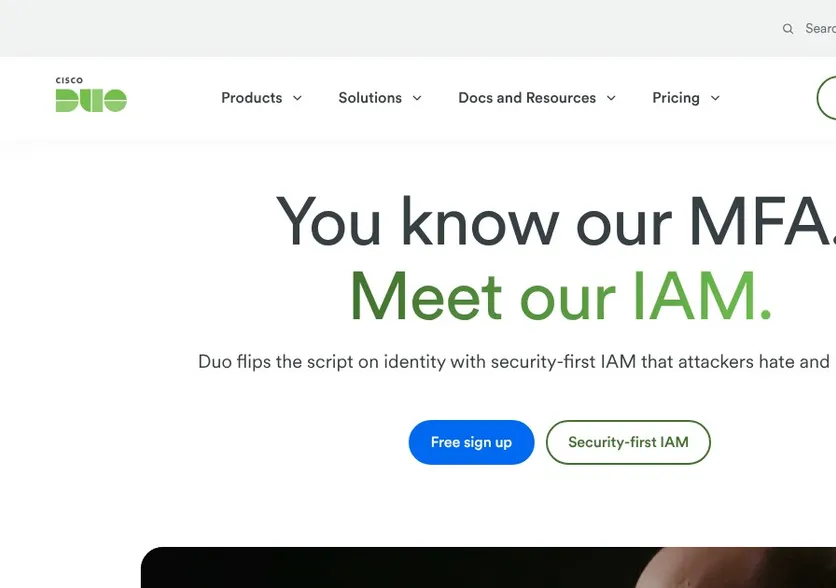
Cisco Duo is the multi-factor authentication service that puts a second check on every login, so a stolen password alone opens nothing. This Cisco Duo Essentials edition costs three dollars per user a month and adds device health checks beside push approvals. A remote team gets phishing-resistant logins without buying a full identity platform.
What we like
- Cheapest way to stop password-only logins
- Free plan covers up to ten users
- Device health checks beside the login prompt
Watch out for
- Licences are sold in ten-seat blocks below one hundred users
- Single sign-on needs the Advantage plan
How to try it
- Open the Duo site and create a free account
- Add your users and connect your apps
- Turn on push approvals and device health checks
3. Proton Drive
Best for: Teams that want encrypted storage with a free tier to start
Paid tool Starting price: $7.99/user/month · Seven dollars and ninety-nine cents per user a month billed annually for the Professional plan with one terabyte per user, starting at two users
Free plan: Free plan available
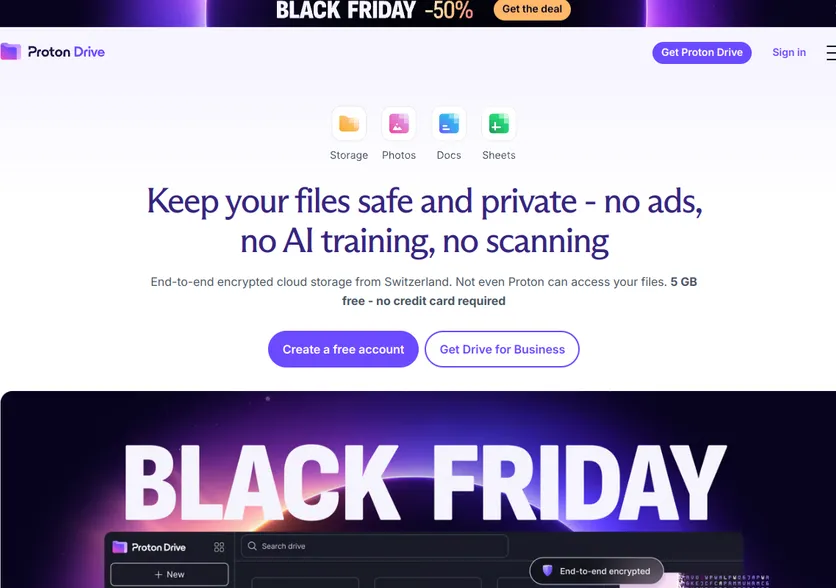
Proton Drive is the encrypted storage service from the makers of Proton Mail, built so files stay private from upload to download. This Proton Drive Professional plan costs seven dollars and ninety-nine cents per user a month billed annually and gives one terabyte per user. A remote team gets Swiss-hosted storage with end-to-end encryption by default.
What we like
- End-to-end encryption on every file by default
- One terabyte per user on Professional
- Free plan lets a small team start at no cost
Watch out for
- Two-user minimum on the Professional plan
- Fewer business admin controls than Tresorit or Box
How to try it
- Open the Proton Drive site and create an account
- Invite the team to the Professional plan
- Move sensitive files into encrypted folders and share links
4. Tresorit
Best for: Teams that handle contracts and legal files and need the strongest encryption
Paid tool Starting price: $23.20/user/month · Twenty-three dollars and twenty cents per user a month billed annually for the Business plan, or twenty-nine dollars a month billed monthly; Business Pro costs twenty-eight dollars and eighty cents a month billed annually
Free plan: No free plan; 14-day free trial
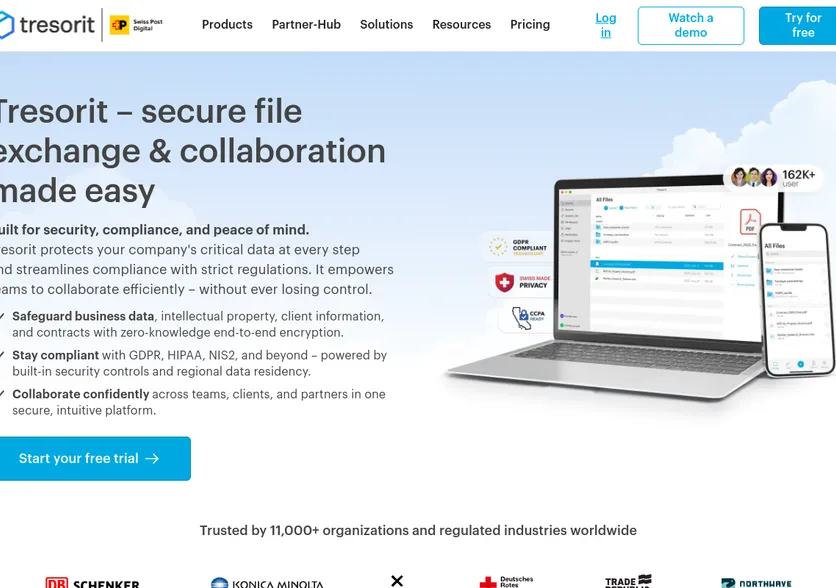
Tresorit locks every file with end-to-end encryption that even its own servers cannot read, a design that wins regulated industries. This Tresorit Business plan costs twenty-three dollars and twenty cents per user a month billed annually and includes encrypted rooms with granular permissions. A remote team that cannot risk a breach gets encryption that even Tresorit cannot break.
What we like
- End-to-end encryption on every file
- Encrypted rooms with granular permissions
- Compliant with GDPR, HIPAA and ISO standards
Watch out for
- Dearest storage plan in this comparison
- Three-user minimum on the Business plan
How to try it
- Open the Tresorit site and start the free trial
- Create encrypted rooms for each client or project
- Set expiry dates and download controls on shared links
5. DocSend
Best for: Teams that send tracked, expiring links to clients and investors
Paid tool Starting price: $45/user/month · Forty-five dollars per user a month billed annually for the Standard plan, or sixty-five dollars a month billed monthly; Personal costs ten dollars a month billed annually and Advanced costs one hundred fifty dollars a month for three users
Free plan: No free plan; 14-day free trial
DocSend is the Dropbox document tool that turns files into tracked links, so a team sees who opened a deck and how long they stayed on each page. This DocSend Standard plan costs forty-five dollars per user a month billed annually and adds multi-file Spaces, branding and unlimited e-signatures. A remote team sharing pitch decks and contracts gets control over every link it sends.
What we like
- Per-page analytics on every shared document
- Expiry dates and access controls on links
- Unlimited e-signatures on the Standard plan
Watch out for
- Advanced plans are sold as three-user bundles
- The pricing page has shown two different Standard prices in tests
How to try it
- Open the DocSend site and start the free trial
- Upload a document and create a tracked link
- Set an expiry date and watch the per-page analytics
6. Virtru
Best for: Teams that send sensitive files by email and need encryption that follows them
Paid tool Starting price: $119/month · One hundred nineteen dollars a month billed annually for the Starter plan covering five users; Business costs two hundred nineteen dollars a month and Compliance costs four hundred ninety-nine dollars a month
Free plan: No free plan; free trial available
Virtru is the email and file encryption service that protects messages and attachments wherever they travel, with controls the sender keeps. This Virtru Starter plan costs one hundred nineteen dollars a month billed annually and covers five users with a signed data agreement included. A remote team that emails contracts and client files gets encryption without changing how it works.

What we like
- Encryption that follows the file, not the inbox
- Signed data agreement included from Starter
- Works inside Gmail and Outlook, not a new app
Watch out for
- Seats are sold in five-user packs
- Dearest per-team price in this comparison
How to try it
- Open the Virtru site and start the free trial
- Install the Gmail or Outlook extension for the team
- Turn on encryption and set expiry on sensitive messages
7. SendSafely
Best for: Teams that exchange encrypted files with people outside the company
Paid tool Starting price: $120/month · One hundred twenty dollars a month billed annually for the Team plan covering five to twenty-five users, or twenty-four dollars per user a month; Business costs two hundred thirty-two dollars a month for eight to fifty users
Free plan: Free Personal plan with 50 MB a month
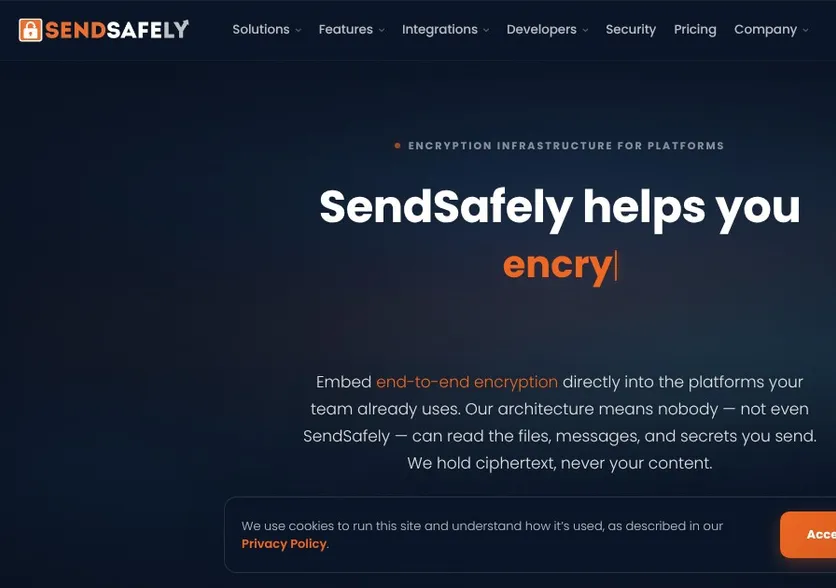
SendSafely is the end-to-end encrypted file exchange platform built for sending sensitive files to people outside the organisation. This SendSafely Team plan costs one hundred twenty dollars a month billed annually and covers five to twenty-five users with Gmail and Outlook integrations. A remote team that collects tax files, contracts and IDs from clients gets encryption with a paper trail.
What we like
- End-to-end encryption with split keys
- Dropzones let outsiders upload without an account
- Download tracking and expiry on every package
Watch out for
- Five-user minimum on the Team plan
- Basic and Pro plans are for personal email only
How to try it
- Open the SendSafely site and start the free trial
- Set up a Dropzone for clients to upload files
- Turn on download tracking and expiry for every package
Prices above were checked on each vendor’s own website on Nov 27, 2026 and can change — the vendor’s page is the final word. Vendor links are editorial: nobody paid to be listed or ranked here. Vendors who want a featured listing can see how it works on our Get listed page.
What remote file security costs in 2026
File security is priced three ways in this list, per user, per team and per gigabyte, so compare the total for your actual headcount before you judge a headline. A three dollar backup plan looks cheap until a five thousand dollar yearly minimum applies, and a one hundred twenty dollar team plan looks dear until it covers twenty-five users. Work out the monthly total for your team size first, then compare.
Start with the encryption model, because it decides what a breach actually exposes. Zero-knowledge tools keep the keys with you, so even the vendor cannot read your files, while server-side encryption leaves the keys with the vendor. Check the sharing controls next, because expiry dates and download tracking matter more day to day than the cipher name. Pick the tool whose admin console your team will actually use, because security nobody configures is decoration.
Before you buy
- Check what the encryption covers, because encrypting files at rest is not the same as encrypting them in transit.
- Confirm the price covers every seat, because per-user billing multiplies quickly as the remote team grows.
- Test the admin controls, because revoking one leaver's access should take seconds, not a support ticket.
- Ask where the keys live, because zero-knowledge encryption means even the vendor cannot read your files.
- Check the audit log, because knowing who opened a file matters more after an incident than before it.
Official websites
Official websites of the products reviewed above. Features and prices were checked against these sites when this guide was written, and they can change, so confirm on the vendor site before you buy.
Frequently asked questions
Which cloud file security software is best for remote teams in 2026?
Tresorit is the best overall pick at twenty-three dollars and twenty cents per user a month, with end-to-end encryption, encrypted rooms and granular permissions on every file. Virtru is the best choice for teams that send sensitive files by email, because encryption follows the message. SpinOne is the best budget pick at three dollars per user a month for backup plus ransomware protection.
How much does cloud file security software cost?
Prices in this list run from three dollars per user a month for SpinOne and Cisco Duo to one hundred twenty dollars a month for SendSafely, with most tools landing between eight and forty-five dollars per user a month. The cheapest tools cover one job, like login security or backup, while the dearer ones bundle encryption, sharing controls and audit logs. Add the per-user rate across your whole remote team before you compare totals.
What is the difference between end-to-end encryption and encryption at rest?
End-to-end encryption means files are encrypted on the sender's device and only the intended recipient can open them, so the vendor itself cannot read them. Encryption at rest only protects files stored on the vendor's servers, and the vendor still holds the keys. For client files, contracts and health records, end-to-end encryption is the standard to ask for.
Is there a free file security tool for remote teams?
Yes, Proton Drive and SendSafely both offer free plans, and Cisco Duo is free for up to ten users, so a small remote team can start without paying. Free plans cap storage, users or bandwidth, and they lack the admin controls and audit logs a business needs. Most teams move to a paid plan once shared folders and client files are involved.
Do remote teams need file security beyond a VPN?
Yes, because remote work moves files across home networks, personal devices and public Wi-Fi, which multiplies the places a file can leak. Encryption, expiry dates and download tracking close the gaps that a VPN alone cannot. The tools here add those controls without forcing the team into a new app for every task.
Want more security help? Try Toolsvine's free security tools right in your browser.
Browse Security & Privacy tools